ແນະນຳ
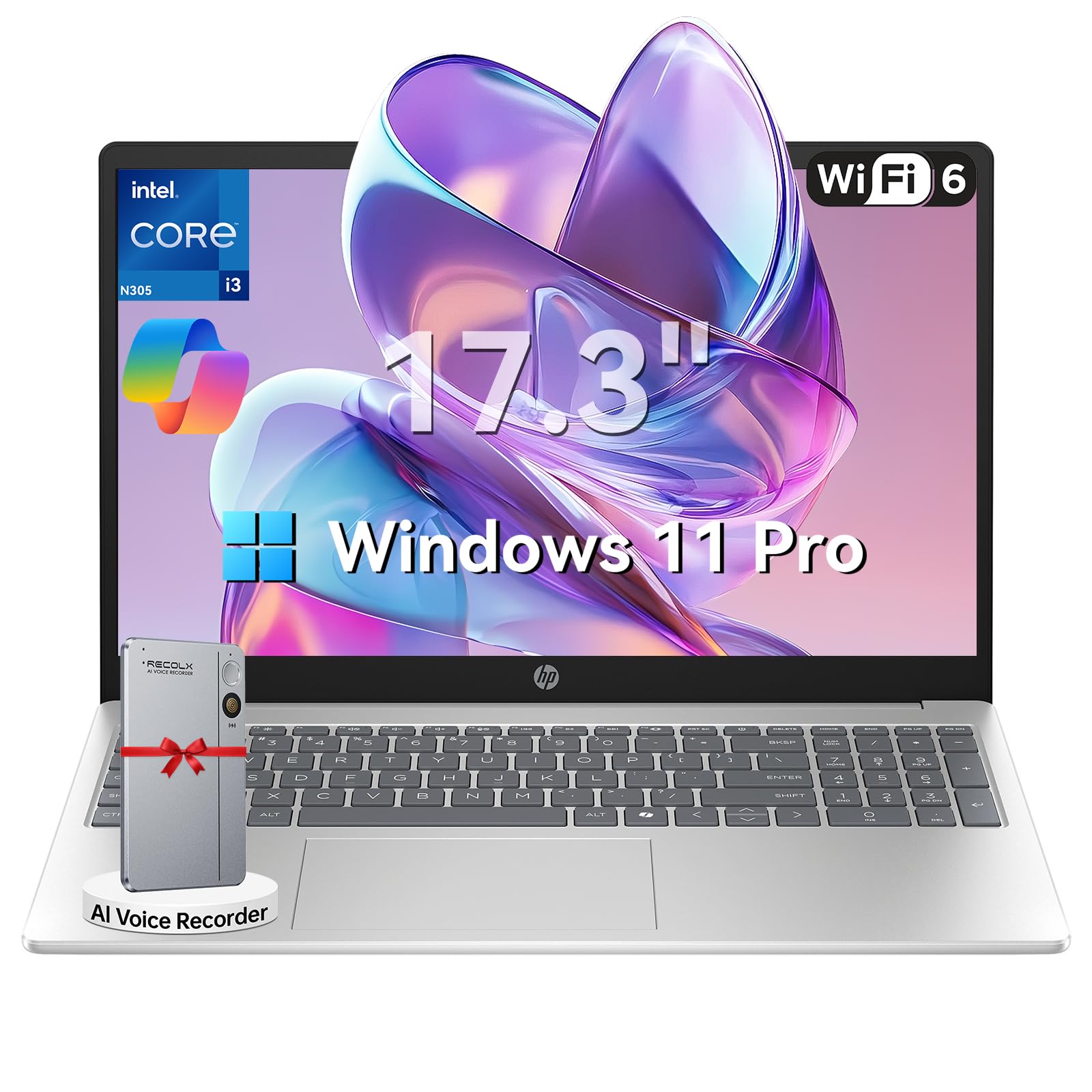
This manual provides essential information for setting up, operating, maintaining, and troubleshooting your HP 17.3" Laptop. Designed for productivity and entertainment, this laptop features an 8-core Intel Core i3-N305 processor, 16GB DDR4 RAM, and a 512GB PCIe NVMe SSD, running on Windows 11 Pro. Its 17.3-inch Full HD IPS anti-glare display offers clear visuals, and the integrated Microsoft Copilot AI assistant enhances user experience. Please read this manual thoroughly to ensure optimal performance and longevity of your device.

Image: The HP 17.3" Laptop, showcasing ການອອກແບບ sleek ແລະຈໍສະແດງຜົນຂະຫນາດໃຫຍ່.
ຕັ້ງຄ່າ
1. Unboxing ແລະການກວດກາເບື້ອງຕົ້ນ
Carefully remove the laptop and all accessories from the packaging. Ensure all components listed in the 'What's in the Box' section of your product documentation are present and undamaged. The packaging includes the laptop, power adapter, instruction manual, and a G255 Accessory Kit.
ວິດີໂອ: Unboxing ແລະຫຼາຍກວ່າview of the laptop's physical features and ports. Note: This video features an 18.5-inch model, but the unboxing process and port types are generally similar.
2. ການເປີດເຄື່ອງ ແລະການຕັ້ງຄ່າເບື້ອງຕົ້ນ
- ເຊື່ອມຕໍ່ອະແດບເຕີໄຟເຂົ້າກັບພອດໄຟຂອງແລັບທັອບ ແລະ ຈາກນັ້ນເຂົ້າກັບປລັກສຽບຝາ.
- ເປີດຝາແລັບທັອບ ແລະກົດປຸ່ມເປີດປິດ.
- ປະຕິບັດຕາມຄໍາແນະນໍາໃນຫນ້າຈໍເພື່ອເຮັດສໍາເລັດການຕິດຕັ້ງ Windows 11 Pro, ລວມທັງການເລືອກພາສາ, ການເຊື່ອມຕໍ່ເຄືອຂ່າຍ, ແລະການສ້າງບັນຊີຜູ້ໃຊ້.
3. ເຊື່ອມຕໍ່ອຸປະກອນເສີມ
ແລັບທັອບ HP ຂອງທ່ານມີພອດຕ່າງໆເພື່ອເຊື່ອມຕໍ່ອຸປະກອນພາຍນອກ:
- ພອດ USB-A: ເຊື່ອມຕໍ່ອຸປະກອນ USB ເຊັ່ນ: ເມົາສ໌, ແປ້ນພິມ, ຫຼືໄດຣຟ໌ບ່ອນເກັບຂໍ້ມູນພາຍນອກ.
- ຜອດ USB-C: ສໍາລັບການໂອນຂໍ້ມູນ ແລະເຊື່ອມຕໍ່ອຸປະກອນ USB-C ທີ່ເຂົ້າກັນໄດ້.
- ພອດ HDMI 1.4b: ເຊື່ອມຕໍ່ກັບຈໍພາບພາຍນອກ ຫຼື ໂທລະພາບ ເພື່ອການສະແດງຜົນທີ່ຍາວນານ.
- ຫູຟັງ/ໄມໂຄຣໂຟນ Combo Jack: ສໍາລັບສຽງອອກແລະການປ້ອນຂໍ້ມູນ.

Image: Detailed diagram illustrating the various ports available on the HP laptop.
ຄໍາແນະນໍາການດໍາເນີນງານ
1. ແປ້ນພິມ ແລະ Touchpad
The laptop features a full-size keyboard with a numeric keypad and a responsive touchpad. Use the touchpad for navigation, clicking, and multi-touch gestures. The keyboard provides a comfortable typing experience for extended use.
2. ຈໍສະແດງຜົນ ແລະສາຍຕາ
The 17.3-inch Full HD (1920 x 1080) IPS anti-glare display offers wide viewing angles and reduces reflections, providing a comfortable viewing experience for work, study, and entertainment.

Image: The HP laptop's 17.3" Full HD anti-glare display, ideal for comfortable viewing.
3. ປະສິດທິພາບ ແລະການເຮັດວຽກຫຼາຍຢ່າງ
Powered by an 8-core Intel Core i3-N305 processor and 16GB DDR4 RAM, the laptop delivers smooth performance for multitasking, video conferencing, and various applications. The 512GB PCIe NVMe SSD ensures fast boot-up and quick access to files.
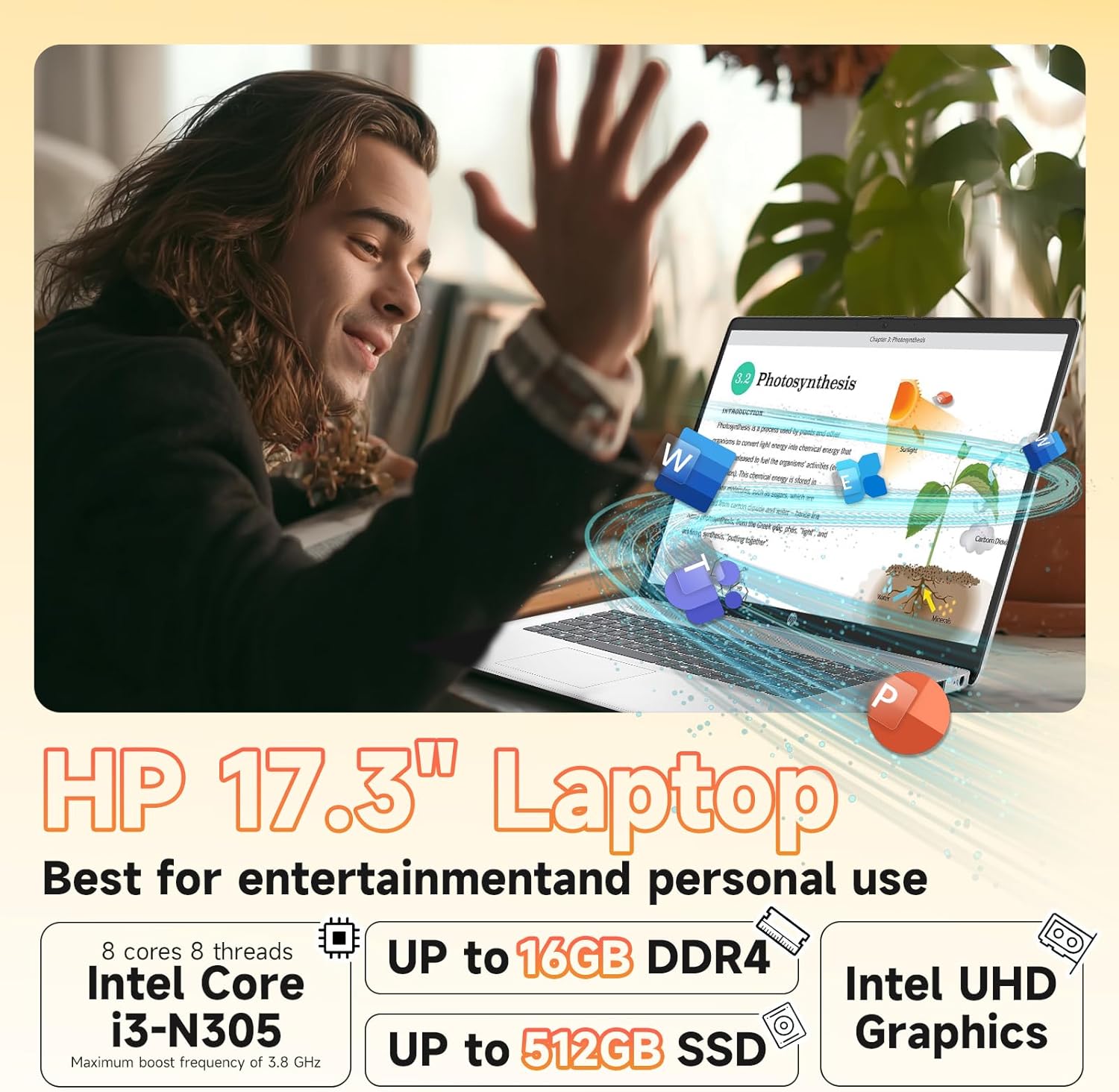
Image: Visual representation of the laptop's core components: Intel Core i3-N305 processor, 16GB DDR4 RAM, and 512GB SSD.
4. ການເຊື່ອມຕໍ່
Stay connected with Wi-Fi 6 (2x2) for faster and more stable wireless internet access, and Bluetooth 5.4 for connecting wireless peripherals like headphones and mice.

Image: The HP laptop emphasizing its advanced Wi-Fi 6 and Bluetooth 5.4 connectivity features.
5. Webກ້ອງວົງຈອນປິດ ແລະ ຄວາມເປັນສ່ວນຕົວ
HD ປະສົມປະສານ webcam includes a physical privacy shutter. Slide the shutter to cover the camera lens when not in use to ensure your privacy. The laptop also features a microphone mute button for enhanced security during calls.
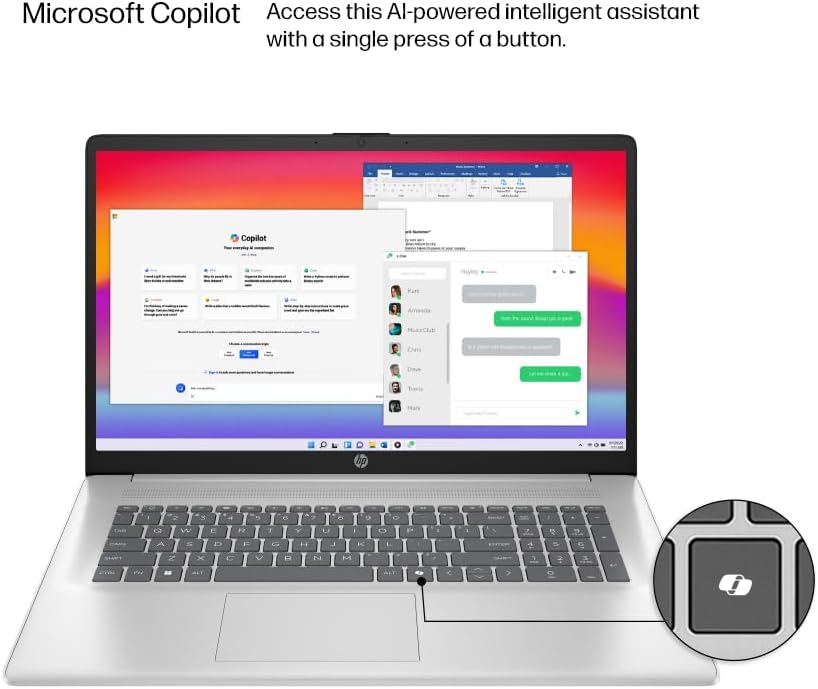
Image: The HP laptop keyboard, highlighting the dedicated Microsoft Copilot key for quick AI assistant access.
6. Microsoft Copilot AI Assistant
Utilize the integrated Microsoft Copilot AI assistant in Windows 11 Pro to streamline tasks, find answers, and get intelligent help for your projects. Access it with a single key press.
7. ຊີວິດຫມໍ້ໄຟແລະການສາກໄຟ
The laptop offers up to 9.5 hours of battery life. HP Fast Charge technology allows you to charge the battery to approximately 50% in just 45 minutes.
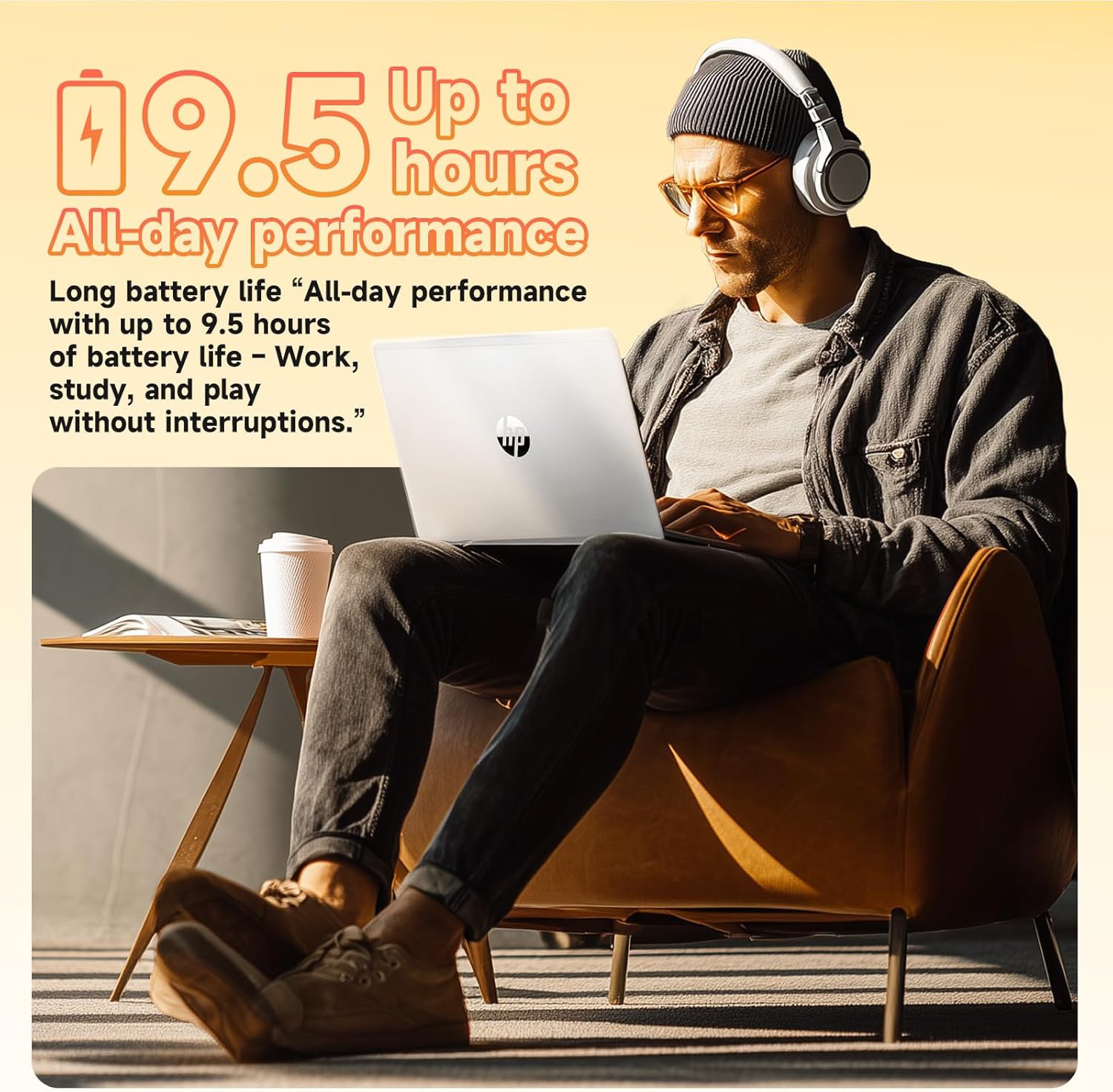
Image: A user enjoying the HP laptop, illustrating its long battery life for all-day performance.
ວີດີໂອ: ຢ່າງເປັນທາງການview of the HP 2026 17.3" FHD Laptop, highlighting its key features and design.
ບໍາລຸງຮັກສາ
1. ເຮັດຄວາມສະອາດແລັບທັອບຂອງເຈົ້າ
- Use a soft, lint-free cloth to clean the screen and exterior surfaces. Avoid abrasive materials or harsh chemicals.
- For the anti-glare screen, use a screen cleaner specifically designed for electronics.
- Gently clean the keyboard with compressed air to remove dust and debris.
2. ການປັບປຸງຊອບແວ
ກວດສອບ ແລະຕິດຕັ້ງການອັບເດດ Windows ເປັນປະຈຳເພື່ອຮັບປະກັນວ່າລະບົບຂອງເຈົ້າມີແທັບປ້ອງກັນຄວາມປອດໄພຫຼ້າສຸດ ແລະການປັບປຸງປະສິດທິພາບ. ໄປທີ່ ການຕັ້ງຄ່າ > Windows Update ເພື່ອຈັດການການອັບເດດ.
3. ການດູແລຫມໍ້ໄຟ
To prolong battery life, avoid extreme temperatures and fully discharging the battery frequently. It is recommended to keep the battery charge between 20% and 80% for optimal longevity.
ການແກ້ໄຂບັນຫາ
If you encounter issues with your HP laptop, consider the following basic troubleshooting steps:
- ບໍ່ມີພະລັງງານ: ກວດໃຫ້ແນ່ໃຈວ່າອະແດັບເຕີໄຟເຊື່ອມຕໍ່ຢ່າງປອດໄພ ແລະປລັກສຽບເຮັດວຽກໄດ້. ລອງຮ້ານອື່ນ.
- ສະແດງບັນຫາ: ຖ້າໜ້າຈໍຫວ່າງເປົ່າ, ລອງເຊື່ອມຕໍ່ຈໍພາບພາຍນອກເພື່ອກວດສອບວ່າບັນຫາເກີດຂຶ້ນກັບຈໍພາບຂອງແລັບທັອບຫຼືບໍ່. ປັບການຕັ້ງຄ່າຄວາມສະຫວ່າງ.
- ບັນຫາການເຊື່ອມຕໍ່: For Wi-Fi issues, restart your router and the laptop. For Bluetooth, ensure the device is discoverable and within range.
- ປະສິດທິພາບຊ້າ: Close unnecessary applications, check for malware, and ensure your system is up-to-date. Consider freeing up disk space.
- Webcam Not Working: Ensure the physical privacy shutter is open. Check camera settings in Windows and application permissions.
ສໍາລັບບັນຫາທີ່ສັບສົນຫຼາຍ, ອ້າງອີງເຖິງການຊ່ວຍເຫຼືອຂອງ HP webເວັບໄຊ ຫຼືຕິດຕໍ່ບໍລິການລູກຄ້າ.
ຂໍ້ມູນຈໍາເພາະ
| ຄຸນສົມບັດ | ລາຍລະອຽດ |
|---|---|
| ໂຮງງານຜະລິດ | Intel® Core™ i3-N305 (8-core, up to 3.8 GHz, 6MB cache) |
| ໜ່ວຍຄວາມຈຳ (RAM) | 16GB DDR4-3200 MHz RAM |
| ການເກັບຮັກສາ | 512GB PCIe NVMe M.2 SSD |
| ລະບົບປະຕິບັດການ | Windows 11 Pro |
| ຈໍສະແດງຜົນ | 17.3" FHD (1920 x 1080), IPS, Anti-Glare, 178° viewມຸມມຸມ |
| ຮູບພາບ | Integrated Intel® UHD Graphics |
| ການເຊື່ອມຕໍ່ໄຮ້ສາຍ | Wi-Fi 6 (2x2), Bluetooth® 5.4 |
| Webກ້ອງ | HD Webcam ກັບ Privacy Shutter |
| ສຽງ | ສຽງ HD ພ້ອມລຳໂພງສະເຕຣິໂອ |
| ທ່າເຮືອ | 1 x HDMI 1.4b, 1 x USB-C, 2 x USB-A, 1 x Headphone/Microphone combo jack |
| ແບັດເຕີຣີ | 3-cell, 41 Wh Lithium-ion (Up to 9.5 hours battery life) |
| ຂະໜາດ (in) | 14.12 x 9.24 x 0.75 ນິ້ວ |
| ນ້ຳໜັກ | 4.6 lbs |
| ສີ | ເງິນທໍາມະຊາດ |
| ຄຸນລັກສະນະຂອງ Eco | ENERGY STAR® certified, EPEAT® Gold registered, made with recycled plastics |
ການຮັບປະກັນແລະການສະຫນັບສະຫນູນ
ຂໍ້ມູນການຮັບປະກັນ
Your HP 17.3" Laptop comes with a ການຮັບປະກັນຮາດແວຈໍາກັດ 1 ປີ. This warranty covers manufacturing defects and hardware malfunctions under normal use conditions. Please retain your proof of purchase for warranty claims.
ການຊ່ວຍເຫຼືອລູກຄ້າ
For technical assistance, troubleshooting, or warranty service, please visit the official HP Support website or contact HP customer service. You can find detailed support resources, drivers, and contact information on their webເວັບໄຊ.
Additionally, the laptop includes a 30-day McAfee trial with Smart AI for security. For any issues related to the G255 Accessory Kit, please refer to its specific documentation or contact the accessory provider.