1. ບົດແນະນຳ
This manual provides essential information for setting up, operating, maintaining, and troubleshooting your Sharp Aquos QLED 55 Inch 4K Ultra HD Xumo Smart TV. Please read this manual thoroughly before using your television and retain it for future reference.
ຮູບພາບ: ທາງຫນ້າ view of the Sharp Aquos QLED 55 Inch 4K Ultra HD Xumo Smart TV.
2. ຂໍ້ມູນຄວາມປອດໄພ
Always follow basic safety precautions when using this television to reduce the risk of fire, electric shock, and injury. Keep the television away from moisture, direct sunlight, and heat sources. Ensure proper ventilation and do not block any ventilation openings. Use only the power cord and accessories specified by the manufacturer. Refer to the full safety guidelines in the included printed manual.
3. ສິ່ງທີ່ຢູ່ໃນກ່ອງ
Your Sharp Aquos QLED 55 Inch 4K Ultra HD Xumo Smart TV package includes:
- Sharp Aquos QLED 55 Inch 4K Ultra HD Xumo Smart TV
- ການຄວບຄຸມໄລຍະໄກສຽງ
- ຂາຕັ້ງໂທລະທັດ (2 ໜ່ວຍ)
- screws ສໍາລັບຂາຕັ້ງໂທລະທັດ
- ສາຍໄຟ
- ຄູ່ມືຜູ້ໃຊ້ (ເອກະສານນີ້)
- ຄູ່ມືເລີ່ມຕົ້ນດ່ວນ
4. ຕັ້ງຄ່າ
4.1 ການຕິດຕັ້ງໂທລະພາບ
- ວາງໜ້າຈໍໂທລະທັດລົງໃສ່ພື້ນຜິວທີ່ຮາບພຽງຢ່າງລະມັດລະວັງເພື່ອປ້ອງກັນຄວາມເສຍຫາຍ.
- ຈັດວາງແຕ່ລະແຜ່ນຕັ້ງດ້ວຍຮູສະກູທີ່ສອດຄ້ອງກັນຢູ່ດ້ານລຸ່ມຂອງໂທລະພາບ.
- ຮັບປະກັນແຕ່ລະຊິ້ນສ່ວນຢືນໂດຍໃຊ້ screws ທີ່ສະຫນອງໃຫ້. ໃຫ້ແນ່ໃຈວ່າພວກມັນຖືກຮັດແຫນ້ນຢ່າງແຫນ້ນຫນາ.
4.2 ການຕິດຝາ (ທາງເລືອກ)
If you choose to wall mount your TV, ensure you use a VESA-compatible wall mount kit (sold separately) that supports the 55-inch screen size and weight. Follow the instructions provided with your wall mount kit. Remove the TV stand before mounting.
4.3 ອຸປະກອນເຊື່ອມຕໍ່
Connect your external devices (cable box, gaming console, soundbar, etc.) to the appropriate ports on the back of the TV. The Sharp Aquos QLED TV features multiple HDMI inputs for versatile connectivity.

ຮູບພາບ: ດ້ານຫລັງ view of the Sharp Aquos QLED TV showing cable management through the stand.
4.4 ການເຊື່ອມຕໍ່ພະລັງງານ
Plug the power cord into the TV's power input, then into a wall outlet. The TV is now ready for initial setup.
5. ຄໍາແນະນໍາການດໍາເນີນງານ
5.1 ການຕິດຕັ້ງເບື້ອງຕົ້ນ ແລະການເຊື່ອມຕໍ່ເຄືອຂ່າຍ
Upon first power-on, the TV will guide you through the initial setup process. This includes selecting your language, connecting to your Wi-Fi network (dual-band Wi-Fi supported for reliable streaming), and agreeing to terms and conditions. Follow the on-screen prompts.
5.2 ຫນ້າທີ່ຄວບຄຸມໄລຍະໄກ
The included voice remote allows for intuitive navigation. Use the directional pad to move through menus, the OK button to select, and dedicated buttons for popular streaming services. The built-in voice search feature provides hands-free control for launching apps, adjusting volume, and switching inputs.
5.3 Xumo Smart TV Platform
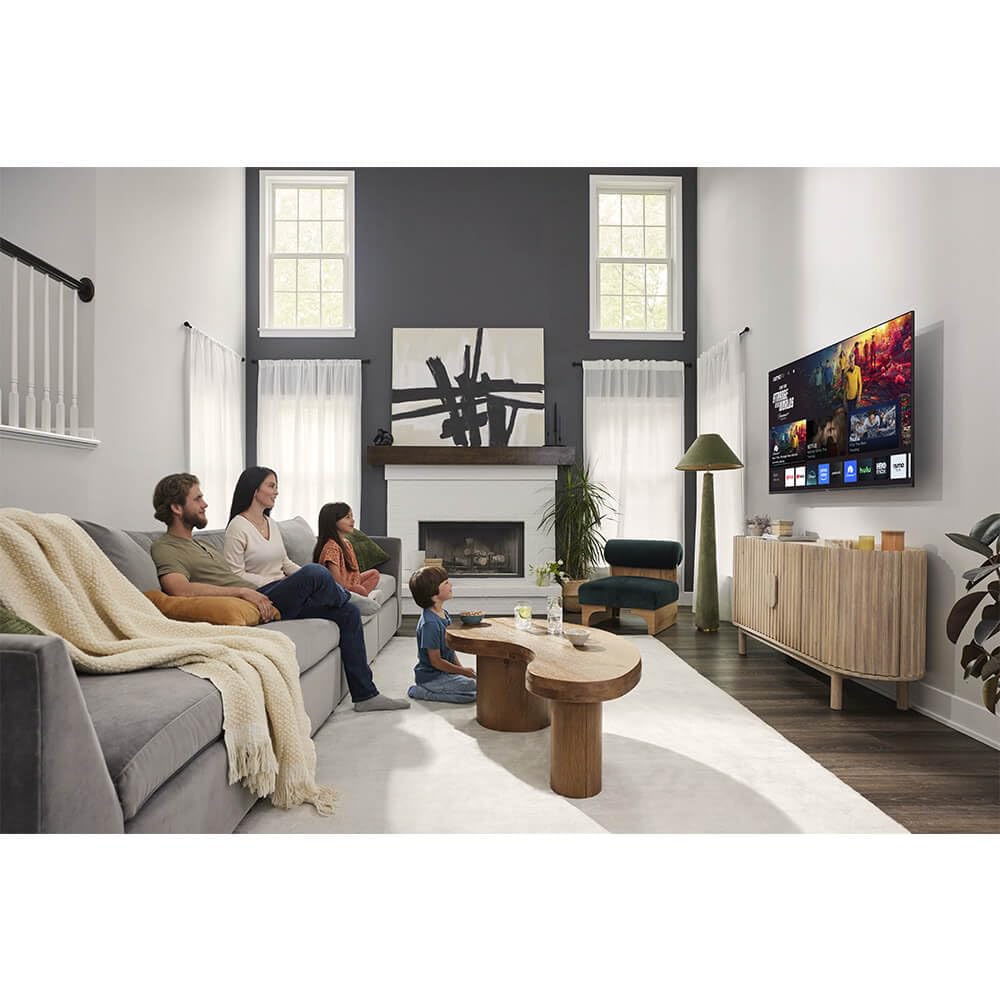
The Xumo Smart TV system offers fast and intuitive access to your favorite streaming applications. The clean home screen allows for easy navigation and personalized content recommendations.
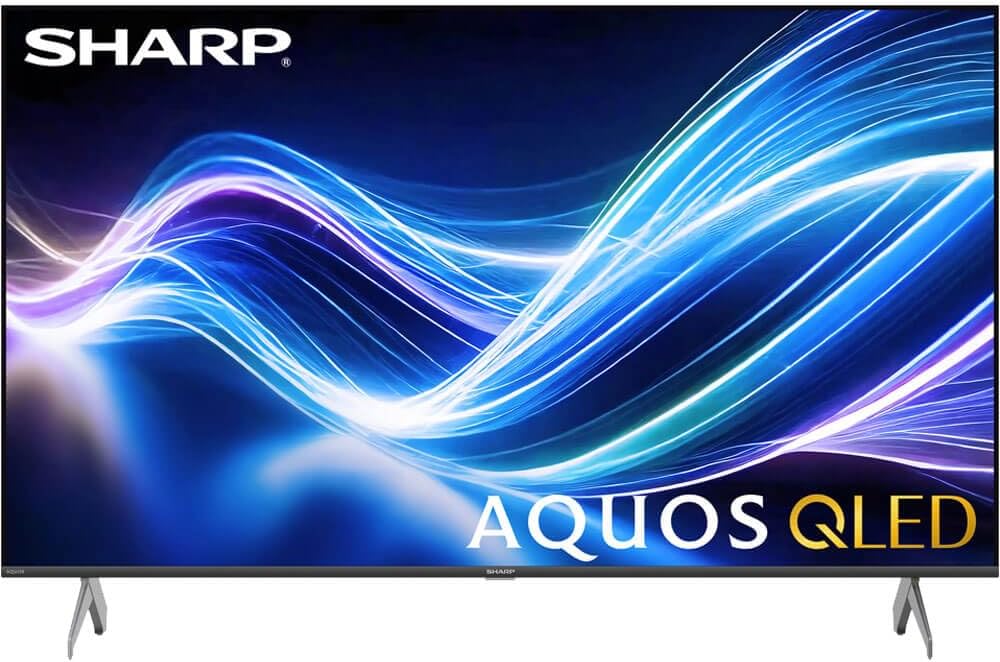
Image: The Xumo Smart TV home screen displaying various streaming apps and voice search functionality.
5.4 ການຕັ້ງຄ່າຮູບພາບ ແລະສຽງ
Your Sharp Aquos QLED TV supports advanced picture and sound technologies:
- ຈໍສະແດງຜົນ 4K QLED: Enjoy vibrant, lifelike images with Quantum Dot color and enhanced brightness.
- Dolby Vision & HDR10: These premium HDR formats optimize contrast, depth, and clarity for cinematic picture quality. Access picture settings via the TV menu to fine-tune brightness, contrast, color, and sharpness.
- ສຽງອັດສະລິຍະ: The TV features optimized sound processing for clear dialogue and enhanced bass. Connect Bluetooth headphones or speakers for wireless listening. Adjust audio modes (Standard, Music, Movie, Speech, Custom) in the sound settings.
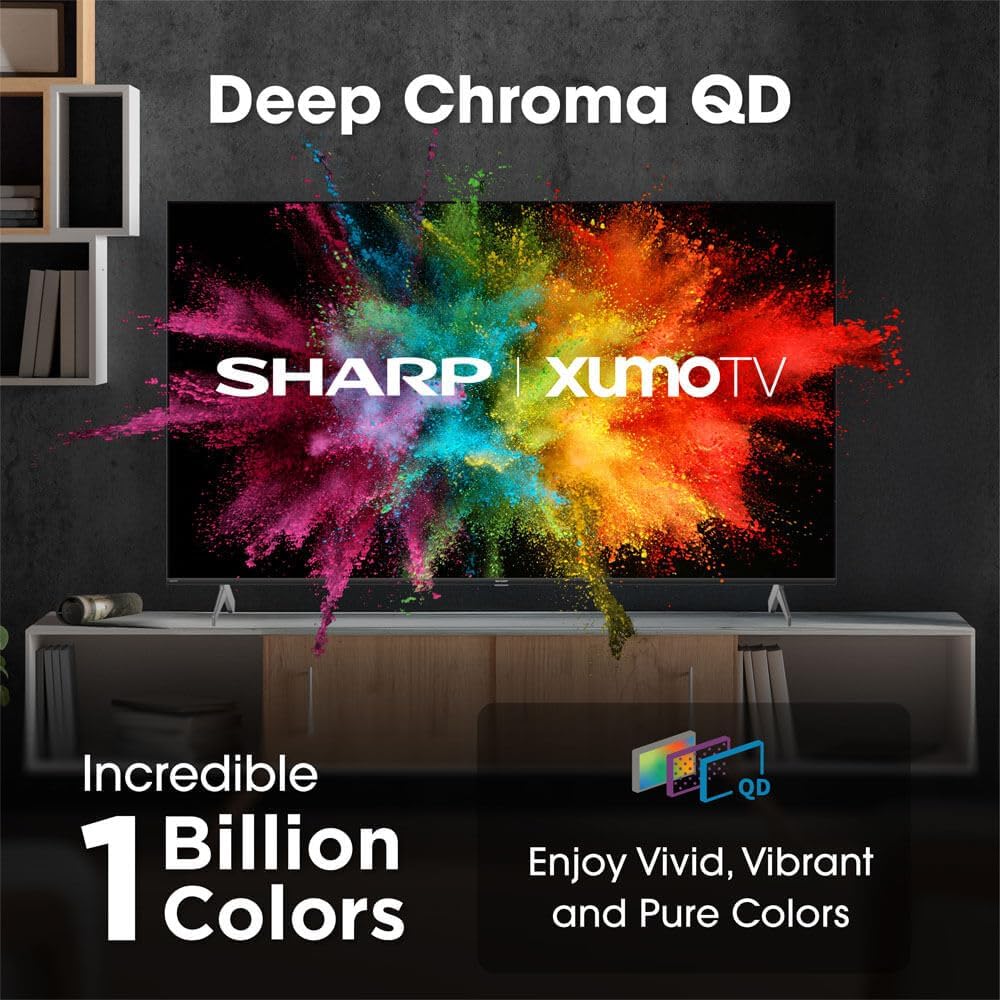
Image: Comparison of Dolby Vision enhanced picture quality against a standard display.

Image: Visual representation of Dolby Atmos creating immersive sound in a living room setting.
6. ບໍາລຸງຮັກສາ
6.1 ການທໍາຄວາມສະອາດໂທລະພາບ
ເພື່ອເຮັດຄວາມສະອາດໜ້າຈໍ, ຄ່ອຍໆເຊັດມັນດ້ວຍຜ້າທີ່ອ່ອນໆ, ບໍ່ມີສານຂັດ. ສໍາລັບຮອຍແຂງ, ເລັກນ້ອຍ dampen the cloth with water or a screen-cleaning solution. Never spray liquid directly onto the screen. Clean the TV's exterior with a soft, dry cloth.
6.2 ການປັບປຸງຊອບແວ
ໂທລະພາບຂອງທ່ານອາດຈະໄດ້ຮັບການອັບເດດຊອບແວອັດຕະໂນມັດເພື່ອປັບປຸງປະສິດທິພາບ ແລະເພີ່ມຄຸນສົມບັດໃໝ່. ໃຫ້ແນ່ໃຈວ່າໂທລະພາບຂອງທ່ານເຊື່ອມຕໍ່ກັບອິນເຕີເນັດເພື່ອຮັບການອັບເດດເຫຼົ່ານີ້. ທ່ານຍັງສາມາດກວດເບິ່ງການອັບເດດດ້ວຍຕົນເອງໄດ້ໃນເມນູການຕັ້ງຄ່າຂອງໂທລະພາບ.
7. ການແກ້ໄຂບັນຫາ
| ບັນຫາ | ສາເຫດທີ່ເປັນໄປໄດ້ | ການແກ້ໄຂ |
|---|---|---|
| ບໍ່ມີພະລັງງານ | Power cord not connected, power outlet not working. | Check power cord connection, try a different outlet. |
| ບໍ່ມີຮູບພາບ/ສຽງ | Incorrect input selected, external device off/disconnected. | Verify input source, check device power and connections. |
| ໄລຍະໄກບໍ່ເຮັດວຽກ | Batteries low/dead, obstruction between remote and TV. | ປ່ຽນແບັດເຕີຣີ, ເອົາສິ່ງກີດຂວາງອອກ, ສ້ອມແປງຣີໂໝດໃໝ່ຖ້າຈຳເປັນ. |
| ບັນຫາການເຊື່ອມຕໍ່ Wi-Fi | Router issues, incorrect password, weak signal. | Restart router, re-enter Wi-Fi password, move TV closer to router or use Ethernet. |
8. ຂໍ້ມູນຈໍາເພາະ
- ຍີ່ຫໍ້: ແຫຼມ
- ໝາຍເລກຕົວແບບ: 4TC55HP7050U
- ຂະໜາດໜ້າຈໍ: 55 ນິ້ວ
- ເທັກໂນໂລຍີການສະແດງ: QLED Smart
- ຄວາມລະອຽດ: 4K Ultra HD
- ອັດຕາການໂຫຼດຂໍ້ມູນຄືນໃໝ່: 60Hz
- ຄຸນນະສົມບັດພິເສດ: Flat, Dolby Vision, HDR10, Xumo Smart TV, Voice Remote, Bluetooth, Dual-band Wi-Fi
- ເຕັກໂນໂລຍີການເຊື່ອມຕໍ່: RCA, HDMI (multiple ports)
- ບໍລິການອິນເຕີເນັດທີ່ຮອງຮັບ: Netflix, Hulu, Amazon Prime Video (and more via Xumo platform)
- ນ້ໍາຫນັກລາຍການ: 32 ປອນ
- ສີ: ດຳ
9. ການຮັບປະກັນແລະການສະຫນັບສະຫນູນ
ສຳລັບຂໍ້ມູນການຮັບປະກັນ ແລະ ການຊ່ວຍເຫຼືອດ້ານເຕັກນິກ, ກະລຸນາອ້າງອີງບັດຮັບປະກັນທີ່ມາພ້ອມກັບຜະລິດຕະພັນຂອງທ່ານ ຫຼື ເຂົ້າໄປທີ່ຮ້ານ Sharp ຢ່າງເປັນທາງການ webເວັບໄຊ. ຮັກສາໃບຮັບເງິນການຊື້ຂອງທ່ານໄວ້ເປັນຫຼັກຖານການຊື້ສໍາລັບການຮ້ອງຂໍການຮັບປະກັນ.


