1. ຜະລິດຕະພັນເກີນview
The SGIN Y101 is a 15.6-inch laptop designed for everyday computing tasks, featuring a Core i3 processor, 16GB RAM, and a 1024GB SSD. It operates on Windows 11 Home and includes a backlit keyboard, WiFi 6 connectivity, and a 180-degree hinge for flexible use.

Image: SGIN Y101 Laptop highlighting its Core i3 processor, Windows 11, 7000mAh battery, backlit keyboard, WiFi 6, 180-degree hinge, 16GB RAM, and 1024GB SSD.
2. ສິ່ງທີ່ຢູ່ໃນກ່ອງ
- 1 x SGIN Y101 Laptop
- 1 x ອະແດບເຕີໄຟຟ້າ/ເຄື່ອງສາກໄຟ
- 1 x ຄູ່ມືຜູ້ໃຊ້ (ເອກະສານນີ້)
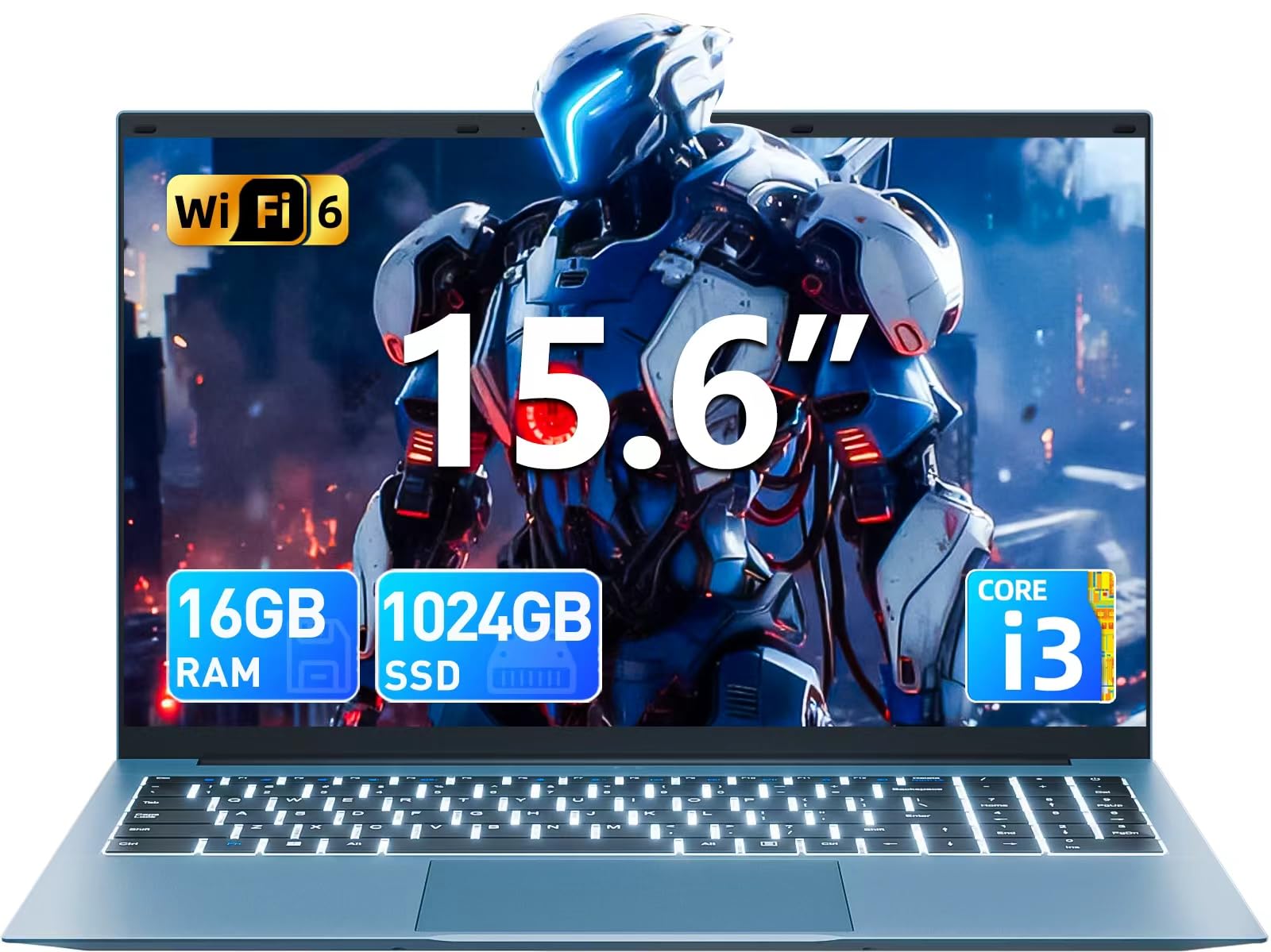
Image: The SGIN Y101 laptop, its power adapter, and the user manual as typically found in the product packaging.
3. ຕັ້ງຄ່າ
3.1 ການສາກໄຟເບື້ອງຕົ້ນ ແລະເປີດເຄື່ອງ
- ເຊື່ອມຕໍ່ອະແດບເຕີໄຟຟ້າ: Plug the power adapter into the DC jack on the side of the laptop and then into a power outlet.
- ສາກແບັດເຕີຣີ: ອະນຸຍາດໃຫ້ແລັບທັອບສາກໄຟຢ່າງໜ້ອຍ 30 ນາທີກ່ອນການໃຊ້ງານໃນເບື້ອງຕົ້ນ, ຫຼືຈົນກວ່າຕົວຊີ້ບອກແບັດເຕີຣີສະແດງໃຫ້ເຫັນການສາກພຽງພໍ.
- ເປີດ: Open the laptop lid and press the power button, usually located on the top right of the keyboard, to turn on the device.
3.2 ການຕິດຕັ້ງ Windows 11
Follow the on-screen instructions to complete the initial Windows 11 Home setup. This typically includes:
- ການເລືອກພາກພື້ນ ແລະຮູບແບບແປ້ນພິມຂອງທ່ານ.
- Connecting to a Wi-Fi network (WiFi 6 supported).
- ເຂົ້າສູ່ລະບົບດ້ວຍ ຫຼືສ້າງບັນຊີ Microsoft.
- ຕັ້ງຄ່າ PIN ຫຼືລະຫັດຜ່ານ.
3.3 ການເຊື່ອມຕໍ່ອຸປະກອນຕໍ່
The SGIN Y101 laptop offers various ports for connecting external devices:
ຮູບພາບ: ລາຍລະອຽດ view of the laptop's multiple interfaces, including DC jack, Type-C, HDMI, USB 3.2, Security lock, TF card slot, 3.5mm Headphone jack, and RJ45 Ethernet port.
- USB 3.0/3.2 Ports: ສຳລັບເຊື່ອມຕໍ່ອຸປະກອນ USB ເຊັ່ນ: ເມົາສ໌, ແປ້ນພິມ ຫຼື ບ່ອນເກັບຂໍ້ມູນພາຍນອກ.
- HDMI Port: ເຊື່ອມຕໍ່ກັບຈໍພາບພາຍນອກ ຫຼື ໂທລະພາບ ເພື່ອການສະແດງຜົນທີ່ຍາວນານ.
- Type-C Port: For data transfer and potentially charging compatible devices.
- ຊ່ອງສຽບ Micro SD: Insert a TF card for expanded storage up to 1TB.
- Jack ຫູຟັງ 3.5 ມມ: ເຊື່ອມຕໍ່ຫູຟັງຫລື ລຳ ໂພງພາຍນອກ.
- RJ45 Ethernet Port: ສໍາລັບການເຊື່ອມຕໍ່ອິນເຕີເນັດແບບມີສາຍ.
- Kensington Lock Slot: ສໍາລັບຄວາມປອດໄພທາງດ້ານຮ່າງກາຍ.
4. ການໃຊ້ງານແລັບທັອບ
4.1 ແປ້ນພິມ ແລະ ແຜ່ນສໍາຜັດ
The laptop features a full-size keyboard with a numeric keypad and a large touchpad for navigation. The keyboard is backlit for use in low-light conditions.
- ແປ້ນພິມ Backlit: ກົດ Fn + F5 to toggle the keyboard backlight on or off.
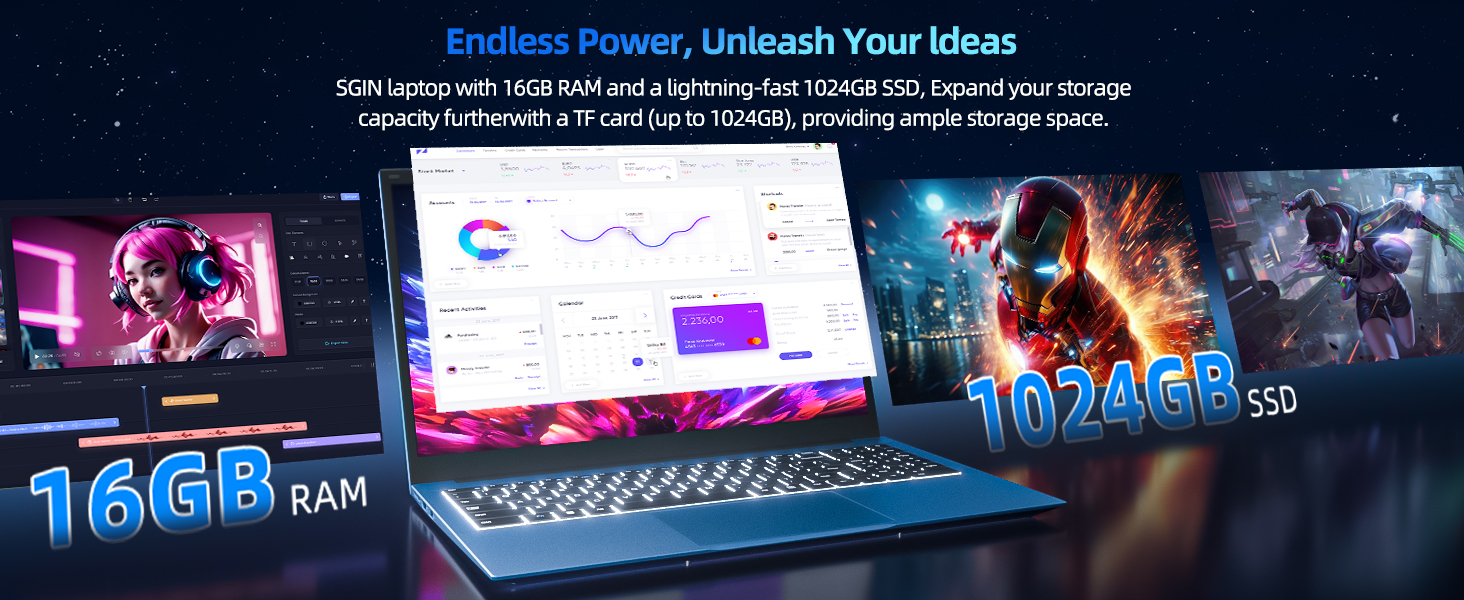
Image: Close-up of the SGIN Y101 laptop's backlit keyboard and numeric keypad, illustrating the Fn+F5 shortcut for backlight control.
4.2 ຄຸນສົມບັດການສະແດງ
The 15.6-inch Full HD (1920x1080) IPS screen provides clear visuals and wide viewing angles. The laptop also features a 180-degree hinge, allowing the screen to lay flat for easy sharing and collaboration.
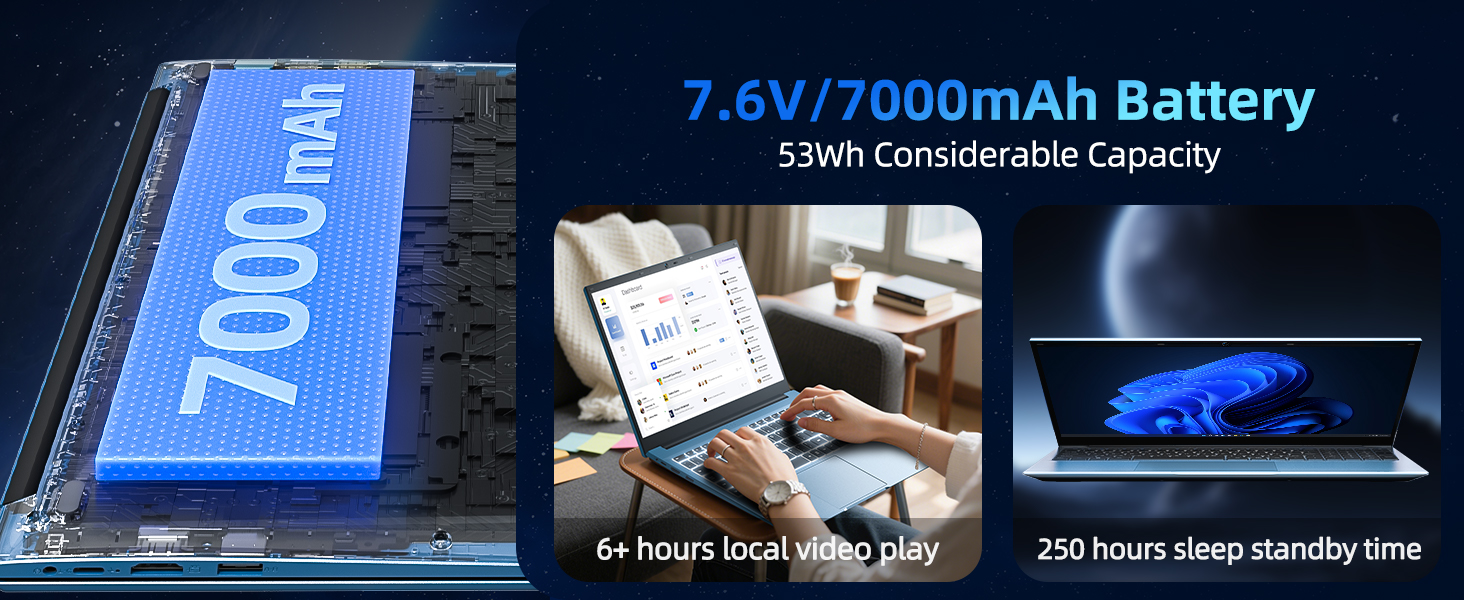
Image: The SGIN Y101 laptop displaying vibrant visuals on its 15.6-inch Full HD IPS screen.
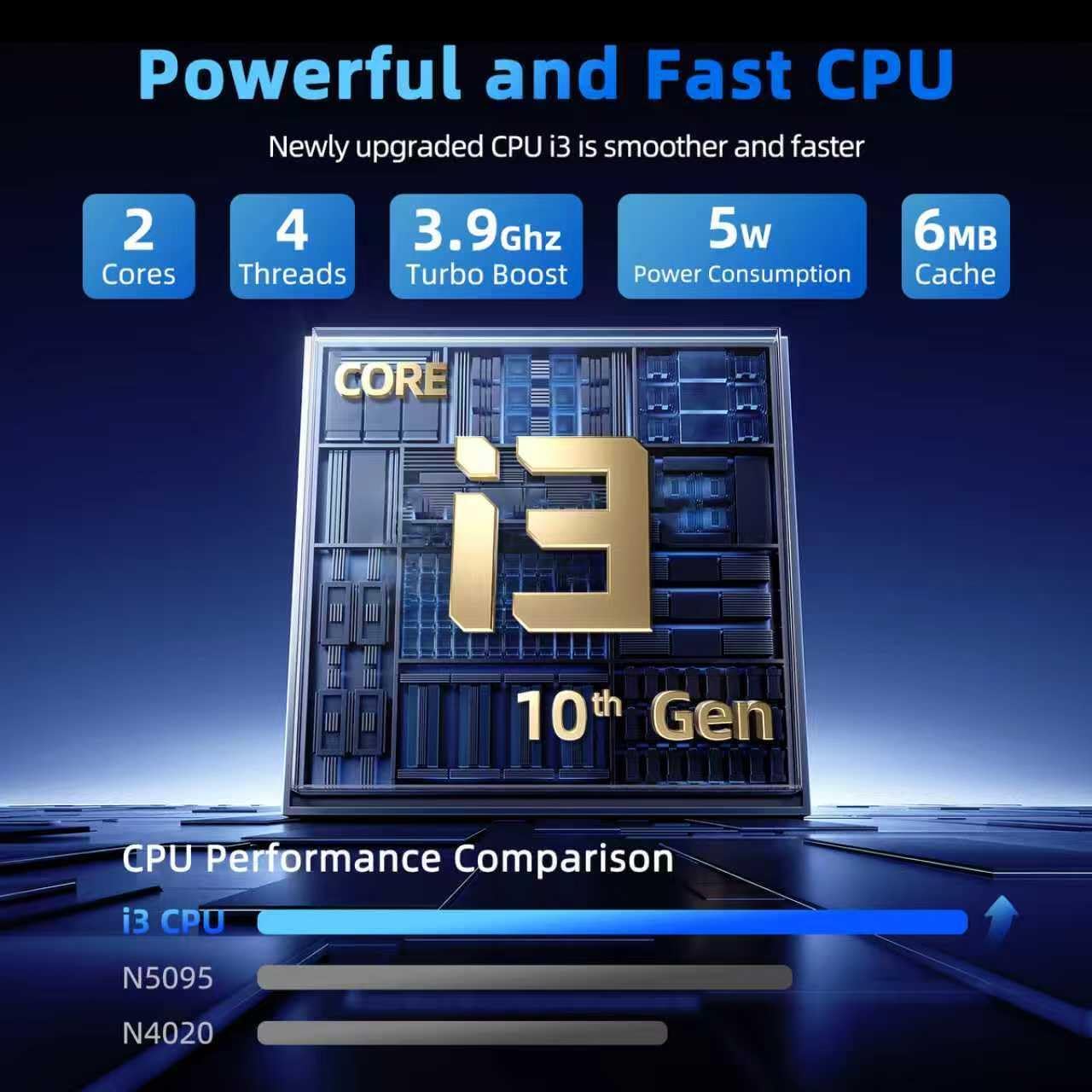
Image: The SGIN Y101 laptop open, illustrating its 180-degree hinge design for flexible viewໃນການແບ່ງປັນແລະ.
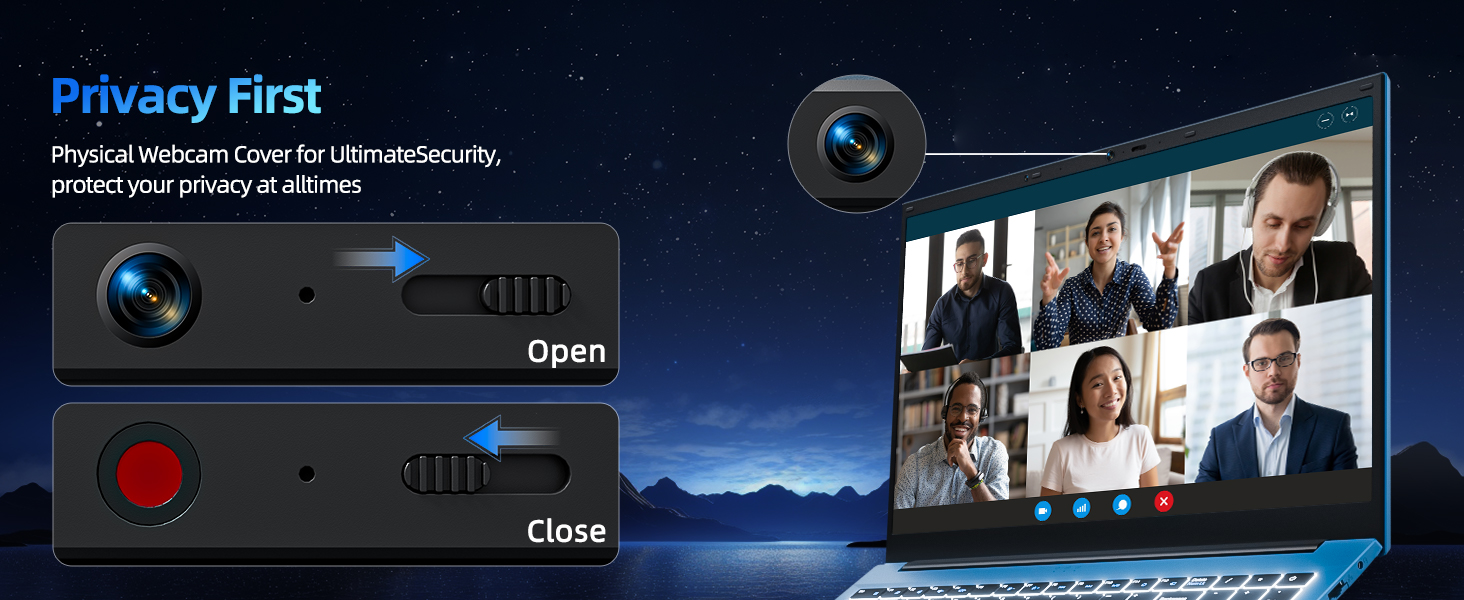
4.3 ຄວາມເປັນສ່ວນຕົວ WebCoverາປິດກ້ອງ
For enhanced privacy, the laptop includes a built-in physical webcam switch. Slide the cover to open or close the webcam ຕາມຄວາມຕ້ອງການ.
5. ບໍາລຸງຮັກສາ
5.1 ການເບິ່ງແຍງທົ່ວໄປ
- ຫຼີກເວັ້ນການເປີດແລັບທັອບກັບອຸນຫະພູມທີ່ຮຸນແຮງ, ແສງແດດໂດຍກົງ, ຫຼືຄວາມຊຸ່ມຊື່ນສູງ.
- ຮັກສານໍ້າໄວ້ຫ່າງຈາກອຸປະກອນ.
- ຈັບແລັບທັອບດ້ວຍຄວາມລະມັດລະວັງເພື່ອປ້ອງກັນຄວາມເສຍຫາຍທາງຮ່າງກາຍ.
5.2 ການທໍາຄວາມສະອາດ
- ໃຊ້ຜ້າແພທີ່ອ່ອນນຸ່ມ, ບໍ່ມີສານດ່າງເພື່ອເຮັດຄວາມສະອາດໜ້າຈໍ ແລະ ພາຍນອກ.
- ສໍາລັບຮອຍແຂງ, ເລັກນ້ອຍ dampເຊັດຜ້າດ້ວຍນ້ຳ ຫຼື ນ້ຳຢາທຳຄວາມສະອາດທີ່ໃຊ້ກັບໜ້າຈໍໄດ້.
- Do not spray cleaners directly onto the laptop.
5.3 ການດູແລຫມໍ້ໄຟ
- ເພື່ອຍືດອາຍຸແບັດເຕີລີ, ຫຼີກເວັ້ນການຖອດແບດເຕີລີ່ເຕັມເລື້ອຍໆ.
- ເກັບຮັກສາແລັບທັອບໃນບ່ອນເຢັນ ແລະແຫ້ງ ຖ້າບໍ່ໄດ້ໃຊ້ເປັນເວລາດົນ.
- The 7000mAh/53.2Wh battery provides up to 8 hours of typical use.
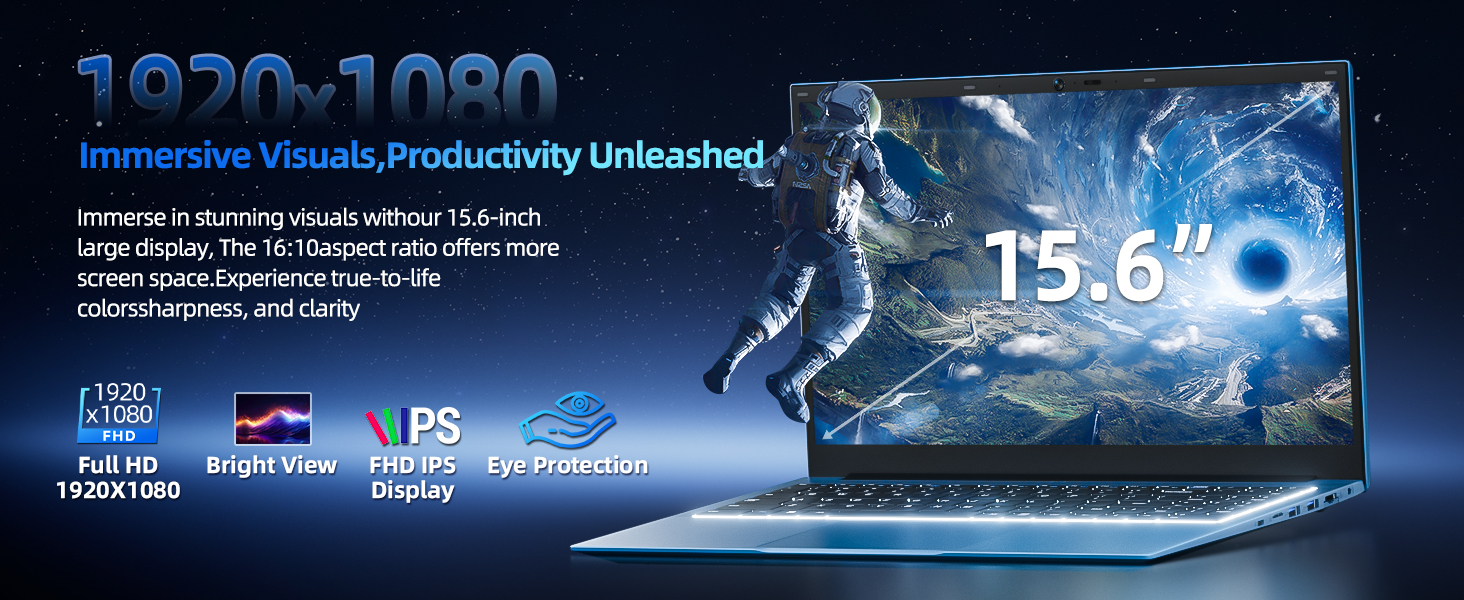
Image: Visual representation of the SGIN Y101 laptop's 7000mAh/53.2Wh large capacity battery, indicating its suitability for extended use.
6. ການແກ້ໄຂບັນຫາ
This section addresses common issues you might encounter with your SGIN Y101 laptop.
6.1 ບັນຫາພະລັງງານ ແລະ Boot
- ແລັບທັອບບໍ່ເປີດ: ໃຫ້ແນ່ໃຈວ່າອະແດັບເຕີໄຟເຊື່ອມຕໍ່ຢ່າງປອດໄພ ແລະ ແບັດເຕີຣີມີຄ່າພຽງພໍ. ລອງປລັກສຽບໄຟອື່ນ.
- Laptop turns on but screen is black: Connect to an external monitor via HDMI to check if the display is the issue. Restart the laptop.
6.2 ຈໍສະແດງຜົນ ແລະກາຟິກ
- Screen flickering or unusual display: Update graphics drivers. If connecting to an external display, ensure the cable is secure.
- Screen appears dim or too bright: Adjust brightness settings in Windows or using keyboard function keys.
6.3 ບັນຫາການເຊື່ອມຕໍ່
- Wi-Fi ບໍ່ເຊື່ອມຕໍ່: Check if Wi-Fi is enabled in Windows settings. Restart your router and the laptop. Ensure correct password entry.
- ອຸປະກອນ USB ບໍ່ຮັບຮູ້: Try a different USB port. Ensure the device drivers are installed.
6.4 ແປ້ນພິມ ແລະ ແຜ່ນສໍາຜັດ
- ແປ້ນພິມບໍ່ຕອບສະໜອງ: Restart the laptop. Ensure no foreign objects are under the keys.
- ແຜ່ນສໍາຜັດບໍ່ເຮັດວຽກ: Check Windows settings to ensure the touchpad is enabled. Restart the laptop.
- Backlight ບໍ່ເຮັດວຽກ: ກົດ Fn + F5 to ensure it's toggled on.
If you encounter persistent issues not covered here, please refer to the support section for assistance.
7. ຂໍ້ມູນຈໍາເພາະ
| ຄຸນສົມບັດ | ລາຍລະອຽດ |
|---|---|
| ຊື່ຕົວແບບ | SGIN-Y101 |
| ໂຮງງານຜະລິດ | Intel Core i3-10100 (2-core, 4-thread, 6MB cache, up to 3.9GHz) |
| RAM | 16GB DDR3 SDRAM |
| ການເກັບຮັກສາ | 1024GB SSD (expandable with TF card up to 1TB) |
| ຈໍສະແດງຜົນ | ໜ້າຈໍ IPS ຄວາມລະອຽດສູງ 15.6 ນິ້ວ (1920x1080) |
| ລະບົບປະຕິບັດການ | ໜ້າຫຼັກ Windows 11 |
| ແບັດເຕີຣີ | 7000mAh / 53.2Wh (up to 8 hours battery life) |
| ການເຊື່ອມຕໍ່ໄຮ້ສາຍ | WiFi 6 (802.11ax) |
| ທ່າເຮືອ | USB 3.0, HDMI, Micro SD slot, Type-C, Kensington lock, 3.5mm Headphone jack, RJ45 Ethernet |
| ຂະໜາດ (LxWxH) | 15.6 x 9 x 0.6 ນິ້ວ |
| ນ້ຳໜັກ | 4.97 ປອນ |
| ສີ | ສີເທົາ |
8. ການຮັບປະກັນແລະການສະຫນັບສະຫນູນ
Your SGIN Y101 laptop comes with comprehensive support and warranty:
- ການປົກປ້ອງ 1 ປີ: Enjoy a 1-year protection plan covering manufacturing defects.
- 1-Year Repair Service: The product includes a 1-year repair service.
- ນະໂຍບາຍສົ່ງຄືນ 30 ມື້: Eligible for returns within 30 days of purchase.
- ຊ່ວຍເຫຼືອລູກຄ້າ 24/7: Access instant customer help for any queries or issues.
For support, please contact SGIN customer service through the official channels provided at the time of purchase or on the SGIN webເວັບໄຊ.
9. ວິດີໂອສາທິດຜະລິດຕະພັນ
Watch this official video for a visual guide on the SGIN 15.6 Inch Laptop Computer's features and connectivity options.
ວິດີໂອ: ຫຼາຍກວ່າview and demonstration of the SGIN 15.6-inch laptop, showcasing its design, features, and available ports.


