1. ບົດແນະນຳ
Thank you for choosing the GOBOULT Mustang Thunder Bluetooth Headphones. This manual will guide you through the features, setup, and operation of your new headphones, ensuring an optimal audio experience. Please read these instructions carefully before use.

Image 1.1: GOBOULT Mustang Thunder Bluetooth Headphones in Silver Black.
2. ເນື້ອໃນຊຸດ
ໃຫ້ແນ່ໃຈວ່າທຸກລາຍການຢູ່ໃນຊຸດຂອງທ່ານ:
- GOBOULT Mustang Thunder Bluetooth Headphones
- ສາຍສາກໄຟ USB Type-C
- ສາຍສຽງ 3.5 ມມ (ສຳລັບການເຊື່ອມຕໍ່ແບບມີສາຍ)
- ຄູ່ມືຜູ້ໃຊ້
3. ຜະລິດຕະພັນເກີນview
Familiarize yourself with the main components and controls of your headphones.

Image 3.1: Illustration of tactile controls and AI Voice Assistant feature on the headphone.
ຄຸນນະສົມບັດທີ່ສໍາຄັນ:
- 40mm Bass Drivers: For powerful and immersive sound.
- Zen ENC Mic: ການຕັດສຽງລົບກວນສິ່ງແວດລ້ອມເພື່ອການໂທທີ່ຊັດເຈນ.
- Bluetooth v5.4: Stable and low-latency wireless connectivity.
- Type-C ສາກໄວ: Efficient power replenishment.
- ເວລາຫຼິ້ນ 70 ຊົ່ວໂມງ: ຍືດອາຍຸຫມໍ້ໄຟສໍາລັບການນໍາໃຊ້ທີ່ຍາວນານ.
- 4 ຮູບແບບສຽງ EQ: ໂປຣແກມສຽງທີ່ສາມາດປັບແຕ່ງໄດ້files (Rock, Pop, Vocal, Bass).
- 3 Brightness LED Modes: Adjustable LED lighting on the earcups.
4. ການຕິດຕັ້ງແລະການນໍາໃຊ້ເບື້ອງຕົ້ນ
4.1 ການສາກຫູຟັງ
ກ່ອນທີ່ຈະໃຊ້ຄັ້ງທໍາອິດ, ໃຫ້ສາກຫູຟັງຂອງທ່ານໃຫ້ເຕັມ.
- ເຊື່ອມຕໍ່ສາຍສາກ USB Type-C ກັບຊ່ອງສາກໄຟຢູ່ໃນຫູຟັງ.
- ເຊື່ອມຕໍ່ອີກສົ້ນຂອງສາຍກັບອະແດັບເຕີໄຟ USB (ບໍ່ລວມ) ຫຼືພອດ USB ຂອງຄອມພິວເຕີ.
- The LED indicator will show charging status. It will turn off or change color once fully charged.
A full charge provides up to 70 hours of playtime without LED lights, or 50 hours with LED lights active.
4.2 ການເປີດ/ປິດ
- ເພື່ອເປີດເຄື່ອງ: ກົດປຸ່ມເປີດປິດຄ້າງໄວ້ປະມານ 3 ວິນາທີຈົນກວ່າໄຟ LED ຈະສະຫວ່າງຂຶ້ນ.
- ປິດເຄື່ອງ: ກົດປຸ່ມເປີດປິດຄ້າງໄວ້ປະມານ 3 ວິນາທີຈົນກວ່າຕົວຊີ້ LED ຈະປິດ.
4.3 ການຈັບຄູ່ Bluetooth
Pair your headphones with a Bluetooth-enabled device.
- ກວດໃຫ້ແນ່ໃຈວ່າປິດຫູຟັງແລ້ວ.
- ກົດປຸ່ມເປີດປິດຄ້າງໄວ້ 5-7 ວິນາທີ ຈົນກວ່າໄຟ LED ຈະກະພິບສີແດງ ແລະສີຟ້າສະລັບກັນ, ສະແດງເຖິງໂໝດການຈັບຄູ່.
- ໃນອຸປະກອນຂອງທ່ານ (ໂທລະສັບສະຫຼາດ, ແທັບເລັດ, ຄອມພິວເຕີ), ເປີດ Bluetooth ແລະຊອກຫາອຸປະກອນທີ່ມີຢູ່.
- Select "GOBOULT Mustang Thunder" from the list of found devices.
- ເມື່ອເຊື່ອມຕໍ່ແລ້ວ, ໄຟ LED ຈະກະພິບສີຟ້າຊ້າໆ ຫຼື ຍັງຄົງເປັນສີຟ້າຄົງທີ່.
The headphones support Bluetooth v5.4 for a stable connection up to 10 meters.
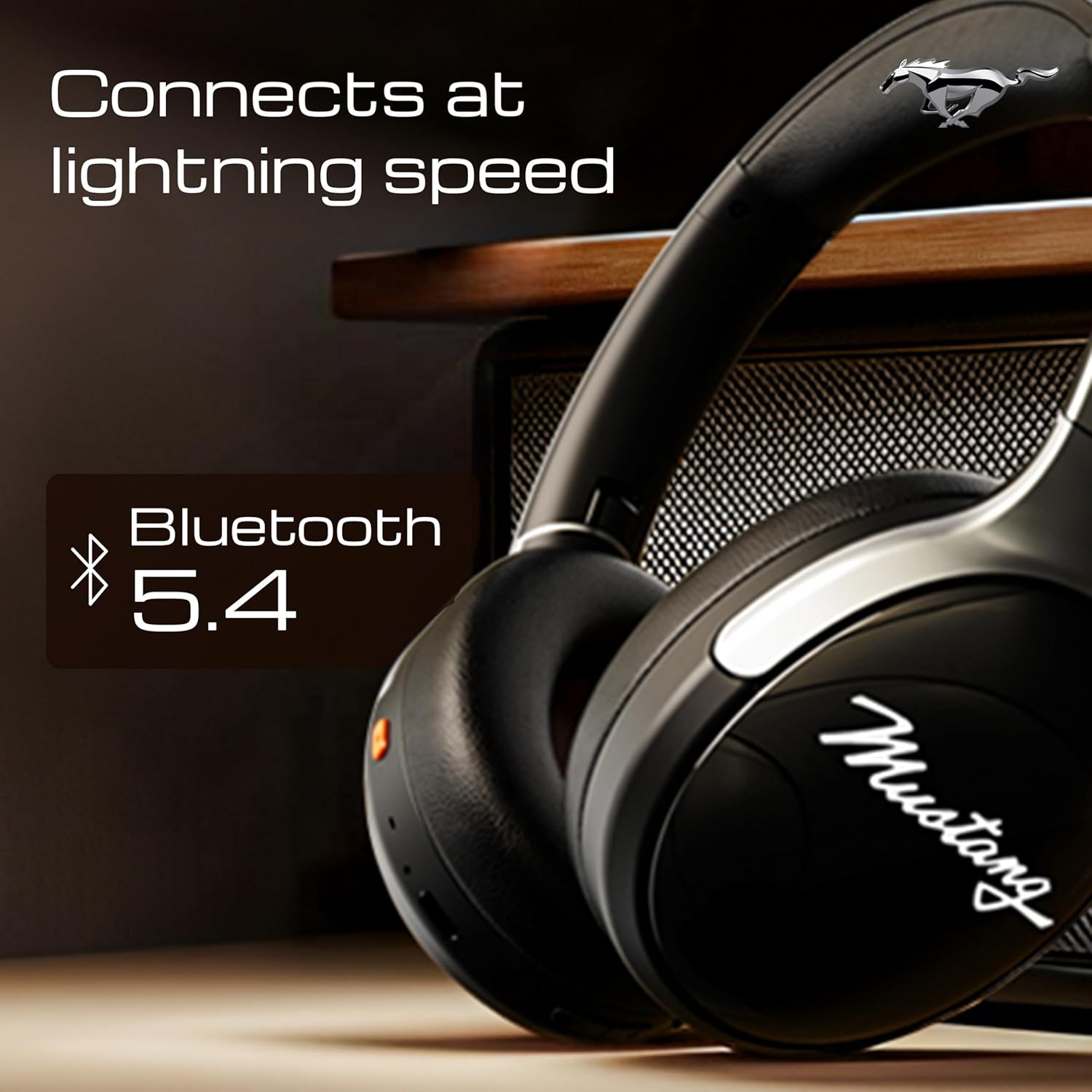
Image 4.1: Bluetooth 5.4 connectivity for fast and stable pairing.
5. ຄໍາແນະນໍາການດໍາເນີນງານ
5.1 ການຫລີ້ນດົນຕີ
- ຫຼິ້ນ/ຢຸດ: ກົດປຸ່ມ Multi-function ຄັ້ງດຽວ.
- ເພງຕໍ່ໄປ: ກົດປຸ່ມເພີ່ມສຽງຄ້າງໄວ້.
- ຕິດຕາມກ່ອນ ໜ້າ ນີ້: ກົດປຸ່ມປະລິມານລົງຄ້າງໄວ້.
- ປະລິມານຂຶ້ນ: ກົດສັ້ນກົດປຸ່ມເພີ່ມສຽງ.
- ປະລິມານລົງ: ກົດສັ້ນ ປຸ່ມປະລິມານລົງ.
5.2 ການຄຸ້ມຄອງການໂທ
The integrated Zen ENC Mic ensures clear communication.
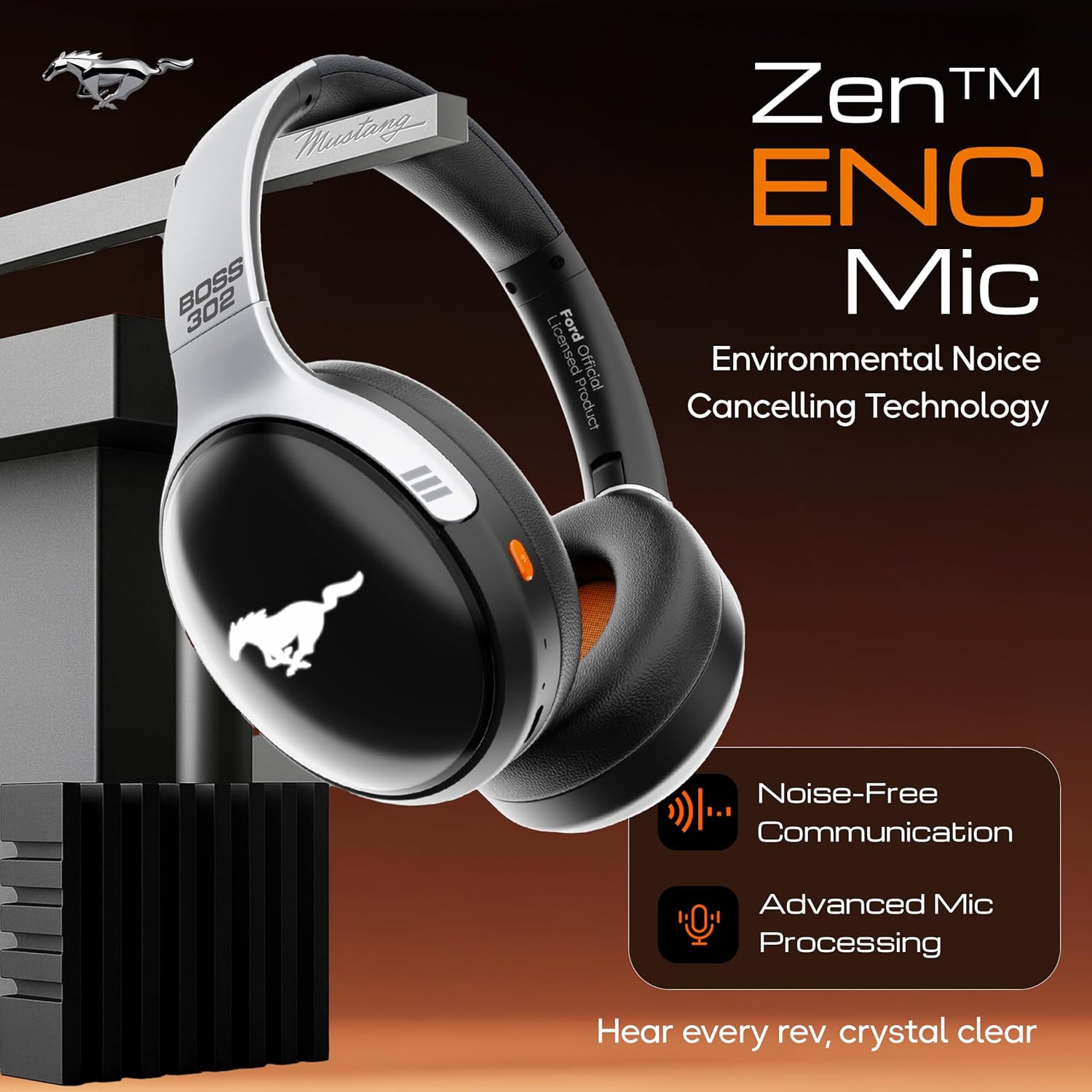
Image 5.1: Zen ENC Mic technology for noise-free communication.
- ຮັບ/ສາຍໂທ: ກົດປຸ່ມ Multi-function ຄັ້ງດຽວ.
- ປະຕິເສດການໂທ: ກົດປຸ່ມຫຼາຍຟັງຊັນຄ້າງໄວ້ 2 ວິນາທີ.
- ໂທຫາເບີສຸດທ້າຍ: ກົດປຸ່ມຫຼາຍຟັງຊັນສອງເທື່ອ.
ໂໝດສຽງ 5.3 EQ
Customize your audio experience with 4 distinct EQ modes.
- ສະຫຼັບໂໝດ: Press the EQ button (refer to product diagram for location) to cycle through Rock, Pop, Vocal, and Bass modes.
5.4 ໂໝດໄຟ LED
Activate and change the dynamic LED lights on your earcups.

Image 5.2: Dynamic LED lights and glowing Mustang emblem on the headphones.
- Activate/Change Modes: Press the LED button (refer to product diagram for location) to cycle through the 3 brightness LED modes.
5.5 AI Voice Assistant
Access your device's voice assistant directly from the headphones.
- ເປີດໃຊ້: Triple-press the Multi-function button to activate Google Assistant or your device's default voice assistant.
5.6 ການເຊື່ອມຕໍ່ແບບມີສາຍ (ໂໝດ AUX)
Use the included 3.5mm audio cable for a wired connection, conserving battery or connecting to non-Bluetooth devices.
- ສຽບປາຍໜຶ່ງຂອງສາຍສຽງ 3.5 ມມ ເຂົ້າໄປໃນພອດ AUX ໃນຫູຟັງ.
- ສຽບປາຍອື່ນໃສ່ຊ່ອງສຽບສຽງ 3.5mm ຂອງອຸປະກອນຂອງທ່ານ.
- ຫູຟັງຈະປ່ຽນໄປໃຊ້ໂໝດ AUX ໂດຍອັດຕະໂນມັດ.
6. ການບໍາລຸງຮັກສາແລະການດູແລ
ການດູແລທີ່ເໝາະສົມຮັບປະກັນອາຍຸການໃຊ້ງານ ແລະ ປະສິດທິພາບຂອງຫູຟັງຂອງທ່ານ.
- ທໍາຄວາມສະອາດ: ໃຊ້ຜ້າອ່ອນໆແຫ້ງເພື່ອທຳຄວາມສະອາດຫູຟັງ. ຢ່າໃຊ້ສານເຄມີທີ່ຮຸນແຮງ ຫຼື ວັດສະດຸທີ່ມີສີຂັດ.
- ການເກັບຮັກສາ: Store the headphones in a cool, dry place, away from direct sunlight and extreme temperatures. The foldable design allows for compact storage.
- ຄວາມຕ້ານທານນ້ໍາ: The headphones are water resistant. Avoid submerging them in water or exposing them to heavy rain.
- ແບັດເຕີຣີ: To preserve battery life, charge the headphones at least once every three months if not in regular use.
7. ການແກ້ໄຂບັນຫາ
ຖ້າເຈົ້າພົບບັນຫາ, ໃຫ້ອ້າງອີງເຖິງວິທີແກ້ໄຂທົ່ວໄປຕໍ່ໄປນີ້:
| ບັນຫາ | ສາເຫດທີ່ເປັນໄປໄດ້ | ການແກ້ໄຂ |
|---|---|---|
| ຫູຟັງບໍ່ເປີດ | ແບັດເຕີຣີຕໍ່າ | ສາກຫູຟັງໃຫ້ເຕັມໂດຍໃຊ້ສາຍ Type-C ທີ່ໃຫ້ມາ. |
| ບໍ່ສາມາດຈັບຄູ່ກັບອຸປະກອນໄດ້ | ຫູຟັງບໍ່ຢູ່ໃນໂໝດຈັບຄູ່; Bluetooth ປິດຢູ່ໃນອຸປະກອນ; ອຸປະກອນຢູ່ໄກເກີນໄປ | Ensure headphones are in pairing mode (flashing red/blue). Turn on Bluetooth on your device. Move device closer to headphones (within 10m). |
| ບໍ່ມີສຽງໃນລະຫວ່າງການຫຼິ້ນ | Volume too low; incorrect audio source; headphones not connected | Increase volume on headphones and device. Check if headphones are properly connected via Bluetooth or AUX. Ensure correct audio output is selected on your device. |
| ຄຸນນະພາບການໂທບໍ່ດີ | Environmental noise; weak Bluetooth connection | Move to a quieter environment. Ensure a stable Bluetooth connection. |
8. ຂໍ້ມູນຈໍາເພາະ
Detailed technical specifications for the GOBOULT Mustang Thunder Bluetooth Headphones:
| ຄຸນສົມບັດ | ຂໍ້ມູນຈໍາເພາະ |
|---|---|
| ຊື່ຕົວແບບ | ແອຣ໌ເບສ |
| ເຕັກໂນໂລຊີການເຊື່ອມຕໍ່ | ໄຮ້ສາຍ (Bluetooth v5.4) |
| ຊ່ວງ Bluetooth | 10 ແມັດ |
| ຂະໜາດໄດເວີສຽງ | ຂະ ໜາດ 40 ມີລີແມັດ |
| ການຕອບສະໜອງຄວາມຖີ່ | 20 Hz |
| ຄວາມອ່ອນໄຫວ | 118 dB |
| Jack ຫູຟັງ | Jack ຂະ ໜາດ 3.5 ມມ |
| ອາຍຸແບັດເຕີຣີ (ເວລາຫຼິ້ນ) | Up to 70 Hours (without LEDs), 50 Hours (with LEDs) |
| ອົງປະກອບຫມໍ້ໄຟ | ລີໂທມໂພລີເມີ |
| ພອດສາກໄຟ | USB Type-C |
| ນ້ໍາຫນັກລາຍການ | 234 ກຣາມ |
| ຂະໜາດສິນຄ້າ | 18 x 5 x 19.5 cm |
| ລະດັບຄວາມຕ້ານທານນ້ໍາ | ກັນນ້ຳ |
| ປະເພດການຄວບຄຸມ | Button Control, Google Assistant |
9. ການຮັບປະກັນແລະການສະຫນັບສະຫນູນ
9.1 ຂໍ້ມູນການຮັບປະກັນ
The GOBOULT Mustang Thunder Bluetooth Headphones come with a ການຮັບປະກັນຂອງຜູ້ຜະລິດ 1 ປີ from the date of purchase. This warranty covers manufacturing defects and ensures trusted performance and premium build quality.
ກະລຸນາຮັກສາຫຼັກຖານການຊື້ຂອງທ່ານສໍາລັບການຮຽກຮ້ອງການຮັບປະກັນ.
9.2 ສະຫນັບສະຫນູນລູກຄ້າ
For any questions, technical assistance, or warranty claims, please contact GOBOULT customer support through their official webເວັບໄຊທ໌ຫຼືຮ້ານຂາຍຍ່ອຍບ່ອນທີ່ຜະລິດຕະພັນໄດ້ຖືກຊື້.


