1. ບົດແນະນຳ
This manual provides instructions for the PUSOKEI 4G LTE WiFi Router, a portable mobile hotspot designed to convert a 4G LTE signal into a WiFi network. This device supports up to 10 connected devices simultaneously and operates on a 2.4GHz wireless network frequency.
2. ເນື້ອໃນຊຸດ
ກວດສອບວ່າລາຍການທັງຫມົດແມ່ນມີຢູ່ໃນຊຸດ:
- 1 x Portable WiFi Hotspot (PUSOKEI 4G LTE WiFi Router)
- 1 x ສາຍ USB
- 1 x ຄູ່ມືຜູ້ໃຊ້
3. ຜະລິດຕະພັນເກີນview
The PUSOKEI 4G LTE WiFi Router is a compact device that provides wireless internet connectivity. It features a standard SIM card slot and an integrated 10000mAh lithium-ion battery for extended use.
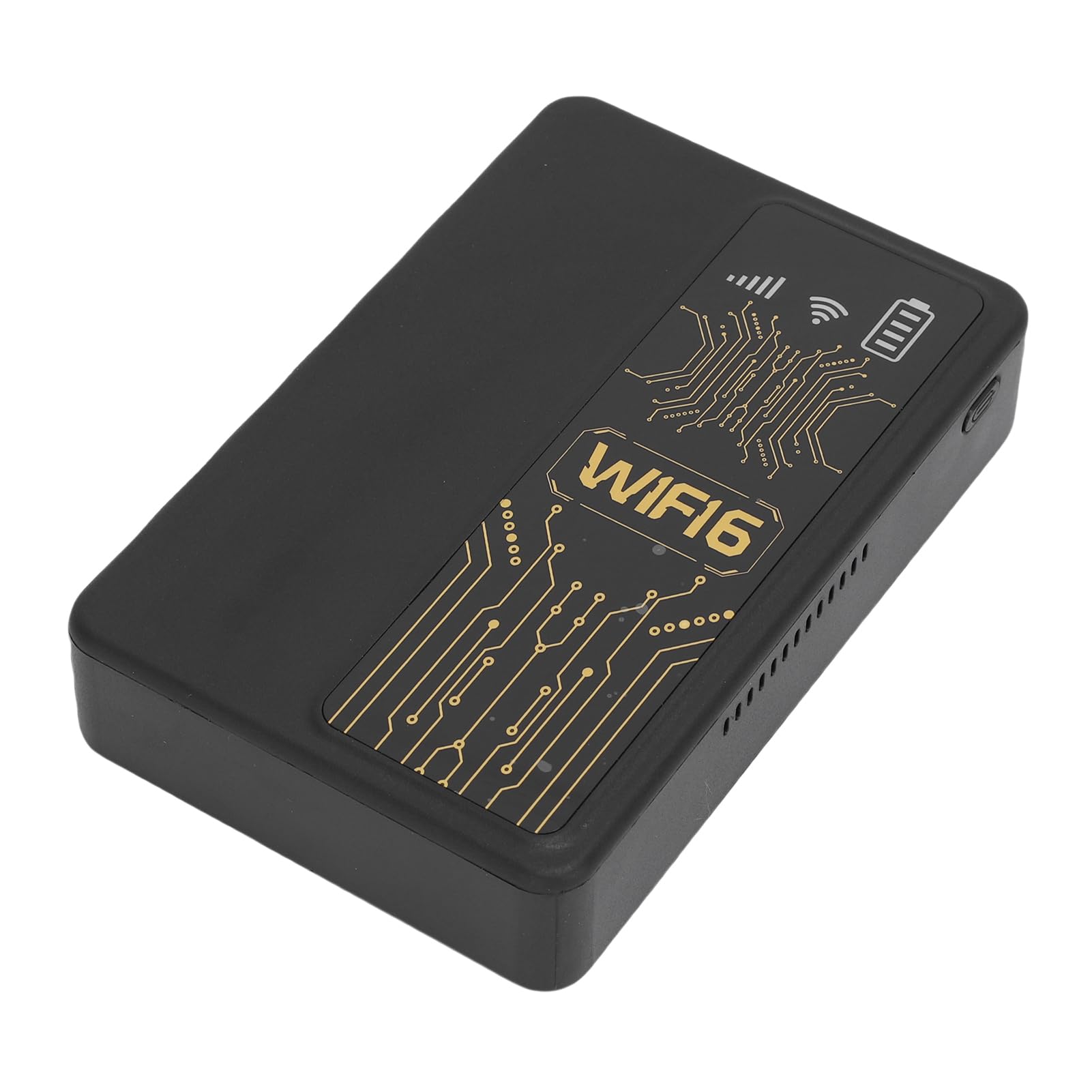
ຮູບ 3.1: ດ້ານຫນ້າ view of the PUSOKEI 4G LTE WiFi Router, showing the display and WiFi6 branding.
ຄຸນນະສົມບັດທີ່ສໍາຄັນປະກອບມີ:
- 4G to WiFi Conversion: Converts 4G LTE signals into a WiFi network.
- ອັດຕາການສົ່ງໄຟຟ້າ: Provides up to 300Mbps (2.4GHz) WiFi speeds.
- ການເຊື່ອມຕໍ່ອຸປະກອນ: Supports connection for up to 10 wireless devices simultaneously.
- ສະຫນັບສະຫນູນເຄືອຂ່າຍ: Operates on 2.4GHz WiFi frequency.
- ແບັດເຕີຣີ: Equipped with a 10000mAh lithium-ion battery.
4. ຕັ້ງຄ່າ
Follow these steps to set up your PUSOKEI 4G LTE WiFi Router:
- ໃສ່ຊິມກາດ: Locate the SIM card slot on the side of the device. Insert a standard small SIM card into the slot. Ensure the SIM card is correctly oriented.
- ເປີດ: Press and hold the power button until the device powers on. The device will automatically detect the 4G network signal.
- Network Availability: Once powered on, the device will establish a wireless network. You can then connect your WiFi-enabled devices to this network.

ຮູບ 4.1: ຂ້າງ view of the router, highlighting the SIM card slot.

Figure 4.2: The router powered on and ready to provide internet access.
5. ຄໍາແນະນໍາການດໍາເນີນງານ
To use your PUSOKEI 4G LTE WiFi Router:
- ເຊື່ອມຕໍ່ອຸປະກອນ: On your WiFi-enabled device (e.g., smartphone, laptop), search for available WiFi networks. Select the network name (SSID) broadcast by your PUSOKEI router.
- ໃສ່ລະຫັດຜ່ານ: Enter the WiFi password (usually found on a label inside the device or in the quick start guide) when prompted.
- ການເຂົ້າເຖິງອິນເຕີເນັດ: Once connected, your device will have internet access via the 4G LTE network. The router provides a stable connection for various online activities.
- ອຸປະກອນຫຼາຍອັນ: The router can support up to 10 devices simultaneously, making it suitable for sharing internet access in various environments.
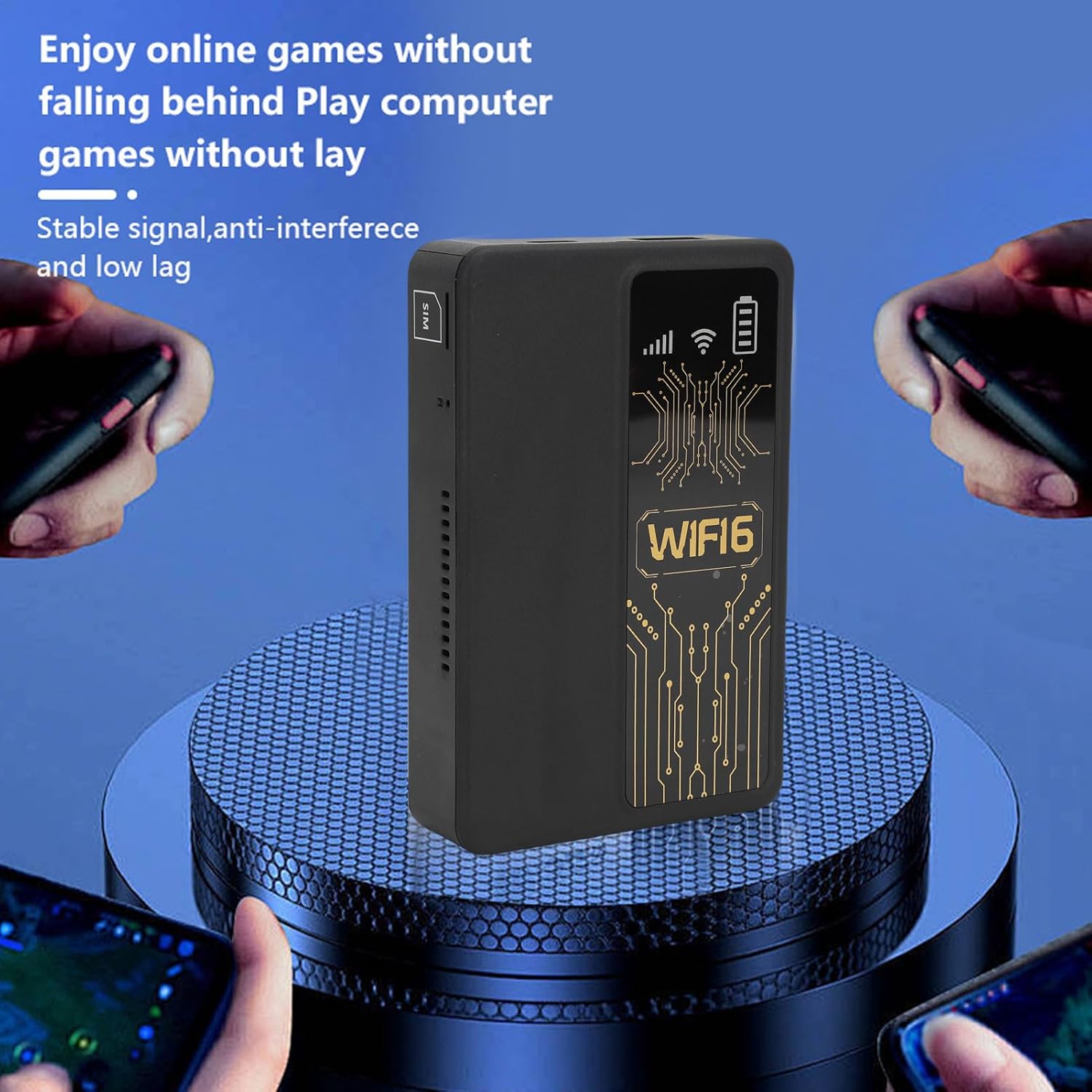
Figure 5.1: A smartphone connected to the router, showing network performance metrics.
6. ບໍາລຸງຮັກສາ
Proper maintenance ensures the longevity and optimal performance of your router:
- ທໍາຄວາມສະອາດ: ໃຊ້ຜ້າປຽກແຫ້ງເພື່ອເຮັດຄວາມສະອາດດ້ານນອກຂອງອຸປະກອນ. ຫຼີກເວັ້ນການນໍາໃຊ້ເຄື່ອງເຮັດຄວາມສະອາດຂອງແຫຼວຫຼືວັດສະດຸຂັດ.
- ການດູແລຫມໍ້ໄຟ: The router includes a 10000mAh lithium-ion battery. For optimal battery life, avoid extreme temperatures and fully discharge and recharge the battery periodically.
- ການເກັບຮັກສາ: ເມື່ອບໍ່ໄດ້ໃຊ້ເປັນເວລາດົນ, ໃຫ້ເກັບຮັກສາອຸປະກອນໄວ້ໃນບ່ອນທີ່ເຢັນ, ແຫ້ງ.
- ການອັບເດດເຟີມແວ: ກວດເບິ່ງຜູ້ຜະລິດ webເຂົ້າເບິ່ງເວັບໄຊທ໌ເປັນໄລຍະໆ ສຳລັບການອັບເດດເຟີມແວທີ່ມີຢູ່ ເພື່ອຮັບປະກັນປະສິດທິພາບ ແລະ ຄວາມປອດໄພທີ່ດີທີ່ສຸດ.
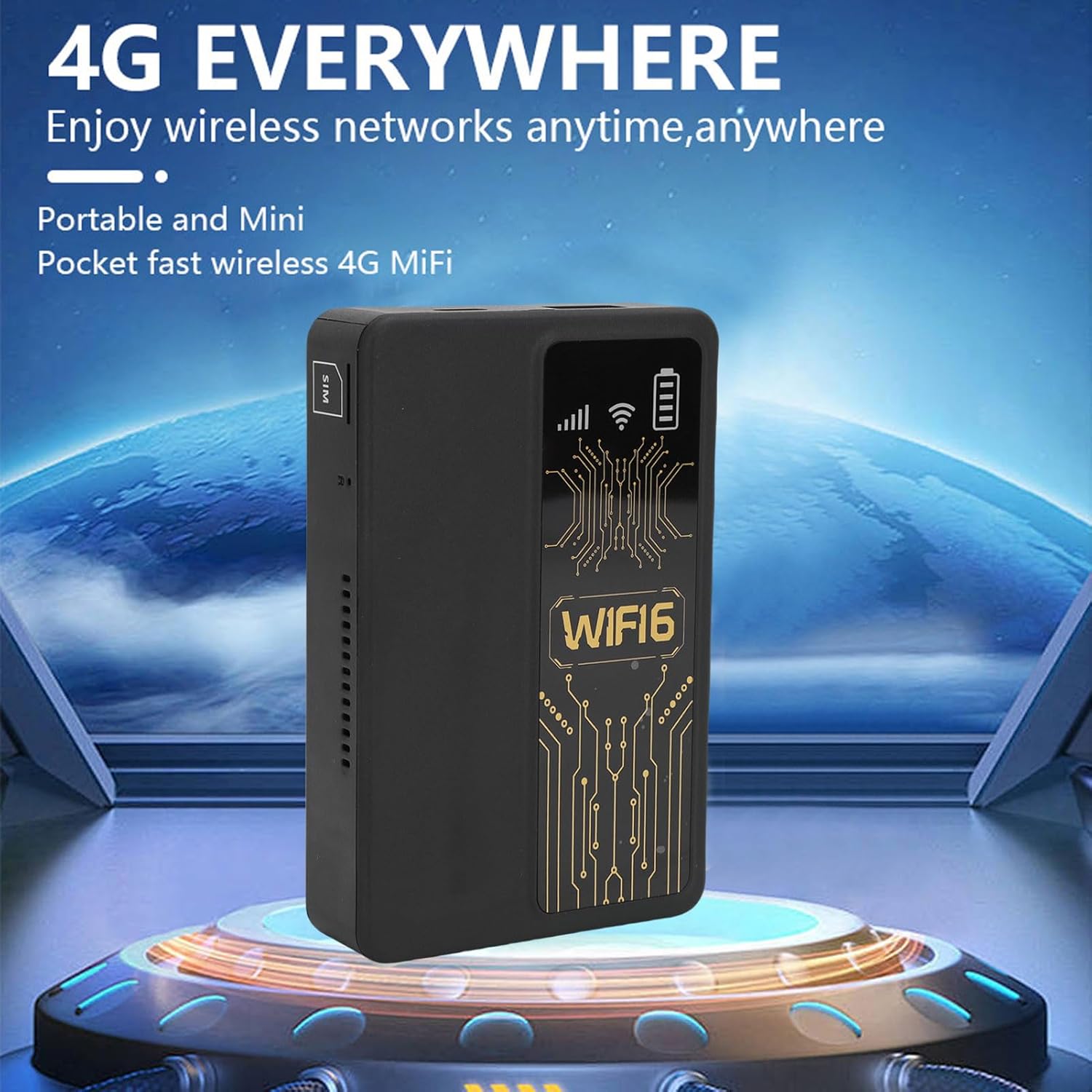
Figure 6.1: The router's internal 10000mAh battery provides extended usage time.
7. ການແກ້ໄຂບັນຫາ
ຖ້າທ່ານພົບບັນຫາກັບເຣົາເຕີຂອງທ່ານ, ໃຫ້ອ້າງອີງເຖິງບັນຫາ ແລະ ວິທີແກ້ໄຂທົ່ວໄປຕໍ່ໄປນີ້:
- ບໍ່ມີການເຊື່ອມຕໍ່ອິນເຕີເນັດ:
- ກວດໃຫ້ແນ່ໃຈວ່າໄດ້ໃສ່ SIM card ຢ່າງຖືກຕ້ອງ ແລະໃຊ້ງານໄດ້.
- Check if your local SIM card or 4G bands are supported (FDD-LTE B1 B3 B5 B7 B8 B20 TDD-LTE B38 B40 B41).
- ຣີສະຕາດເຣົາເຕີ ແລະອຸປະກອນທີ່ເຊື່ອມຕໍ່ຂອງທ່ານ.
- Verify that your SIM card has an active data plan.
- ຄວາມໄວການເຊື່ອມຕໍ່ຊ້າ:
- ຍ້າຍໄປຢູ່ພື້ນທີ່ທີ່ມີການຮັບສັນຍານ 4G ທີ່ດີກວ່າ.
- ຫຼຸດຈໍານວນອຸປະກອນທີ່ເຊື່ອມຕໍ່.
- Ensure no applications are consuming excessive bandwidth.
- ອຸປະກອນບໍ່ໄດ້ເຊື່ອມຕໍ່ກັບ WiFi:
- Confirm you are entering the correct WiFi password.
- ກວດໃຫ້ແນ່ໃຈວ່າເຣົາເຕີເປີດຢູ່ ແລະກະຈາຍສັນຍານ WiFi ຂອງມັນ.
- Restart both the router and the device attempting to connect.
- Router Only Displays '4G' Network:
- The device is designed to display '4G' regardless of whether a 4G or 5G SIM card is inserted. This is normal operation and does not indicate a fault.
8. ຂໍ້ມູນຈໍາເພາະ
| ຄຸນສົມບັດ | ຂໍ້ມູນຈໍາເພາະ |
|---|---|
| ປະເພດລາຍການ | Portable WiFi Hotspot |
| ວັດສະດຸ | ABS |
| Applicable Region | ເອີຣົບ |
| ຄວາມຖີ່ເຄືອຂ່າຍ | FDD-LTE B1 B3 B5 B7 B8 B20 TDD- B38 B40 B41 |
| ເຄືອຂ່າຍ | 4G |
| ອັດຕາການສົ່ງຜ່ານ | 300Mbps |
| ສະຫນັບສະຫນູນອະນຸສັນຍາ | 802.11ac |
| Wireless Network Frequency | 2.4GHz |
| Firewall ໃນຕົວ | ແມ່ນແລ້ວ |
| ແບັດເຕີຣີໃນຕົວ | 1 x 10000mAh Lithium Ion Battery |
| ຊ່ອງໃສ່ຊິມກາດ | Small SIM Card (Not Included) |
| ນ້ໍາຫນັກລາຍການ | 8.9 ອອນ |
| ຂະໜາດແພັກເກັດ | 5.91 x 3.54 x 1.57 ນິ້ວ |
9. ຂໍ້ມູນການຮັບປະກັນ
Please refer to the warranty card included with your product or contact the retailer for specific warranty terms and conditions. Keep your proof of purchase for warranty claims.
10. ການຊ່ວຍເຫຼືອລູກຄ້າ
For technical assistance or further inquiries, please contact PUSOKEI customer support through the contact information provided on the product packaging or the official PUSOKEI webເວັບໄຊ.