1. ຜະລິດຕະພັນເກີນview
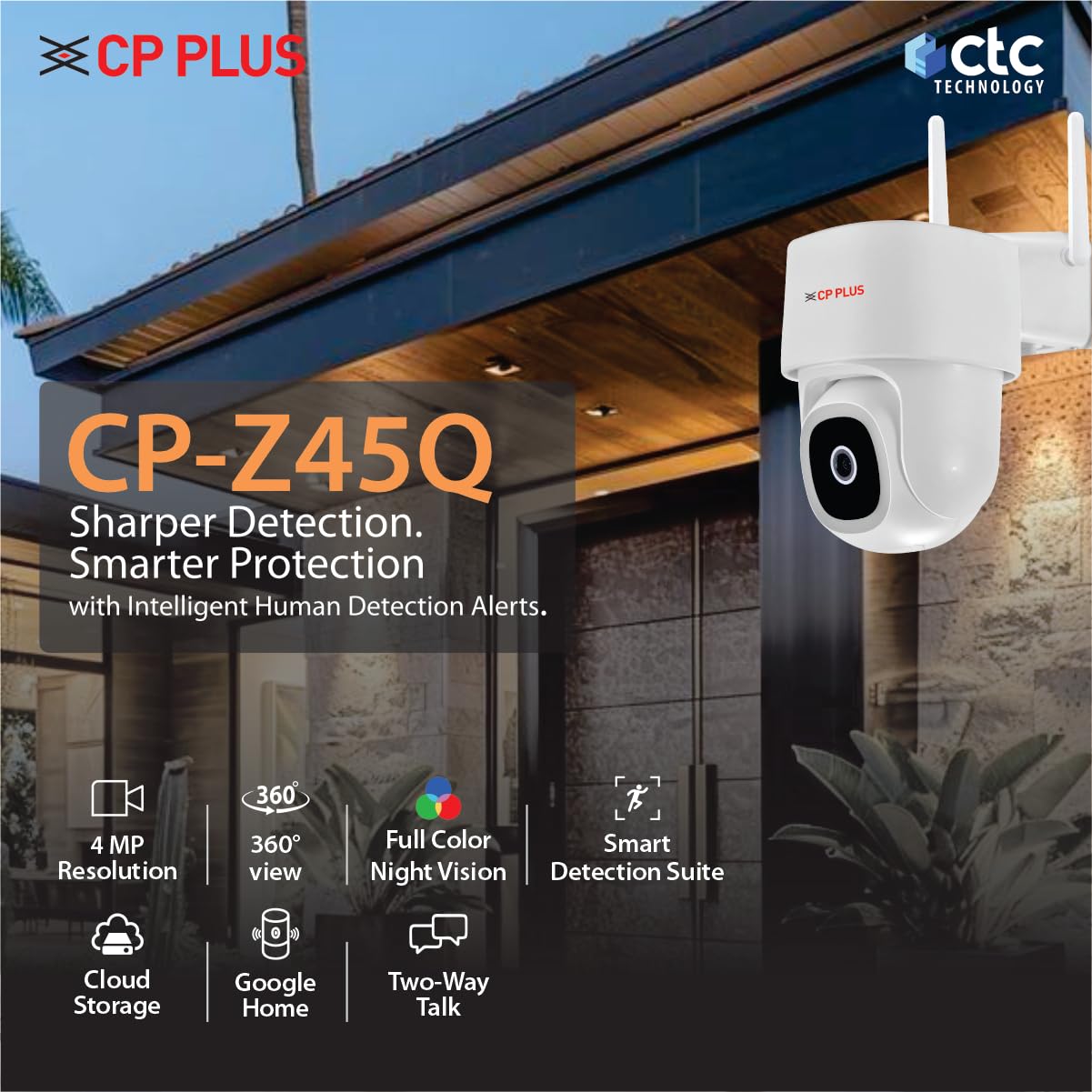
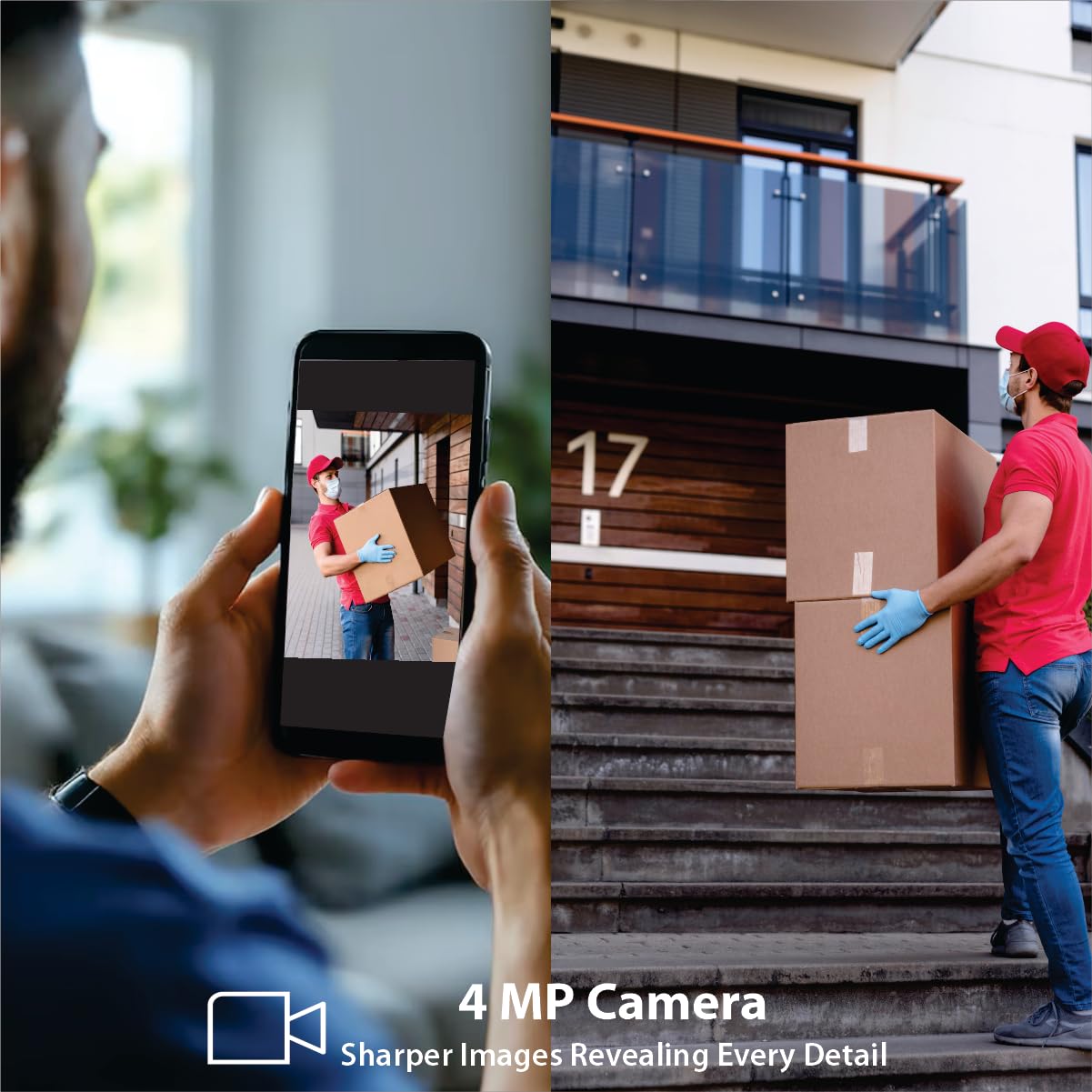
The CP PLUS CP-Z45Q is a 4MP Full HD outdoor Wi-Fi CCTV camera designed for comprehensive surveillance of homes and commercial spaces. It features 360° pan and tilt capabilities, full-color night vision, and smart detection functionalities including human detection and sound alerts. Integrated with CTC Cyber Secure Technology, this camera ensures data privacy and security. It also supports two-way communication and voice control via Alexa and Google Home.

Figure 1.1: CP PLUS CP-Z45Q 4MP Outdoor Wi-Fi CCTV Camera.
2. ສິ່ງທີ່ຢູ່ໃນກ່ອງ
ກວດສອບວ່າອົງປະກອບທັງຫມົດແມ່ນມີຢູ່ໃນການຫຸ້ມຫໍ່:
- CP PLUS CP-Z45Q Camera
- Power Adapter
- User Manual QR Card
- Screws Packet for Mounting
3. ການຕິດຕັ້ງແລະການຕິດຕັ້ງ
3.1 App Integration Steps
Follow these steps to integrate your camera with the EZYKAM+ application:
- Download EZYKAM+ App: ຊອກຫາ "EZYKAM+" on the App Store (iOS) or Google Play Store (Android) and download the application. Register your account.
- ເພີ່ມອຸປະກອນ: On the app's home page, click the '+' icon and select your camera's model number.
- ເຊື່ອມຕໍ່ກັບ Wi-Fi: Enter your 2.4GHz Wi-Fi network name and password. Confirm the details. Note: This camera supports 2.4GHz Wi-Fi networks only.
- ສະແກນລະຫັດ QR: The app will generate a QR code. Present this QR code to the camera lens. Listen for a voice prompt indicating successful scanning. Wait for the indicator light to turn steady blue, signifying successful configuration.
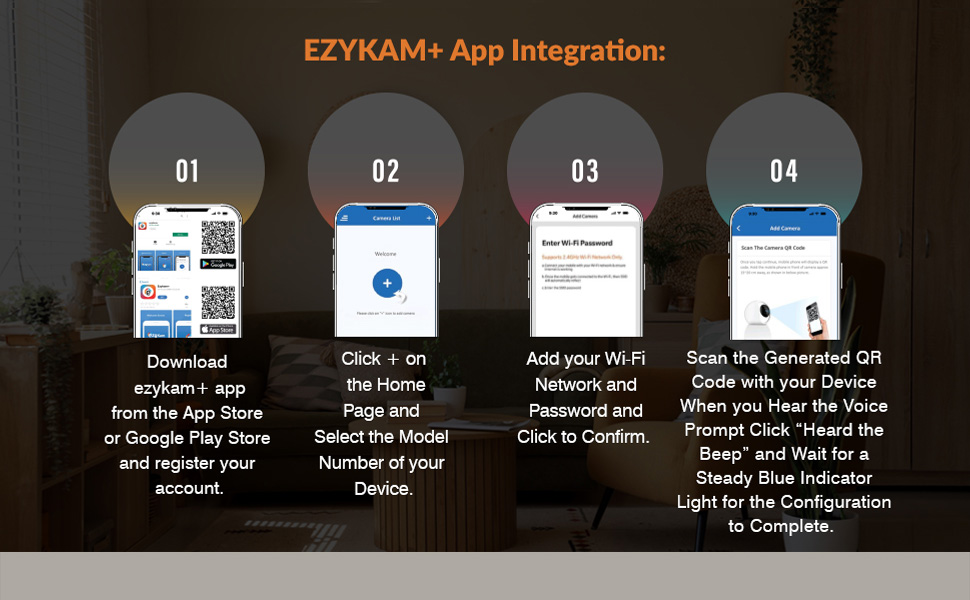
Figure 3.1: Visual guide for EZYKAM+ App integration.
3.2 ການຕິດຕັ້ງທາງດ້ານຮ່າງກາຍ
Choose a suitable outdoor location for mounting the camera, ensuring a clear line of sight and access to a power source. Use the provided screws and mounting template (if included) to securely attach the camera to a wall or ceiling. Ensure the camera is positioned to cover the desired surveillance area.
ຮູບ 3.2: ດ້ານຫນ້າ View
ຮູບ 3.3: ຂ້າງ View

ຮູບ 3.4: ກັບຄືນໄປບ່ອນ View

ຮູບທີ 3.5: ຕົວຢ່າງample of outdoor camera mounting.
4. ຄໍາແນະນໍາການດໍາເນີນງານ
4.1 ການຄວບຄຸມ Pan & Tilt
The CP-Z45Q camera offers motorized 360° horizontal pan and 96° vertical tilt movement. You can control the camera's viewing angle remotely through the EZYKAM+ app, allowing you to monitor a wide area and eliminate blind spots.
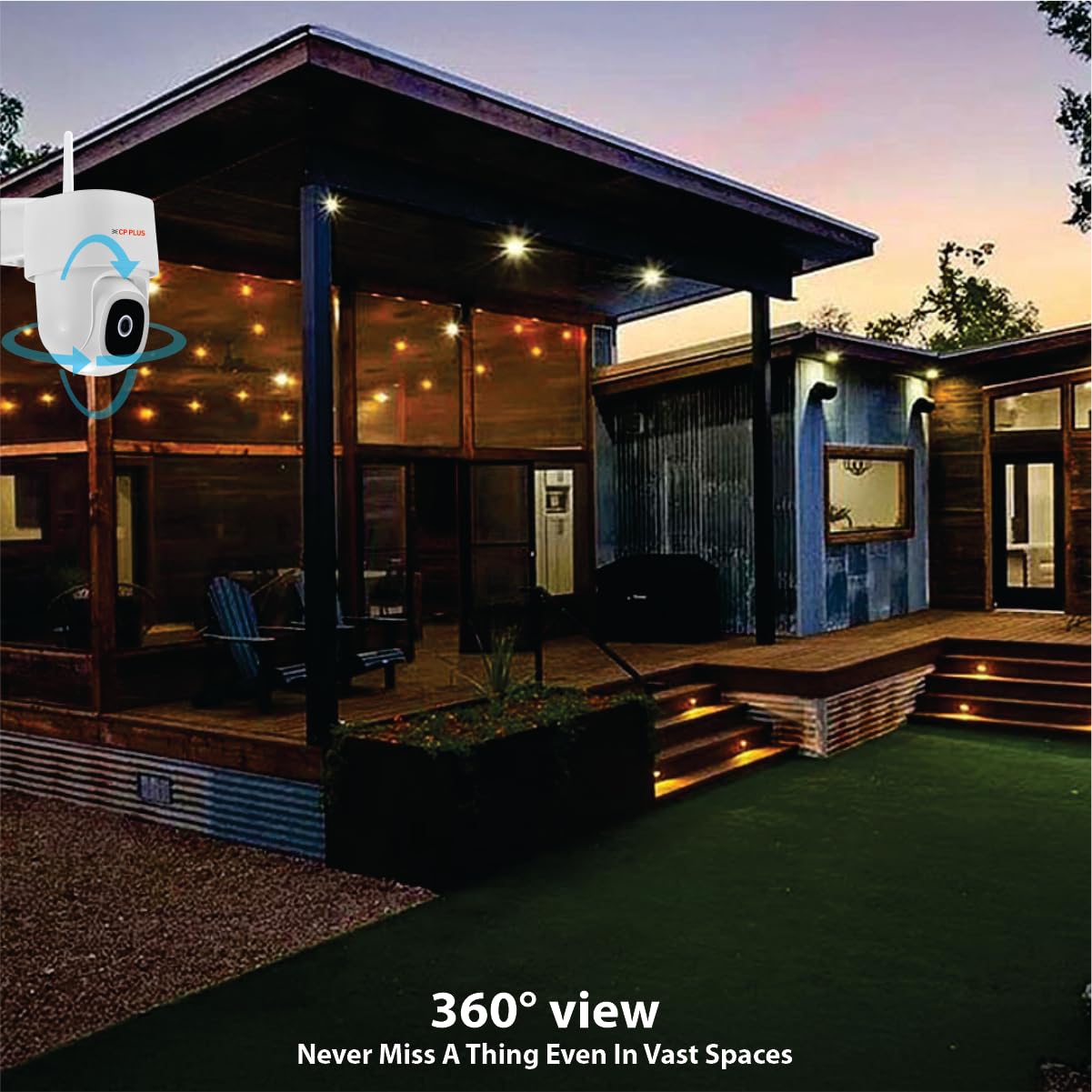
Figure 4.1: Camera providing 360° view of an outdoor space.
4.2 Full-Color Night Vision
Equipped with advanced low-light sensors and LED illumination, this camera provides bright, full-color video footage even in complete darkness, offering clearer identification compared to traditional infrared-only cameras.

Figure 4.2: Day and Full-Color Night Vision comparison.
4.3 ຄຸນສົມບັດການກວດສອບອັດສະລິຍະ
- ການກວດຈັບຮ່າງກາຍຂອງມະນຸດ: The camera intelligently identifies human shapes, reducing false alarms from pets or environmental factors.
- ກວດຈັບການເຄື່ອນໄຫວ: Receive alerts when any movement is detected within the camera's field of view.
- ການຕິດຕາມ Motion: The camera can automatically follow detected human movement, keeping the subject in frame.
- ການຊອກຄົ້ນຫາສຽງ: Get notifications for loud noises, enhancing overall security awareness.
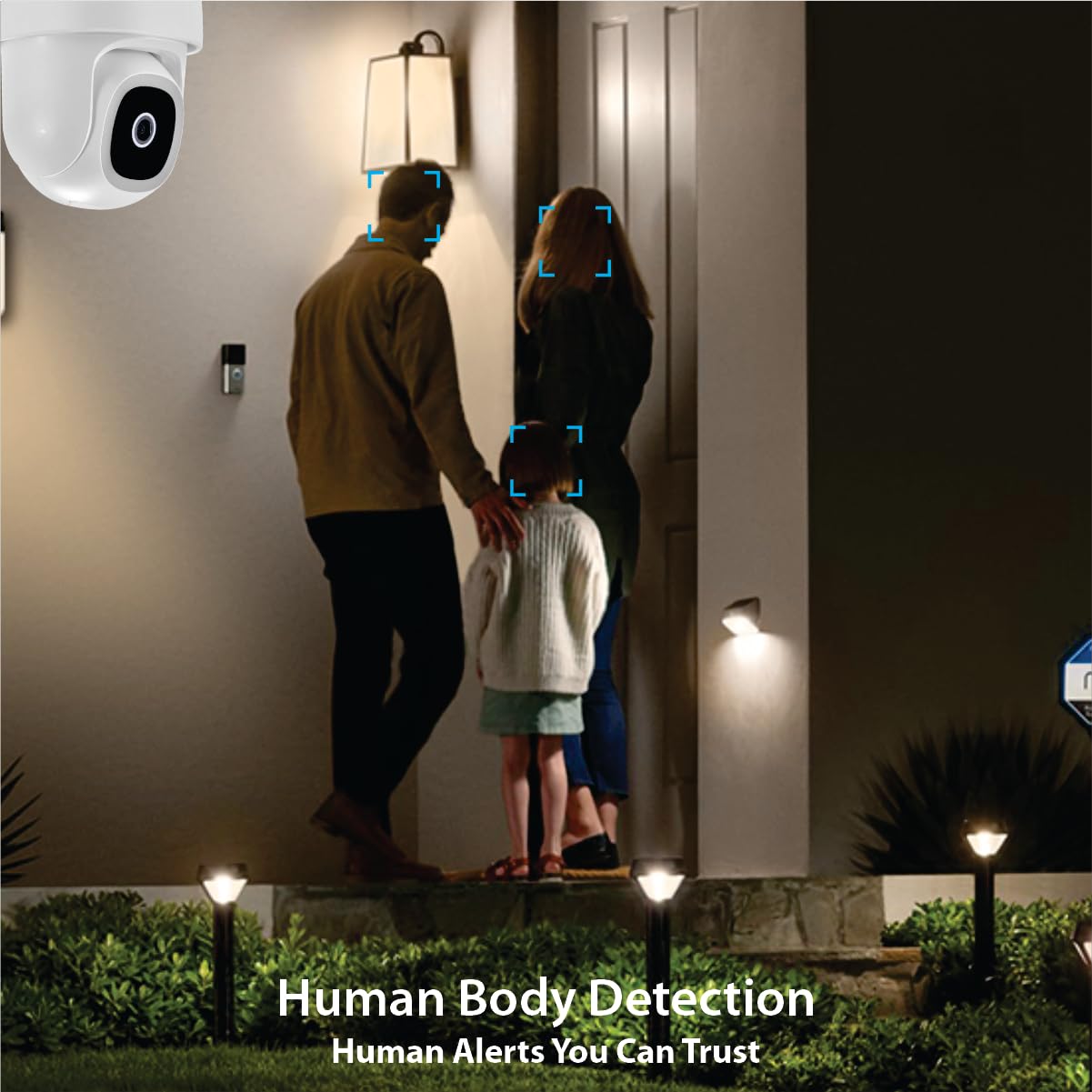
Figure 4.3: Human Body Detection
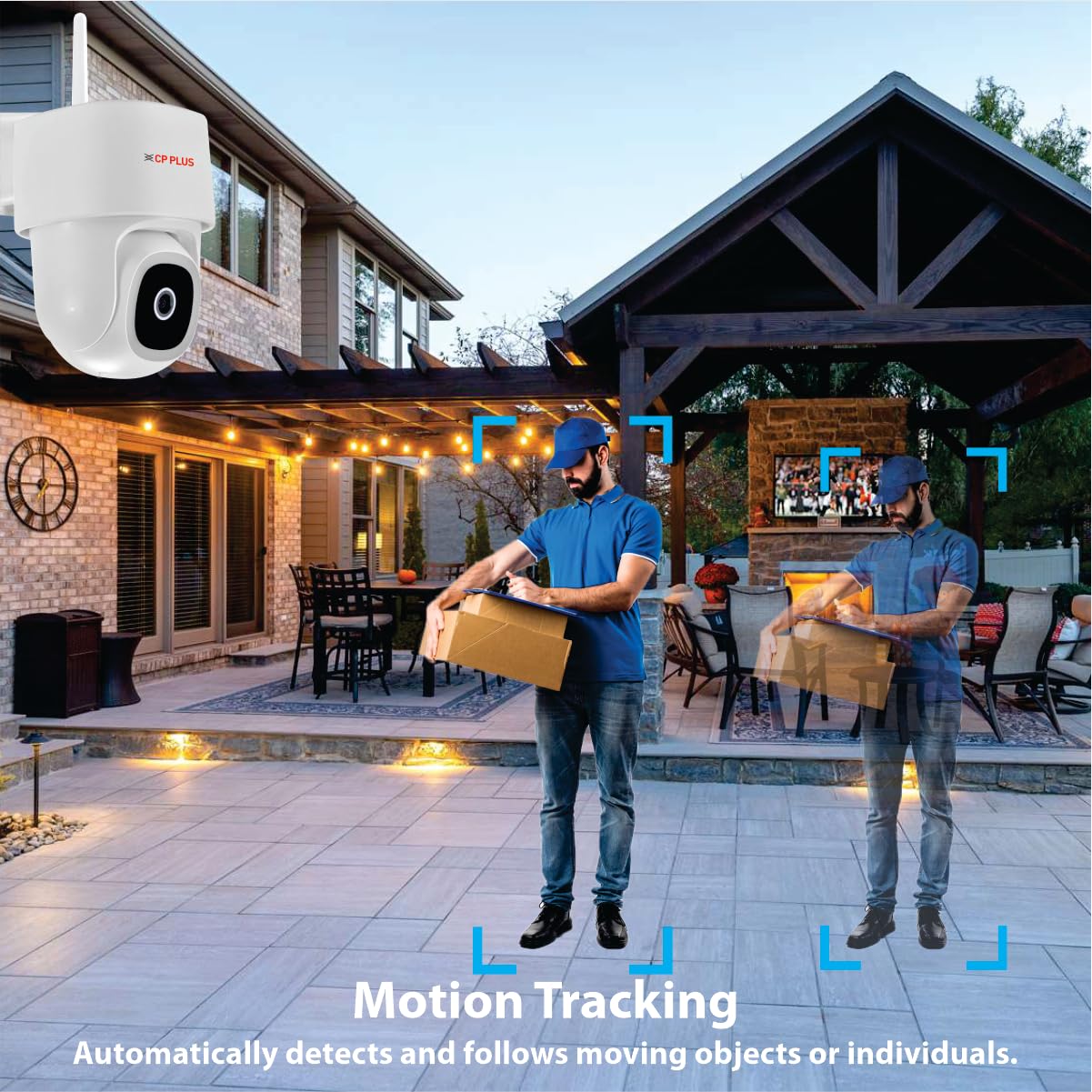
Figure 4.4: Motion Tracking
4.4 ການສື່ສານສອງທາງ
Utilize the built-in microphone and speaker for real-time two-way audio communication through the EZYKAM+ app. This allows you to speak with visitors or deter intruders directly.

Figure 4.5: Two-Way Communication in action.
4.5 ການລວມຕົວຊ່ວຍສຽງ
The CP-Z45Q camera is compatible with Amazon Alexa and Google Home, enabling voice-activated control and integration into your smart home ecosystem.

Figure 4.6: Google Home integration for camera control.
5. ຄຸນນະສົມບັດຄວາມປອດໄພ
5.1 CTC Cyber Secure Technology
This camera incorporates CTC Cyber Secure Technology, which includes secure boot-up, end-to-end data encryption, and tamper-proof firmware. These features protect your video footage from unauthorized access, hacking attempts, and data breaches, ensuring your privacy and security.

Figure 5.1: CTC Cyber Secure Technology overview.
5.2 Built-in Siren
The camera features a built-in siren that can be activated manually or automatically upon detection of suspicious activity, serving as an effective deterrent against potential threats.
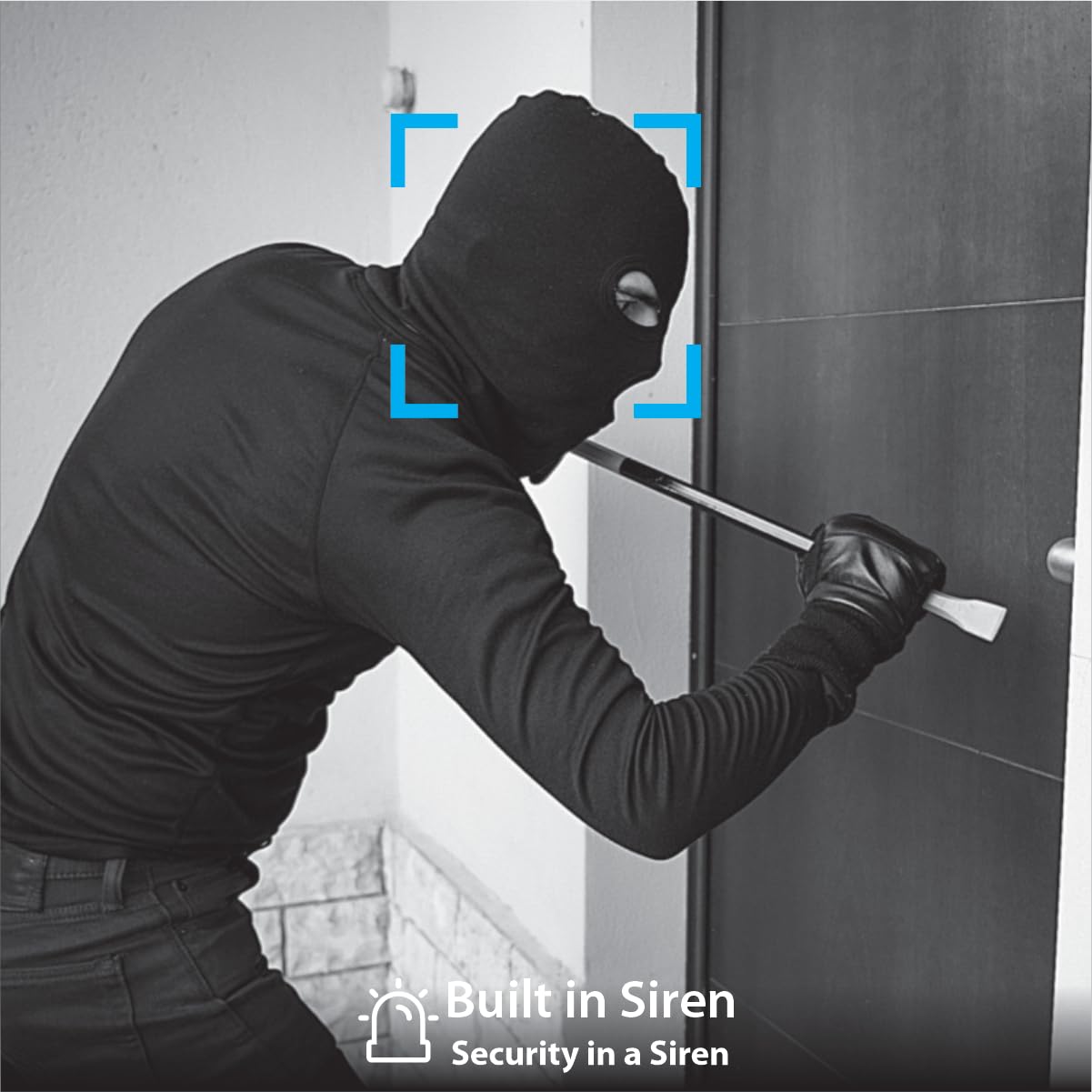
ຮູບທີ 5.2: ໄຊເຣນໃນຕົວເພື່ອສະກັດກັ້ນຜູ້ບຸກລຸກ.
6. ບໍາລຸງຮັກສາ
ການບໍາລຸງຮັກສາເປັນປົກກະຕິຮັບປະກັນປະສິດທິພາບທີ່ດີທີ່ສຸດແລະອາຍຸຍືນຂອງກ້ອງຖ່າຍຮູບຂອງທ່ານ:
- ທໍາຄວາມສະອາດ: ເຮັດຄວາມສະອາດເລນກ້ອງຖ່າຍຮູບ ແລະ ທີ່ຢູ່ອາໃສເປັນໄລຍະໆດ້ວຍເຄື່ອງອ່ອນ, ງamp ຜ້າເພື່ອເອົາຂີ້ຝຸ່ນແລະສິ່ງເສດເຫຼືອ. ຫຼີກລ້ຽງການເຮັດຄວາມສະອາດຂັດ.
- ການອັບເດດເຟີມແວ: Check the EZYKAM+ app regularly for available firmware updates. Keeping the firmware updated ensures access to the latest features and security enhancements.
- ການຄຸ້ມຄອງບັດ SD: If using an SD card for storage, it is recommended to format it regularly (e.g., weekly or when storage reaches 50-60%) to prevent data corruption and ensure continuous recording. The camera does not support loop recording; once full, manual formatting is required.
- ການສະຫນອງພະລັງງານ: Ensure the camera is connected to a stable power source.
7. ການແກ້ໄຂບັນຫາ
ອ້າງອີງເຖິງບັນຫາທົ່ວໄປຕໍ່ໄປນີ້ ແລະວິທີແກ້ໄຂບັນຫາຂອງເຂົາເຈົ້າ:
- ກ້ອງຖ່າຍຮູບບໍ່ໄດ້ເຊື່ອມຕໍ່ກັບ Wi-Fi:
- ໃຫ້ແນ່ໃຈວ່າເຄືອຂ່າຍ Wi-Fi ຂອງທ່ານແມ່ນ 2.4GHz. ກ້ອງຖ່າຍຮູບບໍ່ຮອງຮັບເຄືອຂ່າຍ 5GHz.
- ກວດສອບລະຫັດຜ່ານ Wi-Fi ຖືກຕ້ອງ.
- Move the camera closer to the Wi-Fi router to improve signal strength.
- Reset the camera and attempt the setup process again.
- SD card malfunctioning or camera restarting:
- This can occur when the SD card is full. Format the SD card through the app or by removing it and formatting it on a computer.
- Consider using a high-quality, compatible SD card.
- If issues persist, try using cloud storage as an alternative.
- Camera making noise while rotating:
- Ensure there are no obstructions around the camera's moving parts.
- If the noise is excessive or new, contact customer support.
- ຄຸນນະພາບວິດີໂອບໍ່ດີ:
- ກວດສອບຄວາມແຮງຂອງສັນຍານ Wi-Fi ຂອງທ່ານ. ສັນຍານອ່ອນສາມາດສົ່ງຜົນກະທົບຕໍ່ຄຸນນະພາບການຖ່າຍທອດໄດ້.
- ກວດໃຫ້ແນ່ໃຈວ່າເລນກ້ອງຖ່າຍຮູບສະອາດ ແລະບໍ່ມີຮອຍເປື້ອນ ຫຼືຝຸ່ນ.
- Adjust video settings within the EZYKAM+ app if available.
If you encounter issues not listed here or require further assistance, please contact CP PLUS customer support.
8. ຂໍ້ມູນຈໍາເພາະ
| ຄຸນສົມບັດ | ລາຍລະອຽດ |
|---|---|
| ໝາຍເລກຕົວແບບ | CP-Z45Q |
| ຄວາມລະອຽດ | 4MP Full HD |
| Pan & Tilt | 360° Pan, ອຽງ 96° |
| ວິໄສທັດກາງຄືນ | Full-Color Night Vision with LED Illumination |
| ຄຸນສົມບັດການຊອກຄົ້ນຫາ | Human Body Detection, Motion Detection, Sound Detection, Motion Tracking |
| ສຽງ | ສຽງສອງທາງ (ໄມໃນຕົວ ແລະລຳໂພງ) |
| ຕົວເລືອກການເກັບຮັກສາ | ກາດ MicroSD (ສູງສຸດ 256GB), ບ່ອນເກັບຂໍ້ມູນໃນຄລາວ |
| ການເຊື່ອມຕໍ່ | Wi-Fi (2.4GHz ເທົ່ານັ້ນ) |
| ຜູ້ຊ່ວຍສຽງ | Alexa, Google Home |
| ຄວາມປອດໄພ | CTC Cyber Secure Technology, Built-in Siren |
| ການນຳໃຊ້ພາຍໃນ/ນອກ | ກາງແຈ້ງ |
| ແຫຼ່ງພະລັງງານ | ໄຟຟ້າສາຍ |
| ຂະໜາດສິນຄ້າ | 15.5 x 10 x 14.5 cm |
| ນ້ໍາຫນັກລາຍການ | 526 g |
9. ການຮັບປະກັນແລະການສະຫນັບສະຫນູນ
For warranty information, please refer to the warranty card included with your product or visit the official CP PLUS webເວັບໄຊ. ຮັກສາໃບຮັບເງິນການຊື້ຂອງທ່ານໄວ້ເປັນຫຼັກຖານການຊື້.
For technical support, product inquiries, or service requests, please contact CP PLUS customer service through their official channels. Contact details can typically be found on the manufacturer's webສະຖານທີ່ຫຼືຢູ່ໃນການຫຸ້ມຫໍ່ຜະລິດຕະພັນ.


