ແນະນຳ
The GOBOULT W60 True Wireless Earbuds provide a high-quality audio experience with advanced features designed for daily use, gaming, and communication. This manual provides instructions for setup, operation, maintenance, and troubleshooting to ensure optimal performance of your device.
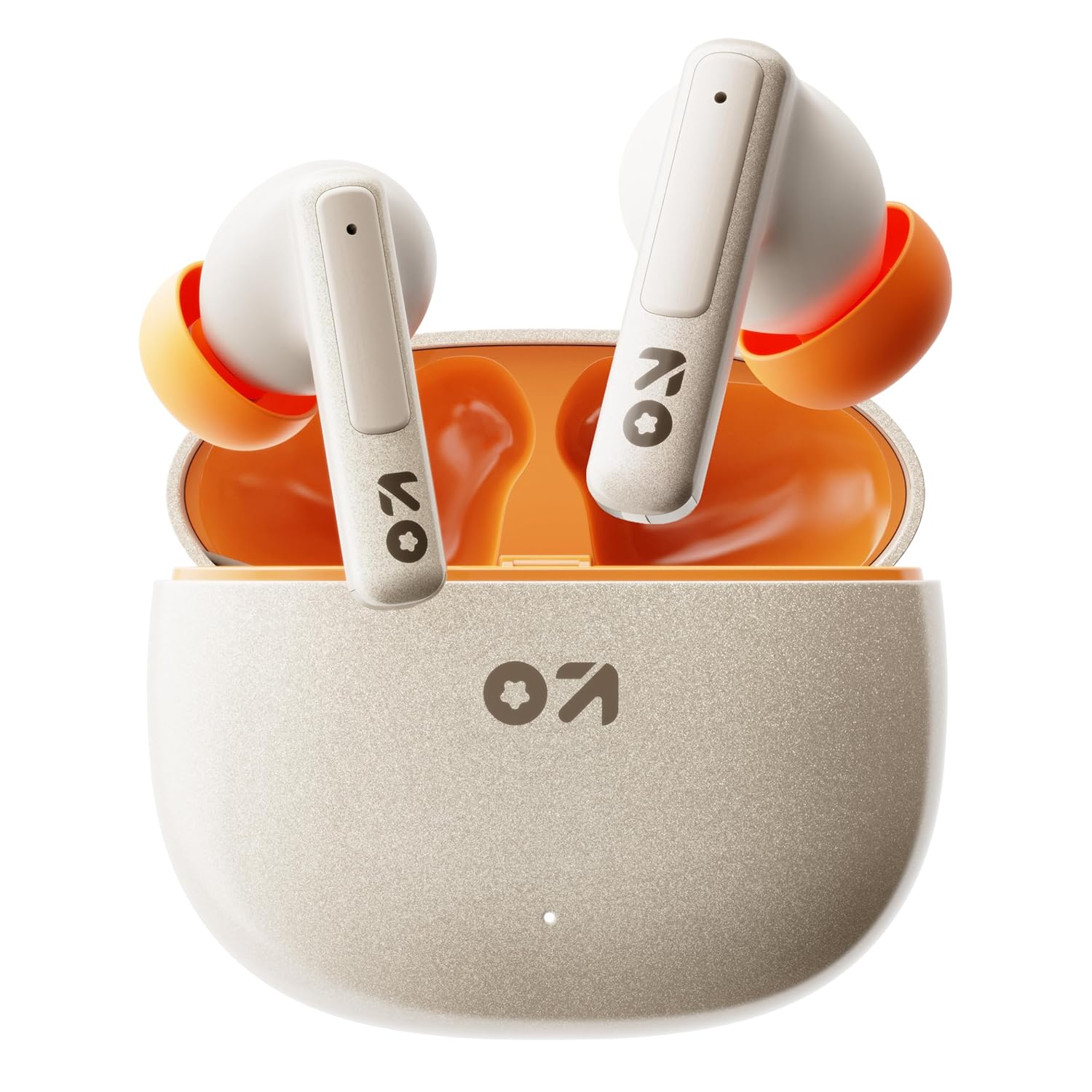
Image: GOBOULT W60 True Wireless Earbuds in their charging case.
ແມ່ນຫຍັງຢູ່ໃນກ່ອງ
- GOBOULT W60 True Wireless Earbuds
- ກໍລະນີສາກໄຟໄຮ້ສາຍ
- ຄູ່ພິເສດຂອງ Eartips
- ສາຍສາກໄວ Type-C
- ຄູ່ມືຜູ້ໃຊ້
- ບັດຮັບປະກັນ
ຕັ້ງຄ່າ
1. ການສາກຫູຟັງ ແລະ ເຄສ
Before first use, fully charge the GOBOULT W60 earbuds and their charging case.
- Connect the provided Type-C charging cable to the charging port on the case and to a compatible USB power source.
- ແສງຊີ້ບອກກ່ຽວກັບກໍລະນີຈະສະແດງສະຖານະການສາກໄຟ. ເມື່ອສາກເຕັມແລ້ວ, ຕົວຊີ້ບອກຈະປ່ຽນ ຫຼື ປິດ.
- ວາງຫູຟັງໃສ່ກະເປົ໋າສາກໄຟ. ພວກເຂົາຈະເລີ່ມສາກໄຟໂດຍອັດຕະໂນມັດ.
A 10-minute charge provides approximately 4 hours of playtime. The case offers up to 60 hours of total playtime for the earbuds.
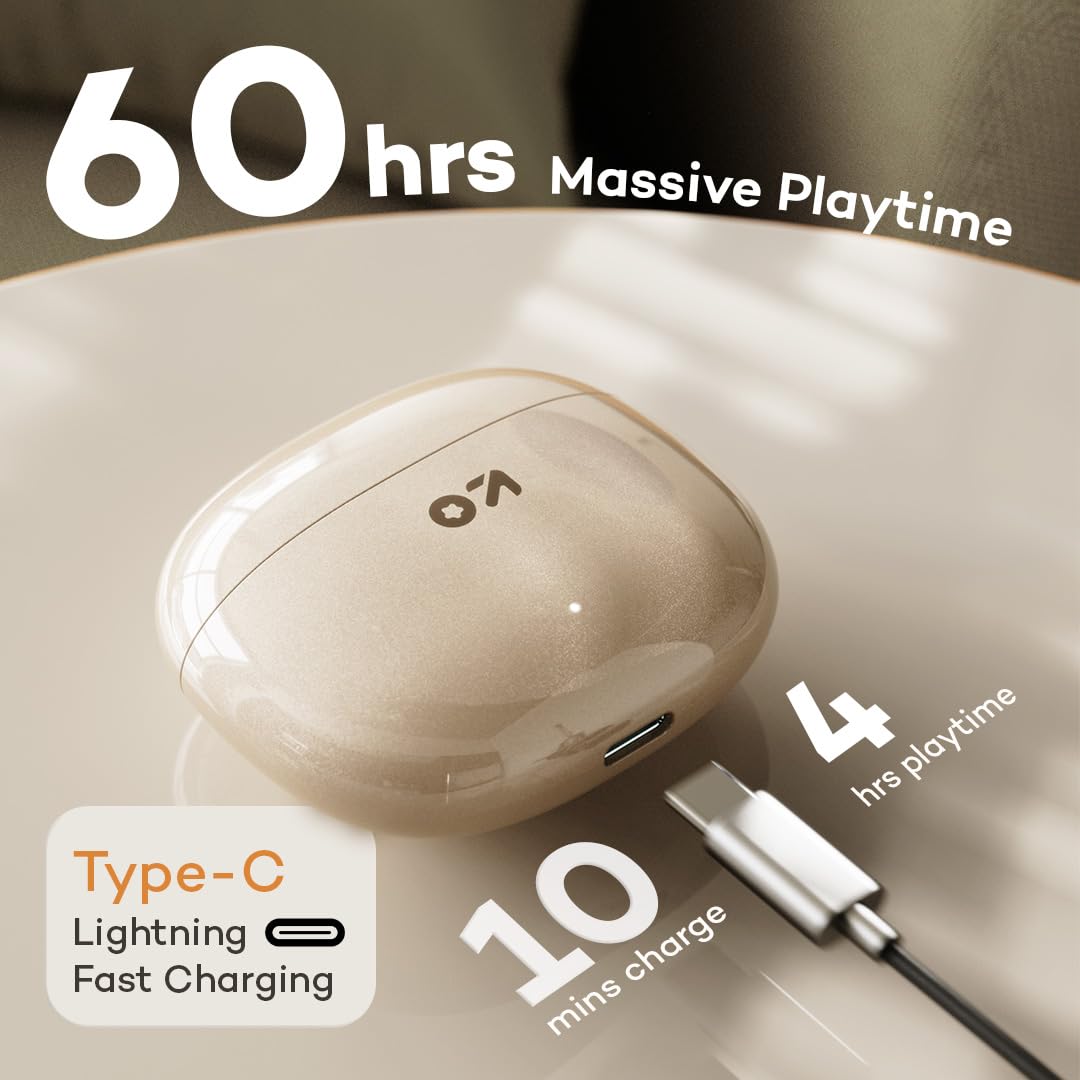
Image: GOBOULT W60 charging case with Type-C cable, highlighting fast charging capabilities.
2. ການຈັບຄູ່ກັບອຸປະກອນ
The GOBOULT W60 earbuds utilize Bluetooth 5.4 for a fast and stable connection.
- ເປີດກ່ອງສາກໄຟ. ຫູຟັງເອຍບັດຈະເຂົ້າສູ່ໂໝດຈັບຄູ່ໂດຍອັດຕະໂນມັດ.
- ໃນອຸປະກອນຂອງທ່ານ (ໂທລະສັບສະຫຼາດ, ແທັບເລັດ, ແລັບທັອບ), ເປີດໃຊ້ Bluetooth.
- ຊອກຫາ available Bluetooth devices and select "GOBOULT W60" from the list.
- ເມື່ອເຊື່ອມຕໍ່ແລ້ວ, ທ່ານຈະໄດ້ຍິນສຽງເຕືອນ, ແລະຫູຟັງເອຍບັດຈະພ້ອມໃຫ້ໃຊ້.
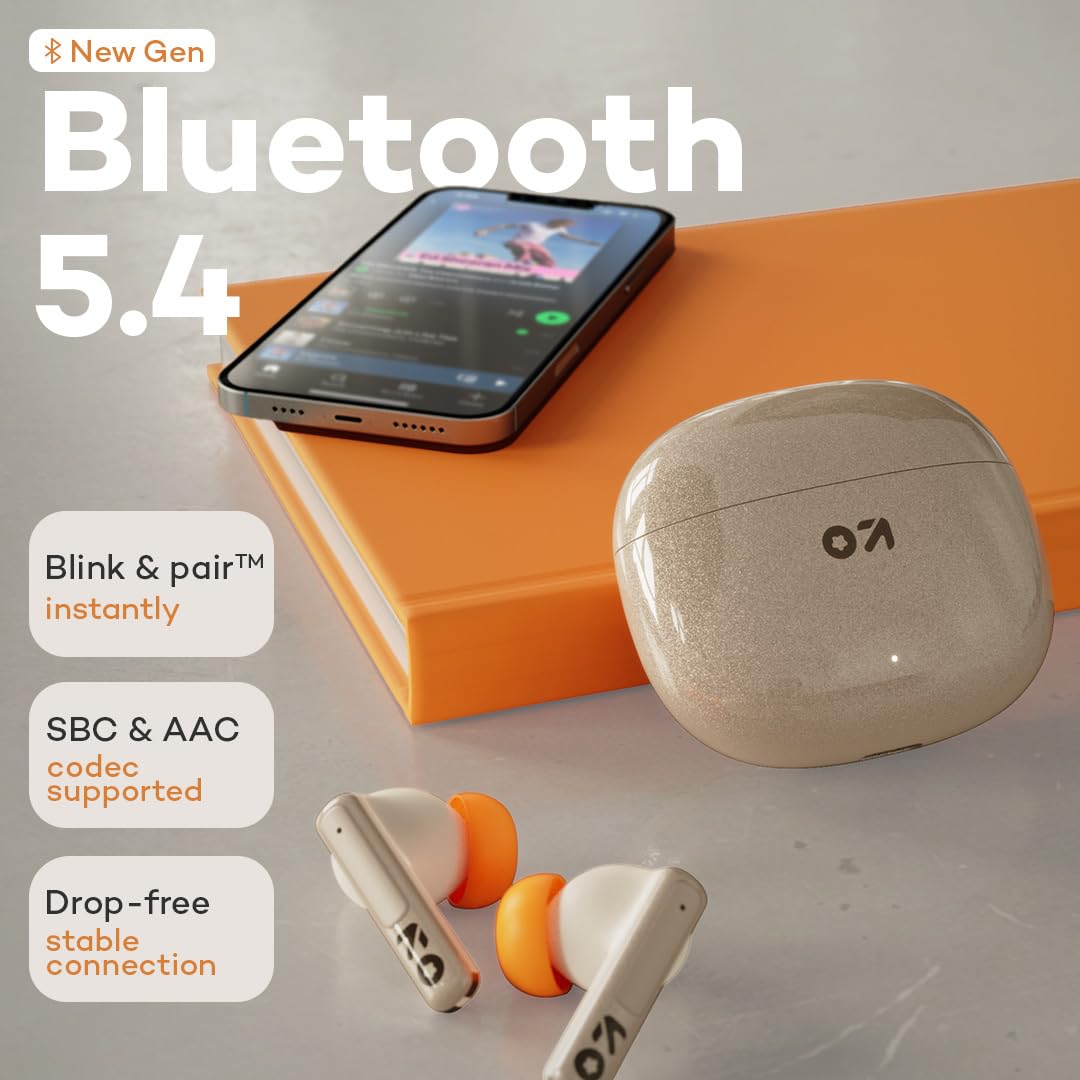
Image: GOBOULT W60 earbuds demonstrating Bluetooth 5.4 connectivity.
ຄໍາແນະນໍາການດໍາເນີນງານ
ແຕະການຄວບຄຸມ
The GOBOULT W60 earbuds feature intuitive touch controls for managing audio playback, calls, and voice assistant activation.

Image: GOBOULT W60 earbuds highlighting touch control areas.
- ຫຼິ້ນ/ຢຸດ: ແຕະເທື່ອດຽວໃສ່ຫູຟັງຫູຟັງ.
- ເພງຕໍ່ໄປ: ແຕະສອງເທື່ອໃສ່ຫູຟັງເບື້ອງຂວາ.
- ຕິດຕາມກ່ອນ ໜ້າ ນີ້: ແຕະສອງເທື່ອໃສ່ຫູຟັງທາງຊ້າຍ.
- ຮັບ/ສາຍໂທ: ແຕະເທື່ອດຽວໃສ່ຫູຟັງຫູຟັງ.
- ປະຕິເສດການໂທ: ກົດຄ້າງໃສ່ຫູຟັງທັງສອງຂ້າງ.
- ກະຕຸ້ນຜູ້ຊ່ວຍສຽງ: Triple tap on either earbud (supports Google Assistant and Siri).
- ການຄວບຄຸມລະດັບສຽງ: Long press the right earbud to increase volume, long press the left earbud to decrease volume.
ຟັງຊັນການໂທ
Equipped with ZEN Quad Mic ENC (Environmental Noise Cancellation), the W60 earbuds ensure clear communication by filtering out background noise during calls.
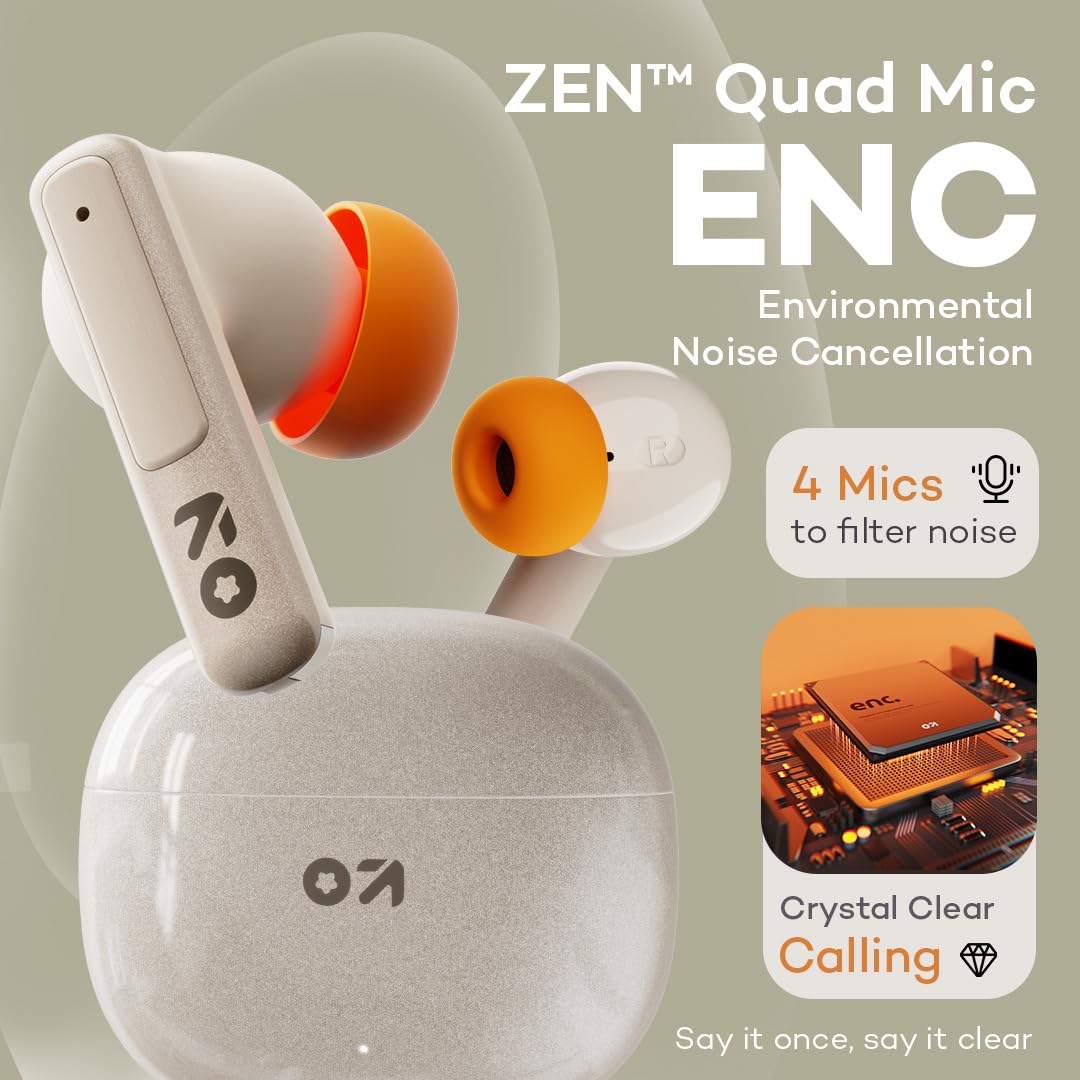
Image: GOBOULT W60 earbuds showcasing ZEN Quad Mic ENC for crystal-clear calls.
ໂໝດເກມ
Activate the Combat Gaming mode for an ultra-low latency experience of 50ms, providing synchronized audio during gaming or video playback.
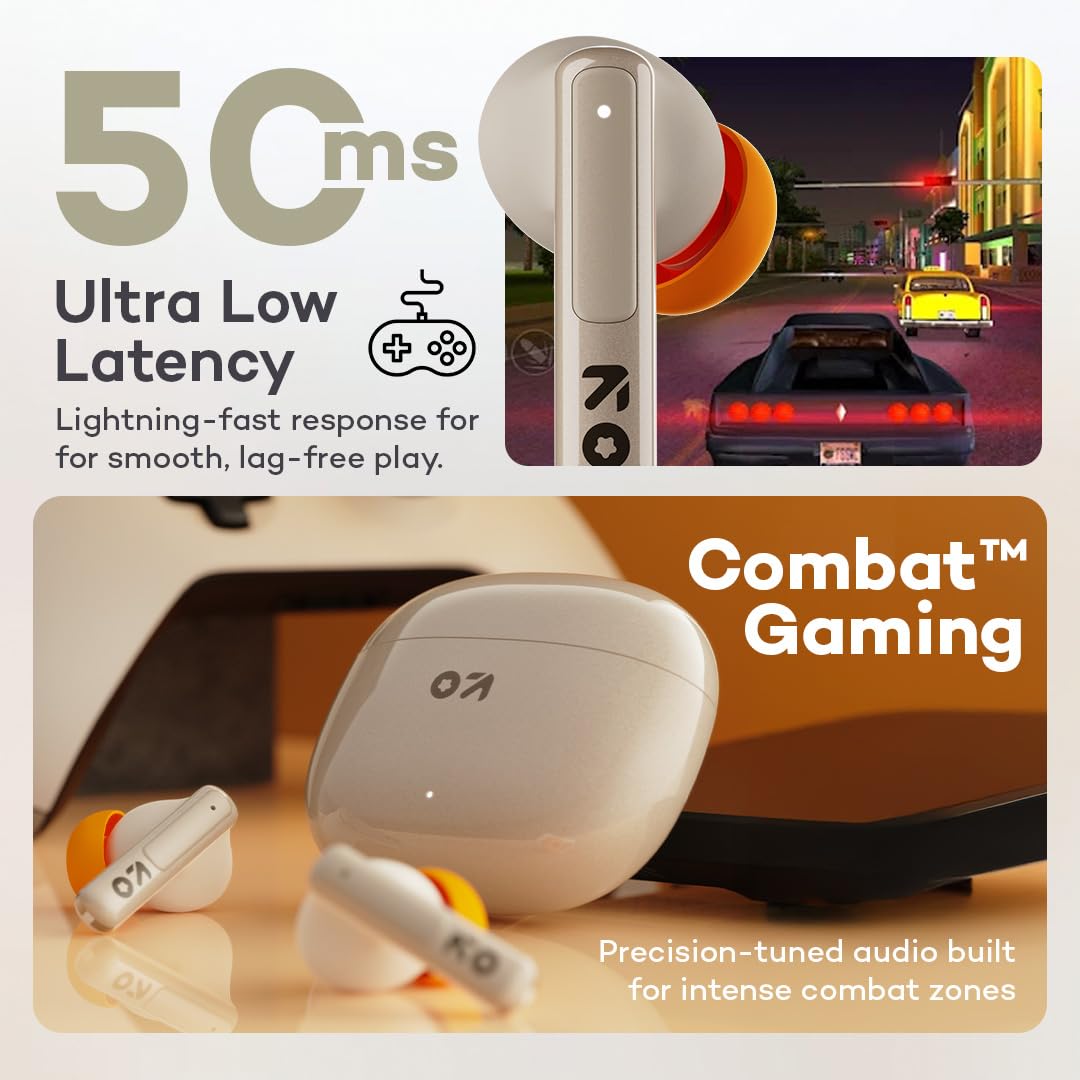
Image: GOBOULT W60 earbuds illustrating low latency for gaming.
ປະສິດທິພາບສຽງ
The W60 earbuds feature 13mm dynamic drivers with BoomX technology, delivering supreme bass and immersive sound for an enhanced listening experience.

Image: GOBOULT W60 earbuds highlighting 13mm punchy bass drivers.
ບໍາລຸງຮັກສາ
ການທໍາຄວາມສະອາດແລະການດູແລ
- ອະນາໄມຫູຟັງຫູຟັງ ແລະກະເປົ໋າສາກໄຟເປັນປະຈຳດ້ວຍຜ້າແພທີ່ອ່ອນ, ແຫ້ງ, ບໍ່ມີສານຂັດ.
- ຫຼີກເວັ້ນການນໍາໃຊ້ວັດສະດຸຂັດ, ສານລະລາຍ, ຫຼືສີດ aerosol.
- ກວດໃຫ້ແນ່ໃຈວ່າລາຍຊື່ຜູ້ຕິດຕໍ່ທີ່ສາກໄຟຢູ່ທັງຫູຟັງເອຍບັດ ແລະເຄສແມ່ນສະອາດ ແລະບໍ່ມີສິ່ງເສດເຫຼືອ.
ການຕໍ່ຕ້ານນ້ໍາ
The GOBOULT W60 earbuds are IPX5 water resistant, meaning they are protected against sweat and splashes. They are not designed for submersion in water.

Image: GOBOULT W60 earbuds demonstrating IPX5 water resistance.
ການແກ້ໄຂບັນຫາ
If you encounter issues with your GOBOULT W60 earbuds, refer to the following common solutions:
- ບໍ່ມີສຽງ: ໃຫ້ແນ່ໃຈວ່າຫູຟັງເອຍບັດໄດ້ຖືກສາກໄຟແລ້ວ, ຈັບຄູ່ຢ່າງຖືກຕ້ອງ, ແລະ ລະດັບສຽງໄດ້ຖືກປັບແລ້ວໃນທັງຫູຟັງເອຍບັດ ແລະ ອຸປະກອນທີ່ເຊື່ອມຕໍ່ຂອງທ່ານ.
- ບັນຫາການຈັບຄູ່: Turn off Bluetooth on your device, place earbuds back in the case, close and reopen the case, then try pairing again. Ensure no other devices are actively connected to the earbuds.
- ຫູຟັງໜຶ່ງໜ່ວຍບໍ່ເຮັດວຽກ: Place both earbuds in the charging case, close the lid, wait a few seconds, then open the lid and try reconnecting. Check for debris on charging contacts.
- ບັນຫາການສາກໄຟ: Verify the Type-C cable and power adapter are working correctly. Ensure the charging contacts on the earbuds and case are clean.
- ຄຸນນະພາບການໂທບໍ່ດີ: Ensure the microphones are not obstructed. Check your network signal.
If problems persist, consult the support section or contact customer service.
ຂໍ້ມູນຈໍາເພາະ
| ຄຸນສົມບັດ | ລາຍລະອຽດ |
|---|---|
| ຊື່ຕົວແບບ | W60 (AirBass) |
| ເຕັກໂນໂລຊີການເຊື່ອມຕໍ່ | Bluetooth 5.4, Wireless |
| ຊ່ວງ Bluetooth | 10 ແມັດ |
| ຂະໜາດໄດເວີສຽງ | 13mm Dynamic Driver |
| ການຄວບຄຸມສິ່ງລົບກວນ | ZEN Quad Mic ENC (Environmental Noise Cancellation) |
| ຄວາມຍືດຍຸ່ນສຽງ | 50 ມິນລິວິນາທີ (ໂໝດເກມ) |
| ເວລາຫຼິ້ນ (ຫູຟັງ) | ດົນເຖິງ 60 ຊົ່ວໂມງ (ພ້ອມກ່ອງສາກ) |
| ເວລາສາກໄຟ | 10 Minutes for 4 Hours Playtime |
| ພອດສາກໄຟ | ປະເພດ-C |
| ລະດັບຄວາມຕ້ານທານນ້ໍາ | IPX5 (ກັນເຫື່ອ, ກັນນໍ້າກະເດັນ) |
| ປະເພດການຄວບຄຸມ | Touch Controls, Voice Assistant (Google Assistant, Siri) |
| ນ້ໍາຫນັກລາຍການ | 51.6 ກຣາມ |
| ປະເທດຕົ້ນກໍາເນີດ | ປະເທດອິນເດຍ |
ການຮັບປະກັນແລະການສະຫນັບສະຫນູນ
Your GOBOULT W60 True Wireless Earbuds come with a warranty. Please refer to the included Warranty Card for details regarding coverage and terms. For further assistance, technical support, or warranty claims, please visit the official GOBOULT store or contact customer service.
GOBOULT Store: Visit GOBOULT Store on Amazon.in


