1. ບົດແນະນຳ
This manual provides essential information for setting up, operating, and maintaining your TCL 85T69C 85-inch QLED 4K HDR Smart TV. This television integrates advanced QLED technology for vibrant colors, 4K HDR for superior contrast, and is powered by Google TV for a smart and intuitive user experience. It also features Onkyo 2.1 sound for immersive audio and Game Master features for an optimized gaming experience.

ຮູບ 1: ດ້ານຫນ້າ view of the TCL 85T69C 85-inch QLED 4K HDR Smart TV.
2. ຂໍ້ມູນຄວາມປອດໄພ
Before operating the TV, please read all safety instructions carefully. Keep this manual for future reference. Ensure proper ventilation and avoid placing the TV near heat sources or in direct sunlight. Do not expose the TV to rain or moisture. For cleaning, use a soft, dry cloth. Always unplug the TV before cleaning or performing any maintenance.
3. ສິ່ງທີ່ຢູ່ໃນກ່ອງ
ກວດສອບວ່າມີອົງປະກອບທັງຫມົດ:
- ສາຍໄຟ
- ການຄວບຄຸມໄລຍະໄກ
- ຢືນ
4. ຕັ້ງຄ່າ
4.1. ຂະໜາດ ແລະ ຕຳແໜ່ງ
The TV dimensions are approximately 37.2 x 189 x 115.2 cm (depth x width x height) and it weighs 46 kg. Ensure adequate space for placement and ventilation.

Figure 2: Diagram showing the dimensions of the TCL 85T69C 85-inch TV and its remote control.
4.2. ການຕິດຕັ້ງ Stand
Carefully attach the provided stand to the television following the instructions in the quick start guide. Ensure all screws are securely fastened.
4.3. ຝາຜະ ໜັງ
The TV is VESA compatible. For wall mounting, use a compatible VESA mount (not included) and consult a professional installer to ensure safe and secure installation.
4.4. ການເຊື່ອມຕໍ່
Connect your external devices to the appropriate ports on the TV. The TV features multiple connectivity options:
- HDMI x 3: For connecting devices like gaming consoles, Blu-ray players, or set-top boxes.
- USB x 2: ສໍາລັບການເຊື່ອມຕໍ່ອຸປະກອນເກັບຮັກສາ USB ເພື່ອຫຼິ້ນມີເດຍຫຼືສໍາລັບການບໍລິການ.
- LAN (ອີເທີເນັດ): ສໍາລັບການເຊື່ອມຕໍ່ອິນເຕີເນັດແບບມີສາຍ.
- Optical (Digital Audio Out): ສໍາລັບການເຊື່ອມຕໍ່ກັບລະບົບສຽງພາຍນອກ.
- ສາຍເຄເບີ້ນ/ດາວທຽມ: For connecting antenna or satellite cables.
- ສະລັອດຕິງ CI: ສຳລັບໂມດູນການເຂົ້າເຖິງແບບມີເງື່ອນໄຂ (CAMs) ສຳລັບຊ່ອງທາງທີ່ຖືກເຂົ້າລະຫັດ.
ຮູບ 3: ເກີນview of the TV's connectivity ports including HDMI, USB, LAN, Optical, Cable, Satellite, and CI Slot.
4.5. ການເປີດເຄື່ອງເບື້ອງຕົ້ນ
After connecting all necessary cables, plug in the power cable and turn on the TV. Follow the on-screen instructions to complete the initial setup, including network connection and Google TV configuration.
5. ການປະຕິບັດໂທລະພາບຂອງທ່ານ
5.1. ການຄວບຄຸມໄລຍະໄກ
The remote control allows you to navigate Google TV, adjust settings, and control connected devices. Refer to the remote control guide for detailed button functions.
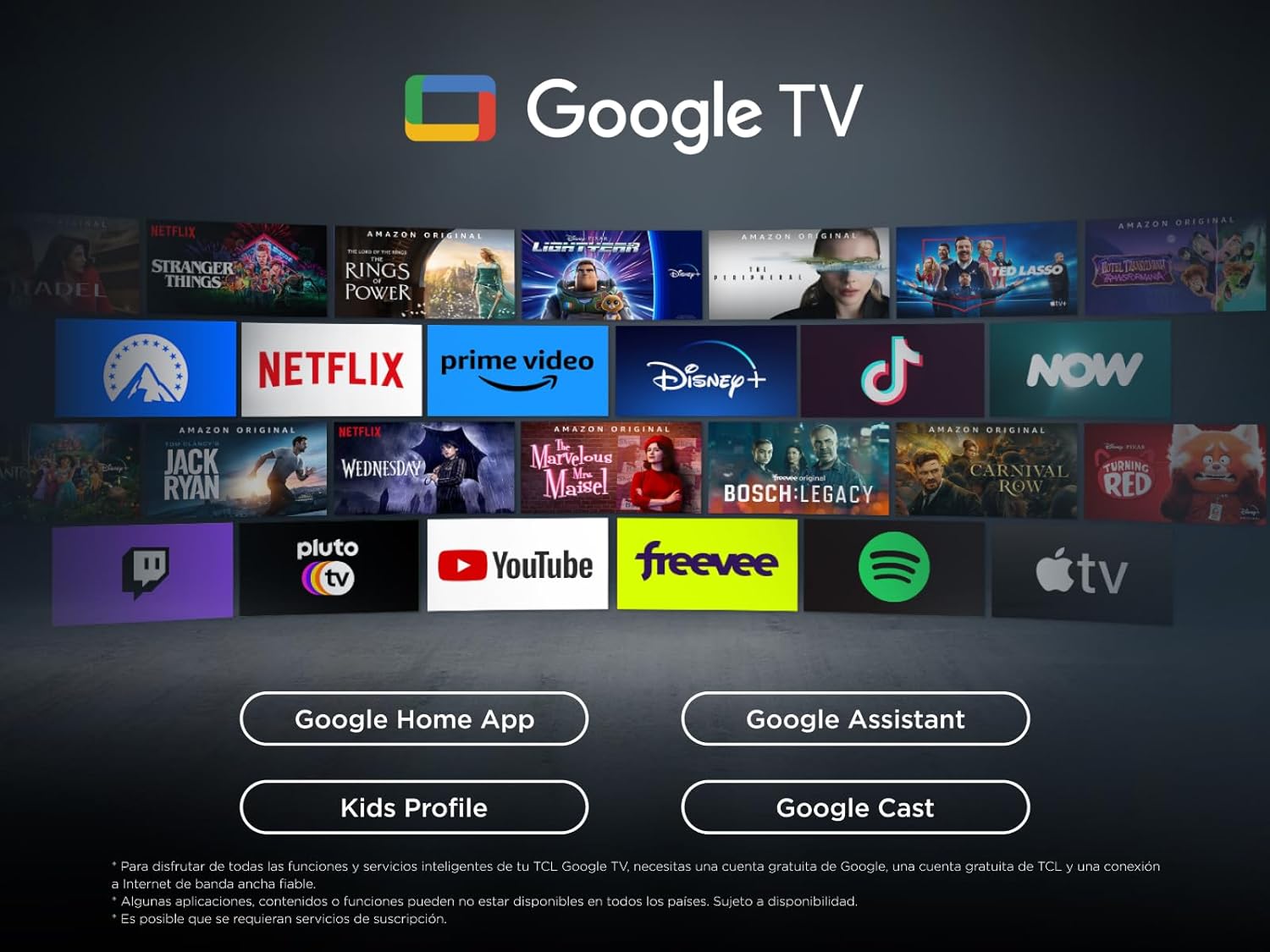
5.2. ຄຸນສົມບັດ Google TV
Your TCL TV is powered by Google TV, offering a personalized entertainment experience. Access a wide range of streaming apps, live TV, and content recommendations tailored to your preferences.

Figure 4: The Google TV interface displaying various streaming applications and content.
5.2.1. ຜູ້ຊ່ວຍ Google
Use the built-in Google Assistant for hands-free voice control. Press the Google Assistant button on your remote or use the far-field voice control (if available) to search for content, control smart home devices, and get information.
5.2.2. ການຫລໍ່
Easily cast content from your mobile device, tablet, or laptop to your TCL TV using Google Cast, Miracast, or Airplay (if supported).
5.3. ການຕັ້ງຄ່າຮູບ
ເພີ່ມປະສິດທິພາບຂອງທ່ານ viewປະສົບການກັບເຕັກໂນໂລຊີຮູບພາບທີ່ກ້າວໜ້າ:
- ເຕັກໂນໂລຊີ QLED: Enjoy over a billion colors and shades for realistic image quality and an ultra-wide color gamut.
- Direct LED: Provides improved image quality and energy efficiency.
- ແຜງ HVA: Offers high contrast, lower energy consumption, and a wider viewມຸມ ing.
- ໂປເຊດເຊີ AiPQ: TCL's algorithm processes content for high and stable 4K quality, clear motion, high contrast, and subtle details.
- Multi HDR Format: Supports HDR10, HLG, HDR10+, and Dolby Vision for stunning HDR from any source.

Figure 5: Visual representation of key features including QLED, AiPQ Processor, Dolby Atmos, Dolby Vision, HDR+, and Google TV.
5.4. ການຕັ້ງຄ່າສຽງ
Experience immersive audio with the integrated sound system:
- Onkyo 2.1 Sound: Integrated Onkyo speakers with a deep bass subwoofer deliver clear and immersive Dolby Atmos sound.
- Dolby Atmos: ສະຫນອງປະສົບການສຽງຫຼາຍມິຕິລະດັບ.
- DTS Virtual:X: Creates virtual 3D surround sound.
- MultiSound: Allows simultaneous audio output from TV speakers and headphones.
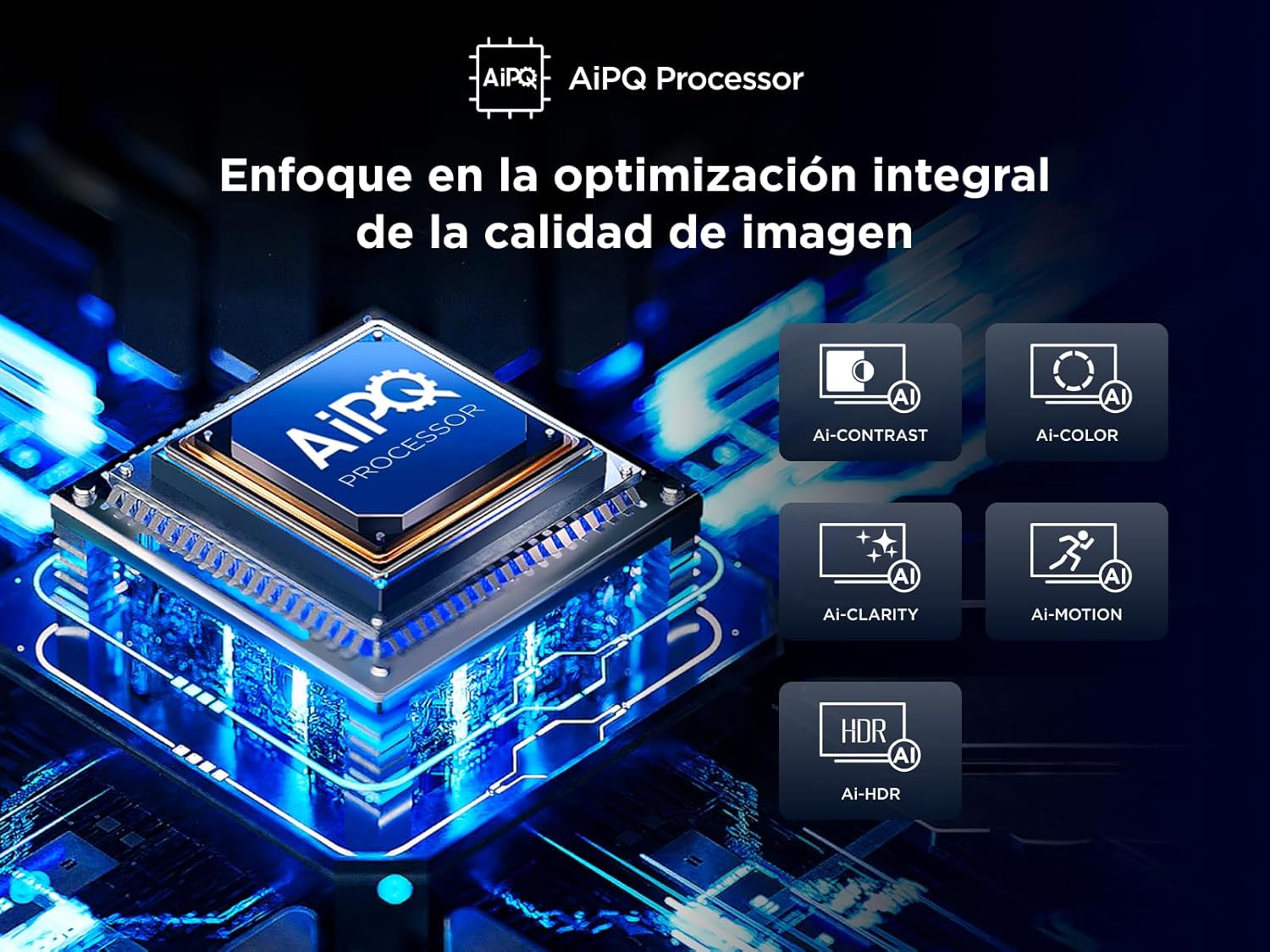
Figure 6: Illustration of the Onkyo 2.1 sound system creating a theatrical audio experience.
5.5. ຄຸນສົມບັດການຫຼິ້ນເກມ
The T69C series is designed for gamers:
- ເກມແມ່ບົດ: Optimizes settings for gaming, ensuring low latency and best image quality.
- HDMI 2.1 and ALLM: Automatically provides the lowest latency for gaming.
- VRR (ອັດຕາການໂຫຼດຂໍ້ມູນໃໝ່ແບບປ່ຽນແປງໄດ້): Eliminates screen tearing for smoother gameplay.
- ເກມແຖບ: Quick access to game-related settings.
6. ບໍາລຸງຮັກສາ
ເພື່ອຮັບປະກັນອາຍຸຍືນ ແລະປະສິດທິພາບທີ່ດີທີ່ສຸດຂອງໂທລະທັດຂອງທ່ານ, ປະຕິບັດຕາມຄໍາແນະນໍາການບໍາລຸງຮັກເຫຼົ່ານີ້:
- ທໍາຄວາມສະອາດຫນ້າຈໍ: ເຊັດໜ້າຈໍຢ່າງອ່ອນໂຍນດ້ວຍຜ້າອ່ອນໆ, ບໍ່ມີເຈັ້ຍ. ສໍາລັບຮອຍແຂງ, ເລັກນ້ອຍ dampen the cloth with water or a screen cleaner specifically designed for TVs. Avoid harsh chemicals.
- ທໍາຄວາມສະອາດຮ່າງກາຍ: ໃຊ້ຜ້າອ່ອນໆເຊັດຝາໂທລະທັດ ແລະ ຂາຕັ້ງ.
- ອັບເດດຊອບແວ: ໂທລະພາບອາດຈະໄດ້ຮັບການອັບເດດຊອບແວອັດຕະໂນມັດ. ກວດໃຫ້ແນ່ໃຈວ່າໂທລະພາບຂອງທ່ານເຊື່ອມຕໍ່ກັບອິນເຕີເນັດເພື່ອຮັບການອັບເດດເຫຼົ່ານີ້, ເຊິ່ງສາມາດປັບປຸງປະສິດທິພາບ ແລະເພີ່ມຄຸນສົມບັດໃໝ່ໄດ້.
7. ການແກ້ໄຂບັນຫາ
If you encounter any issues with your TV, refer to the following common solutions:
- ບໍ່ມີຮູບພາບ/ສຽງ: Check power connections, input source selection, and external device connections.
- ຄຸນນະພາບຮູບບໍ່ດີ: Adjust picture settings (brightness, contrast, sharpness), check cable connections, and ensure the content source is high quality.
- ບໍ່ມີການເຊື່ອມຕໍ່ອິນເຕີເນັດ: Verify Wi-Fi password, check router status, or try a wired LAN connection.
- ການຄວບຄຸມໄລຍະໄກບໍ່ເຮັດວຽກ: Replace batteries, ensure no obstructions between remote and TV, or try pairing the remote again.
For more complex issues, consult the full electronic manual available through the Google TV interface or contact TCL customer support.
8. ຂໍ້ມູນຈໍາເພາະ
| ຄຸນສົມບັດ | ຂໍ້ມູນຈໍາເພາະ |
|---|---|
| ຍີ່ຫໍ້ | TCL |
| ໝາຍເລກຕົວແບບ | 85T69C |
| ຂະໜາດໜ້າຈໍ | 85 ນິ້ວ |
| ເຕັກໂນໂລຊີການສະແດງ | QLED |
| ຄວາມລະອຽດ | 4K |
| ອັດຕາການໂຫຼດຂໍ້ມູນຄືນໃໝ່ | 60 Hz |
| ເຕັກໂນໂລຊີການເຊື່ອມຕໍ່ | Bluetooth, Ethernet, HDMI, USB, Wi-Fi |
| ການບໍລິການອິນເຕີເນັດທີ່ຮອງຮັບ | Google TV, Roku Media |
| ຂະໜາດ (DxWxH) | 37.2 x 189 x 115.2 cm |
| ນ້ຳໜັກ | 46 ກິໂລ |
| ການປະເມີນປະສິດທິພາບພະລັງງານ | F |
ສຳລັບຂໍ້ມູນລະອຽດກ່ຽວກັບປະສິດທິພາບພະລັງງານ, ກະລຸນາອ້າງອີງເຖິງຖານຂໍ້ມູນ EPREL: https://eprel.ec.europa.eu/qr/2218566
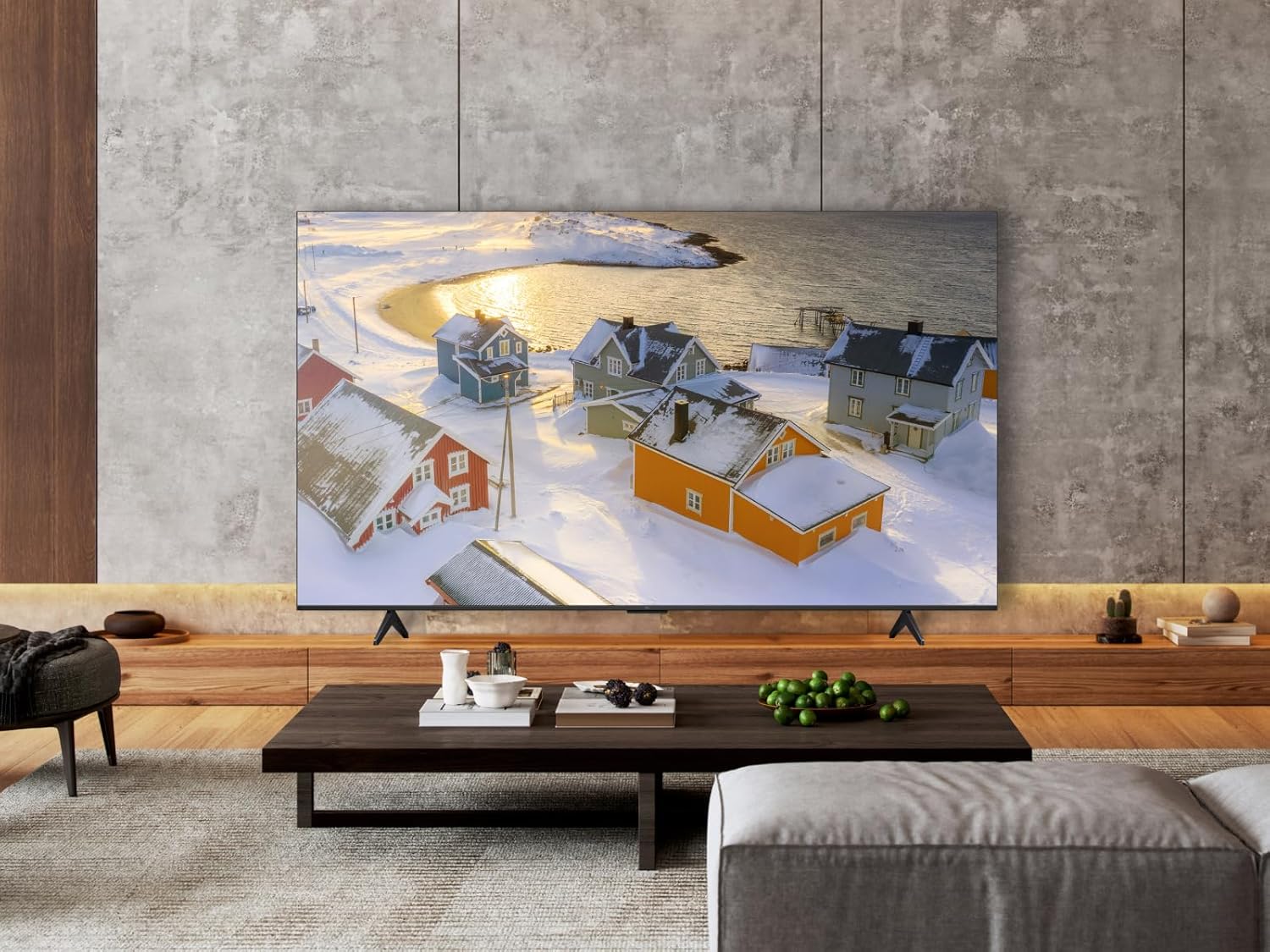
Figure 7: Energy efficiency label for the TCL 85T69C TV.
9. ການຮັບປະກັນແລະການສະຫນັບສະຫນູນ
Your TCL 85T69C TV comes with a manufacturer's warranty. Please refer to the warranty card included in the packaging for specific terms and conditions. For technical support, service, or additional inquiries, please visit the official TCL support webເວັບໄຊ ຫຼືຕິດຕໍ່ສາຍດ່ວນບໍລິການລູກຄ້າຂອງເຂົາເຈົ້າ.


