1. ການແນະນໍາ ແລະຫຼາຍກວ່າview
The POCKETALK S2 is a portable voice translator designed to facilitate communication across language barriers. This device offers real-time two-way voice translation, camera translation for text, and language learning features. It comes with 2 years of global communication included, allowing immediate use in over 170 countries and regions without complex setup.

ຮູບພາບ: ດ້ານຫນ້າແລະດ້ານຫລັງ view of the POCKETALK S2 device, displaying language selection on its screen.

Image: Promotional banner for the POCKETALK S2 series, emphasizing enhanced usability, broader regional support, two-way automatic translation, and improved battery performance.
2. ຕັ້ງຄ່າ
2.1 ການສາກໄຟເບື້ອງຕົ້ນ
Before first use, fully charge the POCKETALK S2 device using the provided USB cable and a compatible power adapter. A full charge ensures optimal performance and battery life.
2.2 ການເປີດ/ປິດ
- To power on: Press and hold the power button (usually located on the side) until the screen illuminates.
- To power off: Press and hold the power button, then select "Power Off" on the screen.
2.3 ການເຊື່ອມຕໍ່ເຄືອຂ່າຍ
The POCKETALK S2 includes a built-in eSIM with 2 years of global communication, allowing immediate use in over 170 countries and regions. No additional setup or contract is required for this feature.
- Global Communication (eSIM): The device automatically connects to the best available network in supported regions.
- ການເຊື່ອມຕໍ່ Wi-Fi: For areas without cellular coverage or to conserve data, you can connect the device to a Wi-Fi network. Navigate to the settings menu, select Wi-Fi, and choose your desired network.
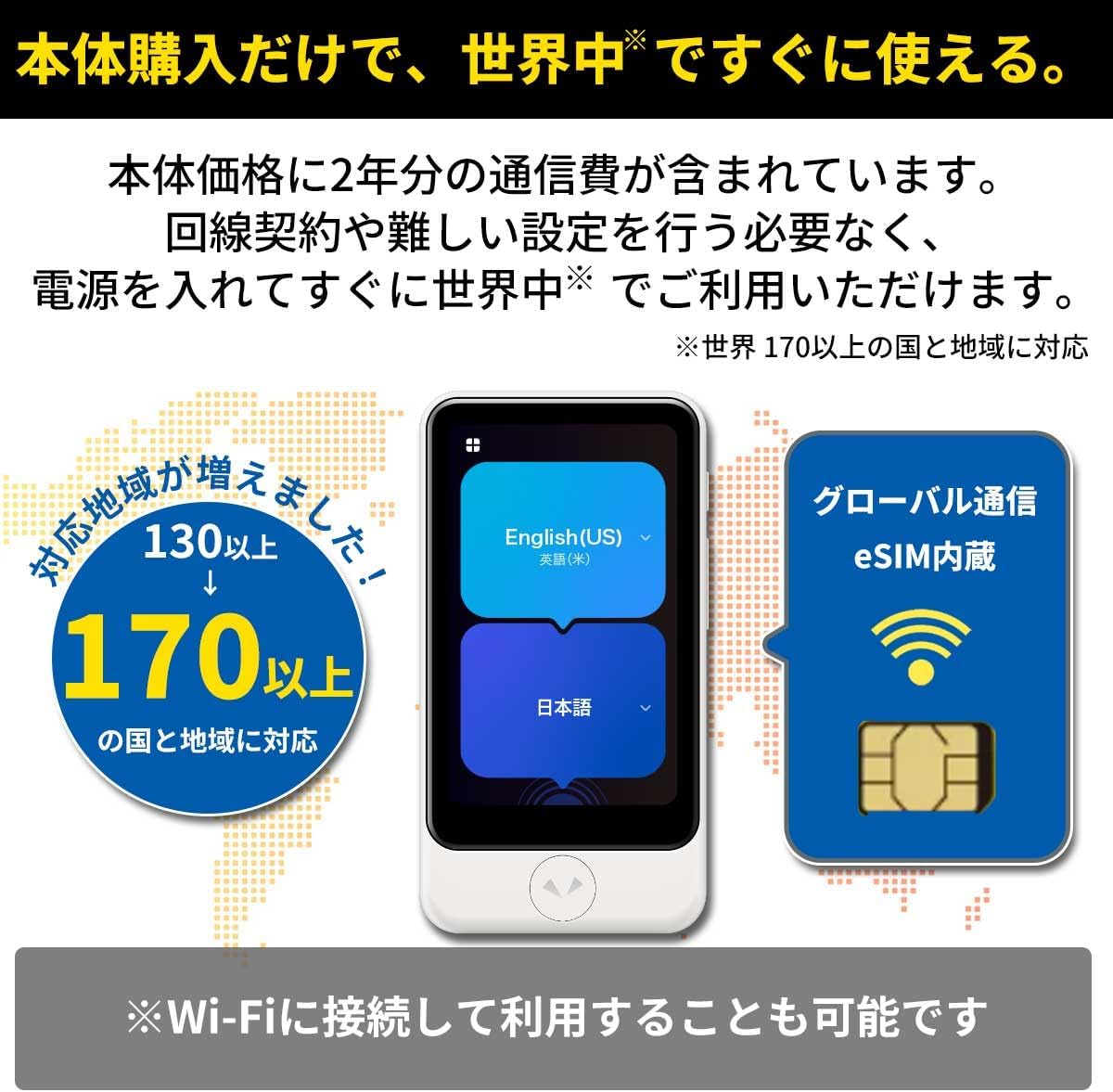
Image: The POCKETALK S2 displaying its global communication capabilities with eSIM, supporting over 170 countries and regions.
2.4 ການເລືອກພາສາເບື້ອງຕົ້ນ
Upon first power-on or after a factory reset, you will be prompted to select your primary languages for translation. Choose the two languages you wish to translate between.
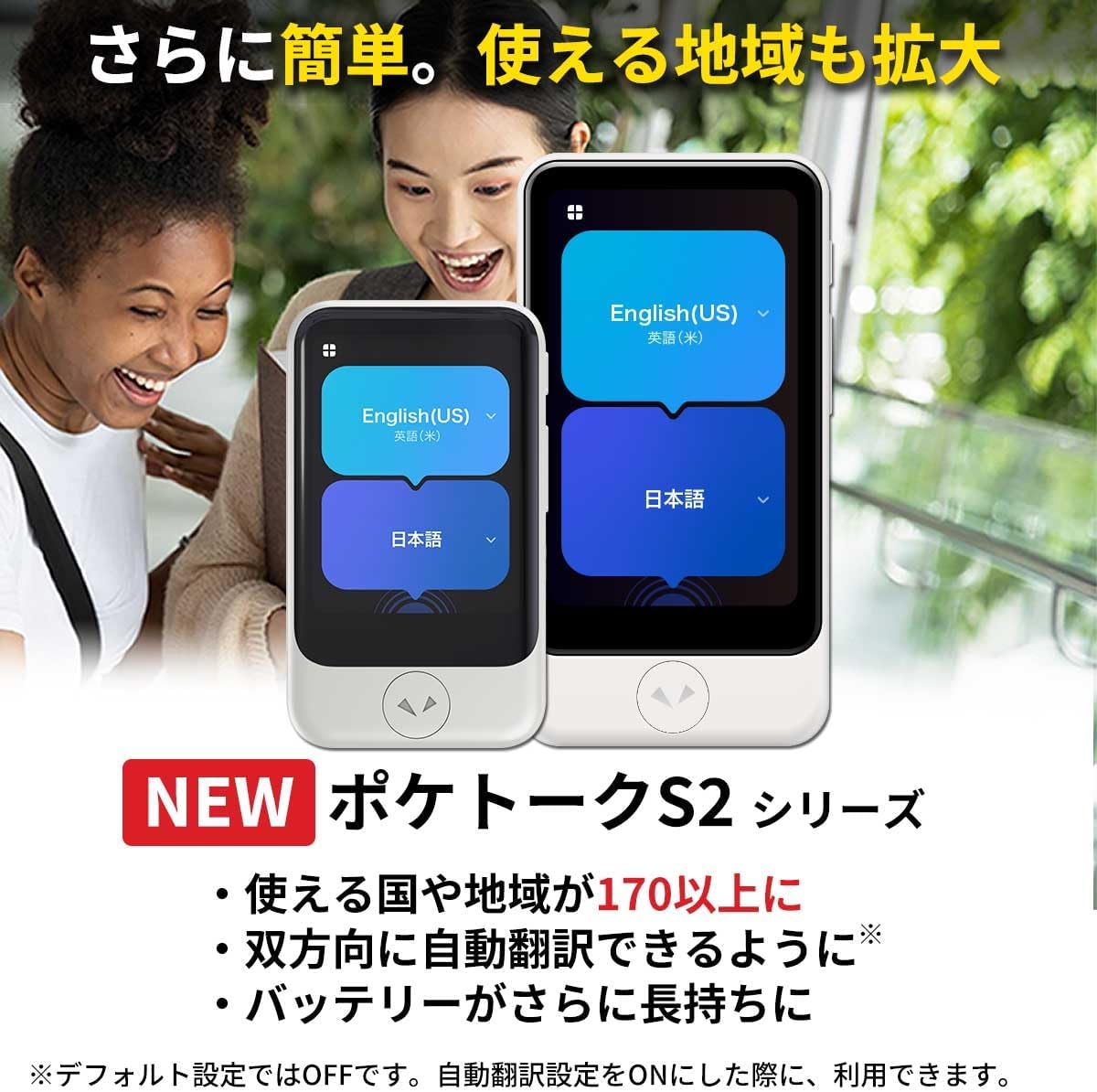
Image: Two POCKETALK S2 devices demonstrating the language selection interface, set to English (US) and Japanese.
3. ຄໍາແນະນໍາການດໍາເນີນງານ
3.1 ການແປພາສາດ້ວຍສຽງ
The POCKETALK S2 provides seamless two-way voice translation. Ensure the correct source and target languages are selected on the screen.
- ເວົ້າ: Press and hold the large button corresponding to the language you will speak. Speak clearly into the device's microphone.
- ປ່ອຍ: Release the button once you have finished speaking. The device will process your speech and translate it into the target language, then play the translation aloud and display it on the screen.
- Two-Way Automatic Translation: The device can be set to automatically translate both ways. This feature can be enabled in the settings menu.

Image: User interacting with the POCKETALK S2 for voice translation, showing the "please talk" prompt on the screen.
3.2 Camera Translation
The camera translation feature allows you to translate text from signs, menus, or documents. This function supports 56 languages.
- ເປີດໃຊ້ກ້ອງ: From the main screen, select the camera icon to activate the camera translation mode.
- Capture Text: Point the device's camera at the text you wish to translate. Ensure the text is well-lit and within the frame.
- ແປ: The device will automatically detect and translate the text, displaying the translation on the screen.

Image: Demonstrations of the camera translation feature, translating text from a menu and a sign.
3.3 Language Learning Features
The POCKETALK S2 includes tools to assist with language acquisition.
- Pronunciation Practice: Access this mode to practice speaking and receive feedback on your pronunciation.
- AI Conversation Lessons: Engage in AI-powered conversation lessons, currently available for English and Chinese, to improve your conversational skills.
3.4 ການແປງຫນ່ວຍ
The device can perform various unit conversions. Access this feature from the main menu and input the values for conversion.
3.5 Favorite Word Registration
You can register frequently used words or phrases as favorites for quick access. This feature helps personalize your translation experience.
4. ຄຸນນະສົມບັດທີ່ສໍາຄັນ
- Extensive Language Support: Translates over 90 languages (74 via voice and text, 11 via text only).
- ການຄຸ້ມຄອງທົ່ວໂລກ: Operates in over 170 countries and regions with included 2-year global communication.
- Two-Way Automatic Translation: Facilitates natural conversations by automatically translating both directions (when enabled).
- ການແປພາສາກ້ອງຖ່າຍຮູບ: Translates text from images in 56 languages, useful for signs and menus.
- ປັບປຸງສຽງ: Features a noise-canceling microphone and a large speaker for clear communication even in noisy environments.
- Language Learning Tools: Includes pronunciation practice and AI conversation lessons for English and Chinese.
- ຊີວິດຫມໍ້ໄຟຍາວ: Improved battery performance for extended use.
- ການແປງຫນ່ວຍ: Convenient tool for converting various units.
- Favorite Phrases: Ability to save frequently used words and phrases.

Image: Visual representation of POCKETALK S2's key improvements: expanded country support, two-way translation, and extended battery life.

ຮູບພາບ: ຫຼາຍກວ່າview of the POCKETALK S2's diverse functionalities, including mutual translation, language switching, camera translation, and language learning.

Image: Charts demonstrating the POCKETALK S2's translation accuracy and its application in language study.
5. ບໍາລຸງຮັກສາ
- ທໍາຄວາມສະອາດ: ໃຊ້ຜ້າອ່ອນ, ແຫ້ງເພື່ອເຮັດຄວາມສະອາດອຸປະກອນ. ຫຼີກເວັ້ນການນໍາໃຊ້ສານເຄມີທີ່ຮຸນແຮງຫຼືວັດສະດຸຂັດ.
- ອັບເດດຊອບແວ: Periodically check for and install software updates to ensure optimal performance and access to new features. Updates can usually be found in the device's settings menu.
- ການດູແລຫມໍ້ໄຟ: To prolong battery life, avoid fully discharging the device frequently. Store the device in a cool, dry place when not in use for extended periods.
6. ການແກ້ໄຂບັນຫາ
| ສະບັບ | ສາເຫດທີ່ເປັນໄປໄດ້ | ການແກ້ໄຂ |
|---|---|---|
| No translation / Slow translation | Poor network connection (eSIM or Wi-Fi). Speaking too quickly or unclearly. | Check network signal strength. Move to an area with better reception or connect to a stable Wi-Fi network. Speak clearly and at a moderate pace. |
| Translation accuracy varies | Contextual nuances or complex sentences. | Translation results may vary depending on the context and complexity of the speech. Try rephrasing ປະໂຫຍກຂອງເຈົ້າ. |
| Camera translation not working | Insufficient lighting. Text is blurry or too small. | Ensure adequate lighting. Hold the device steady and close enough for clear focus. |
| ອຸປະກອນບໍ່ເປີດ | ແບັດເຕີຣີໝົດ. | ເຊື່ອມຕໍ່ອຸປະກອນກັບເຄື່ອງສາກ ແລະ ປ່ອຍໃຫ້ມັນສາກຢ່າງໜ້ອຍ 30 ນາທີກ່ອນທີ່ຈະພະຍາຍາມເປີດເຄື່ອງອີກຄັ້ງ. |
ໝາຍເຫດສຳຄັນ: Operation with SIM cards other than the dedicated communication SIM is not supported. Always refer to the included instruction manual for detailed warnings and usage guidelines.
7. ຂໍ້ມູນຈໍາເພາະ
| ຄຸນສົມບັດ | ລາຍລະອຽດ |
|---|---|
| ຍີ່ຫໍ້ | POCKETALK |
| ໝາຍເລກຕົວແບບ | PTS2-W |
| ສີ | ສີຂາວ |
| ຂະໜາດ | POCKETALK S2 |
| ຂະໜາດແພັກເກັດ | 14.2 x 14 x 3.9 cm |
| ນ້ໍາຫນັກລາຍການ | 240 g |
| ASIN | B0DJSFLDGV |
| ວັນທີທີ່ມີໃຫ້ທໍາອິດ | 2024/10/16 |
8. ການຮັບປະກັນແລະການສະຫນັບສະຫນູນ
The POCKETALK S2 comes with a ການຮັບປະກັນຂອງຜູ້ຜະລິດ 1 ປີ ຈາກວັນທີ່ຊື້. ກະລຸນາຮັກສາຫຼັກຖານການຊື້ຂອງທ່ານສໍາລັບການຮຽກຮ້ອງການຮັບປະກັນ.
For technical support, troubleshooting assistance, or warranty inquiries, please refer to the official POCKETALK support website or contact their customer service. Contact information can typically be found on the manufacturer's packaging or official webເວັບໄຊ.


