ແນະນຳ
Thank you for choosing the Edifier X1 Lite True Wireless Earbuds. This manual provides detailed instructions on how to set up, operate, and maintain your new earbuds, ensuring you get the best possible audio experience. The Edifier X1 Lite earbuds are designed for powerful sound, clear calls, and long-lasting comfort, featuring Bluetooth 5.4 connectivity and IP54 sweat resistance.

ຮູບພາບ: ຫຼາຍກວ່າview of Edifier X1 Lite features, including dynamic drivers, AI call noise cancellation, extended battery life, Bluetooth 5.4, low latency, and IP54 certification.
ຂໍ້ມູນຄວາມປອດໄພ
ກະລຸນາອ່ານຄໍາແນະນໍາດ້ານຄວາມປອດໄພທັງໝົດຢ່າງລະອຽດກ່ອນທີ່ຈະໃຊ້ຜະລິດຕະພັນນີ້. ຮັກສາຄູ່ມືນີ້ໄວ້ສໍາລັບການອ້າງອີງໃນອະນາຄົດ.
- ຫ້າມເປີດຫູຟັງຫູຟັງ ຫຼືກ່ອງສາກໃສ່ກັບອຸນຫະພູມທີ່ຮຸນແຮງ, ຄວາມຊຸ່ມຊື່ນ ຫຼືສານກັດກ່ອນ.
- ຫຼີກເວັ້ນການລຸດລົງຫຼືເຮັດໃຫ້ຜະລິດຕະພັນມີຜົນກະທົບທີ່ເຂັ້ມແຂງ.
- Do not disassemble, repair, or modify the product yourself. Contact authorized service personnel for assistance.
- Keep the product away from children and pets to prevent accidental ingestion of small parts.
- ໃຊ້ພຽງແຕ່ສາຍສາກທີ່ສະໜອງໃຫ້ ຫຼືສາຍທຽບເທົ່າທີ່ໄດ້ຮັບການຮັບຮອງ.
- ການຟັງດົນໆໃນລະດັບສຽງສູງອາດເຮັດໃຫ້ເກີດຄວາມເສຍຫາຍຕໍ່ການໄດ້ຍິນ. ປັບລະດັບສຽງໃຫ້ຢູ່ໃນລະດັບທີ່ປອດໄພ.
ເນື້ອໃນຊຸດ
ກວດສອບວ່າລາຍການທັງຫມົດແມ່ນມີຢູ່ໃນຊຸດຂອງທ່ານ:
- Edifier X1 Lite True Wireless Earbuds (Left and Right)
- ກ່ອງສາກ
- ສາຍສາກ USB
- ຄູ່ມືຜູ້ໃຊ້ (ເອກະສານນີ້)
ສິນຄ້າເກີນview
Familiarize yourself with the components of your Edifier X1 Lite earbuds and charging case.

Image: Edifier X1 Lite Earbuds and Charging Case.

Image: Internal structure of the earbud, showcasing the 13mm dynamic driver for enhanced sound quality.
The earbuds feature a compact design, with each earbud weighing only 4g for comfortable wear. The charging case is designed to be portable and provides additional battery life.

ຮູບພາບ: ລະເບີດ view of the earbud highlighting the 13mm dynamic driver and AI algorithm for voice pickup.
ຕັ້ງຄ່າ
1. ການສາກຫູຟັງ ແລະ ເຄສ
ກ່ອນທີ່ຈະໃຊ້ຄັ້ງທຳອິດ, ໃຫ້ສາກຫູຟັງຫູຟັງ ແລະ ຊ່ອງສາກໃຫ້ເຕັມ.
- ວາງຫູຟັງເອຍບັດທັງສອງໃສ່ໃນກ່ອງສາກ.
- ເຊື່ອມຕໍ່ກ່ອງສາກກັບແຫຼ່ງພະລັງງານໂດຍໃຊ້ສາຍ USB ທີ່ໃຫ້ມາ.
- The indicator light on the case will show charging status. Once fully charged, the light will indicate completion.
A full charge provides up to 7 hours of playtime for the earbuds, with an additional 19 hours from the charging case, totaling 26 hours. A quick 15-minute charge can provide 1.5 hours of playtime.

Image: Battery life details for Edifier X1 Lite earbuds, showing 26 hours total playtime and fast charging capability.

Image: Visual representation of the extended battery life and fast charging feature.
2. ການຈັບຄູ່ເບື້ອງຕົ້ນ
ຫູຟັງເອຍບັດຈະເຂົ້າສູ່ໂໝດຈັບຄູ່ໂດຍອັດຕະໂນມັດເມື່ອເອົາອອກຈາກກ່ອງສາກເປັນເທື່ອທຳອິດ.
- ເປີດກ່ອງສາກໄຟ ແລະ ຖອດຫູຟັງທັງສອງຂ້າງອອກ.
- On your device (smartphone, laptop, etc.), enable Bluetooth.
- ຊອກຫາ "EDIFIER X1 Lite" ໃນບັນຊີລາຍຊື່ຂອງອຸປະກອນ Bluetooth ທີ່ມີຢູ່.
- Select "EDIFIER X1 Lite" to connect. You will hear a confirmation tone once connected.
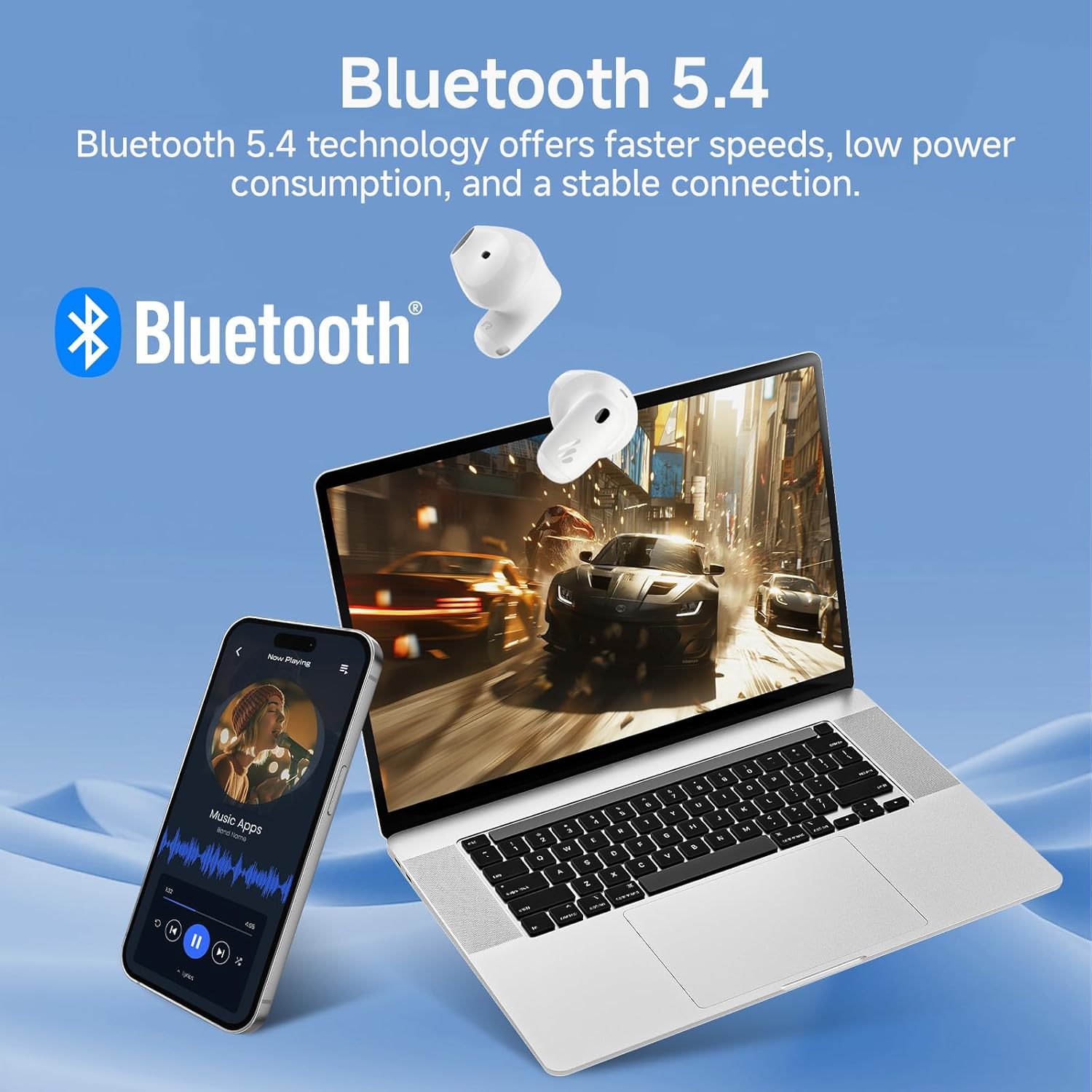
Image: Demonstrating Bluetooth 5.4 connectivity with various devices.
3. Connecting to a New Device
To connect to a new device or re-enter pairing mode:
- ວາງຫູຟັງຫູຟັງທັງສອງໃສ່ໃນກ່ອງສາກ.
- Press and hold the function button on the charging case for approximately 3 seconds until the indicator light flashes rapidly. This indicates pairing mode.
- On your new device, search for and select "EDIFIER X1 Lite" to connect.
ປະຕິບັດການ
1. ແຕະການຄວບຄຸມ
The Edifier X1 Lite earbuds feature intuitive touch controls. The touch sensitive area is located on the outer surface of each earbud.
| ການປະຕິບັດ | Earbud ຊ້າຍ | Earbud ສິດ |
|---|---|---|
| ຫຼິ້ນ/ຢຸດຊົ່ວຄາວ | ແຕະສອງເທື່ອ | ແຕະສອງເທື່ອ |
| ຕິດຕາມຕໍ່ໄປ | ບໍ່ມີ | ທໍ່ສາມ |
| ເພງກ່ອນໜ້າ | ທໍ່ສາມ | ບໍ່ມີ |
| ຕອບ/ວາງສາຍ | ແຕະສອງເທື່ອ | ແຕະສອງເທື່ອ |
| ປະຕິເສດການໂທ | ຖືເປັນເວລາ 2 ວິນາທີ | ຖືເປັນເວລາ 2 ວິນາທີ |
| ເປີດໃຊ້ຜູ້ຊ່ວຍສຽງ | ຖືເປັນເວລາ 2 ວິນາທີ | ຖືເປັນເວລາ 2 ວິນາທີ |
| ໂໝດເກມເປີດ/ປິດ | ທໍ່ Quadruple | ທໍ່ Quadruple |

ຮູບພາບ: ຄູ່ມືຮູບພາບສຳລັບການຄວບຄຸມແບບສຳຜັດໃນຫູຟັງ.
2. Clear Calls with AI Algorithm
The Edifier X1 Lite earbuds utilize an AI algorithm voice pick-up technology to ensure clear communication, even in noisy environments. This technology intelligently filters out background noise, focusing on your voice.

Image: Demonstrating clear call quality enabled by AI noise reduction.
3. Low Latency Mode (Game Mode)
For an optimized gaming and video streaming experience, activate the ultra-low latency mode. This reduces audio delay to just 60ms, ensuring audio and video are perfectly synchronized.
- To activate/deactivate: Quadruple tap either earbud.

Image: Visualizing the ultra-low latency feature for gaming and video.
4. EDIFIER ConneX App
Enhance your experience by downloading the EDIFIER ConneX app. The app allows for customization of sound profiles, touch controls, and access to additional features.
- Scan the QR code or visit the provided link to download the app.
- Connect your earbuds to the app to unlock full customization options.

Image: EDIFIER ConneX app interface and QR code for download.
Download the EDIFIER ConneX App: https://foreign-app.edifier.com/index.php/edifier_provider/public/appDownload.html?appTag=EdifierConneX
ບໍາລຸງຮັກສາ
ການບຳລຸງຮັກສາທີ່ເໝາະສົມຮັບປະກັນອາຍຸຍືນ ແລະປະສິດທິພາບທີ່ດີທີ່ສຸດຂອງຫູຟັງເອຍບັດຂອງທ່ານ.
1. ທໍາຄວາມສະອາດ
- ເຊັດຫູຟັງຫູຟັງ ແລະ ກະເປົ໋າສາກໄຟດ້ວຍຜ້າແພອ່ອນໆ, ແຫ້ງ, ບໍ່ມີເຈັ້ຍ.
- ຢ່າໃຊ້ເຄື່ອງເຮັດຄວາມສະອາດຂັດ, ເຫຼົ້າ, ຫຼືສານລະລາຍສານເຄມີ.
- ໃຫ້ແນ່ໃຈວ່າຈຸດເຊື່ອມຕໍ່ການສາກໄຟສະອາດ ແລະ ບໍ່ມີສິ່ງເສດເຫຼືອ.
2. ກັນນ້ຳ ແລະເຫື່ອ (IP54)
The Edifier X1 Lite earbuds are IP54 certified, meaning they are protected against dust ingress and splashing water from any direction. This makes them suitable for active use and light rain.
- ຢ່າເອົາຫູຟັງເອຍບັດໃສ່ນ້ຳ.
- Do not expose them to strong jets of water.
- ກວດໃຫ້ແນ່ໃຈວ່າຫູຟັງເອຍບັດແຫ້ງກ່ອນເອົາມັນກັບໃສ່ກ່ອງສາກເພື່ອປ້ອງກັນຄວາມເສຍຫາຍ.

Image: Demonstrating the IP54 sweat-resistant feature for active daily use.
3. ການເກັບຮັກສາ
- ເກັບຮັກສາຫູຟັງເອຍບັດໃສ່ໃນກະເປົ໋າສາກໄຟຂອງເຂົາເຈົ້າເມື່ອບໍ່ໄດ້ໃຊ້ເພື່ອປົກປ້ອງພວກມັນ ແລະ ສືບຕໍ່ສາກໄຟ.
- ເກັບຮັກສາໄວ້ໃນບ່ອນທີ່ເຢັນ, ແຫ້ງ, ຫ່າງຈາກແສງແດດໂດຍກົງ.
ການແກ້ໄຂບັນຫາ
ຖ້າຫາກທ່ານພົບບັນຫາໃດຫນຶ່ງ, ກະລຸນາເບິ່ງບັນຫາທົ່ວໄປດັ່ງຕໍ່ໄປນີ້ແລະການແກ້ໄຂ:
| ບັນຫາ | ການແກ້ໄຂທີ່ເປັນໄປໄດ້ |
|---|---|
| ບໍ່ມີສຽງຈາກຫູຟັງ |
|
| ຫູຟັງບໍ່ຈັບຄູ່ |
|
| ຫູຟັງຫູຟັງໜ່ວຍໜຶ່ງບໍ່ເຮັດວຽກ |
|
| ຄຸນນະພາບການໂທບໍ່ດີ |
|
| Earbuds reconnect in case |
|
ຂໍ້ມູນຈໍາເພາະ
| ຄຸນສົມບັດ | ລາຍລະອຽດ |
|---|---|
| ຊື່ຕົວແບບ | edifier-x1lite-p |
| ການເຊື່ອມຕໍ່ | ໄຮ້ສາຍ (Bluetooth 5.4) |
| ລຸ້ນ Bluetooth | 5.4 |
| ຂະໜາດໄດເວີສຽງ | ໄດຣເວີໄດນາມິກ Φ13ມມ |
| ການຕອບສະໜອງຄວາມຖີ່ | 20 Hz - 20,000 Hz |
| ອາຍຸແບັດເຕີຣີ (ຫູຟັງ) | ສູງສຸດ 7 ຊົ່ວໂມງ |
| ອາຍຸແບັດເຕີຣີ (ພ້ອມກ່ອງສາກ) | ສູງສຸດເຖິງ 26 ຊົ່ວໂມງ |
| ການສາກໄວ | 15 ນາທີຄິດໄລ່ສໍາລັບການຫຼິ້ນ 1.5 ຊົ່ວໂມງ |
| ຄວາມຍືດຍຸ່ນສຽງ | 60ms (ໂໝດຄວາມໜ່ວງຊ້າຕ່ຳ) |
| ເທັກໂນໂລຍີໄມໂຄຣໂຟນ | AI Algorithm Voice Pick-up |
| ການຕໍ່ຕ້ານນ້ໍາ | IP54 Certified (Sweat and Splash Resistant) |
| ນ້ ຳ ໜັກ ຕຸ້ມຫູ | ປະມານ. 4g ຕໍ່ຫູຟັງ |
| ອຸປະກອນທີ່ເຂົ້າກັນໄດ້ | Smartphones, Laptops, Tablets, Gaming Consoles |
| ວິທີການຄວບຄຸມ | Touch Control, EDIFIER ConneX App |
| ຜູ້ຜະລິດ | Edifier |
| ປະເທດຕົ້ນກໍາເນີດ | ຈີນ |
ການຮັບປະກັນແລະການສະຫນັບສະຫນູນ
Edifier products come with a limited warranty. For detailed warranty information, please refer to the warranty card included in your package or visit the official Edifier webເວັບໄຊ.
ສໍາລັບການຊ່ວຍເຫຼືອດ້ານວິຊາການ, ການຊ່ວຍເຫຼືອແກ້ໄຂບັນຫາ, ຫຼືການສອບຖາມການບໍລິການ, ກະລຸນາຕິດຕໍ່ສະຫນັບສະຫນູນລູກຄ້າ Edifier ຜ່ານທາງການຂອງເຂົາເຈົ້າ website or the EDIFIER ConneX app.
Edifier ຢ່າງເປັນທາງການ Webເວັບໄຊ: www.edifier.com


