ຍິນດີຕ້ອນຮັບ
Thank you for choosing the boAt Nirvana Crystl True Wireless Earbuds. This manual provides essential information for setting up, operating, and maintaining your earbuds. Please read it carefully to ensure optimal performance and longevity of your device.
ສິນຄ້າເກີນview
ວິດີໂອ: ຫຼາຍກວ່າview of the boAt Nirvana Crystl True Wireless Earbuds, showcasing their design and key features.
ຄຸນນະສົມບັດທີ່ສໍາຄັນ
- Up to 32 dB Active Noise Cancellation for an immersive audio experience.
- boAt 360° Spatial Audio for captivating, cinematic sound.
- ສູງສຸດ 100 ຊົ່ວໂມງຂອງເວລາຫຼິ້ນທັງຫມົດກັບກໍລະນີການສາກໄຟ.
- Quad Mics with ENx Technology for crystal-clear calls.
- boAt Hearables App compatibility for personalized settings and controls.
- Bluetooth v5.3 for stable and efficient wireless connectivity.
- Multipoint Connectivity to seamlessly switch between two devices.
- boAt Adaptive EQ by Mimi for tailored listening based on your hearing profile.
- In-Ear Detection for automatic play/pause functionality.
- Google Fast Pair for quick and easy initial setup.
ແມ່ນຫຍັງຢູ່ໃນກ່ອງ
- ຫູຟັງ TWS
- ສາຍສາກ
- Additional Earbuds (Eartips)
- ຄູ່ມືຜູ້ໃຊ້
ການເລີ່ມຕົ້ນ
ກຳລັງສາກຫູຟັງ ແລະ ເຄສ
Before first use, fully charge your boAt Nirvana Crystl earbuds and charging case. Connect the provided USB cable to the charging port on the case and a compatible power source. The charging time is approximately 2.5 hours for a full charge. A 10-minute charge provides up to 220 minutes of playback.
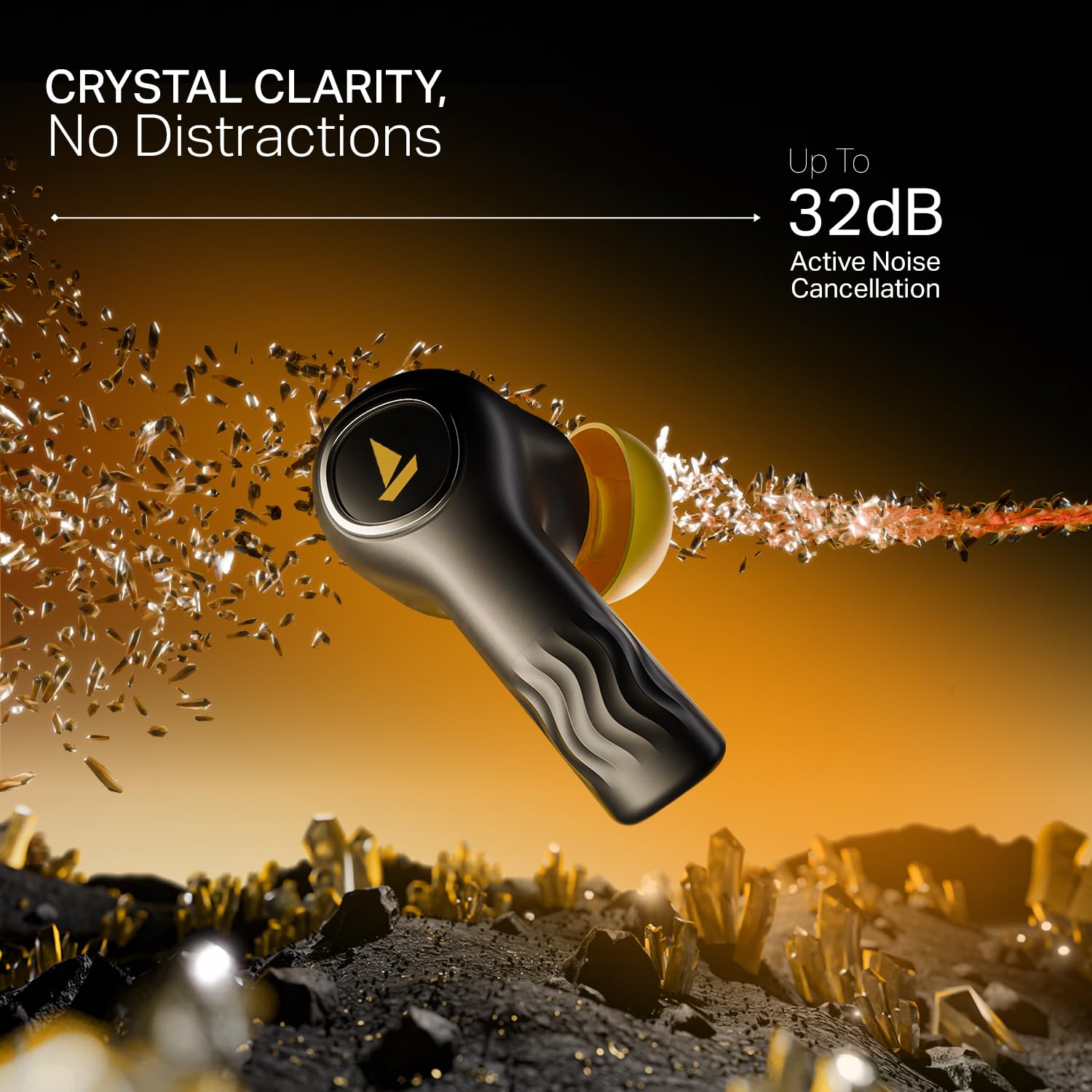
Image: The boAt Nirvana Crystl earbuds and case, illustrating the 100-hour playback and fast charging capabilities.
ການຈັບຄູ່ຫູຟັງຂອງທ່ານ
Initial Pairing (Google Fast Pair):
- ເປີດກ່ອງສາກໄຟ. ຫູຟັງເອຍບັດຈະເຂົ້າສູ່ໂໝດຈັບຄູ່ໂດຍອັດຕະໂນມັດ.
- On your Android device, a Google Fast Pair notification will appear. Tap to connect.
- For other devices, go to your device's Bluetooth settings and select "Nirvana Crystl" from the available devices.
ການຈັບຄູ່ຄືນໃໝ່: The earbuds will automatically connect to the last paired device when taken out of the case.
boAt Hearables App Compatibility
Download the boAt Hearables App from your device's app store. The app allows you to customize touch functions, enable Spatial Audio, adjust the equalizer with boAt Adaptive EQ by Mimi, view battery levels, and manage connectivity status.
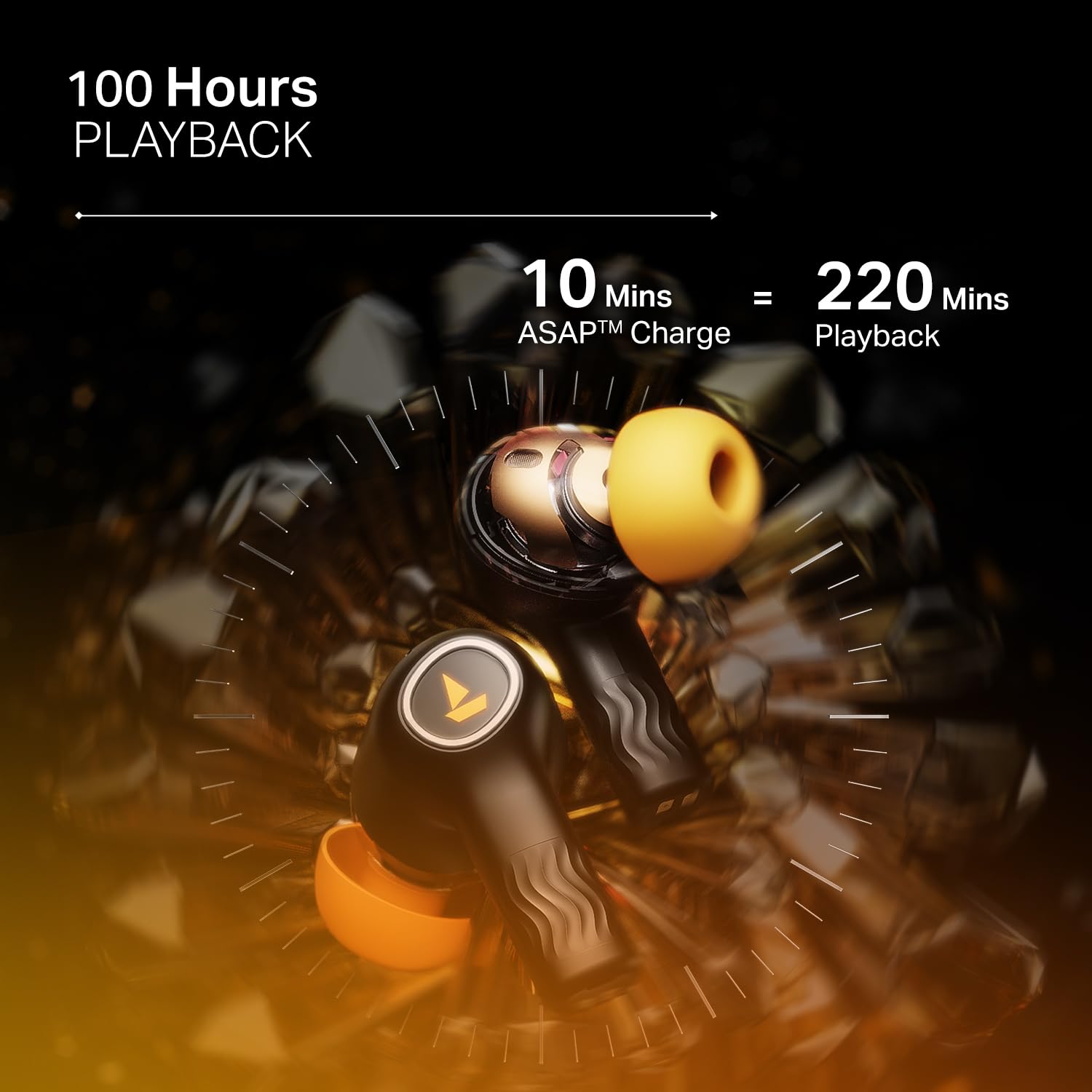
Image: The boAt Hearables App interface, demonstrating options for noise cancellation, equalizer, and spatial audio settings.
ປະຕິບັດການຫູຟັງຂອງທ່ານ
ການຍົກເລີກສິ່ງລົບກວນທີ່ໃຊ້ວຽກ (ANC)
The Nirvana Crystl earbuds feature Active Noise Cancellation up to 32 dB, allowing you to minimize ambient sounds and focus on your audio. Activate or deactivate ANC through the boAt Hearables App or via the earbud touch controls.

Image: A boAt Nirvana Crystl earbud depicted with visual effects representing the active noise cancellation feature.
boAt 360° Spatial Audio
Experience immersive audio with boAt 360° Spatial Audio, creating a rich, multi-dimensional soundscape for music, movies, and games. This feature can be enabled via the boAt Hearables App.

Image: A person experiencing immersive sound with boAt Nirvana Crystl earbuds, illustrating the 360° Spatial Audio feature.
ໄມໂຄຣໂຟນສີ່ຕົວພ້ອມເທັກໂນໂລຢີ ENx
The earbuds are equipped with four microphones and ENx Technology to ensure enhanced clarity during calls, effectively reducing background noise for clear communication.
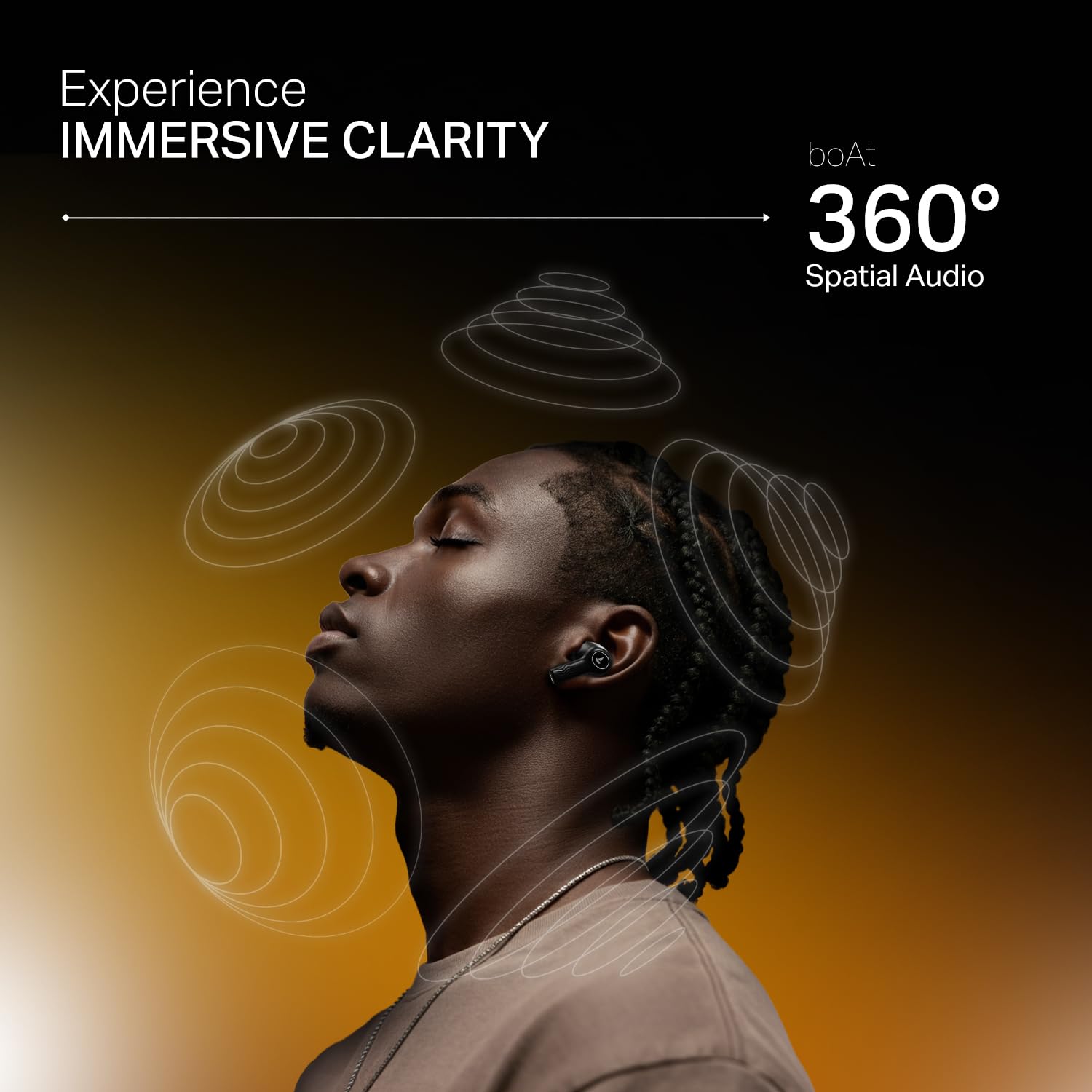
Image: A person making a call with boAt Nirvana Crystl earbuds, emphasizing the clarity provided by 4-mic ENx Technology.
ການເຊື່ອມຕໍ່ຫຼາຍຈຸດ
Connect your Nirvana Crystl earbuds to two devices simultaneously and switch between them seamlessly without re-pairing. For example, you can listen to music on your tablet and answer calls on your phone.
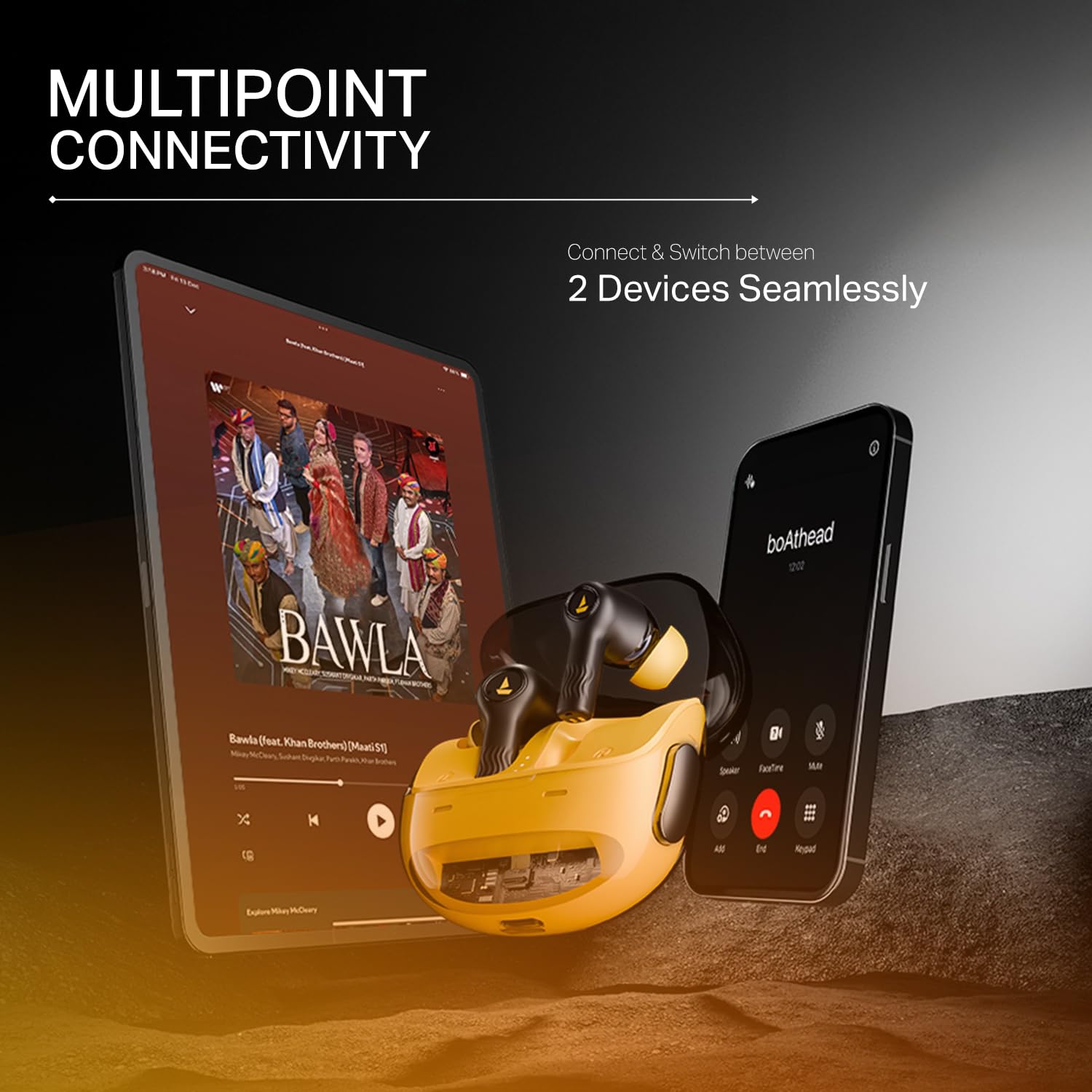
Image: The boAt Nirvana Crystl earbuds shown connected to both a smartphone and a tablet, illustrating multipoint connectivity.
ການກວດພົບໃນຫູ
The earbuds feature in-ear detection. Music or video playback will automatically pause when you remove an earbud and resume when you place it back in your ear.
ແຕະການຄວບຄຸມ
The earbuds feature intuitive touch controls for managing playback, calls, and activating features. These controls can be customized through the boAt Hearables App to suit your preferences.
ການດູແລແລະບໍາລຸງຮັກສາ
- ທໍາຄວາມສະອາດ: ອະນາໄມຫູຟັງຫູຟັງ ແລະກະເປົ໋າສາກໄຟເປັນປະຈຳດ້ວຍຜ້າປຽກອ່ອນໆ. ຫຼີກເວັ້ນການນໍາໃຊ້ສານເຄມີທີ່ຮຸນແຮງຫຼືວັດສະດຸຂັດ.
- ການເກັບຮັກສາ: ເກັບຮັກສາຫູຟັງເອຍບັດໃສ່ໃນກະເປົ໋າສາກໄຟຂອງເຂົາເຈົ້າເມື່ອບໍ່ໄດ້ໃຊ້ເພື່ອປົກປ້ອງພວກມັນ ແລະ ສືບຕໍ່ສາກໄຟ.
- ຄວາມຕ້ານທານນ້ໍາ: ຫູຟັງເອຍບັດກັນນໍ້າໄດ້. ເຖິງຢ່າງໃດກໍ່ຕາມ, ພວກມັນບໍ່ກັນນໍ້າໄດ້. ຫຼີກລ່ຽງການຈຸ່ມພວກມັນລົງໃນນໍ້າ ຫຼື ໃຫ້ພວກມັນຖືກຝົນຕົກໜັກ. ເຊັດໃຫ້ແຫ້ງສະນິດຖ້າພວກມັນປຽກ.
- ອຸນຫະພູມ: ຫຼີກເວັ້ນການເປີດຫູຟັງຫູຟັງກັບອຸນຫະພູມທີ່ຮຸນແຮງ (ຮ້ອນ ຫຼືເຢັນ) ເພາະວ່າອັນນີ້ອາດສົ່ງຜົນກະທົບຕໍ່ອາຍຸ ແລະປະສິດທິພາບຂອງແບັດເຕີຣີ.
ການແກ້ໄຂບັນຫາ
- ຫູຟັງບໍ່ຈັບຄູ່: ໃຫ້ແນ່ໃຈວ່າຫູຟັງທັງສອງຂ້າງຢູ່ໃນກ່ອງສາກໄຟ, ຈາກນັ້ນເປີດຝາເພື່ອເລີ່ມໂໝດຈັບຄູ່. ກວດສອບການຕັ້ງຄ່າ Bluetooth ຂອງອຸປະກອນຂອງທ່ານ.
- ຫູຟັງຫູຟັງອັນດຽວທີ່ເຮັດວຽກ: Place both earbuds back in the case, close the lid, wait a few seconds, then open it again. This often resets the connection.
- ຄຸນະພາບສຽງບໍ່ດີ: Ensure the earbuds are properly seated in your ears and try different sized eartips for a better seal. Check the audio source and app equalizer settings.
- ຫູຟັງບໍ່ສາກ: ໃຫ້ແນ່ໃຈວ່າສາຍສາກໄດ້ເຊື່ອມຕໍ່ຢ່າງປອດໄພກັບທັງກໍລະນີ ແລະແຫຼ່ງພະລັງງານ. ກວດເບິ່ງວ່າມີສິ່ງເສດເຫຼືອໃດໆຢູ່ໃນພອດສາກໄຟ.
- ບັນຫາການເຊື່ອມຕໍ່: Move closer to your paired device. Ensure there are no major obstructions between the earbuds and your device.
ຂໍ້ມູນຈໍາເພາະ
| ຄຸນສົມບັດ | ຂໍ້ມູນຈໍາເພາະ |
|---|---|
| ຊື່ຕົວແບບ | Nirvana Crystl |
| ການຄວບຄຸມສິ່ງລົບກວນ | Active Noise Cancellation (ເຖິງ 32 dB) |
| ເຕັກໂນໂລຊີການເຊື່ອມຕໍ່ | Bluetooth v5.3 |
| ຊີວິດຫມໍ້ໄຟ | 100 Hours (Total Playback) |
| ເວລາສາກໄຟ | 2.5 ຊົ່ວໂມງ |
| ໄມໂຄຣໂຟນ | ໄມໂຄຣໂຟນສີ່ຕົວພ້ອມເທັກໂນໂລຢີ ENx |
| ວິທີການຄວບຄຸມ | ແຕະ |
| ລະດັບຄວາມຕ້ານທານນ້ໍາ | ກັນນ້ຳ |
| ອຸປະກອນທີ່ເຂົ້າກັນໄດ້ | ໂທລະສັບມືຖື, ຄອມພິວເຕີໂນດບຸກ, ແທັບເລັດ |
| ວັດສະດຸ | ພາດສະຕິກ |
| ນ້ໍາຫນັກລາຍການ | 120 ກຣາມ |
| ຂະໜາດສິນຄ້າ | 6 x 2 x 5 cm |
| ຜູ້ຜະລິດ | ບໍລິສັດ ຈິນຕະນາການ ກາລະຕະຫຼາດ ຈຳກັດ |
ການຮັບປະກັນແລະການສະຫນັບສະຫນູນ
For detailed warranty information, product registration, and customer support, please visit the official boAt website or contact their customer service directly. You can reach the manufacturer at info@imaginemarketingindia.com.
ຜູ້ຜະລິດ: ບໍລິສັດ ຈິນຕະນາການ ກາລະຕະຫຼາດ ຈຳກັດ
ອີເມວ: info@imaginemarketingindia.com