ແນະນຳ
Thank you for choosing the HISHELL Language Translator Earbuds. These open-ear headphones are designed to provide seamless real-time language translation across 144 online languages, powered by 6 top translation engines. Beyond translation, they also function as versatile devices for music streaming and phone calls. This manual will guide you through the setup, operation, and maintenance of your new device to ensure an optimal user experience.

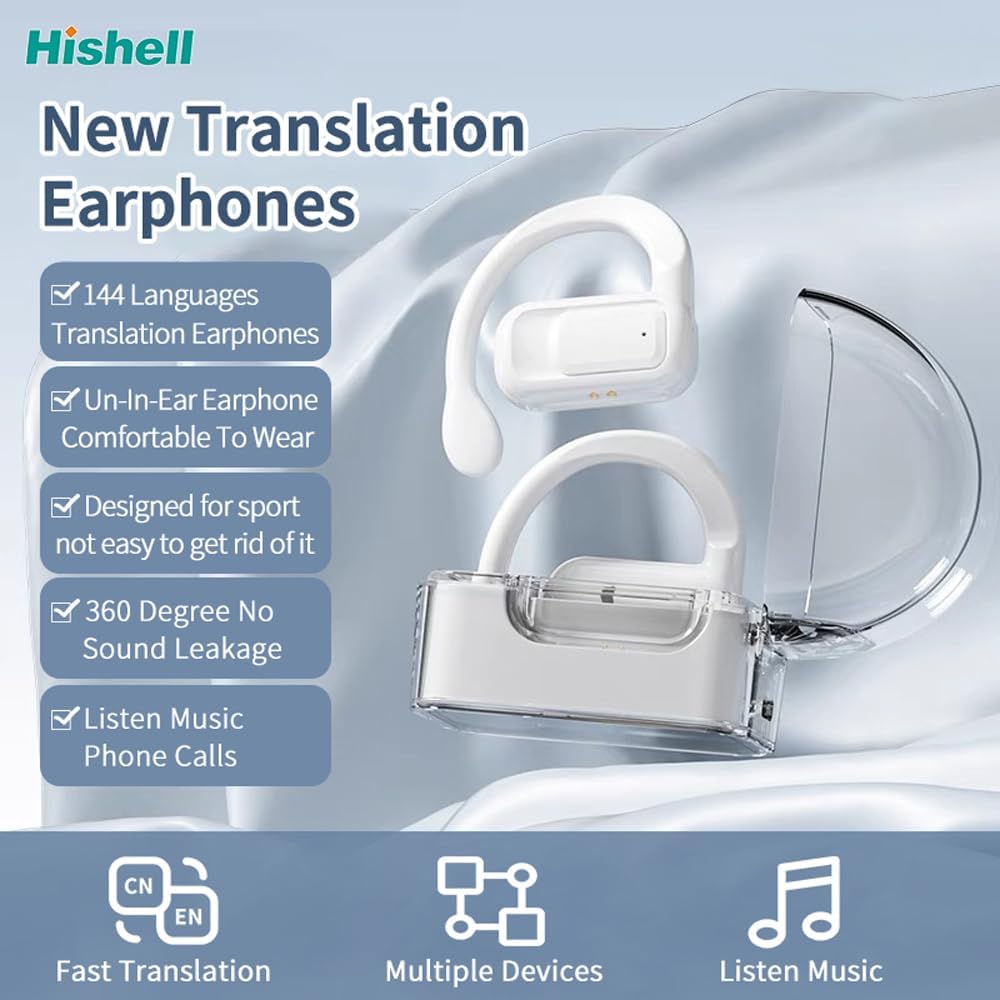
Image: The HISHELL Language Translator Earbuds, showing both earbuds and their transparent charging case.
ແມ່ນຫຍັງຢູ່ໃນກ່ອງ
- 2 x Language Translator Earphones
- 1 x Charging Compartment
- 1 x ສາຍຂໍ້ມູນ (USB-C)
- 1 x Headset User Manual
- 1 x APP Translation User Manual

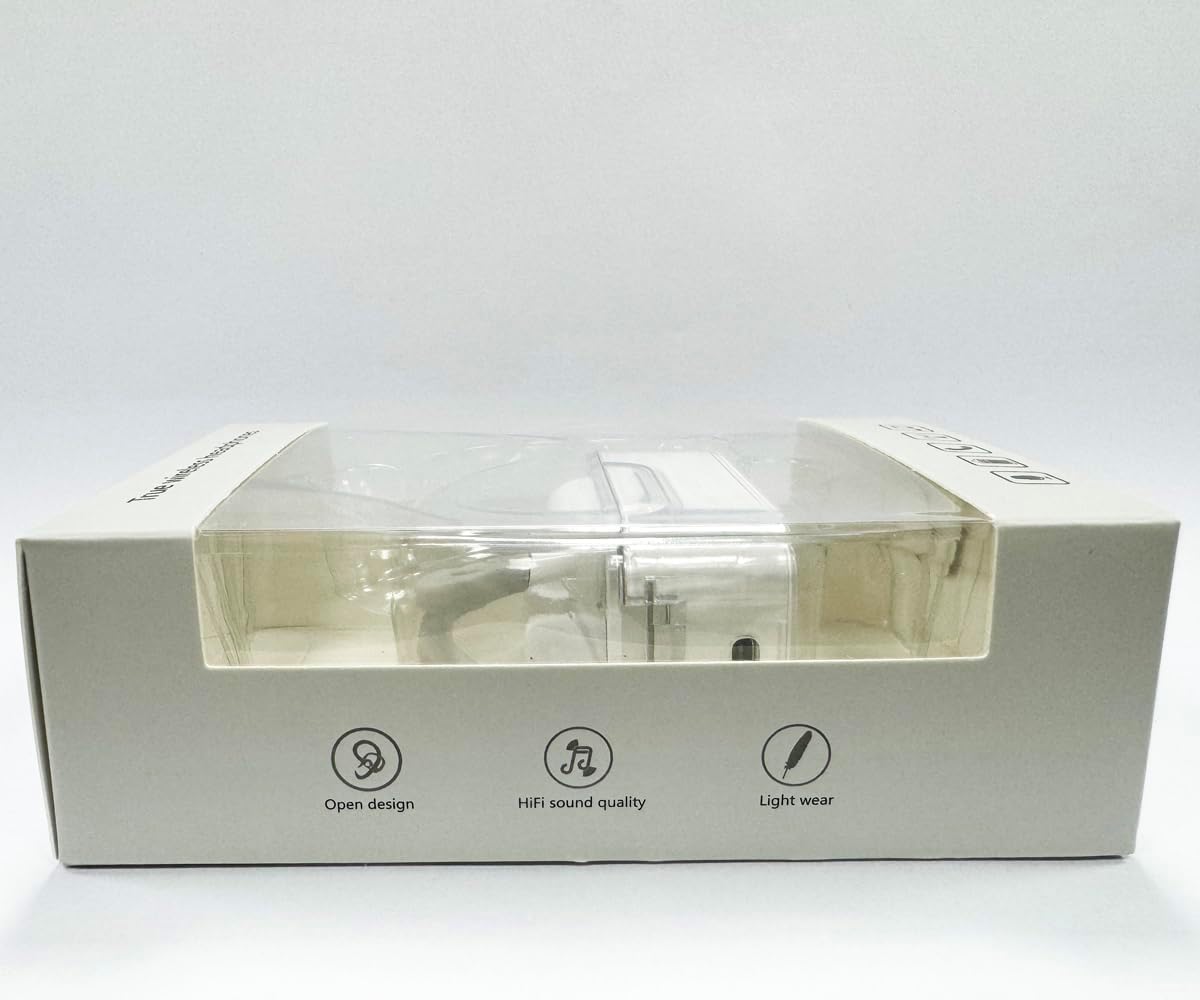
ຮູບພາບ: ທາງຫນ້າ view of the product packaging, displaying the earbuds inside.
ຕັ້ງຄ່າ
1. ການສາກຫູຟັງ ແລະ ເຄສ
Before first use, fully charge the earbuds and the charging case. Connect the provided USB-C data cable to the charging port on the case and plug the other end into a USB power source (e.g., computer, wall adapter). The indicator lights on the case will show charging status.
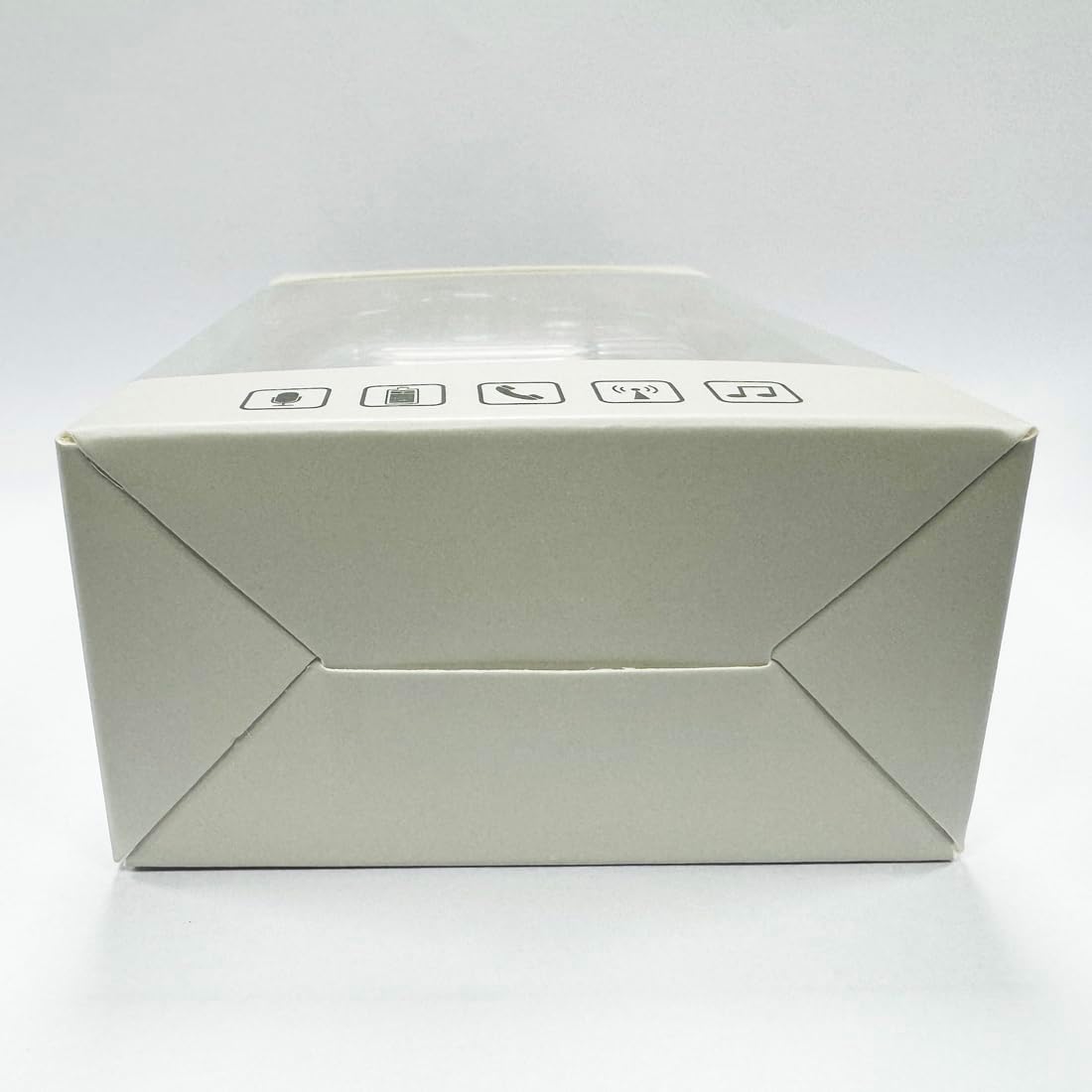
ຮູບພາບ: ລຸ່ມ view ຂອງກ່ອງສາກໄຟ, ໂດຍເນັ້ນໃສ່ພອດສາກໄຟ USB-C.
2. ການຕິດຕັ້ງແອັບ
To utilize the translation features, you must download the dedicated HISHELL translation app on your smartphone (iOS or Android). Scan the QR code provided in the APP Translation User Manual or search for "HISHELL Translator" in your device's app store.
3. ການຈັບຄູ່ Bluetooth
- ກວດໃຫ້ແນ່ໃຈວ່າໄດ້ສາກຫູຟັງຫູຟັງ ແລະເອົາອອກຈາກກ່ອງສາກ. ພວກເຂົາຈະເຂົ້າສູ່ໂໝດຈັບຄູ່ໂດຍອັດຕະໂນມັດ.
- On your smartphone, go to Bluetooth settings and turn Bluetooth on.
- Select "HISHELL BL02" (or similar name) from the list of available devices.
- ເມື່ອເຊື່ອມຕໍ່ແລ້ວ, ສຽງຢືນຢັນຈະຫຼິ້ນ, ແລະຫູຟັງເອຍບັດຈະພ້ອມໃຫ້ໃຊ້.
ຄໍາແນະນໍາການດໍາເນີນງານ
The HISHELL Language Translator Earbuds offer three primary translation modes, along with standard audio functions.
ຮູບແບບການແປ

Image: Visual representation of the three distinct translation modes available with the earbuds.
- ໂໝດສຳຜັດ:
Two people each wear one earphone. Click or double-click the earphone to translate in real-time. This mode is suitable for acquaintances who are willing to wear your earphone.

Image: Two individuals using the translator earbuds in a conversational setting.
- ໂSpeakerດ ລຳ ໂພງ:
One person wears the earphones, and the other person holds the mobile phone. The phone's speaker will output the translation. This mode is suitable for strangers or situations where it's inconvenient for the other person to wear an earphone.
- ໂໝດສົນທະນາຟຣີ:
Both users wear an earphone. The device translates in real-time, allowing for natural, continuous conversation without needing to press buttons. This mode facilitates smooth and uninterrupted communication.
Music and Call Functions
In addition to translation, the earbuds function as standard Bluetooth headphones:
- ການຫຼິ້ນເພງ: Once connected via Bluetooth, you can stream audio from your device. Use your phone's media controls for play/pause, skip tracks, and volume adjustment.
- ໂທລະສັບ: The earbuds support hands-free calling. Answer/end calls directly through the earbuds (refer to the APP Translation User Manual for specific touch controls). The binaural HD microphone ensures clear communication.

ຮູບພາບ: Examples of individuals comfortably wearing the open-ear translator earbuds.
ບໍາລຸງຮັກສາ
ທໍາຄວາມສະອາດ
- ເຊັດຫູຟັງເອຍບັດ ແລະກະເປົ໋າສາກໄຟດ້ວຍຜ້າອ່ອນໆ, ແຫ້ງ, ບໍ່ມີສານຂັດ.
- ຢ່າໃຊ້ເຄື່ອງເຮັດຄວາມສະອາດຂັດ, ເຫຼົ້າ, ຫຼືສານລະລາຍສານເຄມີ.
- ຫຼີກລ້ຽງການໄດ້ຮັບຄວາມຊຸ່ມຊື່ນຢູ່ໃນບ່ອນເປີດໃດໆ.
ການເກັບຮັກສາ
ເມື່ອບໍ່ໄດ້ໃຊ້, ໃຫ້ເກັບຫູຟັງເອຍບັດໃສ່ໃນກະເປົ໋າສາກໄຟເພື່ອປົກປ້ອງພວກມັນ ແລະ ສືບຕໍ່ສາກໄຟ. ເກັບຮັກສາໄວ້ໃນບ່ອນທີ່ເຢັນ, ແຫ້ງ, ຫ່າງຈາກແສງແດດໂດຍກົງແລະອຸນຫະພູມທີ່ສຸດ.
ການແກ້ໄຂບັນຫາ
| ບັນຫາ | ສາເຫດທີ່ເປັນໄປໄດ້ | ການແກ້ໄຂ |
|---|---|---|
| ຫູຟັງບໍ່ຈັບຄູ່ | Low battery; out of range; not in pairing mode; previous connection issue. | Ensure earbuds are charged. Place them closer to your device. Re-insert into case and remove to re-enter pairing mode. Forget device in Bluetooth settings and re-pair. |
| Translation not accurate or delayed | Poor internet connection; background noise; speaking too fast/unclearly; incorrect language selection. | Ensure stable internet connection. Speak clearly and at a moderate pace. Reduce background noise. Verify correct source and target languages in the app. |
| ບໍ່ມີສຽງຈາກຫູຟັງ | ລະດັບສຽງຕໍ່າເກີນໄປ; ບໍ່ໄດ້ເຊື່ອມຕໍ່; ຢຸດສື່ຊົ່ວຄາວ. | Increase volume on your device. Check Bluetooth connection. Ensure media is playing. |
| ກ່ອງສາກບໍ່ສາກ | ສາຍ/ອະແດບເຕີຜິດພາດ; ພອດສາກໄຟເປື້ອນ. | Try a different USB-C cable and power adapter. Clean the charging port gently with a dry cotton swab. |
For further assistance, please refer to the APP Translation User Manual or contact customer support.
ຂໍ້ມູນຈໍາເພາະ
| ຄຸນສົມບັດ | ລາຍລະອຽດ |
|---|---|
| ໝາຍເລກຕົວແບບ | BL02 |
| ຂະໜາດແພັກເກັດ | 5.16 x 3.15 x 1.69 ນິ້ວ |
| ນ້ໍາຫນັກລາຍການ | 2.12 ອອນ |
| ໝໍ້ໄຟ | ແບັດເຕີຣີ Lithium Polymer 1 ອັນ (ລວມ) |
| ພາສາການແປພາສາ | 144 online languages |
| Translation Engines | Powered by 6 top translation engines |
| ໄມໂຄຣໂຟນ | Binaural HD microphone |
| ອາຍຸການໃຊ້ງານຂອງແບັດເຕີຣີ (ຟັງ) | ປະມານ. 3 ຊົ່ວໂມງ |
| ເວລາສະແຕນບາຍ | ປະມານ. 240 ຊົ່ວໂມງ |
| ພອດສາກໄຟ | USB-C |


ຮູບພາບ: ຕ່າງໆ views of the HISHELL charging case, showing its dimensions and design.
ການຮັບປະກັນແລະການສະຫນັບສະຫນູນ
ຂໍ້ມູນການຮັບປະກັນ
HISHELL products typically come with a standard manufacturer's warranty. Please refer to the warranty card included in your product packaging or visit the official HISHELL webເວັບໄຊສໍາລັບເງື່ອນໄຂການຮັບປະກັນລາຍລະອຽດສະເພາະກັບພາກພື້ນແລະວັນທີຊື້ຂອງທ່ານ.
ການຊ່ວຍເຫຼືອລູກຄ້າ
If you encounter any issues or have questions not covered in this manual, please contact HISHELL customer support. You can usually find contact information (email, phone, or support portal) on the official HISHELL webເວັບໄຊທ໌ຫຼືຜ່ານຮ້ານຂາຍຍ່ອຍບ່ອນທີ່ທ່ານຊື້ຜະລິດຕະພັນ.


