1. ບົດແນະນຳ
This manual provides essential instructions for the safe and effective use of your eeTao 5V USBC AC/DC Adapter Charger. This adapter is specifically designed to power and charge the CIS VT-9IN1 Air Quality Monitor. Please read this manual thoroughly before use and retain it for future reference.
2. ຜະລິດຕະພັນເກີນview
The eeTao 5V USBC AC/DC Adapter Charger is a reliable power supply unit engineered for compatibility and safety. It converts standard AC wall power to the required 5V DC output for your CIS VT-9IN1 Air Quality Monitor.
ຄຸນນະສົມບັດທີ່ສໍາຄັນ:
- ຄວາມເຂົ້າກັນໄດ້: Specifically designed for CIS VT-9IN1 and VT9IN1 Air Quality Monitors.
- ການປ້ອນຂໍ້ມູນ Voltage: World Wide Input Voltage 100-240 VAC, 50/60 Hz.
- ຜົນຜະລິດ: Stable 5V DC output.
- ການປົກປ້ອງຄວາມປອດໄພ: Equipped with Over Voltage Protection (OVP), Over Current Protection (OCP), and Short Circuit Protection (SCP) to ensure safe operation.
- ປະເພດຕົວເຊື່ອມຕໍ່: USB ປະເພດ C.

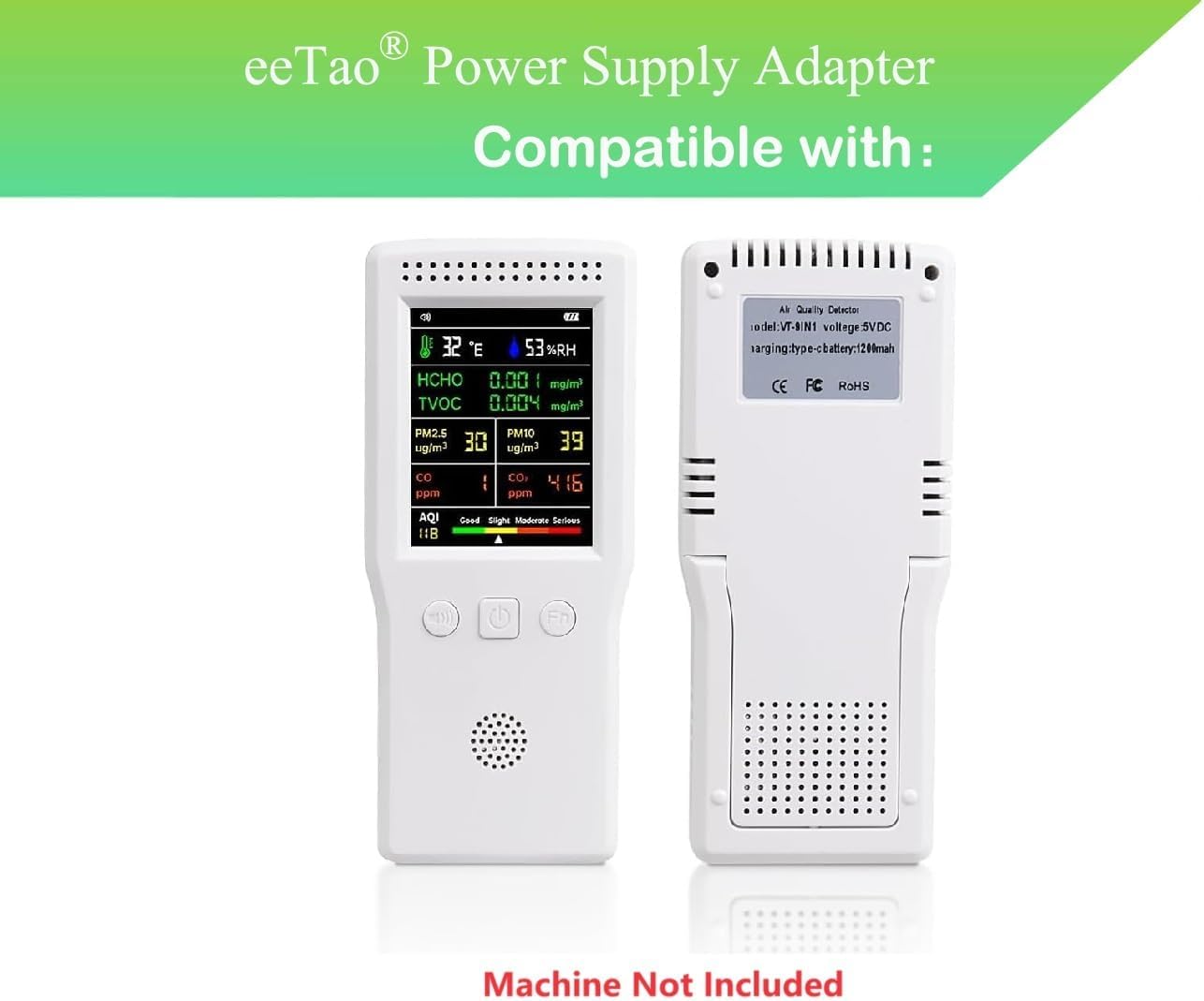
Image 1: eeTao 5V USBC AC/DC Adapter Charger shown with a CIS VT-9IN1 Air Quality Monitor, illustrating compatibility. Note: The air quality monitor is not included with the adapter.
ຮູບພາບ 2: ດ້ານຫນ້າ view of the eeTao 5V USBC AC/DC Adapter Charger, showcasing ການອອກແບບທີ່ຫນາແຫນ້ນຂອງມັນແລະສາຍປະສົມປະສານ.
3. ຕັ້ງຄ່າ
- ກວດສອບອະແດບເຕີ: Before first use, visually inspect the adapter and cable for any signs of damage. Do not use if any damage is observed.
- ເຊື່ອມຕໍ່ຫາອຸປະກອນ: Insert the USB Type C connector of the adapter cable firmly into the charging port of your CIS VT-9IN1 Air Quality Monitor.
- ເຊື່ອມຕໍ່ຫາປລັກສຽບໄຟ: Plug the AC prongs of the adapter into a standard wall power outlet (100-240 VAC).
- ຢືນຢັນການເຊື່ອມຕໍ່: Ensure both connections are secure. The air quality monitor should indicate that it is receiving power or charging, typically via an LED indicator on the device itself.
4. ຄໍາແນະນໍາການດໍາເນີນງານ
Once properly connected, the eeTao 5V USBC AC/DC Adapter Charger will automatically begin supplying power to or charging your CIS VT-9IN1 Air Quality Monitor. No additional user input is required for operation.
- The adapter provides a stable 5V DC output, suitable for continuous operation or charging of the compatible device.
- Refer to your CIS VT-9IN1 Air Quality Monitor's manual for specific charging indicators and battery status information.
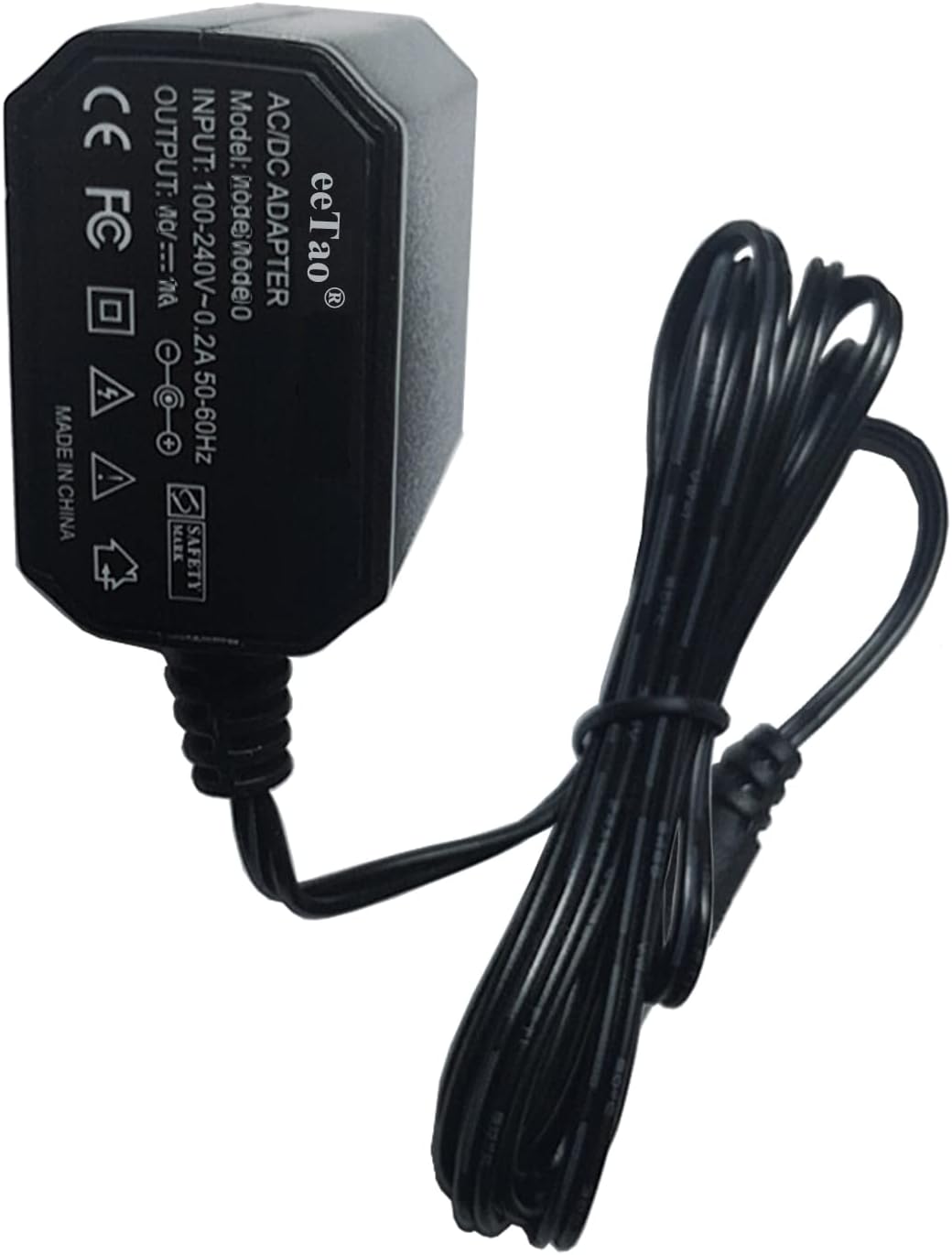
ຮູບພາບທີ 3: ໄລຍະໃກ້ view of the eeTao AC/DC Adapter's label, detailing input (100-240V~0.2A 50-60Hz) and output (5V DC) specifications.
5. ບໍາລຸງຮັກສາ
To ensure the longevity and optimal performance of your eeTao adapter, follow these maintenance guidelines:
- ທໍາຄວາມສະອາດ: Disconnect the adapter from the power outlet and the device before cleaning. Use a soft, dry cloth to wipe the surface. Do not use liquid cleaners or abrasive materials.
- ການເກັບຮັກສາ: ເກັບຮັກສາອະແດບເຕີໄວ້ໃນບ່ອນທີ່ເຢັນ, ແຫ້ງ, ຫ່າງຈາກແສງແດດໂດຍກົງ ແລະອຸນຫະພູມທີ່ຮຸນແຮງເມື່ອບໍ່ໄດ້ໃຊ້.
- ການດູແລສາຍໄຟ: Avoid bending or kinking the cable excessively, especially near the connectors, to prevent internal wire damage. Do not place heavy objects on the cable.
- ການກວດກາ: Periodically inspect the adapter casing and cable for any signs of wear, cuts, or damage. If damage is found, discontinue use immediately.
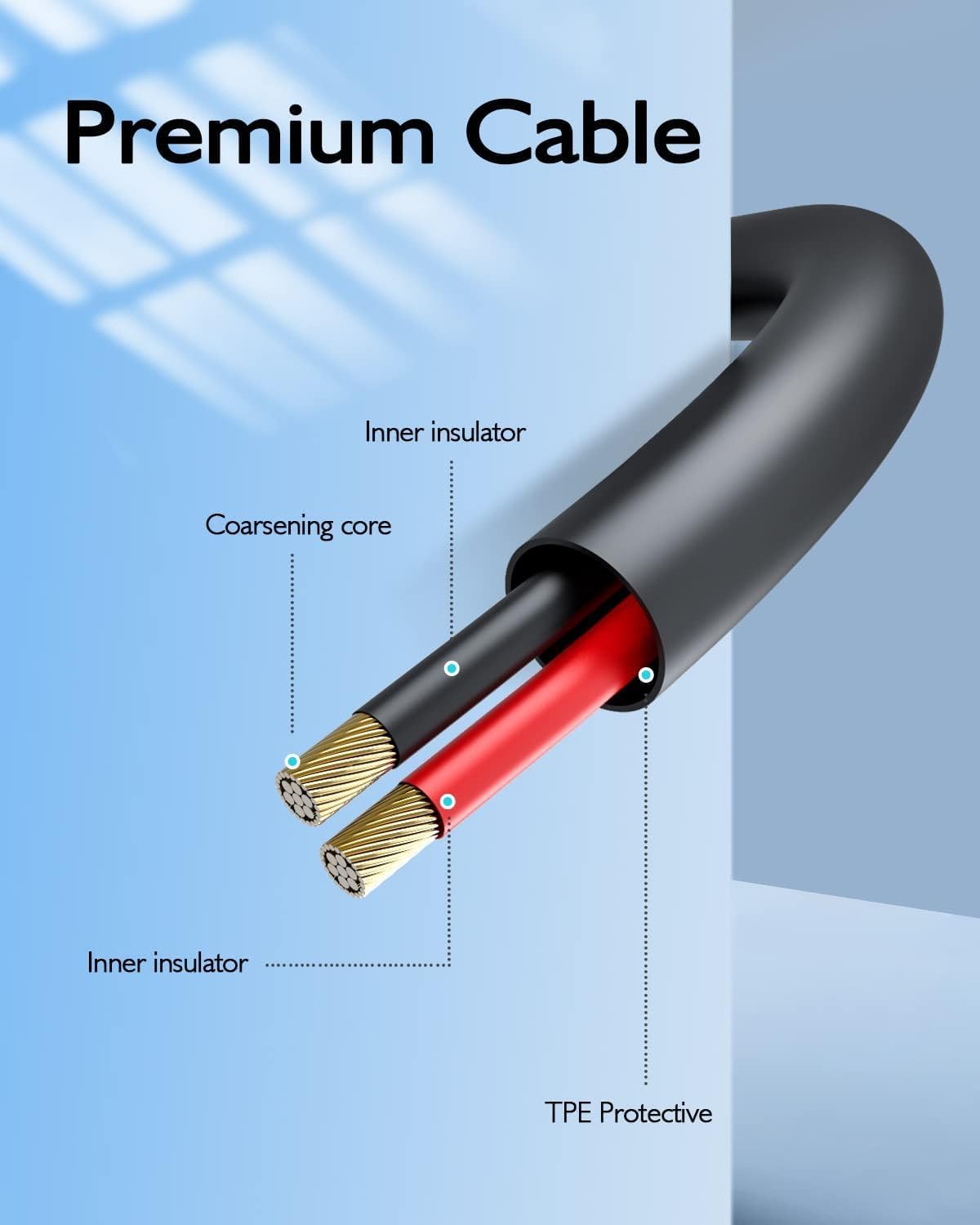
Image 4: Diagram illustrating the internal structure of a premium cable, highlighting components like the coarsening core and inner insulator for durability and efficient power transfer.
6. ການແກ້ໄຂບັນຫາ
If you encounter issues with your eeTao adapter, please refer to the following common solutions:
- Adapter Not Supplying Power:
- ໃຫ້ແນ່ໃຈວ່າອະແດບເຕີຖືກສຽບເຂົ້າກັບປລັກສຽບທີ່ໃຊ້ງານໄດ້ດີ. ທົດສອບປລັກສຽບດ້ວຍອຸປະກອນອື່ນ.
- Verify that the USB Type C connector is fully inserted into the air quality monitor's charging port.
- Check the adapter cable for any visible damage. If damaged, discontinue use.
- ອຸປະກອນບໍ່ໄດ້ສາກໄຟ:
- Confirm the air quality monitor's charging port is clean and free of debris.
- Important Note on Batteries: Rechargeable batteries have a finite lifespan, typically 1 to 3 years. If the air quality monitor's internal battery is damaged or has reached the end of its life, it may not accept a charge, even with a functional charger. This is a device battery issue, not a fault with the eeTao adapter.
- If possible, test the adapter with another compatible device to isolate the issue.
- ຄວາມຮ້ອນເກີນ: It is normal for the adapter to feel slightly warm during operation. However, if it becomes excessively hot, disconnect it immediately and contact support.
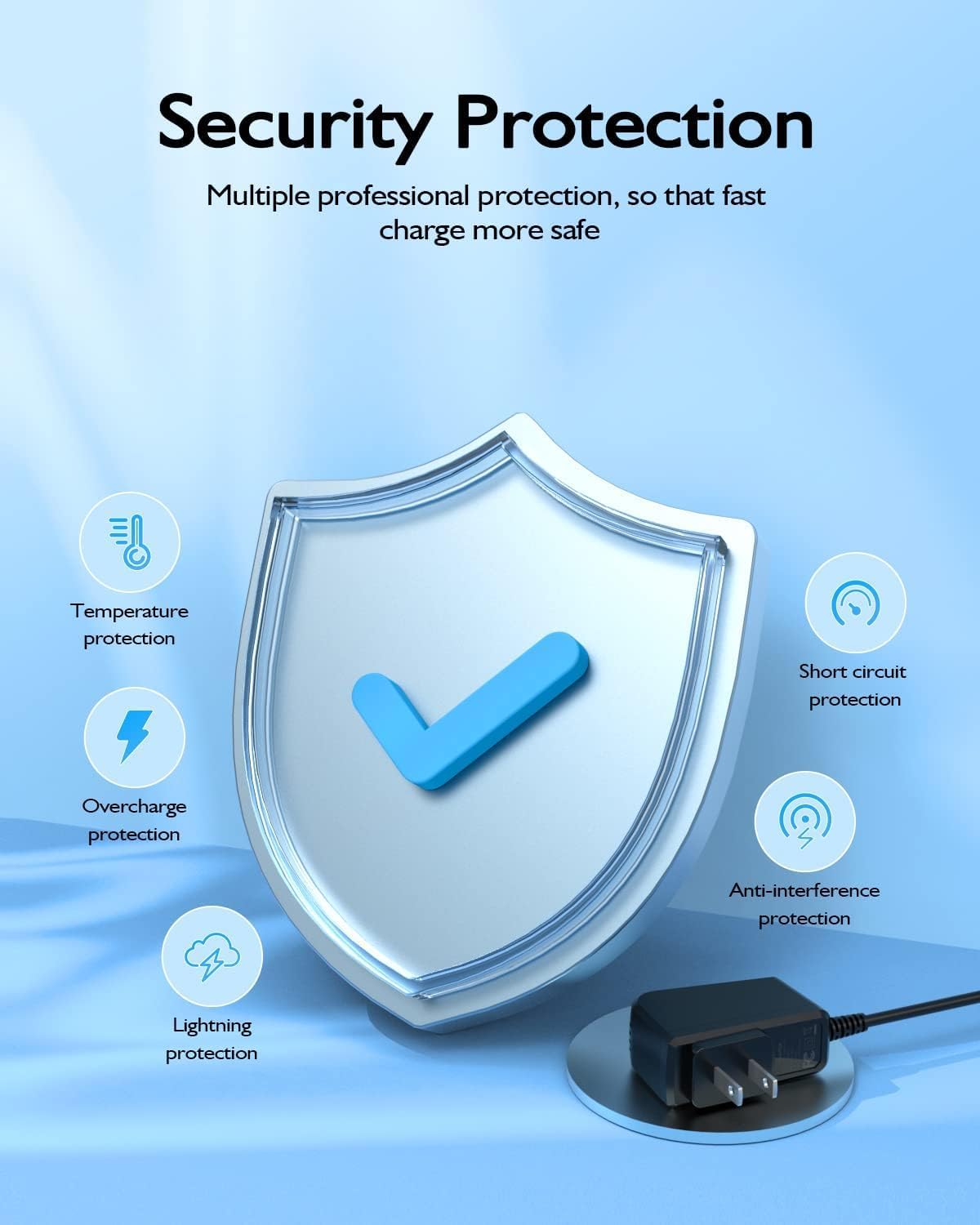
Image 5: Diagram illustrating the multiple security protection features integrated into the adapter, including temperature, short circuit, overcharge, anti-interference, and lightning protection.
7. ຂໍ້ມູນຈໍາເພາະ
| ຂະໜາດສິນຄ້າ | 3 x 2 x 1 ນິ້ວ |
| ນ້ໍາຫນັກລາຍການ | 3 ອອນ |
| ການປ້ອນຂໍ້ມູນ Voltage | 100-240 VAC, 50/60 Hz |
| ຜົນໄດ້ຮັບ Voltage | 5 volts DC |
| ປະຈຸບັນຜົນຜະລິດ | 0.9 Amps |
| ປະເພດຕົວເຊື່ອມຕໍ່ | USB ປະເພດ C |
| ອຸປະກອນທີ່ເຂົ້າກັນໄດ້ | CIS VT-9IN1 VT9IN1 Air Quality Monitor |
| ຄຸນນະສົມບັດພິເສດ | ການສາກໄວ |
| ສີ | ດຳ |
8. ການຮັບປະກັນແລະການສະຫນັບສະຫນູນ
eeTao stands behind the quality of its products. This adapter comes with:
- 30 Days Refund: If you are not satisfied with your purchase within 30 days, you may be eligible for a refund.
- 24 Months Satisfaction Exchange: For any issues arising within 24 months, eeTao offers a satisfaction exchange program.
For warranty claims, technical support, or any inquiries, please contact eeTao customer service through the retailer's platform or the official eeTao webເວັບໄຊ.


