1. ບົດແນະນຳ
This manual provides essential information for setting up, operating, and maintaining your DOOGEE N55PLUS Unlocked Cell Phone. Please read it carefully to ensure proper use and to maximize the device's capabilities. The DOOGEE N55PLUS is an Android 14 smartphone featuring a 6.56-inch HD+ 90Hz display, an Octa-Core processor, 20GB RAM (8GB physical + 12GB virtual), 128GB internal storage expandable up to 1TB, a 5150mAh battery, and a 13MP AI main camera.
2. ສິ່ງທີ່ຢູ່ໃນກ່ອງ
- 1 x DOOGEE N55PLUS Cell Phone
- 1 x ເຄື່ອງສາກ
- 1 x Type-C Port Cable
- 1 x ຮູບເງົາປ້ອງກັນ TP (ນຳໃຊ້ລ່ວງໜ້າ)
- 1 x ກໍລະນີປ້ອງກັນ TPU
3. ຕັ້ງຄ່າ
3.1 ການຕິດຕັ້ງ SIM ແລະບັດ TF
- ຊອກຫາຖາດຊິມກາດຢູ່ດ້ານຂ້າງຂອງໂທລະສັບຂອງທ່ານ.
- ສຽບເຄື່ອງມືຖອດຊິມ (ຖ້າມີໃຫ້) ເຂົ້າໄປໃນຮູນ້ອຍໆທີ່ຢູ່ຂ້າງຖາດ ແລະຍູ້ຄ່ອຍໆຈົນກ່ວາຖາດຈະອອກມາ.
- Place your Nano-SIM card(s) and/or TF card into the designated slots on the tray. Ensure the gold contacts are facing down. The phone supports dual 4G SIM cards (nano SIM1 + nano SIM2) or one nano SIM and one TF card for storage expansion.
- ໃສ່ຖາດໃສ່ໂທລະສັບຄືນໃໝ່ຢ່າງລະມັດລະວັງຈົນກວ່າມັນຈະກົດໃສ່ບ່ອນ.

3.2 ການເປີດ/ປິດ
- ເພື່ອເປີດເຄື່ອງ: ກົດປຸ່ມເປີດປິດຄ້າງໄວ້ (ຢູ່ເບື້ອງຂວາ) ຈົນກ່ວາໂລໂກ້ DOOGEE ປະກົດຂຶ້ນ.
- ປິດເຄື່ອງ: Press and hold the Power button until the power options menu appears. Tap 'Power off' and confirm.
- ເພື່ອເລີ່ມຕົ້ນໃໝ່: From the power options menu, tap 'Restart' and confirm.
3.3 ການຕິດຕັ້ງເບື້ອງຕົ້ນ
Upon first power-on, follow the on-screen prompts to complete the initial setup. This includes selecting your language, connecting to Wi-Fi, setting up your Google account, and configuring security features like Face Unlock.
4. ການປະຕິບັດໂທລະສັບຂອງທ່ານ
4.1 ການສະແດງແລະການນໍາທາງ
The DOOGEE N55PLUS features a 6.56-inch HD+ Waterdrop screen with a 90Hz refresh rate, providing a smooth visual experience. Navigate the interface using touch gestures: tap to select, swipe to scroll, pinch to zoom.

4.2 ການທໍາງານຂອງກ້ອງຖ່າຍຮູບ
The phone is equipped with a 13MP AI main camera and an 8MP front camera. Open the Camera app to capture photos and videos. Various modes such as Portrait, Pro Mode, Beauty, Night mode, and Panorama are available to enhance your photography.

4.3 ການປະຕິບັດແລະການເກັບຮັກສາ
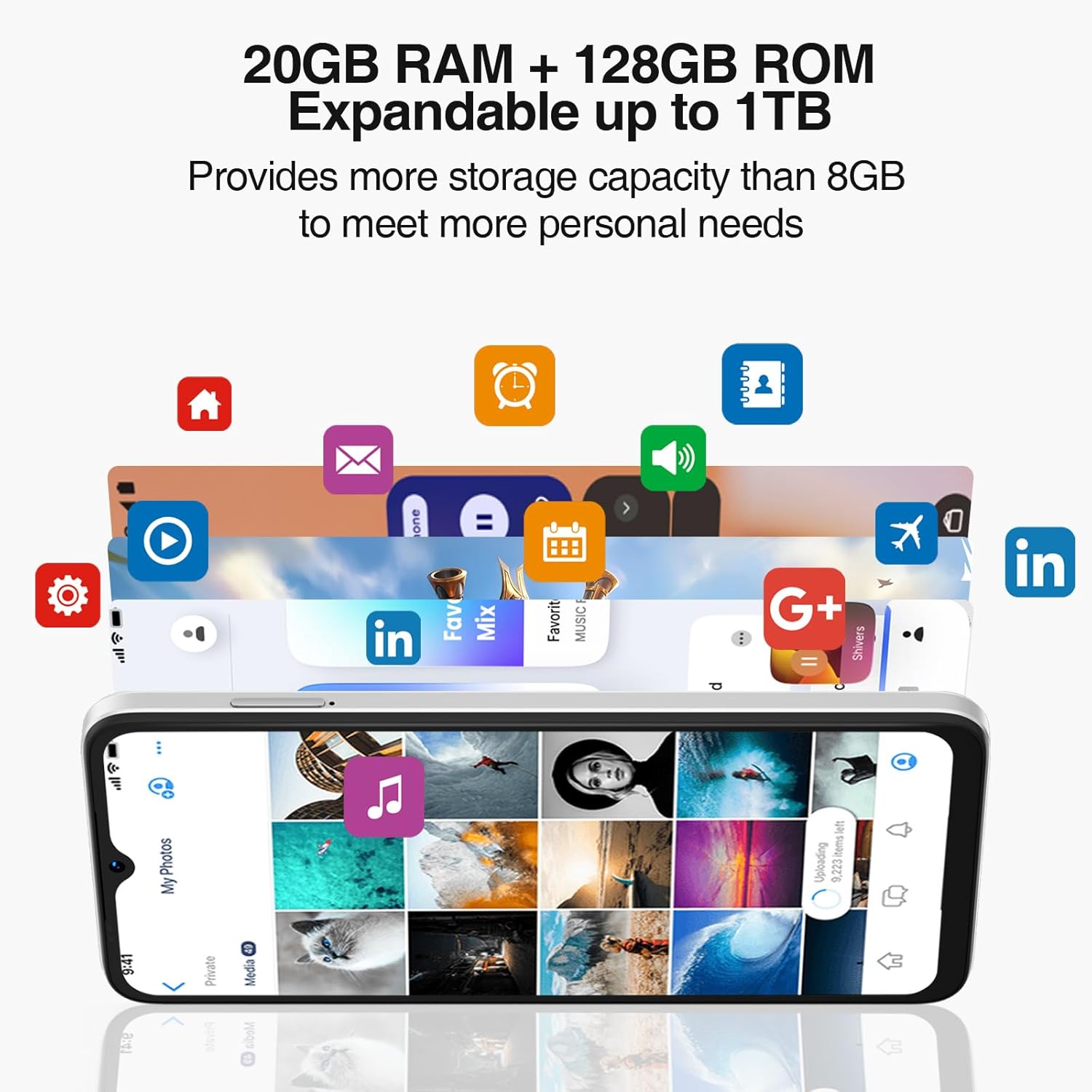
Powered by an Octa-Core processor and 20GB RAM (8GB physical + 12GB virtual), the N55PLUS ensures smooth multitasking and app performance. It comes with 128GB of internal storage, expandable up to 1TB using a TF card, providing ample ຊ່ອງສໍາລັບຂອງທ່ານ files, ຮູບພາບ, ແລະຄໍາຮ້ອງສະຫມັກ.
4.4 ການຄຸ້ມຄອງຫມໍ້ໄຟ
The 5150mAh large battery provides extended usage time. To optimize battery life, manage background app usage, adjust screen brightness, and enable power-saving modes when needed. The phone supports OTG reverse charging, allowing it to charge other devices.

5. ການເຊື່ອມຕໍ່
- ເຄືອຂ່າຍ: Supports 4G global network bands (GSM, WCDMA, TDD, FDD). Ensure your SIM card is compatible with the phone's supported bands for optimal service.
- Wi-Fi: ເຊື່ອມຕໍ່ຫາເຄືອຂ່າຍ Wi-Fi ທີ່ມີຢູ່ເພື່ອເຂົ້າເຖິງອິນເຕີເນັດ.
- Bluetooth: Pair with Bluetooth devices such as headphones, speakers, or car systems.
- GPS: ປະສົມປະສານ GPS, Glonass, Galileo, ແລະ Beidou ສໍາລັບການນໍາທາງທີ່ຖືກຕ້ອງ.
- USB Type-C: ສໍາລັບການສາກໄຟແລະການໂອນຂໍ້ມູນ.
6. ບໍາລຸງຮັກສາ
6.1 ການປັບປຸງຊອບແວ
ກວດສອບ ແລະຕິດຕັ້ງການອັບເດດຊອບແວເປັນປະຈຳເພື່ອຮັບປະກັນວ່າໂທລະສັບຂອງທ່ານມີຄຸນສົມບັດຫຼ້າສຸດ, ແຜ່ນປ້ອງກັນຄວາມປອດໄພ ແລະການປັບປຸງປະສິດທິພາບ. ໄປທີ່ ການຕັ້ງຄ່າ > ລະບົບ > ການປັບປຸງລະບົບ.
6.2 ການທໍາຄວາມສະອາດອຸປະກອນຂອງທ່ານ
ໃຊ້ຜ້າແພທີ່ອ່ອນນຸ້ມ, ບໍ່ມີສານດ່າງເພື່ອທຳຄວາມສະອາດໜ້າຈໍ ແລະຕົວເຄື່ອງຂອງໂທລະສັບຂອງທ່ານ. ຫຼີກເວັ້ນການນໍາໃຊ້ສານເຄມີທີ່ຮຸນແຮງຫຼືວັດສະດຸຂັດທີ່ອາດຈະທໍາລາຍອຸປະກອນ.
6.3 ການຄຸ້ມຄອງການເກັບຮັກສາ
To maintain optimal performance, periodically clear unnecessary files, ຖອນການຕິດຕັ້ງແອັບຯທີ່ບໍ່ໄດ້ໃຊ້, ແລະໂອນສື່ມວນຊົນຂະຫນາດໃຫຍ່ files to external storage or cloud services. Go to ການຕັ້ງຄ່າ > ບ່ອນເກັບຂໍ້ມູນ to manage your device's storage.
7. ການແກ້ໄຂບັນຫາ
- ໂທລະສັບບໍ່ເປີດ: ໃຫ້ແນ່ໃຈວ່າໄດ້ສາກໄຟແລ້ວ. ເຊື່ອມຕໍ່ໂທລະສັບກັບສາຍສາກ ແລະລໍຖ້າສອງສາມນາທີກ່ອນທີ່ຈະພະຍາຍາມເປີດເຄື່ອງອີກຄັ້ງ.
- ແອັບຂັດຂ້ອງ ຫຼືຄ້າງ: Close and restart the app. If the issue persists, clear the app's cache (Settings > Apps > [App Name] > Storage > Clear cache) or uninstall and reinstall the app.
- ສັນຍານເຄືອຂ່າຍບໍ່ດີ: ກວດສອບວ່າຊິມກາດຂອງທ່ານຖືກໃສ່ຢ່າງຖືກຕ້ອງແລ້ວຫຼືບໍ່. ຍ້າຍໄປບ່ອນທີ່ມີສັນຍານເຄືອຂ່າຍດີກວ່າ. ຕິດຕໍ່ຜູ້ໃຫ້ບໍລິການຂອງທ່ານຖ້າບັນຫາຍັງຄົງຢູ່.
- ແບັດເຕີຣີໝົດໄວ: ຫຼຸດຄວາມສະຫວ່າງຂອງໜ້າຈໍ, ປິດໃຊ້ງານຄຸນສົມບັດທີ່ບໍ່ໄດ້ໃຊ້ເຊັ່ນ Wi-Fi ຫຼື Bluetooth, ແລະ ປິດແອັບພື້ນຫຼັງ. ກວດສອບການໃຊ້ແບັດເຕີຣີໃນການຕັ້ງຄ່າເພື່ອລະບຸແອັບທີ່ໃຊ້ພະລັງງານຫຼາຍ.
- ການປົດລັອກດ້ວຍໃບໜ້າບໍ່ເຮັດວຽກ: Ensure your face is well-lit and clearly visible to the front camera. Re-register your face data in Settings > Security > Face Unlock.
8. ຂໍ້ມູນຈໍາເພາະ
| ຄຸນສົມບັດ | ຂໍ້ມູນຈໍາເພາະ |
|---|---|
| ຊື່ຕົວແບບ | N55 Plus |
| ລະບົບປະຕິບັດການ | Android 14 |
| ໂຮງງານຜະລິດ | Octa-Core (Mediatek Dimensity 1100, 3.2 GHz) |
| RAM | 8 GB (expandable to 20 GB with virtual RAM) |
| ການເກັບຮັກສາພາຍໃນ | 128 GB |
| ການເກັບຮັກສາທີ່ຂະຫຍາຍໄດ້ | ສູງສຸດ 1 TB ຜ່ານບັດ TF |
| ຂະໜາດໜ້າຈໍ | 6.56 ນິ້ວ |
| ປະເພດການສະແດງ | ໜ້າຈໍ HD+ IPS ຊົງຫຍົດນ້ຳ |
| ຄວາມລະອຽດ | 1612 x 720 |
| ອັດຕາການໂຫຼດຂໍ້ມູນຄືນໃໝ່ | 90 Hz |
| ກ້ອງຫຼັກ | ກ້ອງ AI 13 MP |
| ກ້ອງໜ້າ | 8 MP |
| ຄວາມອາດສາມາດຫມໍ້ໄຟ | 5150 mAh Lithium Ion |
| ການເຊື່ອມຕໍ່ | 4G LTE, Wi-Fi, Bluetooth, USB Type-C |
| ການນໍາທາງ | GPS, Glonass, Galileo, Beidou |
| ຄຸນນະສົມບັດພິເສດ | Dual SIM, Expandable Memory, Face Unlock, Widevine L1, OTG |
| ຂະໜາດ | 6.45 x 2.98 x 0.34 ນິ້ວ (ຫນາ 8.6 ມມ) |
| ນ້ຳໜັກ | 6.6 ອອນສ໌ (186 ກຣາມ) |
9. ການຮັບປະກັນແລະການສະຫນັບສະຫນູນ
All DOOGEE unlocked phones purchased from our official channels are covered by a 12-month warranty. If you encounter any issues during use, please contact our customer support for assistance. For further support, visit the official DOOGEE webເວັບໄຊ ຫຼືອ້າງອີງເຖິງຂໍ້ມູນການຕິດຕໍ່ທີ່ສະໜອງໃຫ້ກັບການຊື້ຂອງທ່ານ.


