1. ຜະລິດຕະພັນເກີນview
The Redragon Ziggs K669 is a compact 94-key wired mechanical gaming keyboard designed for performance and durability. It features Redragon Red hot-swappable switches, customizable RGB backlighting, and a robust construction.
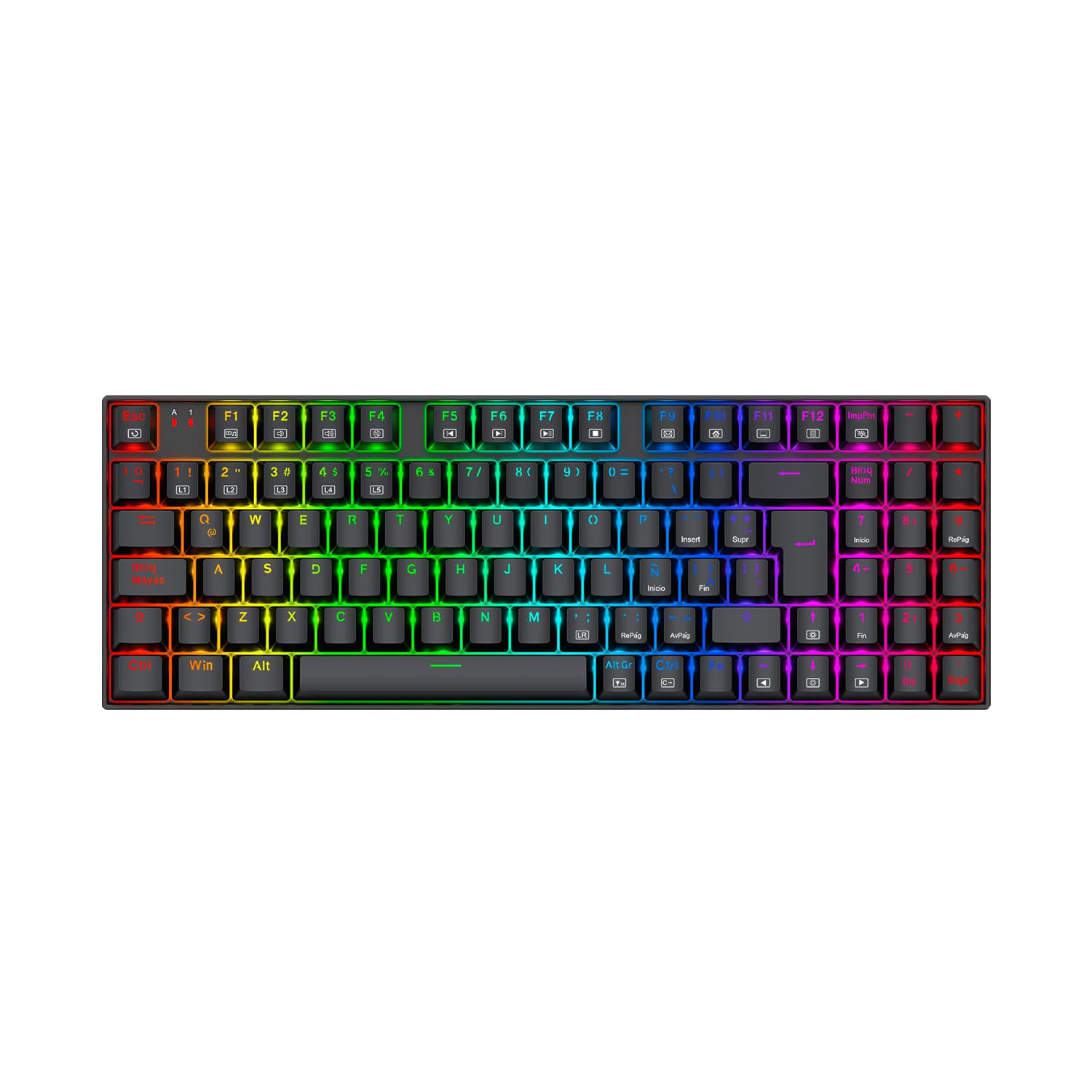
Image: Redragon Ziggs K669 Wired Gaming Keyboard with RGB lighting.
2. ເນື້ອໃນຊຸດ
- Redragon Ziggs K669 Wired Gaming Keyboard
- ຄູ່ມືຜູ້ໃຊ້
- Keycap Puller (ອາດຈະລວມ)
- Switch Puller (ອາດຈະລວມ)
- ສະຫຼັບອາໄຫຼ່ (ອາດຈະລວມ)
3. ຕັ້ງຄ່າ
3.1 ການເຊື່ອມຕໍ່ຄີບອດ
- ຊອກຫາຊ່ອງສຽບ USB ທີ່ມີຢູ່ໃນຄອມພິວເຕີຂອງທ່ານ.
- Plug the USB connector of the Redragon Ziggs K669 keyboard into the USB port.
- The keyboard will automatically be recognized by your operating system. No additional drivers are typically required for basic functionality.
3.2 ການຕິດຕັ້ງຊອບແວ (ທາງເລືອກ)
For advanced customization of RGB lighting and other features, download the official Redragon software from the Redragon webເວັບໄຊ. ປະຕິບັດຕາມຄໍາແນະນໍາໃນຫນ້າຈໍສໍາລັບການຕິດຕັ້ງ.
4. ຄໍາແນະນໍາການດໍາເນີນງານ
4.1 Compact 94-Key Layout
The Ziggs K669 features a compact 94-key layout, including a numeric keypad, balancing space-saving design with full functionality.
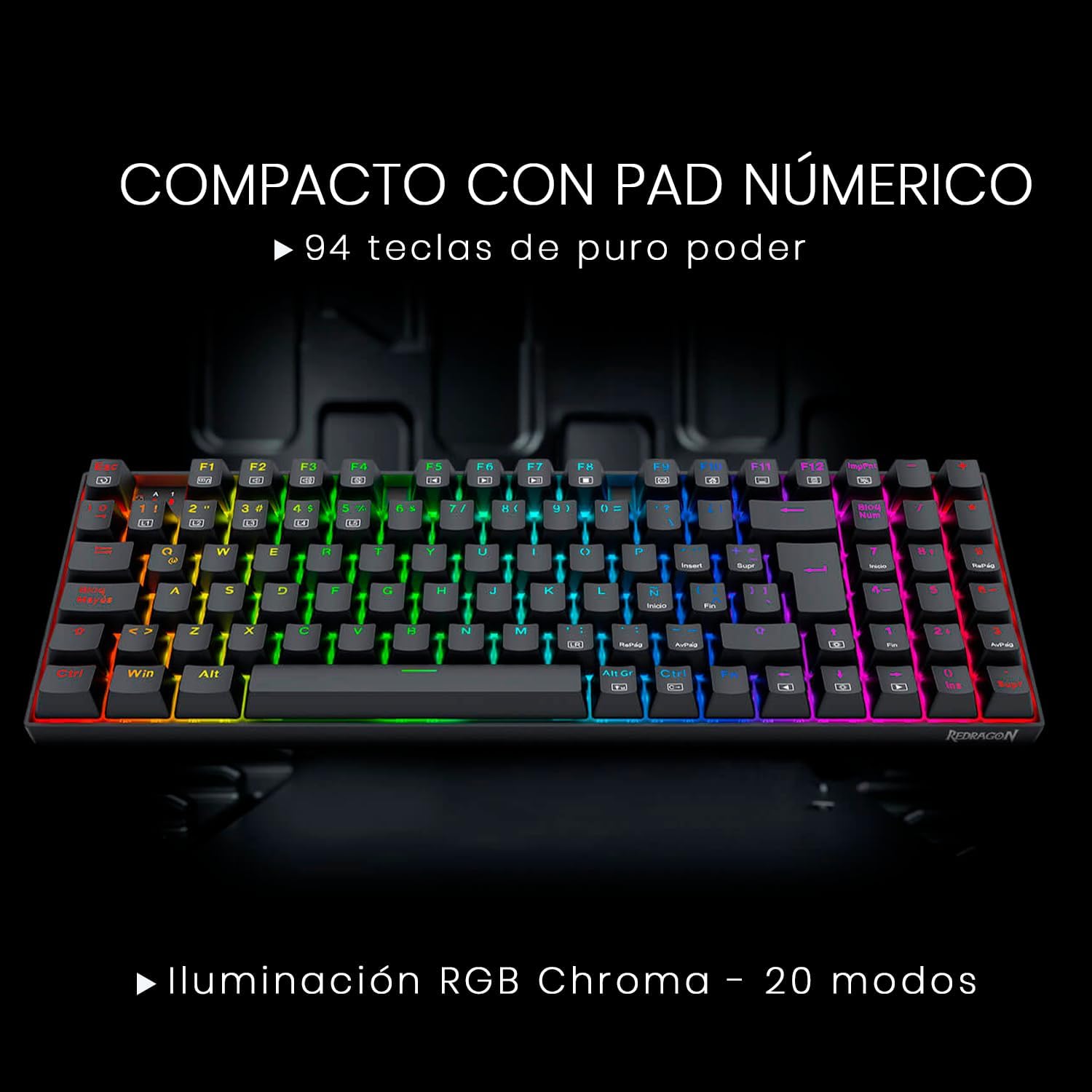
Image: Redragon Ziggs K669 keyboard showcasing its compact 94-key layout with integrated numeric pad.
4.2 ປຸ່ມມັນຕິມີເດຍ
ເຂົ້າເຖິງຟັງຊັນມັນຕິມີເດຍໂດຍການກົດປຸ່ມ FN key in combination with the designated function keys (F1-F12). Refer to the keycaps for specific multimedia icons.
4.3 ການຄວບຄຸມແສງ RGB
The keyboard offers up to 20 preset RGB backlight modes. These can be cycled directly from the keyboard. Brightness and flow speed are also adjustable without software.

Image: Redragon Ziggs K669 keyboard displaying various RGB lighting effects.
4.4 ລັອກປຸ່ມ Windows
The keyboard includes a function to lock the Windows key, preventing accidental presses during gaming sessions.
5. ບໍາລຸງຮັກສາ
5.1 ການທໍາຄວາມສະອາດ
To clean the keyboard, disconnect it from your computer. Use a soft, dry cloth to wipe the surface. For deeper cleaning, use a keycap puller to remove keycaps and clean underneath with compressed air or a small brush. Avoid using harsh chemicals or excessive moisture.
5.2 ສະວິດທີ່ສາມາດແລກປ່ຽນໄດ້ດ້ວຍຄວາມຮ້ອນ
The Redragon Ziggs K669 features hot-swappable Redragon Red switches, allowing for easy replacement without soldering. Use the provided switch puller to carefully remove and insert switches.

ຮູບພາບ: ໃກ້ຊິດ view of the Redragon Red hot-swappable mechanical switches on the Ziggs K669 keyboard.
6. ການແກ້ໄຂບັນຫາ
- ແປ້ນພິມບໍ່ຕອບສະໜອງ: ໃຫ້ແນ່ໃຈວ່າສາຍ USB ໄດ້ເຊື່ອມຕໍ່ຢ່າງປອດໄພກັບທັງແປ້ນພິມ ແລະຄອມພິວເຕີ. ລອງໃຊ້ພອດ USB ອື່ນ. ປິດເປີດຄອມພິວເຕີຂອງທ່ານຄືນໃໝ່.
- ໄຟ RGB ບໍ່ເຮັດວຽກ: Check if the lighting is turned off or set to a very low brightness level using the keyboard's control functions or software.
- ປຸ່ມສະເພາະທີ່ບໍ່ເຮັດວຽກ: If the keyboard is hot-swappable, try reseating the switch for the non-functional key. If the issue persists, consider replacing the switch.
7. ຂໍ້ມູນຈໍາເພາະ
| ຄຸນສົມບັດ | ລາຍລະອຽດ |
|---|---|
| ປະເພດແປ້ນພິມ | ກົນຈັກ |
| ສະວິດ | Redragon Red (Linear, 45g actuation force, hot-swappable) |
| ໂຄງຮ່າງຫຼັກ | Compact 94-key with numeric pad |
| Backlighting | RGB Chroma (20 preset modes) |
| ການເຊື່ອມຕໍ່ | Wired USB (Reinforced cable, gold-plated USB, anti-interference filter) |
| ການກໍ່ສ້າງ | Reinforced ABS plastic, steel plate |
| Anti-Splash | ແມ່ນແລ້ວ |
| ຄີແຄັບ | Double-injection |
| ນ້ຳໜັກ | 792 g |
| ຂະໜາດ | 34.8 x 12.3 x 3.5 cm |
| ສະຫນັບສະຫນູນຊອບແວ | ແມ່ນແລ້ວ |
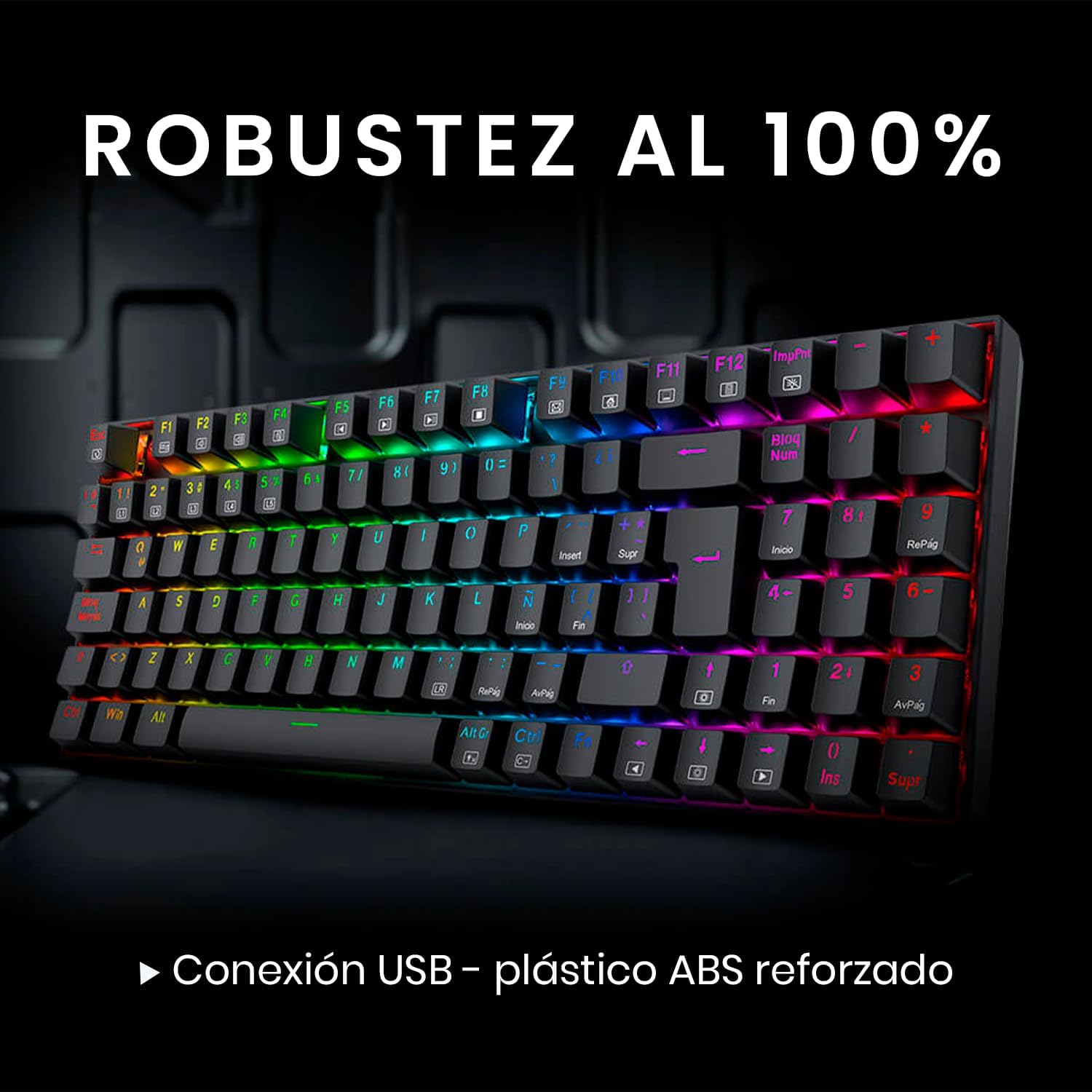
Image: Redragon Ziggs K669 keyboard highlighting its robust construction and wired connection.
8. ການຮັບປະກັນແລະການສະຫນັບສະຫນູນ
8.1 ຂໍ້ມູນການຮັບປະກັນ
Redragon products are covered by a manufacturer's warranty against defects in materials and workmanship. Please refer to the warranty card included with your product or visit the official Redragon webເວັບໄຊສໍາລັບເງື່ອນໄຂການຮັບປະກັນລາຍລະອຽດ.
8.2 ສະຫນັບສະຫນູນລູກຄ້າ
For technical assistance, troubleshooting, or product inquiries, please visit the official Redragon support website or contact their customer service team. Contact information can typically be found on the Redragon webເວັບໄຊ.


