1. ບົດແນະນຳ
This manual provides essential information for the safe and efficient operation of your Tera Smart EV Charger Type 2 Wallbox. Please read these instructions carefully before installation and use, and retain them for future reference.
ເນື້ອໃນຊຸດ:
- 1 x Tera W01 11 KW 16 A CEE Plug EV Charger with 7m Type 2 Cable
- 1 x ແມ່ແບບການຕິດຕັ້ງ
- 1 x ຊຸດຂອງ screws mounting
- 1 x ຄູ່ມືຜູ້ໃຊ້ (ພາສາອັງກິດ ແລະ ເຢຍລະມັນ)

2. ຄໍາແນະນໍາຄວາມປອດໄພ
Your Tera Wallbox is designed with multiple safety features. Adherence to these guidelines is crucial for safe operation and to prevent electrical hazards.
Integrated Safety Mechanisms:
- Integrated DC6mA Residual Current Protection: Detects and handles various leakage current situations (AC and DC).
- External Type A Overcurrent Breaker: Provides additional protection against overcurrents.
- Overvoltage ການປົກປ້ອງ: ການປົກປ້ອງຕໍ່ຕ້ານຫຼາຍເກີນໄປ voltage.
- Undervoltage ການປົກປ້ອງ: ປ້ອງກັນປະລິມານທີ່ບໍ່ພຽງພໍtage.
- ການປ້ອງກັນການໂຫຼດເກີນ: ປ້ອງກັນຄວາມເສຍຫາຍຈາກການດຶງກະແສໄຟຟ້າຫຼາຍເກີນໄປ.
- ການປ້ອງກັນວົງຈອນສັ້ນ: Automatically disconnects power in case of a short circuit.
- ການປ້ອງກັນອຸນຫະພູມເກີນ: ຕິດຕາມກວດກາແລະປ້ອງກັນການ overheating.
- ການປົກປ້ອງພື້ນດິນ: ຮັບປະກັນການຕໍ່ຫນ້າດິນທີ່ເຫມາະສົມສໍາລັບຄວາມປອດໄພໄຟຟ້າ.
- ການປ້ອງກັນການຮົ່ວໄຫຼຂອງດິນ: Detects unintended current paths to earth.
The charging cable is made with over 99.5% copper for excellent conductivity and minimal heat generation. The charger is designed to meet safety requirements, ensuring high safety standards.
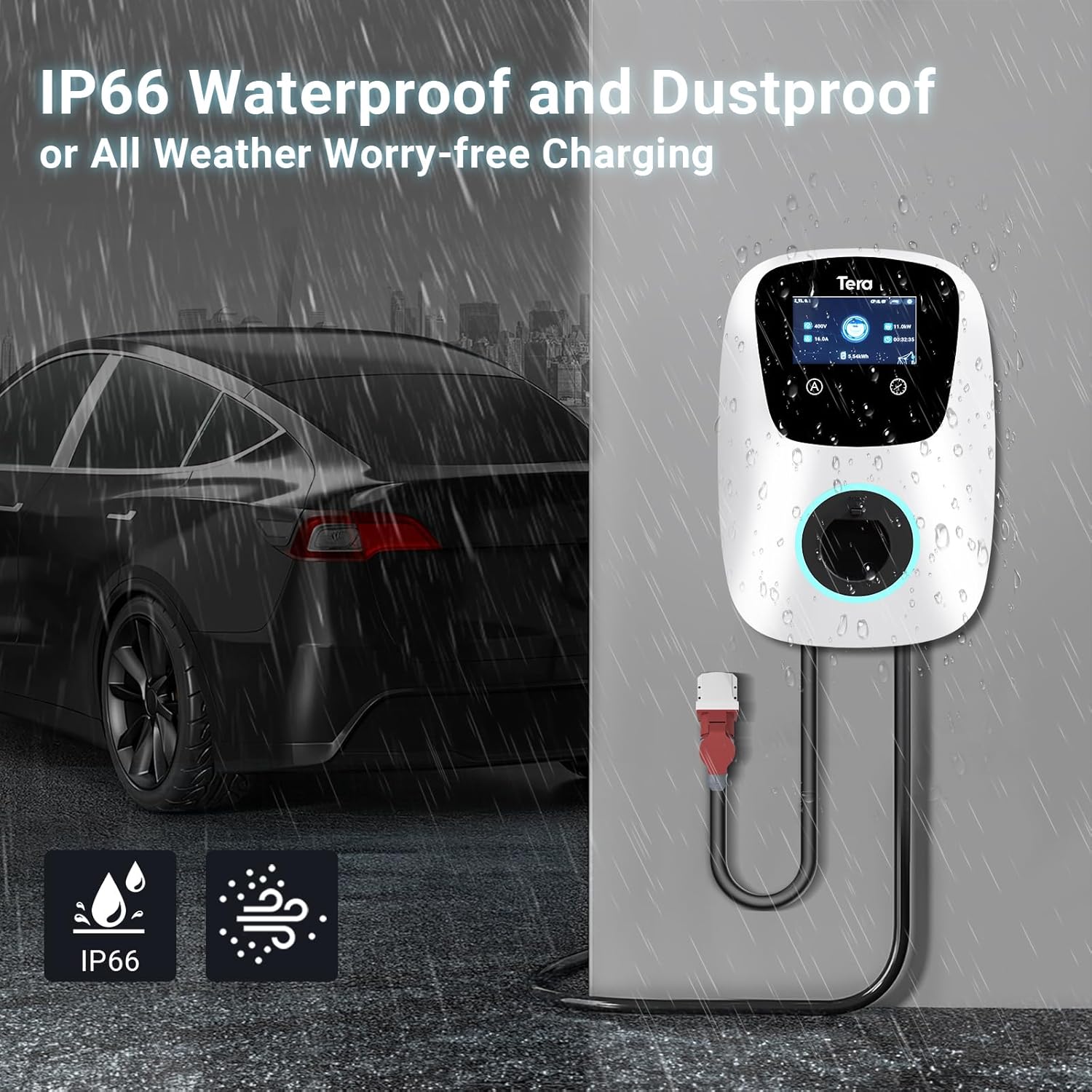
ການປົກປ້ອງສິ່ງແວດລ້ອມ:
ອຸປະກອນມີລັກສະນະເປັນ ລະດັບກັນນໍ້າ IP54, allowing safe outdoor use in various weather conditions. It is designed to withstand temperatures from -30°C to 50°C.

3. ຂໍ້ກໍານົດດ້ານວິຊາການ
| ຄຸນສົມບັດ | ຂໍ້ມູນຈໍາເພາະ |
|---|---|
| ຍີ່ຫໍ້ | ເທຣາ |
| ຊື່ຕົວແບບ | W01-AM-WH-11kW |
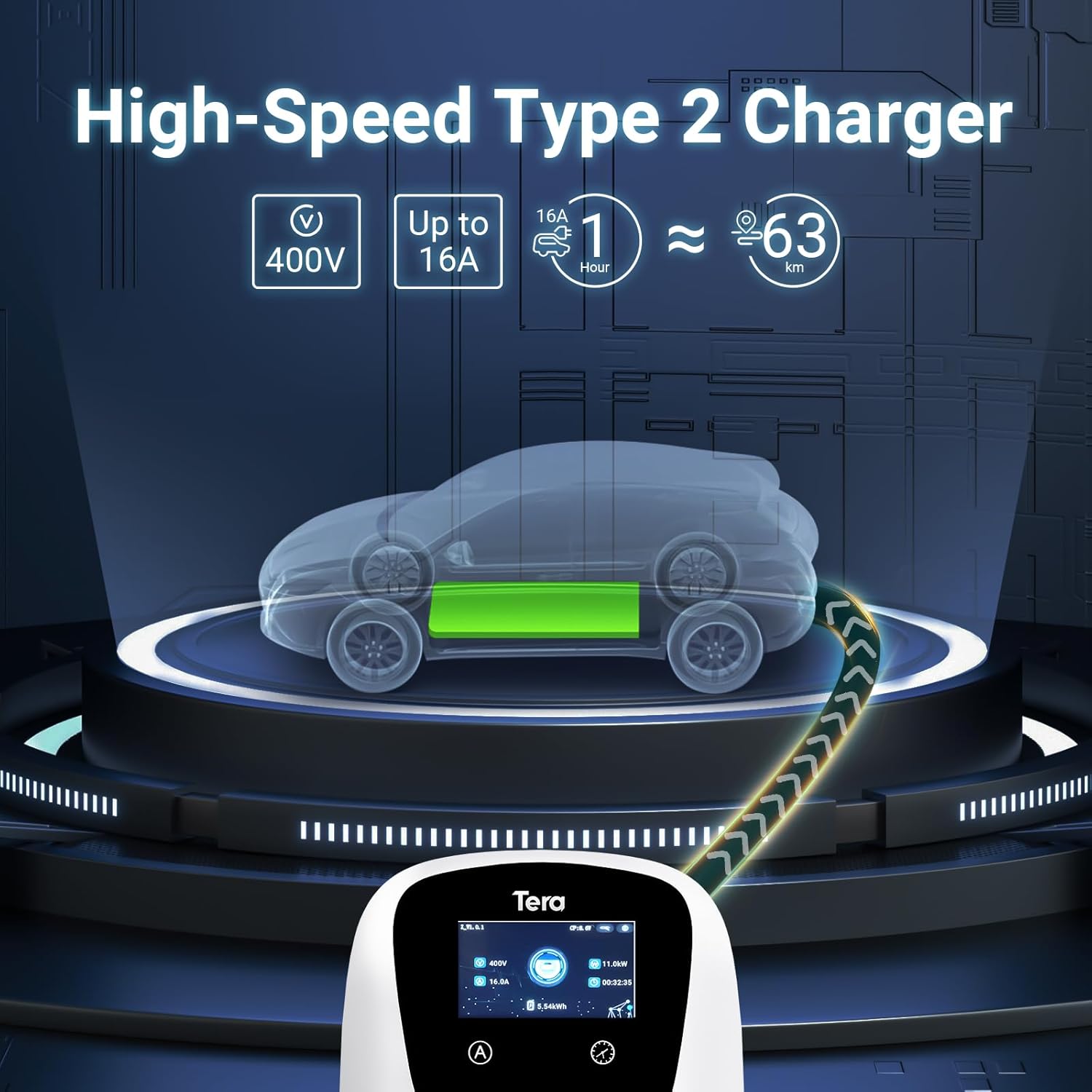
| ຜົນໄດ້ຮັບ Voltage | 400 ໂວນ |
| ການປ້ອນຂໍ້ມູນ Voltage | 400 ໂວນ |
| ອັນດັບປັດຈຸບັນ | 16 Ampເອີ |
| ພະລັງງານສູງສຸດ | 11 kW |
| ຄວາມຍາວສາຍ | 7 ແມັດ |
| ປະເພດຕົວເຊື່ອມຕໍ່ | Type 2, CEE 3-phase plug |
| ການຢັ້ງຢືນ | CE (N8A 104780 0028), TÜV (64105223147901), IEC 62196-2 |
| ການປະເມີນກັນນ້ໍາ | IP54 |
| ອຸນຫະພູມປະຕິບັດການ | -30°C ເຖິງ 50°C |
| ຂະໜາດສິນຄ້າ | 20 x 15 x 20 cm |
| ນ້ຳໜັກສິນຄ້າ | 15 ກິໂລ |
4. ການຕິດຕັ້ງ
The Tera EV Charger is designed for straightforward installation. It comes with a mounting template and a screw set to facilitate the process.
ຂັ້ນຕອນການຕິດຕັ້ງ:
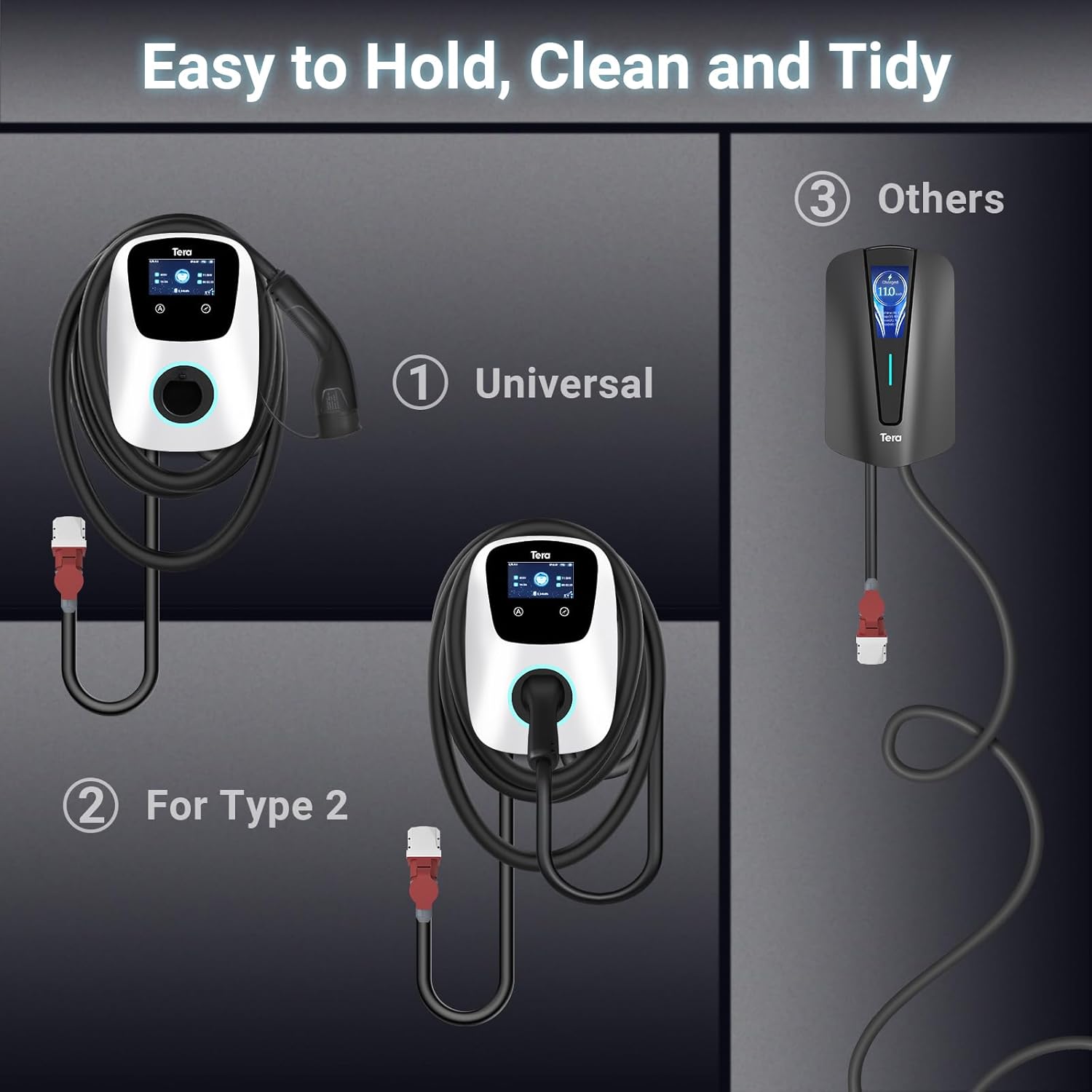
- ການຕິດຕັ້ງ: Use the provided mounting template and screw set to securely attach the charger to a suitable wall or surface. Ensure the mounting location is stable and can support the weight of the charger and cable.
- ການເຊື່ອມຕໍ່ພະລັງງານ: Connect the CEE 3-phase plug to a compatible power source. Ensure the electrical installation meets local regulations and safety standards. Professional installation by a qualified electrician is recommended.
- ການຄຸ້ມຄອງສາຍໄຟ: Utilize the additional cable holder to store the 7-meter charging cable neatly, saving space and maintaining a tidy charging area.

5. ການດໍາເນີນງານ
The Tera EV Charger offers both manual and app-controlled charging options for convenience.
Starting a Charge:
- Ensure the charger is properly installed and connected to the power supply.
- Plug the Type 2 charging cable into your electric vehicle's charging port.
- Charging will commence automatically or can be initiated via the app.
ໂໝດສາກໄຟ:
- ການສາກໄຟດ້ວຍມື: Directly set charging parameters on the EV charger's interface.
- App-Scheduled Charging: Use the dedicated mobile application (via Wi-Fi and Bluetooth) to schedule charging sessions, adjust charging power, and monitor progress. This provides flexibility to plan charging according to your needs.
The charging power can be adjusted to prevent overcharging and protect your vehicle's battery.
ຕົວຊີ້ວັດ LED:
Integrated LED indicators provide clear visual feedback on the charging progress and any potential errors, ensuring you are always aware of the operational status.

6. ບໍາລຸງຮັກສາ
Regular maintenance ensures the longevity and optimal performance of your Tera EV Charger.
- ທໍາຄວາມສະອາດ: Periodically wipe the charger's exterior with a soft, damp ຜ້າ. ຢ່າໃຊ້ເຄື່ອງເຮັດຄວາມສະອາດຂັດຫຼືສານລະລາຍ.
- ການກວດສອບສາຍ: Regularly inspect the charging cable and connectors for any signs of wear, damage, or corrosion. If any damage is found, discontinue use and contact support.
- ການເກັບຮັກສາ: When not in use, ensure the charging cable is neatly coiled and stored using the provided cable holder to prevent kinks or damage.
7. ການແກ້ໄຂບັນຫາ
If you encounter issues with your Tera EV Charger, consider the following basic troubleshooting steps:
- ບໍ່ມີພະລັງງານ: Check the main power supply and ensure the CEE 3-phase plug is securely connected. Verify that the circuit breaker is not tripped.
- ການສາກບໍ່ເລີ່ມຕົ້ນ: Ensure the Type 2 plug is fully inserted into your vehicle's charging port. Check the charger's LED indicators for any error codes.
- ບັນຫາການເຊື່ອມຕໍ່ແອັບ: Ensure your Wi-Fi and Bluetooth are enabled on your mobile device and that the charger is within range. Restart the app and, if necessary, the charger.
- ການສາກໄຟຊ້າ: Verify the current setting on the charger or in the app. Ensure your vehicle is capable of accepting the full 11 kW charge.
For persistent issues or complex problems, please refer to the support section.
8. ຂໍ້ມູນການຮັບປະກັນ
Specific warranty details are typically provided with your purchase documentation. Please refer to the warranty card or contact your retailer for information regarding the warranty period and terms of service for your Tera EV Charger.
9. ການຊ່ວຍເຫຼືອລູກຄ້າ
Should you require further assistance, have questions regarding installation, operation, or troubleshooting, please contact Tera customer support. Contact information can typically be found on the product packaging or the official Tera webເວັບໄຊ.
Note: The product includes a user manual in German and English.


