1. ບົດແນະນຳ
Thank you for choosing the DreamSky DS312 Type-C Adapter. This manual provides essential information for the safe and efficient use of your new adapter. Please read it thoroughly before use and retain it for future reference.
2. ຂໍ້ມູນຄວາມປອດໄພ
- Use the adapter only with compatible devices and within specified voltage ranges (Input: 110V, Output: 5V).
- ຢ່າໃຫ້ອະແດບເຕີຖືກນໍ້າ, ຄວາມຊຸ່ມ ຫຼື ອຸນຫະພູມສູງສຸດ.
- ຫຼີກລ່ຽງການຕົກ ຫຼື ເຮັດໃຫ້ອະແດບເຕີໄດ້ຮັບຜົນກະທົບຢ່າງຮຸນແຮງ.
- Do not attempt to disassemble or modify the adapter. This will void the warranty and may cause damage or injury.
- ຮັກສາໃຫ້ໄກຈາກເດັກນ້ອຍ.
- ຖອດອະແດບເຕີອອກຈາກປລັກສຽບໄຟເມື່ອບໍ່ໄດ້ໃຊ້ເປັນເວລາດົນ.
3. ເນື້ອໃນຊຸດ
ກະລຸນາກວດເບິ່ງຊຸດສຳລັບລາຍການຕໍ່ໄປນີ້:
- 1 x DreamSky DS312 Type-C Adapter
- 1 x ຄູ່ມືຜູ້ໃຊ້ (ເອກະສານນີ້)
4. ຜະລິດຕະພັນເກີນview
The DreamSky DS312 is a compact and efficient Type-C adapter designed to provide reliable power to your compatible devices.
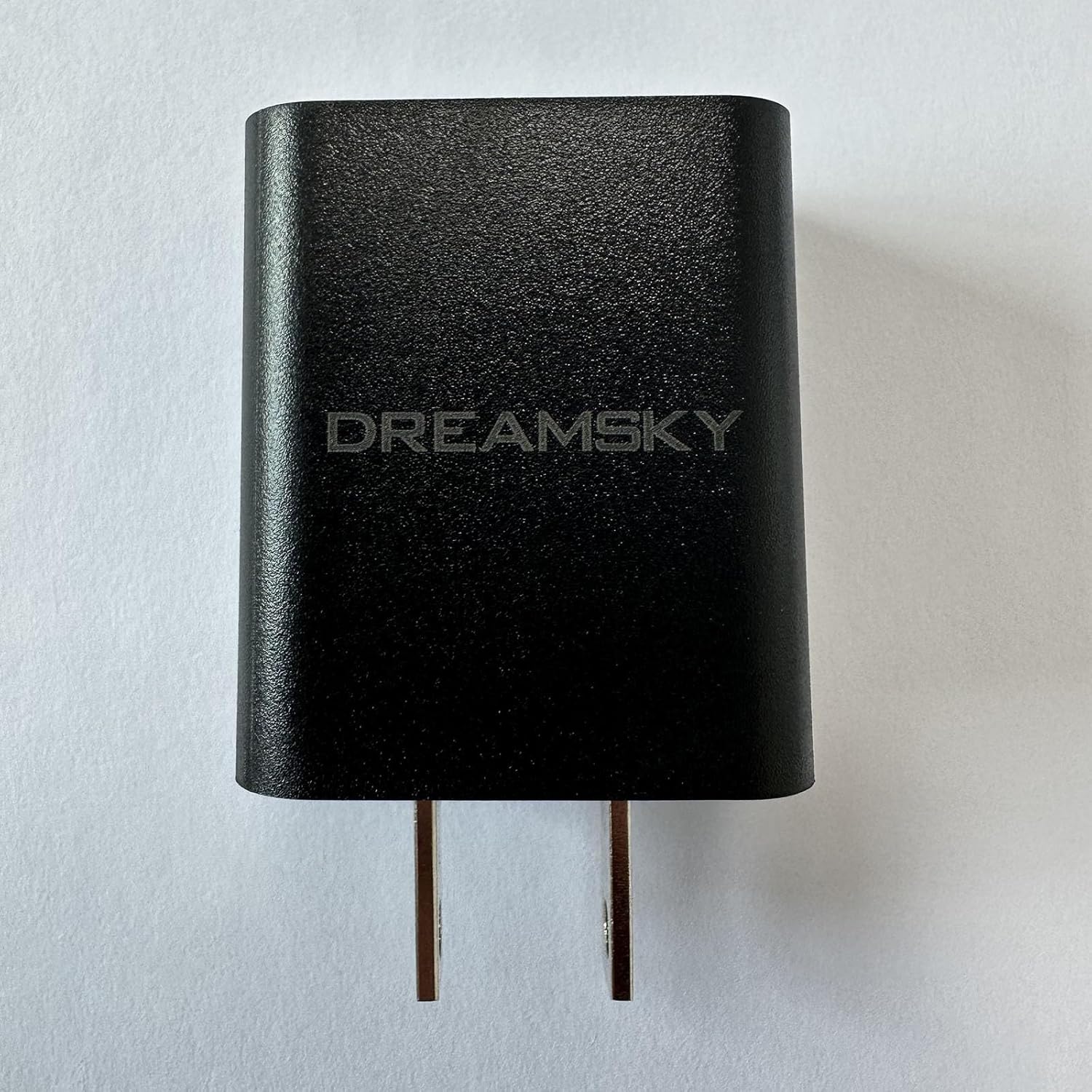
ຮູບທີ 4.1: ດ້ານໜ້າ view of the DreamSky DS312 Type-C Adapter. This image shows the black adapter with the "DREAMSKY" logo prominently displayed on its surface, along with the two prongs for wall outlet connection.
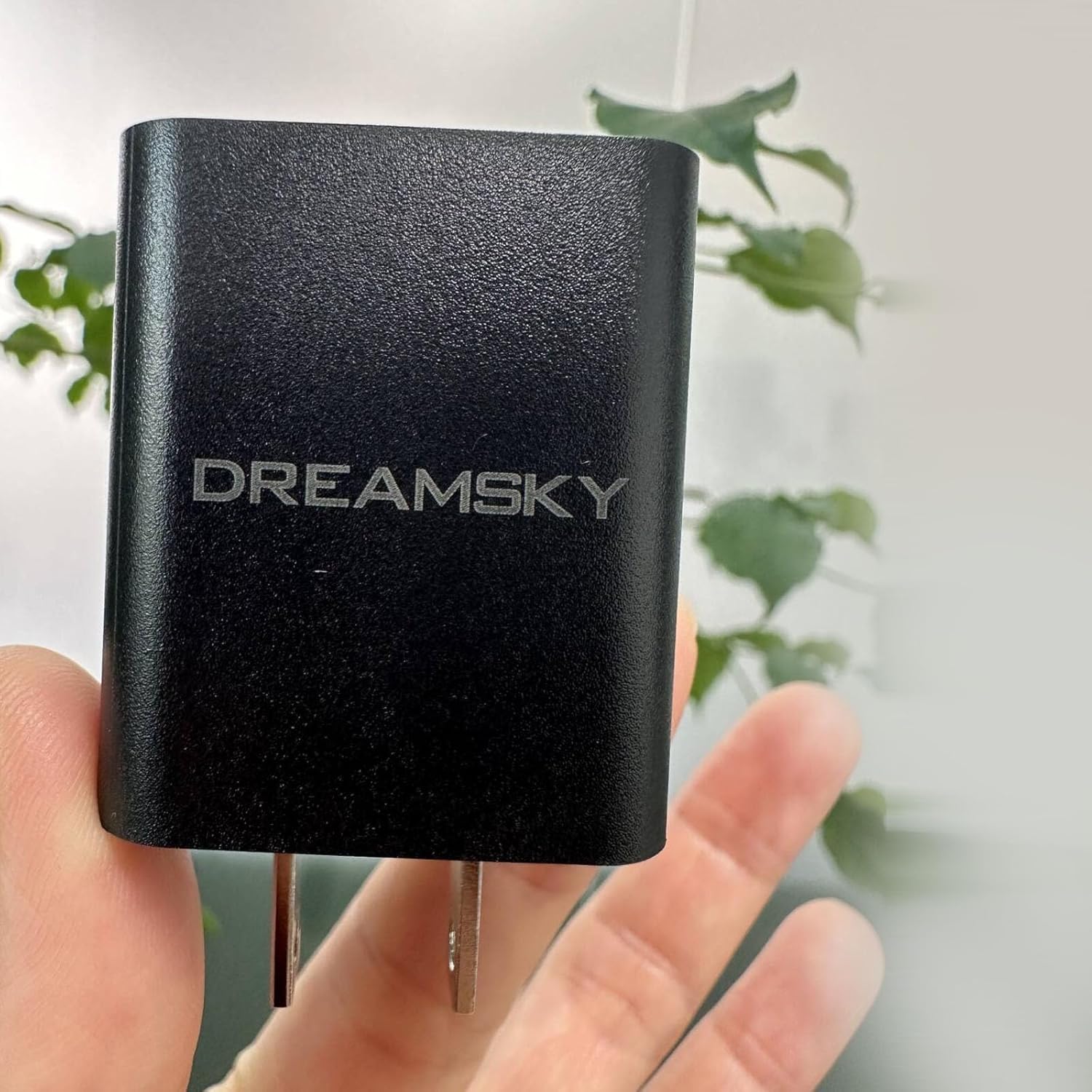
ຮູບທີ 4.2: The DreamSky DS312 Type-C Adapter held in a hand. This image provides a sense of the adapter's compact size and ergonomic design, with a hand holding the black adapter against a blurred background.
5. ຄໍາແນະນໍາການຕິດຕັ້ງ
- ແກະກ່ອງ: Carefully remove the DreamSky DS312 Type-C Adapter from its packaging.
- ເຊື່ອມຕໍ່ກັບພະລັງງານ: Insert the adapter's prongs into a standard 110V AC wall outlet. Ensure the connection is firm.
- ເຊື່ອມຕໍ່ຫາອຸປະກອນ: Plug your device's Type-C charging cable into the Type-C port on the adapter. Then, connect the other end of the cable to your compatible device.
- ຢືນຢັນການເຊື່ອມຕໍ່: Confirm that your device indicates it is receiving power or charging.
6. ຄໍາແນະນໍາການດໍາເນີນງານ
Once properly connected, the DreamSky DS312 Type-C Adapter will automatically begin supplying power to your connected device. No additional user interaction is typically required for basic operation.
- Ensure the adapter is securely plugged into a functional power outlet.
- Connect only Type-C compatible devices to the adapter.
- Monitor your device's charging status to ensure proper function.
- Disconnect the adapter from the power source and your device when charging is complete or when the adapter is not in use.
7. ບໍາລຸງຮັກສາ
- ທໍາຄວາມສະອາດ: Disconnect the adapter from all power sources and devices before cleaning. Use a soft, dry cloth to wipe the exterior. Do not use liquid cleaners or aerosols.
- ການເກັບຮັກສາ: ເກັບຮັກສາອະແດບເຕີໄວ້ໃນບ່ອນທີ່ເຢັນ, ແຫ້ງ, ຫ່າງຈາກແສງແດດໂດຍກົງ ແລະອຸນຫະພູມທີ່ຮຸນແຮງເມື່ອບໍ່ໄດ້ໃຊ້.
- ການກວດກາ: ກວດສອບອະແດບເຕີເປັນໄລຍະໆເພື່ອຊອກຫາຮ່ອງຮອຍຂອງຄວາມເສຍຫາຍ, ເຊັ່ນ: ສາຍທີ່ຂາດ ຫຼື ສາຍທີ່ມີຮອຍແຕກ.asinຊ. ຖ້າສັງເກດເຫັນຄວາມເສຍຫາຍ, ໃຫ້ຢຸດໃຊ້ທັນທີ.
8. ການແກ້ໄຂບັນຫາ
| ບັນຫາ | ສາເຫດທີ່ເປັນໄປໄດ້ | ການແກ້ໄຂ |
|---|---|---|
| Adapter not providing power. | No power from outlet; loose connection; faulty cable; incompatible device. | Check outlet with another device; ensure adapter is firmly plugged in; try a different Type-C cable; verify device compatibility. |
| ການສາກໄຟຊ້າ. | Device drawing more power than supplied; background apps running; cable quality. | Close unnecessary applications on your device; ensure the cable is high-quality and suitable for charging; check if the device supports faster charging. |
| ອະແດັບເຕີຮູ້ສຶກອົບອຸ່ນ. | Normal operation during charging; excessive load. | A slight warmth is normal. If it becomes excessively hot, disconnect immediately and contact support. Ensure proper ventilation. |
9. ຂໍ້ມູນຈໍາເພາະ
| ຄຸນສົມບັດ | ລາຍລະອຽດ |
|---|---|
| ໝາຍເລກຕົວແບບ | DS312 |
| ຍີ່ຫໍ້ | DreamSky |
| ສີ | ດຳ |
| ການປ້ອນຂໍ້ມູນ Voltage | 110 ໂວນ |
| ຜົນໄດ້ຮັບ Voltage | 5 ໂວນ |
| ນ້ໍາຫນັກລາຍການ | 3.19 ອອນ |
| ຂະໜາດແພັກເກັດ | 5.5 x 5 x 1 ນິ້ວ |
| ຜູ້ຜະລິດ | ShenZhen litian technology Co.,Ltd |
| ວັນທີທໍາອິດທີ່ມີ | ວັນທີ 22 ພຶດສະພາ 2024 |
10. ການຮັບປະກັນແລະການສະຫນັບສະຫນູນ
The DreamSky DS312 Type-C Adapter comes with a standard manufacturer's warranty. For specific warranty terms and conditions, please refer to the documentation provided with your purchase or visit the official DreamSky webເວັບໄຊ.
For technical support, troubleshooting assistance, or warranty claims, please contact DreamSky customer service through their official website or the contact information provided on your purchase receipt.


