1. ບົດແນະນຳ
Thank you for choosing the iTOMA White Noise Machine 318. This device is designed to create a relaxing and comfortable environment conducive to sleep, relaxation, focus, and meditation. It offers a variety of soothing sounds, a convenient sleep timer, adjustable volume, and Bluetooth connectivity for personalized audio playback.

ຮູບ 1: ດ້ານຫນ້າ view of the iTOMA White Noise Machine 318.
2. ຄຸນລັກສະນະຂອງຜະລິດຕະພັນ
- ການອອກແບບກະທັດຮັດ ແລະເປັນມິດກັບຜູ້ໃຊ້: Engineered for ease of use and portability, suitable for various settings.
- 30 Soothing Sound Options: Includes 10 white noises, 10 fan sounds, and 10 nature sounds (Rain, Sea waves, Brook, Bird, etc.) to cater to diverse preferences.
- ລະດັບສຽງທີ່ສາມາດປັບໄດ້: Offers a wide range of volume settings, from very low to adequately high, to effectively mask disturbing noises.
- Auto-Off Sleep Timer: Features 4 timer settings (15, 30, 60, or 90 minutes) for automatic shutdown, ideal for naps or bedtime routines. Continuous play option is also available.
- ການເຊື່ອມຕໍ່ Bluetooth: Built-in Bluetooth speaker allows connection to smartphones or tablets for playing personal music or audio during relaxation, yoga, or meditation.
3. ເນື້ອໃນຊຸດ
- 1 × iTOMA White Noise Machine 318
- 1 × ອະແດບເຕີພະລັງງານ
- 1 × ຄູ່ມືຜູ້ໃຊ້ (ເອກະສານນີ້)
4. ຜະລິດຕະພັນເກີນview
The iTOMA White Noise Machine 318 features an intuitive design with easily accessible controls. The main unit is compact and spherical, with a speaker grille on the front and control knobs on the side.

Figure 2: The mechanical knob design for volume and sound selection.
ການຄວບຄຸມ:
- ປຸ່ມລະດັບສຽງ: Located on the side, this knob allows you to adjust the sound output level.
- Sound Selection Knob: Also on the side, this knob is used to cycle through the different sound categories (White Noises, Fan Sounds, Nature Sounds) and individual sounds within each category.
- ປຸ່ມຈັບເວລາ: A dedicated button to set the auto-off timer.
- ປຸ່ມ Bluetooth: ເປີດໃຊ້ໂໝດການຈັບຄູ່ Bluetooth.
5. ຕັ້ງຄ່າ
- Unpack the iTOMA White Noise Machine 318 and its accessories from the packaging.
- ວາງອຸປະກອນຢູ່ເທິງພື້ນທີ່ຮາບພຽງທີ່ຫມັ້ນຄົງ.
- Connect the provided power adapter to the DC IN port on the back of the unit.
- Plug the power adapter into a standard electrical outlet. The device is now ready for use.
6. ຄໍາແນະນໍາການດໍາເນີນງານ
6.1 ເປີດ/ປິດ
To power on the device, rotate the main knob on the side. Rotate it again to power off.
6.2 ການເລືອກສຽງ
Rotate the sound selection knob to cycle through the 30 available sounds. Sounds are categorized into White Noises, Fan Sounds, and Nature Sounds.
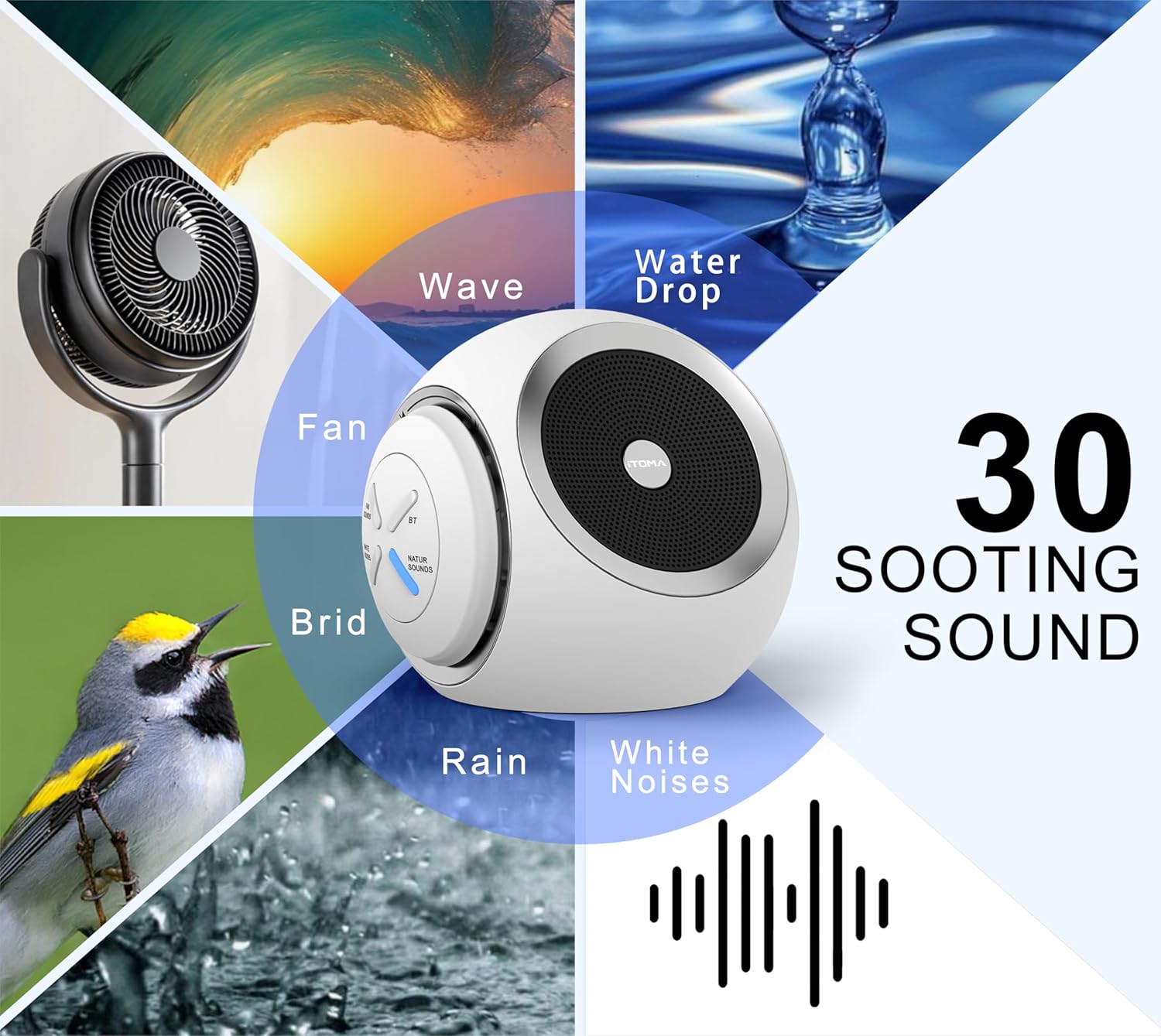
Figure 3: Visual representation of the 30 available soothing sounds.
6.3 ການປັບລະດັບສຽງ
Use the volume knob to increase or decrease the sound output. The device offers 16 distinct volume levels.
6.4 ຈັບເວລານອນ
Press the Timer button to activate the auto-off function. Each press cycles through the available timer settings: 15 minutes, 30 minutes, 60 minutes, 90 minutes, or continuous play. An indicator light will confirm the selected timer duration.

Figure 4: Sleep timer options for the device.
6.5 ການຈັບຄູ່ Bluetooth
To use the device as a Bluetooth speaker:
- Press the Bluetooth button on the device. The Bluetooth indicator light will flash, indicating pairing mode.
- ໃນສະມາດໂຟນ ຫຼືແທັບເລັດຂອງທ່ານ, ເປີດໃຊ້ Bluetooth ແລະຊອກຫາອຸປະກອນທີ່ມີຢູ່.
- Select "iTOMA 318" from the list of devices to pair.
- Once paired, the Bluetooth indicator light will remain solid, and you can play audio through the device.
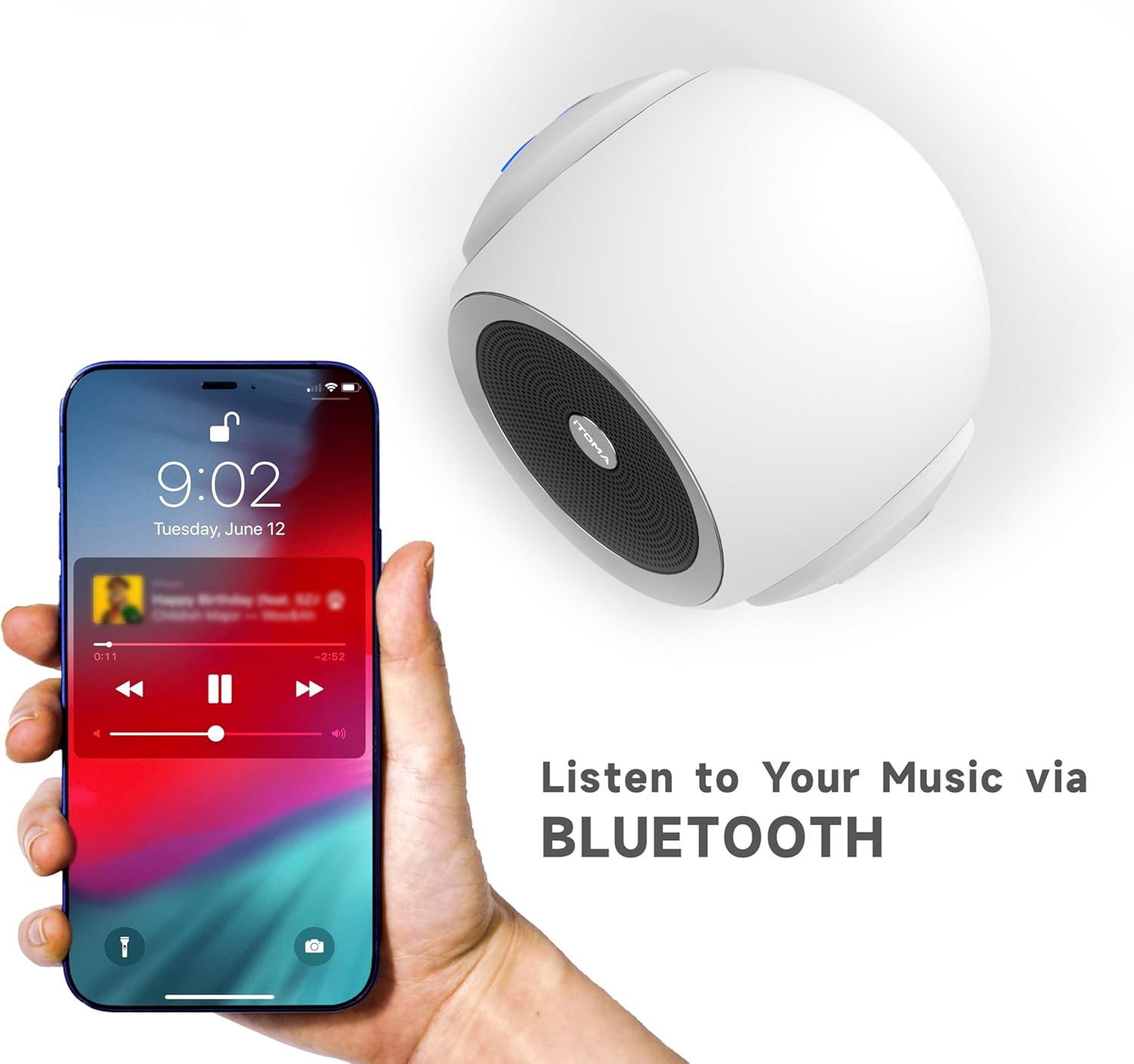
Figure 5: Bluetooth connectivity for playing personal audio.
6.6 ວິດີໂອຜະລິດຕະພັນ
Video 1: An official product video demonstrating the iTOMA White Noise Machine 318's features and operation.
7. ບໍາລຸງຮັກສາ
- ທໍາຄວາມສະອາດ: ເຊັດອຸປະກອນດ້ວຍຜ້າອ່ອນໆ, ແຫ້ງ. ຢ່າໃຊ້ເຄື່ອງເຮັດຄວາມສະອາດຂອງແຫຼວຫຼືວັດສະດຸຂັດ.
- ການເກັບຮັກສາ: ເກັບຮັກສາອຸປະກອນໄວ້ໃນບ່ອນທີ່ເຢັນ, ແຫ້ງເມື່ອບໍ່ໄດ້ໃຊ້.
- ຫຼີກລ້ຽງການນ້ໍາ: ຮັກສາອຸປະກອນໃຫ້ຫ່າງຈາກນ້ໍາແລະຄວາມຊຸ່ມ.
8. ການແກ້ໄຂບັນຫາ
| ສະບັບ | ສາເຫດທີ່ເປັນໄປໄດ້ | ການແກ້ໄຂ |
|---|---|---|
| ອຸປະກອນບໍ່ເປີດ | ບໍ່ໄດ້ເຊື່ອມຕໍ່ກັບພະລັງງານຢ່າງຖືກຕ້ອງ. | ໃຫ້ແນ່ໃຈວ່າອະແດບເຕີໄຟຟ້າໄດ້ສຽບເຂົ້າກັບອຸປະກອນຢ່າງແໜ້ນໜາ ແລະ ມີປລັກໄຟຟ້າທີ່ໃຊ້ໄດ້. |
| ບໍ່ມີສຽງອອກ | ລະດັບສຽງຕໍ່າເກີນໄປ ຫຼືຖືກປິດສຽງ. | Increase the volume using the volume knob. |
| Bluetooth ບໍ່ເຊື່ອມຕໍ່ | Device is not in pairing mode or out of range. | Press the Bluetooth button to enter pairing mode. Ensure your smartphone/tablet is within range (approx. 10 meters) and Bluetooth is enabled. |
| Sound quality is poor via Bluetooth | ການລົບກວນ ຫຼື ໄລຍະຫ່າງຈາກອຸປະກອນທີ່ຈັບຄູ່ແລ້ວ. | Move the paired device closer to the white noise machine. Avoid obstacles between devices. |
9. ຂໍ້ມູນຈໍາເພາະ
- ຊື່ຕົວແບບ: 318
- ຍີ່ຫໍ້: iTOMA
- ຂະໜາດຜະລິດຕະພັນ: 6.2 x 2.3 x 3.5 ນິ້ວ
- ນ້ໍາຫນັກລາຍການ: 1.37 ປອນ
- ວັດສະດຸ: Acrylonitrile Butadiene Styrene (ABS), ພາດສະຕິກ
- ແຫຼ່ງພະລັງງານ: ໄຟຟ້າສາຍ
- ຕົວເລືອກສຽງ: 30 (10 ສຽງສີຂາວ, 10 ສຽງພັດລົມ, 10 ສຽງທໍາມະຊາດ)
- ລະດັບສຽງ: 16
- ເຄື່ອງຈັບເວລານອນ: 15, 30, 60, 90 minutes, or Continuous Play
- ການເຊື່ອມຕໍ່: Bluetooth

Figure 6: Product dimensions of the iTOMA White Noise Machine 318.
10. ຂໍ້ມູນຄວາມປອດໄພທີ່ສໍາຄັນ
ຖະແຫຼງການກ່ຽວກັບການເສີມອາຫານບໍ່ໄດ້ຖືກປະເມີນໂດຍ FDA ແລະບໍ່ໄດ້ມີຈຸດປະສົງເພື່ອວິນິດໄສ, ປິ່ນປົວ, ປິ່ນປົວ, ຫຼືປ້ອງກັນພະຍາດຫຼືສະພາບສຸຂະພາບໃດໆ.
Always ensure the device is used in a safe environment and according to the instructions provided. Keep out of reach of children and pets. Do not disassemble or attempt to repair the device yourself.
11. ການຮັບປະກັນແລະການສະຫນັບສະຫນູນ
For warranty information or technical support, please refer to the contact details provided with your purchase or visit the official iTOMA webເວັບໄຊ. ຮັກສາໃບຮັບເງິນການຊື້ຂອງທ່ານໄວ້ເປັນຫຼັກຖານການຊື້.


