ແນະນຳ
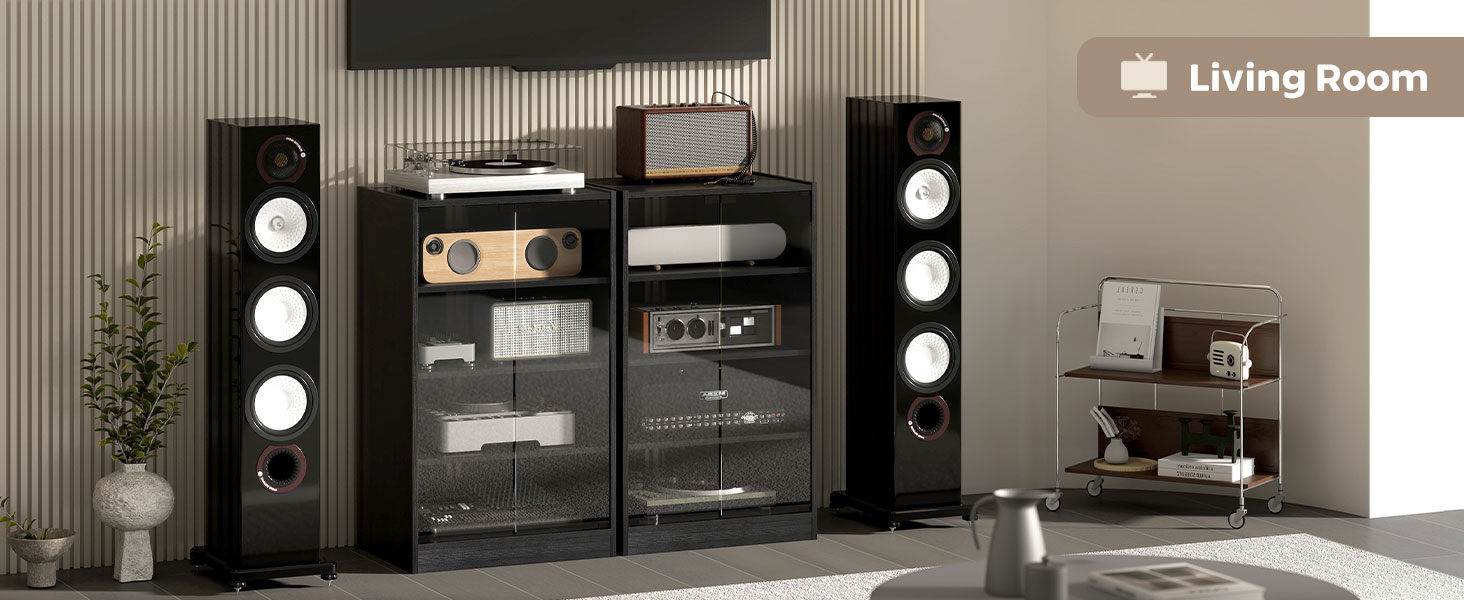
This manual provides essential information for the assembly, operation, and maintenance of your HOMCOM 4-Tier Media Cabinet. Designed for organizing audio-visual equipment, vinyl records, and other media, this cabinet features adjustable shelves, tempered glass doors, and integrated cable management. Please read these instructions thoroughly before assembly and use to ensure safe and proper functionality.
ຂໍ້ມູນຄວາມປອດໄພ
- ຄວາມອາດສາມາດນ້ໍາຫນັກ: Do not exceed the maximum weight capacity of 66 lbs (total) or 11 lbs per single tier. Overloading can cause instability and damage.
- ອຸປະກອນຕ້ານການລົ້ມລະລາຍ: An anti-toppling device is included to enhance stability and prevent accidental tipping. It is highly recommended to install this device securely to a wall, especially in households with children or pets.
- ແກ້ວ Tempered: Handle glass components with care. Tempered glass is designed to be safer than regular glass, but it can still break if subjected to sharp impacts.
- ສະພາແຫ່ງ: Follow all assembly instructions carefully. Ensure all fasteners are tightened securely before use. Do not use power tools for tightening screws unless explicitly instructed, as this may strip threads or damage components.
- ການຈັດວາງ: Place the cabinet on a level, stable surface. Avoid placing it in areas with high humidity or direct sunlight, which can affect the material's integrity.
- ຂໍ້ສະເໜີ 65 ຄຳເຕືອນ: ຜະລິດຕະພັນນີ້ອາດຈະມີສານເຄມີທີ່ລັດ California ຮູ້ຈັກເພື່ອເຮັດໃຫ້ເກີດມະເຮັງແລະຄວາມຜິດປົກກະຕິໃນການເກີດລູກຫຼືຜົນຮ້າຍຕໍ່ການຈະເລີນພັນອື່ນໆ.
ເນື້ອໃນຊຸດ
Before beginning assembly, verify that all components are present and undamaged. Refer to the included assembly manual for a detailed list of parts and hardware. Typically, the package includes:
- Wood panels (top, bottom, side, back, shelves)
- Tempered glass doors
- Hardware pack (screws, pegs, cam locks, anti-toppling kit, push-to-open latches)
- ຄໍາແນະນໍາຂອງສະພາແຫ່ງ
ຄໍາແນະນໍາຂອງສະພາແຫ່ງ
Assembly is required for this media cabinet. Please follow the step-by-step instructions provided in the separate assembly manual included with your product. Ensure you have adequate space and the necessary tools (typically a Phillips head screwdriver) before starting.
- Unpack ອົງປະກອບ: Carefully unpack all parts and lay them out on a soft, clean surface to prevent scratches. Identify each part using the labels in the assembly manual.
- ກອບປະກອບ: Connect the side panels to the top and bottom panels using the provided hardware (e.g., cam locks and dowels). Ensure all connections are secure.
- ຕິດຕັ້ງຊັ້ນວາງ: Insert the fixed middle shelf. The upper and lower shelves are adjustable. Install shelf support pegs into the desired holes, then place the adjustable shelves on top. There are three levels of adjustment for these shelves.
- ແນບແຜງດ້ານຫຼັງ: Secure the back panel to the frame. Ensure the cable management holes are correctly oriented.
- Install Glass Doors: Attach the tempered glass doors using the provided hinges and push-to-open latches. Test the door mechanism to ensure smooth operation.
- Secure Anti-Toppling Device: Attach the anti-toppling device to the top rear of the cabinet and then securely fasten it to a wall stud using appropriate hardware (not always included, depending on wall type).

ຮູບທີ 1: Product Dimensions and Internal Shelf Spacing.
ຮູບທີ 2: Adjustable Shelf Mechanism.
ຄໍາແນະນໍາການດໍາເນີນງານ
ຊັ້ນວາງທີ່ສາມາດປັບໄດ້
The upper and lower shelves of the media cabinet are adjustable to three different height levels. To adjust a shelf:
- ເອົາສິ່ງຂອງຕ່າງໆອອກຈາກຊັ້ນວາງ.
- Carefully lift the shelf to remove it from its current support pegs.
- Relocate the shelf support pegs to the desired set of holes on the side panels. Ensure pegs are inserted evenly on both sides.
- Place the shelf back onto the support pegs, ensuring it is level and stable.
ປະຕູແກ້ວ Tempered Glass
The cabinet features tempered glass doors with a push-to-open latch mechanism. To open a door, gently push on the door panel. The latch will release, allowing the door to swing open. To close, push the door firmly until the latch engages.
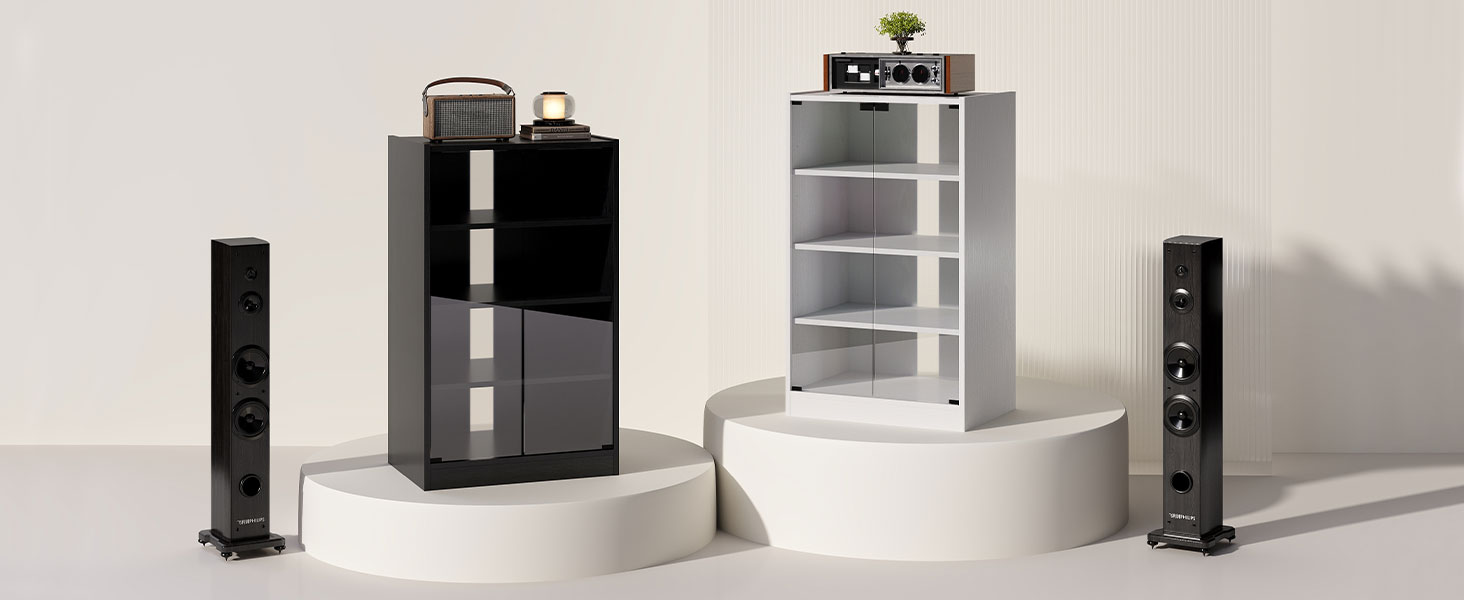
ຮູບທີ 3: Push-to-Open Door Operation.
ການຈັດການສາຍ
The cabinet includes cable management holes on the back panel to help organize and conceal wires from your electronic devices. Route cables through these openings to maintain a tidy appearance and prevent tangles.
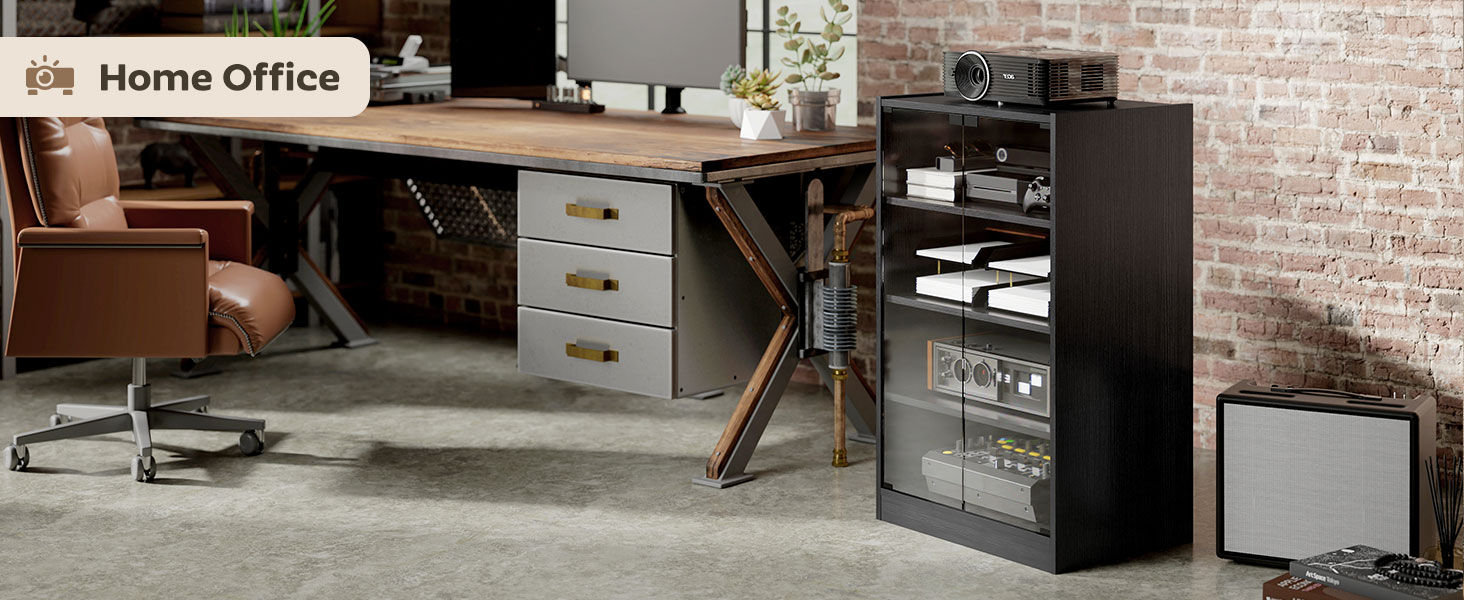
ຮູບທີ 4: Cable Management Slots.
ບໍາລຸງຮັກສາ
- ທໍາຄວາມສະອາດພື້ນຜິວໄມ້: ເຊັດພື້ນຜິວໄມ້ດ້ວຍຄວາມອ່ອນ, ງamp ຜ້າ. ຫຼີກລ່ຽງການໃຊ້ສານເຄມີທີ່ຮຸນແຮງ, ນໍ້າຢາທໍາຄວາມສະອາດທີ່ມີສີຂັດ, ຫຼື ຄວາມຊຸ່ມຊື່ນຫຼາຍເກີນໄປ, ເຊິ່ງສາມາດທໍາລາຍສີໄດ້.
- ການເຮັດຄວາມສະອາດປະຕູກະຈົກ: Use a standard glass cleaner and a soft, lint-free cloth to clean the tempered glass doors. Spray cleaner onto the cloth, not directly onto the glass, to prevent overspray onto wood components.
- ການກວດສອບຮາດແວ: ກວດສອບສະກູ ແລະ ຕົວຍຶດທັງໝົດເປັນໄລຍະເພື່ອຮັບປະກັນວ່າພວກມັນຍັງແໜ້ນຢູ່. ຂັນໃຫ້ແໜ້ນຄືນຖ້າຈຳເປັນເພື່ອຮັກສາຄວາມໝັ້ນຄົງ.
- ຫຼີກເວັ້ນແສງແດດໂດຍກົງ: ການຕາກແດດໂດຍກົງເປັນເວລາດົນອາດເຮັດໃຫ້ໄມ້ຈາງລົງ ຫຼື ບິດເບືອນໄດ້.
ການແກ້ໄຂບັນຫາ
- ຕູ້ແມ່ນ Wobbly: Ensure the cabinet is placed on a level surface. Check that all assembly screws and cam locks are fully tightened. If an anti-toppling device is installed, ensure it is securely fastened to the wall.
- ປະຕູບໍ່ປິດຢ່າງຖືກຕ້ອງ: Check that the push-to-open latches are correctly installed and aligned. Ensure hinges are securely fastened and not bent. Adjust the position of the latches if needed.
- ຊັ້ນວາງບໍ່ຢູ່ໃນລະດັບ: Verify that the shelf support pegs are inserted completely and evenly into the corresponding holes on both side panels.
- ຊິ້ນສ່ວນທີ່ຂາດຫາຍໄປຫຼືສ່ວນປະກອບທີ່ເສຍຫາຍ: If you find any missing parts or damaged components upon unpacking, do not proceed with assembly. Contact HOMCOM customer support or your retailer for assistance.
ຂໍ້ມູນຈໍາເພາະ
| ຍີ່ຫໍ້ | HOMCOM |
| ໝາຍເລກຕົວແບບ | 838-082V80RB |
| ສີ | ສີນ້ຳຕານ |
| ວັດສະດຸ | ໄມ້ວິສະວະກໍາ, ແກ້ວ Tempered |
| ຂະໜາດລວມ (W x D x H) | 21.25" x 15.75" x 35.75" |
| ຄວາມອາດສາມາດນ້ໍາຫນັກທັງຫມົດ | 66 lbs |
| Single Tier Weight Capacity | 11 lbs |
| ຈຳນວນ Tiers | 4 |
| ຊັ້ນວາງທີ່ສາມາດປັບໄດ້ | 2 (3 height levels) |
| ຄຸນນະສົມບັດພິເສດ | Adjustable Shelf, Cable Management, Push-to-open Latch, Tempered Glass Doors, Anti-toppling Device |
| ຕ້ອງການສະພາແຫ່ງ | ແມ່ນແລ້ວ |
ການຮັບປະກັນແລະການສະຫນັບສະຫນູນ
For specific warranty information, please refer to the documentation included with your purchase or contact the retailer where the product was acquired. For technical support, missing parts, or any inquiries regarding your HOMCOM Media Cabinet, please contact HOMCOM customer service directly through their official webເວັບໄຊ ຫຼືຂໍ້ມູນການຕິດຕໍ່ທີ່ສະໜອງໃຫ້ໃນເອກະສານການຊື້ຂອງທ່ານ.


