1. ບົດແນະນຳ
Thank you for choosing the boAt Airdopes 311 Pro Truly Wireless Earbuds. This manual provides essential information for setting up, operating, and maintaining your earbuds to ensure optimal performance and longevity. Please read this manual carefully before using the product.
2. ເນື້ອໃນຊຸດ
- boAt Airdopes 311 Pro Earbuds (Left and Right)
- ກ່ອງສາກ
- ສາຍສາກໄຟ USB Type-C
- Additional Ear Cushions (S, M, L sizes)
- ຄູ່ມືຜູ້ໃຊ້
3. ຜະລິດຕະພັນເກີນview
The boAt Airdopes 311 Pro features a compact design with advanced audio technology for a superior listening experience.

Figure 3.1: boAt Airdopes 311 Pro Earbuds and Charging Case.
This image displays the boAt Airdopes 311 Pro earbuds in their charging case. The earbuds are a soft lavender color, matching the base of the charging case. The case features a transparent lid, allowing visibility of the earbuds inside. A small LED indicator is visible on the front of the case, and the boAt logo is prominently displayed on the case lid.

Figure 3.2: Transparent Minimalistic Design.
This image highlights the transparent and minimalistic design of the boAt Airdopes 311 Pro charging case. The lavender-colored earbuds are visible through the clear lid, nestled securely in their matching base. The design emphasizes a clean and modern aesthetic.
4. ຕັ້ງຄ່າ
4.1 ການສາກຫູຟັງ ແລະ ເຄສ
Before first use, fully charge the earbuds and charging case. Use the provided USB Type-C cable to connect the charging case to a power source.
- ວາງຫູຟັງໃສ່ຊ່ອງສາກໄຟ.
- Connect the Type-C cable to the charging port on the case and a USB power adapter.
- ໄຟ LED ເທິງເຄສຈະສະແດງສະຖານະການສາກໄຟ.
- ASAP Charging: A 10-minute charge provides approximately 150 minutes of playtime.
- ການສາກເຕັມໃຫ້ເວລາຫຼິ້ນທັງໝົດໄດ້ເຖິງ 50 ຊົ່ວໂມງກັບກໍລະນີສາກໄຟ.
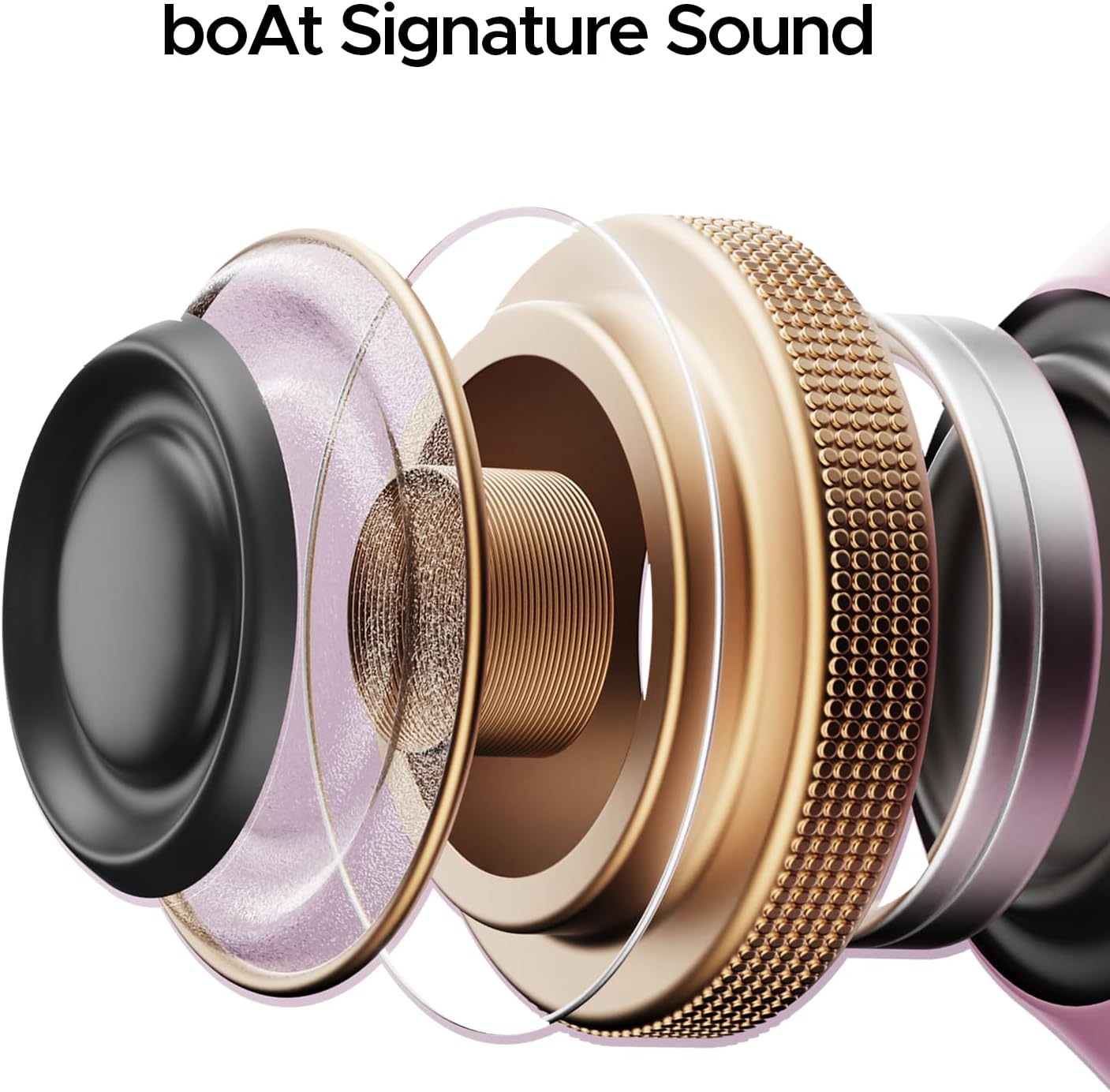
Figure 4.1: Type-C Charging Port.
This image shows a close-up of the boAt Airdopes 311 Pro charging case, highlighting the Type-C charging port located at the bottom. The port is designed for convenient and fast charging of the device.

Figure 4.2: Playtime and ASAP Charging.
This graphic illustrates the impressive battery life of the boAt Airdopes 311 Pro, boasting up to 50 hours of total playback. It also highlights the ASAP Charging feature, indicating that a mere 10 minutes of charge can provide 150 minutes of playtime, emphasizing quick power-up capabilities.
4.2 ການຈັບຄູ່ກັບອຸປະກອນຂອງທ່ານ
The earbuds utilize Bluetooth v5.3 for stable and efficient wireless connectivity.
- ເປີດກ່ອງສາກໄຟ. ຫູຟັງເອຍບັດຈະເຂົ້າສູ່ໂໝດຈັບຄູ່ໂດຍອັດຕະໂນມັດ.
- ໃນສະມາດໂຟນ ຫຼືອຸປະກອນທີ່ເປີດໃຊ້ Bluetooth ຂອງທ່ານ, ໃຫ້ໄປທີ່ການຕັ້ງຄ່າ Bluetooth.
- ຊອກຫາ available devices and select "boAt Airdopes 311 Pro".
- Once connected, you will hear an audio prompt, and the LED indicator on the earbuds will change.

Figure 4.3: Bluetooth v5.3 Connectivity.
This image depicts a smartphone screen displaying the Bluetooth v5.3 connection. The boAt Airdopes 311 Pro earbuds are shown connected to the device, illustrating the seamless wireless pairing process.
5. ຄໍາແນະນໍາການດໍາເນີນງານ
5.1 ແຕະການຄວບຄຸມ
The boAt Airdopes 311 Pro features intuitive touch controls on each earbud for managing calls, music, and voice assistant functions.
- ຫຼິ້ນ/ຢຸດ: ແຕະເທື່ອດຽວໃສ່ຫູຟັງຫູຟັງ.
- ເພງຕໍ່ໄປ: ແຕະສອງເທື່ອໃສ່ຫູຟັງເບື້ອງຂວາ.
- ຕິດຕາມກ່ອນ ໜ້າ ນີ້: ແຕະສອງເທື່ອໃສ່ຫູຟັງທາງຊ້າຍ.
- ຮັບ/ສາຍໂທ: ແຕະເທື່ອດຽວໃສ່ຫູຟັງຫູຟັງ.
- ປະຕິເສດການໂທ: ກົດຄ້າງໃສ່ຫູຟັງທັງສອງຂ້າງ.
- ກະຕຸ້ນຜູ້ຊ່ວຍສຽງ: ແຕະສາມເທື່ອໃສ່ຫູຟັງຫູຟັງ.

Figure 5.1: One-Touch Voice Assistant.
This image shows a single boAt Airdopes 311 Pro earbud, highlighting its capability for one-touch voice assistant activation. The design of the earbud is sleek and ergonomic, indicating ease of use for touch controls.
5.2 Call Management with Dual Mics
The earbuds are equipped with Dual Mics featuring ENx™ Technology for clear voice calls, reducing environmental noise.

Figure 5.2: Dual Mics with ENx™ Technology.
This detailed diagram provides an internal view of a boAt Airdopes 311 Pro earbud, specifically illustrating the placement and function of the Dual Mics with ENx™ Technology. This technology is designed to enhance call clarity by filtering out ambient noise, ensuring clear voice transmission during conversations.
5.3 Low-Latency Beast Mode
Activate Beast Mode for a low-latency experience (50ms), ideal for gaming and video streaming where audio-visual synchronization is critical.
- Refer to the full user manual (available via the boAt Hearables App) for specific activation instructions for Beast Mode.
6. ບໍາລຸງຮັກສາ
ການບຳລຸງຮັກສາທີ່ເໝາະສົມຮັບປະກັນຄວາມທົນທານ ແລະປະສິດທິພາບຂອງຫູຟັງເອຍບັດຂອງທ່ານ.
6.1 ການທໍາຄວາມສະອາດ
- ເຊັດຫູຟັງຫູຟັງ ແລະ ກະເປົ໋າສາກໄຟດ້ວຍຜ້າແພອ່ອນໆ, ແຫ້ງ, ບໍ່ມີເຈັ້ຍ.
- ຢ່າໃຊ້ສານເຄມີທີ່ຮຸນແຮງຫຼືວັດສະດຸຂັດ.
- ເອົາແຜ່ນຮອງຫູອອກ ແລະເຮັດຄວາມສະອາດແຍກອອກດ້ວຍສະບູອ່ອນໆ ແລະນໍ້າ ຖ້າຈຳເປັນ, ຮັບປະກັນວ່າພວກມັນແຫ້ງໝົດກ່ອນທີ່ຈະຕິດໃສ່ໃໝ່.
6.2 ການຕໍ່ຕ້ານນ້ໍາ
The earbuds are rated IPX4, providing resistance against water splashes and sweat. They are not designed for submersion in water.
- Avoid exposing the earbuds to heavy rain or direct water jets.
- ຢ່າໃສ່ພວກມັນໃນຂະນະທີ່ລອຍນໍ້າ ຫຼື ອາບນໍ້າ.
- ຖ້າພວກມັນປຽກ, ເຊັດໃຫ້ແຫ້ງທັນທີກ່ອນທີ່ຈະເອົາໃສ່ໃນກ່ອງສາກ.

Figure 6.1: IPX4 Water and Sweat Shield.
This image visually represents the IPX4 water and sweat resistance of the boAt Airdopes 311 Pro earbuds and charging case. The product is shown in an environment with water splashes, indicating its ability to withstand sweat and light water exposure, making it suitable for workouts and outdoor activities.
7. ການແກ້ໄຂບັນຫາ
If you encounter issues with your boAt Airdopes 311 Pro, try the following solutions:
- ບໍ່ມີສຽງ: Ensure earbuds are charged and properly paired. Check device volume.
- ບໍ່ສາມາດຈັບຄູ່ໄດ້: Ensure Bluetooth is enabled on your device. Place earbuds back in case, close, then reopen to re-enter pairing mode. Forget previous pairings on your device.
- ຫູຟັງໜຶ່ງໜ່ວຍບໍ່ເຮັດວຽກ: ໃສ່ຫູຟັງທັງສອງຂ້າງກັບຄືນໃນກ່ອງ, ປິດຝາ, ລໍຖ້າສອງສາມວິນາທີ, ຈາກນັ້ນເປີດຄືນໃໝ່. ນີ້ມັກຈະຊິ້ງຂໍ້ມູນຄືນໃໝ່.
- ບັນຫາການສາກໄຟ: Ensure the charging cable is securely connected and the power source is active. Clean charging contacts on earbuds and case.
- ຄຸນນະພາບການໂທບໍ່ດີ: Ensure earbuds are clean and positioned correctly. Check for strong Bluetooth signal.
8. ຂໍ້ມູນຈໍາເພາະ
| ຊື່ຕົວແບບ | Airdopes 311 Pro |
| ເຕັກໂນໂລຊີການເຊື່ອມຕໍ່ | Bluetooth |
| ເຕັກໂນໂລຊີການສື່ສານໄຮ້ສາຍ | Bluetooth |
| ລຸ້ນ Bluetooth | 5.3 |
| ຄວາມຍືດຍຸ່ນສຽງ | 50 ມິນລິວິນາທີ (ໂໝດສັດຮ້າຍ) |
| ລະດັບຄວາມຕ້ານທານນ້ໍາ | IPX4 (ກັນນໍ້າ) |
| ວິທີການຄວບຄຸມ | ແຕະ |
| ຮູບຮ່າງຫູຫູ | ຫູ |
| ປະເພດໄດເວີສຽງ | ໄດນາມິກໄດເວີ |
| ນ້ໍາຫນັກລາຍການ | 110 ກຣາມ (3.88 ອອນສ໌) |
| ຂະໜາດສິນຄ້າ | 1.54 x 3.58 x 5 ນິ້ວ |
| ແບັດເຕີຣີ | ແບັດເຕີຣີ Lithium Polymer 1 ອັນ (ລວມ) |
9. ການຮັບປະກັນແລະການສະຫນັບສະຫນູນ
For detailed warranty information, additional support, and to access the full user manual, please download the boAt Hearables App.
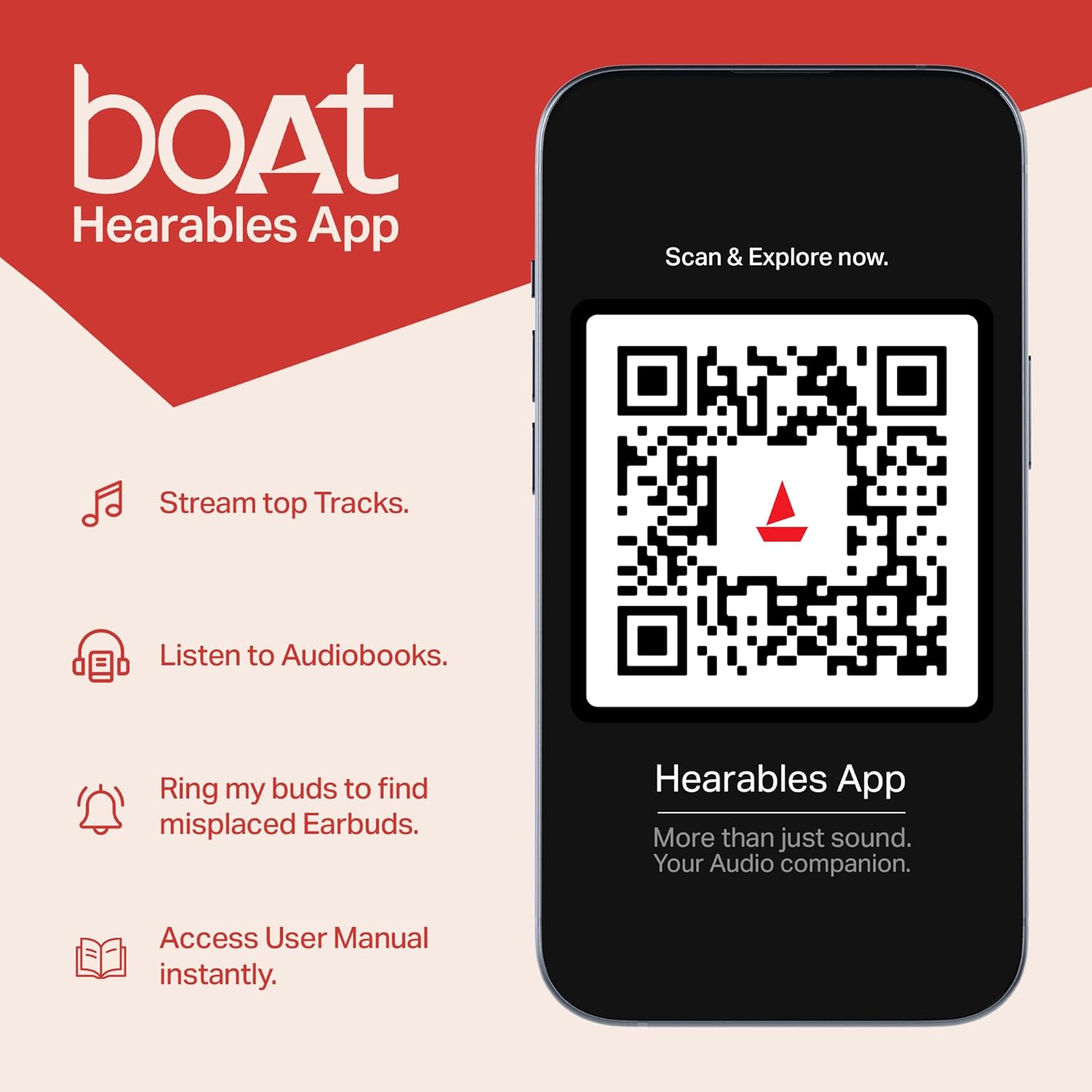
Figure 9.1: boAt Hearables App.
This image shows a smartphone displaying the boAt Hearables App interface. The app offers features like streaming top tracks, listening to audiobooks, finding misplaced earbuds, and accessing the user manual instantly. A QR code is visible for easy scanning to download or access the app. You can also access the app via this link: https://l.ead.me/bdAX6k
For further assistance, please visit the official boAt support webເວັບໄຊ ຫຼືຕິດຕໍ່ບໍລິການລູກຄ້າ.


