1. ບົດແນະນຳ
The IMIKI SF1 Smart Watch is a sophisticated wearable device designed to enhance your daily life with advanced health monitoring, smart connectivity, and a durable, stylish design. Featuring a vibrant AMOLED display and a comfortable magnetic strap, the SF1 offers a seamless user experience for tracking fitness, managing calls, and staying informed.
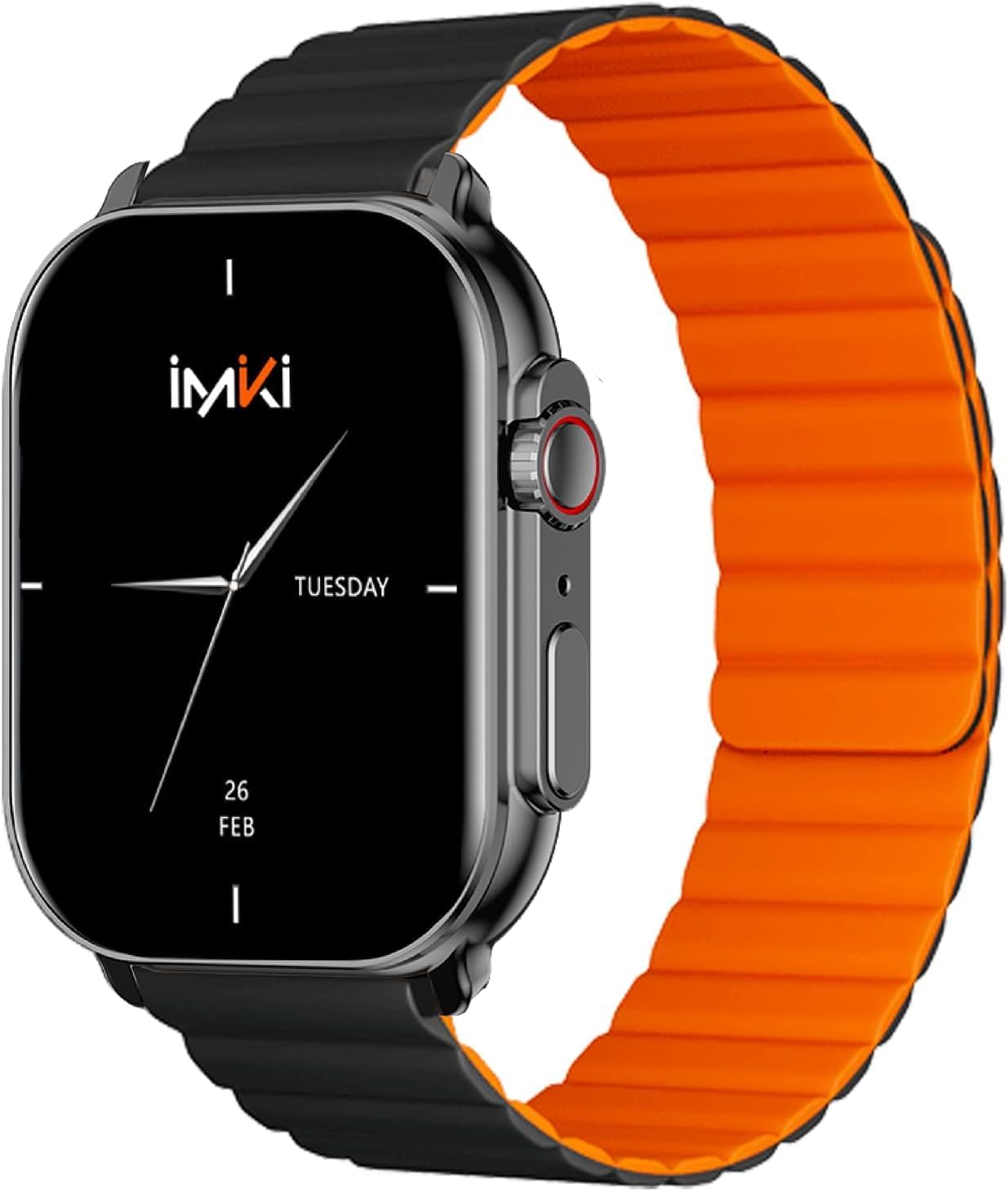
Image: The IMIKI SF1 Smart Watch, showcasing its sleek design and magnetic strap.
2. ສິ່ງທີ່ຢູ່ໃນກ່ອງ
- IMIKI SF1 Smart Watch (with magnetic strap)
- ສາຍສາກ
- ຄູ່ມືຜູ້ໃຊ້
3. ຕັ້ງຄ່າ
3.1 ການສາກອຸປະກອນ
Before first use, fully charge your IMIKI SF1 Smart Watch. Connect the magnetic charging cable to the charging points on the back of the watch and plug the USB end into a compatible power adapter (5V/1A recommended). A full charge typically takes approximately 2 hours.
3.2 ການດາວໂຫຼດແອັບ Companion
To unlock the full functionality of your IMIKI SF1, download the official companion app on your smartphone. ຊອກຫາ "IMIKI" in the Apple App Store (for iOS devices) or Google Play Store (for Android devices).
3.3 ການຈັບຄູ່ກັບໂທລະສັບສະຫຼາດຂອງທ່ານ
- ໃຫ້ແນ່ໃຈວ່າ Bluetooth ຖືກເປີດໃຊ້ຢູ່ໃນໂທລະສັບສະຫຼາດຂອງທ່ານ.
- Open the IMIKI companion app.
- Follow the on-screen instructions within the app to search for and connect to your SF1 Smart Watch. The watch will typically appear as "IMIKI SF1" in the list of available devices.
- ຢືນຢັນຄຳຮ້ອງຂໍການຈັບຄູ່ຢູ່ໃນໂມງ ແລະສະມາດໂຟນຂອງເຈົ້າຫາກຖືກຖາມ.
3.4 Adjusting the Magnetic Strap
The IMIKI SF1 features a convenient magnetic silicone strap. To adjust, simply wrap the strap around your wrist and allow the magnetic ends to secure themselves for a comfortable and snug fit. Ensure the watch is not too tight or too loose for accurate health monitoring.

Image: The magnetic strap of the IMIKI SF1 Smart Watch, illustrating its adjustable and secure design.
4. ຄໍາແນະນໍາການດໍາເນີນງານ
4.1 ການນໍາທາງພື້ນຖານ
- ໜ້າຈໍສຳຜັດ: ປັດຂຶ້ນ, ລົງ, ຊ້າຍ, ຫຼືຂວາເພື່ອນຳທາງຜ່ານເມນູ ແລະການແຈ້ງເຕືອນ. ແຕະເພື່ອເລືອກລາຍການ.
- Mechanical Feedback Crown: Rotate the crown to scroll through lists, adjust volume, or change brightness. Press the crown to return to the home screen or confirm selections.

ຮູບພາບ: ຂ້າງ view of the IMIKI SF1 Smart Watch, highlighting the mechanical feedback crown for navigation.
4.2 Smartphone Connection and Calls
The IMIKI SF1 supports Bluetooth 5.3 for stable and efficient connection to your smartphone. You can manage calls directly from your watch, including answering, rejecting, and making calls, even with hands-free functionality. The adaptive noise cancellation feature helps ensure clear audio during calls.
4.3 Customizing Dials and Features
Utilize the companion app to customize your watch faces and access various functions. The app allows you to personalize the display to suit your style and preferences.
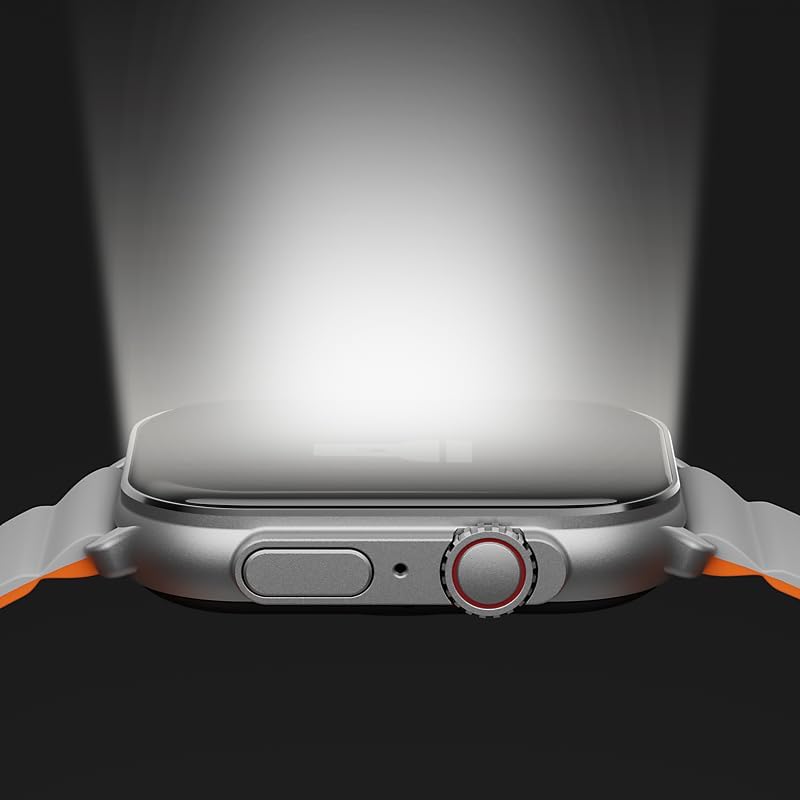
Image: The IMIKI SF1 Smart Watch display, illustrating various app icons and data screens for daily activities, heart rate, and stress monitoring.
5. ການຕິດຕາມສຸຂະພາບ ແລະ ການອອກກຳລັງກາຍ
The IMIKI SF1 is equipped with an optical sensor for comprehensive health tracking. It supports 105 training modes to accurately record your exercise statistics. Key health features include:
- ການວັດແທກອັດຕາການເຕັ້ນຫົວໃຈ: ຕິດຕາມອັດຕາການເຕັ້ນຫົວໃຈຂອງທ່ານຢ່າງຕໍ່ເນື່ອງຕະຫຼອດມື້.
- ການກວດຫາຄວາມອີ່ມຕົວຂອງອົກຊີໃນເລືອດ (SpO2): Measures the oxygen levels in your blood.
- ການຕິດຕາມການເຄື່ອນໄຫວ: ບັນທຶກຂັ້ນຕອນ, ໄລຍະທາງ, ແຄລໍຣີທີ່ເຜົາຜານ, ແລະນາທີເຄື່ອນໄຫວ.
- ການຕິດຕາມການນອນ: Analyzes sleep patterns to help you understand your sleep quality.

Image: The back of the IMIKI SF1 Smart Watch, showing the optical sensors used for heart rate and blood oxygen measurement.
6. Water Resistance
The IMIKI SF1 Smart Watch has an ລະດັບກັນນໍ້າ IP68, meaning it is resistant to dust and can withstand immersion in water up to 1.5 meters for 30 minutes. This makes it suitable for daily use, including hand washing, rain, and shallow water activities. Avoid hot water, steam, or prolonged immersion in deep water.
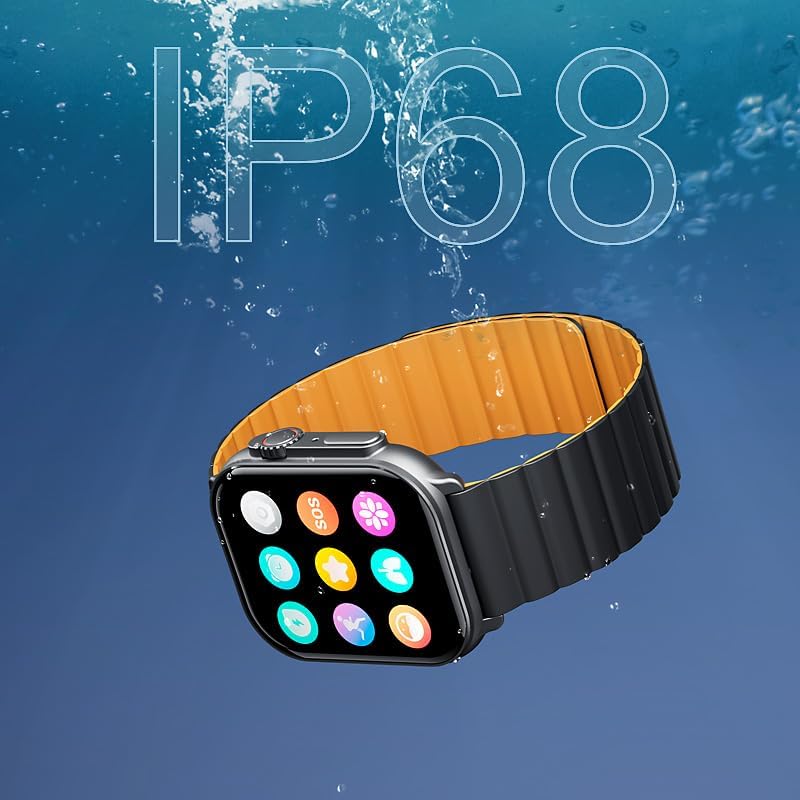
Image: The IMIKI SF1 Smart Watch submerged in water, illustrating its IP68 water resistance rating.
7. ຊີວິດຫມໍ້ໄຟ
The IMIKI SF1 is equipped with a 280mAh battery, offering impressive autonomy:
- ການນໍາໃຊ້ປົກກະຕິ: ແບດເຕີລີ່ໄດ້ເຖິງ 15 ວັນ.
- Intensive Use: ແບດເຕີລີ່ໄດ້ເຖິງ 7 ວັນ.
The device fully charges in approximately 2 hours.
8. ບໍາລຸງຮັກສາ
- ທໍາຄວາມສະອາດ: ເຊັດໜ້າຈໍໂມງ ແລະສາຍເປັນປະຈຳດ້ວຍຜ້າອ່ອນ, ແຫ້ງ. ສໍາລັບຝຸ່ນ stubborn, a ເລັກນ້ອຍ damp ຜ້າສາມາດນໍາໃຊ້ໄດ້, ປະຕິບັດຕາມໂດຍການແຫ້ງ.
- ຕິດຕໍ່ພົວພັນການສາກໄຟ: Ensure the charging contacts on the back of the watch are clean and free of debris to maintain efficient charging.
- ການເກັບຮັກສາ: ເມື່ອບໍ່ໄດ້ໃຊ້ເປັນເວລາດົນ, ໃຫ້ເກັບຮັກສາໂມງໄວ້ໃນບ່ອນທີ່ເຢັນ, ແຫ້ງ.
- ຫຼີກເວັ້ນສານເຄມີ: Do not use harsh chemicals, cleaning solvents, or strong detergents to clean the watch, as they may damage the finish or internal components.
9. ການແກ້ໄຂບັນຫາ
- ໂມງບໍ່ເປີດ: Ensure the watch is fully charged. If it still doesn't turn on, try pressing and holding the crown button for 10-15 seconds to force a restart.
- ບໍ່ສາມາດຈັບຄູ່ກັບສະມາດໂຟນໄດ້:
- ກວດໃຫ້ແນ່ໃຈວ່າ Bluetooth ເປີດຢູ່ໃນໂທລະສັບ ແລະໂມງຂອງທ່ານ.
- ໃຫ້ແນ່ໃຈວ່າໂມງຢູ່ໃນຂອບເຂດ Bluetooth ຂອງໂທລະສັບຂອງທ່ານ.
- ຣີສະຕາດທັງໂມງ ແລະໂທລະສັບຂອງທ່ານ.
- ລຶບລ້າງແຄສ Bluetooth ໃນໂທລະສັບຂອງທ່ານ (ຖ້າມີ) ແລະລອງຈັບຄູ່ອີກຄັ້ງ.
- ການອ່ານສຸຂະພາບທີ່ບໍ່ຖືກຕ້ອງ: Ensure the watch is worn snugly on your wrist, not too loose or too tight. Clean the optical sensor on the back of the watch.
- ຊີວິດຫມໍ້ໄຟສັ້ນ: Reduce screen brightness, disable unnecessary notifications, or limit continuous health monitoring features to extend battery life.
10. ຂໍ້ມູນຈໍາເພາະ
| ຄຸນສົມບັດ | ຂໍ້ມູນຈໍາເພາະ |
|---|---|
| ຕົວແບບ | SF1 |
| ຈໍສະແດງຜົນ | 2.01 Inch AMOLED Display |
| ການເຊື່ອມຕໍ່ | Bluetooth 5.3 |
| ຄວາມອາດສາມາດຫມໍ້ໄຟ | 280mAh Lithium Ion |
| ອາຍຸຫມໍ້ໄຟປົກກະຕິ | ສູງສຸດ 15 ມື້ |
| Intensive Battery Life | ສູງສຸດ 7 ມື້ |
| ເວລາສາກໄຟ | ປະມານ. 2 ຊົ່ວໂມງ |
| ການຕໍ່ຕ້ານນ້ໍາ | IP68 |
| ຂະໜາດ | 45.8 x 37 x 10.2 ມມ |
| ນ້ຳໜັກ | 39.8 g |
| ພາສາທີ່ຮອງຮັບ | ພາສາອັງກິດ, ຝຣັ່ງ, ເຢຍລະມັນ, ອິຕາລີ, ສະເປນ |
11. ການຮັບປະກັນແລະການສະຫນັບສະຫນູນ
The IMIKI SF1 Smart Watch comes with a standard manufacturer's warranty. For detailed warranty information, please refer to the warranty card included in your product packaging or visit the official IMIKI website. For technical support, troubleshooting assistance, or service inquiries, please contact IMIKI customer support through the contact information provided on the official webເວັບໄຊທ໌ ຫຼື ພາຍໃນແອັບເສີມ.


