1. ບົດແນະນຳ
ຂອບໃຈສໍາລັບການຊື້asing the CUPEISI YQ11M Android 13 10.1-inch Tablet. This manual provides essential information for setting up, operating, maintaining, and troubleshooting your device. Please read this manual thoroughly to ensure proper use and to maximize your tablet's performance.
2. ຂໍ້ມູນຄວາມປອດໄພ
To prevent damage to your device or injury to yourself and others, please observe the following safety precautions:
- ຢ່າໃຫ້ແທັບເລັດຖືກອຸນຫະພູມສູງ, ແສງແດດໂດຍກົງ ຫຼື ຄວາມຊຸ່ມຊື່ນສູງ.
- ຫຼີກລ່ຽງການຕົກ ຫຼື ການກະທົບທີ່ຮຸນແຮງໃສ່ແທັບເລັດ.
- ເກັບຮັກສາຢາເມັດໃຫ້ຫ່າງຈາກນໍ້າ ແລະ ຂອງແຫຼວອື່ນໆ.
- ໃຊ້ພຽງແຕ່ອຸປະກອນເສີມ ແລະເຄື່ອງສາກທີ່ໄດ້ຮັບອະນຸມັດ.
- ຢ່າພະຍາຍາມຖອດປະກອບ ຫຼື ສ້ອມແປງແທັບເລັດດ້ວຍຕົນເອງ. ໃຫ້ປຶກສາພະນັກງານບໍລິການທີ່ມີຄຸນວຸດທິ.
ຂໍ້ຄວນລະວັງການສາກໄຟ
When charging your CUPEISI YQ11M tablet, it is crucial to use a charger with a ຜົນຜະລິດ 5V / 2.0A. Using chargers with different output specifications may lead to device malfunction or damage. The tablet supports both Type-A and Type-C charging terminals. However, chargers with Type-C on both ends may not be compatible. Avoid using multi-type chargers with outputs exceeding 2.0A, chargers that automatically detect current, fast chargers, or chargers specifically designed for other brands (e.g., Apple, Docomo, au).

ຮູບພາບ: Charging precautions and pre-applied protective film.
3. ເນື້ອໃນຊຸດ
ກະລຸນາກວດເບິ່ງກ່ອງສໍາລັບລາຍການຕໍ່ໄປນີ້:
- CUPEISI YQ11M Android 13 Tablet
- ສາຍສາກ USB
- Power Adapter
- ຄູ່ມືຜູ້ໃຊ້ (ເອກະສານນີ້)
4. ອຸປະກອນເກີນview
Familiarize yourself with the physical features of your CUPEISI YQ11M tablet.
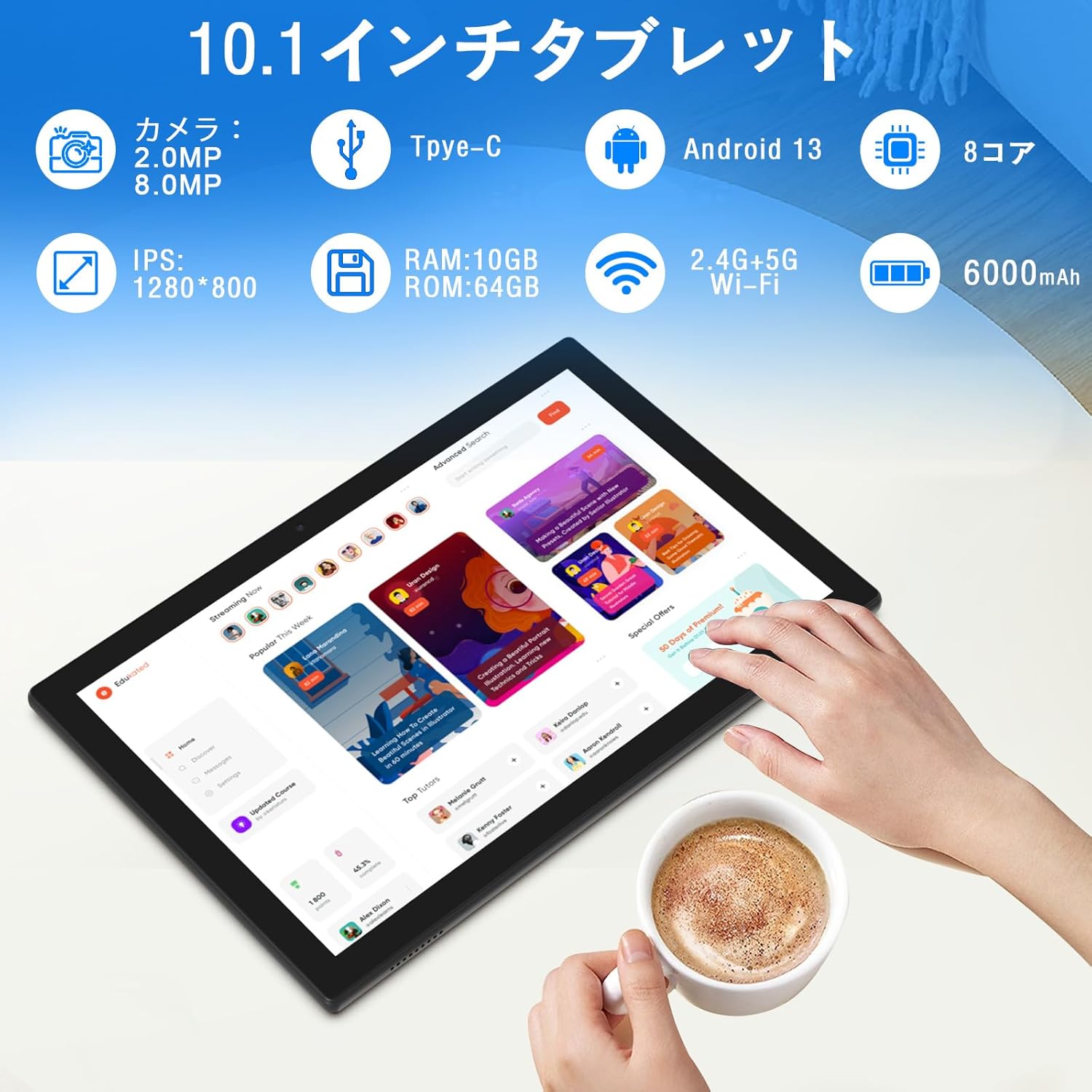
ຮູບພາບ: ເກີນview of tablet features and specifications.
- ກ້ອງໜ້າ: 2MP ສໍາລັບການໂທວິດີໂອແລະ selfies.
- ກ້ອງຫຼັງ: 8MP for capturing photos and videos.
- ຈໍສະແດງຜົນ: 10.1-inch IPS HD screen (1280x800 resolution).
- ລໍາໂພງ: ລຳໂພງຄູ່ສຳລັບປະສົບການສຽງທີ່ປັບປຸງດີຂຶ້ນ.
- ຊ່ອງສາກໄຟ: ພອດ Type-C ສຳລັບສາກໄຟ ແລະ ໂອນຂໍ້ມູນ.
- ປຸ່ມເປີດປິດ: ຕັ້ງຢູ່ດ້ານຂ້າງສໍາລັບການເປີດ / ປິດອຸປະກອນແລະການລັອກຫນ້າຈໍ.
- ປຸ່ມລະດັບສຽງ: Located on the side for adjusting volume.
- ຊ່ອງສຽບກາດ MicroSD: ສຳລັບບ່ອນເກັບຂໍ້ມູນທີ່ຂະຫຍາຍໄດ້ເຖິງ 1TB.

ຮູບພາບ: ດ້ານໜ້າ ແລະ ດ້ານຫຼັງ view of the CUPEISI YQ11M tablet.
5. ຕັ້ງຄ່າ
5.1 ການເປີດເຄື່ອງເບື້ອງຕົ້ນ
- ກົດປຸ່ມເປີດປິດຄ້າງໄວ້ຈົນກ່ວາ ໜ້າ ຈໍຈະແຈ້ງຂຶ້ນ.
- ປະຕິບັດຕາມຄຳແນະນຳໃນໜ້າຈໍເພື່ອເລືອກພາສາ, ພາກພື້ນ ແລະ ຍອມຮັບຂໍ້ກຳນົດ ແລະ ເງື່ອນໄຂຕ່າງໆ.
5.2 ການເຊື່ອມຕໍ່ Wi-Fi
- ໃນລະຫວ່າງການຕັ້ງຄ່າເບື້ອງຕົ້ນ, ໃຫ້ເລືອກເຄືອຂ່າຍ Wi-Fi ທີ່ທ່ານຕ້ອງການຈາກລາຍການ.
- ໃສ່ລະຫັດຜ່ານ Wi-Fi ຖ້າຖືກເຕືອນ ແລະແຕະ 'ເຊື່ອມຕໍ່'.
- The tablet supports both 2.4G and 5G Wi-Fi for stable and fast connections.
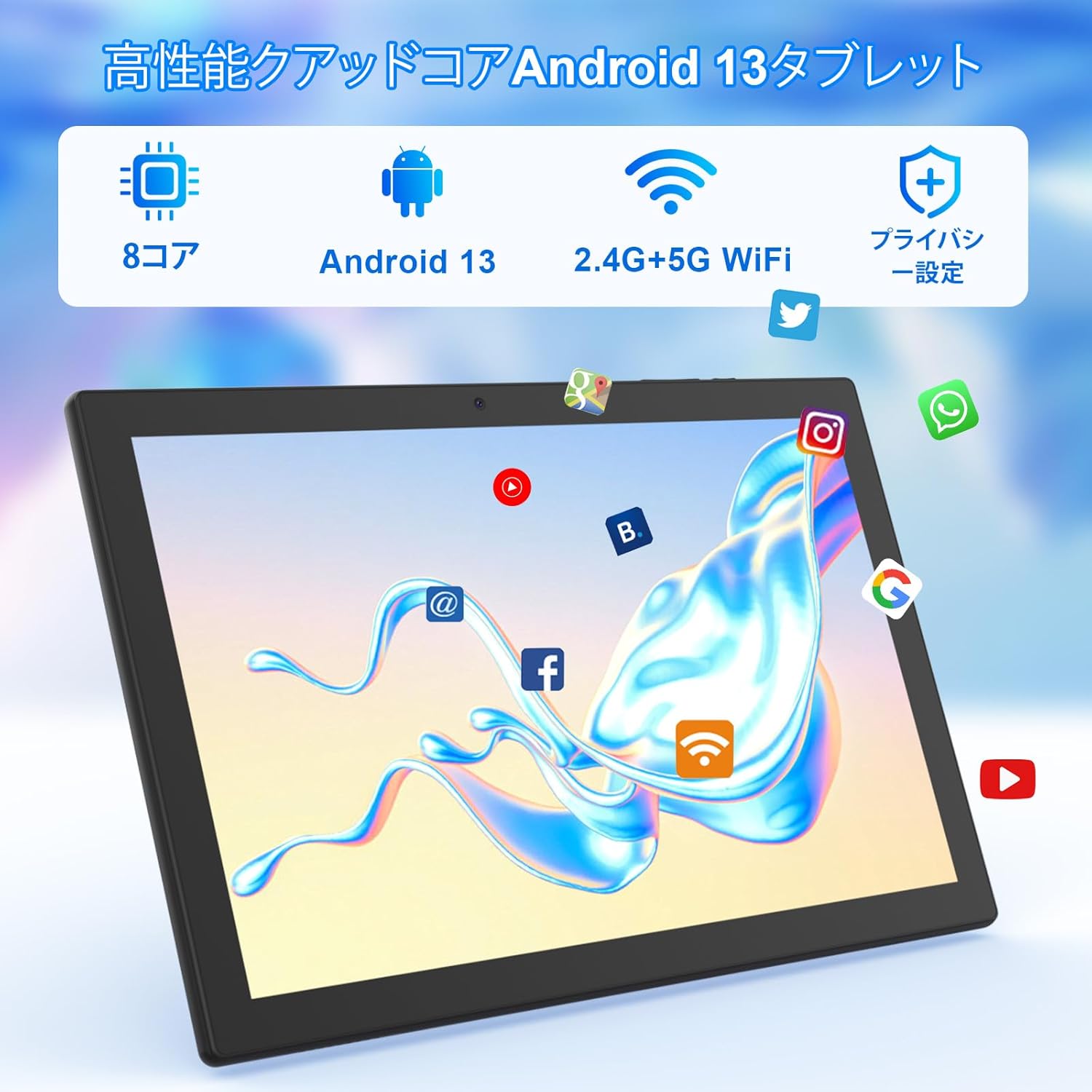
ຮູບພາບ: Tablet screen showing app icons and connectivity features.
5.3 ການຕັ້ງຄ່າບັນຊີ Google
Sign in with your Google account or create a new one to access Google Play Store, Gmail, and other Google services.
5.4 ແຜ່ນປ້ອງກັນ
The tablet comes with a simple transparent PET protective film pre-applied. You may choose to keep it on or remove it according to your preference. It is designed for easy application without air bubbles or dust.
6. ຄໍາແນະນໍາການດໍາເນີນງານ
6.1 ການນໍາທາງພື້ນຖານ
The CUPEISI YQ11M tablet features a 10.1-inch FHD in-cell touchscreen with wide viewing angles and 1280x800 high resolution, offering a clear and vibrant visual experience.

ຮູບພາບ: Tablet display features.
- ແຕະ: ເລືອກລາຍການ ຫຼືເປີດໃຊ້ຟັງຊັນໃດໜຶ່ງ.
- ປັດ: ນຳທາງຜ່ານໜ້າຈໍ ຫຼືເລື່ອນເນື້ອຫາ.
- ເມື່ອເຂົ້າຕາຈົນ: ຊູມເຂົ້າ ຫຼືອອກໃນຮູບພາບ ແລະ web ໜ້າ.
6.2 ການຈັດການແອັບ
The tablet comes with Google Play pre-installed, allowing you to download and use popular applications such as Facebook, Twitter, YouTube, Line, and Instagram. To install apps:
- ເປີດແອັບ 'Play Store'.
- ຊອກຫາ the desired app.
- Tap 'Install' to download and set up the app.
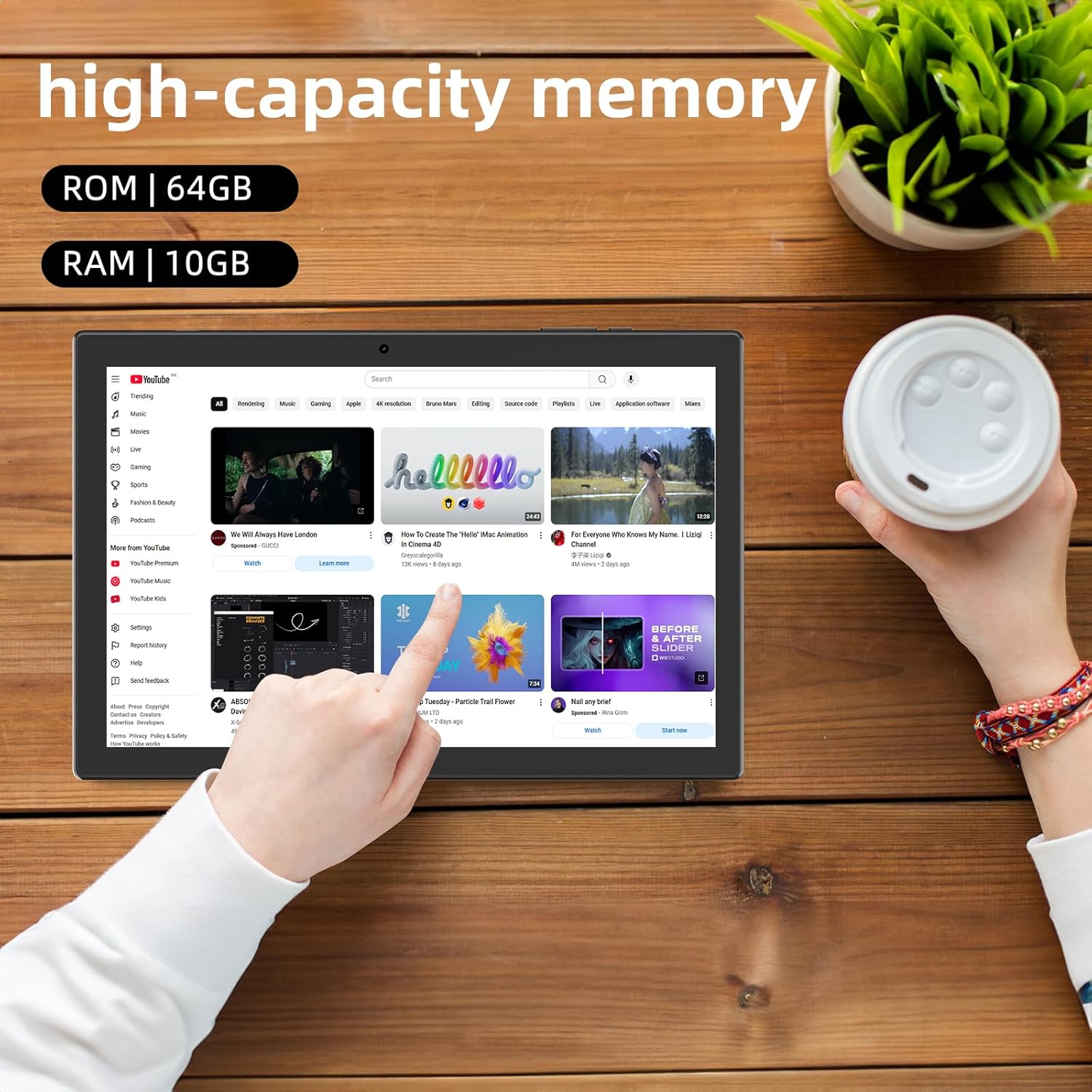
ຮູບພາບ: Tablet displaying high-capacity memory and app usage.
6.3 ການໃຊ້ກ້ອງຖ່າຍຮູບ
The tablet is equipped with an 8MP main camera and a 2MP front camera. You can use them for capturing beautiful moments, participating in web conferences, or online classes.
- ເປີດແອັບ 'ກ້ອງຖ່າຍຮູບ'.
- Switch between front and rear cameras as needed.
- Tap the shutter button to take a photo or start recording a video.
6.4 ການທໍາງານຂອງ GPS
With built-in GPS functionality, you can download offline maps to your tablet and use it for navigation, even without an internet connection.
6.5 ການຄຸ້ມຄອງຫມໍ້ໄຟ
The tablet features a large 6000mAh battery and AI intelligent power management, allowing for extended use for movies, reading, and browsing.

ຮູບພາບ: Tablet highlighting its 6000mAh battery capacity.

ຮູບພາບ: Tablet showing Type-C charging and various entertainment uses.
7. ບໍາລຸງຮັກສາ
7.1 ການທໍາຄວາມສະອາດອຸປະກອນ
Use a soft, lint-free cloth to gently wipe the screen and body of the tablet. Avoid using harsh chemicals or abrasive materials.
7.2 ການປັບປຸງຊອບແວ
Periodically check for system updates in the tablet's settings to ensure optimal performance and security.
7.3 ການຄຸ້ມຄອງການເກັບຮັກສາ
The tablet comes with 64GB of internal storage (ROM) and supports MicroSD cards up to 1TB for additional storage. Regularly manage your files and uninstall unused apps to free up space and maintain smooth operation.
8. ການແກ້ໄຂບັນຫາ
- ອຸປະກອນບໍ່ເປີດ: ໃຫ້ແນ່ໃຈວ່າໄດ້ສາກໄຟແລ້ວ. ເຊື່ອມຕໍ່ແທັບເລັດກັບເຄື່ອງສາກ ແລະລໍຖ້າສອງສາມນາທີກ່ອນທີ່ຈະພະຍາຍາມເປີດມັນອີກຄັ້ງ.
- ບັນຫາການເຊື່ອມຕໍ່ Wi-Fi: ກວດສອບວ່າ Wi-Fi ຖືກເປີດໃຊ້ງານຢູ່ໃນການຕັ້ງຄ່າແລ້ວຫຼືບໍ່. ປິດເປີດເຣົາເຕີ ແລະ ແທັບເລັດຂອງທ່ານຄືນໃໝ່. ໃຫ້ແນ່ໃຈວ່າທ່ານຢູ່ພາຍໃນຂອບເຂດຂອງສັນຍານ Wi-Fi.
- ປະສິດທິພາບຊ້າ: Close unused applications. Clear cache and data for frequently used apps. Consider uninstalling unnecessary apps or moving large files ກັບບັດ MicroSD.
- ໜ້າຈໍບໍ່ຕອບສະໜອງ: Restart the tablet by holding down the power button. If the issue persists, contact support.
9. ຂໍ້ມູນຈໍາເພາະ
| ຍີ່ຫໍ້ | CUPEISI |
| ຕົວແບບ | YQ11M (Note: Some specifications may refer to CP31 or UMIDIGI G2 Tab, but YQ11M is the primary model for this product.) |
| ລະບົບປະຕິບັດການ | Android 13 (GMS ຮັບຮອງ) |
| CPU | MediaTek MTK8768 Octa-core, 2.3 GHz |
| RAM | 10GB (4GB + 6GB Expansion) |
| ບ່ອນຈັດເກັບຂໍ້ມູນພາຍໃນ (ROM) | 64GB |
| ການເກັບຮັກສາທີ່ຂະຫຍາຍໄດ້ | MicroSD ສູງສຸດ 1TB |
| ຂະໜາດໜ້າຈໍ | 10.1 ນິ້ວ |
| ຄວາມລະອຽດການສະແດງ | 1280x800 pixels HD IPS |
| ກ້ອງໜ້າ | 2MP |
| ກ້ອງຫຼັງ | 8MP |
| Wi-Fi | 2.4G + 5G Dual-band (802.11ac/b/g/n) |
| Bluetooth | ແມ່ນແລ້ວ |
| GPS | ແມ່ນແລ້ວ |
| ຄວາມອາດສາມາດຫມໍ້ໄຟ | 6000mAh (22.8 ວັດ-ຊົ່ວໂມງ) |
| ພອດສາກໄຟ | ປະເພດ-C |
| ລໍາໂພງ | 2 ລໍາໂພງຊ່ອງ |
| ນ້ໍາຫນັກລາຍການ | 516 g |
| ຂະໜາດແພັກເກັດ | 30.9 x 19.3 x 2.9 cm |
10. ການຮັບປະກັນແລະການສະຫນັບສະຫນູນ
ຜະລິດຕະພັນນີ້ມາພ້ອມກັບ a ການຮັບປະກັນຄຸນນະພາບຫນຶ່ງປີ. In the unlikely event that you encounter any issues or defects with your product, please do not hesitate to contact us via email. We are committed to providing a prompt response within 24 hours to address your concerns.
Returns and refunds are also possible for customer convenience. Please purchase with confidence.
For support inquiries, please refer to the contact information provided with your purchase or visit the official CUPEISI webເວັບໄຊ.

