1. ບົດແນະນຳ
The TCL S642W is a 2.1 channel soundbar system designed to significantly enhance your home audio experience. This system includes a main soundbar unit and a wireless subwoofer, delivering powerful sound with deep, resonant bass. With advanced connectivity options like Bluetooth 5.3 and HDMI ARC, and support for Dolby Audio, the S642W provides an immersive and high-quality audio environment for movies, music, and games.
2. ເນື້ອໃນຊຸດ
ກະລຸນາກວດເບິ່ງຊຸດສຳລັບລາຍການຕໍ່ໄປນີ້:
- TCL S642W Soundbar Unit
- Subwoofer ໄຮ້ສາຍ
- ການຄວບຄຸມໄລຍະໄກທີ່ມີຫມໍ້ໄຟ
- ສາຍໄຟສຳລັບ Soundbar
- ສາຍໄຟສໍາລັບ Subwoofer
- ສາຍ HDMI
- ຊຸດຕິດຝາ
- ຄູ່ມືຜູ້ໃຊ້ (ເອກະສານນີ້)
3. ຕັ້ງຄ່າ
3.1 ການຈັດວາງ
Proper placement of the soundbar and subwoofer is crucial for optimal sound performance and an immersive audio experience.
- ແຖບສຽງ: Position the soundbar centrally below your television. Ensure there are no obstructions in front of the soundbar that could block the sound.
- Subwoofer ໄຮ້ສາຍ: The wireless subwoofer can be placed anywhere in the room, ideally near the soundbar, for enhanced bass. Avoid placing it in enclosed spaces that might muffle the sound.

Figure 1: Recommended placement of the soundbar and subwoofer in a living room environment.

Figure 2: Dimensions of the TCL S642W Soundbar (560mm x 62mm x 96.7mm) and Wireless Subwoofer (195mm x 320.4mm x 195mm).
3.2 ການເຊື່ອມຕໍ່
Follow these steps to connect your soundbar system:
- ການເຊື່ອມຕໍ່ພະລັງງານ: Connect the power cables to the soundbar and the wireless subwoofer, then plug them into a wall outlet. The subwoofer will automatically pair with the soundbar when both are powered on.
- ການເຊື່ອມຕໍ່ HDMI ARC (ແນະນໍາ): For the best audio quality and control, connect one end of the provided HDMI cable to the HDMI ARC port on your soundbar and the other end to the HDMI ARC/eARC port on your television. This allows your TV remote to control the soundbar's volume.
- ການເຊື່ອມຕໍ່ບູທູດ: To stream audio wirelessly from your smart device, ensure the soundbar is powered on. Press the Bluetooth button on the remote control or the soundbar unit. The Bluetooth indicator light will flash. On your smart device, search for Bluetooth devices and select 'TCL S642W' to pair.
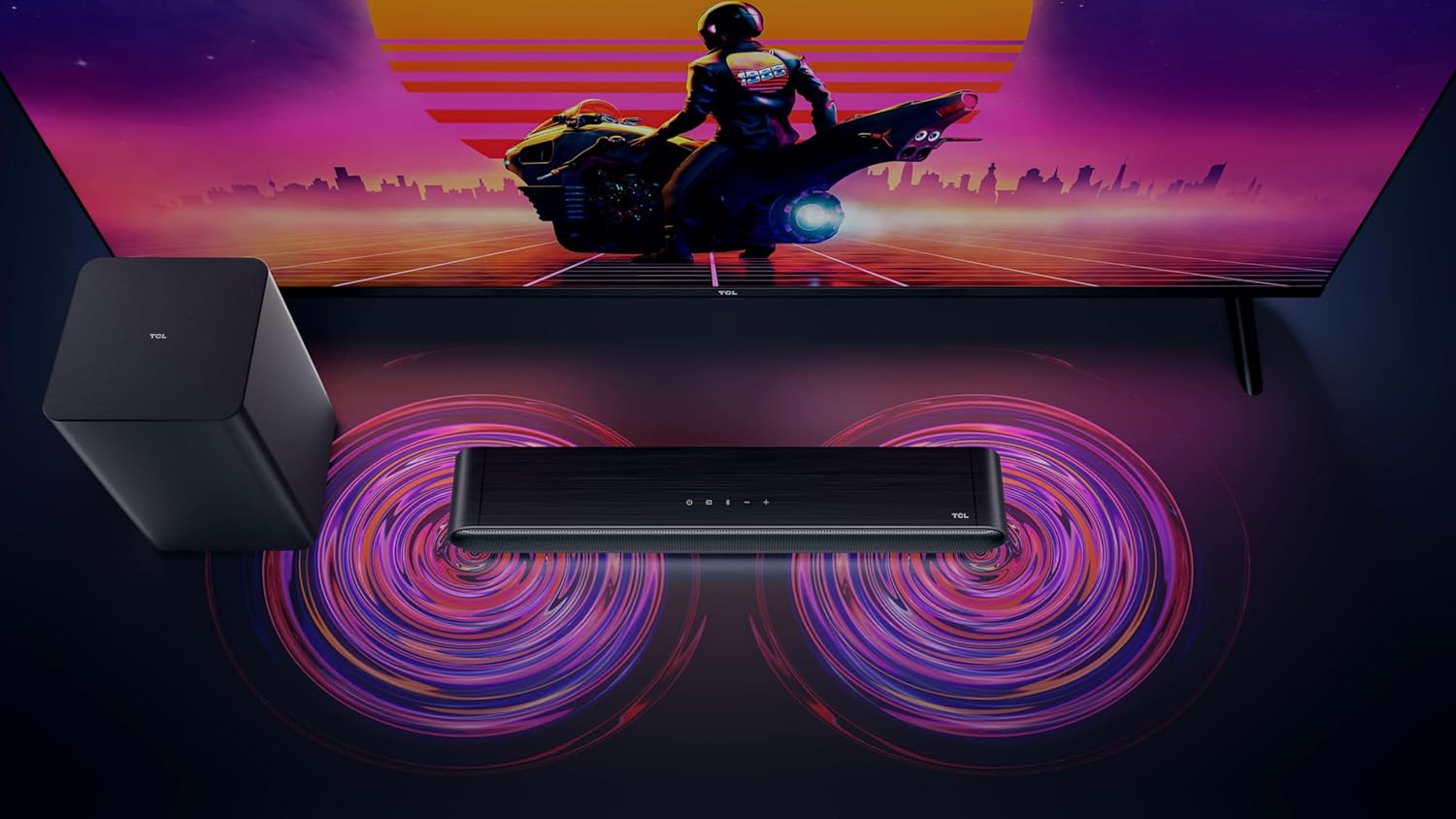
Figure 3: Connectivity options for the TCL S642W Soundbar, including Bluetooth 5.3 and HDMI.
4. ຄໍາແນະນໍາການດໍາເນີນງານ
4.1 ເປີດ/ປິດ
ກົດ ພະລັງງານ button on the remote control or the soundbar unit to turn the system on or off.
4.2 ການຄັດເລືອກການປ້ອນຂໍ້ມູນ
ກົດ ທີ່ມາ or ປ້ອນຂໍ້ມູນ button on the remote control to cycle through available input sources: HDMI ARC, Bluetooth.
4.3 ການຄວບຄຸມປະລິມານ
ໃຊ້ ປະລິມານຂຶ້ນ (+) ແລະ ບໍລິມາດລົງ (-) buttons on the remote control or the soundbar unit to adjust the volume. If connected via HDMI ARC, your TV remote may also control the soundbar volume.
4.4 ການຈັບຄູ່ Bluetooth
ເພື່ອຈັບຄູ່ອຸປະກອນ Bluetooth ໃໝ່:
- Ensure the soundbar is in Bluetooth mode (press the Bluetooth button).
- ໃນອຸປະກອນອັດສະລິຍະຂອງທ່ານ, ເປີດໃຊ້ Bluetooth ແລະຊອກຫາອຸປະກອນທີ່ມີຢູ່.
- Select 'TCL S642W' from the list to connect. The Bluetooth indicator on the soundbar will stop flashing and remain solid once connected.
Figure 4: The included remote control for convenient operation of the soundbar.
5. ບໍາລຸງຮັກສາ
To ensure the longevity and optimal performance of your TCL S642W Soundbar system, follow these maintenance guidelines:
- ທໍາຄວາມສະອາດ: Use a soft, dry, lint-free cloth to clean the surfaces of the soundbar and subwoofer. Do not use liquid cleaners, sprays, or abrasive materials, as these can damage the finish or internal components.
- ການລະບາຍອາກາດ: Ensure that the soundbar and subwoofer have adequate ventilation. Do not block any ventilation openings. Avoid placing the units in enclosed cabinets without proper airflow.
- ສະພາບແວດລ້ອມ: ຮັກສາລະບົບໃຫ້ຫ່າງຈາກແສງແດດໂດຍກົງ, ແຫຼ່ງຄວາມຮ້ອນ, ຂີ້ຝຸ່ນຫຼາຍເກີນໄປ, ຄວາມຊຸ່ມຊື່ນ, ແລະສະຫນາມແມ່ເຫຼັກທີ່ເຂັ້ມແຂງ.
- ພະລັງງານ: Unplug the power cables from the wall outlet if the system will not be used for an extended period.
6. ການແກ້ໄຂບັນຫາ
If you encounter issues with your soundbar, refer to the following troubleshooting guide:
| ບັນຫາ | ສາເຫດທີ່ເປັນໄປໄດ້ | ການແກ້ໄຂ |
|---|---|---|
| ບໍ່ມີສຽງຈາກແຖບສຽງ |
|
|
| Subwoofer ບໍ່ຜະລິດສຽງເບດ |
|
|
| ບັນຫາການເຊື່ອມຕໍ່ Bluetooth |
|
|
7. ຂໍ້ມູນຈໍາເພາະ
Key technical specifications for the TCL S642W Soundbar system:
- ຍີ່ຫໍ້: TCL
- ຊື່ຕົວແບບ: S642W (2.1 Channel Soundbar with Wireless Subwoofer and HDMI ARC with Bluetooth 5.3 – Wall Mountable)
- ປະເພດລຳໂພງ: ແຖບສຽງ
- ພະລັງງານອອກຂອງລໍາໂພງສູງສຸດ: 200 ວັດ
- ການຕອບສະໜອງຄວາມຖີ່: 10 KHz
- ເຕັກໂນໂລຍີການເຊື່ອມຕໍ່: HDMI, Bluetooth 5.3
- ໂModeດອອກສຽງ: Dolby Audio, DTS Virtual X
- ປະເພດການຕິດຕັ້ງ: ຕິດຝາໄດ້
- ວັດສະດຸ: ພາດສະຕິກ
- ຄຸນນະສົມບັດພິເສດ: Bluetooth, USB Port, Portable
8. ຂໍ້ມູນຄວາມປອດໄພ
Please read and follow these safety precautions to prevent damage and ensure safe operation:
- ຫ້າມບໍ່ໃຫ້ອຸປະກອນຖືກຝົນ, ຄວາມຊຸ່ມຊື່ນ, ປຽກ, ຫຼືກະແຈກກະຈາຍ.
- ຫ້າມວາງສິ່ງຂອງທີ່ເຕັມໄປດ້ວຍນ້ຳເຊັ່ນ: ໂຖປັດສະວະ, ໃສ່ເຄື່ອງ.
- ຫ້າມປິດຊ່ອງລະບາຍອາກາດໃດໆ. ຕິດຕັ້ງຕາມຄໍາແນະນໍາຂອງຜູ້ຜະລິດ.
- ຫ້າມຕິດຕັ້ງໃກ້ກັບແຫຼ່ງຄວາມຮ້ອນເຊັ່ນລັງສີ, ເຄື່ອງບັນທຶກຄວາມຮ້ອນ, ເຕົາຫຼືອຸປະກອນອື່ນໆ (ລວມທັງ. amplifiers) ທີ່ຜະລິດຄວາມຮ້ອນ.
- ປົກປ້ອງສາຍໄຟຈາກການຖືກສຽບ ຫຼື ສຽບ, ໂດຍສະເພາະຢູ່ປລັກສຽບ, ກ່ອງຮັບສະດວກ, ແລະຈຸດທີ່ພວກມັນອອກຈາກອຸປະກອນ.
- ໃຊ້ໄຟລ໌ແນບ/ອຸປະກອນເສີມທີ່ຜູ້ຜະລິດລະບຸໄວ້ເທົ່ານັ້ນ.
- ຖອດອຸປະກອນນີ້ອອກໃນລະຫວ່າງການມີພາຍຸຟ້າຜ່າ ຫຼືເມື່ອບໍ່ໄດ້ໃຊ້ເປັນເວລາດົນນານ.
9. ການຮັບປະກັນແລະການສະຫນັບສະຫນູນ
For detailed warranty information, terms, and conditions, please refer to the warranty card included with your product package. For technical support, product registration, or to find answers to frequently asked questions, please visit the official TCL support website or contact your local TCL customer service representative.
You can often find additional resources and contact information on the official TCL webເວັບໄຊ: www.tcl.com


