1. ບົດແນະນຳ
The ELEGOO Mars Mate Air Purifier is specifically designed for 3D printing environments, particularly for resin-based 3D printers. It effectively purifies the air by absorbing formaldehyde and reducing odors associated with 3D printing, ensuring a cleaner workspace. This manual provides essential information for the safe and efficient use of your Mars Mate Air Purifier.
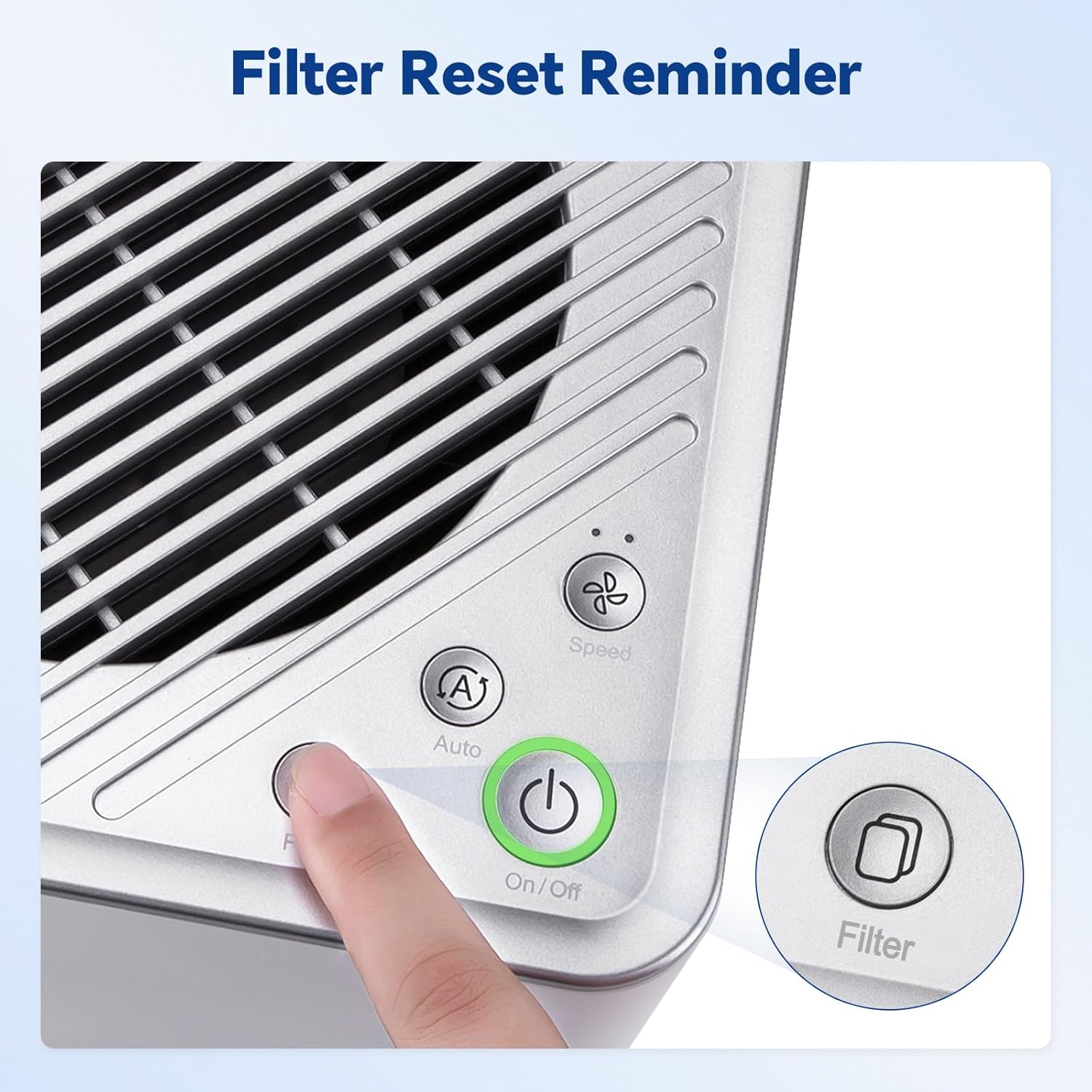
Image 1.1: The Mars Mate Air Purifier is compatible with a wide range of 3D printers, including the Saturn 3 Ultra and Mars 4 Ultra.
2. ຂໍ້ມູນຄວາມປອດໄພ
Please read all safety instructions before operating the device to prevent injury or damage.
- Do not operate the purifier with a damaged power cord or plug.
- Keep the device away from water or other liquids. Do not immerse the unit.
- ຮັບປະກັນການລະບາຍອາກາດທີ່ເໝາະສົມອ້ອມຮອບເຄື່ອງ; ຢ່າອຸດຕັນທາງເຂົ້າ ຫຼື ທາງອອກຂອງອາກາດ.
- ຢ່າໃສ່ວັດຖຸເຂົ້າໄປໃນຊ່ອງເປີດໃດໆ.
- ຖອດປລັກອຸປະກອນກ່ອນທຳຄວາມສະອາດ ຫຼື ປະຕິບັດການບຳລຸງຮັກສາໃດໆ.
- ເຄື່ອງໃຊ້ນີ້ບໍ່ໄດ້ມີຈຸດປະສົງເພື່ອໃຊ້ໂດຍບຸກຄົນ (ລວມທັງເດັກນ້ອຍ) ທີ່ມີຄວາມສາມາດທາງຮ່າງກາຍ, ຄວາມຮູ້ສຶກ ຫຼືຈິດໃຈທີ່ຫຼຸດລົງ, ຫຼືຂາດປະສົບການ ແລະຄວາມຮູ້, ເວັ້ນເສຍແຕ່ວ່າພວກເຂົາໄດ້ຮັບການຊີ້ນໍາ ຫຼືຄໍາແນະນໍາກ່ຽວກັບການນໍາໃຊ້ເຄື່ອງໃຊ້ໂດຍບຸກຄົນທີ່ຮັບຜິດຊອບຄວາມປອດໄພຂອງເຂົາເຈົ້າ.
3. ຕັ້ງຄ່າ
- ແກະກ່ອງເຄື່ອງກອງອາກາດອອກ: Carefully remove the Mars Mate Air Purifier from its packaging. Retain packaging for future transport or storage.
- ການຈັດວາງ: Place the purifier on a stable, flat surface near your 3D printer. Ensure there is adequate space around the unit for proper airflow. The purifier is designed to integrate seamlessly into your 3D printing setup.
- ການເຊື່ອມຕໍ່ພະລັງງານ: Connect the power adapter to the purifier and then plug it into a suitable power outlet.
- ກວດສອບການກັ່ນຕອງ: Ensure the activated carbon filter is correctly installed inside the unit. Refer to the Maintenance section for filter installation details if needed.

Image 3.1: The Mars Mate Air Purifier is designed for integration with 3D printers, such as the ELEGOO Saturn 3.
4. ຄໍາແນະນໍາການດໍາເນີນງານ
The Mars Mate Air Purifier features a simple control panel for easy operation.
- ເປີດ/ປິດ: ກົດ ເປີດ/ປິດ button to turn the purifier on or off. The indicator light will illuminate when the unit is active.
- ການເລືອກໂໝດ: ກົດ Auto/Speed button to cycle through different operating modes. The purifier may offer an automatic mode that adjusts fan speed based on air quality, and manual speed settings.
- ຕັ້ງຄ່າຕົວກອງ: ຫຼັງຈາກປ່ຽນຕົວກອງແລ້ວ, ໃຫ້ກົດປຸ່ມຄ້າງໄວ້ ການກັ່ນຕອງ button for a few seconds to reset the filter life indicator. This ensures accurate tracking of filter usage.

Image 4.1: Control panel of the Mars Mate Air Purifier, highlighting the filter reset button.
5. ບໍາລຸງຮັກສາ
Regular maintenance ensures optimal performance and longevity of your Mars Mate Air Purifier.
- ການທົດແທນການກັ່ນຕອງ: The activated carbon filter should be replaced approximately every 2 months, depending on usage and air quality. To replace the filter:
- Unplug the purifier from the power outlet.
- Locate the filter compartment, typically at the base or side of the unit.
- Open the compartment and carefully remove the used filter.
- Insert a new ELEGOO Mars Mate activated carbon filter, ensuring it is seated correctly.
- Close the filter compartment and plug the purifier back in.
- Perform a filter reset as described in the Operating Instructions.
- ທໍາຄວາມສະອາດຫນ່ວຍບໍລິການ: Wipe the exterior of the purifier with a soft, dry cloth. Do not use abrasive cleaners or solvents. Ensure the unit is unplugged before cleaning.

Image 5.1: The internal activated carbon filter is crucial for efficient purification.
6. ການແກ້ໄຂບັນຫາ
If you encounter issues with your Mars Mate Air Purifier, refer to the following common problems and solutions:
| ບັນຫາ | ສາເຫດທີ່ເປັນໄປໄດ້ | ການແກ້ໄຂ |
|---|---|---|
| ເຄື່ອງກອງບໍ່ເປີດ | ບໍ່ມີແຫຼ່ງຈ່າຍໄຟ; ສາຍໄຟບໍ່ໄດ້ເຊື່ອມຕໍ່ຢ່າງຖືກຕ້ອງ | ກວດສອບປ່ຽງໄຟ; ກວດໃຫ້ແນ່ໃຈວ່າໄດ້ສຽບສາຍໄຟຢ່າງປອດໄພ. |
| Poor odor reduction | Filter is old or clogged; Incorrect filter installation | Replace the activated carbon filter; Ensure filter is installed correctly. |
| ສິ່ງລົບກວນຜິດປົກກະຕິໃນລະຫວ່າງການປະຕິບັດງານ | Obstruction in fan; Unit not on a stable surface | Unplug and check for obstructions; Place on a stable, flat surface. |
7. ຂໍ້ມູນຈໍາເພາະ
| ຄຸນສົມບັດ | ຂໍ້ມູນຈໍາເພາະ |
|---|---|
| ຍີ່ຫໍ້ | ELEGOO |
| ໝາຍເລກຕົວແບບ | US-SO-3D-CP1 |
| ຂະໜາດສິນຄ້າ | 33 x 29 x 48 cm |
| ນ້ໍາຫນັກລາຍການ | 6.35 ກິໂລກຣາມ |
| ພະລັງງານ / ວັດtage | 6 ວັດ |
| ລະດັບສຽງ | 35 Decibels |
| ປະເພດການກັ່ນຕອງ | ຄາບອນທີ່ເປີດໃຊ້ງານ |
| ອັດຕາການກັ່ນຕອງ | Up to 95% (for formaldehyde and odors) |
| ວັດສະດຸ | Anti-oxidation ABS |
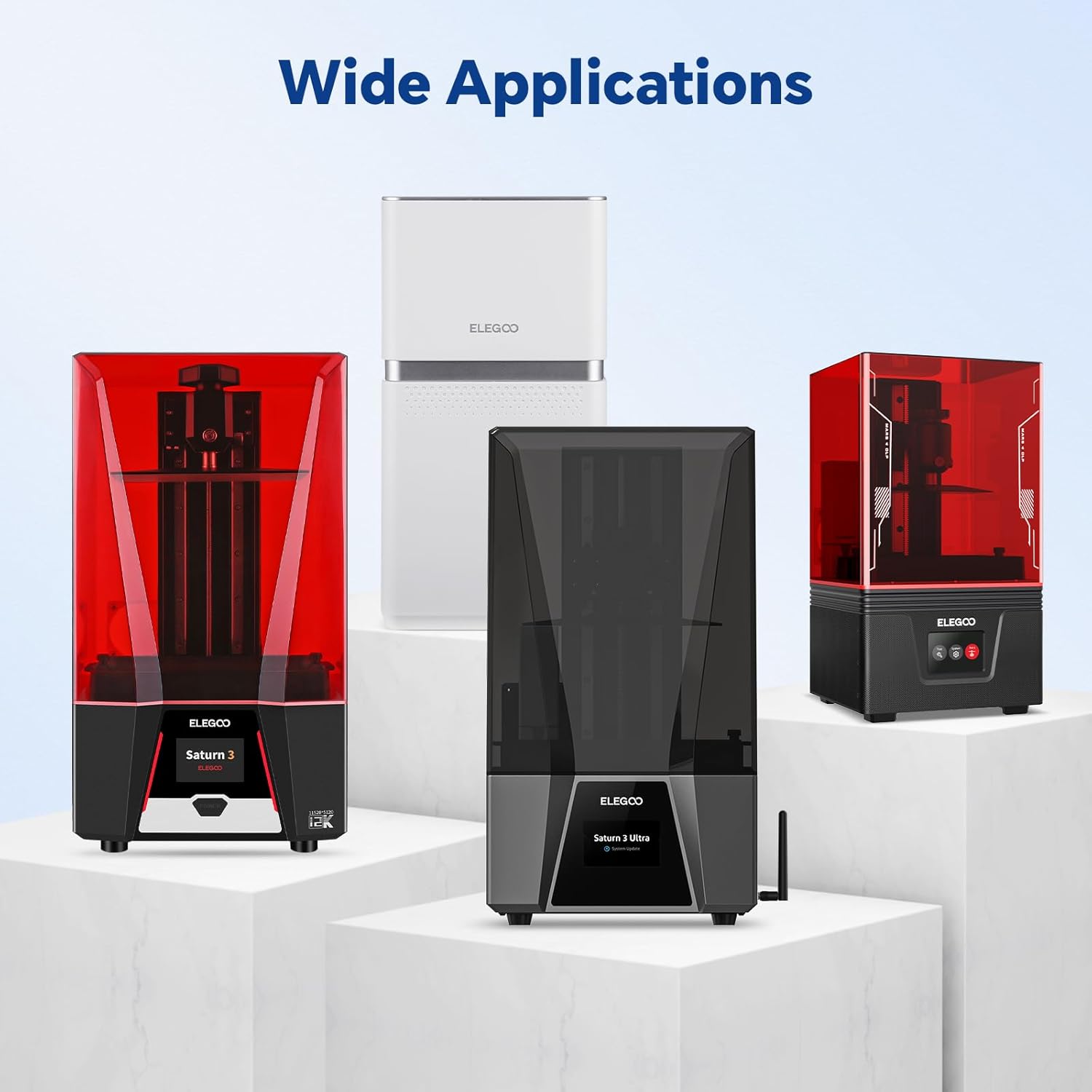
Image 7.1: Physical dimensions of the Mars Mate Air Purifier.
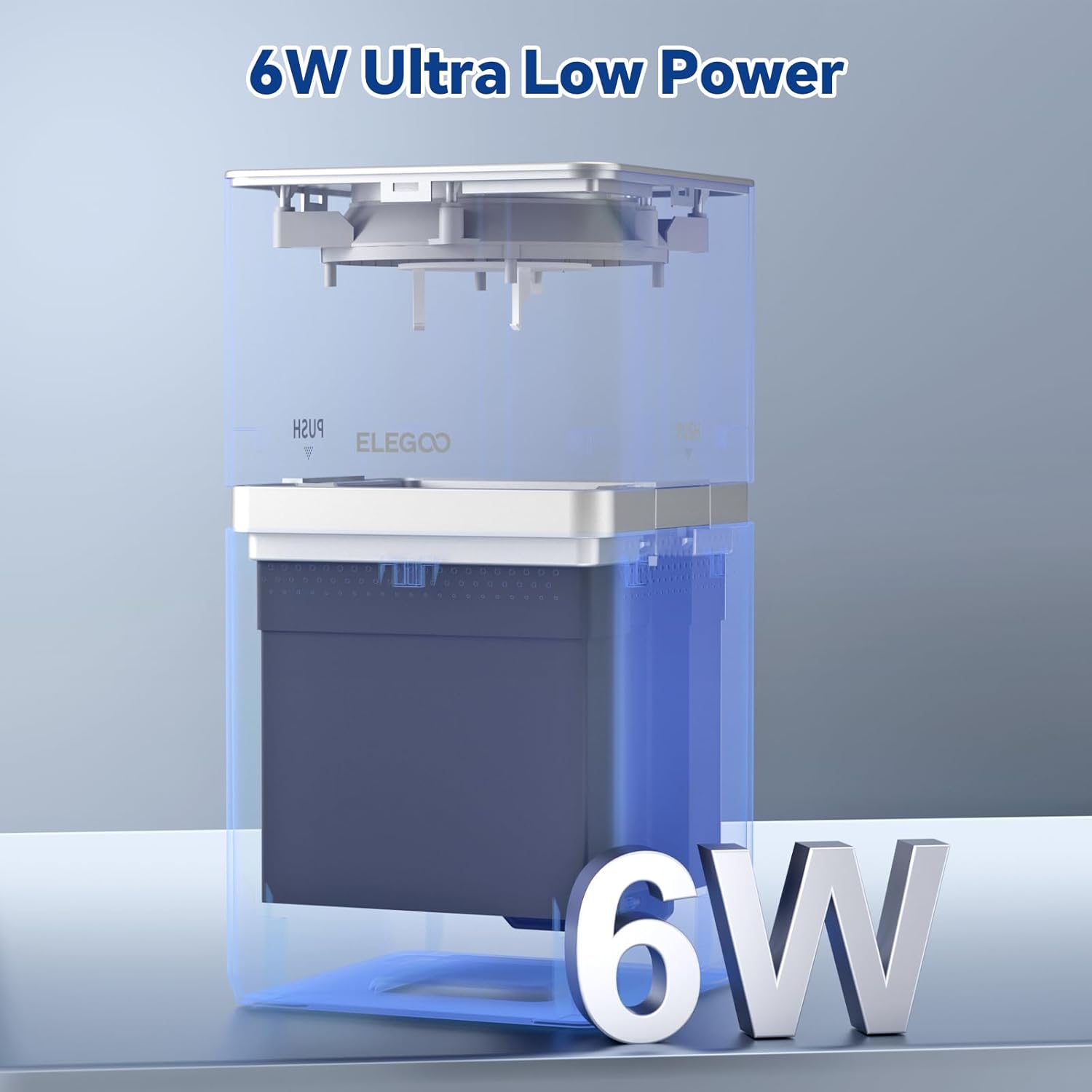
Image 7.2: The Mars Mate Air Purifier operates with ultra-low power consumption of 6 watts.
8. ການຮັບປະກັນແລະການສະຫນັບສະຫນູນ
ສຳລັບຂໍ້ມູນການຮັບປະກັນ ແລະ ການຊ່ວຍເຫຼືອດ້ານເຕັກນິກ, ກະລຸນາອ້າງອີງເຖິງ ELEGOO ຢ່າງເປັນທາງການ website or contact ELEGOO customer service directly. Keep your purchase receipt as proof of purchase for any warranty claims.


