1. ບົດແນະນຳ
Thank you for choosing the Baseus Bowie D05 Wireless Headphones. This manual provides detailed instructions on how to set up, operate, maintain, and troubleshoot your new headphones. Please read this manual carefully before use to ensure optimal performance and longevity of your device.
2. ສິ່ງທີ່ຢູ່ໃນກ່ອງ
ເມື່ອ unboxing, ກະລຸນາຮັບປະກັນວ່າມີລາຍການຕໍ່ໄປນີ້ທັງຫມົດ:
- ຫູຟັງໄຮ້ສາຍ Baseus Bowie D05
- ສາຍສາກ USB-A ຫາ USB-C
- ສາຍສຽງ 3.5 ມມ
- ຄູ່ມືຜູ້ໃຊ້
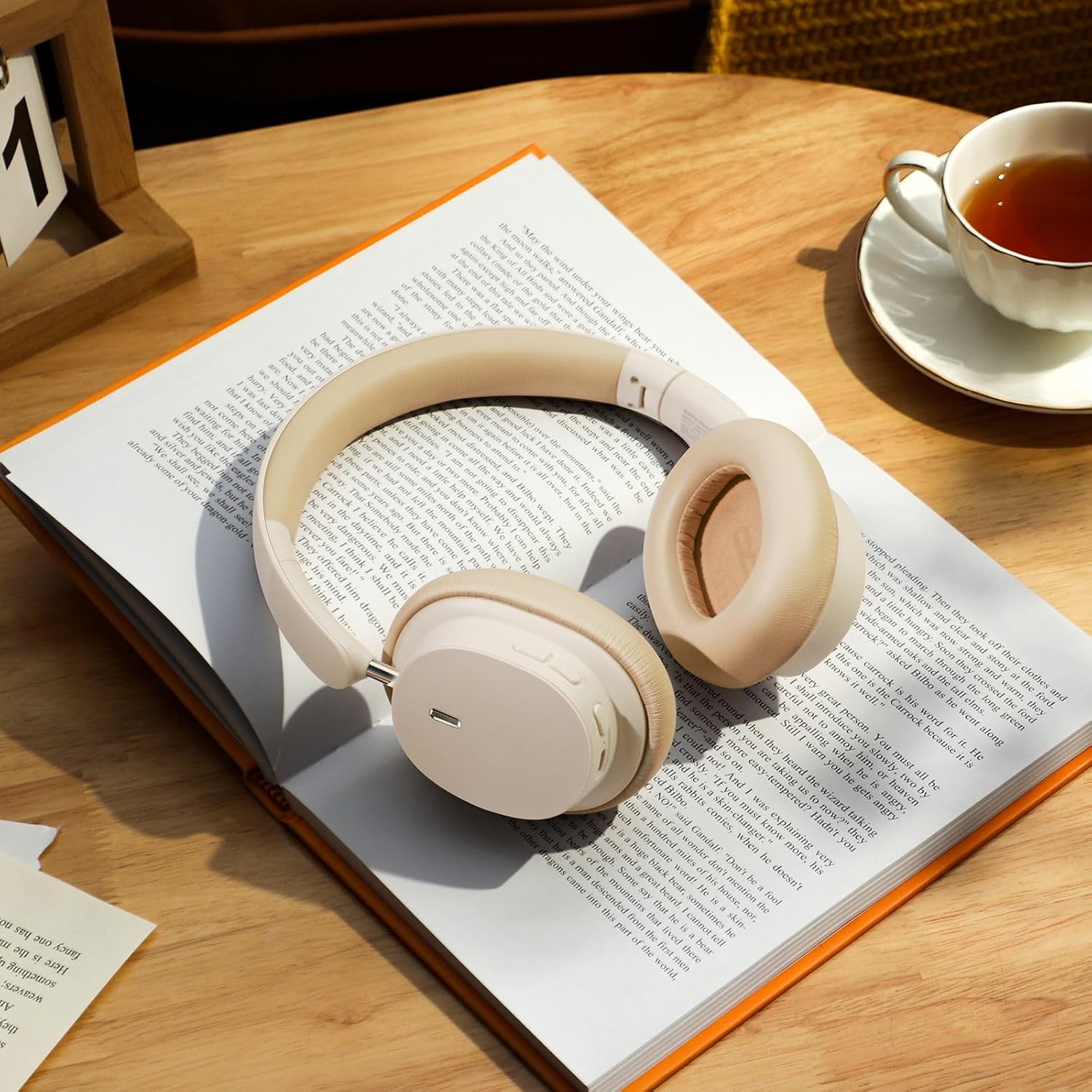
Image: The Baseus Bowie D05 headphones shown alongside their USB-C charging cable and 3.5mm audio cable, illustrating the complete package contents.
3. ຜະລິດຕະພັນເກີນview
Familiarize yourself with the various parts and controls of your Baseus Bowie D05 headphones:
- ປຸ່ມພະລັງງານ/ຫຼາຍຟັງຊັນ: ໃຊ້ສຳລັບການເປີດ/ປິດ, ຫຼິ້ນ/ຢຸດຊົ່ວຄາວ, ຮັບສາຍ/ວາງສາຍ, ແລະ ເປີດໃຊ້ຜູ້ຊ່ວຍສຽງ.
- ປຸ່ມເພີ່ມສຽງ: ເພີ່ມປະລິມານ, ກົດຄ້າງໄວ້ສຳລັບເພງຕໍ່ໄປ.
- ປຸ່ມປະລິມານລົງ: ຫຼຸດສຽງລົງ, ກົດຄ້າງໄວ້ສຳລັບເພງກ່ອນໜ້າ.
- ພອດສາກໄຟ USB-C: ສໍາລັບການສາກໄຟຫູຟັງ.
- Jack ສຽງ 3.5mm: ສໍາລັບການເຊື່ອມຕໍ່ສາຍ.
- ຕົວຊີ້ວັດ LED: ສະແດງສະຖານະການພະລັງງານ, ການສາກໄຟ ແລະ ສະຖານະການຈັບຄູ່.
- ໄມໂຄຣໂຟນ: ສໍາລັບການໂທແລະຄໍາສັ່ງສຽງ.

ຮູບພາບ: A ລາຍລະອຽດ view of the left earcup of the Baseus Bowie D05 headphones, highlighting the location of the control buttons (volume up/down, multi-function) and the charging/audio ports.
4. ຕັ້ງຄ່າ
4.1 ການສາກຫູຟັງ
- Connect the USB-C end of the charging cable to the headphone's charging port.
- ເຊື່ອມຕໍ່ປາຍ USB-A ເຂົ້າກັບອະແດບເຕີໄຟ USB (ແນະນຳ 5V/1A) ຫຼື ພອດ USB ຂອງຄອມພິວເຕີ.
- The LED indicator will show red during charging and turn off or blue when fully charged.
- ໂດຍປົກກະຕິການສາກເຕັມຈະໃຊ້ເວລາປະມານ 1.5-2 ຊົ່ວໂມງ.
4.2 ການຈັບຄູ່ Bluetooth
- ກວດໃຫ້ແນ່ໃຈວ່າຫູຟັງຖືກສາກເຕັມແລ້ວ.
- Press and hold the Power/Multi-function button for 3-5 seconds until the LED indicator flashes blue and red alternately, indicating pairing mode.
- ໃນອຸປະກອນຂອງທ່ານ (ໂທລະສັບສະຫຼາດ, ແທັບເລັດ, ຄອມພິວເຕີ), ເປີດໃຊ້ Bluetooth.
- ຊອກຫາ "Baseus Bowie D05" in the list of available Bluetooth devices.
- Select "Baseus Bowie D05" to connect. Once connected, the LED indicator will flash blue slowly or turn off.
4.3 ການເຊື່ອມຕໍ່ແບບມີສາຍ (ທາງເລືອກ)
ທ່ານສາມາດໃຊ້ຫູຟັງດ້ວຍສາຍສຽງ 3.5 ມມ ທີ່ມາພ້ອມເມື່ອແບັດເຕີຣີອ່ອນ ຫຼື ສຳລັບອຸປະກອນທີ່ບໍ່ມີການເຊື່ອມຕໍ່ Bluetooth.
- ສຽບປາຍດ້ານໜຶ່ງຂອງສາຍສຽງ 3.5 ມມ ເຂົ້າກັບຊ່ອງສຽບສຽງ 3.5 ມມ ຂອງຫູຟັງ.
- ສຽບປາຍອື່ນເຂົ້າໄປໃນຊ່ອງສຽບສຽງອອກຂອງອຸປະກອນຂອງທ່ານ.
- Note: Controls on the headphones may not function in wired mode.
5. ຄໍາແນະນໍາການດໍາເນີນງານ
5.1 ເປີດ/ປິດ
- ເປີດ: ກົດປຸ່ມເປີດ/ປິດເຄື່ອງ/ຫຼາຍໜ້າທີ່ຄ້າງໄວ້ 3 ວິນາທີ.
- ປິດພະລັງງານ: ກົດປຸ່ມເປີດ/ປິດເຄື່ອງ/ຫຼາຍໜ້າທີ່ຄ້າງໄວ້ 5 ວິນາທີ.
5.2 ການຫລີ້ນດົນຕີ
- ຫຼິ້ນ/ຢຸດ: ກົດປຸ່ມເປີດປິດ/ຫຼາຍຟັງຊັນ.
- ປະລິມານຂຶ້ນ: ກົດສັ້ນກົດປຸ່ມເພີ່ມສຽງ.
- ປະລິມານລົງ: ກົດສັ້ນ ປຸ່ມປະລິມານລົງ.
- ເພງຕໍ່ໄປ: ກົດປຸ່ມເພີ່ມສຽງຄ້າງໄວ້.
- ຕິດຕາມກ່ອນ ໜ້າ ນີ້: ກົດປຸ່ມ Volume Down ຄ້າງໄວ້.
5.3 ການຄຸ້ມຄອງການໂທ
- ຮັບ/ສາຍໂທ: ກົດປຸ່ມເປີດປິດ/ຫຼາຍຟັງຊັນ.
- ປະຕິເສດການໂທ: Long press the Power/Multi-function button for 2 seconds.
5.4 ການເຊື່ອມຕໍ່ຫຼາຍອຸປະກອນ
The Baseus Bowie D05 headphones support simultaneous connection to two devices, allowing seamless switching between them.
- Connect the headphones to the first device via Bluetooth as described in section 4.2.
- Disconnect the headphones from the first device (do not unpair).
- Connect the headphones to the second device via Bluetooth.
- Reconnect the headphones to the first device from its Bluetooth settings. The headphones should now be connected to both devices.
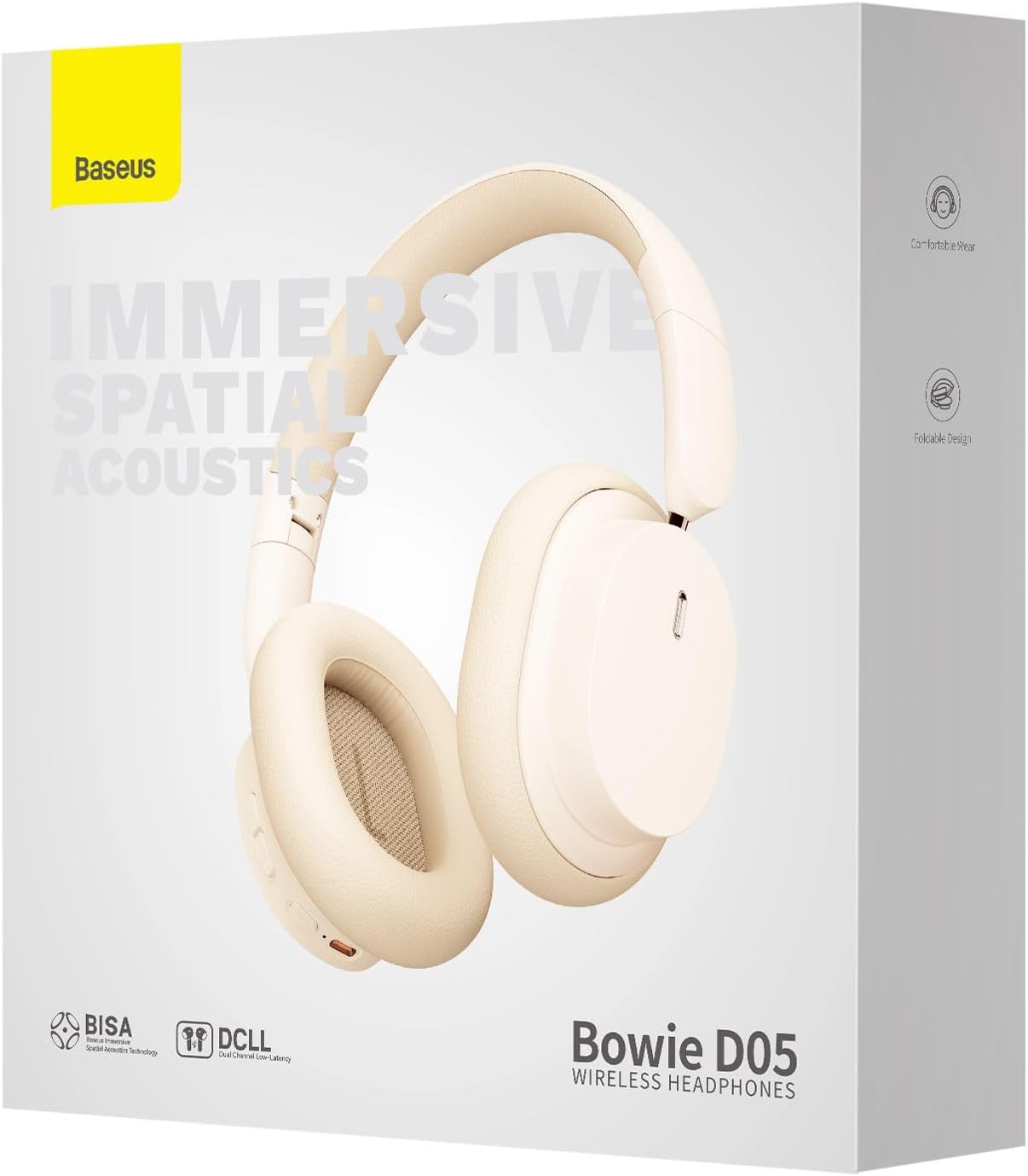
Image: The Baseus Bowie D05 headphones are depicted wirelessly connected to both a smartphone and a tablet, demonstrating their multi-device connectivity feature.
6. ບໍາລຸງຮັກສາ
ເພື່ອຮັບປະກັນອາຍຸການໃຊ້ງານທີ່ຍາວນານ ແລະ ປະສິດທິພາບທີ່ດີທີ່ສຸດຂອງຫູຟັງຂອງທ່ານ, ໃຫ້ປະຕິບັດຕາມຄຳແນະນຳກ່ຽວກັບການບຳລຸງຮັກສາເຫຼົ່ານີ້:
- ທໍາຄວາມສະອາດ: ໃຊ້ຜ້າທີ່ອ່ອນ, ແຫ້ງ, ບໍ່ມີເສັ້ນດ່າງເພື່ອເຮັດຄວາມສະອາດຫູຟັງ. ຢ່າໃຊ້ເຄື່ອງເຮັດຄວາມສະອາດຂັດ, ເຫຼົ້າ, ຫຼືສານລະລາຍສານເຄມີ.
- ການເກັບຮັກສາ: ເມື່ອບໍ່ໃຊ້, ໃຫ້ເກັບຮັກສາຫູຟັງໄວ້ໃນບ່ອນເຢັນ, ແຫ້ງ, ຫ່າງຈາກແສງແດດໂດຍກົງ ແລະ ອຸນຫະພູມທີ່ຮ້າຍກາດ.
- ຫຼີກເວັ້ນຄວາມຊຸ່ມ: ຮັກສາຫູຟັງໃຫ້ຫ່າງຈາກນ້ໍາແລະຄວາມຊຸ່ມຊື່ນຫຼາຍເກີນໄປ.
- ຈັດການດ້ວຍຄວາມລະມັດລະວັງ: ຫຼີກເວັ້ນການລຸດລົງ ຫຼື ວາງຫູຟັງໃຫ້ຖືກຜົນກະທົບຢ່າງແຮງ.
7. ການແກ້ໄຂບັນຫາ
If you encounter any issues with your Baseus Bowie D05 headphones, please refer to the following common problems and solutions:
| ບັນຫາ | ການແກ້ໄຂທີ່ເປັນໄປໄດ້ |
|---|---|
| ຫູຟັງບໍ່ເປີດ. | ກວດໃຫ້ແນ່ໃຈວ່າຫູຟັງຖືກສາກເຕັມແລ້ວ. ເຊື່ອມຕໍ່ຫາແຫຼ່ງພະລັງງານແລ້ວລອງໃໝ່ອີກຄັ້ງ. |
| ບໍ່ສາມາດຈັບຄູ່ກັບອຸປະກອນໄດ້. | Ensure headphones are in pairing mode (flashing blue/red). Turn off and on Bluetooth on your device. Clear previous Bluetooth connections on your device. Move headphones closer to the device. |
| ບໍ່ມີສຽງ ຫຼືສຽງຕໍ່າ. | Check headphone and device volume levels. Ensure headphones are properly connected. Try playing different audio. If using wired connection, ensure cable is fully inserted. |
| ຄຸນະພາບສຽງບໍ່ດີ. | Move closer to your device to avoid interference. Avoid obstacles between headphones and device. Try disconnecting and reconnecting. |
| ຖອດຫູຟັງເລື້ອຍໆ. | Ensure headphones are fully charged. Keep within Bluetooth range (typically 10 meters). Avoid strong electromagnetic interference. |
ຖ້າບັນຫາຍັງຄົງຢູ່ຫຼັງຈາກພະຍາຍາມແກ້ໄຂເຫຼົ່ານີ້, ກະລຸນາຕິດຕໍ່ຝ່າຍຊ່ວຍເຫຼືອລູກຄ້າ.
8. ຂໍ້ມູນຈໍາເພາະ
Detailed technical specifications for the Baseus Bowie D05 Wireless Headphones:
- ຊື່ຕົວແບບ: NGTD020202
- ຍີ່ຫໍ້: Baseus
- ເຕັກໂນໂລຍີການເຊື່ອມຕໍ່: ໄຮ້ສາຍ (Bluetooth)
- ເຕັກໂນໂລຊີການສື່ສານໄຮ້ສາຍ: Bluetooth
- ການວາງຫູ: ເກີນຫູ
- ປັດໄຈແບບຟອມ: ເກີນຫູ
- ປະເພດໄດເວີສຽງ: ໄດນາມິກໄດເວີ
- ຂະໜາດຂອງໜ່ວຍຂັບ: 40ມມ
- ຊີວິດຫມໍ້ໄຟ: Up to 70 hours of audio playback (at 70% volume)
- ຊ່ອງສາກໄຟ: USB-C
- Jack ສຽງ: Jack ຂະ ໜາດ 3.5 ມມ
- ວັດສະດຸ: ພາດສະຕິກ
- ນ້ໍາຫນັກລາຍການ: ປະມານ 209 ກຣາມ (7.37 ອອນສ໌)
- ສີ: Creamy-White (as per product title, though spec says Black)
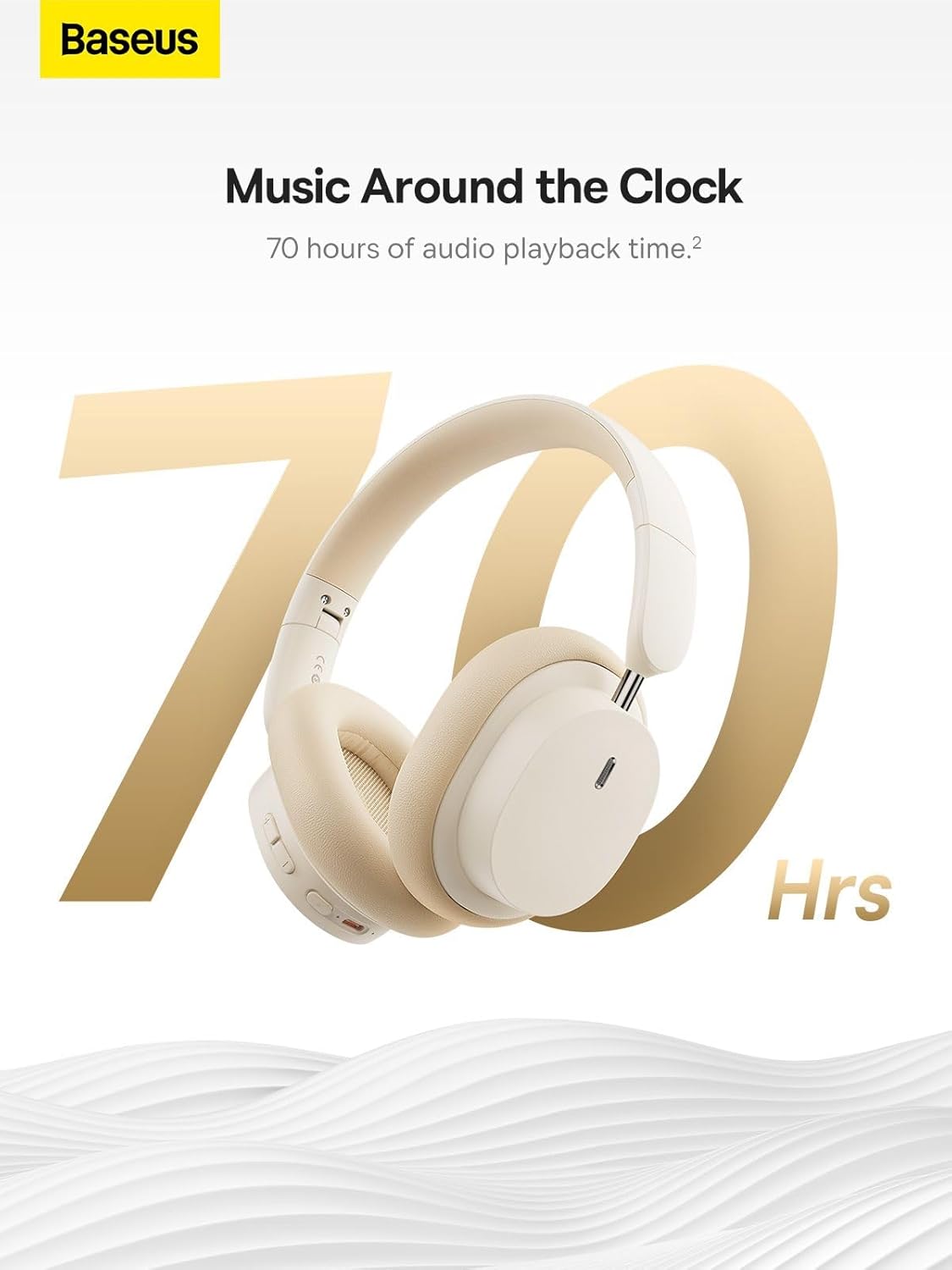
Image: The Baseus Bowie D05 headphones are featured with a prominent '70 Hrs' graphic, highlighting their extended audio playback time on a single charge.

Image: Two individuals are shown comfortably wearing the Baseus Bowie D05 headphones, emphasizing their lightweight design with the text 'Only 209g' for extended listening sessions.

Image: A visual representation of a 40mm large driver unit, illustrating its capability to deliver detailed high-end and fuller low-end audio performance.
9. ການຮັບປະກັນແລະການສະຫນັບສະຫນູນ
9.1 ຂໍ້ມູນການຮັບປະກັນ
Baseus products are covered by a limited warranty from the date of purchase. Please refer to the warranty card included in your product packaging or visit the official Baseus webເວັບໄຊສໍາລັບເງື່ອນໄຂການຮັບປະກັນລາຍລະອຽດ.
9.2 ສະຫນັບສະຫນູນລູກຄ້າ
For technical assistance, troubleshooting, or warranty claims, please contact Baseus customer support through the following channels:
- ທາງການ Webເວັບໄຊ: Visit the Baseus official webເວັບໄຊທ໌ສຳລັບຄຳຖາມທີ່ຖືກຖາມເລື້ອຍໆ, ຊັບພະຍາກອນສະໜັບສະໜູນ ແລະ ແບບຟອມຕິດຕໍ່.
- ສະຫນັບສະຫນູນອີເມວ: ອ້າງເຖິງການຫຸ້ມຫໍ່ຜະລິດຕະພັນຂອງທ່ານຫຼືຢ່າງເປັນທາງການ webເວັບໄຊທ໌ສໍາລັບທີ່ຢູ່ອີເມລ໌ສະຫນັບສະຫນູນລູກຄ້າ.
- ຮ້ານຄ້າປີກທີ່ໄດ້ຮັບອະນຸຍາດ: ຕິດຕໍ່ຜູ້ຄ້າປີກຈາກຜູ້ທີ່ທ່ານຊື້ຜະລິດຕະພັນສໍາລັບການຊ່ວຍເຫຼືອ.



