ແນະນຳ
Welcome to the user manual for your Samsung Galaxy A14 5G. This guide provides essential information to help you set up, operate, maintain, and troubleshoot your device. Please read this manual thoroughly to ensure optimal performance and safe use of your smartphone.
The Samsung Galaxy A14 5G is designed to offer a seamless mobile experience with its advanced features and connectivity. Familiarize yourself with its functions to make the most of your device.
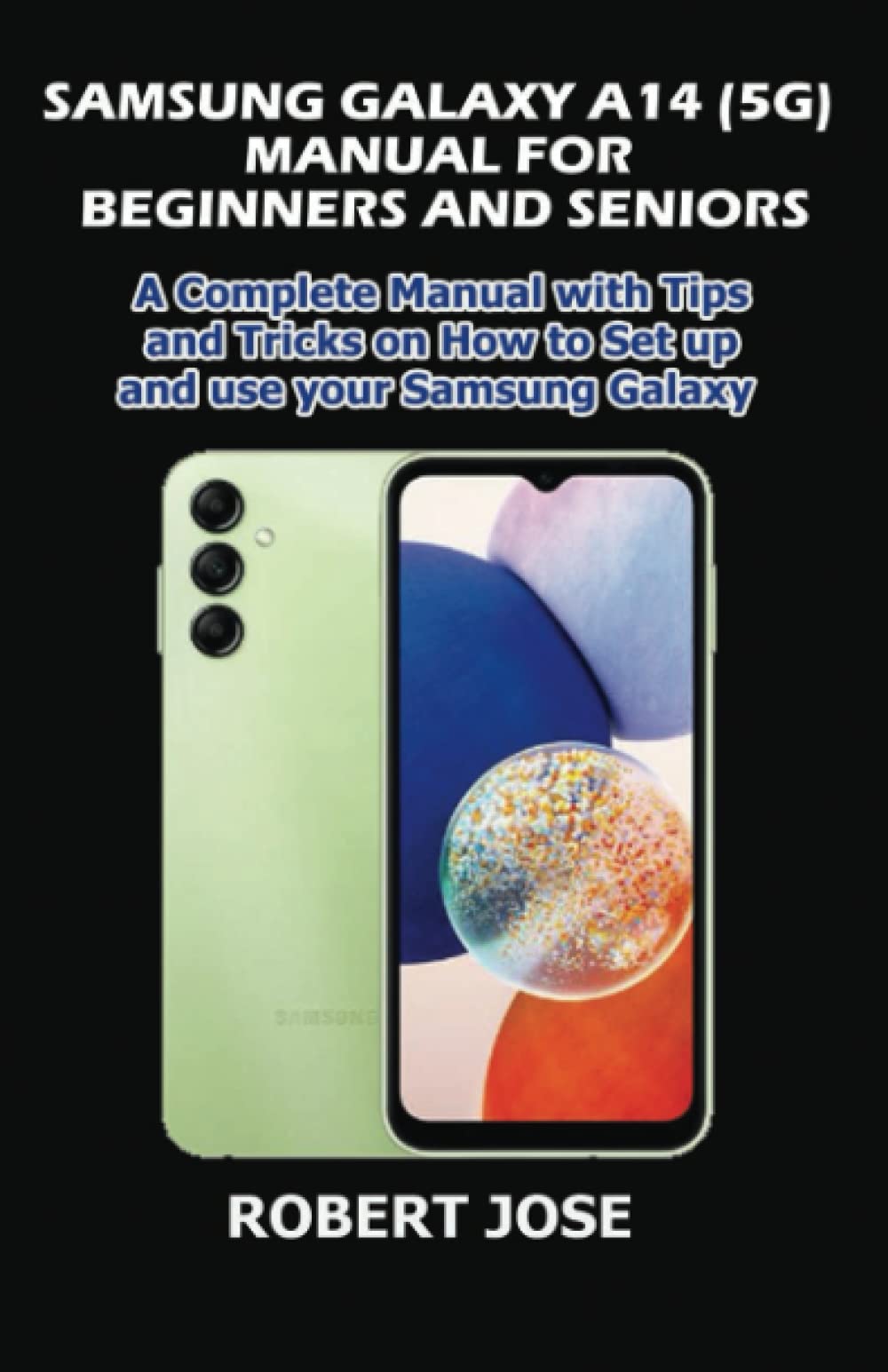
Image: Cover of the Samsung Galaxy A14 5G User Manual book. This image represents the physical manual that contains these instructions.
ຕັ້ງຄ່າ
1. Unboxing ແລະຄ່າເລີ່ມຕົ້ນ
Carefully remove your Samsung Galaxy A14 5G and its accessories from the packaging. Before first use, it is recommended to fully charge the device using the provided USB cable and power adapter.
- ເຊື່ອມຕໍ່ສາຍ USB ເຂົ້າກັບພອດສາກໄຟໃນໂທລະສັບຂອງທ່ານ.
- Plug the other end of the cable into the power adapter, then into a wall outlet.
- ຕົວຊີ້ວັດການສາກໄຟຈະປາກົດຢູ່ໃນຫນ້າຈໍ.
2. ການໃສ່ແຜ່ນ SIM ແລະບັດ microSD
Your device uses a Nano-SIM card. A microSD card (sold separately) can be inserted for additional storage.
- ຊອກຫາຖາດຊິມຢູ່ດ້ານຂ້າງຂອງໂທລະສັບຂອງທ່ານ.
- Insert the ejection pin into the hole on the SIM tray to open it.
- Place the Nano-SIM card into the SIM slot with the gold contacts facing down.
- If using a microSD card, place it into the designated slot on the tray.
- ຄ່ອຍໆຍູ້ຖາດກັບເຂົ້າໄປໃນຊ່ອງສຽບຈົນກ່ວາມັນ flush ກັບຮ່າງກາຍຂອງໂທລະສັບ.
3. ການເປີດເຄື່ອງ ແລະການຕັ້ງຄ່າເບື້ອງຕົ້ນ
To power on your device, press and hold the Power/Side key until the Samsung logo appears. Follow the on-screen prompts to complete the initial setup, including language selection, Wi-Fi connection, Google account setup, and security settings.
ປະຕິບັດການ
1. ການນໍາທາງພື້ນຖານ
- ໜ້າຈໍຫຼັກ: ຫນ້າຈໍຫລັກບ່ອນທີ່ທ່ານສາມາດເຂົ້າເຖິງແອັບຯແລະ widget.
- ແຜງການແຈ້ງເຕືອນ: ປັດລົງຈາກເທິງສຸດຂອງໜ້າຈໍໄປທີ່ view ການແຈ້ງເຕືອນ ແລະການຕັ້ງຄ່າດ່ວນ.
- App Drawer: ປັດຂຶ້ນຈາກໜ້າຈໍຫຼັກເພື່ອເຂົ້າເຖິງທຸກແອັບພລິເຄຊັນທີ່ຕິດຕັ້ງແລ້ວ.
- ແອັບຫຼ້າສຸດ: ແຕະປຸ່ມແອັບຯຫຼ້າສຸດ (ໂດຍປົກກະຕິແລ້ວແມ່ນໄອຄອນຮູບສີ່ຫຼ່ຽມມົນ) ເພື່ອ view ແລະປ່ຽນລະຫວ່າງແອັບພລິເຄຊັນທີ່ໃຊ້ບໍ່ດົນມານີ້.
2. ໂທອອກ ແລະສົ່ງຂໍ້ຄວາມ
- ໂທ: ເປີດ ໂທລະສັບ app, ໃສ່ເບີໂທ, ແລະປາດໄອຄອນການໂທ.
- ຂໍ້ຄວາມ: ເປີດ ຂໍ້ຄວາມ app, ແຕະທີ່ໄອຄອນຂໍ້ຄວາມໃຫມ່, ໃສ່ຜູ້ຮັບແລະຂໍ້ຄວາມຂອງທ່ານ.
3. ອິນເຕີເນັດ ແລະການເຊື່ອມຕໍ່
- Wi-Fi: ໄປທີ່ ການຕັ້ງຄ່າ > ການເຊື່ອມຕໍ່ > Wi-Fi to connect to a wireless network.
- ຂໍ້ມູນມືຖື: ໃຫ້ແນ່ໃຈວ່າຂໍ້ມູນມືຖືຖືກເປີດໃຊ້ໃນ ການຕັ້ງຄ່າ > ການເຊື່ອມຕໍ່ > ການໃຊ້ຂໍ້ມູນ for internet access via your cellular network.
- Bluetooth: Pair with other devices via ການຕັ້ງຄ່າ > ການເຊື່ອມຕໍ່ > Bluetooth.
4. ການນໍາໃຊ້ກ້ອງຖ່າຍຮູບ
ເປີດ ກ້ອງຖ່າຍຮູບ app from the Home screen or App Drawer. Tap the shutter button to take a photo. Swipe left or right to switch between different camera modes (e.g., Photo, Video, Portrait).
ຄຸນສົມບັດ
The Samsung Galaxy A14 5G comes with several key features:
- ການເຊື່ອມຕໍ່ 5G: Experience faster download and upload speeds, and lower latency with 5G networks (where available).
- ຈໍສະແດງຜົນຂະຫນາດໃຫຍ່: Enjoy content on a vibrant 6.6-inch FHD+ display.
- Multi-Camera System: Capture detailed photos with the 50MP main camera, depth camera, and macro camera.
- ແບດເຕີຣີທີ່ຍາວນານ: A 5000mAh battery provides extended usage time.
- ເຊັນເຊີນີ້ວມື: Securely unlock your device using the side-mounted fingerprint sensor.
ບໍາລຸງຮັກສາ
1. ການດູແລຫມໍ້ໄຟ
- ຫຼີກເວັ້ນອຸນຫະພູມທີ່ຮຸນແຮງ.
- ຢ່າປ່ອຍໃຫ້ແບັດເຕີຣີໝົດເປັນປະຈຳ.
- ໃຊ້ສະເພາະສາຍສາກ ແລະສາຍທີ່ Samsung ອະນຸມັດ.
2. ການເຮັດຄວາມສະອາດອຸປະກອນຂອງທ່ານ
ໃຊ້ຜ້າແພທີ່ອ່ອນນຸ້ມ, ບໍ່ມີສານດ່າງເພື່ອທຳຄວາມສະອາດໜ້າຈໍ ແລະຕົວເຄື່ອງຂອງໂທລະສັບຂອງທ່ານ. ຫຼີກເວັ້ນການນໍາໃຊ້ສານເຄມີທີ່ຮຸນແຮງຫຼືວັດສະດຸຂັດ.
3. ການປັບປຸງຊອບແວ
ກວດສອບການອັບເດດຊອບແວເປັນປະຈຳເພື່ອຮັບປະກັນວ່າອຸປະກອນຂອງທ່ານມີຄຸນສົມບັດຫຼ້າສຸດ ແລະແພັດຄວາມປອດໄພ. ໄປທີ່ ການຕັ້ງຄ່າ > ອັບເດດຊອບແວ > ດາວໂຫຼດ ແລະຕິດຕັ້ງ.
ການແກ້ໄຂບັນຫາ
| ບັນຫາ | ການແກ້ໄຂ |
|---|---|
| ອຸປະກອນບໍ່ເປີດ | ໃຫ້ແນ່ໃຈວ່າແບັດເຕີຣີໄດ້ສາກແລ້ວ. ກົດປຸ່ມເປີດ/ປິດເຄື່ອງຄ້າງໄວ້ຢ່າງໜ້ອຍ 10 ວິນາທີເພື່ອບັງຄັບໃຫ້ເປີດຄືນໃໝ່. |
| ແອັບຂັດຂ້ອງ ຫຼືຄ້າງ | ປິດ ແລະເປີດແອັບຄືນໃໝ່. ລ້າງ cache ຂອງ app (ການຕັ້ງຄ່າ > Apps > [App Name] > Storage > Clear cache). ປິດເປີດອຸປະກອນຄືນໃໝ່. |
| ການເຊື່ອມຕໍ່ Wi-Fi ບໍ່ດີ | Restart your router and phone. Forget the network and reconnect (ການຕັ້ງຄ່າ > ການເຊື່ອມຕໍ່ > Wi-Fi). |
| ແບັດເຕີຣີໝົດໄວ | ກວດສອບການນໍາໃຊ້ຫມໍ້ໄຟໃນ ການຕັ້ງຄ່າ > ແບັດເຕີຣີ ແລະ ການດູແລອຸປະກອນ > ແບັດເຕີຣີ. Reduce screen brightness, disable unnecessary features (GPS, Bluetooth, Wi-Fi when not in use). |
ຂໍ້ມູນຈໍາເພາະ
Below are some key specifications for the Samsung Galaxy A14 5G. Note that specifications may vary by region and carrier.
- ຈໍສະແດງຜົນ: 6.6-inch FHD+ LCD
- ໜ່ວຍປະມວນຜົນ: Octa-core (e.g., MediaTek Dimensity 700 or Exynos 1330, depending on region)
- RAM: 4GB / 6GB
- ການເກັບຮັກສາ: 64GB / 128GB (expandable via microSD up to 1TB)
- ກ້ອງຫຼັງ: 50MP (Main) + 2MP (Macro) + 2MP (Depth)
- ກ້ອງໜ້າ: 13MP
- ແບັດເຕີຣີ: 5000mAh (ປົກກະຕິ)
- ລະບົບປະຕິບັດການ: ລະບົບປະຕິບັດການ Android ທີ່ມີ One UI
- ການເຊື່ອມຕໍ່: 5G, Wi-Fi 802.11 a/b/g/n/ac, Bluetooth 5.2, USB Type-C
ຂໍ້ມູນຄວາມປອດໄພ
To prevent injury to yourself and others or damage to your device, read all safety information before using the device.
- ຢ່າໃຊ້ສາຍໄຟຫຼືປັpowerກໄຟຟ້າທີ່ເສຍຫາຍ, ຫລືສາຍໄຟຟ້າທີ່ວ່າງ.
- Do not touch the device, power cord, or power outlet with wet hands.
- ຢ່າງໍຫຼືທໍາລາຍສາຍໄຟ.
- Do not use your device in a hospital or near medical equipment without permission.
- ຫຼີກລ້ຽງການເປີດເຜີຍອຸປະກອນຂອງທ່ານໃຫ້ອຸນຫະພູມເຢັນຫຼືຮ້ອນຫຼາຍ.
- ຢ່າເກັບຮັກສາອຸປະກອນຂອງທ່ານໄວ້ໃກ້ຫຼືຢູ່ໃນເຄື່ອງເຮັດຄວາມຮ້ອນ, ໄມໂຄເວຟ, ອຸປະກອນປຸງແຕ່ງອາຫານ, ຫຼືຖັງທີ່ມີຄວາມກົດດັນສູງ.
ການຮັບປະກັນແລະການສະຫນັບສະຫນູນ
Your Samsung Galaxy A14 5G is covered by a limited warranty. For specific warranty terms and conditions, please refer to the warranty card included with your device or visit the official Samsung webເວັບໄຊສໍາລັບພາກພື້ນຂອງທ່ານ.
For technical support, service, or further assistance, please contact Samsung Customer Service:
- Webເວັບໄຊ: www.samsung.com/support
- ໂທລະສັບ: Refer to your regional Samsung support page for local contact numbers.
ກະລຸນາກຽມໝາຍເລກໂມເດວ ແລະ ໝາຍເລກລຳດັບຂອງອຸປະກອນຂອງທ່ານໃຫ້ພ້ອມເມື່ອຕິດຕໍ່ຝ່າຍຊ່ວຍເຫຼືອ.


