ແນະນຳ
The EARMOR M32 PLUS Tactical Headset is an advanced ear protection and communication device designed for demanding environments such as shooting ranges, hunting, and military simulations. This headset offers superior noise cancellation, crystal-clear communication, and enhanced situational awareness, ensuring both safety and operational effectiveness. This manual provides detailed instructions for the proper setup, operation, and maintenance of your M32 PLUS headset.
ຄຸນສົມບັດຜະລິດຕະພັນ
- 2024 Upgraded Model: Enhanced technology for superior noise cancellation and audio clarity.
- ການຫຼຸດສຽງລົບກວນຂັ້ນສູງ: NRR 22 dB, suppresses harmful noises above 82 dB.
- Crystal Clear Communications: Multiple speakers and dynamic voice tracking for unparalleled sound clarity.
- Durable & Versatile: IPX-5 waterproof rating, suitable for shooting, hunting, and military games.
- Military Connection Capabilities: Compatible with EARMOR PTTs (sold separately).
- ການອອກແບບທີ່ສະດວກສະບາຍ: Features comfortable ear cushions and silicone gel pads.
- ລະດັບສຽງທີ່ສາມາດປັບໄດ້: 5 volume levels for environmental sound ampການຈົດທະບຽນ.
ຕັ້ງຄ່າ
1. ການຕິດຕັ້ງຫມໍ້ໄຟ
The M32 PLUS headset requires two AA batteries for operation. To install the batteries:
- Gently open the battery compartment cover located on each earcup.
- Insert one AA battery into each compartment, ensuring correct polarity (+/-).
- Close the battery compartment covers securely until they click into place.

Image: EARMOR M32 PLUS Headset. The battery compartments are located on the side of each earcup, typically covered by a twist-off cap or a small door.
2. ອຸປະກອນຕິດຕັ້ງໄມໂຄຣໂຟນ
The headset comes with a detachable boom microphone. To attach it:
- Locate the microphone port on the left earcup.
- Align the microphone connector with the port and gently push it in until it is firmly seated.
- Adjust the boom arm to position the microphone comfortably near your mouth for optimal voice pickup.
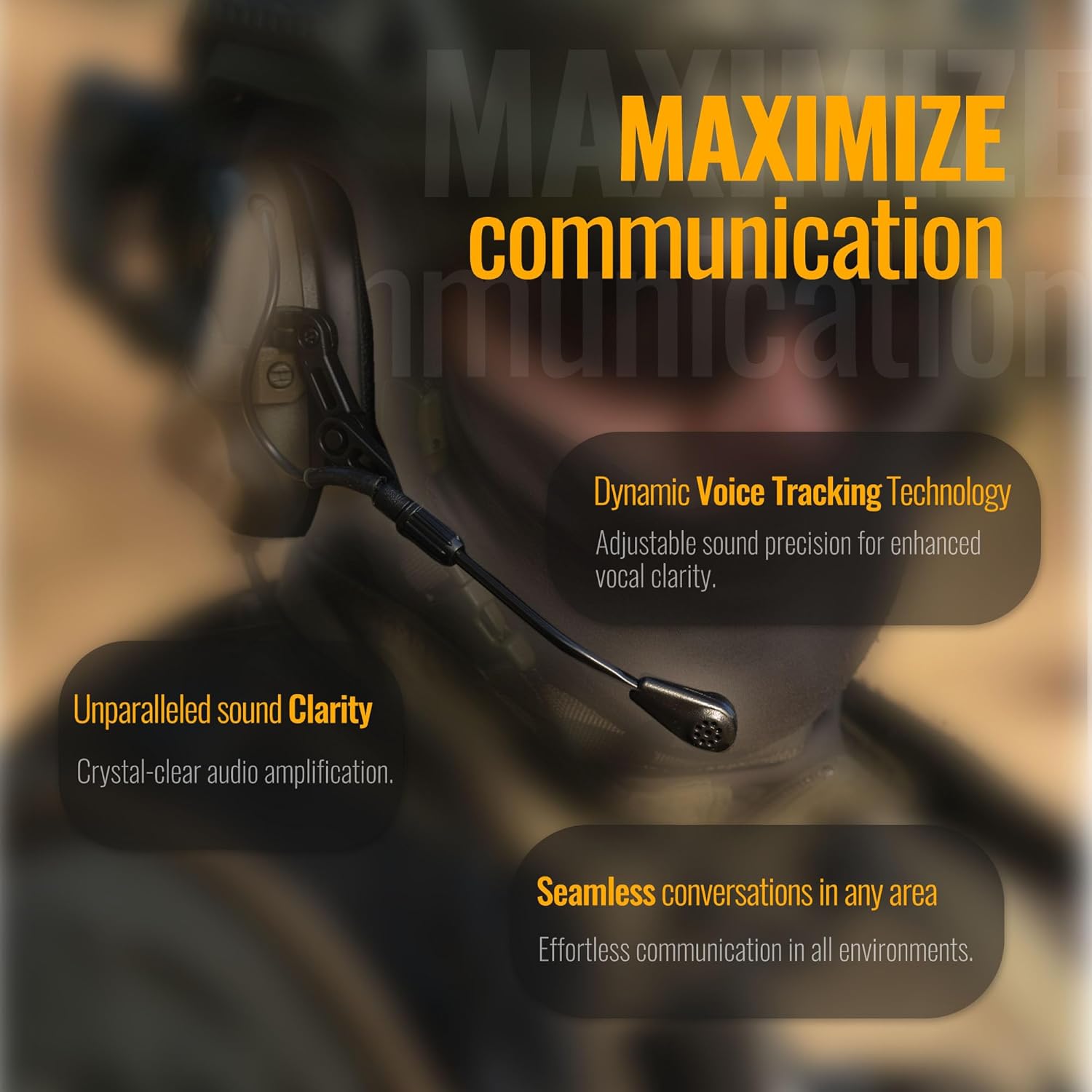
Image: EARMOR M32 PLUS Headset with the detachable microphone clearly visible and attached to the earcup.
3. Connecting to Push-to-Talk (PTT) Unit
The M32 PLUS headset is designed for use with military-standard PTT units. It features a standard plug for connection. ສຳຄັນ: This device includes Military Connection capabilities. Military Connector is not suitable for Element or Z-Tactical PTTs. Please use EARMOR PTTs for proper functionality.
- Connect the headset's communication cable to the appropriate port on your EARMOR PTT unit.
- Ensure the connection is secure to prevent signal loss during use.
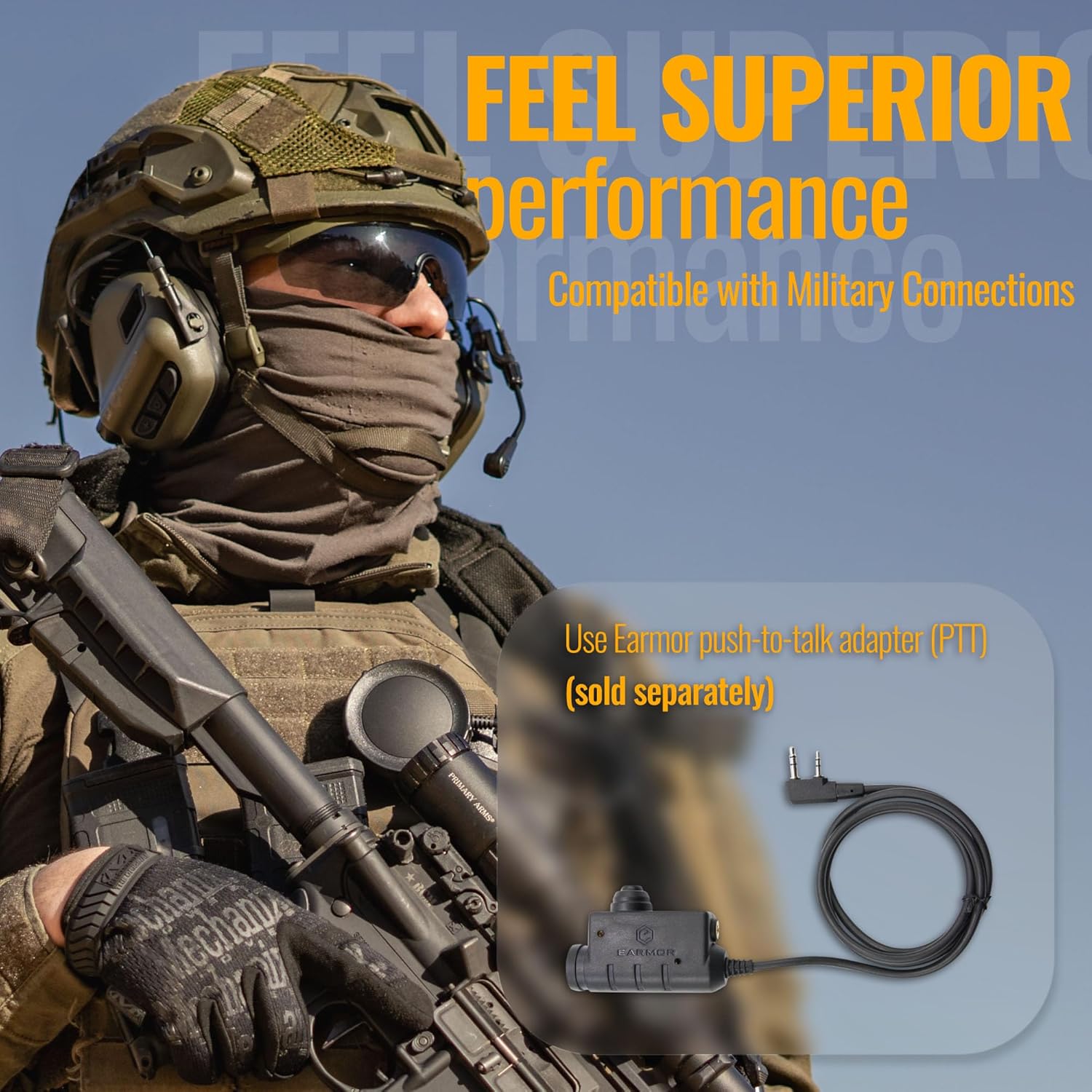
Image: EARMOR M32 PLUS Headset demonstrating its compatibility with military connections, highlighting the need for an EARMOR PTT unit.

Image: Diagram illustrating the difference between military (NATO-US wiring) and civilian wiring for PTT units, emphasizing that EARMOR headsets require military wiring.
4. Headband Adjustment
Adjust the headband to ensure a snug yet comfortable fit. The headset should cover your ears completely to provide effective noise protection and sound ampການຈົດທະບຽນ.
ຄໍາແນະນໍາການດໍາເນີນງານ
1. ເປີດ / ປິດພະລັງງານ
To power on the headset, press and hold the power button located on the earcup until you hear an audible confirmation. To power off, repeat the process.
2. ການຄວບຄຸມປະລິມານ
The M32 PLUS features 5 volume levels for ambient sound amplification. Use the volume up (+) and volume down (-) buttons on the earcup to adjust the listening level to your preference. This allows you to hear important environmental sounds while maintaining hearing protection.
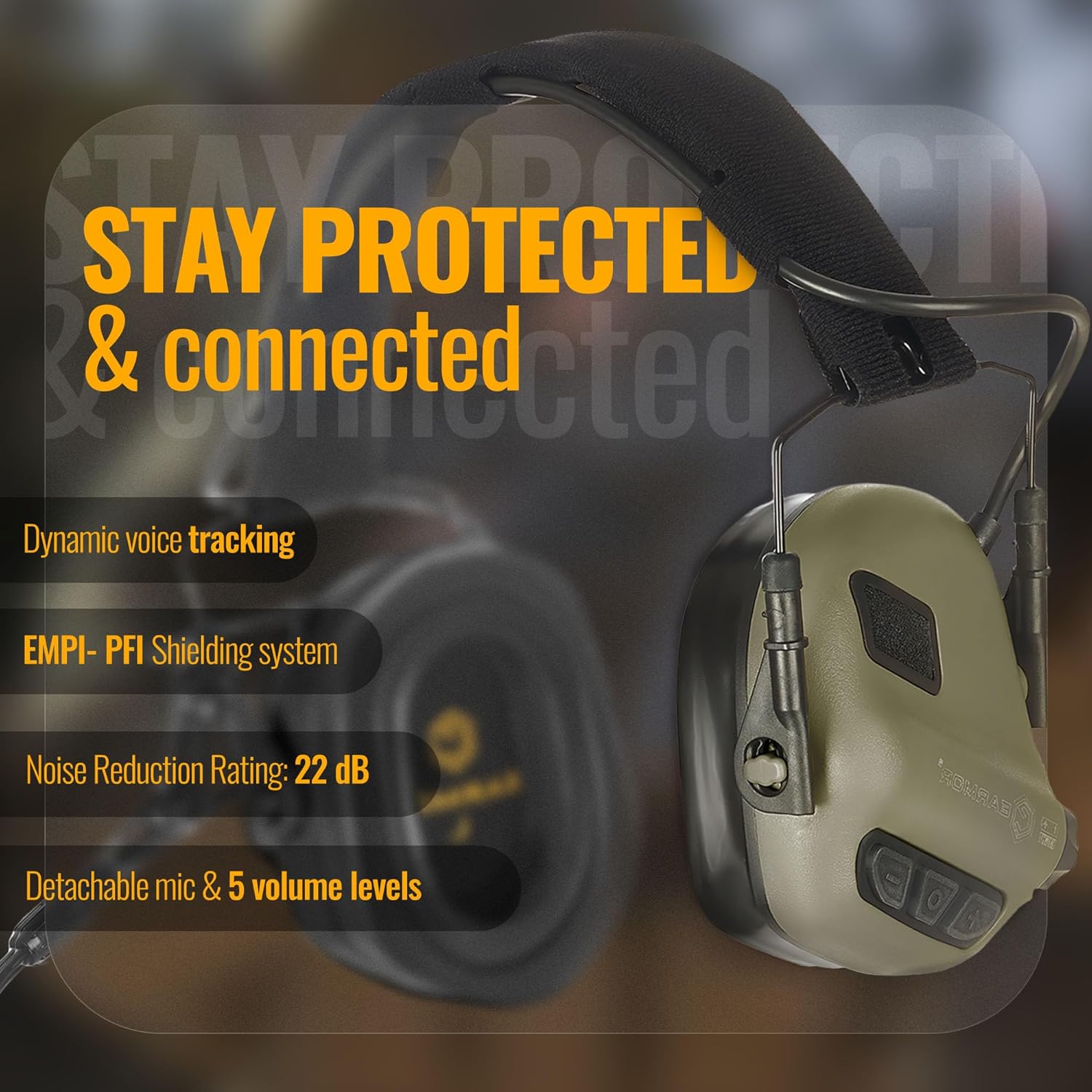
Image: EARMOR M32 PLUS Headset showcasing features like dynamic voice tracking, EMPI-PFI shielding, NRR 22 dB, detachable mic, and 5 volume levels.
3. Noise Suppression
The headset automatically suppresses harmful noises above 82 dB, providing a Noise Reduction Rating (NRR) of 22 dB. This feature ensures your ears are protected from loud impulses such as gunshots or explosions, while still allowing you to hear lower-level sounds.
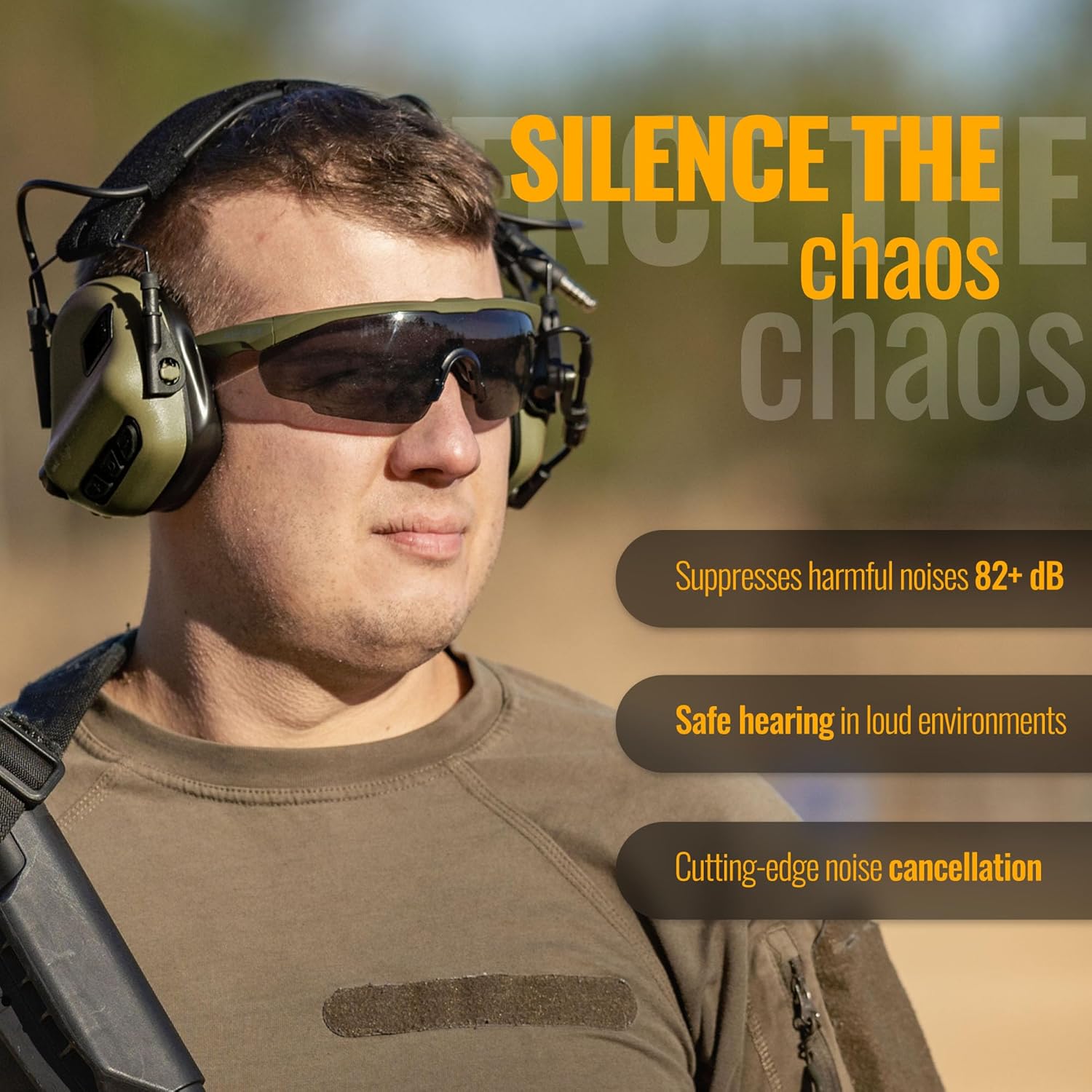
Image: A person wearing the EARMOR M32 PLUS Headset, illustrating its ability to suppress harmful noises and provide safe hearing in loud environments.

Image: A graphic detailing the NRR of up to 22 dB and how the headset suppresses noise exceeding 82 dB, enhances environmental awareness, and helps focus.
4. ການສື່ສານ
Utilize the attached microphone and connected PTT unit for seamless communication. The dynamic voice tracking technology ensures crystal-clear audio amplification and vocal clarity, even in noisy surroundings.
Image: EARMOR M32 PLUS Headset highlighting features for maximizing communication, including dynamic voice tracking technology and unparalleled sound clarity.
5. ສະຖານະການນຳໃຊ້
The EARMOR M32 PLUS Tactical Headset is built to withstand rigorous use and is your perfect companion for various activities requiring hearing protection and communication:
- Shooting Practice: Protects hearing from firearm noise while allowing range commands to be heard.
- ການລ່າສັດ: Amplifies subtle environmental sounds for improved awareness while suppressing gunshots.
- Military Games/Airsoft: Facilitates clear team communication and protects against loud simulated gunfire.
- ກິດຈະກຳກາງແຈ້ງ: Provides hearing protection in other loud outdoor environments.
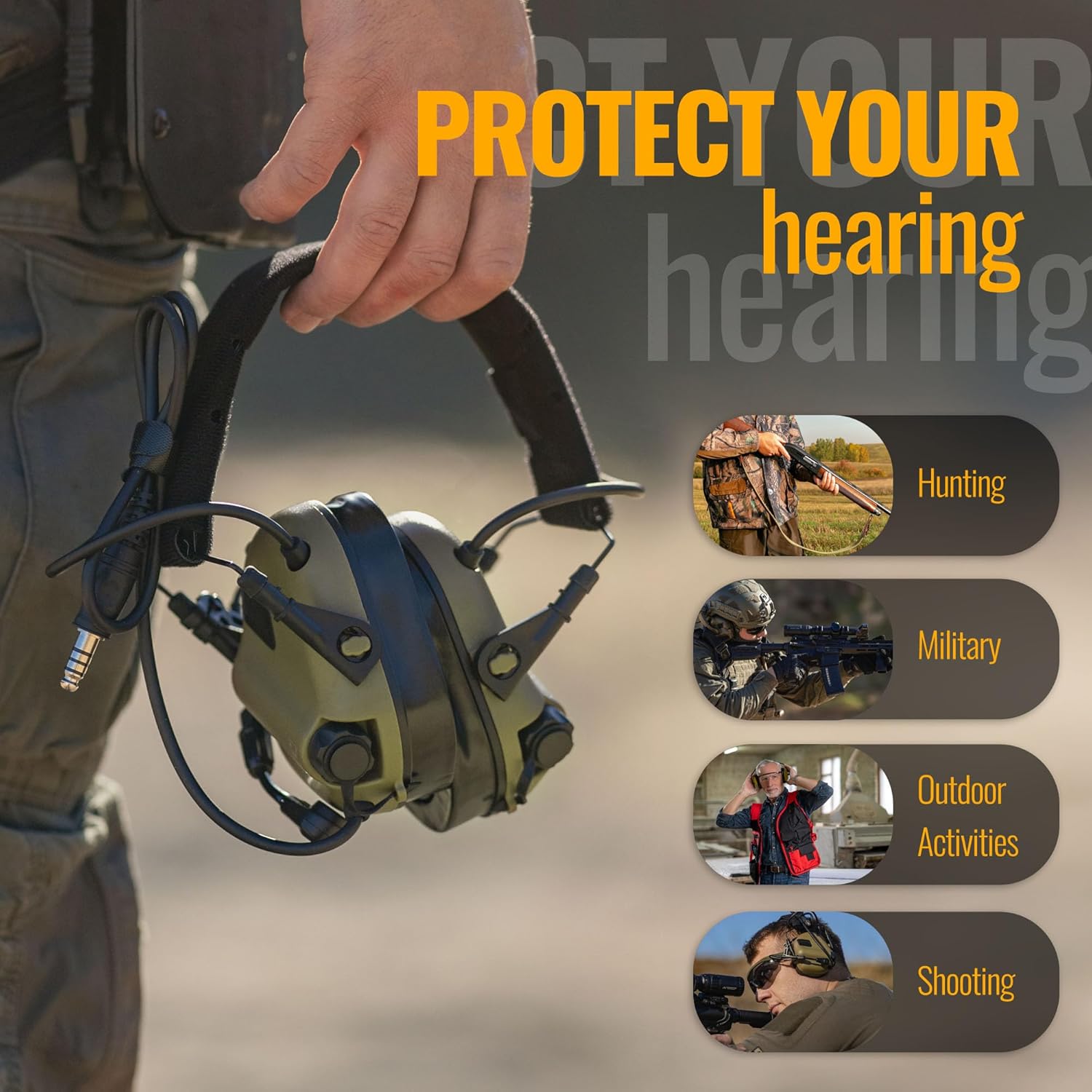
Image: EARMOR M32 PLUS Headset depicted in various usage scenarios, including hunting, military operations, general outdoor activities, and shooting, emphasizing its versatility.
ບໍາລຸງຮັກສາ
1. ທໍາຄວາມສະອາດ
Regularly clean the earcups and headband with a soft, damp cloth. For the silicone gel pads, a mild soap solution can be used. Ensure the headset is completely dry before storage or next use. Do not submerge the headset in water, despite its IPX-5 rating, to protect internal electronics.
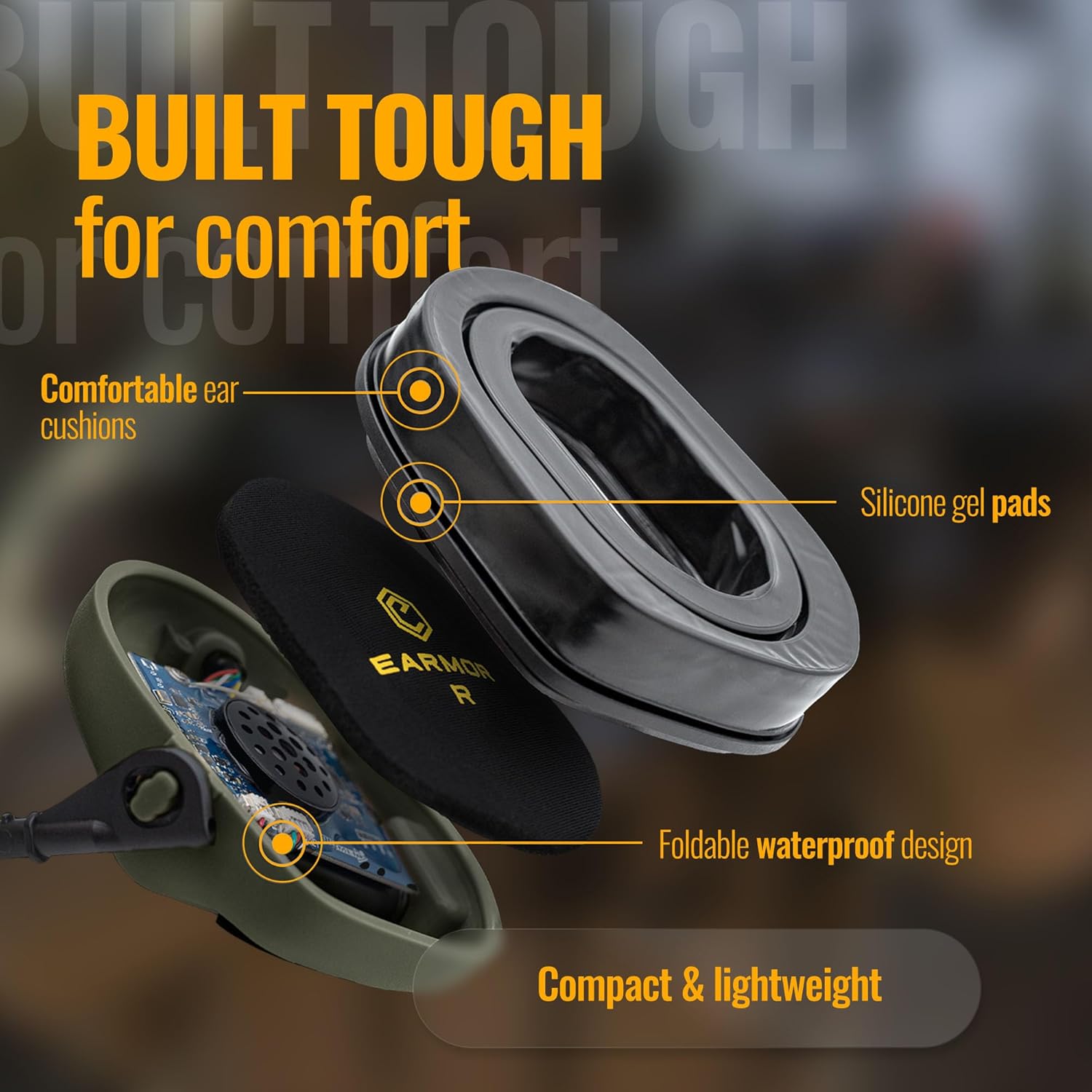
ຮູບພາບ: ລະເບີດ view of the EARMOR M32 PLUS earcup, showing comfortable ear cushions and silicone gel pads, which are key components for comfort and seal.
2. ການທົດແທນຫມໍ້ໄຟ
Replace batteries when the low battery indicator activates or when audio performance degrades. Always use fresh AA batteries.
3. ການເກັບຮັກສາ
Store the headset in a cool, dry place away from direct sunlight and extreme temperatures. The headset features a foldable design for compact storage.
ການແກ້ໄຂບັນຫາ
| ບັນຫາ | ສາເຫດທີ່ເປັນໄປໄດ້ | ການແກ້ໄຂ |
|---|---|---|
| ບໍ່ມີສຽງຫລືປະລິມານຕ່ ຳ | Low batteries, incorrect volume setting, loose connection. | Replace batteries, adjust volume, ensure all cables are securely connected. |
| ໄມໂຄຣໂຟນບໍ່ເຮັດວຽກ | Microphone not properly attached, PTT unit issue, PTT compatibility. | Ensure microphone is fully inserted, check PTT unit, verify PTT is EARMOR compatible (military wiring). |
| ການສື່ສານແບບບໍ່ຢຸດຢັ້ງ | Loose PTT connection, radio interference. | Secure PTT connection, move away from sources of interference. |
| ຊຸດຫູຟັງບໍ່ເປີດ | ແບັດເຕີຣີຕາຍ ຫຼື ຕິດຕັ້ງບໍ່ຖືກຕ້ອງ. | ກວດສອບຂົ້ວຂອງແບັດເຕີຣີ, ປ່ຽນດ້ວຍແບັດເຕີຣີໃໝ່. |
ຂໍ້ມູນຈໍາເພາະ
- ໝາຍເລກຕົວແບບ: M32 PLUS
- ການຈັດອັນດັບການຫຼຸດຜ່ອນສິ່ງລົບກວນ (NRR): 22 dB
- ການປະເມີນກັນນ້ໍາ: IPX-5
- ແຫຼ່ງພະລັງງານ: 2 x AA ຫມໍ້ໄຟ (ບໍ່ລວມ)
- ຂະໜາດຜະລິດຕະພັນ: 3.94 x 5.91 x 4.33 ນິ້ວ
- ນ້ໍາຫນັກລາຍການ: 1.08 ປອນ
- ປະເທດຕົ້ນກໍາເນີດ: ຈີນ
- ວັນທີທີ່ມີໃຫ້ທໍາອິດ: ວັນທີ 1 ທັນວາ 2023
ການຮັບປະກັນແລະການສະຫນັບສະຫນູນ
For specific warranty information regarding your EARMOR M32 PLUS Tactical Headset, please refer to the documentation included with your purchase or visit the official EARMOR website. EARMOR also offers optional protection plans for extended coverage, which can be purchased separately.
For technical support, troubleshooting assistance beyond this manual, or inquiries about replacement parts, please contact EARMOR customer service through their official webເວັບໄຊ ຫຼືຮ້ານຂາຍຍ່ອຍຈາກຜູ້ທີ່ທ່ານຊື້ຜະລິດຕະພັນ.
ວິດີໂອຜະລິດຕະພັນຢ່າງເປັນທາງການ
No official seller videos were available for embedding for this product.


