1. ບົດແນະນຳ
This manual provides essential information for setting up, operating, and maintaining your Headwolf WPad3 Android 12 Tablet. Please read this manual thoroughly before using your device to ensure optimal performance and longevity.
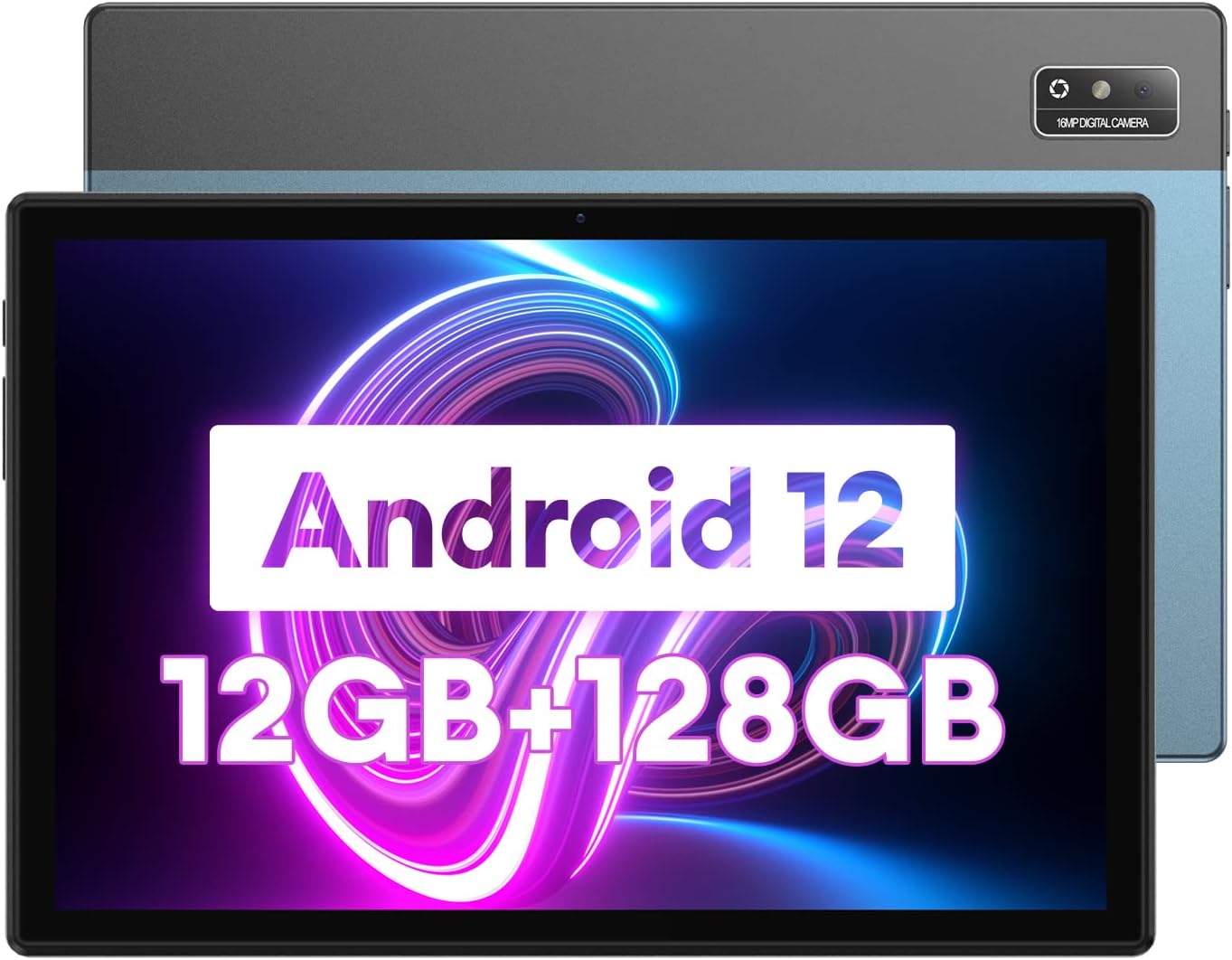
Image 1.1: Headwolf WPad3 Android 12 Tablet.
2. ເນື້ອໃນຊຸດ
ກວດສອບວ່າລາຍການທັງຫມົດແມ່ນມີຢູ່ໃນຊຸດ:
- Headwolf WPad3 Tablet
- ອະແດບເຕີໄຟຟ້າ 5V2A
- White USB Cable (31.5 inches)
- ຄູ່ມືຜູ້ໃຊ້
- Micro SD Ejector Tool

Image 2.1: Contents of the Headwolf WPad3 package.
For a visual guide on unboxing, refer to the video below:
Video 2.1: Headwolf WPad3 Android Tablet 10 inch Unboxing. This video demonstrates the unboxing process and shows the included items.
3. ຜະລິດຕະພັນເກີນview
3.1 Physical Layout
The Headwolf WPad3 features a thin and light metal body for portability.

Image 3.1: Thin and light metal body design of the Headwolf WPad3.
3.2 ລັກສະນະທີ່ສໍາຄັນ
- ໜ່ວຍປະມວນຜົນ: MT8183 Octa-core CPU for fast application launching and smooth gaming.
- ຫນ່ວຍຄວາມຈໍາ & ການເກັບຮັກສາ: 12GB RAM (6GB + 6GB expansion) and 128GB ROM, expandable up to 512GB via Micro SD.
- ລະບົບປະຕິບັດການ: Android 12 with upgraded privacy and security management.
- ຈໍສະແດງຜົນ: 10.1-inch HD IPS display with 189 PPI and 178° viewມຸມ ing.
- ກ້ອງຖ່າຍຮູບ: 8MP front camera and 16MP rear camera with autofocus.
- ແບັດເຕີຣີ: 7700mAh cobalt lithium battery, providing up to 10 hours of use.
- ການເຊື່ອມຕໍ່: 2.4G/5G dual-band WiFi, Bluetooth 5.0, GPS+BDS+GALILEO navigation system.
- ສຽງ: Dual BOX speakers.

ຮູບພາບ 3.2: ຫຼາຍກວ່າview of Headwolf WPad3 features.
4. ຕັ້ງຄ່າ
4.1 ການເປີດ/ປິດ
To power on the tablet, press and hold the power button located on the side until the Headwolf logo appears. To power off, press and hold the power button, then select 'Power off' from the options.
4.2 ຕົວຊ່ວຍສ້າງການຕິດຕັ້ງເບື້ອງຕົ້ນ
Upon first use, the tablet will guide you through an initial setup process. This includes selecting your language, connecting to a Wi-Fi network, and setting up your Google account.
4.3 ການເຊື່ອມຕໍ່ Wi-Fi
- ໄປທີ່ ການຕັ້ງຄ່າ > ເຄືອຂ່າຍ ແລະອິນເຕີເນັດ > Wi-Fi.
- ສະຫຼັບ Wi-Fi On.
- ເລືອກເຄືອຂ່າຍທີ່ທ່ານຕ້ອງການຈາກບັນຊີລາຍຊື່.
- ໃສ່ລະຫັດຜ່ານຖ້າຖືກຖາມ, ຈາກນັ້ນແຕະ ເຊື່ອມຕໍ່.
4.4 ການຕັ້ງຄ່າບັນຊີ Google
A Google account is required to download apps from the Google Play Store and access Google services. During initial setup, you will be prompted to sign in or create a new Google account.
5. ປະຕິບັດການແທັບເລັດຂອງທ່ານ
5.1 Navigation Basics
ແທັບເລັດໃຊ້ທ່າທາງສຳຜັດສຳລັບການນຳທາງ:
- ແຕະ: ເລືອກລາຍການ ຫຼືເປີດແອັບ.
- ປັດ: ເລື່ອນຜ່ານໜ້າຈໍ ຫຼືລາຍການຕ່າງໆ.
- Pinch-to-zoom: ຊູມເຂົ້າ ຫຼືອອກໃນຮູບພາບ ແລະ web ໜ້າ.
5.2 ການນຳໃຊ້ແອັບພລິເຄຊັນຕ່າງໆ
The tablet comes pre-installed with essential Google applications. Additional applications can be downloaded from the Google Play Store.

Image 5.1: Android 12 interface on the Headwolf WPad3.
5.3 ການທໍາງານຂອງກ້ອງຖ່າຍຮູບ
The tablet is equipped with an 8MP front camera and a 16MP rear camera. Open the Camera app to capture photos and videos.

Image 5.2: Headwolf WPad3 dual camera system.
5.4 ການຄຸ້ມຄອງຫມໍ້ໄຟ
The 7700mAh battery provides extended usage. Charge the tablet using the provided 5V2A power adapter and Type-C cable.

Image 5.3: Headwolf WPad3 battery and charging.
5.5 ການຄຸ້ມຄອງການເກັບຮັກສາ
The tablet has 128GB of internal storage and supports Micro SD card expansion up to 512GB. To insert a Micro SD card, use the ejector tool to open the card slot.

Image 5.4: Headwolf WPad3 memory and storage expansion.
5.6 ການສະແດງຜົນໄຮ້ສາຍ
The tablet supports wireless projection to compatible displays, allowing you to extend your viewປະສົບການ.

Image 5.5: Wireless projection feature.
5.7 ການທໍາງານຂອງ GPS
The tablet integrates GPS, BDS, and GALILEO navigation systems for accurate location services.
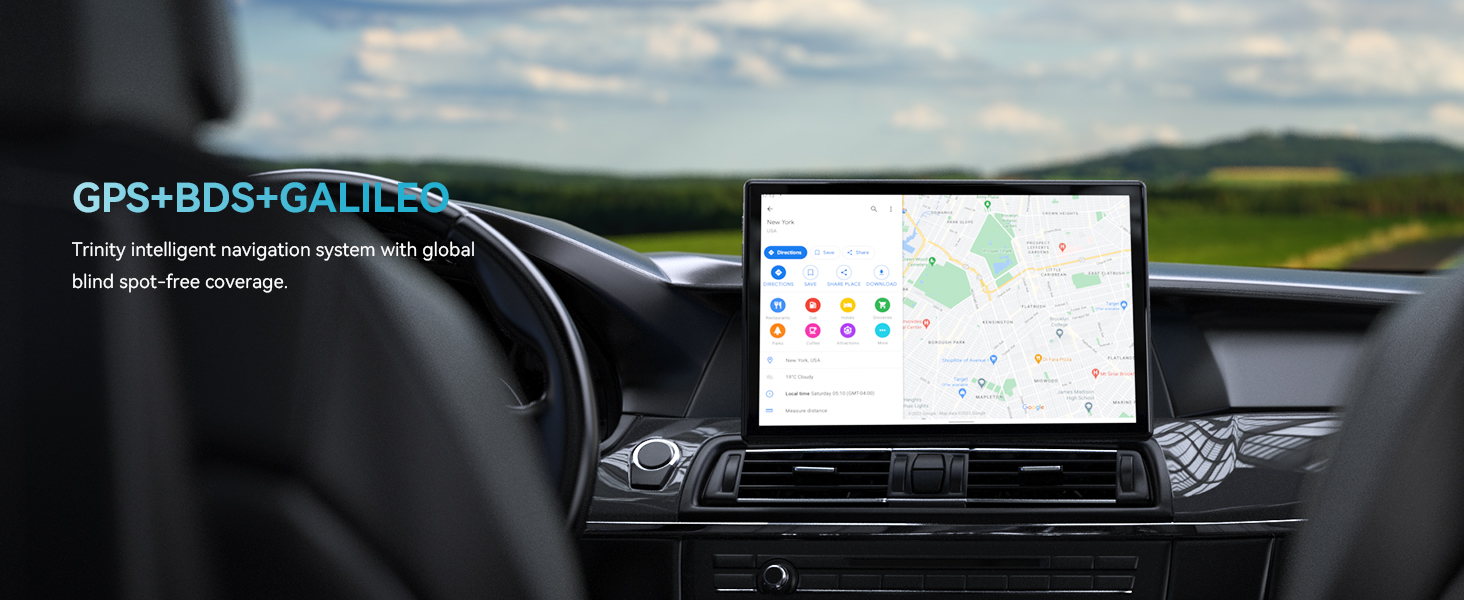
Image 5.6: GPS navigation on the Headwolf WPad3.
5.8 ສຽງ
Enjoy audio through the tablet's dual BOX speakers or connect headphones via the 3.5mm headphone jack.

Image 5.7: Dual BOX speakers for enhanced audio.
For a demonstration of the tablet's performance and features, refer to the video below:
Video 5.8: Headwolf WPad3 6+6GB RAM 128GB ROM Android 12 Tablet. This video highlights the tablet's speed and memory capabilities.
Video 5.9: Headwolf WPad3 10 Inch Tablet, 6GB+128GB Large Memory. This video showcases the tablet's large memory and display.
6. ບໍາລຸງຮັກສາ
6.1 ການທໍາຄວາມສະອາດ
Use a soft, lint-free cloth to clean the tablet screen and body. Avoid using harsh chemicals or abrasive materials.
6.2 ການປັບປຸງຊອບແວ
ກວດສອບ ແລະ ຕິດຕັ້ງການອັບເດດຊອບແວເປັນປະຈຳເພື່ອຮັບປະກັນວ່າແທັບເລັດຂອງທ່ານມີຄຸນສົມບັດ ແລະ ແພັດຊ໌ຄວາມປອດໄພລຸ້ນລ້າສຸດ. ໄປທີ່ ການຕັ້ງຄ່າ > ລະບົບ > ອັບເດດລະບົບ.
7. ການແກ້ໄຂບັນຫາ
This section addresses common issues you might encounter with your Headwolf WPad3 tablet.
7.1 Display Issues (e.g., Dead Pixels)
If you observe a dead pixel or other display anomalies upon unboxing, contact customer support immediately. While rare, manufacturing defects can occur.
7.2 ບັນຫາການສາກໄຟ
Ensure you are using the provided 5V2A power adapter and Type-C cable. Some Type-C to Type-C cables or chargers may not be compatible. If the tablet is not charging, try a different power outlet or cable. If the issue persists, contact customer support.
7.3 Performance Lags or App Crashes
If the tablet experiences occasional lags or app crashes, try the following:
- ປິດແອັບພລິເຄຊັນພື້ນຫຼັງທີ່ບໍ່ໄດ້ໃຊ້.
- Clear cache for problematic apps (ການຕັ້ງຄ່າ > ແອັບ > [ຊື່ແອັບ] > ການເກັບຮັກສາ & cache > ລຶບລ້າງແຄດ).
- ຮັບປະກັນພື້ນທີ່ຈັດເກັບຂໍ້ມູນຫວ່າງພຽງພໍ.
- ຕັ້ງຄ່າໂຮງງານຄືນໃໝ່ເປັນທາງເລືອກສຸດທ້າຍ (ການຕັ້ງຄ່າ > ລະບົບ > ຣີເຊັດຕົວເລືອກ > ລຶບຂໍ້ມູນທັງໝົດ (ຣີເຊັດເປັນຄ່າໂຮງງານ)). Back up your data before performing a factory reset.
8. ຂໍ້ມູນຈໍາເພາະ
| ຄຸນສົມບັດ | ລາຍລະອຽດ |
|---|---|
| ຊື່ຕົວແບບ | W3 |
| ລະບົບປະຕິບັດການ | Android 12 |
| ຂະໜາດໜ້າຈໍ | 10.1 ນິ້ວ |
| ຄວາມລະອຽດໜ້າຈໍ | 1280 x 800 ພິກເຊລ (HD IPS) |
| ຍີ່ຫໍ້ເຄື່ອງປະມວນຜົນ | MediaTek (MT8183 Octa-core) |
| RAM | 12GB (6GB + ຂະຫຍາຍ 6GB) |
| ບ່ອນຈັດເກັບຂໍ້ມູນພາຍໃນ (ROM) | 128GB |
| ການເກັບຮັກສາທີ່ຂະຫຍາຍໄດ້ | ສູງສຸດ 512GB (ໄມໂຄຣ SD) |
| ຫລັງ Webຄວາມລະອຽດກ້ອງ | 16MP |
| ດ້ານໜ້າ Webຄວາມລະອຽດກ້ອງ | 8MP |
| ຄວາມອາດສາມາດຫມໍ້ໄຟ | 7700mAh |
| ປະເພດໄຮ້ສາຍ | 802.11ac (2.4G/5G WiFi) |
| Bluetooth | Bluetooth 5.0 |
| ການນໍາທາງ | GPS+BDS+GALILEO |
| ນ້ໍາຫນັກລາຍການ | 2.07 ປອນ |
| ຂະໜາດສິນຄ້າ | 9 x 5 x 3 ນິ້ວ |
9. ການຮັບປະກັນແລະການສະຫນັບສະຫນູນ
Headwolf provides a one-year repair and replacement warranty for the WPad3 tablet. Dedicated customer service and technical support are available 24 hours a day. If you encounter any problems with your Android tablet, you can contact us through Amazon "Your Order - Get Help" for assistance. We are committed to providing a satisfactory solution.


