ແນະນຳ
The MAUL Eco 850 is an environmentally friendly desktop calculator designed for office, desk, and school use. This solar-powered device features a 12-digit LCD display and is constructed from 80% recycled plastic, earning it the "Blue Angel" eco-label. This manual provides instructions for setup, operation, maintenance, and troubleshooting to ensure optimal performance and longevity of your calculator.
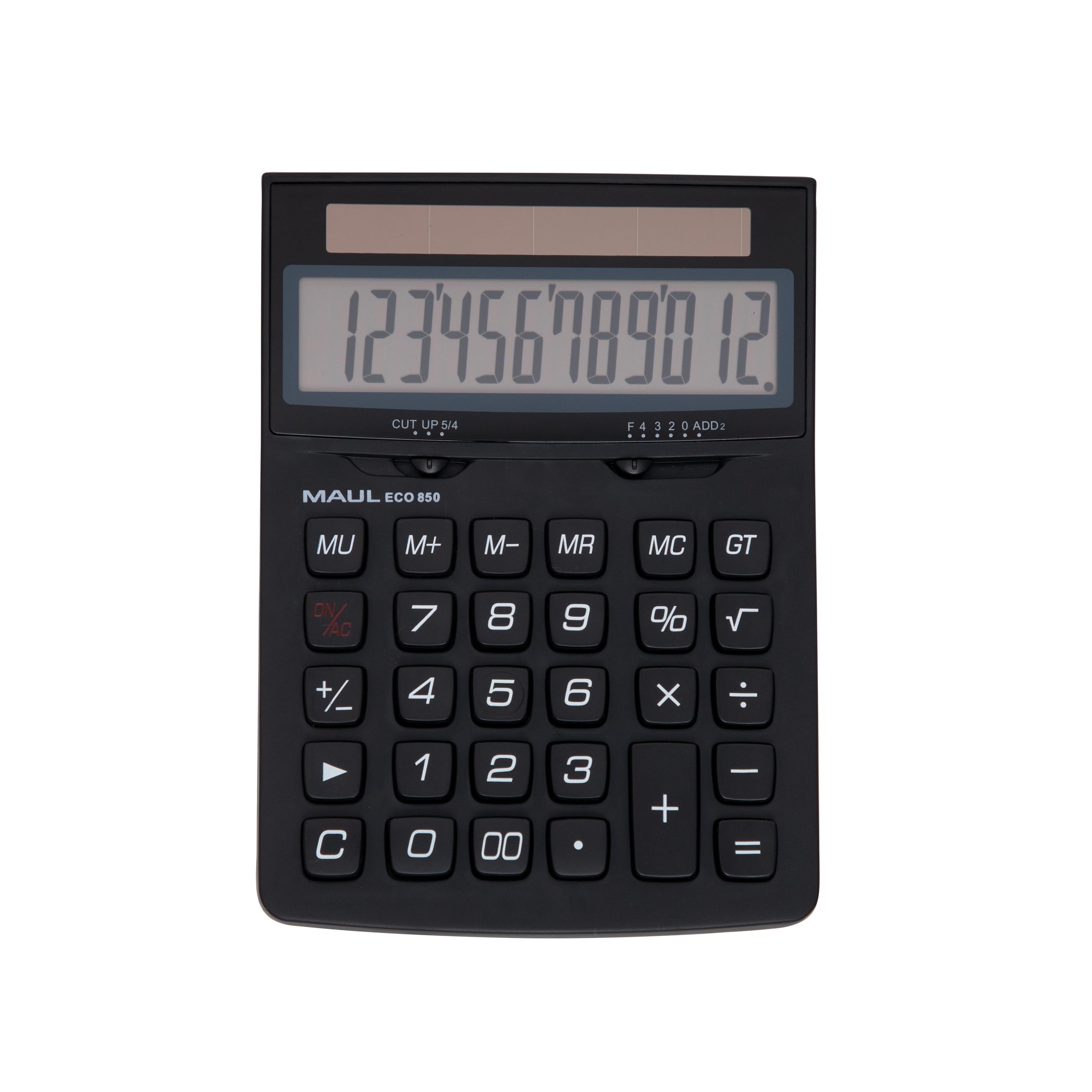
Image: The MAUL Eco 850 Desktop Calculator, demonstrating its compact size and clear display.
ຕັ້ງຄ່າ
The MAUL Eco 850 calculator is solar-powered and does not require batteries. It is ready for use when exposed to sufficient light.
- ການຫຸ້ມຫໍ່: Carefully remove the calculator from its environmentally friendly, plastic-free packaging.
- ເປີດ: Place the calculator in an area with adequate ambient light (at least 50 lux). The display should activate automatically. If the display does not turn on, ensure it is exposed to brighter light.
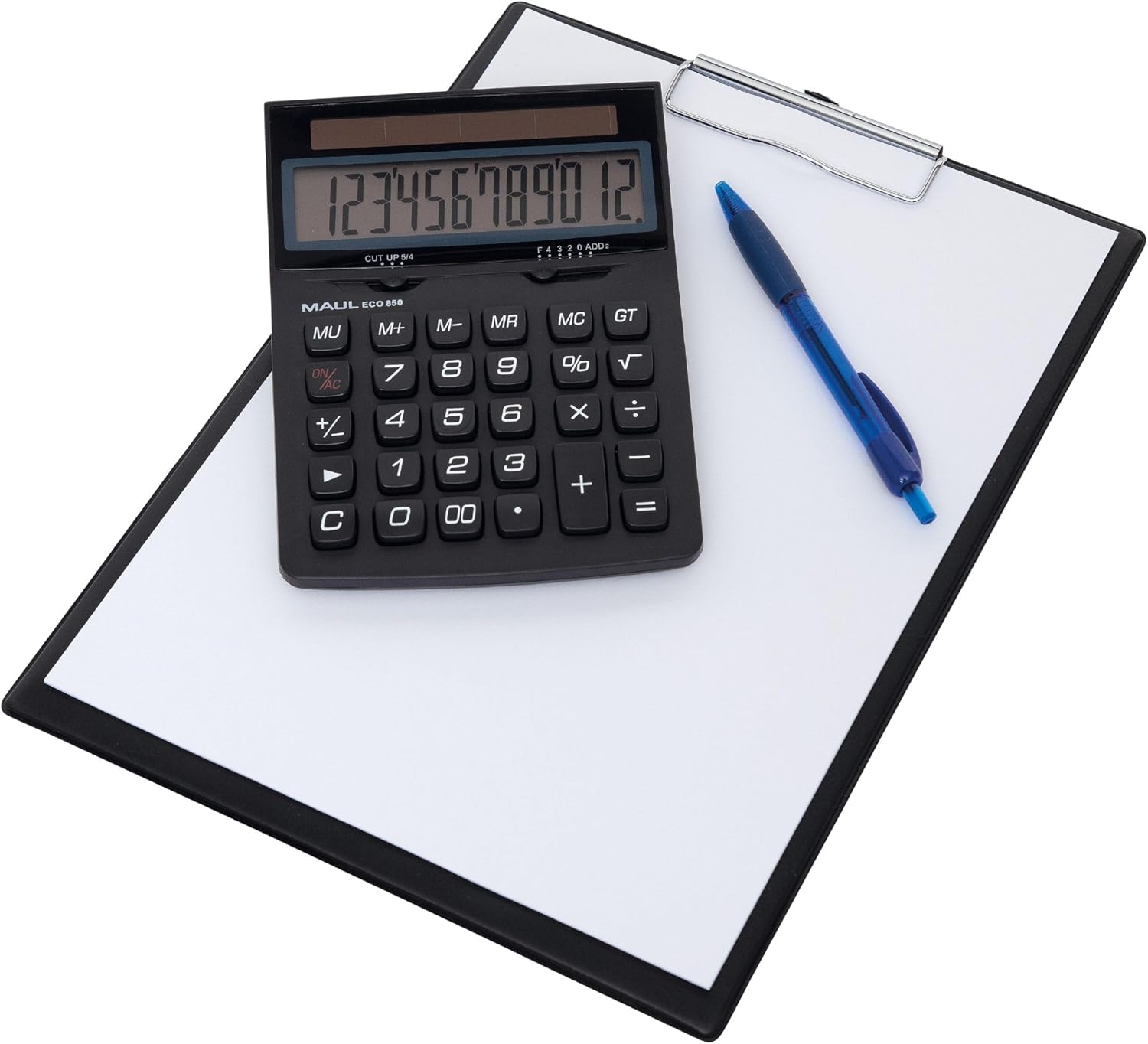
Image: The MAUL Eco 850 calculator ready for use on a desk.
ຄໍາແນະນໍາການດໍາເນີນງານ
The MAUL Eco 850 features a 12-digit LCD display and a range of functions for various calculations.
ຟັງຊັນພື້ນຖານ
- ການບວກ (+), ການລົບ (-), ການຄູນ (×), ການຫານ (÷): Enter the first number, press the desired operation key, enter the second number, then press the equals (=) key for the result.
- ເປີເຊັນtage (%): To calculate a percentage, enter the base number, press the multiplication (×) key, enter the percentage value, then press the % key. For example, ເພື່ອຄິດໄລ່ 10% ຂອງ 200, ໃສ່ 200 × 10 %.
- ຮາກຂັ້ນສອງ (√): Enter the number, then press the √ key to calculate its square root.
- ເຊັນການປ່ຽນແປງ (+/-): Press this key to change the sign of the displayed number from positive to negative or vice versa.
- Double Zero (00): Quickly enter two zeros.
ຟັງຊັນຄວາມຈໍາ
- M+ (Memory Plus): ເພີ່ມຄ່າທີ່ສະແດງໃຫ້ກັບຫນ່ວຍຄວາມຈໍາ.
- M- (Memory Minus): ລົບຄ່າທີ່ສະແດງອອກຈາກຫນ່ວຍຄວາມຈໍາ.
- MR (ການຈື່ຈໍາ): ຈື່ຈໍາຄ່າທີ່ເກັບໄວ້ໃນຫນ່ວຍຄວາມຈໍາກັບຈໍສະແດງຜົນ.
- MC (Memory Clear): ລຶບຄວາມຊົງຈຳ.
Clear Functions
- ເປີດ/AC (ທັງໝົດຈະແຈ້ງ): ລຶບລ້າງລາຍການ ແລະ ໜ່ວຍຄວາມຈຳທັງໝົດ, ຕັ້ງຄ່າເຄື່ອງຄິດເລກຄືນໃໝ່.
- C (Clear Entry): Clears the last entered number or the current calculation without affecting memory or previous operations.
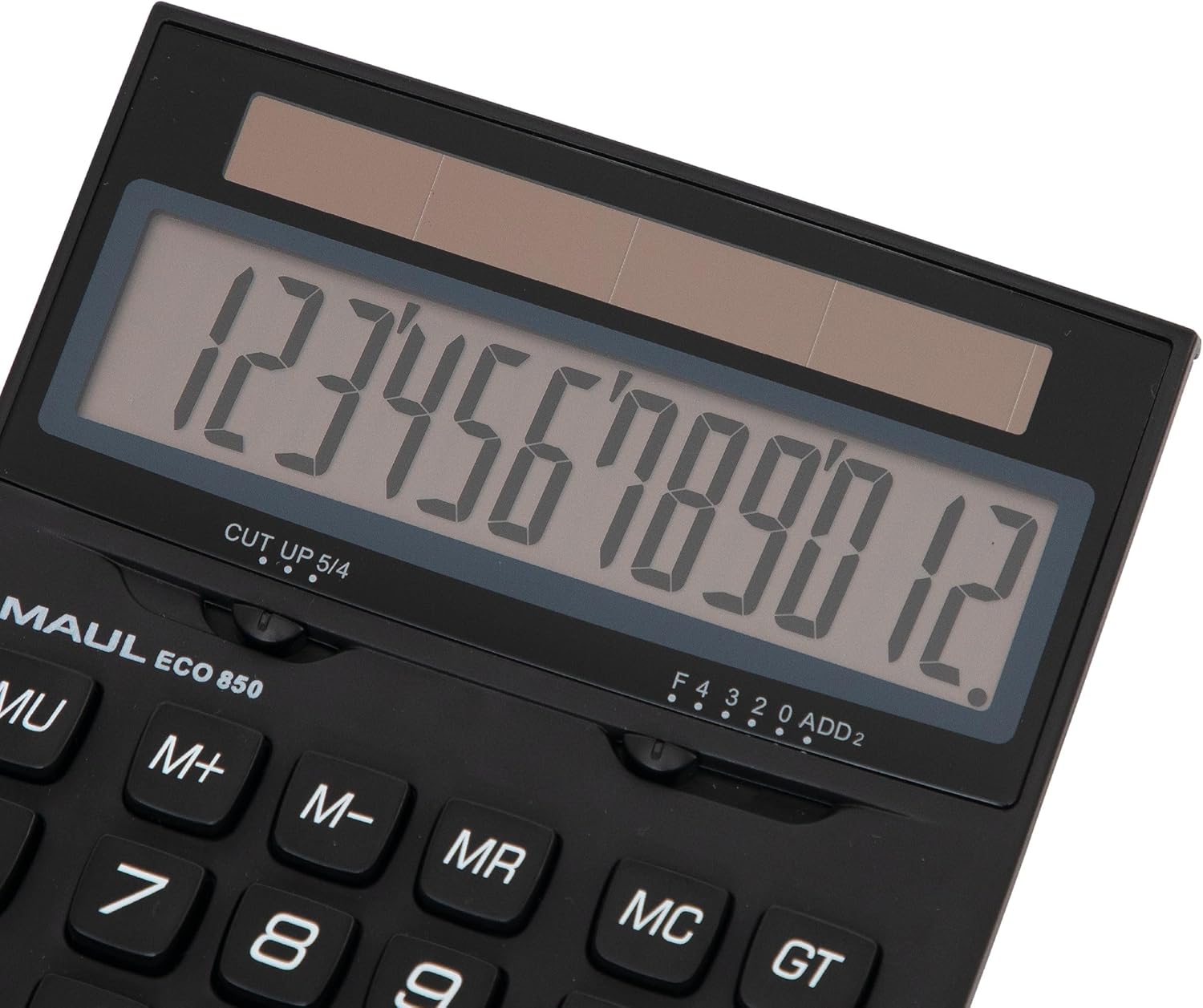
ຮູບພາບ: ລາຍລະອຽດ view of the calculator's display and key layout.
ບໍາລຸງຮັກສາ
To ensure the longevity and proper functioning of your MAUL Eco 850 calculator, follow these maintenance guidelines:
- ທໍາຄວາມສະອາດ: Use a soft, dry cloth to clean the calculator's surface and display. Avoid using liquid cleaners, abrasive materials, or solvents, as these can damage the plastic and electronic components.
- ແຫຼ່ງພະລັງງານ: As the calculator is solar-powered, ensure it is regularly exposed to light to maintain its charge. Avoid storing it in dark places for extended periods.
- ການເກັບຮັກສາ: ເກັບຮັກສາເຄື່ອງຄິດເລກໄວ້ໃນບ່ອນທີ່ເຢັນ, ແຫ້ງ ແລະ ຫ່າງຈາກແສງແດດໂດຍກົງ, ອຸນຫະພູມທີ່ຮຸນແຮງ ແລະ ຄວາມຊຸ່ມຊື່ນສູງ.
- ການຈັດການ: The calculator features sturdy plastic buttons. Avoid dropping the device or subjecting it to strong impacts.

ຮູບພາບ: ຂ້າງ view highlighting the calculator's ergonomic design.
ການແກ້ໄຂບັນຫາ
If you encounter issues with your MAUL Eco 850 calculator, refer to the following common problems and solutions:
| ບັນຫາ | ສາເຫດທີ່ເປັນໄປໄດ້ | ການແກ້ໄຂ |
|---|---|---|
| ຈໍສະແດງຜົນຫວ່າງເປົ່າ ຫຼືມືດ. | Insufficient light for solar cells. | Move the calculator to a brighter area. Ensure the solar panel is not obstructed. |
| ຜົນໄດ້ຮັບການຄິດໄລ່ບໍ່ຖືກຕ້ອງ. | Input error or previous calculation residue. | ກົດ ເປີດ/AC to clear all entries and memory, then re-enter the calculation. Double-check your input. |
| ປຸ່ມບໍ່ຕອບສະໜອງ. | Temporary software glitch or low power. | Ensure adequate light. If the problem persists, try pressing ເປີດ/AC. |
ຂໍ້ມູນຈໍາເພາະ
- ຍີ່ຫໍ້: ມອລ
- ຕົວແບບ: Eco 850 (Model Number: 7268890)
- ຈໍສະແດງຜົນ: 12-digit LCD, 1-line display
- ແຫຼ່ງພະລັງງານ: Solar Powered (operates from 50 lux)
- ວັດສະດຸ: Housing made from 80% recycled plastic
- ຟັງຊັນ: Basic arithmetic (+, -, ×, ÷), Percentage (%), Square Root (√), Memory (M+, M-, MR, MC), Sign Change (+/-), Double Zero (00), Clear Entry (C), All Clear (ON/AC).
- ຂະໜາດ: 17.5 x 12.6 x 0.1 cm (ປະມານ 6.9 x 5.0 x 0.04 ນິ້ວ)
- ນ້ຳໜັກ: 211 g (ປະມານ 7.4 oz)
- ການຢັ້ງຢືນສິ່ງແວດລ້ອມ: Blue Angel / UZ116

Image: The calculator proudly displaying the Blue Angel eco-label.
ການຮັບປະກັນແລະການສະຫນັບສະຫນູນ
The MAUL Eco 850 Desktop Calculator comes with a ຮັບປະກັນ 5 ປີ, reflecting MAUL's commitment to precision and reliability. For support or warranty claims, please refer to the contact information provided with your purchase or visit the official MAUL website. MAUL, a German family business with over 110 years of experience, ensures high-quality products and customer service.