ແນະນຳ
The Audeze Maxwell Wireless Gaming Headset is engineered to provide an immersive audio experience across multiple platforms, including PlayStation, Mac, PC, and Switch. Featuring Audeze's renowned 90mm Planar Magnetic Drivers, this headset delivers exceptional sound quality with deep bass and dynamic range. It incorporates advanced A.I. noise filtering technology for crystal-clear communication and offers extensive battery life for prolonged gaming sessions.
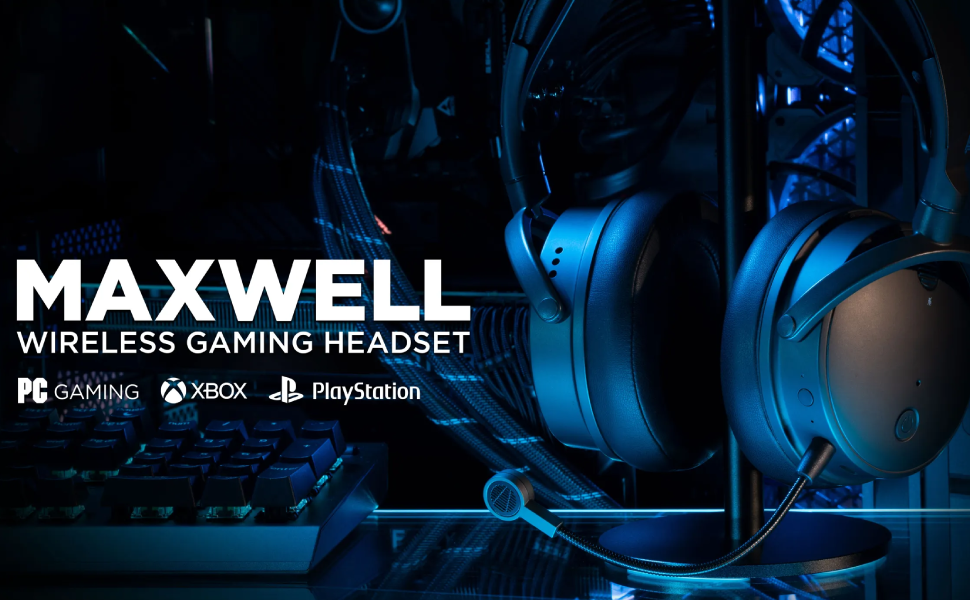
Image: Audeze Maxwell Wireless Gaming Headset banner.
ຕັ້ງຄ່າ
Before using your Audeze Maxwell headset, ensure it is fully charged and properly connected to your desired device.
ກຳລັງສາກຫູຟັງ
The Maxwell headset boasts over 80 hours of low-latency wireless gameplay on a full charge. A quick 20-minute charge can provide a full day of gaming. Use the included USB-C cable to charge the headset.
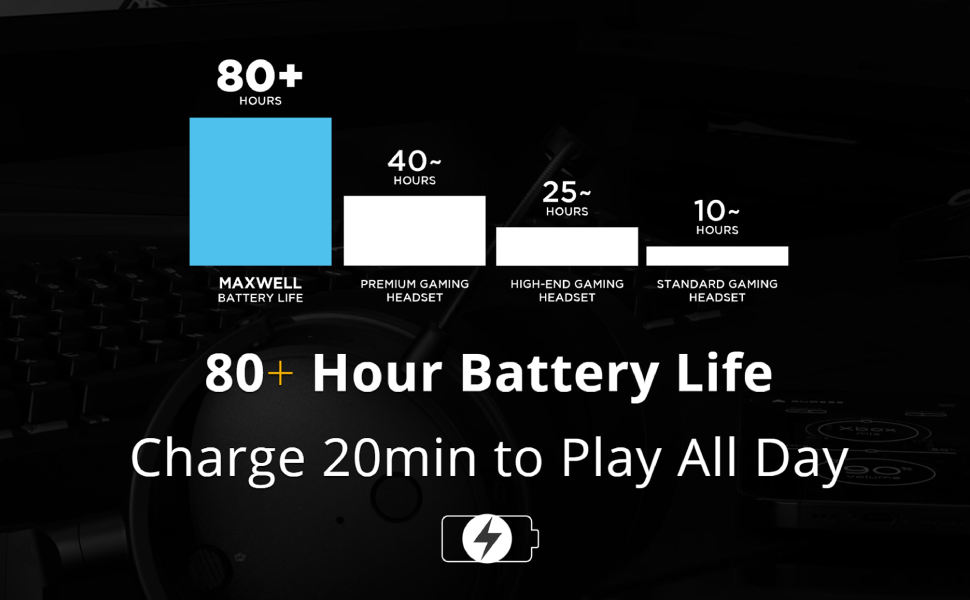
Image: Chart illustrating the Audeze Maxwell's 80+ hour battery life compared to other headsets.
ການເຊື່ອມຕໍ່
ຊຸດຫູຟັງມີທາງເລືອກໃນການເຊື່ອມຕໍ່ທີ່ຫຼາກຫຼາຍ:
- ໄຮ້ສາຍ: Utilize the included USB-C dongle for ultra-low latency wireless connection to PlayStation, PC, Mac, and Switch.
- Bluetooth: Connect wirelessly via Bluetooth to compatible devices.
- USB-C: Direct wired connection via USB-C for high-resolution audio.

Image: Graphic highlighting the ultra-low latency wireless capabilities of the headset.
ອົງປະກອບລວມ
Your Audeze Maxwell headset package includes the following items:
- Audeze Maxwell Wireless Gaming Headset
- ໄມໂຄຣໂຟນ Boom ທີ່ສາມາດຖອດອອກໄດ້
- USB-C Wireless Dongle
- ສາຍສາກ USB-C
- ສາຍສຽງ 3.5 ມມ

Image: The Audeze Maxwell headset displayed with its various included accessories, such as cables and the detachable microphone.
ປະຕິບັດການຊຸດຫູຟັງ
Familiarize yourself with the controls and features of your Audeze Maxwell headset for optimal use.

Image: The Audeze Maxwell headset resting on a PlayStation 5 console, with labels indicating key features and controls such as the multi-function button, mic mute switch, and volume controls.
Key Controls and Features
- ປຸ່ມເປີດປິດ: Located on the earcup, press and hold to power on/off.
- ປຸ່ມຫຼາຍຟັງຊັນ: Used for various controls depending on the context (e.g., play/pause, answer calls).
- ສະວິດປິດສຽງໄມໂຄຣໂຟນ: Toggle to mute or unmute the microphone.
- ການຄວບຄຸມລະດັບສຽງຂອງຫູຟັງ: ປັບລະດັບສຽງຟັງ.
- ການຄວບຄຸມລະດັບສຽງໄມໂຄຣໂຟນ: Adjust the microphone input level.
- Boom Mic Port: Connect the detachable boom microphone here.
- On-Board Mics: The headset also features built-in microphones.
Audeze HQ App
Download the free Audeze HQ app to customize your audio experience. The app allows you to set your own equalization (EQ) profiles and access other advanced features to fine-tune the headset's performance.
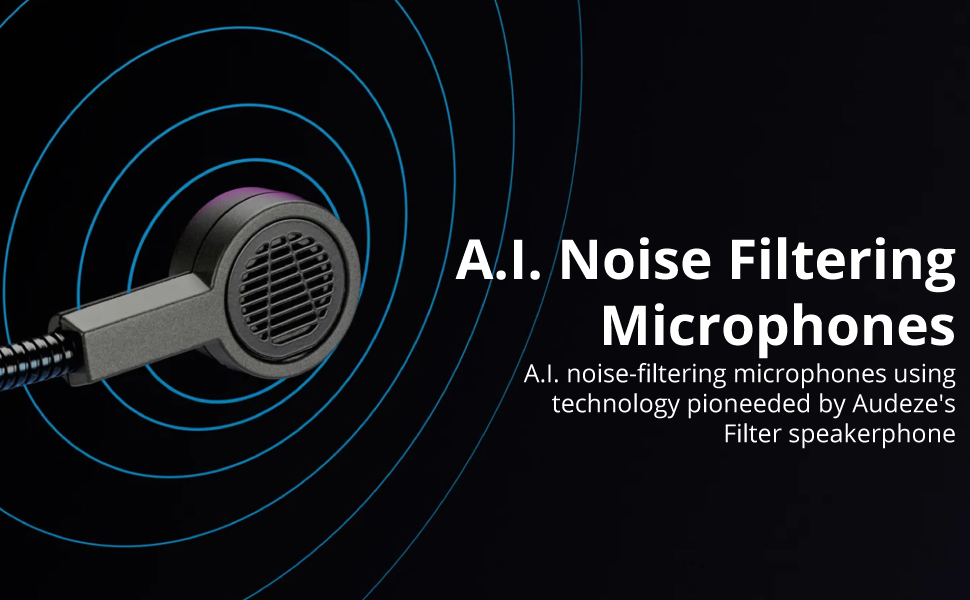
Image: Graphic illustrating the A.I. noise filtering technology used in the headset's microphones.
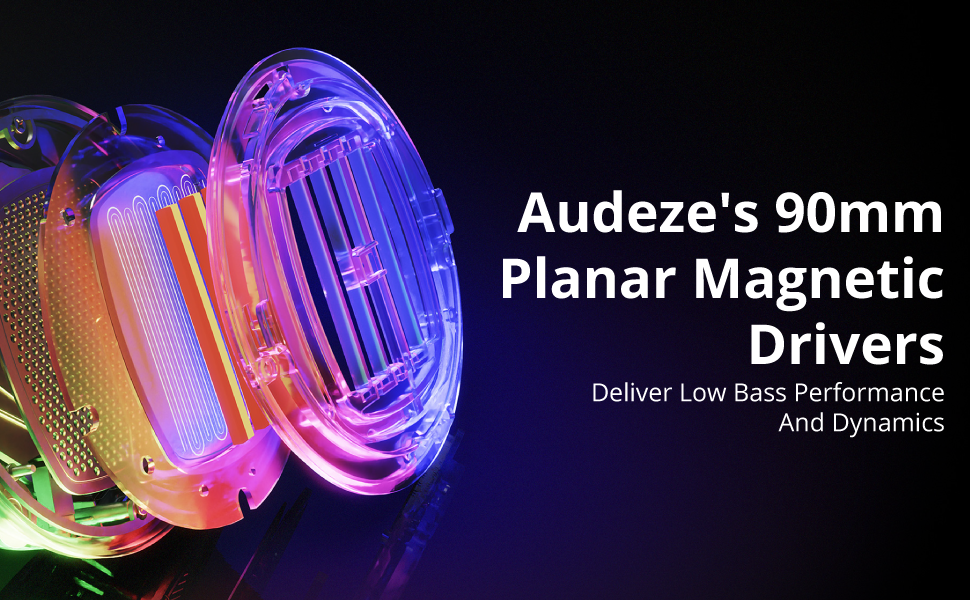
Image: Detailed graphic showcasing the internal structure of Audeze's 90mm Planar Magnetic Drivers.
ບໍາລຸງຮັກສາ
Proper care and maintenance will extend the life of your Audeze Maxwell headset.
- ທໍາຄວາມສະອາດ: Use a soft, dry cloth to wipe down the earcups and headband. Avoid abrasive cleaners or solvents.
- ຫູຟັງ: The earpads are replaceable. If they become worn or damaged, contact Audeze support for replacement options.
- ການເກັບຮັກສາ: ເກັບຮັກສາຊຸດຫູຟັງໄວ້ໃນບ່ອນທີ່ເຢັນ, ແຫ້ງ, ຫ່າງຈາກແສງແດດໂດຍກົງ ແລະອຸນຫະພູມທີ່ຮຸນແຮງ.
ການແກ້ໄຂບັນຫາ
If you encounter issues with your Audeze Maxwell headset, refer to the following common solutions:
- ບໍ່ມີສຽງ / ຄຸນນະພາບສຽງບໍ່ດີ:
- ກວດໃຫ້ແນ່ໃຈວ່າຊຸດຫູຟັງເປີດ ແລະສາກເຕັມແລ້ວ.
- Verify the correct input/output device is selected on your computer or console.
- For PC users, significant audio improvement can often be achieved by adjusting EQ settings within the Audeze HQ app and considering software like Dolby Atmos.
- Check all cable connections if using a wired setup.
- Connectivity Issues (Wireless/Bluetooth):
- Ensure the USB-C dongle is securely plugged into a compatible port. Some Mac USB-C ports may require a USB hub for the dongle to function correctly.
- Re-pair the headset with your device if Bluetooth connection is unstable.
- Move closer to the dongle/device to reduce interference.
- Microphone Not Working/Poor Quality:
- Ensure the boom microphone is securely attached and the mic mute switch is disengaged.
- ກວດເບິ່ງການຕັ້ງຄ່າການປ້ອນຂໍ້ມູນໄມໂຄຣໂຟນຢູ່ໃນອຸປະກອນຂອງທ່ານ.
- Verify that the A.I. noise filtering is enabled or configured correctly in the Audeze HQ app.
- Audio Crackling or Popping:
- This can sometimes occur with quiet audio or transitions between sound/no sound. Try updating headset firmware via the Audeze HQ app.
- ໃຫ້ແນ່ໃຈວ່າບໍ່ມີການລົບກວນໄຮ້ສາຍທີ່ແຮງຢູ່ໃກ້ໆ.
- Audeze HQ App Issues:
- If the app shows the headset as disconnected or with 0% battery, try restarting the app and ensuring the headset is connected and powered on.
- ກວດໃຫ້ແນ່ໃຈວ່າແອັບໄດ້ຖືກອັບເດດເປັນເວີຊັນຫຼ້າສຸດ.
ຂໍ້ມູນຈໍາເພາະ
| ຄຸນສົມບັດ | ລາຍລະອຽດ |
|---|---|
| ຊື່ຕົວແບບ | Maxwell for Playstation, PC, Mac, and Switch |
| ເຕັກໂນໂລຊີການເຊື່ອມຕໍ່ | Wireless, Bluetooth, USB-C |
| ເຕັກໂນໂລຊີການສື່ສານໄຮ້ສາຍ | Bluetooth 5.1 |
| ປະເພດໄດເວີສຽງ | Planar Magnetic Driver |
| ຂະໜາດໄດເວີສຽງ | 90 ມິນລິແມັດ |
| ຊ່ວງຄວາມຖີ່ | 10Hz - 50kHz |
| ຊີວິດຫມໍ້ໄຟ | 80 ຊົ່ວໂມງ |
| ເວລາສາກໄຟ | 2.5 Hours (for a full charge) |
| ການຄວບຄຸມສິ່ງລົບກວນ | Active Noise Cancellation (via A.I. filtering) |
| Jack ຫູຟັງ | Jack ຂະ ໜາດ 3.5 ມມ |
| ນ້ໍາຫນັກລາຍການ | 490 ກຣາມ (1.08 ປອນ) |
| ວັດສະດຸ | ພາດສະຕິກ |
| ສີ | ສີເທົາເຂັ້ມ |
| ອຸປະກອນທີ່ເຂົ້າກັນໄດ້ | Playstation, PC, Mac, Switch |
| impedance | 70 ໂອມ |
| UPC | 819343014793 |
ການຮັບປະກັນແລະການສະຫນັບສະຫນູນ
For detailed warranty information, technical support, or service inquiries, please visit the official Audeze website ຫຼືຕິດຕໍ່ສະຫນັບສະຫນູນລູກຄ້າຂອງເຂົາເຈົ້າໂດຍກົງ. ຮັກສາຫຼັກຖານການຊື້ຂອງທ່ານສໍາລັບການຮ້ອງຂໍການຮັບປະກັນ.
Audeze Official Webເວັບໄຊ: www.audeze.com


