ແນະນຳ
Thank you for choosing the Baseus GaN5 Pro 100W Quick Wall Charger. This high-performance charger is designed to provide efficient and fast charging for a wide range of devices, including laptops, tablets, and smartphones. Please read this manual carefully before use to ensure proper operation and to maximize the lifespan of your device.
ຂໍ້ມູນຄວາມປອດໄພ
- ຢ່າໃຫ້ອຸປະກອນສາກໄຟຖືກນ້ຳ, ຄວາມຊຸ່ມ ຫຼື ຄວາມຊື້ນສູງ.
- ຫຼີກລ່ຽງການຕົກ, ການກະທົບ ຫຼື ການຖອດອຸປະກອນສາກອອກ.
- ຮັກສາໃຫ້ໄກຈາກເດັກນ້ອຍ.
- ໃຊ້ພຽງແຕ່ໃນພື້ນທີ່ລະບາຍອາກາດໄດ້ດີ.
- ຖອດສາຍສາກອອກໃນເວລາມີພາຍຸຟ້າຜ່າ ຫຼືເມື່ອບໍ່ໄດ້ໃຊ້ເປັນເວລາດົນນານ.
- Do not operate if the charger or cable is damaged.
ສິນຄ້າເກີນview
The Baseus GaN5 Pro 100W Quick Wall Charger features a compact design with multiple fast-charging ports, utilizing advanced GaN technology for efficient power delivery.
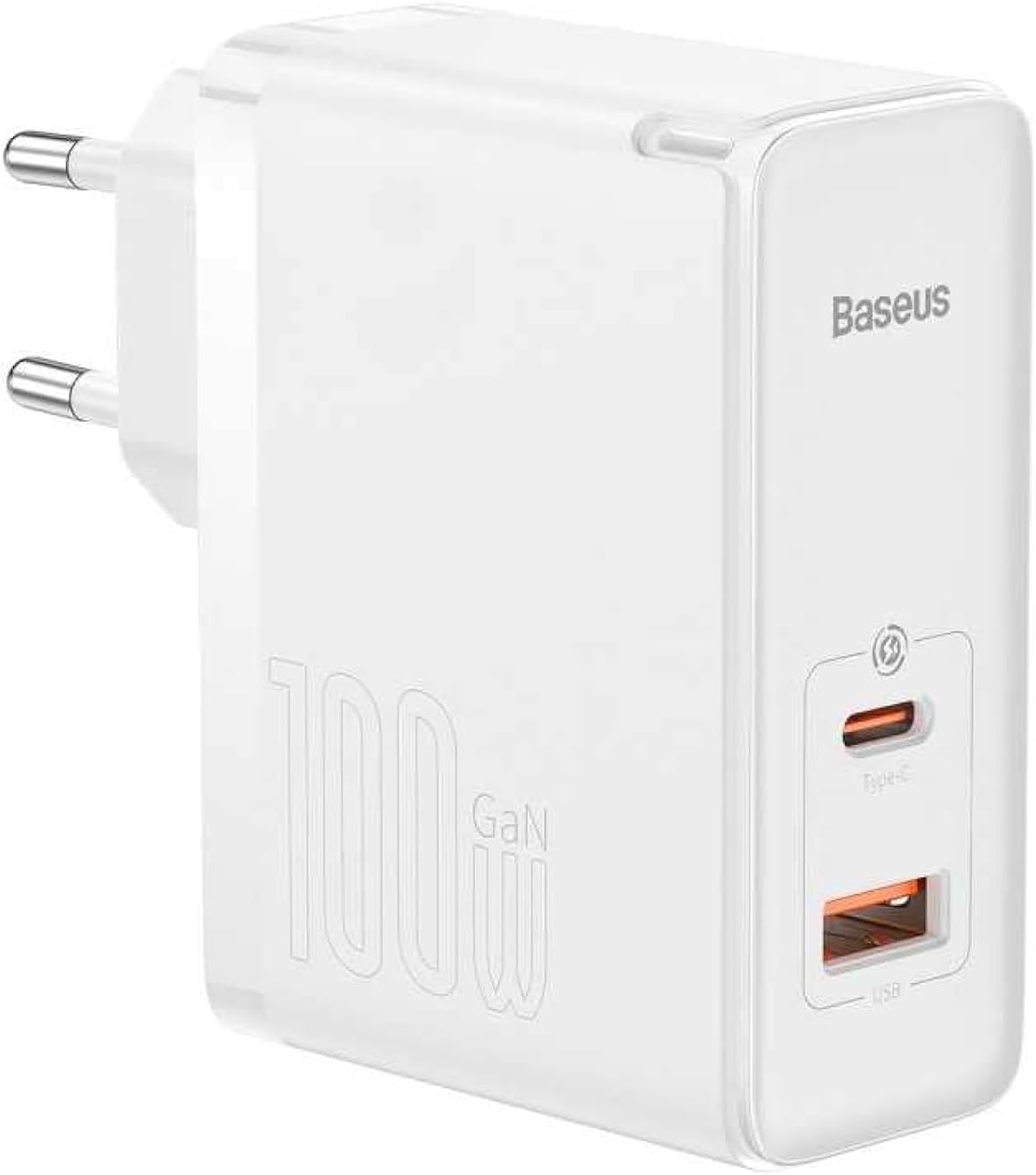
ຮູບພາບ: ທາງຫນ້າ view of the Baseus GaN5 Pro 100W Quick Wall Charger, showcasing its compact white design and the USB-C and USB-A output ports.

ຮູບພາບ: ເທິງ view of the charger, highlighting the USB-C (Type-C) and USB-A output ports, ready for device connection.
ຕັ້ງຄ່າ
To set up your Baseus GaN5 Pro 100W Quick Wall Charger, follow these simple steps:
- ແກະກ່ອງ: ເອົາເຄື່ອງສາກອອກຈາກເຄື່ອງຫຸ້ມຫໍ່ຂອງມັນຢ່າງລະມັດລະວັງ.
- ປລັກອິນ: Insert the charger's EU plug into a standard wall outlet. Ensure the connection is firm.

ຮູບພາບ: ຂ້າງ view of the Baseus charger, showing the integrated EU plug ready for insertion into a wall socket.
ຄໍາແນະນໍາການດໍາເນີນງານ
Using your Baseus GaN5 Pro 100W Quick Wall Charger is straightforward:
- ເຊື່ອມຕໍ່ອຸປະກອນ: Use a compatible charging cable (not included) to connect your device (e.g., laptop, smartphone, tablet) to either the USB-C or USB-A port on the charger.
- ການສາກໄຟເລີ່ມຕົ້ນ: Charging will begin automatically. The charger intelligently detects the connected device and delivers the optimal charging power.
- ອຸປະກອນຫຼາຍອັນ: You can charge two devices simultaneously using both the USB-C and USB-A ports. The charger will distribute power efficiently.
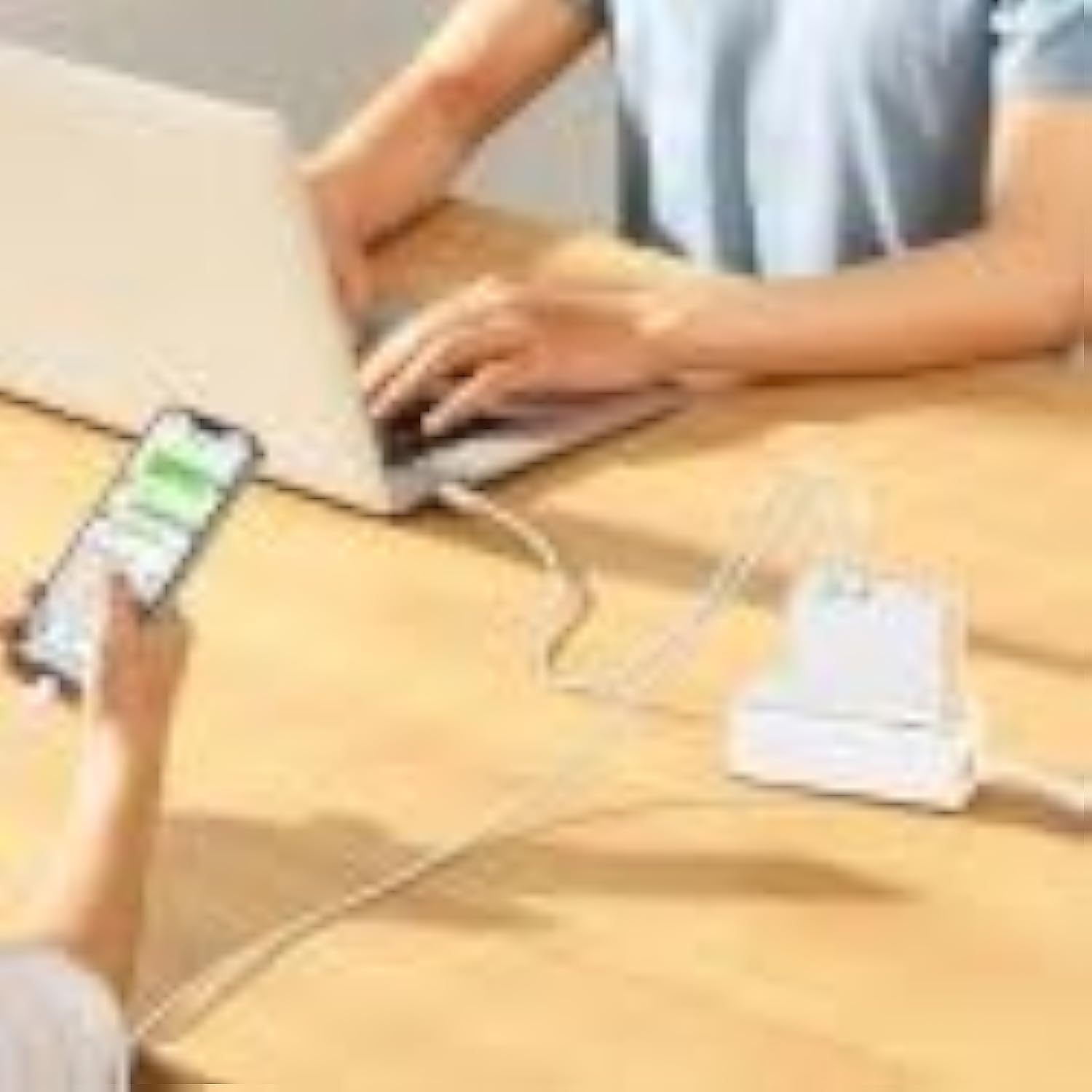
Image: The Baseus charger actively charging a laptop via its USB-C port and a smartphone via its USB-A port, demonstrating its multi-device charging capability.
ບໍາລຸງຮັກສາ
- ທໍາຄວາມສະອາດ: ຖອດສາຍສາກຈາກປລັກສຽບໄຟ ແລະອຸປະກອນທັງໝົດກ່ອນທຳຄວາມສະອາດ. ໃຊ້ຜ້າປຽກອ່ອນໆເຊັດພື້ນຜິວ. ຢ່າໃຊ້ເຄື່ອງເຮັດຄວາມສະອາດຂອງແຫຼວຫຼື aerosols.
- ການເກັບຮັກສາ: ເກັບຮັກສາເຄື່ອງສາກໄວ້ໃນບ່ອນທີ່ເຢັນ, ແຫ້ງ, ຫ່າງຈາກແສງແດດໂດຍກົງ ແລະອຸນຫະພູມທີ່ຮຸນແຮງ.
- ການຈັດການ: Handle the charger and cables gently to prevent damage.
ການແກ້ໄຂບັນຫາ
| ບັນຫາ | ສາເຫດທີ່ເປັນໄປໄດ້ | ການແກ້ໄຂ |
|---|---|---|
| ອຸປະກອນບໍ່ໄດ້ສາກໄຟ | Charger not plugged in correctly; faulty cable; device incompatibility. | Ensure charger is firmly plugged into outlet. Try a different charging cable. Verify device compatibility with charger specifications. |
| ການສາກໄຟຊ້າ | Cable not supporting fast charging; device not supporting fast charging; multiple devices connected. | Use a high-quality, fast-charging compatible cable. Check if your device supports PD3.0/QC4.0+. If charging two devices, power distribution may reduce individual speeds. |
| ເຄື່ອງສາກຮ້ອນ | Normal operation under heavy load; poor ventilation. | It is normal for the charger to warm up during operation, especially when delivering high power. Ensure adequate ventilation around the charger. If excessively hot, disconnect and allow to cool. |
ຂໍ້ມູນຈໍາເພາະ
| ຄຸນສົມບັດ | ລາຍລະອຽດ |
|---|---|
| ຍີ່ຫໍ້ | Baseus |
| ໝາຍເລກຕົວແບບ | CCGP090202 |
| ສີ | Black (Note: Product image shows white, but specification lists black) |
| ເຕັກໂນໂລຊີການເຊື່ອມຕໍ່ | USB |
| ປະເພດຕົວເຊື່ອມຕໍ່ | USB ປະເພດ C + USB ປະເພດ A |
| ອຸປະກອນທີ່ເຂົ້າກັນໄດ້ | Smartwatch, Laptops, Smartphones, Tablets (general compatibility) |
| ຄຸນນະສົມບັດພິເສດ | ການອອກແບບທີ່ເປັນມິດກັບການເດີນທາງ |
| ພອດ USB ທັງໝົດ | 2 |
| ວັດtage | 100 ວັດ |
| ແຫຼ່ງພະລັງງານ | ໄຟຟ້າສາຍ |
| ຂະໜາດລາຍການ (L x W x H) | 5.5 x 3 x 7.5 ຊັງຕີແມັດ |
| ນ້ຳໜັກສິນຄ້າ | 229 ກຣາມ |
ການຮັບປະກັນແລະການສະຫນັບສະຫນູນ
This Baseus product comes with a ການຮັບປະກັນຂອງຜູ້ຜະລິດ 2 ປີ. ກະລຸນາຮັກສາຫຼັກຖານການຊື້ຂອງທ່ານສໍາລັບການຮຽກຮ້ອງການຮັບປະກັນ.
For technical support or warranty inquiries, please contact Baseus customer service through their official website or the retailer where the product was purchased. Provide your product model number (CCGP090202) and a detailed description of the issue.


