ແນະນຳ
This manual provides detailed instructions for the setup, operation, maintenance, and troubleshooting of your GOODTEL G10 10-inch Android tablet. Please read this guide thoroughly to ensure proper use and to maximize your device's performance and longevity.
ຕັ້ງຄ່າ
1. ເນື້ອໃນຊຸດ
ເມື່ອ unboxing, ກວດສອບວ່າມີລາຍການທັງຫມົດ:
- GOODTEL G10 ແທັບເລັດ
- Stylus for touchscreen
- ກໍລະນີປ້ອງກັນ
- ເຄື່ອງສາກ
- ຄູ່ມືຜູ້ໃຊ້
2. ການສາກແທັບເລັດ
Before first use, fully charge the tablet. Connect the provided charger to the USB Type-C port on the tablet and plug it into a power outlet. The charging indicator will show the charging status.
3. ເປີດ / ປິດພະລັງງານ
- ເພື່ອເປີດເຄື່ອງ: ກົດແລະຖືປຸ່ມພະລັງງານຈົນກ່ວາຫນ້າຈໍຈະສະຫວ່າງ.
- ປິດເຄື່ອງ: Press and hold the power button, then select 'Power off' from the options on the screen.
4. ການໃສ່ບັດ MicroSD
The tablet supports MicroSD/TF cards from 4GB to 256GB for expanded storage. Locate the MicroSD card slot, gently insert the card with the gold contacts facing down until it clicks into place.
5. ການເຊື່ອມຕໍ່ Wi-Fi
- ໄປທີ່ ການຕັ້ງຄ່າ > ເຄືອຂ່າຍ ແລະອິນເຕີເນັດ > Wi-Fi.
- ສະຫຼັບ Wi-Fi On.
- ເລືອກເຄືອຂ່າຍ Wi-Fi ທີ່ທ່ານຕ້ອງການຈາກບັນຊີລາຍຊື່.
- ໃສ່ລະຫັດຜ່ານຖ້າຖືກຖາມ, ຈາກນັ້ນແຕະ ເຊື່ອມຕໍ່.
6. ການຈັບຄູ່ Bluetooth
- ໄປທີ່ ການຕັ້ງຄ່າ > ອຸປະກອນທີ່ເຊື່ອມຕໍ່ > Bluetooth.
- ສະຫຼັບ Bluetooth On.
- The tablet will scan for available devices. Select the device you wish to pair with from the list.
- ຢືນຢັນລະຫັດການຈັບຄູ່ຖ້າຖືກຖາມ.

This detailed diagram illustrates the location and function of all external ports and buttons on the GOODTEL G10 tablet, such as the USB Type-C charging port, headphone jack, and MicroSD card slot.
ຄໍາແນະນໍາການດໍາເນີນງານ
1. Android 12 OS Navigation
Your GOODTEL G10 tablet runs on Android 12, offering an intuitive user interface. Swipe up from the bottom of the screen to access the app drawer, swipe down from the top for quick settings and notifications. The 10-inch IPS display provides wide viewing angles and responsive touch sensitivity.
2. ການນໍາໃຊ້ກ້ອງຖ່າຍຮູບ
The tablet features a 5MP front camera and an 8MP rear camera. Open the Camera application to capture photos and videos. Tap the screen to focus and press the shutter button to take a picture.
3. ສຽງ ແລະມັນຕິມີເດຍ
The tablet is equipped with dual speakers for audio output. For private listening, connect headphones to the 3.5mm headphone jack. The device supports various multimedia applications for streaming videos and music.
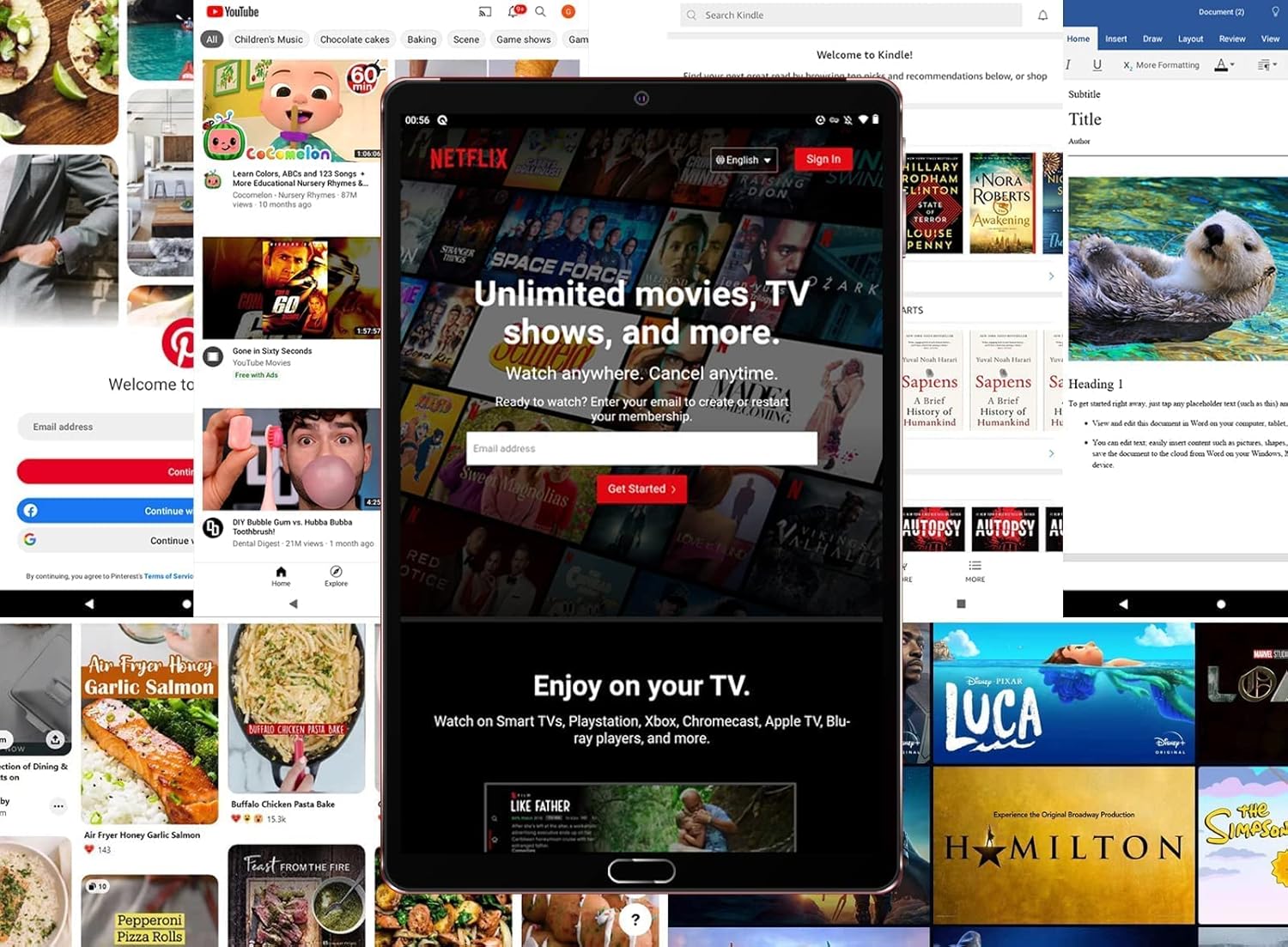
The tablet is shown running the Netflix application, illustrating its suitability for streaming video content and entertainment.
4. ການເກັບຮັກສາແລະການປະຕິບັດ
With 4GB RAM and 64GB internal storage (ROM), the tablet provides ampພື້ນທີ່ສຳລັບແອັບພລິເຄຊັນ ແລະ files. The Octa-Core processor ensures smooth performance for multitasking and running various applications. Expand storage up to 256GB using a MicroSD card.

This image highlights the main technical specifications and features of the GOODTEL G10 tablet, including its operating system, memory, connectivity options, and display characteristics.
5. Productivity and Communication
The G10 tablet is compatible with WPS Office and other office applications (WORD, EXCEL, PPT, PDF) for document editing and management. It supports voice and video calls, making it suitable for connecting with family, friends, and colleagues via applications like ZOOM.
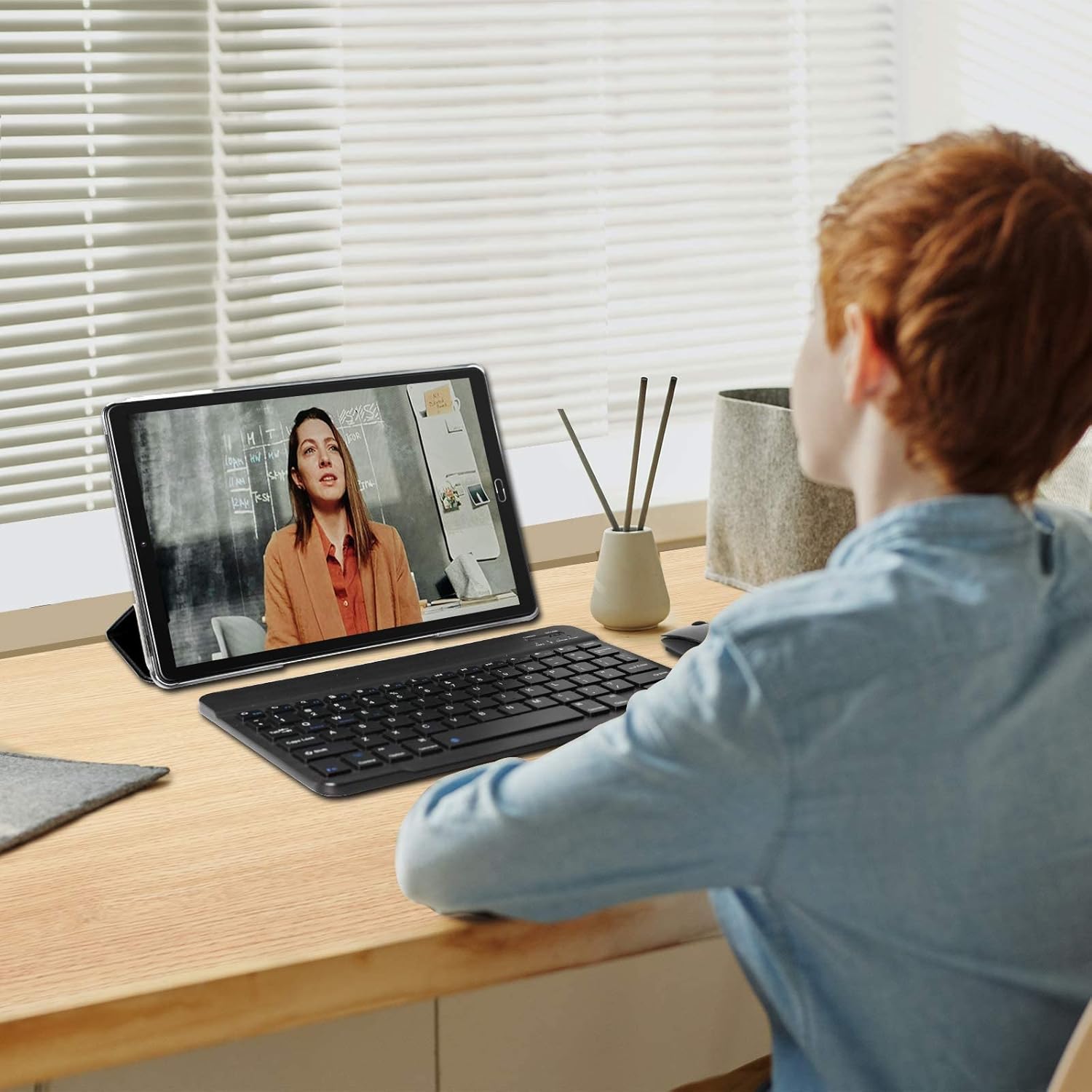
The tablet is depicted in a work or study environment, paired with an external keyboard, demonstrating its use for educational purposes or office applications.
6. ການຄວບຄຸມຂອງຜູ້ປົກຄອງ
The tablet includes Google's Family Link parental control feature, allowing remote device management, usage time limits, and content filtering via the Family Link application.
7. ຄຸນສົມບັດເພີ່ມເຕີມ
The G10 supports gravity detection, FM radio, quick screenshot capture, and screen recording functionalities.

This image shows the tablet's user interface, featuring the Android home screen with common applications, indicating ease of access and navigation.
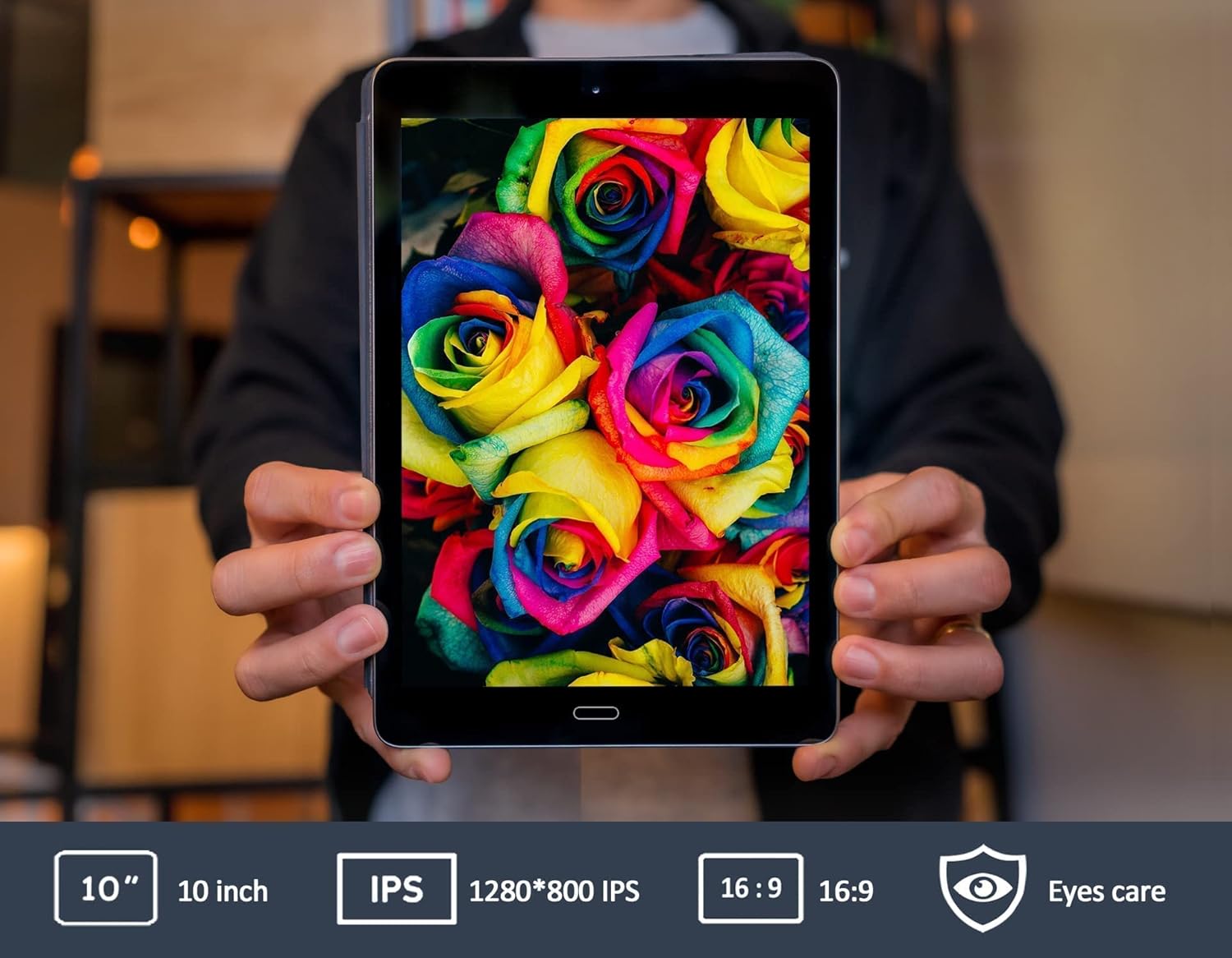
This image emphasizes the tablet's 10-inch IPS screen, known for its wide viewing angles and vivid color reproduction.

The GOODTEL G10 tablet is shown in a home setting, demonstrating its use for entertainment and interaction with smart home devices.
ບໍາລຸງຮັກສາ
1. ການດູແລຫມໍ້ໄຟ
The 8000mAh battery provides extended usage. To prolong battery life:
- ຫຼີກເວັ້ນອຸນຫະພູມທີ່ຮຸນແຮງ.
- ຢ່າປ່ອຍໃຫ້ແບດເຕີລີ່ໄຫຼເຕັມທີ່ເລື້ອຍໆ.
- Use the original charger provided.
2. ການເຮັດຄວາມສະອາດແທັບເລັດ
ໃຊ້ຜ້າແພທີ່ອ່ອນໆ, ບໍ່ມີສານດ່າງເພື່ອເຮັດຄວາມສະອາດໜ້າຈໍ ແລະຕົວເຄື່ອງຂອງແທັບເລັດ. ຫຼີກເວັ້ນການນໍາໃຊ້ສານເຄມີທີ່ຮຸນແຮງຫຼືວັດສະດຸຂັດທີ່ອາດຈະທໍາລາຍພື້ນຜິວ.
3. ການປັບປຸງຊອບແວ
ກວດສອບການອັບເດດລະບົບເປັນປະຈຳໃນ ການຕັ້ງຄ່າ > ລະບົບ > ອັບເດດລະບົບ to ensure your tablet has the latest features and security patches. While specific software update guarantees are not available, keeping your device updated is recommended.
ການແກ້ໄຂບັນຫາ
ບັນຫາທົ່ວໄປ ແລະການແກ້ໄຂ:
- ແທັບເລັດເປີດບໍ່ໄດ້: Ensure the tablet is sufficiently charged. Connect the charger and wait a few minutes before attempting to power on again.
- ບັນຫາການເຊື່ອມຕໍ່ Wi-Fi: Check if Wi-Fi is enabled in settings. Restart your Wi-Fi router. If the issue persists, try forgetting the network and reconnecting.
- Applications are slow or unresponsive: Close unused applications running in the background. Restart the tablet. If the problem continues, consider clearing the cache of problematic apps or performing a factory reset as a last resort (note: a factory reset will erase all data on the tablet).
- Touchscreen is unresponsive: Restart the tablet. Ensure the screen is clean and free of debris.
If you encounter issues not covered here, please refer to the support section for assistance.
ຂໍ້ມູນຈໍາເພາະ
| ຍີ່ຫໍ້ | GODTEL |
| ຊື່ຕົວແບບ | G10 |
| ໝາຍເລກຕົວແບບ | G2 |
| ລະບົບປະຕິບັດການ | ລະບົບປະຕິບັດການ Android 12 |
| ໂຮງງານຜະລິດ | Octa-Core, 1.6 GHz |
| RAM | 4 GB |
| ບ່ອນຈັດເກັບຂໍ້ມູນພາຍໃນ (ROM) | 64 GB |
| ການເກັບຮັກສາທີ່ຂະຫຍາຍໄດ້ | MicroSD/TF (4-256 GB) |
| ຂະໜາດໜ້າຈໍ | 10 ນິ້ວ |
| ປະເພດຫນ້າຈໍ | IPS |
| ຄວາມອາດສາມາດຫມໍ້ໄຟ | 8000 mAh |
| ກ້ອງຫຼັງ | 8 MP |
| ກ້ອງໜ້າ | 5 MP |
| ການເຊື່ອມຕໍ່ | WiFi, Bluetooth, AGPS, Hotspots |
| ເຕັກໂນໂລຊີໄຮ້ສາຍ | 802.11b, 802.11g |
| ທ່າເຮືອ | USB ປະເພດ-C, ຊ່ອງສຽບຫູຟັງ 3.5 ມມ |
| ນ້ຳໜັກ | 450 ກຣາມ |
ຂໍ້ມູນການຮັບປະກັນ
Specific warranty details for the GOODTEL G10 tablet are not provided in the product information. Please refer to the warranty card included in your package or contact the seller/manufacturer directly for comprehensive warranty terms and conditions. Information regarding spare parts availability and guaranteed software updates is also not available.
ສະຫນັບສະຫນູນ
For further assistance, technical support, or inquiries regarding your GOODTEL G10 tablet, please contact our service team. GOODTEL provides a friendly and professional service and technical team dedicated to offering prompt and excellent pre-sales and after-sales support.
Please refer to the contact information provided with your purchase documentation or visit the official GOODTEL webເວັບໄຊສໍາລັບທາງເລືອກການສະຫນັບສະຫນູນ.


