ແນະນຳ
This manual provides essential information for the safe and efficient use of your LG 50-Inch Class UQ9000 Series 4K Smart TV. Please read it thoroughly before operating the television and retain it for future reference.
ຂໍ້ມູນຄວາມປອດໄພ
Always follow basic safety precautions when using this television to reduce the risk of fire, electric shock, or injury. Do not expose the TV to rain or moisture. Do not open the cabinet; refer all servicing to qualified personnel. Ensure proper ventilation and avoid blocking ventilation openings. Keep the TV away from heat sources and direct sunlight. Use only attachments/accessories specified by the manufacturer.
ແມ່ນຫຍັງຢູ່ໃນກ່ອງ
ກວດສອບວ່າອົງປະກອບທັງໝົດມີຢູ່ແລ້ວຫຼັງຈາກເປີດໂທລະພາບຂອງທ່ານ.
- LG 50-Inch Class UQ9000 Series 4K Smart TV
- ການຄວບຄຸມໄລຍະໄກ Magic
- ສະຖານີໂທລະຄວບຄຸມໄລຍະໄກ
- ອົງປະກອບຢືນ
- ສາຍໄຟ
- ຄູ່ມືເລີ່ມຕົ້ນດ່ວນ

Figure 1: Package Contents and TV Dimensions (44.1"W x 27.9"H x 9.1"D with stand)
ຕັ້ງຄ່າ
ການຕິດຕັ້ງທາງດ້ານຮ່າງກາຍ
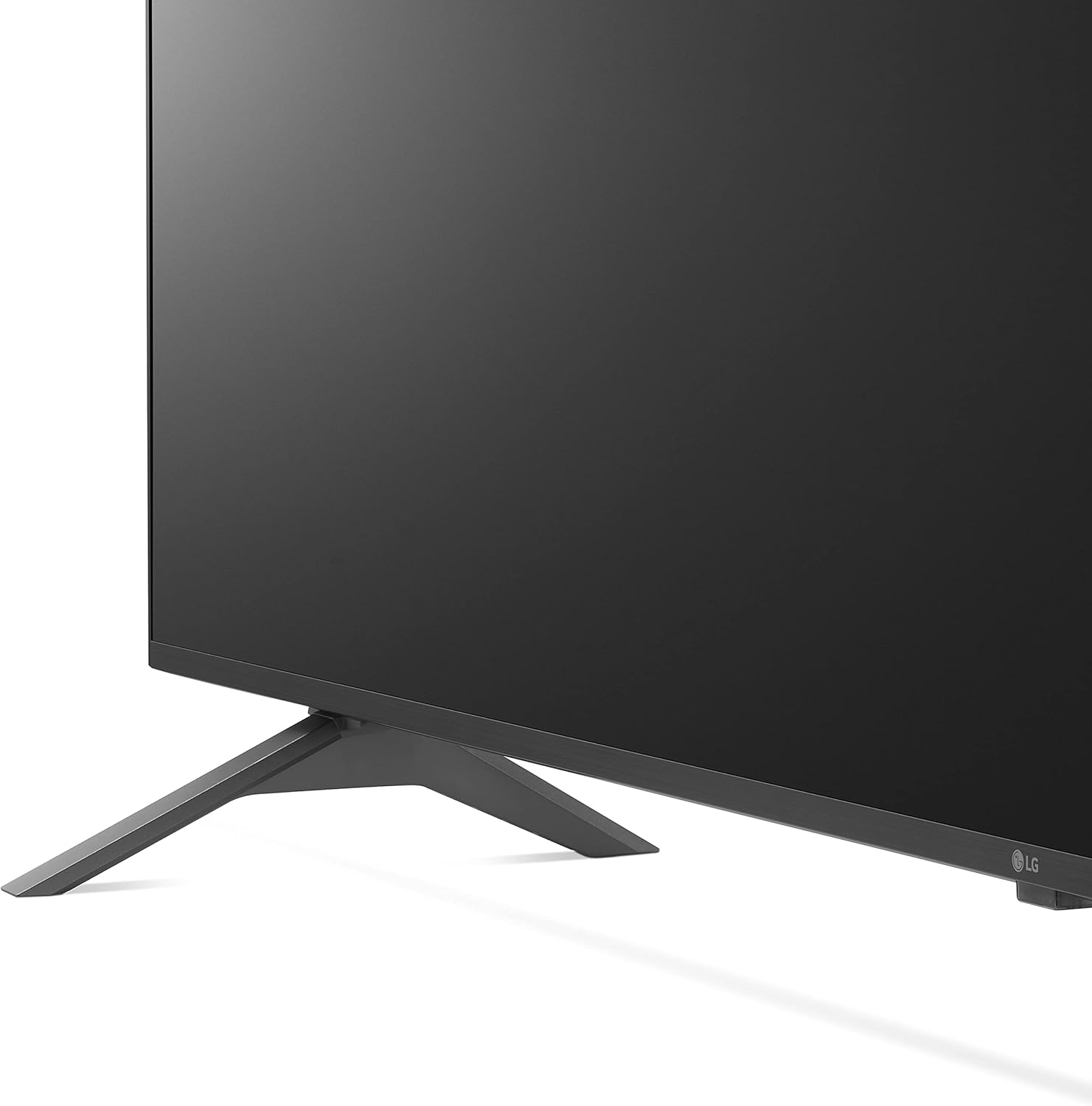
Your LG TV can be installed on a tabletop using the included stand or mounted on a wall (wall mount sold separately). Ensure the TV is placed on a stable, level surface or securely mounted to a wall according to the wall mount manufacturer's instructions.

Figure 2: TV with Stand

Figure 3: Slim Design for Wall Mounting
ການເຊື່ອມຕໍ່ອຸປະກອນ
Connect your external devices such as cable boxes, gaming consoles, or Blu-ray players to the available ports on the rear and side of the TV.
ຮູບ 4: ຮູສຽບຂາເຂົ້າດ້ານຫຼັງ

Figure 5: Detailed Rear Ports

ຮູບທີ 6: ຮູສຽບຂາເຂົ້າຂ້າງ
- ຜອດ HDMI: Connect high-definition devices. This model includes multiple HDMI inputs, with HDMI 1 supporting ARC (Audio Return Channel).
- ພອດ USB: ສໍາລັບການເຊື່ອມຕໍ່ອຸປະກອນເກັບຮັກສາ USB ເພື່ອຫຼິ້ນສື່ files.
- LAN Port: ສໍາລັບການເຊື່ອມຕໍ່ອິນເຕີເນັດແບບມີສາຍ.
- Optical Digital Audio Out: ສໍາລັບການເຊື່ອມຕໍ່ກັບລະບົບສຽງພາຍນອກ.
- ເສົາອາກາດ/ສາຍໃນ: ສໍາລັບການເຊື່ອມຕໍ່ເສົາອາກາດຫຼືສາຍໂທລະພາບ.
ເປີດເຄື່ອງເບື້ອງຕົ້ນ
After connecting all necessary cables, plug the power cord into an electrical outlet. Press the power button on the remote control or the TV to turn it on. Follow the on-screen instructions for initial setup, including network connection and channel scanning.
ປະຕິບັດການໂທລະພາບ
ການຄວບຄຸມໄລຍະໄກ Magic
The LG Magic Remote offers intuitive control with point, click, scroll, and voice recognition features. It includes dedicated buttons for popular streaming services and AI functions.

ຮູບທີ 7: ຣີໂໝດ Magic ຂອງ LG

Figure 8: Magic Remote Features
ຄຸນສົມບັດໂທລະທັດ Smart (webOS)
ໂທລະພາບ LG ຂອງທ່ານດໍາເນີນການຢູ່ໃນ webOS platform, providing access to a wide range of streaming applications and smart functionalities. Navigate through the home screen to find your favorite content.

ຮູບທີ 9: webOS Home Screen

Figure 10: Ultimate Streaming Hub
Video 1: LG UHD webລະບົບປະຕິບັດການເກີນview
ຄຸນນະພາບຮູບ
Experience stunning visuals with 4K resolution and advanced picture technologies.
- ໂປເຊດເຊີ AI α5 Gen 5 4K: Enhances picture and sound quality.
- ການຂະຫຍາຍ 4K: Transforms regular content into 4K for sharper definition.
- Active HDR (HDR10 Pro): Adjusts picture scene-by-scene for enhanced quality.
- ໂໝດນັກສ້າງຮູບເງົາ™: Preserves original colors, settings, and frame rates for a cinematic experience.
- ການຄວບຄຸມຄວາມສະຫວ່າງ AI: Automatically adjusts screen brightness to match room lighting.

Figure 11: Real 4K UHD TV Visuals

Figure 12: α5 Gen 5 AI Processor

Figure 13: 4K Upscaling

Figure 14: Active HDR (HDR10 Pro)

Figure 15: FILMMAKER MODE™

Figure 16: AI Brightness Control
ຄຸນະພາບສຽງ
The TV features AI Sound Pro for an immersive audio experience.
- AI Sound Pro: Automatically up-mixes 2-channel audio into virtual 5.1.2 channel surround sound.

ຮູບທີ 17: AI Sound Pro
ຄຸນນະສົມບັດຂອງເກມ
ປັບປຸງປະສົບການການຫຼິ້ນເກມຂອງທ່ານດ້ວຍຄຸນສົມບັດສະເພາະ.
- ເກມ Optimizer & Dashboard: Quickly adjust game settings in one location.
- Cloud Gaming: Seamless access to cloud gaming services like GeForce Now (subscription and compatible controller required).
- HGIG: For realistic HDR gaming.

ຮູບ 18: Game Optimizer & Dashboard

Figure 19: Cloud Gaming with GeForce Now

Figure 20: HGIG for Enhanced Gaming
ຄຸນສົມບັດເພີ່ມເຕີມ
- Alexa ໃນຕົວ: ໃຊ້ຄຳສັ່ງສຽງສຳລັບໜ້າທີ່ຕ່າງໆ.
- Hey Google: ເຂົ້າກັນໄດ້ກັບ Google Assistant ສຳລັບການຄວບຄຸມດ້ວຍສຽງ.
- Apple AirPlay ແລະ HomeKit: ການເຊື່ອມໂຍງແບບບໍ່ມີຮອຍຕໍ່ກັບອຸປະກອນ Apple.
- ແຈ້ງເຕືອນກິລາ: ຮັບການອັບເດດແບບສົດໆສຳລັບທີມ ແລະການແຂ່ງຂັນທີ່ທ່ານມັກ.

ຮູບທີ 21: ຄຸນສົມບັດການແຈ້ງເຕືອນກິລາ
Video 2: LG UHD Features Overview
ບໍາລຸງຮັກສາ
ການທໍາຄວາມສະອາດຫນ້າຈໍ
To clean the screen, first unplug the TV. Gently wipe the screen with a soft, dry microfiber cloth. For stubborn smudges, lightly dampen the cloth with water or a specialized screen cleaner (avoid harsh chemicals or abrasive materials). Do not spray liquid directly onto the screen.
ການດູແລທົ່ວໄປ
Keep the TV in a well-ventilated area. Avoid placing heavy objects on the TV. Do not expose the TV to extreme temperatures or humidity. Regularly check cables for any damage and ensure they are securely connected.
ການແກ້ໄຂບັນຫາ
ຖ້າເຈົ້າພົບບັນຫາກັບໂທລະພາບຂອງເຈົ້າ, ໃຫ້ອ້າງອີງເຖິງວິທີແກ້ໄຂທົ່ວໄປຕໍ່ໄປນີ້ກ່ອນທີ່ຈະຕິດຕໍ່ກັບຝ່າຍຊ່ວຍເຫຼືອ.
- ບໍ່ມີພະລັງງານ: ກວດໃຫ້ແນ່ໃຈວ່າໄດ້ສຽບສາຍໄຟຢ່າງປອດໄພໃສ່ທັງໂທລະພາບ ແລະປລັກສຽບໄຟທີ່ເຮັດວຽກໄດ້. ລອງຮ້ານອື່ນ.
- ບໍ່ມີຮູບພາບ/ສຽງ: ກວດເບິ່ງການເຊື່ອມຕໍ່ສາຍເຄເບີ້ນທັງໝົດ (HDMI, ເສົາອາກາດ, ແລະອື່ນໆ). ໃຫ້ແນ່ໃຈວ່າເລືອກແຫຼ່ງປ້ອນຂໍ້ມູນທີ່ຖືກຕ້ອງຢູ່ໃນໂທລະພາບ.
- ການຄວບຄຸມໄລຍະໄກບໍ່ເຮັດວຽກ: ປ່ຽນແບັດເຕີລີ. ກວດໃຫ້ແນ່ໃຈວ່າບໍ່ມີສິ່ງກີດຂວາງລະຫວ່າງຣີໂໝດ ແລະເຊັນເຊີ IR ຂອງໂທລະທັດ.
- ບັນຫາການເຊື່ອມຕໍ່ເຄືອຂ່າຍ: Verify your Wi-Fi password. Restart your router and modem. Try a wired LAN connection if available.
- ບັນຫາຄຸນນະພາບຮູບ: Check picture settings (e.g., brightness, contrast, color). Ensure the content source is high quality (e.g., 4K content for 4K display).
ຂໍ້ມູນຈໍາເພາະ
| ຄຸນສົມບັດ | ຂໍ້ມູນຈໍາເພາະ |
|---|---|
| ຍີ່ຫໍ້ | LG |
| ໝາຍເລກຕົວແບບ | 50UQ9000PUD |
| ຂະໜາດໜ້າຈໍ | 50-Inch Class (49.5" Diagonal) |
| ຄວາມລະອຽດ | 3840 x 2160 (4K UHD) |
| ອັດຕາການໂຫຼດຂໍ້ມູນຄືນໃໝ່ | 60Hz |
| ໂຮງງານຜະລິດ | Gen5 Gen 5 AI Processor 4K |
| ລະບົບປະຕິບັດການ | webOS |
| ຄຸນນະສົມບັດພິເສດ | Alexa Built-in, AI-Powered, Cloud Gaming, Screen Mirroring |
| ຂະໜາດສິນຄ້າ (ມີຂາຕັ້ງ) | 44.1"W x 27.9"H x 9.1"D |
| ນ້ໍາຫນັກລາຍການ | 34.4 ປອນ |
| ອົງປະກອບລວມ | Stand, Power cable |
ການຮັບປະກັນແລະການສະຫນັບສະຫນູນ
Your LG TV comes with a limited manufacturer's warranty. For detailed warranty information, product support, or service requests, please visit the official LG Electronics website or contact LG customer service. Keep your proof of purchase for warranty claims.