1. ບົດແນະນຳ
This manual provides essential information for setting up, operating, maintaining, and troubleshooting your Google Pixel 6 Pro smartphone. The Pixel 6 Pro is a powerful 5G Android device featuring the custom Google Tensor processor, an advanced camera system, and enhanced security features, designed to deliver a smart and fast mobile experience.
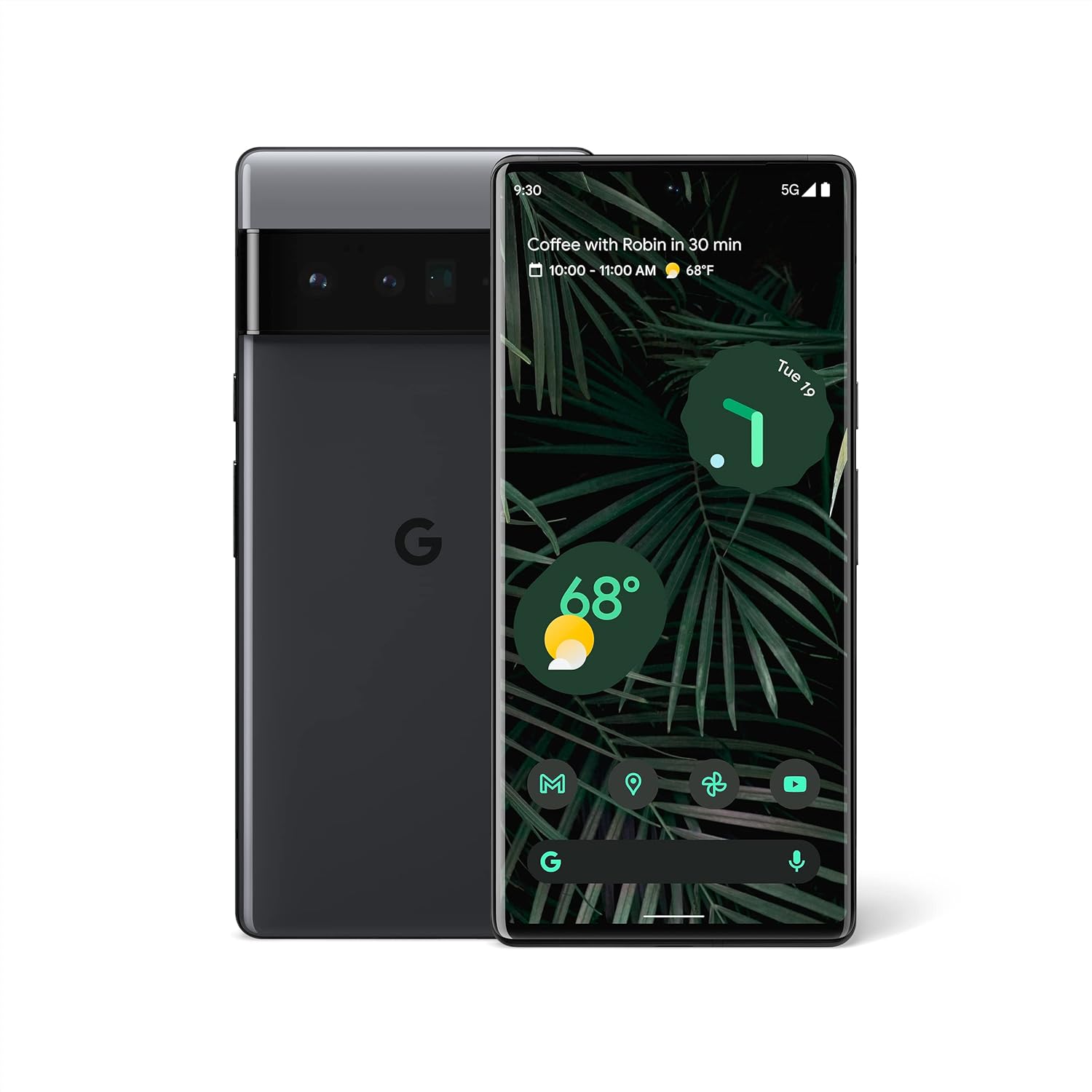
ຮູບ 1.1: ດ້ານຫນ້າແລະດ້ານຫລັງ view of the Google Pixel 6 Pro in Stormy Black. The front displays the home screen with time, weather, and app icons, while the back shows the distinctive camera bar and Google logo.
2. ຄູ່ມືການຕິດຕັ້ງ
2.1 Unboxing ແລະ Initial Inspection
ເມື່ອເປີດຊຸດ, ໃຫ້ແນ່ໃຈວ່າອົງປະກອບທັງຫມົດມີຢູ່:
- ໂທລະສັບມືຖື Google Pixel 6 Pro
- ສາຍ USB-C ຫາ USB-C
ກວດເບິ່ງອຸປະກອນສໍາລັບຄວາມເສຍຫາຍທາງດ້ານຮ່າງກາຍກ່ອນທີ່ຈະດໍາເນີນການ.
2.2 ການໃສ່ SIM Card
- Locate the SIM card tray on the side of your Pixel 6 Pro.
- ໃສ່ເຄື່ອງມືຖອດຊິມ (ຫຼື ຄລິບໜີບເຈ້ຍຂະໜາດນ້ອຍ) ເຂົ້າໄປໃນຮູນ້ອຍໆເທິງຖາດ ແລະ ຄ່ອຍໆຍູ້ຈົນກວ່າຖາດຈະເດັ້ງອອກມາ.
- ວາງກາດ Nano-SIM ຂອງທ່ານລົງໃນຖາດໂດຍໃຫ້ໜ້າຕິດຕໍ່ສີທອງຫັນໜ້າລົງ ແລະ ມຸມທີ່ມີຮອຍບຽງຈັດລຽນກັນ.
- ຍູ້ຖາດກັບເຂົ້າໄປໃນຊ່ອງຢ່າງລະມັດລະວັງຈົນກວ່າມັນຈະກົດໃສ່ບ່ອນ.
2.3 ການເປີດເຄື່ອງ ແລະການຕັ້ງຄ່າເບື້ອງຕົ້ນ
- Press and hold the Power button (located on the right side) until the Google logo appears on the screen.
- ປະຕິບັດຕາມຄຳແນະນຳໃນໜ້າຈໍເພື່ອເລືອກພາສາຂອງທ່ານ, ເຊື່ອມຕໍ່ກັບເຄືອຂ່າຍ Wi-Fi ແລະເຂົ້າສູ່ລະບົບດ້ວຍບັນຊີ Google ຂອງທ່ານ.
- ທ່ານຈະໄດ້ຮັບການແນະນໍາຜ່ານການຕັ້ງຄ່າຄຸນສົມບັດຄວາມປອດໄພເຊັ່ນ: ການປົດລັອກດ້ວຍລາຍນິ້ວມື ແລະ ການລັອກໜ້າຈໍ.
2.4 Transferring Data from Your Old Phone
The Pixel 6 Pro offers a seamless way to transfer your messages, contacts, photos, and other data from your previous device during the initial setup process. Use the provided USB-C cable and follow the on-screen instructions.

Figure 2.1: A Google Pixel 6 Pro connected via USB-C cable to another smartphone, illustrating the data transfer process. The Pixel's screen shows options to copy messages, contacts, photos, and other data.
3. Operating Your Pixel 6 Pro
3.1 ຄຸນສົມບັດການສະແດງ
The Pixel 6 Pro features a 6.7-inch LTPO QHD+ Smooth Display with a resolution of 1080 x 2340 pixels and a 120Hz refresh rate for fluid scrolling and responsiveness. The display is protected by Corning Gorilla Glass Victus for enhanced durability.
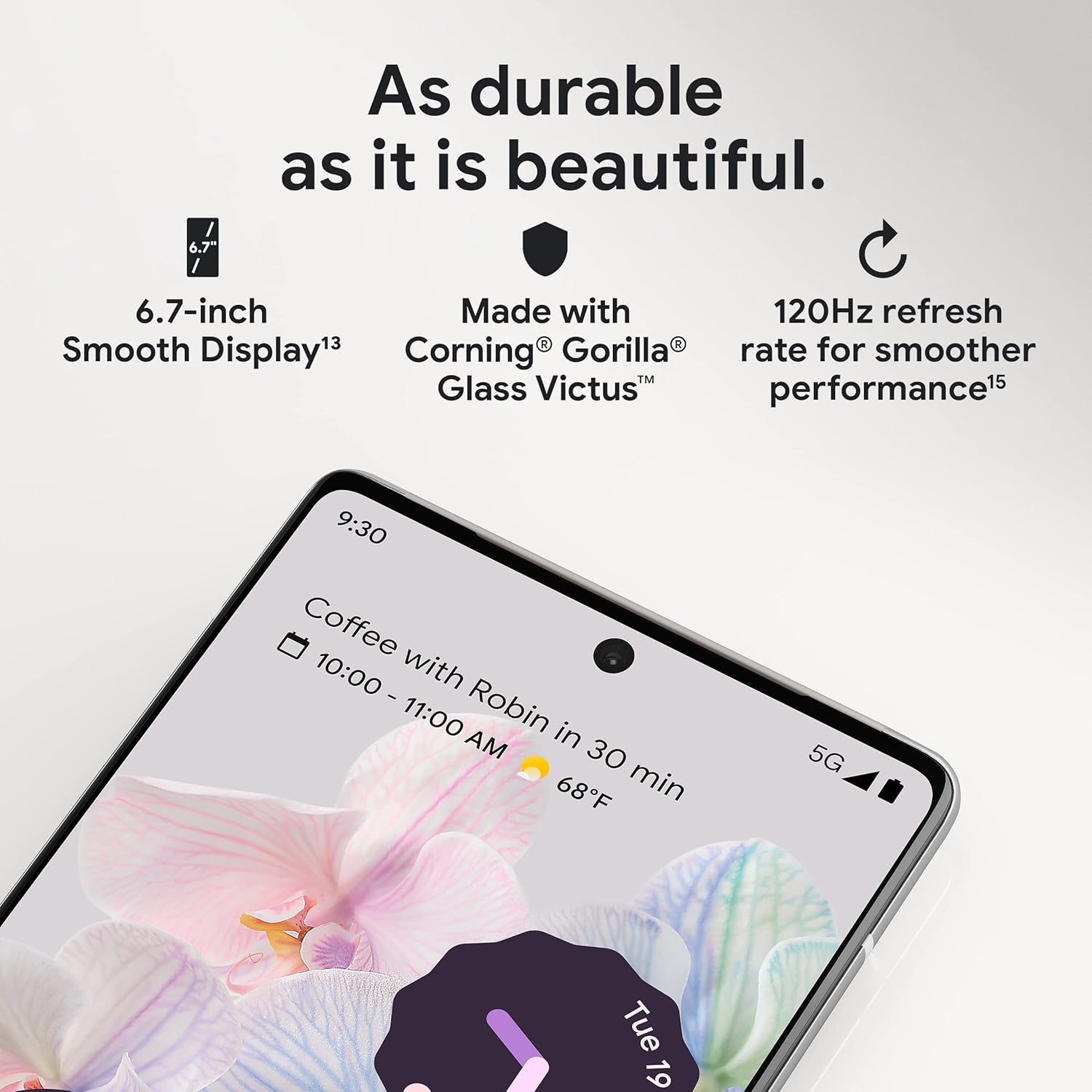
ຮູບທີ 3.1: ຮູບທີ່ໃກ້ຊິດ view of the Pixel 6 Pro's display, highlighting its durability with Corning Gorilla Glass Victus and the smooth performance enabled by its 120Hz refresh rate.
ລະບົບກ້ອງ 3.2
The Pixel 6 Pro is equipped with an advanced camera system:
- 50 MP Wide Camera: Captures 150% more light for detailed photos.
- 48 MP Telephoto Camera: Offers 4x optical zoom for distant subjects.
- 12 MP Ultrawide Camera: For expansive landscape and group shots.
- ກ້ອງໜ້າ: ສໍາລັບການ selfies ຄຸນນະພາບສູງແລະການໂທວິດີໂອ.
Key camera features include:
- ຢາງລຶບວິເສດ: Removes unwanted objects or people from your photos.
- ຮູບແບບການເຄື່ອນໄຫວ: Creates dynamic long-exposure shots.
- ແບບ Portrait: Artfully blurs backgrounds for professional-looking portraits.

ຮູບ 3.2: ພາຍໃນ view of the Pixel 6 Pro's camera array, detailing the 50 MP wide camera, 48 MP telephoto camera with 4x optical zoom, and 12 MP ultrawide camera.

Figure 3.3: Visual demonstrations of the Pixel 6 Pro's advanced camera tools: Magic Eraser removing background elements, Motion Mode capturing light trails, and Portrait Mode creating a blurred background effect.
3.3 ການປະຕິບັດ
The Pixel 6 Pro is powered by the custom-built Google Tensor processor, which provides a significant boost in performance compared to previous Pixel models. This chip enables advanced on-device AI capabilities and contributes to maximum battery efficiency.
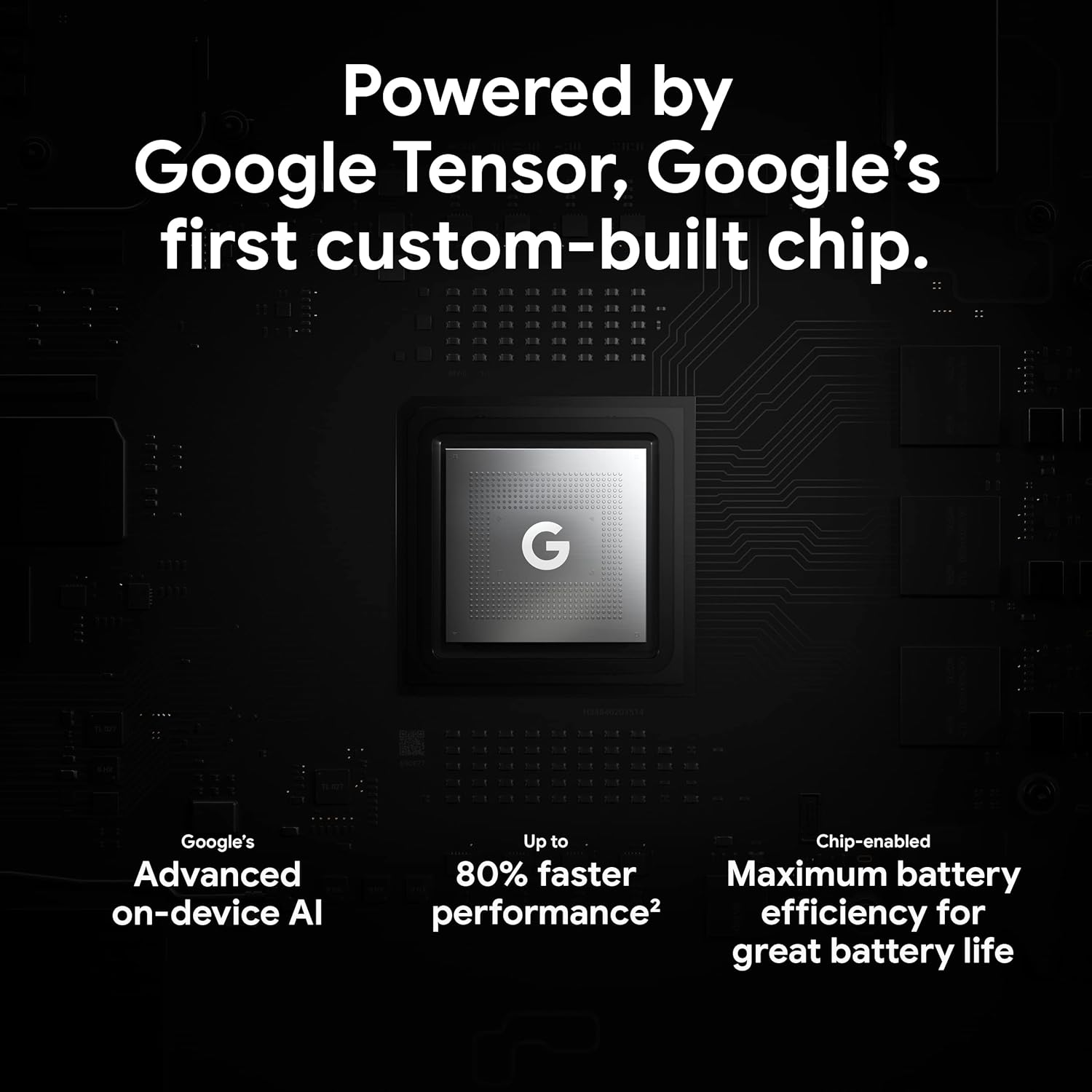
Figure 3.4: An illustration of the Google Tensor chip, highlighting its role in providing advanced on-device AI and up to 80% faster performance for improved battery efficiency.
3.4 ຄຸນສົມບັດຄວາມປອດໄພ
Your Pixel 6 Pro is built with robust security:
- Titan M2™ chip: Provides next-generation hardware security.
- ອັບເດດຄວາມປອດໄພ: Guaranteed 5 years of security updates to protect against threats.
- IP68 Water and Dust Protection: Offers resistance against water and dust ingress.
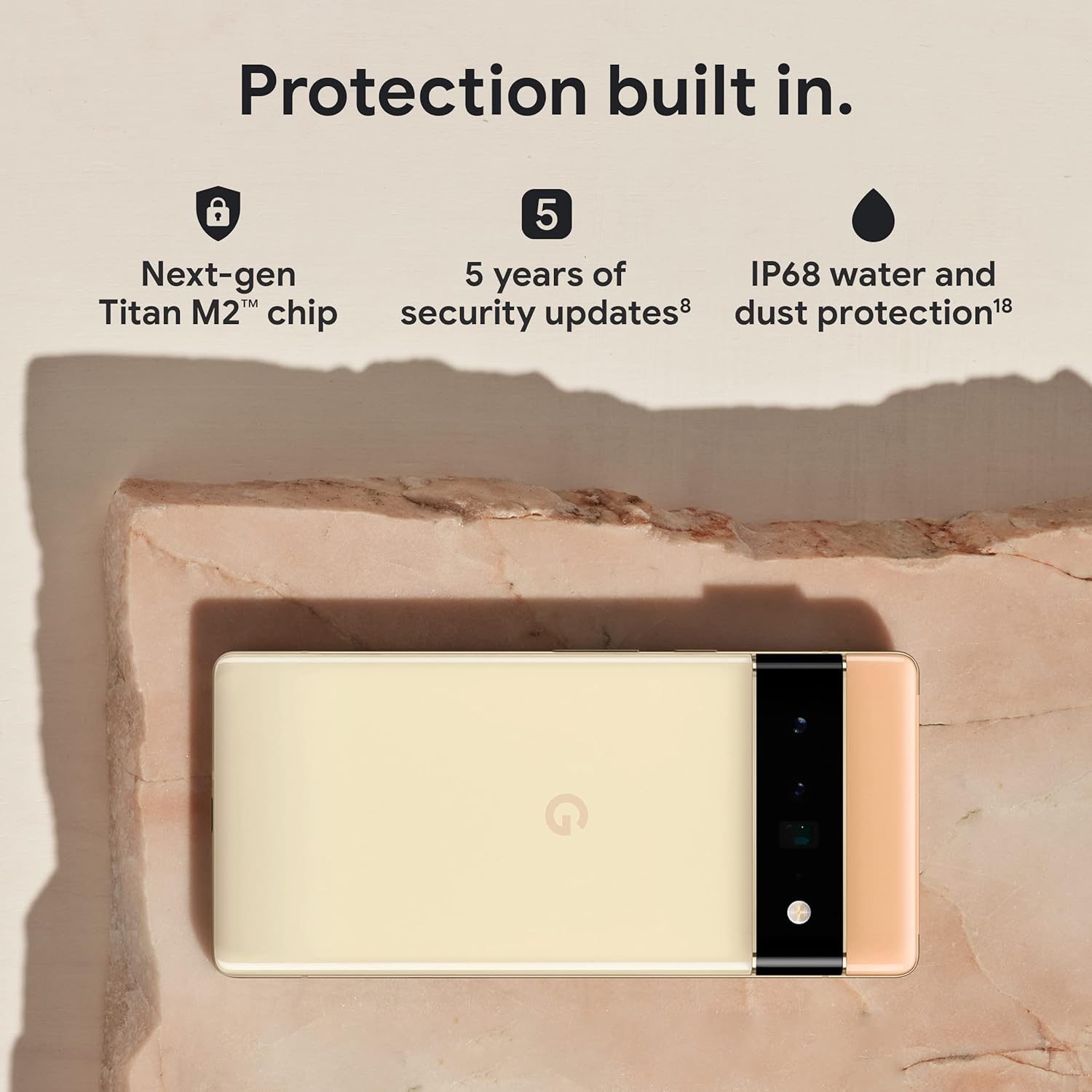
Figure 3.5: The Pixel 6 Pro shown alongside icons representing its built-in security features: the Titan M2 chip, 5 years of security updates, and IP68 water and dust protection.
3.5 ແບັດເຕີຣີແລະການສາກໄຟ
The device is equipped with a large 5003 mAh battery. It supports fast wired charging (with a compatible 30W USB-C charger, sold separately) and adapts to your usage patterns to save power for frequently used applications, extending battery life beyond 24 hours.

ຮູບທີ 3.6: ຢູ່ເທິງຫົວ view of a person using the Pixel 6 Pro, with icons illustrating the phone's battery capabilities: super-fast charging, power saving for frequently used apps, and extended battery life.
3.6 ຊອບແວ ແລະການໂຕ້ຕອບຜູ້ໃຊ້
The Pixel 6 Pro runs on the Android 12 operating system, offering a modern and intuitive user interface. It includes features like Material You for personalized themes and enhanced privacy controls.
3.7 Translation Capabilities
The device comes with Google Translate pre-installed, allowing you to translate private chats, messages, and live video captions in up to 55 languages directly on your phone.
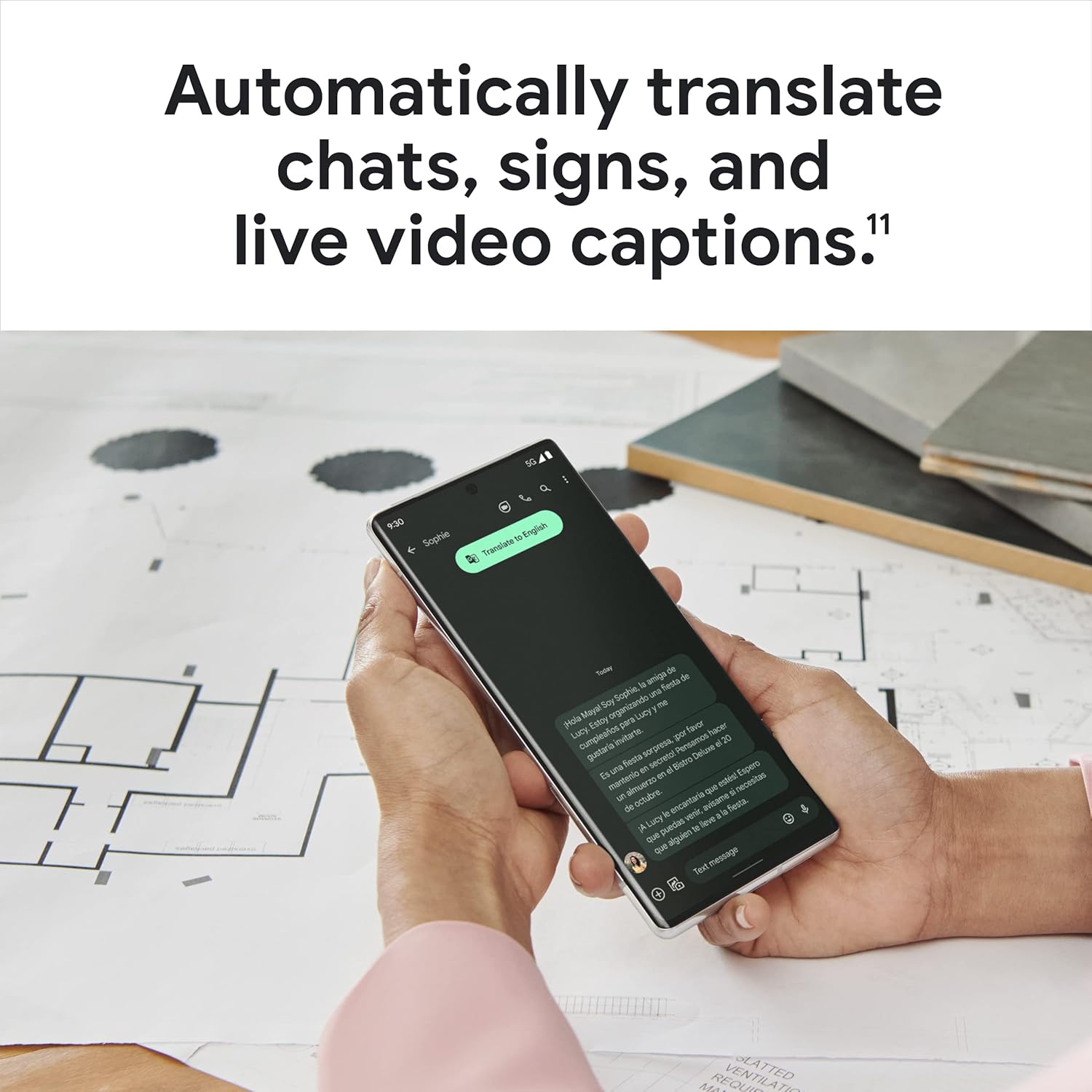
Figure 3.7: A user holding the Pixel 6 Pro, which displays a live translation of text on its screen, demonstrating the device's automatic translation capabilities for chats, signs, and live video captions.
3.8 ການເຊື່ອມຕໍ່
The Pixel 6 Pro supports various connectivity options for seamless integration with other devices and services:
- USB: ສໍາລັບການສາກໄຟແລະການໂອນຂໍ້ມູນ.
- Wi-Fi: ສໍາລັບການເຂົ້າເຖິງອິນເຕີເນັດໄຮ້ສາຍ.
- Bluetooth: ສໍາລັບການເຊື່ອມຕໍ່ອຸປະກອນເສີມໄຮ້ສາຍ.
- NFC: ສໍາລັບການຈ່າຍເງິນແບບ contactless ແລະການຈັບຄູ່ໄວ.
4. ບໍາລຸງຮັກສາ
4.1 ການເບິ່ງແຍງທົ່ວໄປ
- Keep your device away from extreme temperatures, direct sunlight, and excessive moisture.
- Avoid dropping the phone or exposing it to strong impacts.
- Use a screen protector and a protective case to minimize damage from drops and scratches.
4.2 ການທໍາຄວາມສະອາດອຸປະກອນຂອງທ່ານ
To clean your Pixel 6 Pro:
- ປິດອຸປະກອນກ່ອນທີ່ຈະທໍາຄວາມສະອາດ.
- Use a soft, lint-free cloth (e.g., microfiber cloth) to gently wipe the screen and body.
- ສໍາລັບ smudges stubborn, ເລັກນ້ອຍ dampen ຜ້າທີ່ມີນ້ໍາຫຼືເຄື່ອງເຮັດຄວາມສະອາດຫນ້າຈໍທີ່ອອກແບບໂດຍສະເພາະສໍາລັບເອເລັກໂຕຣນິກ. ຫຼີກເວັ້ນການສານເຄມີທີ່ຮຸນແຮງຫຼືວັດສະດຸຂັດ.
4.3 ການປັບປຸງຊອບແວ
Regularly check for and install software updates. These updates often include performance improvements, new features, and critical security patches that keep your device running optimally and securely.
5. ການແກ້ໄຂບັນຫາ
5.1 ອຸປະກອນບໍ່ເປີດ
- ກວດສອບຫມໍ້ໄຟ: Ensure the battery is charged. Connect the phone to a charger for at least 15-30 minutes.
- ບັງຄັບປິດເປີດໃໝ່: ກົດປຸ່ມເປີດປິດຄ້າງໄວ້ປະມານ 30 ວິນາທີ.
- Check Charger/Cable: Try a different charger and USB-C cable to rule out faulty accessories.
5.2 ບັນຫາການເຊື່ອມຕໍ່ເຄືອຂ່າຍ
- ຣີສະຕາດໂທລະສັບ: ການຣີສະຕາດແບບງ່າຍດາຍມັກຈະສາມາດແກ້ໄຂບັນຫາເຄືອຂ່າຍຊົ່ວຄາວໄດ້.
- ສະຫຼັບໂໝດຢູ່ໃນຍົນ: ເປີດໂໝດຢູ່ໃນຍົນເປັນເວລາສອງສາມວິນາທີ, ຈາກນັ້ນປິດມັນ.
- ກວດເບິ່ງ SIM Card: ໃຫ້ແນ່ໃຈວ່າໃສ່ SIM card ຢ່າງຖືກຕ້ອງ.
- ຣີເຊັດການຕັ້ງຄ່າເຄືອຂ່າຍ: Go to Settings > System > Reset options > Reset Wi-Fi, mobile & Bluetooth. Note: This will erase saved Wi-Fi passwords.
5.3 ແອັບຂັດຂ້ອງ ຫຼື ຄ້າງໄວ້
- ບັງຄັບປິດແອັບ: Swipe up from the bottom of the screen, find the problematic app, and swipe it away to close.
- Clear Cache/Data: Go to Settings > Apps > See all apps, select the app, then Storage & cache > Clear cache. If the issue persists, try Clear storage (this will delete app data).
- ອັບເດດແອັບ: ກວດໃຫ້ແນ່ໃຈວ່າແອັບໄດ້ຖືກອັບເດດເປັນເວີຊັນຫຼ້າສຸດຂອງມັນຈາກ Google Play Store.
- ຣີສະຕາດໂທລະສັບ: A full device restart can often resolve app-related issues.
5.4 ແບັດເຕີຣີໝົດໄວ
- Identify Usage: Go to Settings > Battery > Battery usage to see which apps are consuming the most power.
- ປັບຄວາມສະຫວ່າງໜ້າຈໍ: Lower screen brightness or enable adaptive brightness.
- Disable Unused Features: Turn off Wi-Fi, Bluetooth, GPS, or NFC when not in use.
- ໂຫຼດແອັບພື້ນຫຼັງຄືນໃໝ່: ຈຳກັດແອັບທີ່ເຮັດວຽກຢູ່ໃນພື້ນຫຼັງ.
6. ຂໍ້ມູນຈໍາເພາະ
| ຄຸນສົມບັດ | ຂໍ້ມູນຈໍາເພາະ |
|---|---|
| ຂະໜາດສິນຄ້າ | 6.45 x 2.98 x 0.35 ນິ້ວ |
| ນ້ໍາຫນັກລາຍການ | 7.4 ອອນ |
| ໝາຍເລກຕົວແບບ | GA03149 |
| ລະບົບປະຕິບັດການ | Android 12.0 |
| RAM | 12 GB |
| ຄວາມອາດສາມາດເກັບຮັກສາຫນ່ວຍຄວາມຈໍາ | 128 GB |
| ຂະໜາດໜ້າຈໍ | 6.7 ນິ້ວ |
| ຄວາມລະອຽດ | 1080 x 2340 |
| ອັດຕາການໂຫຼດຂໍ້ມູນຄືນໃໝ່ | 120 Hz |
| ຄວາມອາດສາມາດຫມໍ້ໄຟ | 5003 mAh |
| ເວລາລົມໂທລະສັບ | 25.5 ຊົ່ວໂມງ |
| ເວລາສາກໄຟ | 119 minutes (with compatible 30W charger) |
| ເຕັກໂນໂລຊີການສື່ສານໄຮ້ສາຍ | ບລູທູດ, NFC, Wi-Fi |
| ເຕັກໂນໂລຊີການເຊື່ອມຕໍ່ | Bluetooth, NFC, USB, Wi-Fi |
| ຄຸນນະສົມບັດພິເສດ | High-Refresh-Rate Screen, Wireless Charging, Fast Charging, Powerful Camera System with Magic Eraser and Deblurring, Custom Google Tensor Processor |
| ສີ | Stormy Black |
| ແມ່ນຫຍັງຢູ່ໃນກ່ອງ | Cell Phone, USB Cable |
7. ການຮັບປະກັນແລະການສະຫນັບສະຫນູນ
For detailed warranty information and customer support, please refer to the official Google support website or the warranty card included with your purchase. Google provides comprehensive support resources, including FAQs, troubleshooting guides, and contact options for technical assistance.
Visit the official Google Support page: support.google.com/pixelphone


