ແນະນຳ
Thank you for choosing the realme Techlife Robot 2-in-1 Vacuum Cleaner with Mopping. This device is designed to provide efficient and convenient floor cleaning with advanced features. This manual provides essential information for safe operation, setup, maintenance, and troubleshooting to ensure optimal performance of your robot vacuum cleaner.

The realme Techlife Robot 2-in-1 Vacuum Cleaner, showcasing ການອອກແບບ sleek ແລະປັດໄຈຮູບແບບຫນາແຫນ້ນຂອງຕົນ.
ຂໍ້ມູນຄວາມປອດໄພ
Before using the appliance, please read this user manual carefully and keep it for future reference. This device is intended for indoor use only. Do not use it in commercial or industrial environments. Ensure the charging dock is placed on a flat surface against a wall, with no obstacles within 1 meter in front and 0.5 meters on either side. Keep the device away from water and moisture. Do not allow children or pets to play with the device. Always supervise children when the device is in operation. Do not use the device to clean liquids, burning objects, or sharp objects. Regularly check the brushes and wheels for tangled hair or debris.
ເນື້ອໃນຊຸດ
ກວດສອບວ່າລາຍການທັງຫມົດແມ່ນມີຢູ່ໃນສະພາບທີ່ດີໃນເວລາທີ່ unpacking.
- realme Techlife Robot Vacuum Cleaner
- ບ່ອນສາກ
- Power Adapter
- ຖັງນໍ້າ
- ການຄວບຄຸມໄລຍະໄກ
- ແປງຂ້າງ (2 ຄູ່)
- ແປງຫລັກ
- ເຄື່ອງມືທໍາຄວາມສະອາດ
- ຄູ່ມືຜູ້ໃຊ້
ສິນຄ້າເກີນview
ເທິງ View
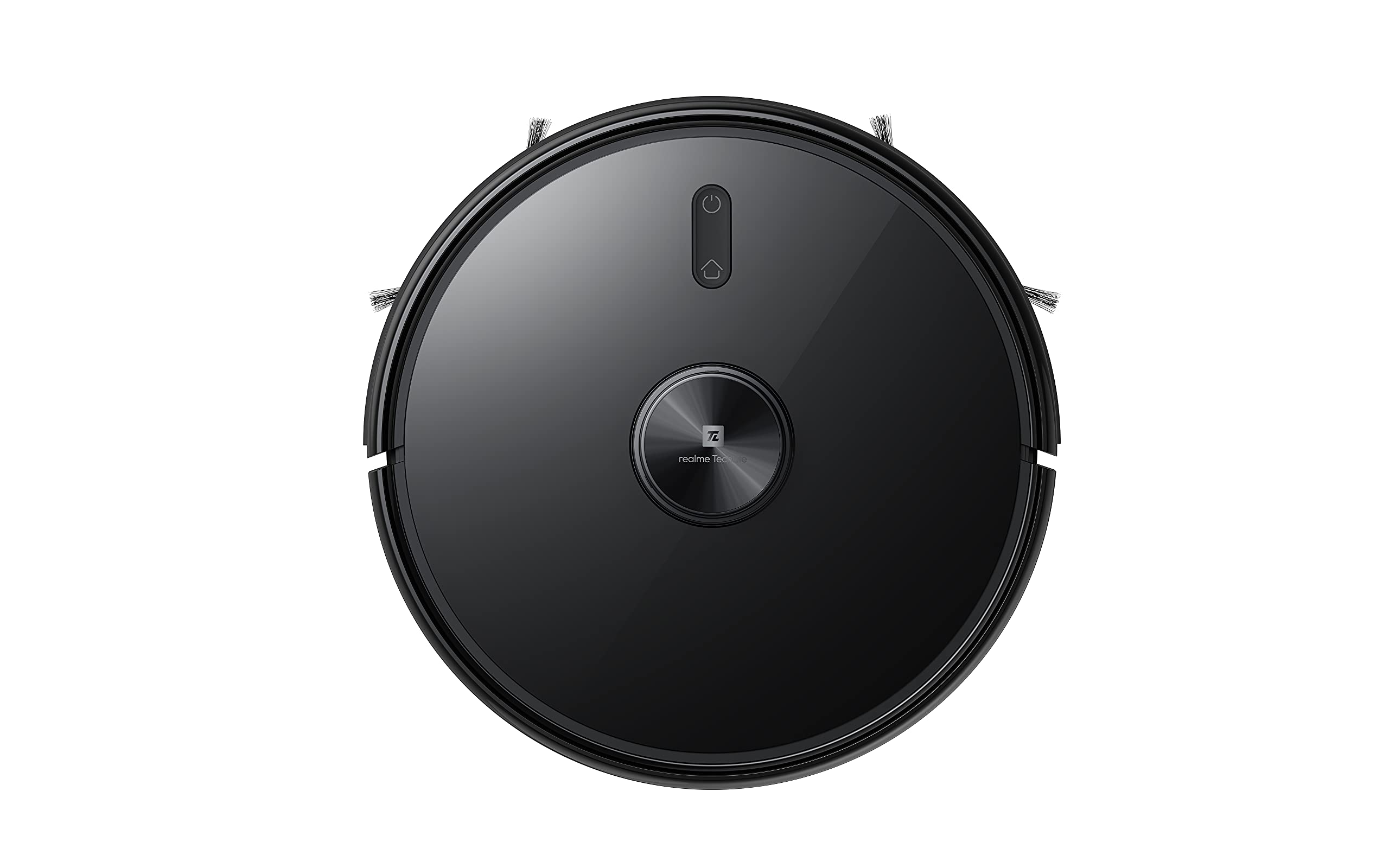
ເທິງ view of the robot vacuum, showing the power button and LiDAR sensor housing.
The top of the robot features the LiDAR navigation sensor for accurate mapping and navigation, along with control buttons for starting/pausing cleaning and returning to the charging dock.
ລຸ່ມ View
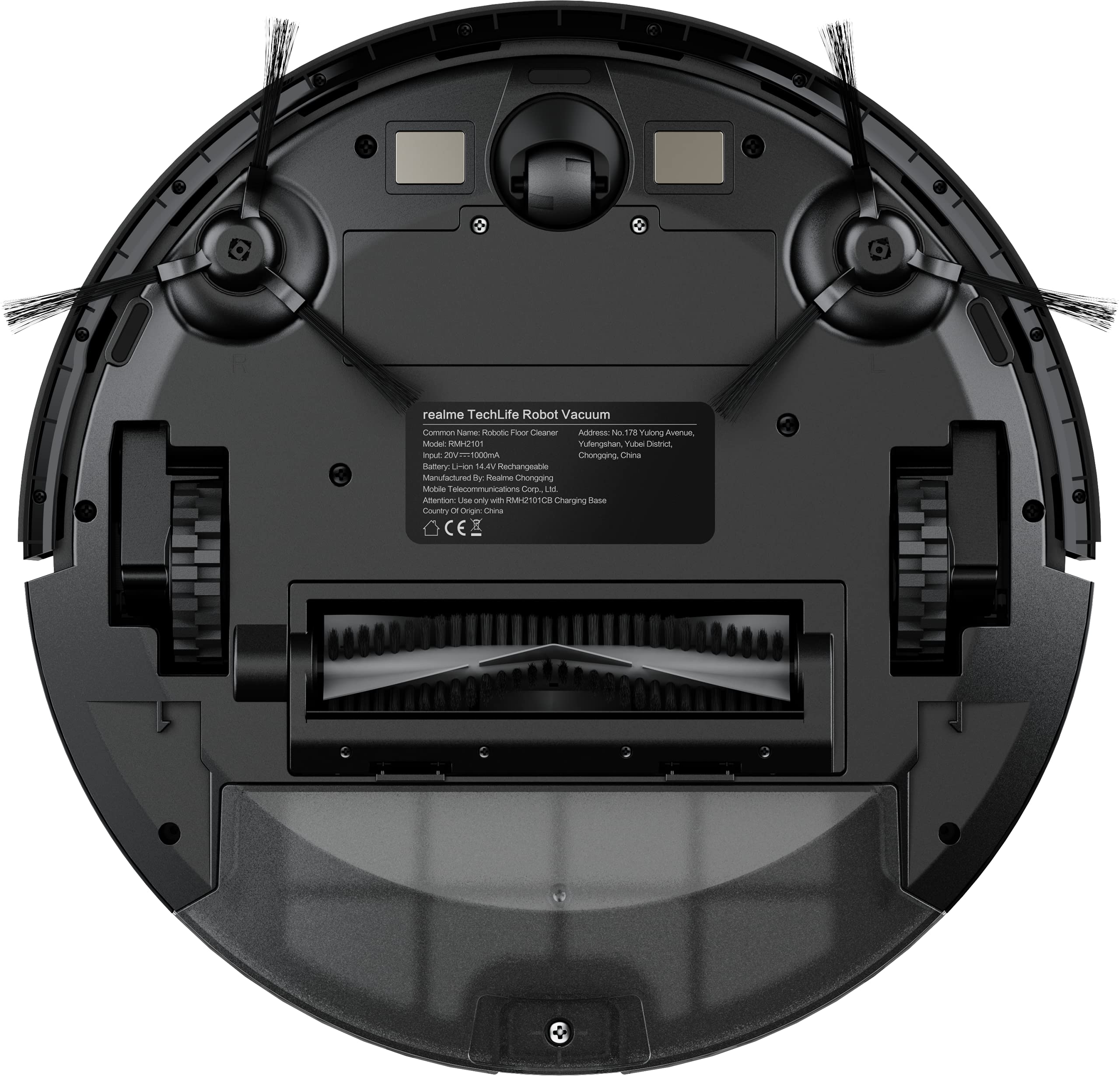
The underside of the robot vacuum, displaying the main brush, side brushes, and wheels.
The bottom of the robot includes the main rolling brush, two side brushes for edge cleaning, driving wheels, and cliff sensors to prevent falls.
ຕັ້ງຄ່າ
1. Charging Dock Placement
Place the charging dock against a wall on a hard, level surface. Ensure there are no obstacles within 1 meter (3 feet) in front of the dock and 0.5 meters (1.5 feet) on either side to allow the robot to easily dock and undock.
2. ການສາກໄຟເບື້ອງຕົ້ນ
Connect the power adapter to the charging dock and plug it into a wall outlet. Place the robot onto the charging dock. The robot will automatically begin charging. For first-time use, ensure the robot is fully charged (approximately 6 hours) before its initial cleaning cycle. The 5200mAh battery provides up to 300 minutes of cleaning time on a full charge.
3. App Connection (realme Link App)
- ດາວນ໌ໂຫລດ realme Link app ຈາກຮ້ານ app ຂອງໂທລະສັບສະຫຼາດຂອງທ່ານ.
- ສ້າງບັນຊີຫຼືເຂົ້າສູ່ລະບົບ.
- Follow the in-app instructions to add your realme Techlife Robot Vacuum Cleaner. This typically involves turning on the robot, resetting its Wi-Fi, and connecting to your home Wi-Fi network.
- ເມື່ອເຊື່ອມຕໍ່ແລ້ວ, ທ່ານສາມາດຄວບຄຸມຫຸ່ນຍົນ, view cleaning maps, set schedules, and adjust cleaning modes remotely.
ຄໍາແນະນໍາການດໍາເນີນງານ
1. ການເລີ່ມຕົ້ນຮອບວຽນທໍາຄວາມສະອາດ
Press the power button on the robot or use the realme Link app to start a cleaning cycle. The robot will use its advanced LiDAR navigation technology to map your home and plan an efficient cleaning path.
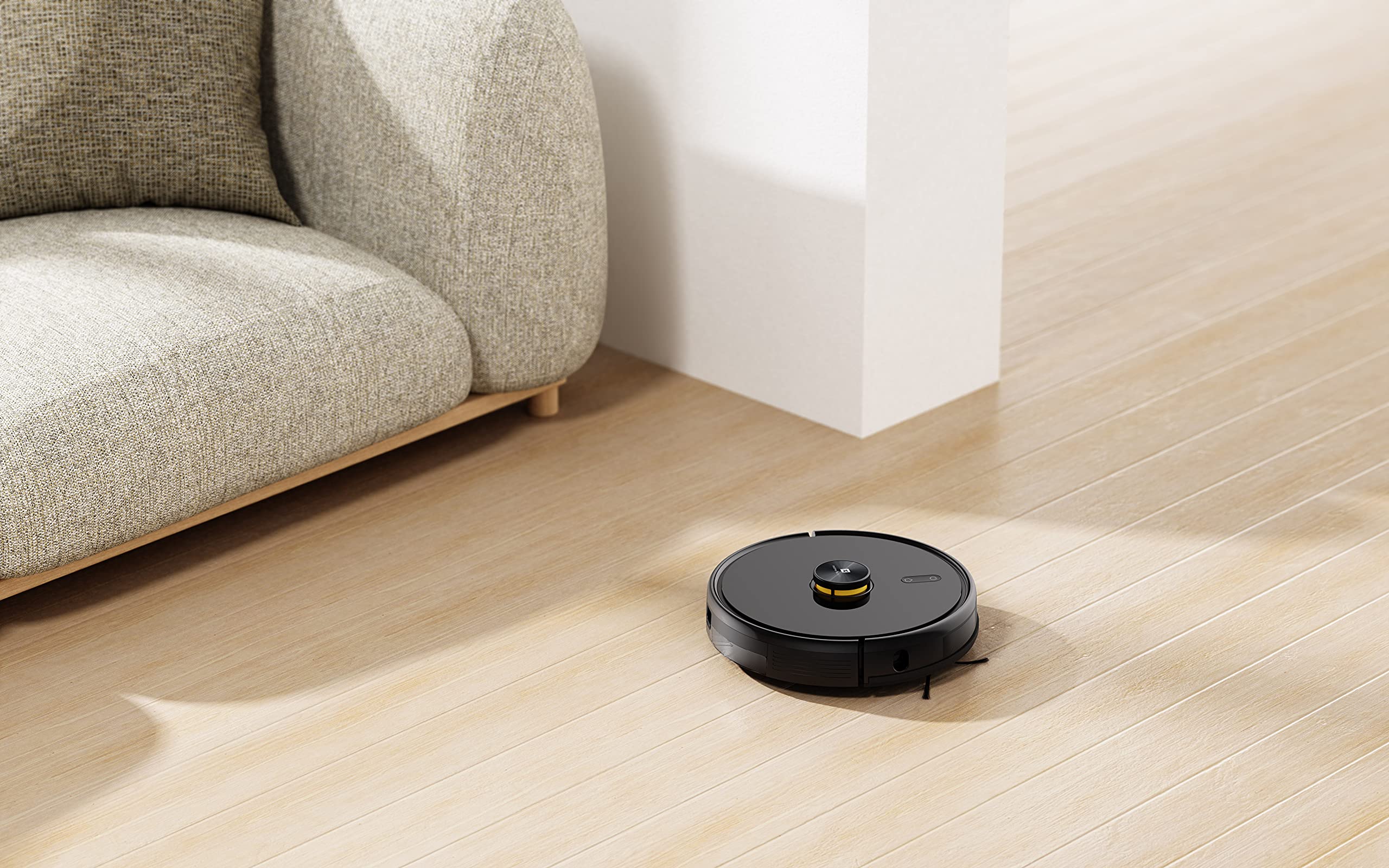
The robot vacuum actively cleaning a hard floor surface in a modern living space.
2. ຮູບແບບການທໍາຄວາມສະອາດ
The robot offers 4 cleaning modes, which can be selected via the app or remote control:
- ເຮັດຄວາມສະອາດອັດຕະໂນມັດ: ຫຸ່ນຍົນທຳຄວາມສະອາດພື້ນທີ່ທັງໝົດຢ່າງສະຫຼາດ.
- ສະອາດຈຸດ: ເຮັດຄວາມສະອາດພື້ນທີ່ສະເພາະຫຼາຍຂື້ນ.
- Edge Clean: ສຸມໃສ່ການທໍາຄວາມສະອາດຕາມຝາແລະແຄມເຟີນີເຈີ.
- ການທຳຄວາມສະອາດຕາມກຳນົດເວລາ: ກໍານົດເວລາສະເພາະສໍາລັບຫຸ່ນຍົນທີ່ຈະທໍາຄວາມສະອາດອັດຕະໂນມັດ.
The 3000Pa strong suction power ensures effective removal of dust and debris across various floor types.
3. ໜ້າທີ່ຖູພື້ນ
To use the mopping function, fill the intelligent water tank with clean water and attach it to the robot. The robot features 4 water output modes, allowing you to adjust water flow based on floor surface and cleaning requirements. The Y-shape cleaning path is specifically designed for effective mopping.
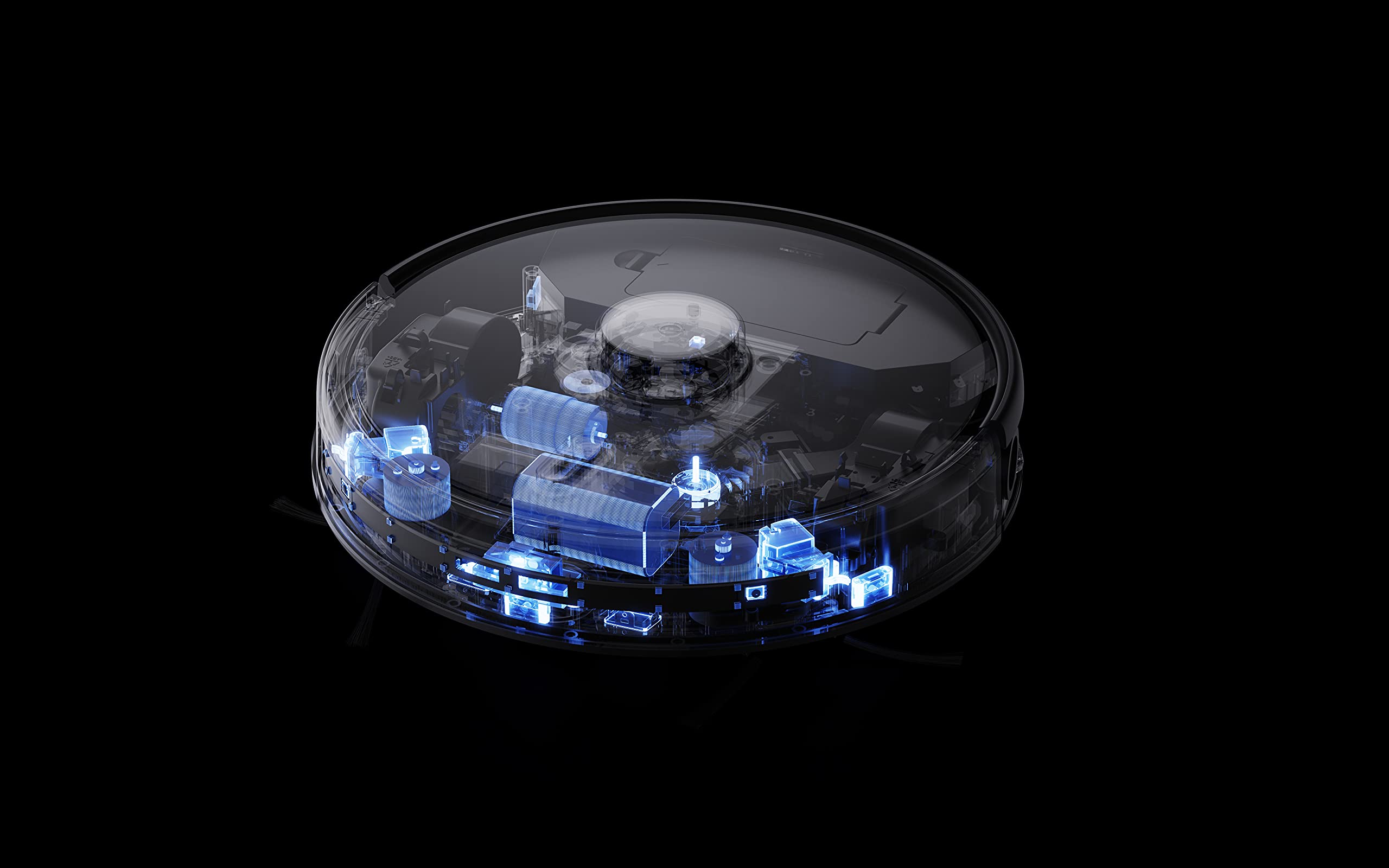
The robot vacuum performing its mopping function on a hard floor, demonstrating its 2-in-1 capability.
4. ຄຸນສົມບັດອັດສະລິຍະ
- realme Link App Control: Control cleaning force, schedule tasks, and monitor progress in real-time.
- ການສ້າງແຜນທີ່ຫຼາຍຊັ້ນ: The robot can build and memorize maps for multiple floors, improving cleaning efficiency.
- ຄວາມເຂົ້າກັນໄດ້ຂອງຜູ້ຊ່ວຍສຽງ: Supports Google Assistant and Alexa for convenient voice control.
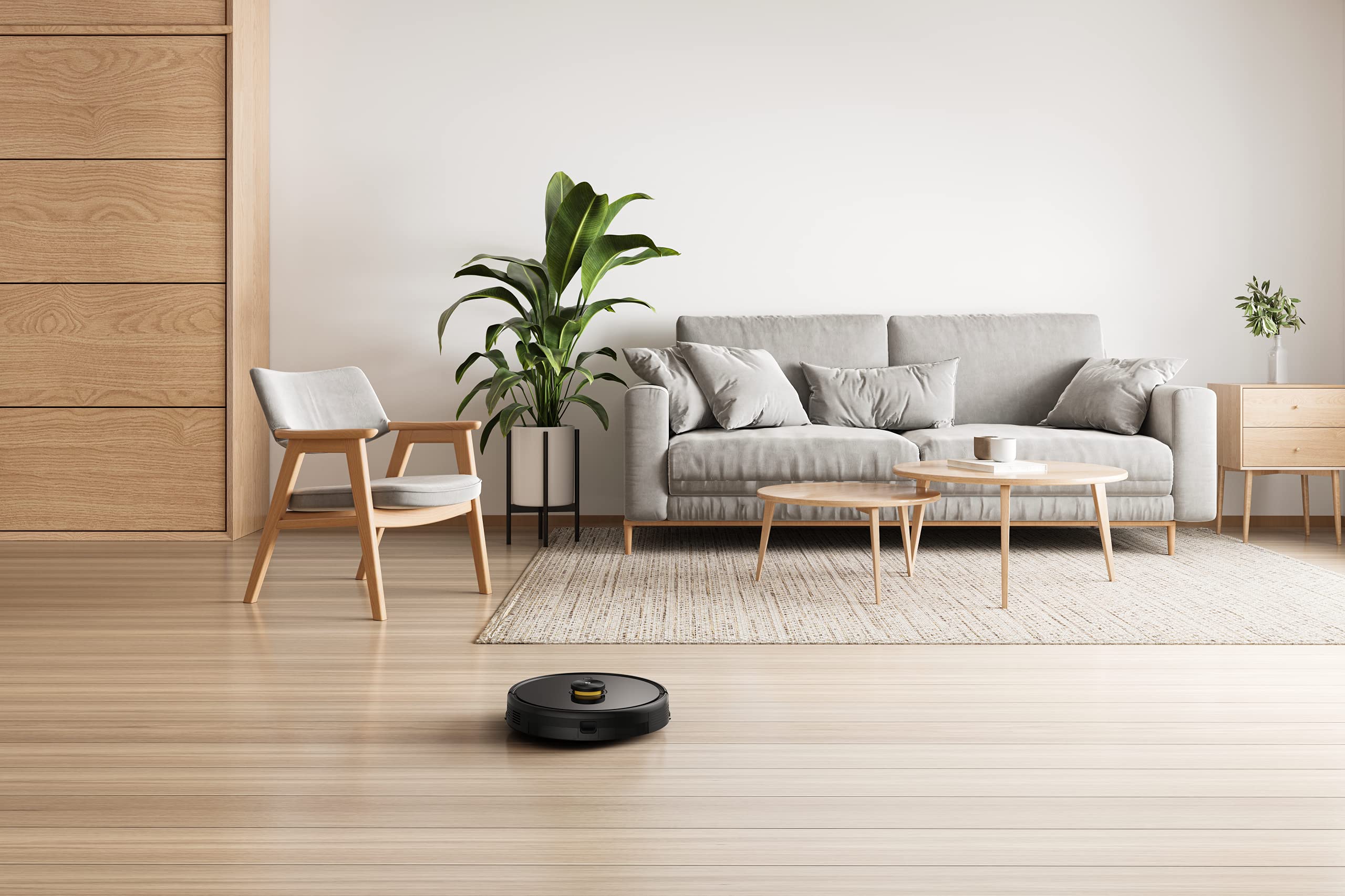
The robot vacuum navigating and cleaning under furniture, highlighting its low-profile ການອອກແບບ.
ບໍາລຸງຮັກສາ
Regular maintenance ensures the longevity and optimal performance of your robot vacuum cleaner.
1. ການຖິ້ມຂີ້ຝຸ່ນອອກຈາກກ່ອງ
Open the top cover of the robot and remove the dust box. Empty its contents into a trash bin. Clean the filter regularly by tapping it gently to remove dust. Rinse the dust box with water if necessary, ensuring it is completely dry before reinserting.
2. ການເຮັດຄວາມສະອາດແປງຫຼັກ
Remove the main brush cover and lift out the main brush. Use the provided cleaning tool to cut and remove any tangled hair or debris. Reinstall the main brush and cover.
3. ເຮັດຄວາມສະອາດແປງຖູຂ້າງ
Periodically check the side brushes for wear or entanglement. Remove any hair or debris. If brushes are damaged, replace them with new ones.
4. ການອະນາໄມຖັງນໍ້າ ແລະຜ້າເຊັດໜ້າ
After each mopping session, empty any remaining water from the tank. Remove and clean the mopping pad. Wash the mopping pad thoroughly and allow it to air dry completely before reuse.
5. ເຊັນເຊີທໍາຄວາມສະອາດແລະຕິດຕໍ່ພົວພັນການສາກໄຟ
Wipe the cliff sensors, wall sensors, and charging contacts on both the robot and the charging dock with a clean, dry cloth to ensure proper function.
ການແກ້ໄຂບັນຫາ
ຖ້າທ່ານພົບບັນຫາກັບເຄື່ອງດູດຝຸ່ນຫຸ່ນຍົນຂອງທ່ານ, ໃຫ້ອ້າງອີງເຖິງວິທີແກ້ໄຂທົ່ວໄປຕໍ່ໄປນີ້:
- ຫຸ່ນຍົນບໍ່ສາກໄຟ: ໃຫ້ແນ່ໃຈວ່າບ່ອນສາກໄຟເປີດຢູ່ ແລະ ຕິດຕໍ່ພົວພັນການສາກໄຟຂອງຫຸ່ນຍົນແມ່ນສະອາດ ແລະສອດຄ່ອງກັນກັບບ່ອນສາກ.
- Robot stuck or navigating erratically: Clear any obstacles, loose cables, or rugs that may be impeding movement. Clean the sensors.
- ການດູດຊຶມບໍ່ດີ: Empty the dust box, clean the filter, and check the main brush for blockages.
- Mopping not working: Ensure the water tank is filled, properly installed, and the mopping pad is attached. Check water output settings in the app.
- ບັນຫາການເຊື່ອມຕໍ່ແອັບ: Ensure your robot and smartphone are connected to the same 2.4GHz Wi-Fi network. Restart the robot and your router if necessary.
- ສິ່ງລົບກວນຜິດປົກກະຕິ: ກວດສອບແປງຫຼັກ, ແປງຂ້າງ, ແລະ ລໍ້ວ່າມີວັດຖຸແປກປອມ ຫຼື ເສດເຫຼືອໃດໆບໍ່.
For persistent issues, consult the realme Link app for further diagnostics or contact customer support.
ຂໍ້ມູນຈໍາເພາະ
| ຄຸນສົມບັດ | ຂໍ້ມູນຈໍາເພາະ |
|---|---|
| ຍີ່ຫໍ້ | realme |
| ຊື່ຕົວແບບ | 6941399050860 |
| ຄຸນນະສົມບັດພິເສດ | LiDAR Navigation, Smart |
| ສີ | ດຳ |
| ຂະໜາດສິນຄ້າ | 33L x 33W x 7H ຊັງຕີແມັດ |
| ຊີວິດຫມໍ້ໄຟ | 100 Minutes (Mopping), 300+ Minutes (Vacuuming) |
| ຄວາມອາດສາມາດຫມໍ້ໄຟ | 5200mAh |
| ພະລັງງານດູດ | 3000Pa |
| ຄວາມອາດສາມາດກ່ອງຝຸ່ນ | 0.3 ລິດ |
| ວິທີການຄວບຄຸມ | Remote, App (realme Link), Voice (Google Home, Alexa) |
| ລະດັບສຽງ | ຕ່ໍາສຸດ 55dB |
| ຜູ້ຜະລິດ | Realme |
ການຮັບປະກັນແລະການສະຫນັບສະຫນູນ
Your realme Techlife Robot 2-in-1 Vacuum Cleaner is covered by a limited warranty. Please refer to the warranty card included in your package for specific terms and conditions. For technical support, service, or inquiries, please visit the official realme support webເວັບໄຊ ຫຼືຕິດຕໍ່ສາຍດ່ວນບໍລິການລູກຄ້າຂອງເຂົາເຈົ້າ. ຮັກສາໃບຮັບເງິນການຊື້ຂອງທ່ານໄວ້ເປັນຫຼັກຖານການຊື້ສໍາລັບການຮ້ອງຂໍການຮັບປະກັນ.


