1. ຜະລິດຕະພັນເກີນview
The Ratakee Digital Alarm Clock Radio is designed to provide reliable timekeeping, dual alarm functionality, and AM/FM radio reception. It features a large LED display with adjustable brightness for comfortable viewing day and night. This manual provides detailed instructions for setting up and operating your device.

ຮູບພາບ: ທາງຫນ້າ view of the Ratakee Digital Alarm Clock Radio, displaying the time 12:00 in blue LED digits.
2. ຕັ້ງຄ່າ
2.1 ການເຊື່ອມຕໍ່ພະລັງງານ
To power the clock radio, plug the AC adapter into any standard 110V wall outlet. The display will illuminate, indicating the unit is receiving power.
2.2 ການຕິດຕັ້ງແບັດສຳຮອງ
For battery backup, insert two (2) AAA batteries (not included) into the battery compartment located on the bottom of the unit. These batteries will preserve your time and alarm settings during a power outage, ແຕ່ຈະບໍ່ໃຫ້ພະລັງງານແກ່ຈໍສະແດງຜົນ ຫຼື ໜ້າທີ່ເຕືອນໄພ.
2.3 ການຕັ້ງເວລາເບື້ອງຕົ້ນ
Upon first power-up or after a prolonged power interruption without battery backup, the display may show a default time. Refer to the 'Setting Time' section under 'Operating' for instructions on how to set the current time.
3. ຄໍາແນະນໍາການດໍາເນີນງານ
3.1 ການຕັ້ງເວລາ
- ກົດຄ້າງໄວ້ ເວລາ ກຳ ນົດ ກົດປຸ່ມຈົນກ່ວາຕົວເລກຊົ່ວໂມງເລີ່ມກະພິບ.
- ໃຊ້ ຊົ່ວໂມງ ແລະ ນາທີ ປຸ່ມເພື່ອປັບເວລາ.
- ກົດ ເວລາ ກຳ ນົດ ອີກເທື່ອໜຶ່ງເພື່ອຢືນຢັນ ແລະອອກຈາກໂໝດການຕັ້ງຄ່າເວລາ.
3.2 ຄວາມສະຫວ່າງຂອງໜ້າຈໍ (ດິມເມີ)
The clock features a 1.6-inch LED display with adjustable brightness. To adjust the display brightness:
- ກົດ ດີນ button repeatedly to cycle through the 4 available brightness levels. Select the level most comfortable for your environment.

Image: Comparison of the clock display at high and low brightness settings, demonstrating the dimmer function.
3.3 ການຕັ້ງສັນຍານເຕືອນ (ສັນຍານເຕືອນຄູ່)
This clock supports two independent alarms (Alarm 1 and Alarm 2). Each alarm can be set to a beep sound or a radio station.
- ກົດຄ້າງໄວ້ ໂມງປຸກ 1 or ໂມງປຸກ 2 ກົດປຸ່ມຈົນກ່ວາຕົວເລກຊົ່ວໂມງປຸກກະພິບ.
- ໃຊ້ ຊົ່ວໂມງ ແລະ ນາທີ ປຸ່ມເພື່ອຕັ້ງເວລາປຸກທີ່ຕ້ອງການ.
- ກົດ ໂມງປຸກ 1 or ໂມງປຸກ 2 button again to select the alarm source (Beep or Radio). The corresponding icon will appear on the display.
- ກົດ ໂມງປຸກ 1 or ໂມງປຸກ 2 button a third time to confirm and activate the alarm.
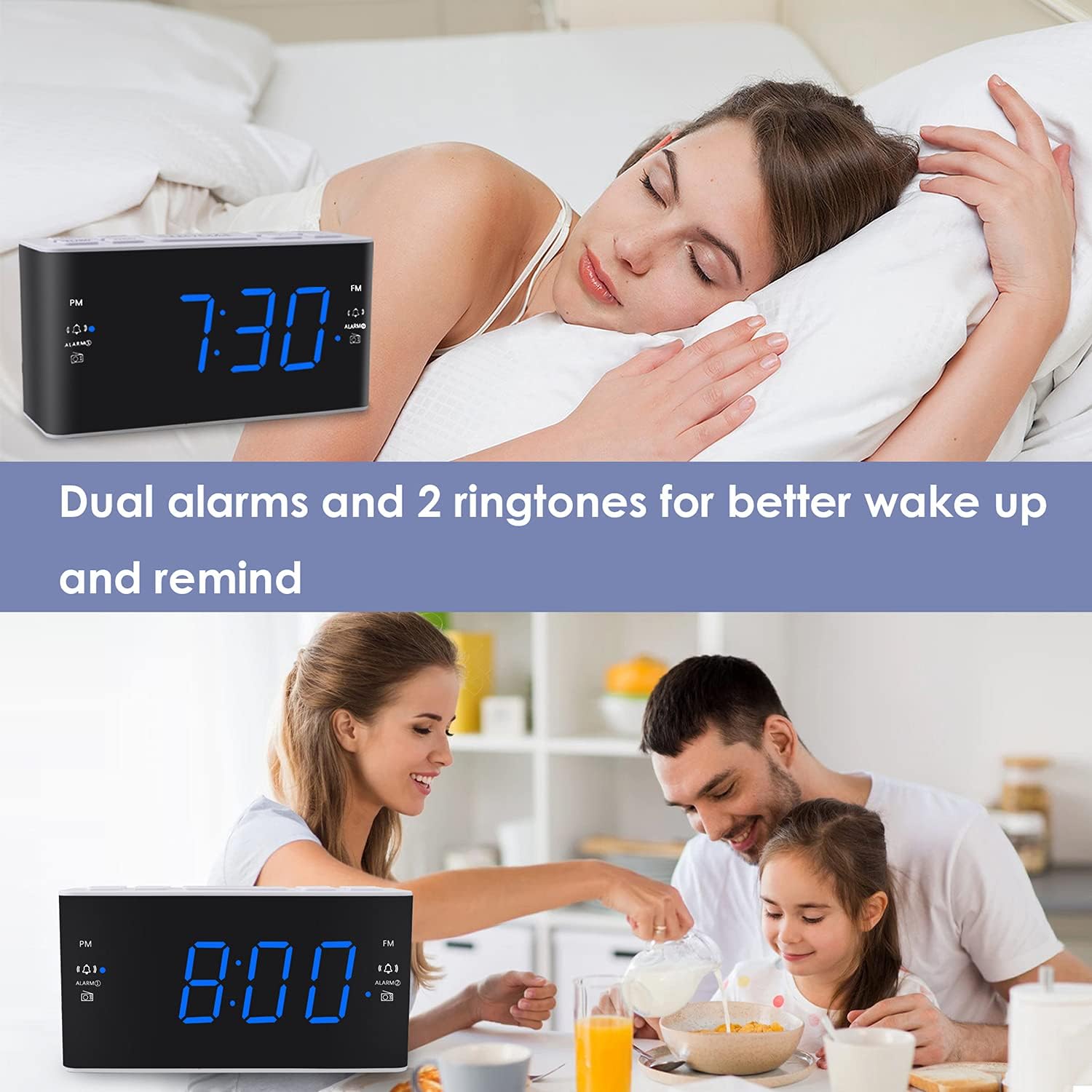
Image: Visual representation of the dual alarm feature, showing the clock used for different wake-up scenarios.
3.4 Snooze ຟັງຊັນ
ເມື່ອມີສຽງປຸກ, ໃຫ້ກົດໃຫຍ່ ງອກ button on top of the unit to temporarily silence the alarm for 9 minutes. The alarm will sound again after this period. You can repeat the snooze function up to 5 times.
To turn off the alarm completely for 24 hours, press any other button on the clock (e.g., Radio, Time Set, Alarm 1/2) while the alarm is sounding.
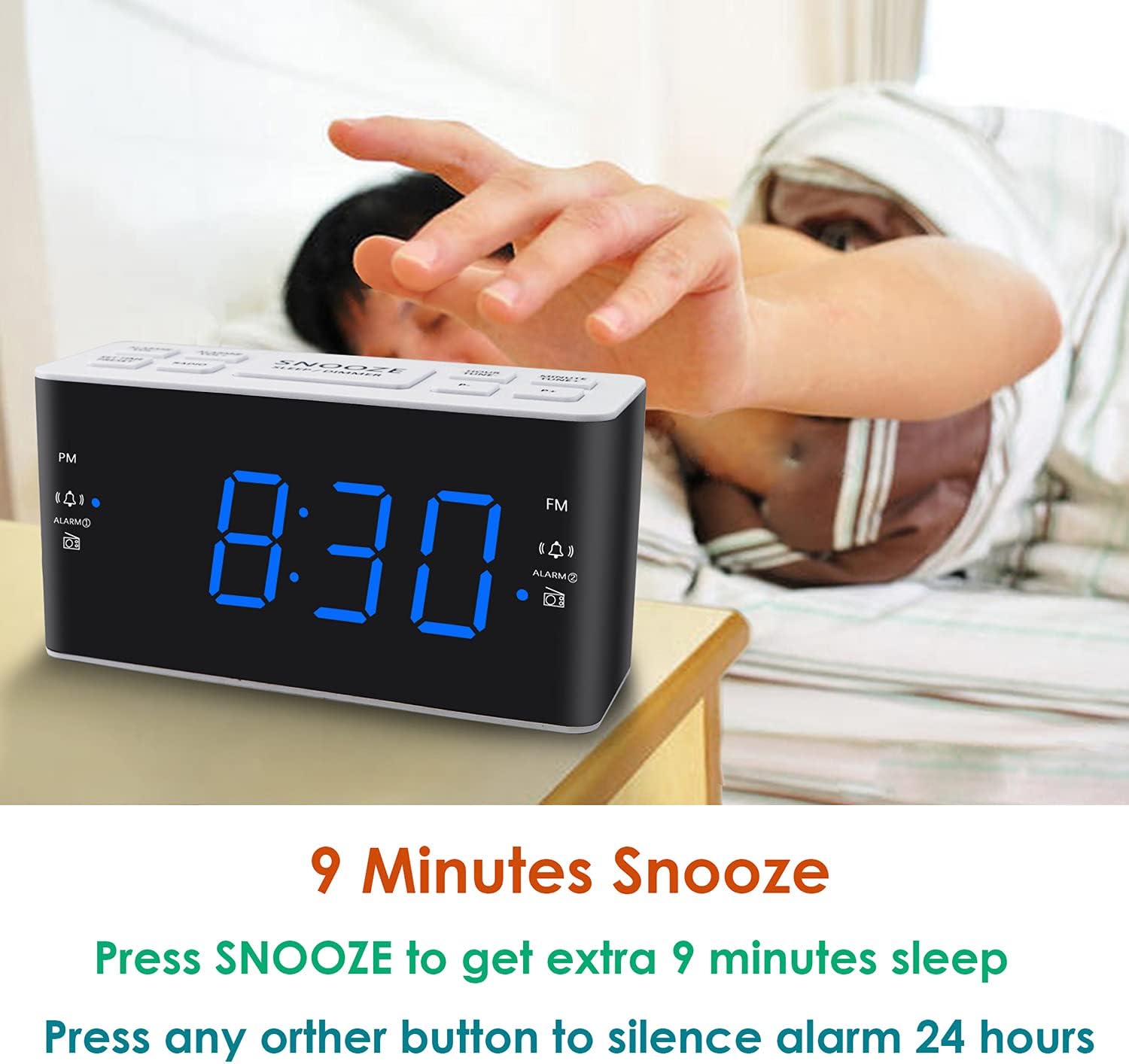
Image: Demonstrates the easy access and function of the snooze button for an additional 9 minutes of sleep.
3.5 AM/FM ປະຕິບັດການວິທະຍຸ
The clock radio features digital tuning for AM and FM bands.
- ກົດ ວິທະຍຸ ປຸ່ມເພື່ອເປີດຫຼືປິດວິທະຍຸ.
- ໃຊ້ TUNE+ ແລະ tune- ປຸ່ມເພື່ອປັບແຕ່ງຄວາມຖີ່ທີ່ຕ້ອງການດ້ວຍຕົນເອງ.
- ກົດຄ້າງໄວ້ TUNE+ or tune- ເພື່ອສະແກນອັດຕະໂນມັດສໍາລັບສະຖານີຕໍ່ໄປ.
- ປັບລະດັບສຽງໂດຍໃຊ້ VOL+ ແລະ VOL- buttons (0-15 levels).
3.6 Saving Radio Presets
You can save up to 20 AM stations and 20 FM stations for quick access.
- ປບັກັບສະຖານີວິທະຍຸທີ່ຕ້ອງການ.
- ກົດຄ້າງໄວ້ ຕັ້ງໄວ້ລ່ວງໜ້າ ກົດປຸ່ມຈົນກ່ວາຕົວເລກທີ່ກໍານົດໄວ້ກ່ອນກະພິບ.
- ໃຊ້ TUNE+ or tune- ເພື່ອເລືອກໝາຍເລກທີ່ຕັ້ງໄວ້ລ່ວງໜ້າທີ່ຕ້ອງການ (P01-P20).
- ກົດ ຕັ້ງໄວ້ລ່ວງໜ້າ ອີກຄັ້ງເພື່ອຢືນຢັນ ແລະ ບັນທຶກສະຖານີ.
ເພື່ອເອີ້ນຄືນຄ່າທີ່ກໍານົດໄວ້ລ່ວງໜ້າທີ່ບັນທຶກໄວ້, ໃຫ້ກົດປຸ່ມສັ້ນໆ ຕັ້ງໄວ້ລ່ວງໜ້າ ກົດປຸ່ມຊ້ຳໆເພື່ອໝຸນວຽນຜ່ານສະຖານີທີ່ບັນທຶກໄວ້ຂອງທ່ານ.
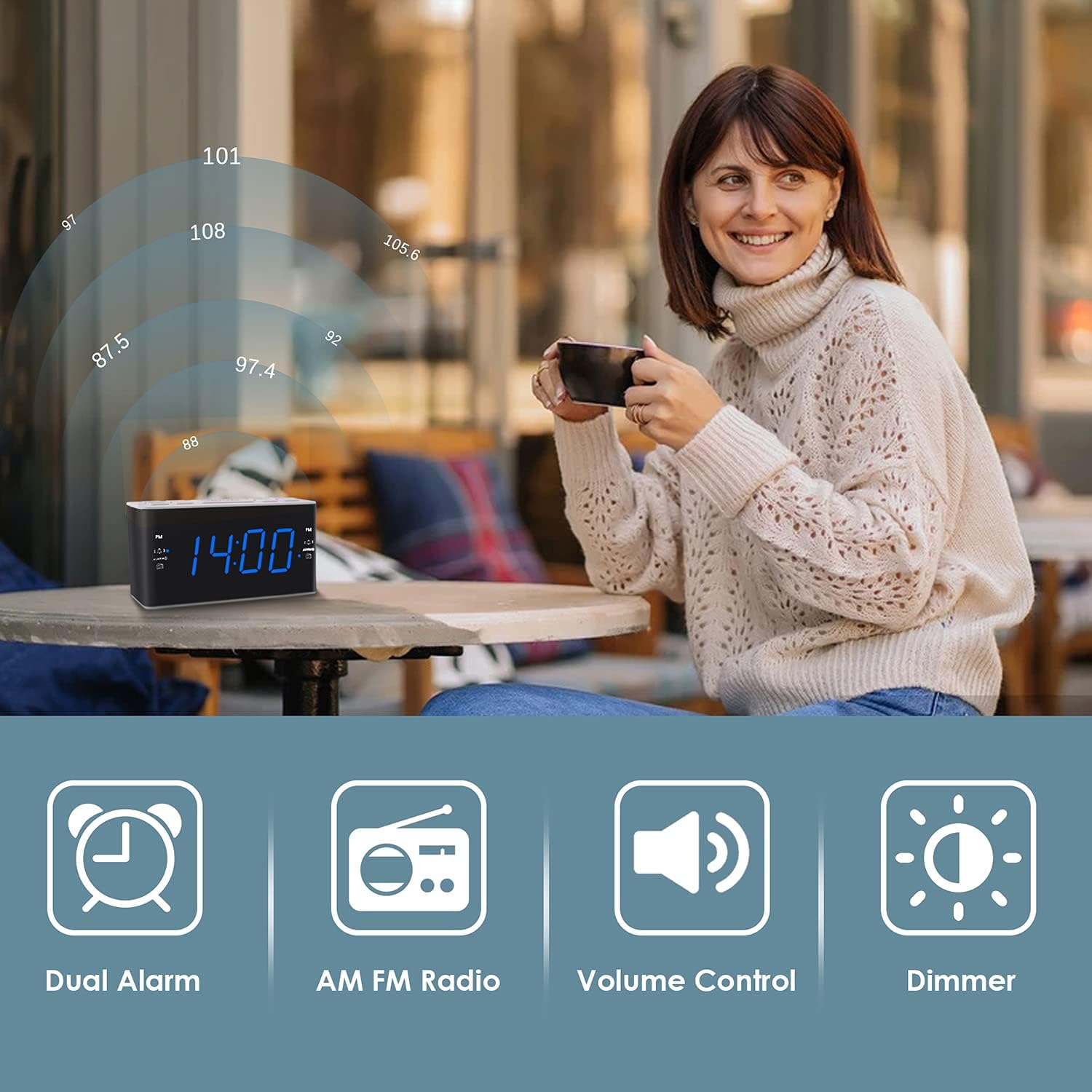
Image: Illustrates the various features of the clock radio, including AM/FM radio functionality.
3.7 ຈັບເວລານອນ
ເຄື່ອງຈັບເວລານອນອະນຸຍາດໃຫ້ທ່ານນອນຫຼັບກັບວິທະຍຸ, ເຊິ່ງຈະປິດອັດຕະໂນມັດຫຼັງຈາກໄລຍະເວລາທີ່ກໍານົດໄວ້.
- ໃນຂະນະທີ່ວິທະຍຸກຳລັງຫຼິ້ນຢູ່, ກົດປຸ່ມ ນອນ button repeatedly to cycle through the available sleep timer durations (10-90 minutes).
- ວິທະຍຸຈະຫຼິ້ນເປັນໄລຍະເວລາທີ່ເລືອກ ແລະຈາກນັ້ນປິດອັດຕະໂນມັດ.
4. ບໍາລຸງຮັກສາ
4.1 ການທໍາຄວາມສະອາດ
To clean the clock radio, gently wipe the surface with a soft, dry cloth. Do not use abrasive cleaners, waxes, or solvents as they may damage the finish. Ensure the unit is unplugged before cleaning.
4.2 ການທົດແທນຫມໍ້ໄຟ
ຖ້າໂມງເສຍເວລາ ຫຼືການຕັ້ງຄ່າໂມງປຸກໃນລະຫວ່າງການເປີດເຄື່ອງtage, the AAA backup batteries may need replacement. Replace both batteries simultaneously with new ones, ensuring correct polarity.
5. ການແກ້ໄຂບັນຫາ
If you encounter issues with your Ratakee Digital Alarm Clock Radio, please refer to the following common solutions:
- ບໍ່ມີພະລັງງານ / ຈໍສະແດງຜົນປິດ: Ensure the AC adapter is securely plugged into both the clock and a working wall outlet. Check if the outlet has power.
- ໂມງປຸກບໍ່ມີສຽງ: Verify that the alarm is activated (alarm icon visible on display) and the alarm time is correctly set. Check the alarm volume level.
- Radio Static/Poor Reception: Extend the FM wire antenna fully for better reception. Try repositioning the clock radio to a different location to improve signal strength. For AM reception, rotate the unit to find the best signal.
- Time/Settings Lost After Power Outage: Ensure fresh AAA batteries are installed correctly in the battery backup compartment.
ຖ້າບັນຫາຍັງຄົງຢູ່ຫຼັງຈາກພະຍາຍາມແກ້ໄຂເຫຼົ່ານີ້, ກະລຸນາຕິດຕໍ່ຝ່າຍຊ່ວຍເຫຼືອລູກຄ້າເພື່ອຂໍຄວາມຊ່ວຍເຫຼືອເພີ່ມເຕີມ.
6. ຂໍ້ມູນຈໍາເພາະ
| ຍີ່ຫໍ້ | ລັດຕະກຳ |
| ໝາຍເລກຕົວແບບ | H249US |
| ສີ | ສີຟ້າ LED |
| ຂະໜາດສິນຄ້າ | 15.49 x 7.87 x 5.59 cm |
| ນ້ໍາຫນັກລາຍການ | 350 g |
| ວັດສະດຸ | ພາດສະຕິກ |
| ປະເພດການສະແດງ | LED |
| ແຫຼ່ງພະລັງງານ | AC Powered (110V) |
| ແບັດເຕີຣີສຳຮອງ | 2 x ຫມໍ້ໄຟ AAA (ບໍ່ລວມ) |
| ຊ່ວງຄວາມຖີ່ FM | 87.5-108 MHz |
| ຊ່ວງຄວາມຖີ່ຂອງ AM | 520-1710 KHz |
| ຄຸນນະສົມບັດພິເສດ | Alarm, Brightness Dimmer, Radio |

Image: Product dimensions of the Ratakee Digital Alarm Clock Radio.
7. ການຮັບປະກັນແລະການສະຫນັບສະຫນູນ
Ratakee is committed to providing quality products and customer satisfaction. If you have any questions regarding the operation, setup, or performance of your alarm clock radio, please do not hesitate to contact our customer support team.
In the event that the product is deemed defective, you may be eligible for a hassle-free replacement or refund. For specific inquiries or to report an issue, please reach out to us directly. We are dedicated to assisting you and ensuring a positive experience with your Ratakee product.
