1. ບົດແນະນຳ
Thank you for choosing the AUNA CDC 200 Portable DAB+/FM CD Player. This device combines the versatility of a portable CD player with the advanced capabilities of DAB+ and FM radio. Designed for on-the-go listening, it features a rechargeable battery, an anti-skip function, and supports various audio formats. Please read this manual carefully to ensure proper use and maintenance of your device.

Image 1.1: AUNA CDC 200 Portable DAB+/FM CD Player. This image shows the compact design of the device.
2. ຄຸນລັກສະນະຂອງຜະລິດຕະພັນ
- DAB+ and FM Radio Tuner: Access a wide range of digital and analog radio stations.
- ການຫຼິ້ນ CD: Supports CD, CD-R, CD-RW, and MP3-CD formats.
- ການອອກແບບແບບພົກພາ: ຂະໜາດກະທັດຮັດ ແລະ ນ້ຳໜັກເບົາເພື່ອຄວາມສະດວກໃນການຂົນສົ່ງ.
- ແບັດເຕີຣີທີ່ສາມາດສາກໄດ້: Integrated 1000 mAh battery for extended mobile use.
- ຈໍສະແດງຜົນ LC: Clear Liquid Crystal display for track information and radio station details.
- Anti-Skip Function: Ensures stable audio playback during movement.
- Boass Boost: Enhances low-frequency audio for a richer sound experience.
- ພອດ Micro USB: ສໍາລັບການສາກໄຟອຸປະກອນ.
- Jack ຫູຟັງ 3.5 ມມ: ສໍາລັບການຟັງສ່ວນຕົວ.
3. ເນື້ອໃນຊຸດ
ກະລຸນາກວດເບິ່ງຊຸດສຳລັບລາຍການຕໍ່ໄປນີ້:
- AUNA CDC 200 Portable DAB+/FM CD Player
- ຫູຟັງໃນຫູ
- ສາຍສາກ Micro USB
- ຄູ່ມືຜູ້ໃຊ້ (ເອກະສານນີ້)
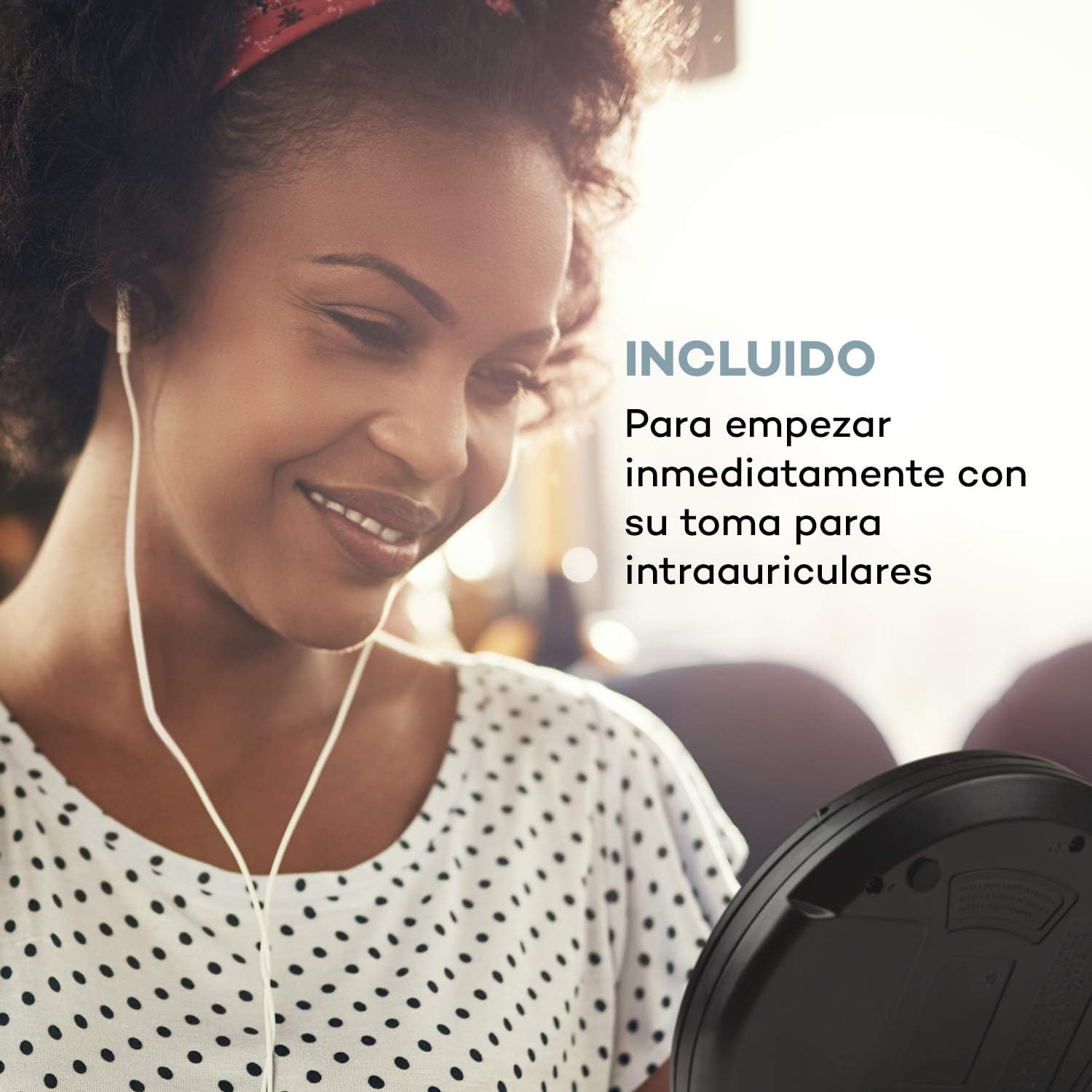
Image 3.1: The AUNA CDC 200 includes a pair of in-ear headphones for immediate use.
4. ການຄວບຄຸມແລະການເຊື່ອມຕໍ່
Familiarize yourself with the buttons and ports on your AUNA CDC 200:
- ປຸ່ມປິດ/ເປີດ: ເປີດ ຫຼື ປິດອຸປະກອນ.
- Play/Pause Button (►/−): ເລີ່ມ ຫຼືຢຸດການຫຼິ້ນ CD.
- ປຸ່ມຢຸດ (■): ຢຸດການຫຼິ້ນ CD.
- Skip/Search Buttons (◀◀ / ►►): Skips tracks or fast forwards/rewinds during CD playback. In radio mode, tunes to the next/previous station.
- ປຸ່ມເມນູ: ເຂົ້າເຖິງຕົວເລືອກເມນູ.
- P-MODE Button: Selects playback modes (e.g., repeat, random).
- ປຸ່ມແຫຼ່ງທີ່ມາ: Switches between CD and Radio modes.
- ປຸ່ມສະແກນ: Initiates station scanning in radio mode.
- ປຸ່ມຂໍ້ມູນ: Displays additional information (e.g., radio station details).
- ປຸ່ມ ENTER: ຢືນຢັນການເລືອກໃນເມນູ.
- TU+/TU- Buttons: Adjusts tuning in radio mode or navigates menu options.
- ພອດ Micro USB: ສໍາລັບການເຊື່ອມຕໍ່ສາຍສາກໄຟ.
- Jack ຫູຟັງ 3.5 ມມ: ສໍາລັບການເຊື່ອມຕໍ່ຫູຟັງ.

ຮູບພາບ 4.1: ຫຼາຍກວ່າview of the AUNA CDC 200's top panel with control buttons and LC display.
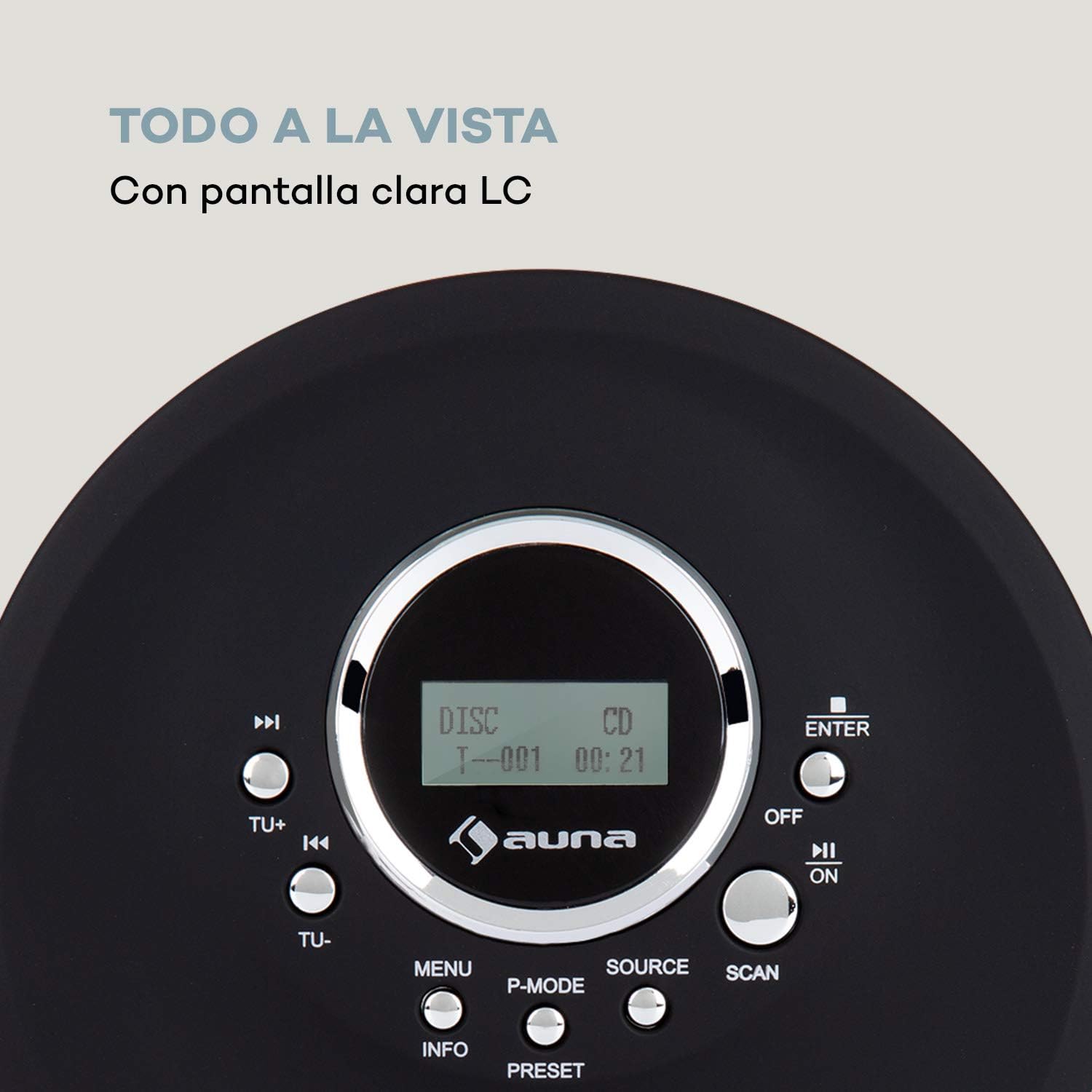
Image 4.2: The clear LC display shows track information and operating status.
5. ຕັ້ງຄ່າ
5.1 ການສາກແບັດເຕີຣີ
Before first use, fully charge the integrated 1000 mAh battery. Connect the supplied Micro USB cable to the device's Micro USB port and the other end to a USB power source (e.g., a computer USB port, a USB wall adapter, or a power bank). The charging indicator will illuminate during charging and turn off when fully charged.
Image 5.1: The AUNA CDC 200 can be charged via Micro USB from various power sources.
5.2 ການເຊື່ອມຕໍ່ຫູຟັງ
Insert the 3.5mm jack of your headphones into the headphone port on the side of the device. Ensure the connection is secure for optimal audio output.
5.3 ການໃສ່ແຜ່ນຊີດີ
- Slide the OPEN switch to open the CD compartment lid.
- Carefully place a CD (audio CD, CD-R, CD-RW, or MP3-CD) onto the spindle with the label side facing up.
- ຄ່ອຍໆກົດແຜ່ນ CD ຈົນກວ່າມັນຈະເຂົ້າທີ່.
- ປິດຝາປິດຊ່ອງໃສ່ຊີດີໃຫ້ແໜ້ນຈົນກວ່າມັນຈະລັອກ.

Image 5.2: The CD compartment supports various disc formats including CD, CD-R, CD-RW, and MP3-CD.
6. ຄໍາແນະນໍາການດໍາເນີນງານ
6.1 ການເປີດ/ປິດ
ເລື່ອນໄດ້ ປິດ/ເປີດ switch to the 'ON' position to power on the device. Slide it to 'OFF' to power off.
6.2 ການຫຼິ້ນ CD
- Ensure a CD is inserted and the device is powered on.
- ກົດ ແຫຼ່ງຂໍ້ມູນ ເພື່ອເລືອກໂໝດ CD. ໜ້າຈໍຈະສະແດງ 'CD'.
- ກົດ ຫຼິ້ນ/ຢຸດຊົ່ວຄາວ (►/−) button to start playback. The track number and elapsed time will be displayed.
- ກົດ ຫຼິ້ນ/ຢຸດຊົ່ວຄາວ (►/−) ອີກຄັ້ງເພື່ອຢຸດການຫຼິ້ນຊົ່ວຄາວ. ກົດມັນອີກຄັ້ງເພື່ອສືບຕໍ່.
- ກົດ Skip/Search (►►) to skip to the next track. Press Skip/Search (◀◀) ເພື່ອໄປຫາຈຸດເລີ່ມຕົ້ນຂອງແທຣັກປະຈຸບັນ ຫຼື ແທຣັກກ່ອນໜ້ານີ້.
- ກົດຄ້າງໄວ້ Skip/Search (►►) or (◀◀) ເພື່ອໄວໄປໜ້າ ຫຼື ຖອຍຫຼັງຜ່ານແທຣັກປະຈຸບັນ.
- ກົດ ຢຸດ (■) ປຸ່ມເພື່ອຢຸດການຫລີ້ນການຫລີ້ນ.
Anti-Skip Function
The AUNA CDC 200 features an integrated anti-skip function to prevent interruptions during playback, especially when the device is in motion. This function is automatically active during CD playback.
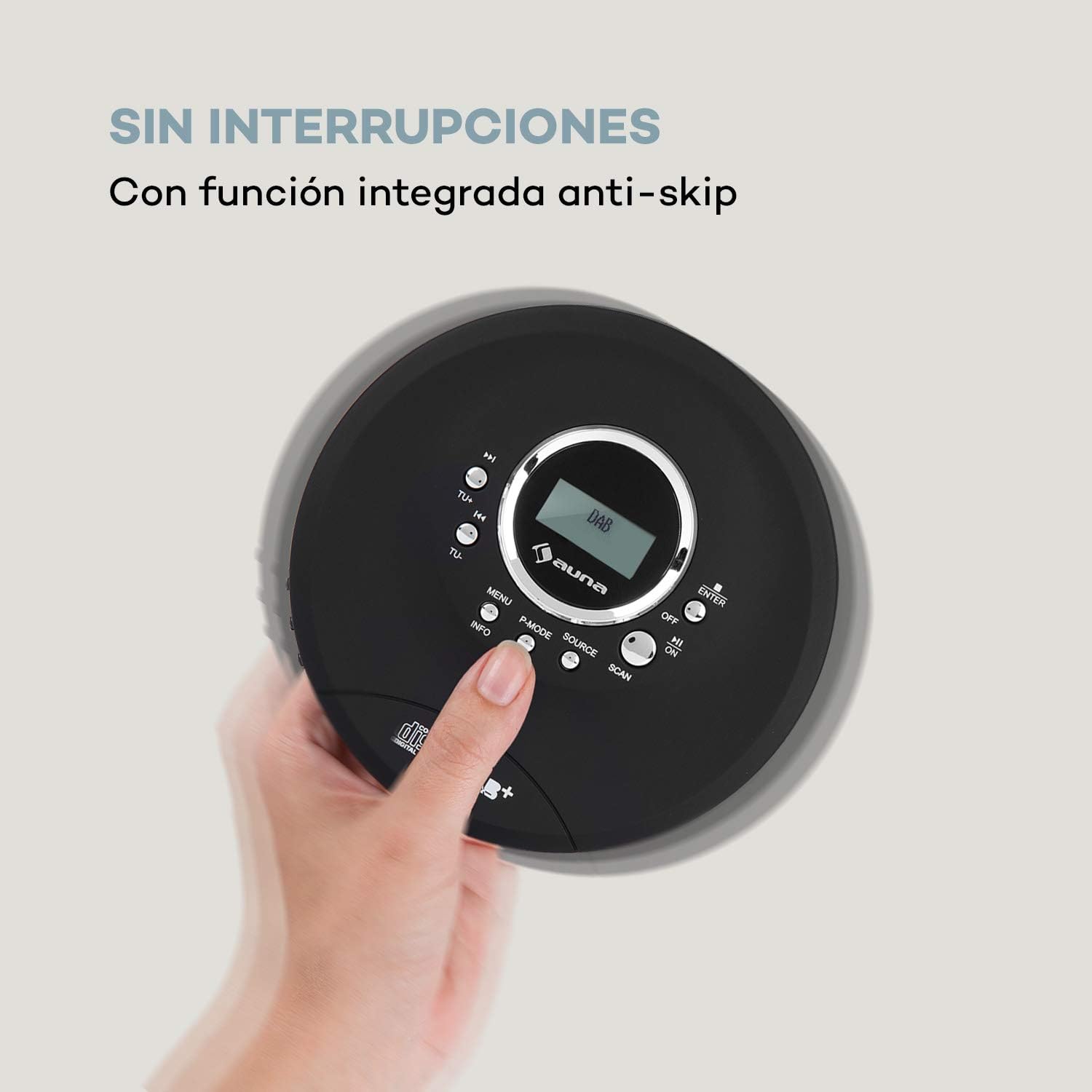
Image 6.1: The anti-skip function ensures uninterrupted audio playback.
Playback Modes (P-MODE)
ກົດ P-MODE button repeatedly to cycle through different playback modes such as Repeat One, Repeat All, Random, or Program Play (if available).
6.3 ການໃຊ້ງານວິທະຍຸ (DAB+/FM)
- ກົດ ແຫຼ່ງຂໍ້ມູນ button to select Radio mode. The display will show 'DAB' or 'FM'.
- ສະແກນອັດຕະໂນມັດ: ກົດ ສະແກນ button to automatically search for available DAB+ or FM stations. The device will store found stations.
- ຄູ່ມືການປບັຄູ່ມື: ໃຊ້ TU+ or TU- ປຸ່ມເພື່ອປັບແຕ່ງຄວາມຖີ່ສະເພາະໃດໜຶ່ງດ້ວຍຕົນເອງ.
- ເລືອກສະຖານີ: ຫຼັງຈາກສະແກນແລ້ວ, ໃຫ້ໃຊ້ Skip/Search (◀◀ / ►►) buttons to navigate through the stored stations.
- ການສະແດງຂໍ້ມູນ: ກົດ ຂໍ້ມູນ ປຸ່ມ view additional information about the current radio station (e.g., program type, signal strength).

Image 6.2: The AUNA CDC 200 features a DAB+ and FM radio tuner for diverse listening options.
6.4 ຟັງຊັນເພີ່ມສຽງເບສ
The AUNA CDC 200 includes a bass boost feature. To activate or deactivate it, refer to the device's menu options by pressing the ເມນູ button and navigating with TU+/TU- ແລະ ປ້ອນ.
7. ບໍາລຸງຮັກສາ
7.1 ການທໍາຄວາມສະອາດ
- ເຊັດດ້ານນອກຂອງອຸປະກອນດ້ວຍຜ້າອ່ອນແລະແຫ້ງ.
- ຢ່າໃຊ້ເຄື່ອງເຮັດຄວາມສະອາດຂັດ, ຂີ້ເຜີ້ງ, ຫຼືສານລະລາຍ.
- ເພື່ອເຮັດຄວາມສະອາດເລນຊີດີ, ໃຫ້ໃຊ້ຊຸດເຮັດຄວາມສະອາດເລນຊີດີພິເສດ. ຢ່າແຕະຕ້ອງເລນໂດຍກົງ.
7.2 ການດູແລຫມໍ້ໄຟ
- ຫຼີກລ້ຽງການປະຈຸຫມໍ້ໄຟຢ່າງເຕັມທີ່ເລື້ອຍໆ.
- ຖ້າອຸປະກອນຈະບໍ່ຖືກນໍາໃຊ້ເປັນເວລາດົນນານ, ໃຫ້ສາກໄຟມັນເປັນໄລຍະໆເພື່ອຮັກສາສຸຂະພາບຂອງແບັດເຕີຣີ.
- ຢ່າເຮັດໃຫ້ອຸປະກອນຢູ່ໃນອຸນຫະພູມທີ່ຮຸນແຮງ.
8. ການແກ້ໄຂບັນຫາ
If you encounter issues with your AUNA CDC 200, refer to the following table:
| ບັນຫາ | ສາເຫດທີ່ເປັນໄປໄດ້ | ການແກ້ໄຂ |
|---|---|---|
| ອຸປະກອນບໍ່ເປີດ. | Battery is discharged. Power switch is OFF. | Charge the battery. Slide the power switch to ON. |
| ບໍ່ມີສຽງຈາກຫູຟັງ. | Headphones not connected properly. Volume too low. Faulty headphones. | Ensure headphones are fully plugged in. Increase volume. Try different headphones. |
| CD ຂ້າມ ຫຼື ບໍ່ຫຼິ້ນ. | CD is dirty or scratched. CD inserted incorrectly. Device is subject to strong vibrations. | Clean or replace the CD. Reinsert the CD correctly. Ensure the anti-skip function is active and minimize movement. |
| ການຮັບວິທະຍຸທີ່ບໍ່ດີ. | ສັນຍານອ່ອນ. ແຊກແຊງ. | Relocate the device to an area with better reception. Avoid sources of electronic interference. |
9. ຂໍ້ມູນຈໍາເພາະ
- ຍີ່ຫໍ້:
- AUNA
- ໝາຍເລກຕົວແບບ:
- CDC 200 (Manufacturer Reference: MG3-90400-jfhg)
- Compatible Audio Formats:
- ຊີດີ, ຊີດີ-ອາ, ຊີດີ-ອາຣ-ວິນ, ເອັມພີ3-ຊີດີ
- ເຄື່ອງຮັບສັນຍານວິທະຍຸ:
- DAB+, FM
- ແຫຼ່ງພະລັງງານ:
- 1000 mAh Rechargeable Battery, Micro USB (Electric Cable)
- ການເຊື່ອມຕໍ່:
- USB (for charging), 3.5mm Headphone Jack
- ຈໍສະແດງຜົນ:
- ຈໍສະແດງຜົນ LC
- ອຸປະກອນທີ່ເຂົ້າກັນໄດ້:
- ຫູຟັງ
- ຮູບແບບ:
- ແບບພົກພາ
- ຕົວເລືອກສີ:
- ສີດໍາ, ສີແດງ
10. ຂໍ້ມູນຄວາມປອດໄພ
- ຢ່າເຮັດໃຫ້ອຸປະກອນຖືກຝົນ, ຄວາມຊຸ່ມຊື່ນ, ຫຼືອຸນຫະພູມທີ່ຮຸນແຮງ.
- ຫຼີກລ້ຽງການຫຼຸດລົງຫຼືການອຸປະກອນທີ່ມີຜົນກະທົບທີ່ເຂັ້ມແຂງ.
- ຢ່າພະຍາຍາມຖອດປະກອບ ຫຼືສ້ອມແປງອຸປະກອນດ້ວຍຕົນເອງ. ອ້າງອີງເຖິງພະນັກງານບໍລິການທີ່ມີຄຸນວຸດທິ.
- ຮັກສາອຸປະກອນໃຫ້ຫ່າງຈາກສະຫນາມແມ່ເຫຼັກທີ່ເຂັ້ມແຂງ.
- ຖິ້ມແບັດເຕີລີ ແລະອຸປະກອນຕາມລະບຽບການທ້ອງຖິ່ນ.
11. ການຮັບປະກັນແລະການສະຫນັບສະຫນູນ
For warranty information and technical support, please refer to the documentation provided with your purchase or visit the official AUNA webເວັບໄຊ. ຮັກສາຫຼັກຖານການຊື້ຂອງທ່ານສໍາລັບການຮຽກຮ້ອງການຮັບປະກັນໃດໆ.


