ແນະນຳ
The TYLT Medallion is a portable Qi-certified wireless charging pad designed to provide convenient and efficient power to your compatible devices. This manual provides essential information for the safe and optimal use of your charging pad.
ຂໍ້ມູນຄວາມປອດໄພ
- ຢ່າໃຫ້ອຸປະກອນຖືກອຸນຫະພູມສູງ ຫຼື ແສງແດດໂດຍກົງ ຫຼື ຄວາມຊຸ່ມ.
- ຫຼີກລ້ຽງການຫຼຸດລົງຫຼືການອຸປະກອນທີ່ມີຜົນກະທົບທີ່ເຂັ້ມແຂງ.
- ຫ້າມຖອດປະກອບ, ດັດແປງ ຫຼື ພະຍາຍາມສ້ອມແປງອຸປະກອນ. ການເຮັດແບບນີ້ຈະເຮັດໃຫ້ການຮັບປະກັນເປັນໂມຄະ.
- ຮັກສາໃຫ້ໄກຈາກເດັກນ້ອຍ.
- ຮັບປະກັນການລະບາຍອາກາດທີ່ເຫມາະສົມໃນລະຫວ່າງການໃຊ້ເພື່ອປ້ອງກັນຄວາມຮ້ອນເກີນ.
- Use only the provided or certified compatible USB-C cable and power source.
ເນື້ອໃນຊຸດ
ກວດສອບວ່າລາຍການທັງຫມົດແມ່ນມີຢູ່ໃນຊຸດຂອງທ່ານ:
- 1 x TYLT Medallion Qi-Certified Wireless Charging Pad
- 1 x 3.3ft ສາຍ USB Type-C
- 1 x ຄູ່ມືຜູ້ໃຊ້ (ເອກະສານນີ້)

ຮູບພາບ: ລຸ່ມ view of the TYLT Medallion charging pad, showing the integrated USB-C cable and product information.
ຕັ້ງຄ່າ
- ເຊື່ອມຕໍ່ແຜ່ນສາກໄຟ: Plug the integrated USB Type-C cable from the TYLT Medallion into a compatible power source. This can be a laptop's USB-C port, a power bank with a USB-C output, or a wall adapter (not included) with a USB-C port.
- ຄວາມຕ້ອງການແຫຼ່ງພະລັງງານ: For optimal fast charging, use a power source capable of delivering 5V/2A or 9V/1.8A.
- ການຈັດວາງ: Place the charging pad on a flat, stable surface, such as a countertop, desk, or bedside table.
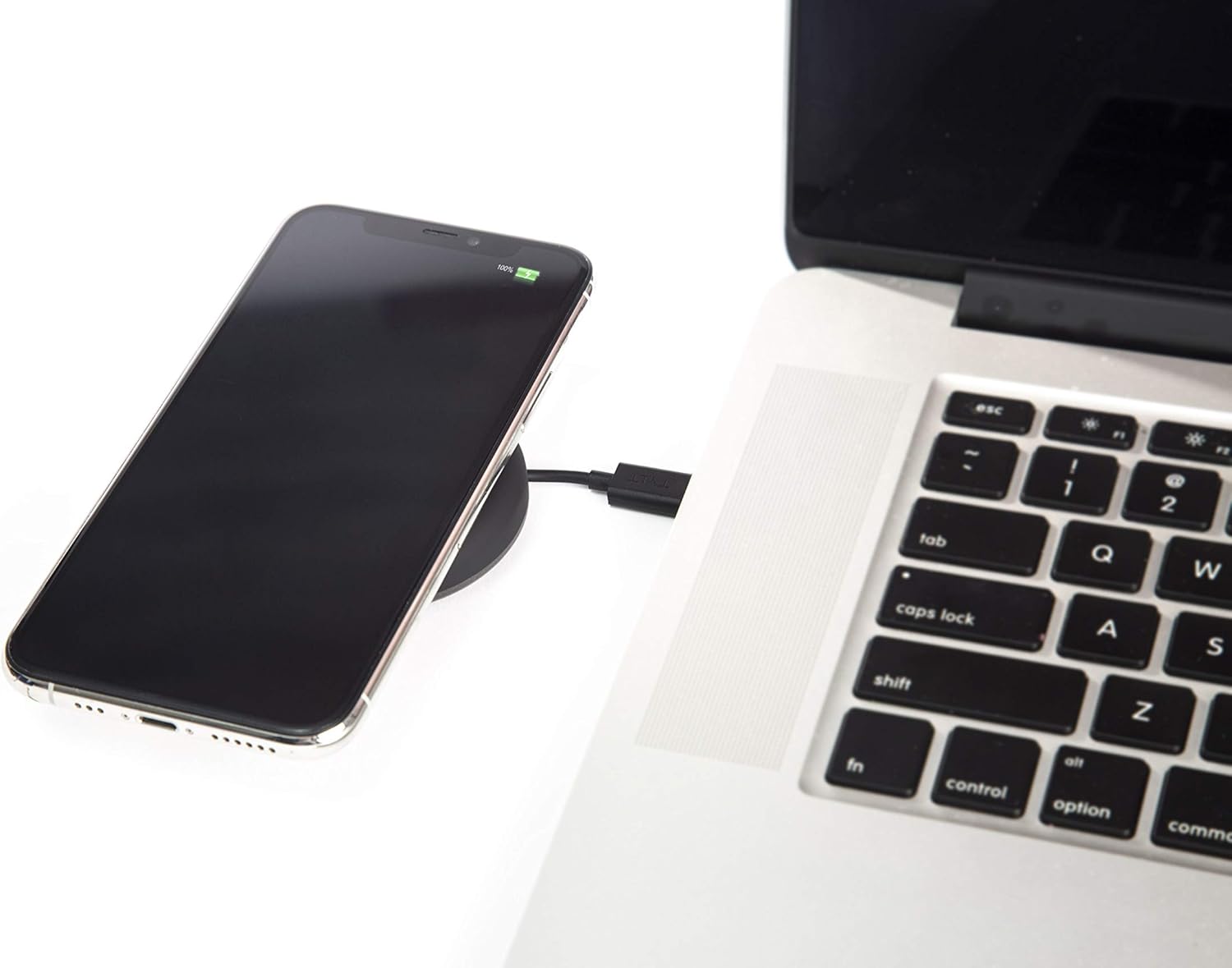
Image: A smartphone wirelessly charging on the TYLT Medallion, which is connected to a laptop via its USB-C cable.
ຄໍາແນະນໍາການດໍາເນີນງານ
- ວາງອຸປະກອນຂອງທ່ານ: Position your Qi-enabled smartphone or wireless earbuds directly onto the center of the TYLT Medallion charging pad. The device grip ring helps secure your device.
- ຕົວຊີ້ບອກການສາກໄຟ: Your device's screen or indicator light will show that it is charging. The TYLT Medallion does not have its own charging indicator light.
- ການສາກໄຟທີ່ດີທີ່ສຸດ: Ensure your device is centered on the pad for efficient charging. Charging can occur through most phone cases.
- ການສາກໄຟ:
- 10W output for compatible Samsung devices.
- 7.5W output for compatible Apple iPhones.
- 5W output for other Qi-enabled devices, including wireless earbuds.
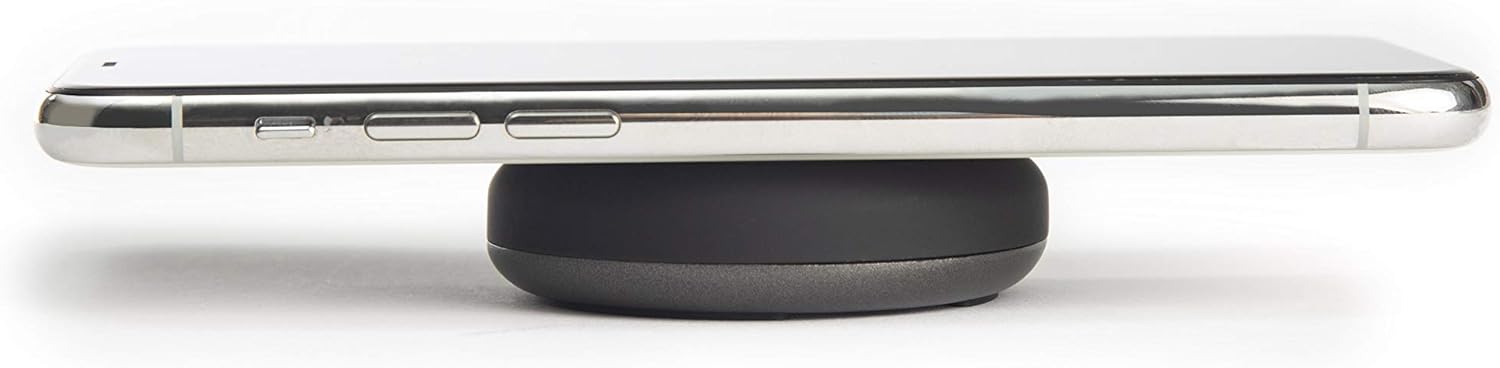
Image: A smartphone placed on the TYLT Medallion charging pad, demonstrating its low profile.
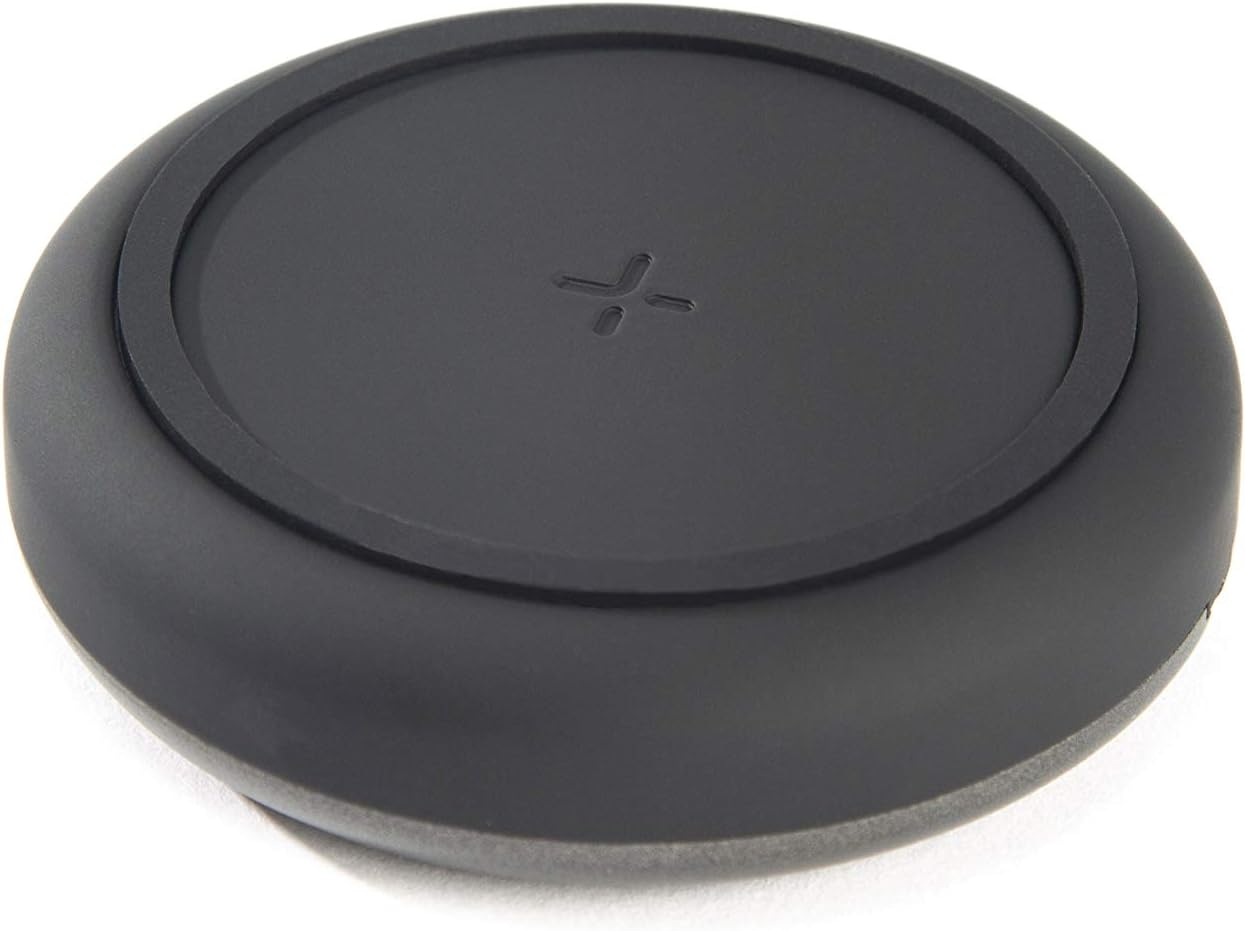
ຮູບພາບ: ເທິງ view of the TYLT Medallion charging pad, highlighting its compact and minimalist design.
ບໍາລຸງຮັກສາ
- ທໍາຄວາມສະອາດ: Disconnect the charging pad from its power source before cleaning. Use a soft, dry cloth to wipe the surface. Do not use harsh chemicals or abrasive cleaners.
- ການເກັບຮັກສາ: When not in use, store the charging pad in a cool, dry place away from direct sunlight.
ການແກ້ໄຂບັນຫາ
| ບັນຫາ | ສາເຫດທີ່ເປັນໄປໄດ້ | ການແກ້ໄຂ |
|---|---|---|
| ອຸປະກອນບໍ່ໄດ້ສາກໄຟ. |
|
|
| ການສາກໄຟຊ້າ. |
|
|
| Charging pad or device gets warm. |
|
|
ຂໍ້ມູນຈໍາເພາະ
| ໝາຍເລກຕົວແບບ | QIMEDBK-T |
| ການປ້ອນຂໍ້ມູນ Voltage | 5V / 2A ຫລື 9V / 1.8A |
| ຜົນຜະລິດວັດtage | 10W (ສູງສຸດ) |
| ຜົນຜະລິດ Ampອາຍຸ | 1A (ສູງສຸດ) |
| ປະເພດຕົວເຊື່ອມຕໍ່ | USB Type-C (integrated) |
| ຄວາມເຂົ້າກັນໄດ້ | Qi-enabled devices (Apple iPhone, Samsung Galaxy, Microsoft Lumia, Google Nexus, Nokia Lumia, Pixel, LG, wireless earbuds, etc.) |
| ຂະໜາດສິນຄ້າ | 4 x 1.5 x 5 ນິ້ວ |
| ນ້ໍາຫນັກລາຍການ | 2.39 ອອນ |
| ຄຸນນະສົມບັດພິເສດ | Fast Charging, Qi Certified, Built-in Temperature Control, Voltage Protection, Non-slip Device Grip Ring |
ຂໍ້ມູນການຮັບປະກັນ
TYLT products are eligible for a 1-year Global Warranty program ນັບຈາກວັນທີ່ຊື້. ການຮັບປະກັນນີ້ກວມເອົາຂໍ້ບົກພ່ອງຈາກການຜະລິດ ແລະ ຝີມືແຮງງານພາຍໃຕ້ການນໍາໃຊ້ປົກກະຕິ. ມັນບໍ່ກວມເອົາຄວາມເສຍຫາຍທີ່ເກີດຈາກການໃຊ້ຜິດ, ອຸບັດຕິເຫດ, ການດັດແປງທີ່ບໍ່ໄດ້ຮັບອະນຸຍາດ, ຫຼື ການສວມໃສ່ ແລະ ການຈີກຂາດຕາມປົກກະຕິ.
ກະລຸນາຮັກສາຫຼັກຖານການຊື້ຂອງທ່ານສໍາລັບການຮຽກຮ້ອງການຮັບປະກັນ.
ສະຫນັບສະຫນູນ
For any concerns, technical assistance, or warranty inquiries, please do not hesitate to contact TYLT customer support.
Refer to the official TYLT website for contact details or visit their Amazon store: TYLT Amazon Store


