1. ບົດແນະນຳ
The MOJOGEAR Mini XL 20,000 mAh Power Bank is a high-capacity portable charger designed to provide fast and efficient power to your mobile devices. With its compact design and multiple charging ports, it's an ideal companion for travel, outdoor activities, or daily use, ensuring your smartphones, tablets, and other compatible gadgets stay charged.
2. ຂໍ້ມູນຄວາມປອດໄພ
Please read and follow these safety guidelines carefully to ensure safe operation and prolong the life of your power bank:
- ຫ້າມນຳພາເວີແບນໄປໃສ່ອຸນຫະພູມທີ່ສູງສຸດ (ສູງກວ່າ 45°C ຫຼື ຕ່ຳກວ່າ 0°C), ແສງແດດໂດຍກົງ, ຫຼືຄວາມຊຸ່ມຊື່ນສູງ.
- Do not disassemble, modify, or attempt to repair the device yourself. This will void the warranty and may cause damage or injury.
- ຮັກສາທະນາຄານພະລັງງານໃຫ້ຫ່າງຈາກນ້ໍາແລະຂອງແຫຼວອື່ນໆ.
- ຫຼີກລ້ຽງການຫຼຸດລົງຫຼືການໃສ່ທະນາຄານພະລັງງານທີ່ມີຜົນກະທົບທີ່ເຂັ້ມແຂງ.
- ຖິ້ມທະນາຄານພະລັງງານຢ່າງມີຄວາມຮັບຜິດຊອບຕາມລະບຽບທ້ອງຖິ່ນ. ຢ່າຖິ້ມມັນດ້ວຍສິ່ງເສດເຫຼືອໃນຄົວເຮືອນ.
- The power bank has a capacity of 74 Wh, which is generally suitable for air travel. However, always check with your airline's specific regulations before flying.
3. ເນື້ອໃນຊຸດ
ກວດສອບວ່າລາຍການທັງຫມົດແມ່ນມີຢູ່ໃນຊຸດຂອງທ່ານ:
- MOJOGEAR Mini XL 20,000 mAh Power Bank
- ສາຍ Micro USB 0.3m
- ຄູ່ມືຜູ້ໃຊ້ (ເອກະສານນີ້)
4. ຜະລິດຕະພັນເກີນview
Familiarize yourself with the components of your MOJOGEAR Mini XL Power Bank:
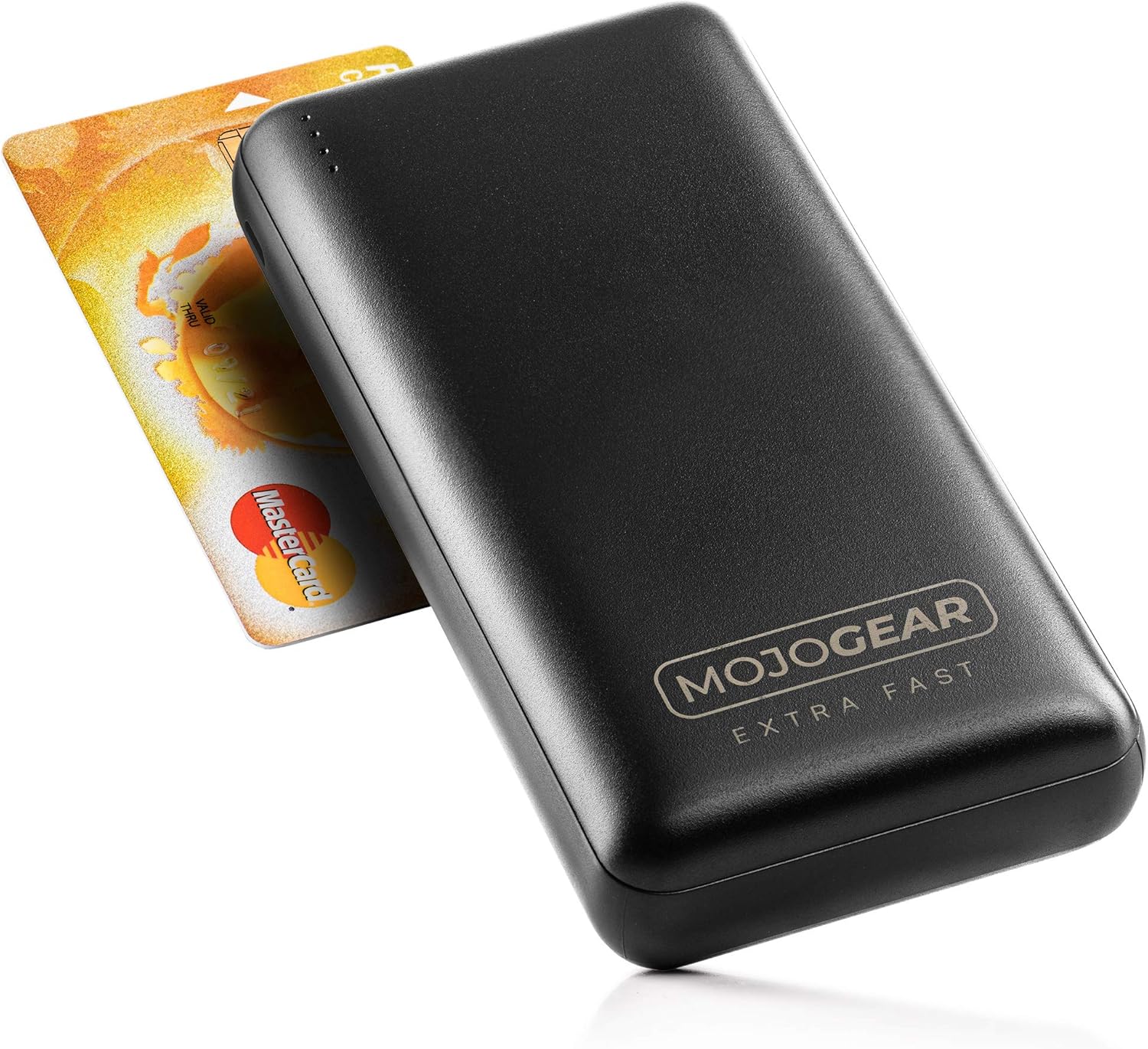


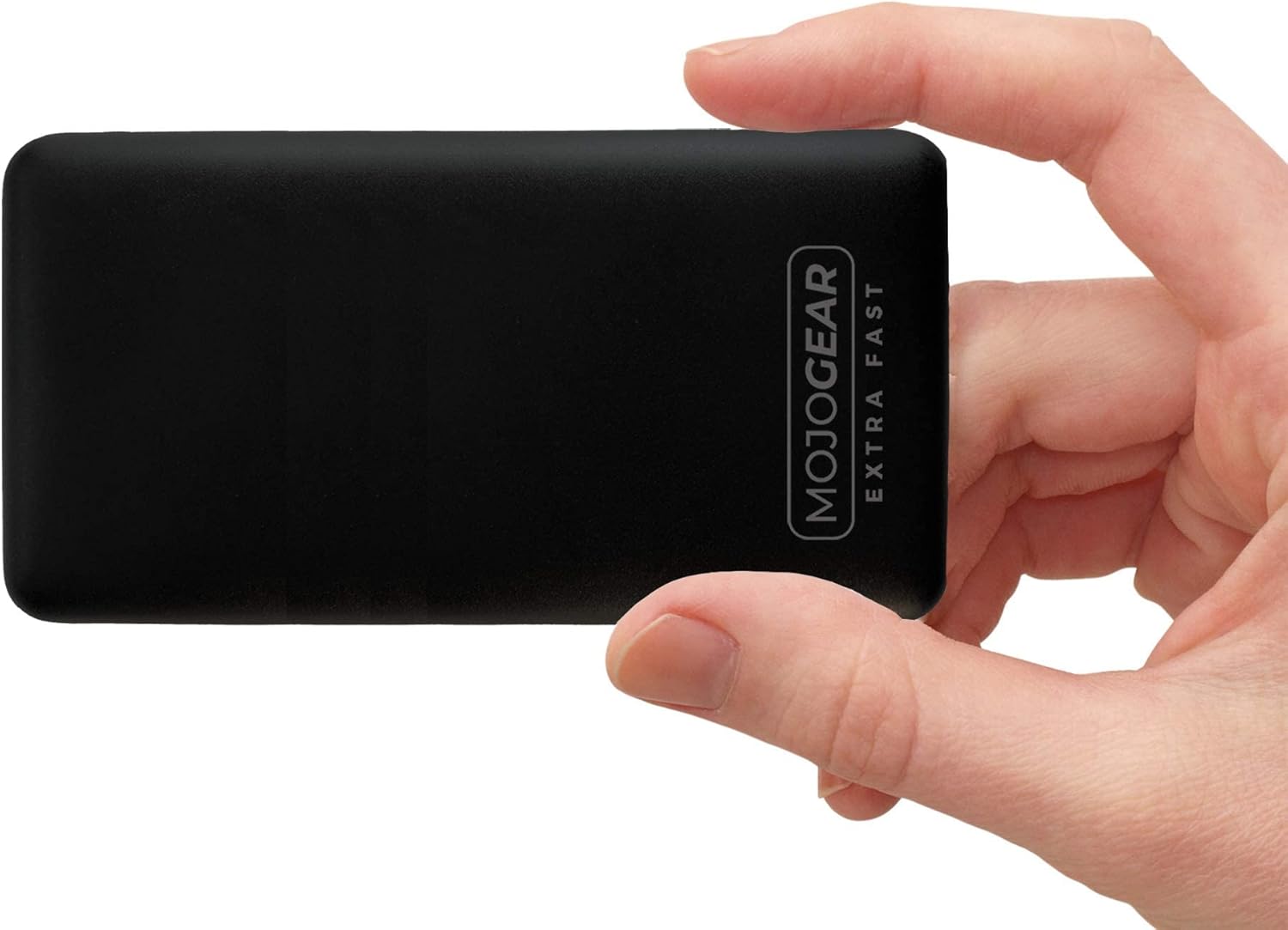
ອົງປະກອບ:
- ຕົວຊີ້ວັດ LED: Four small LED lights on the top edge indicate the remaining battery level and charging status.
- ພອດ USB-A ອອກ (x2): Standard USB ports for charging various devices. These support Quick Charge 3.0.
- USB-C Input/Output Port (x1): A versatile port that can be used to charge the power bank or to charge compatible devices. This port supports USB Power Delivery.
- Micro USB Input Port (x1): Dedicated port for charging the power bank using the provided Micro USB cable.
5. ຕັ້ງຄ່າ
Before using your MOJOGEAR Mini XL Power Bank for the first time, it is recommended to fully charge it.
- Connect the provided 0.3m Micro USB cable to the Micro USB input port on the side of the power bank.
- ເຊື່ອມຕໍ່ປາຍອີກດ້ານໜຶ່ງຂອງສາຍ Micro USB ເຂົ້າກັບອະແດບເຕີໄຟ USB (ບໍ່ລວມຢູ່) ຫຼື ພອດ USB ຂອງຄອມພິວເຕີ.
- The LED indicators will light up and blink, indicating that the power bank is charging. All four LEDs will remain solid when fully charged.
Alternatively, you can use a USB-C to USB-C cable (not included) to charge the power bank via its USB-C input/output port.
6. ຄໍາແນະນໍາການດໍາເນີນງານ
6.1. ການສາກໄຟອຸປະກອນຂອງທ່ານ
To charge your smartphone, tablet, or other compatible devices:
- Connect your device's charging cable (e.g., USB-A to Lightning, USB-C to USB-C) to one of the power bank's output ports (USB-A or USB-C).
- ເຊື່ອມຕໍ່ສົ້ນສາຍໄຟອື່ນໆໃນອຸປະກອນຂອງທ່ານ.
- ແບັງເກັດພະລັງງານຈະເລີ່ມສາກອຸປະກອນຂອງທ່ານໂດຍອັດຕະໂນມັດ. ໄຟ LED ຈະສະແດງລະດັບພະລັງງານທີ່ຍັງເຫຼືອ.
The power bank supports Quick Charge 3.0 via the USB-A ports and USB Power Delivery via the USB-C port for fast charging compatible devices.
6.2. Charging Multiple Devices Simultaneously
You can charge up to three devices at the same time using the two USB-A output ports and the USB-C input/output port.
6.3. ສະຖານະຕົວຊີ້ວັດ LED
The four LED lights indicate the power bank's battery level:
- 4 Solid LEDs: ສາກໄຟແລ້ວ 75% - 100%
- 3 Solid LEDs: ສາກໄຟແລ້ວ 50% - 75%
- 2 Solid LEDs: ສາກໄຟແລ້ວ 25% - 50%
- 1 LED ແຂງ: ສາກແລ້ວ 0% - 25% (ສາມາດສາກໄຟໄດ້ໄວໆນີ້)
- Blinking LEDs: Indicates the power bank is currently being charged.
7. ບໍາລຸງຮັກສາ
Proper care will ensure the longevity of your power bank:
- ທໍາຄວາມສະອາດ: Wipe the surface of the power bank with a dry, soft cloth. Do not use harsh chemicals or abrasive materials.
- ການເກັບຮັກສາ: ເກັບຮັກສາ Power bank ໃນບ່ອນທີ່ເຢັນ, ແຫ້ງ, ຫ່າງຈາກແສງແດດໂດຍກົງ ແລະອຸນຫະພູມທີ່ຮຸນແຮງ.
- ການດູແລຫມໍ້ໄຟ: If the power bank is not used for extended periods, charge it at least once every three months to maintain battery health and prevent deep discharge.
8. ການແກ້ໄຂບັນຫາ
If you encounter issues with your MOJOGEAR Mini XL Power Bank, refer to the following common problems and solutions:
| ບັນຫາ | ສາເຫດທີ່ເປັນໄປໄດ້ | ການແກ້ໄຂ |
|---|---|---|
| Power bank ບໍ່ໄດ້ສາກໄຟ | Loose cable connection; Faulty cable or adapter; Power source issue. | Ensure cables are securely connected. Try a different cable or power adapter. Test with a different power outlet or USB port. |
| ອຸປະກອນບໍ່ໄດ້ສາກໄຟຈາກ power bank | Power bank is depleted; Loose cable connection; Incompatible device; Faulty device cable. | Recharge the power bank. Check cable connections. Ensure your device is compatible. Try a different charging cable for your device. |
| ການສາກໄຟຊ້າ | Cable not supporting fast charging; Device not supporting fast charging; Charging multiple devices. | Use a cable that supports Quick Charge or Power Delivery. Ensure your device supports these fast charging protocols. Charging multiple devices simultaneously may reduce individual charging speeds. |
| Power bank feels warm during use | Normal operation during charging/discharging. | A slight warmth is normal. If it becomes excessively hot, disconnect immediately and contact customer support. |
9. ຂໍ້ມູນຈໍາເພາະ
| ຄຸນສົມບັດ | ລາຍລະອຽດ |
|---|---|
| ຕົວແບບ | 20.000 mAh |
| ຄວາມອາດສາມາດ | 20,000 mAh (74 Wh) |
| ອົງປະກອບຫມໍ້ໄຟ | lithium-polymer |
| ຜອດປ້ອນຂໍ້ມູນ | 1x Micro USB, 1x USB-C |
| ພອດຂາອອກ | 2x USB-A, 1x USB-C |
| ຄຸນນະສົມບັດພິເສດ | Quick Charge 3.0 (USB-A), USB Power Delivery (USB-C) |
| Max Charging Speed | Up to 18W (3A) |
| ຂະໜາດ (L x W x H) | 13.8 x 6.8 x 2.7 cm |
| ນ້ຳໜັກ | 408 ກຣາມ |
| ອຸປະກອນທີ່ເຂົ້າກັນໄດ້ | Smartphones, Tablets, E-readers, Action Cameras, Wireless Headphones |
10. ການຮັບປະກັນແລະການສະຫນັບສະຫນູນ
10.1. ຂໍ້ມູນການຮັບປະກັນ
The MOJOGEAR Mini XL 20,000 mAh Power Bank comes with a ຮັບປະກັນ 2 ປີ ຈາກວັນທີ່ຊື້. ການຮັບປະກັນນີ້ກວມເອົາຄວາມບົກຜ່ອງດ້ານການຜະລິດແລະບັນຫາທີ່ເກີດຂື້ນຈາກການນໍາໃຊ້ປົກກະຕິ. ມັນບໍ່ກວມເອົາຄວາມເສຍຫາຍທີ່ເກີດຈາກການນໍາໃຊ້ທີ່ບໍ່ຖືກຕ້ອງ, ອຸປະຕິເຫດ, ການປ່ຽນແປງທີ່ບໍ່ໄດ້ຮັບອະນຸຍາດ, ຫຼືໄພພິບັດທໍາມະຊາດ.
10.2. ການຊ່ວຍເຫຼືອລູກຄ້າ
For any questions, technical assistance, or warranty claims, please contact MOJOGEAR customer service. Refer to the product packaging or the official MOJOGEAR webເວັບໄຊສຳລັບຂໍ້ມູນຕິດຕໍ່ທີ່ທັນສະໄໝທີ່ສຸດ.


