1. ບົດແນະນຳ
This manual provides essential information for using your Fujifilm Instax Mini Instant Film Value Pack. This film is designed for use with all Fujifilm Instax Mini series instant cameras, allowing you to capture and instantly print your memories.
2. ຜະລິດຕະພັນເກີນview
The Fujifilm Instax Mini Instant Film Value Pack contains 120 photos, distributed across 12 individual packs, each containing 10 exposures. Each film sheet produces vibrant, high-quality instant prints with a classic white border, perfect for adding notes or captions.
- ປະເພດຮູບເງົາ: ຟີມ Fujifilm Instax Mini ແບບທັນທີ
- ປະລິມານ: 120 photos (12 packs of 10 exposures each)
- ພື້ນທີ່ຮູບພາບ: 1.81 x 2.44 ນິ້ວ (46 x 62 ມມ)
- ຂະໜາດຮູບເງົາ: 2.13 x 3.4 ນິ້ວ (54 x 86 ມມ)
- ຄວາມເຂົ້າກັນໄດ້: All Instax Mini style cameras
- ສີຮູບເງົາ: ສີ
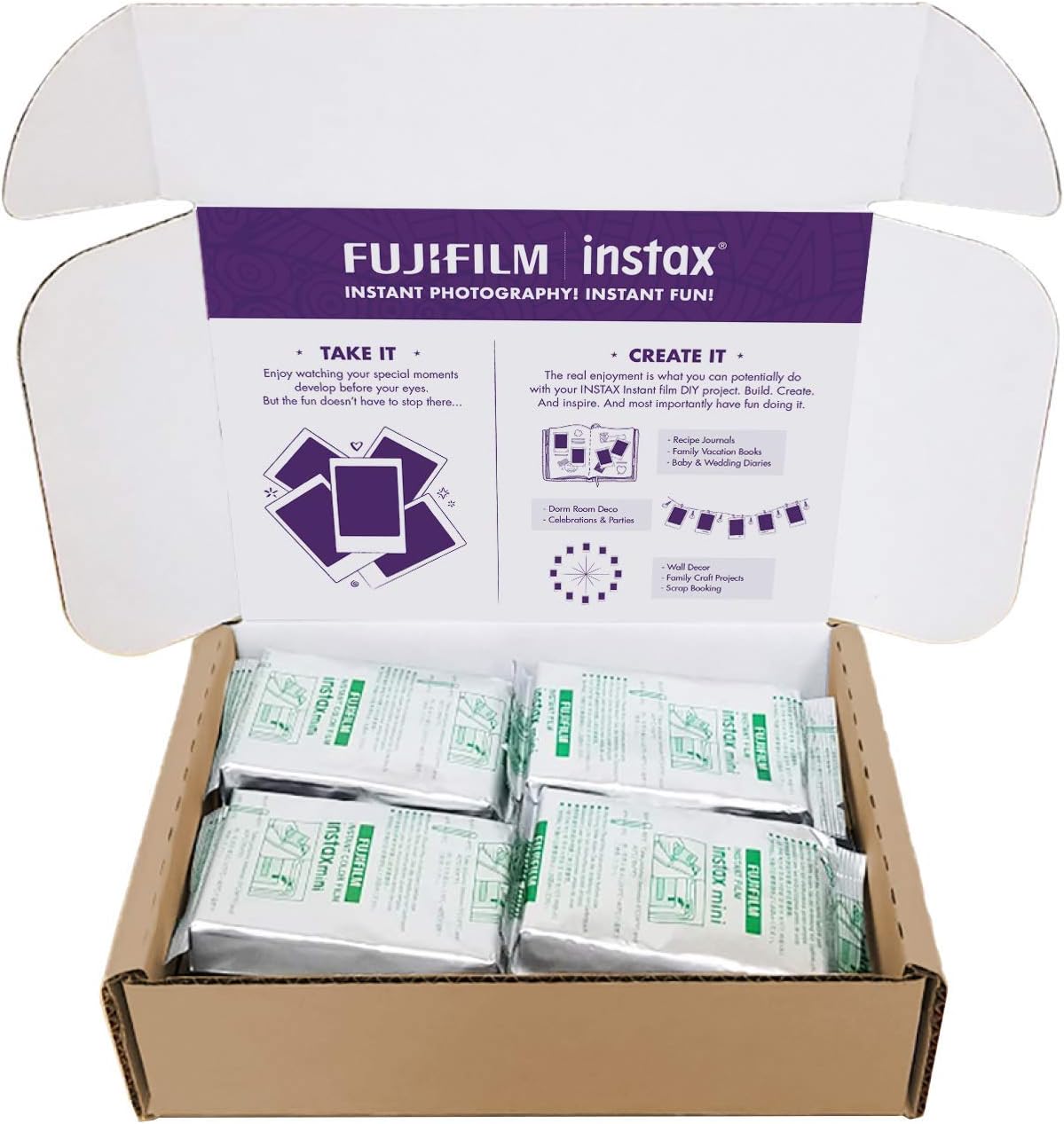
Image: The Fujifilm Instax Mini Instant Film Value Pack, showing the outer packaging.
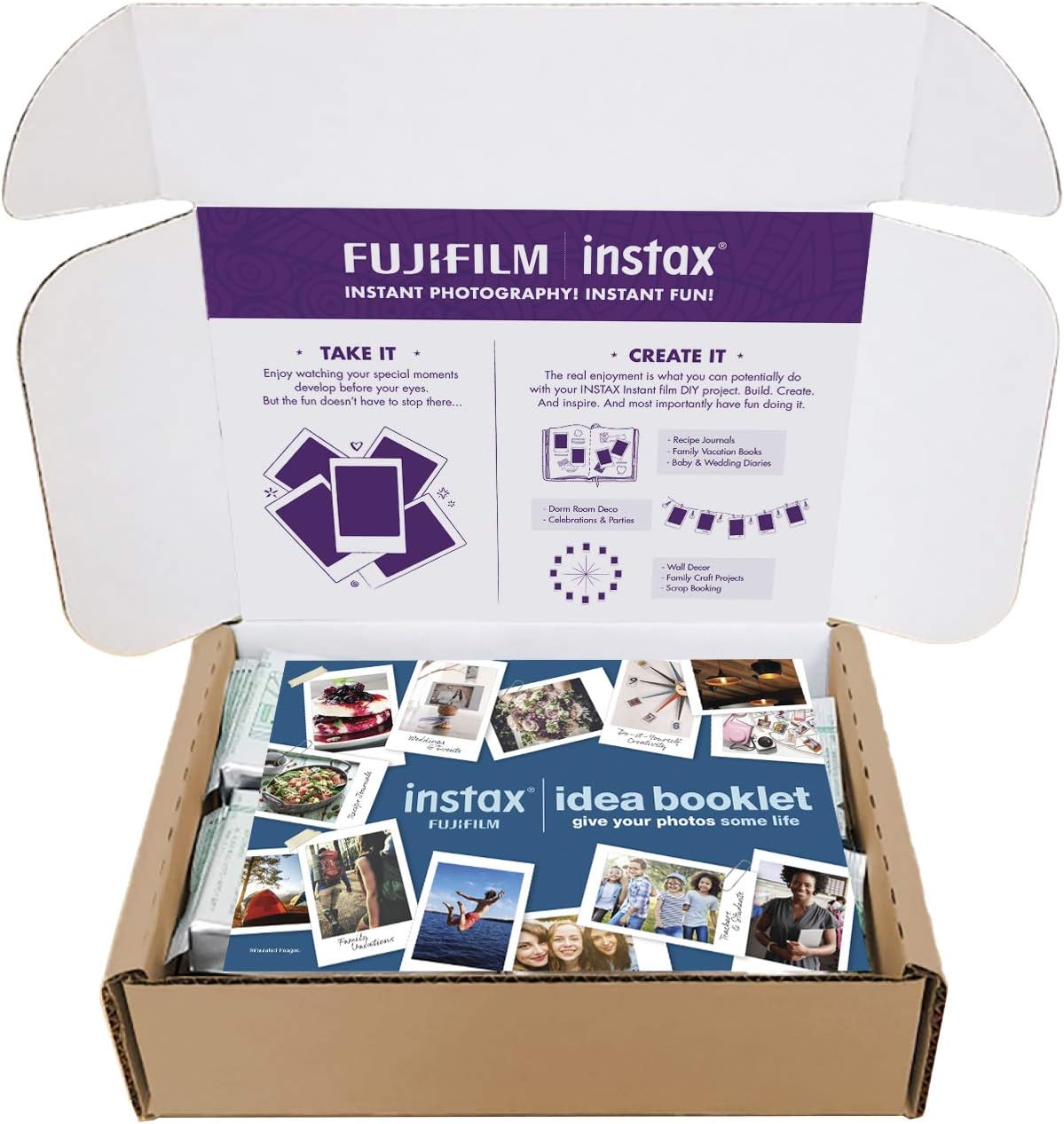
Image: Multiple individual packs of Fujifilm Instax Mini Instant Film within the value pack box.

ຮູບພາບ: A close-up view of a single, sealed pack of Fujifilm Instax Mini Instant Film.
3. Setup: Loading Film
To begin using your Instax Mini film, you must correctly load a film pack into your compatible Instax Mini camera. Follow these steps:
- ໃຫ້ແນ່ໃຈວ່າກ້ອງຖ່າຍຮູບຂອງທ່ານຖືກປິດ.
- Open the film compartment cover on the back of your Instax Mini camera.
- Take one film pack out of its foil wrapper. Do not open the black plastic cartridge itself.
- ຈັດເຄື່ອງໝາຍສີເຫຼືອງຢູ່ເທິງຊຸດຟີມໃຫ້ກົງກັບເຄື່ອງໝາຍສີເຫຼືອງພາຍໃນຊ່ອງໃສ່ຟີມຂອງກ້ອງຖ່າຍຮູບ.
- Gently insert the film pack into the compartment until it clicks into place.
- Close the film compartment cover firmly.
- Turn on your camera. The dark slide (protective cover) will automatically eject. This indicates the film is loaded correctly and ready for use.
Video: Demonstrates how to remove a film pack from its packaging and load it into a compatible Instax Mini camera.
4. Operating: Taking Photos
Once the film is loaded and the dark slide has ejected, your camera is ready to take pictures. Refer to your specific Instax Mini camera's manual for detailed instructions on camera operation, flash settings, and shooting modes.
- ກອບການສັກຢາຂອງທ່ານໂດຍໃຊ້ viewຜູ້ຊອກຫາ.
- ກົດປຸ່ມປິດເພື່ອຖ່າຍຮູບ.
- The film will automatically eject from the camera.
- Allow the photo to develop naturally. Development time varies with temperature, typically taking a few minutes. Avoid shaking or bending the film during development.
Video: Shows a developed Instax Mini photo, demonstrating the final output of the film.
5. ການ ບຳ ລຸງຮັກສາແລະການເກັບຮັກສາ
Proper care and storage of your Instax Mini film ensure optimal performance and longevity of your prints.
- Unused Film: Store unused film packs in their original sealed packaging in a cool, dry place, away from direct sunlight and extreme temperatures. Ideal storage temperature is between 5°C to 40°C (41°F to 104°F).
- Loaded Film: Once loaded into the camera, try to use the film within a few weeks for best results. Avoid leaving the camera in hot cars or direct sunlight.
- Developed Photos: Store developed photos in an album or frame to protect them from light, moisture, and fingerprints.
- ການດູແລກ້ອງຖ່າຍຮູບ: Keep your camera's film compartment and lens clean and free of dust. Refer to your camera's manual for cleaning instructions.
6. ການແກ້ໄຂບັນຫາ
ຖ້າທ່ານພົບບັນຫາກັບຟີມ Instax Mini ຂອງທ່ານ, ໃຫ້ພິຈາລະນາບັນຫາ ແລະ ວິທີແກ້ໄຂທົ່ວໄປຕໍ່ໄປນີ້:
| ບັນຫາ | ສາເຫດ / ການແກ້ໄຂທີ່ເປັນໄປໄດ້ |
|---|---|
| Blank or Overexposed Photos |
|
| Underexposed or Dark Photos |
|
| Film Not Ejecting |
|
| Streaks or Imperfections on Photos |
|
For camera-specific issues, always consult your Instax Mini camera's instruction manual.
7. ຂໍ້ມູນຈໍາເພາະ
| ຄຸນສົມບັດ | ລາຍລະອຽດ |
|---|---|
| ຂະໜາດສິນຄ້າ | 6.4 x 2.6 x 8 inches (for the value pack box) |
| ນ້ໍາຫນັກລາຍການ | 1.2 ປອນ |
| ASIN | B07NWRG5T4 |
| ໝາຍເລກຕົວແບບ | INSTAX MINI FILM 12X10 SHTS 120 TOT SHTS |
| ຍີ່ຫໍ້ | Fujifilm |
| ສີຮູບເງົາ | ສີ |
| ປະເພດຮູບແບບຮູບເງົາ | Instax Mini |
| Exposures per Roll (Pack) | 10 (total 120 exposures in value pack) |
| ປະເທດຕົ້ນກໍາເນີດ | ຍີ່ປຸ່ນ |
8. ການຮັບປະກັນແລະການສະຫນັບສະຫນູນ
This product is instant film and does not typically come with a separate warranty beyond its initial usability. If you experience issues with the film itself (e.g., manufacturing defects), please contact Fujifilm customer support or the retailer where you purchased the product.
For support related to your Instax Mini camera, please refer to the camera's specific user manual and warranty information provided by the camera manufacturer.
For further assistance, visit the official Fujifilm webເວັບໄຊ ຫຼືຕິດຕໍ່ພະແນກບໍລິການລູກຄ້າຂອງເຂົາເຈົ້າ.