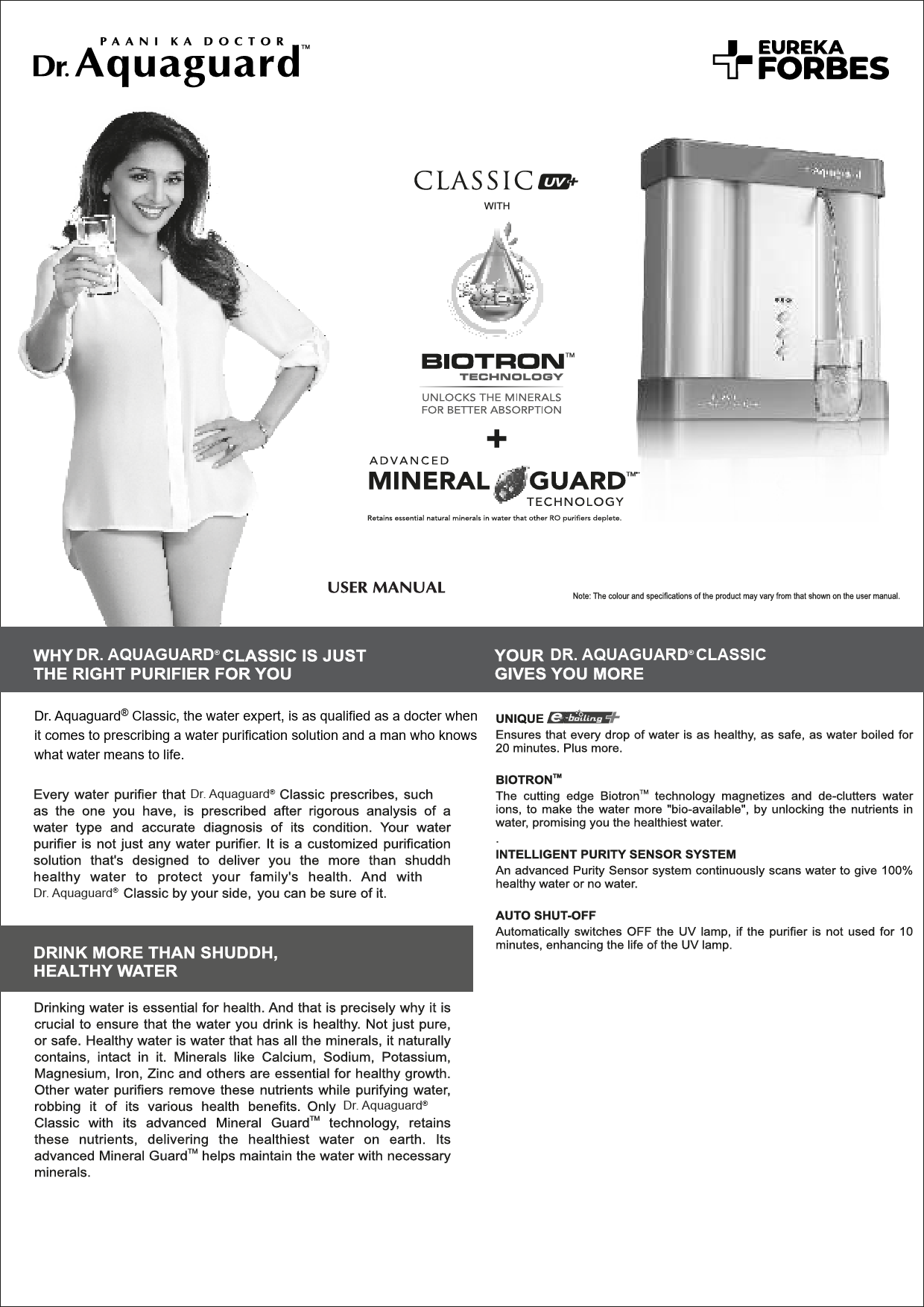
1. ຜະລິດຕະພັນເກີນview
The Eureka Forbes Aquaguard RO Sensa Tap is a replacement or accessory tap designed for use with specific Eureka Forbes water purifiers. This tap is compatible with Aquaguard Protect, Springfresh, Sensa, and Aquasure RO+ UV models. It features a 15mm diameter connection, ensuring a secure fit with the designated water purifier outlets.
ເນື້ອໃນຊຸດ
- 1 x Aquaguard RO Sensa Tap
2. ການຕິດຕັ້ງແລະການຕິດຕັ້ງ
This section provides general guidelines for installing the Aquaguard RO Sensa Tap. For detailed instructions specific to your water purifier model, please refer to your purifier's main user manual.
- ການກະກຽມ: Ensure the water purifier is turned off and disconnected from the power supply. Close the main water inlet valve to the purifier.
- Remove Old Tap (if applicable): Carefully unscrew or detach the existing tap from the water purifier's dispensing outlet. Be prepared for any residual water.
- Inspect Connection Point: Verify that the connection point on your water purifier is clean and free from debris. The tap is designed for a 15mm diameter connection.
- Install New Tap: Align the new Aquaguard RO Sensa Tap with the dispensing outlet. Gently screw or push the tap into place, ensuring a snug and secure fit. Do not overtighten if screwing, as this may damage the threads.
- ການເຊື່ອມຕໍ່ທີ່ປອດໄພ: If your purifier model requires additional securing mechanisms (e.g., a back nut or clip), ensure these are properly installed to prevent leaks.
- ກວດສອບການຮົ່ວໄຫລ: Slowly open the main water inlet valve to the purifier. Turn on the purifier and allow it to fill. Carefully inspect all connections around the new tap for any signs of leakage. If leaks are detected, turn off the water supply, tighten the connection, and re-check.
- Flush the Tap: Dispense a small amount of water through the new tap to flush out any air or manufacturing residue.

ຮູບທີ 1: ດ້ານໜ້າ view of the Aquaguard RO Sensa Tap. This image shows the tap's dispensing lever and outlet, illustrating its compact design for water purifiers.

ຮູບທີ 2: ຂ້າງ view of the Aquaguard RO Sensa Tap. This perspective highlights the tap's connection mechanism and overall profile, useful for understanding its installation orientation.
3. ຄໍາແນະນໍາການດໍາເນີນງານ
The Aquaguard RO Sensa Tap is designed for simple and intuitive operation.
- ການປະຕິບັດນ້ໍາ: To dispense purified water, gently press the lever located on the front of the tap downwards. Water will flow from the outlet.
- Stopping Water Flow: Release the lever to stop the water flow. The tap is designed to automatically close when the lever is released.
4. ບໍາລຸງຮັກສາ
Regular cleaning and proper care will ensure the longevity and hygienic operation of your Aquaguard RO Sensa Tap.
- ທໍາຄວາມສະອາດ: Wipe the exterior of the tap regularly with a soft, damp ຜ້າ. ຫຼີກລ່ຽງການໃຊ້ສານເຄມີທີ່ຮຸນແຮງ, ເຄື່ອງຂັດຂັດ, ຫຼືແຜ່ນຂັດຂີ້ເຫຍື້ອ, ເພາະວ່າສິ່ງເຫຼົ່ານີ້ສາມາດທໍາລາຍການສໍາເລັດຮູບໄດ້.
- ສຸຂະອະນາໄມ: Ensure the tap's outlet remains clean and free from dust or residue.
- ການທົດແທນ: If the tap shows signs of wear, leakage, or malfunction, it is recommended to replace it with a genuine Eureka Forbes spare part.
5. ການແກ້ໄຂບັນຫາ
If you encounter issues with your Aquaguard RO Sensa Tap, refer to the table below for common problems and solutions.
| ບັນຫາ | ສາເຫດທີ່ເປັນໄປໄດ້ | ການແກ້ໄຂ |
|---|---|---|
| Water leakage from tap connection | Loose connection; Damaged O-ring/washer; Incorrect installation. | Turn off water supply, tighten the tap connection. Inspect and replace any damaged O-rings or washers. Ensure correct installation as per Section 2. |
| No water flow from tap | Water purifier not operating; Main water supply closed; Tap lever stuck or damaged. | Check if the water purifier is powered on and functioning. Ensure the main water inlet valve is open. Inspect the tap lever for obstructions or damage. |
| ນ້ ຳ ໄຫຼຊ້າ | Low water pressure from purifier; Partial blockage in tap. | Refer to your water purifier's manual for low pressure troubleshooting. Clean the tap outlet for any visible blockages. |
| Tap lever is stiff or difficult to operate | Accumulation of mineral deposits; Internal mechanism wear. | Clean the tap thoroughly. If the issue persists, consider replacing the tap. |
6. ຂໍ້ມູນຈໍາເພາະ
| ຄຸນສົມບັດ | ລາຍລະອຽດ |
|---|---|
| ຍີ່ຫໍ້ | ຢູເຣກາ ຟອບສ໌ |
| ໝາຍເລກຕົວແບບ | DC9 |
| ຂະໜາດສິນຄ້າ | 6D x 8W x 2H ຊມ |
| ນ້ໍາຫນັກລາຍການ | 50 g |
| ສີ | ສີຂາວ |
| ປະເພດການຄວບຄຸມ | Button Control (Lever Action) |
| ຄວາມເຂົ້າກັນໄດ້ | Aquaguard Protect, Springfresh, Sensa, Aquasure RO+ UV Models |
| ເສັ້ນຜ່າສູນກາງການເຊື່ອມຕໍ່ | 15ມມ |
7. ການຮັບປະກັນແລະການສະຫນັບສະຫນູນ
ຂໍ້ມູນການຮັບປະກັນ
For specific warranty details regarding your Eureka Forbes Aquaguard RO Sensa Tap, please refer to the documentation provided with your original water purifier purchase or contact Eureka Forbes customer service. Warranty terms typically cover manufacturing defects.
ການຊ່ວຍເຫຼືອລູກຄ້າ
If you require further assistance, have questions about installation, or need to report a defect, please contact Eureka Forbes customer support. Contact details can usually be found on the official Eureka Forbes website or in your water purifier's user manual.