1. ບົດແນະນຳ
This manual provides detailed instructions for the safe and proper installation and operation of your Continu.us CTM-7600 Articulating TV Wall Mount. This commercial-grade TV bracket is designed for televisions ranging from 37 to 80 inches, offering full articulation, tilt, and swivel capabilities for optimal viewing angles. Please read all instructions carefully before beginning installation.
2. ຂໍ້ມູນຄວາມປອດໄພ
- ຄວາມອາດສາມາດນ້ໍາຫນັກ: This mount is rated to hold up to 132 lbs (60 kg). Do not exceed this weight limit.
- ຂະໜາດໂທລະພາບ: Compatible with TVs from 37 to 80 inches. Ensure your TV's VESA pattern is compatible with the mount.
- ປະເພດຝາ: This mount is designed for installation on wood studs, concrete, or brick walls. Do not install on drywall alone.
- ການຕິດຕັ້ງ: Two people are recommended for safe installation. If you are unsure about the installation process, consult a qualified professional.
- ການຄຸ້ມຄອງສາຍໄຟ: Ensure all cables are routed safely and do not interfere with the mount's movement.
- ຄວາມປອດໄພ: The integrated safety lock helps secure the TV to the mount. Always engage this feature after installation.
3. ເນື້ອໃນຊຸດ
Verify that all components are present before beginning installation. Refer to the included hardware kit for specific screw sizes and quantities.
- ແຜ່ນຕິດຝາ
- ແຂນຍຶດໂທລະທັດ (2)
- ການປະກອບແຂນປະສານ
- ລະດັບຟອງປະສົມປະສານ
- ຊຸດອຸປະກອນຕິດຕັ້ງ (ສະກູຕ່າງໆ, ເຄື່ອງຊັກຜ້າ, ຊ່ອງສຽບ, ສະມໍ)
- ຄູ່ມືການສອນ
4. ຄູ່ມືການຕິດຕັ້ງ
Follow these steps carefully to install your TV wall mount. A drill, stud finder, and level (beyond the integrated one) may be required.
4.1. ການຕິດຕັ້ງຂາຕັ້ງໂທລະທັດເຂົ້າກັບໂທລະທັດ
Identify the correct VESA mounting holes on the back of your TV. Select the appropriate screws, washers, and spacers from the hardware kit. Attach the TV bracket arms securely to the back of your TV. Ensure the arms are level and centered.

ຮູບທີ 1: Universal VESA patterns supported by the mount, including 200x100, 200x200, 300x200, 300x300, 400x200, 400x300, 400x400, 500x400, and 600x400 mm.
4.2. ການຕິດຕັ້ງແຜ່ນຕິດຝາ
Locate the wall studs using a stud finder. Mark the desired height and position for your TV. Use the integrated bubble level to ensure the wall plate is perfectly horizontal before drilling pilot holes. Secure the wall plate to the wall using the provided lag screws. For concrete or brick walls, use appropriate anchors.

ຮູບທີ 2: The wall plate features a built-in spirit bubble to assist in achieving a level installation.
4.3. Attaching the TV to the Wall Mount
Carefully lift the TV with the attached brackets and hook them onto the wall plate. Ensure the TV is securely seated. Engage the integrated safety lock mechanism to prevent accidental dislodgement and deter theft.
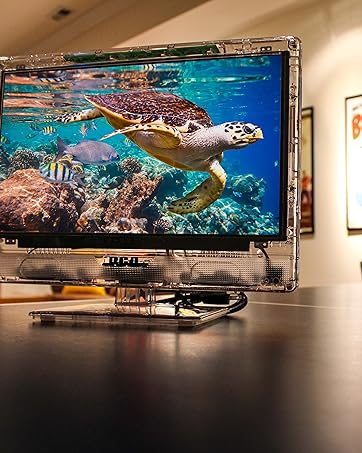
ຮູບທີ 3: A television securely mounted to the wall using the articulating bracket.
4.4. ການຕິດຕັ້ງຫຼາຍກວ່າview ວິດີໂອ
Watch this video for a visual guide on the installation process and different mount types.
ວິດີໂອ 1: ຫຼາຍກວ່າview of Continu.us wall mount selection and general installation concepts, including various models and their mounting methods.
5. ຄຸນນະສົມບັດແລະການປະຕິບັດງານ
5.1. Full Articulation
The CTM-7600 mount allows you to extend your TV up to 28 inches from the wall or retract it to within 3 inches. This smooth articulation can be adjusted with ease, without the need for tools, providing flexibility for various room layouts.

ຮູບທີ 4: The articulating arm extends the TV up to 28 inches and retracts to 3.2 inches from the wall.
5.2. ອຽງ ແລະ ໝຸນ
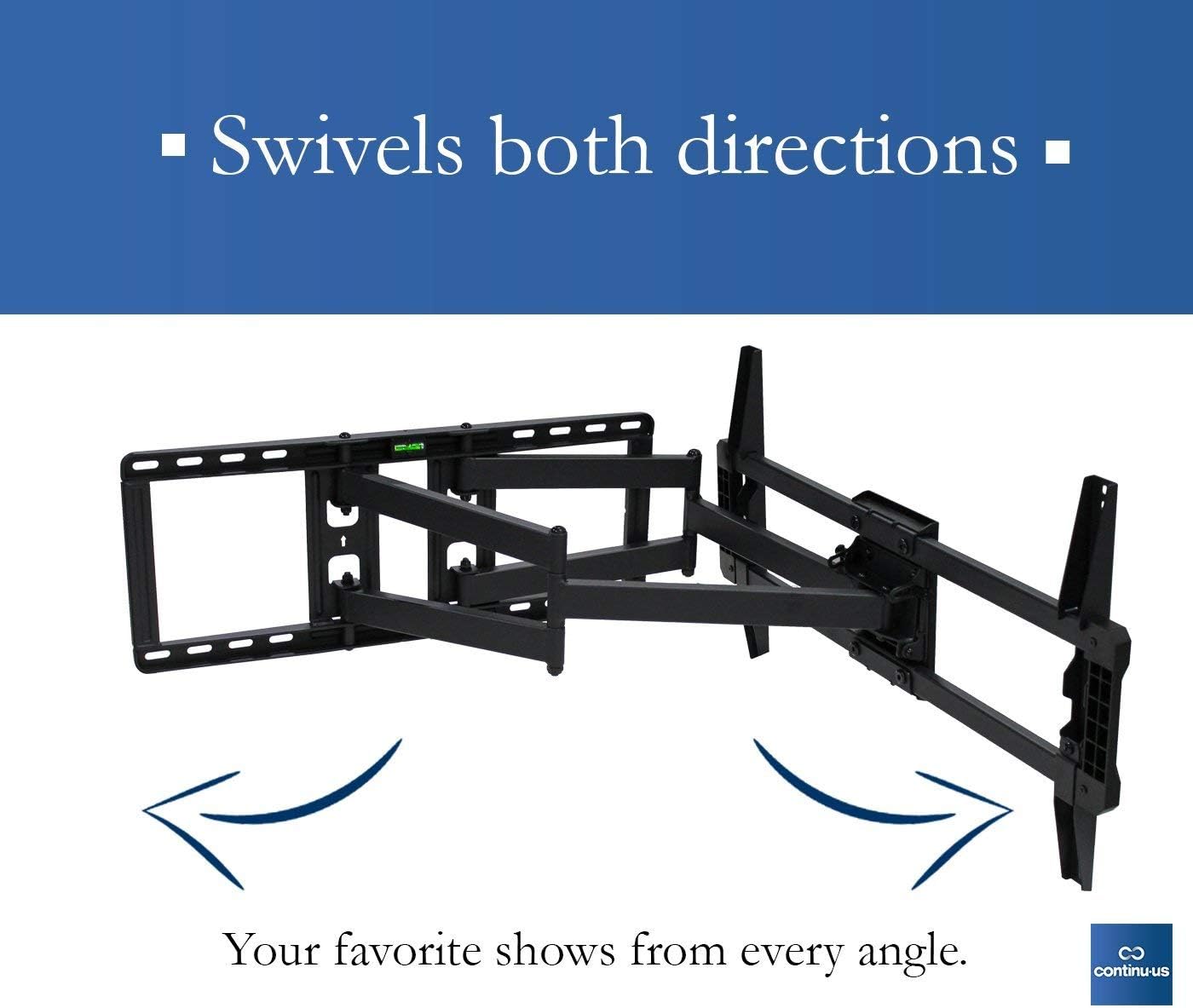
Adjust your TV to eliminate glare and achieve the perfect viewing angle from anywhere in the room. The mount allows for swiveling the TV both left and right, and tilting the screen up to 5 degrees up and 15 degrees down.

ຮູບທີ 5: The mount allows the TV to swivel in both directions for optimal viewing.
ຮູບທີ 6: The mount provides tilt functionality, allowing for adjustments of 5 degrees up and 15 degrees down.
6. ຂໍ້ມູນຈໍາເພາະ
| ຄຸນສົມບັດ | ລາຍລະອຽດ |
|---|---|
| ໝາຍເລກຕົວແບບ | CTM-7600 |
| ຍີ່ຫໍ້ | Continu.us |
| ປະເພດການຕິດຕັ້ງ | ຕິດຝາ |
| ປະເພດການເຄື່ອນໄຫວ | ບິດ, ໝູນ, ອຽງ |
| ອຸປະກອນທີ່ເຂົ້າກັນໄດ້ | Television (37" - 80") |
| ວັດສະດຸ | ເຫຼັກໂລຫະປະສົມ |
| ສີ | ດຳ |
| ນ້ໍາຫນັກລາຍການ | 28.2 ປອນ |
| ມຸມອຽງສູງສຸດ | 15 ອົງສາ |
| UPC | 811635021625 |
7. ບໍາລຸງຮັກສາ
- ທໍາຄວາມສະອາດ: ເຊັດຕົວຍຶດດ້ວຍຜ້າອ່ອນໆແລະແຫ້ງ. ຫຼີກລ່ຽງນໍ້າຢາທໍາຄວາມສະອາດທີ່ມີສີຂັດ ຫຼື ຕົວລະລາຍ.
- ການກວດກາແຕ່ລະໄລຍະ: ກວດເບິ່ງທຸກສະກູແລະການເຊື່ອມຕໍ່ເປັນໄລຍະເພື່ອຮັບປະກັນວ່າພວກມັນແຫນ້ນແຫນ້ນແລະປອດໄພ.
- ການລະບາຍສີ: The articulating joints are designed for smooth movement. If movement becomes stiff, a small amount of silicone-based lubricant can be applied to the moving parts.
8. ການແກ້ໄຂບັນຫາ
- ໂທລະພາບບໍ່ແມ່ນລະດັບ: Use the integrated bubble level during installation to ensure the wall plate is perfectly horizontal. Some mounts allow for minor post-installation leveling adjustments.
- ການເຄື່ອນໄຫວຂອງ Mount ແມ່ນແຂງກະດ້າງ: Check for any obstructions. Apply a small amount of silicone-based lubricant to the moving joints if necessary.
- ໂທລະພາບຮູ້ສຶກບໍ່ໝັ້ນຄົງ: Re-check all mounting screws and ensure they are securely fastened to the wall studs or appropriate anchors. Verify the safety lock is engaged.
- ພາກສ່ວນທີ່ຂາດຫາຍໄປ: Refer to the package contents list. Contact customer support if any parts are missing.
9. ການຮັບປະກັນແລະການສະຫນັບສະຫນູນ
Continu.us products are designed, tested, and manufactured to high standards. If you encounter any issues with your product, our US-based support team is available to assist you. We pride ourselves on offering the best support possible and give immediate attention to any concerns.
For assistance, please refer to the contact information provided with your product or visit the official Continu.us webເວັບໄຊ.


