ແນະນຳ
ຂອບໃຈສໍາລັບການຊື້asing the OttLite Creative Curve LED Desk Lamp. ນີ້ lamp is designed to provide clear, natural daylight illumination for various tasks, including reading, crafting, and office work. It features four brightness levels, a flexible neck for adjustable lighting, and a convenient USB charging port. Please read this manual thoroughly before use to ensure proper operation and maintenance.
ຄໍາແນະນໍາຄວາມປອດໄພ
- ສະເຫມີຮັບປະກັນ lamp ຖືກວາງໄວ້ເທິງໜ້າດິນທີ່ໝັ້ນຄົງ ແລະ ຮາບພຽງເພື່ອປ້ອງກັນການບິດງໍ.
- ຫ້າມເປີດເຜີຍ lamp ນ້ຳ ຫຼື ຄວາມຊຸ່ມຊື່ນຫຼາຍເກີນໄປ.
- ໃຊ້ພຽງແຕ່ອະແດບເຕີໄຟຟ້າທີ່ໃຫ້ມາເທົ່ານັ້ນ. ການໃຊ້ອະແດບເຕີທີ່ບໍ່ຖືກຕ້ອງອາດເຮັດໃຫ້ເຄື່ອງເສຍຫາຍໄດ້.amp ຫຼືສ້າງຄວາມສ່ຽງດ້ານຄວາມປອດໄພ.
- ຢ່າພະຍາຍາມຖອດປະກອບຫຼືດັດແປງ lamp. Refer all servicing to qualified personnel.
- ຮັກສາ lamp ຫ່າງຈາກແຫຼ່ງຄວາມຮ້ອນ ແລະແສງແດດໂດຍກົງ.
- ຖອດປລັກ lamp ຈາກປລັກສຽບໄຟກ່ອນທີ່ຈະທໍາຄວາມສະອາດຫຼືໃນເວລາທີ່ບໍ່ໄດ້ໃຊ້ເປັນເວລາດົນນານ.
- Avoid looking directly into the LED light source for prolonged periods, as it may cause eye strain.
ເນື້ອໃນຊຸດ
ກະລຸນາກວດເບິ່ງຊຸດສຳລັບລາຍການຕໍ່ໄປນີ້:
- OttLite Creative Curve LED Desk Lamp (Model A30WGC)
- Power Adapter
- ຄູ່ມືແນະ ນຳ (ເອກະສານນີ້)
ຕັ້ງຄ່າ
- ປົດຫຸ້ມຫໍ່ Lamp: ເອົາສ່ວນປະກອບທັງຫມົດອອກຈາກການຫຸ້ມຫໍ່ຢ່າງລະມັດລະວັງ.
- ຕໍາແຫນ່ງ Lamp: ວາງ lamp on a stable, flat surface where you intend to use it. Ensure the base (5.25 inches) has adequate space.
- ເຊື່ອມຕໍ່ພະລັງງານ: Insert the power adapter plug into the power input port located on the back of the lamp base. Plug the other end of the power adapter into a standard electrical outlet.
- ປັບຄວາມສູງ: The flexible neck allows you to adjust the lamp's height from 11.25 inches to 23.75 inches. Position the light head to your desired angle for optimal illumination.

ຄໍາແນະນໍາການດໍາເນີນງານ
ເປີດ/ປິດ ແລະປັບຄວາມສະຫວ່າງ
ທamp ຄຸນນະສົມບັດການຄວບຄຸມທີ່ລະອຽດອ່ອນສໍາຜັດສໍາລັບການດໍາເນີນງານໄດ້ງ່າຍ.
- ເພື່ອເປີດ: Lightly touch the power icon on the lamp ພື້ນຖານ. ລamp will turn on at the lowest brightness setting.
- ເພື່ອປັບຄວາມສະຫວ່າງ: Continue to lightly touch the power icon to cycle through the four available brightness levels.
- ປິດ: After cycling through all four brightness levels, touch the power icon one more time to turn the lamp ປິດ.
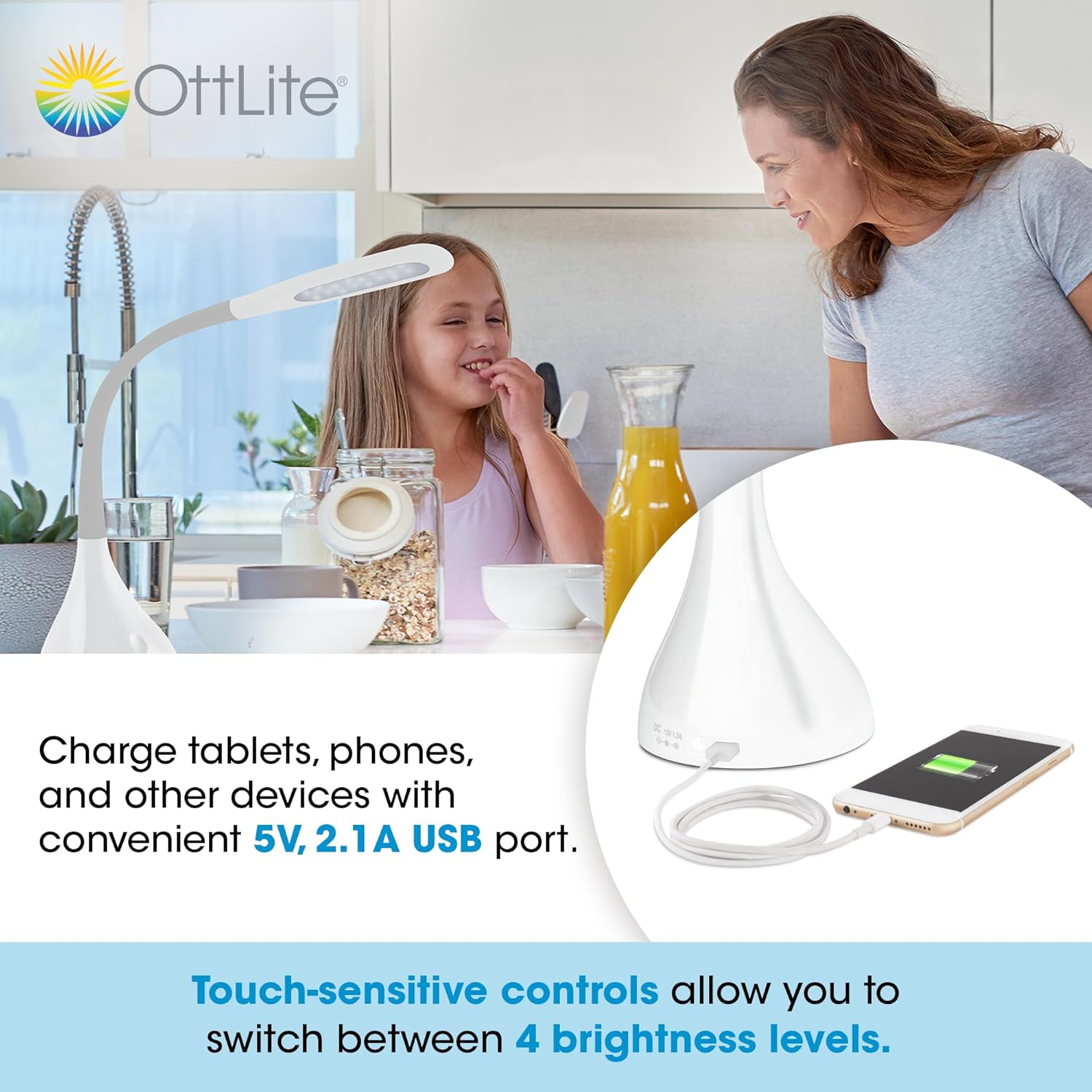
ໃຊ້ຊ່ອງສຽບ USB
ທamp is equipped with a 5V, 2.1A USB charging port located on the base, allowing you to charge compatible devices such as smartphones and tablets.
- ເຊື່ອມຕໍ່ອຸປະກອນ: Plug your device's USB charging cable into the USB port on the lamp ພື້ນຖານ.
- ການສາກໄຟ: Your device will begin charging automatically. The USB port functions whether the lamp light is on or off, as long as the lamp is plugged into a power outlet.
Optimal Lighting for Tasks
The OttLite Creative Curve LED Desk Lamp is designed to deliver natural daylight indoors, which helps reduce eyestrain and allows you to see fine print and colors clearly and comfortably with low glare.


ບໍາລຸງຮັກສາ
- ທໍາຄວາມສະອາດ: ຮັບປະກັນ lamp is unplugged before cleaning. Use a soft, dry cloth to wipe the lamp's surfaces. Do not use abrasive cleaners or solvents, as they may damage the finish.
- LED ອາຍຸ: The energy-efficient LEDs in this lamp are designed to last up to 40,000 hours under normal use, requiring no replacement.
ການແກ້ໄຂບັນຫາ
| ບັນຫາ | ສາເຫດທີ່ເປັນໄປໄດ້ | ການແກ້ໄຂ |
|---|---|---|
| Lamp ບໍ່ເປີດ | Not plugged in, power outlet issue, or power adapter fault. | ກວດໃຫ້ແນ່ໃຈວ່າໄດ້ສຽບອະແດບເຕີໄຟເຂົ້າໃສ່ທັງສອງຢ່າງຢ່າງປອດໄພamp and a working electrical outlet. Try a different outlet. |
| USB charging port is not working. | Lamp not powered, device cable issue, or device incompatibility. | ຮັບປະກັນ lamp is plugged into a power outlet. Try a different USB cable or device to confirm the issue is not with the cable or device. |
| ໄຟກະພິບ ຫຼື ບໍ່ສະໝໍ່າສະເໝີ. | Unstable power connection or internal component issue. | Check all power connections. If the problem persists, discontinue use and contact customer support. |
ຂໍ້ມູນຈໍາເພາະ
- ຕົວແບບ: A30WGC
- ຜູ້ຜະລິດ: Ottlight Technologies
- ຂະໜາດ (L x W x H): 13.34 x 13.34 x 28.58 ຊມ (5.25 x 5.25 x 11.25 ນິ້ວ)
- ຄວາມສູງທີ່ສາມາດປັບໄດ້: 11.25 - 23.75 ນິ້ວ
- ນ້ຳໜັກ: 1.4 ກິໂລ (3.09 ປອນ)
- ແຫຼ່ງແສງ: LED ປະສົມປະສານ
- ລະດັບຄວາມສະຫວ່າງ: 4
- Lumens ສູງສຸດ: ສູງເຖິງ 375 lumen
- ພອດສາກໄຟ USB: 5V, 2.1A
- ວັດສະດຸພື້ນຖານ: ຢາງ
- ປະເພດສໍາເລັດຮູບ: ກ້ຽງ
ການຮັບປະກັນແລະການສະຫນັບສະຫນູນ
This OttLite product is covered by a limited warranty. For detailed warranty information, please refer to the warranty card included with your purchase or visit the official OttLite website. If you encounter any issues or require technical assistance, please contact OttLite customer support through their official channels.
OttLite Official Webເວັບໄຊ: www.ottlite.com


