1. ບົດແນະນຳ
The Crenova XPE650 HD Home Projector is designed for an immersive home entertainment experience. This model is an upgraded version of the XPE600, featuring an enhanced native resolution of 1280x768 pixels and a brightness of 2800 lumens. It supports a wide range of multimedia connections and offers a large screen display for private home theater use.
ຄຸນນະສົມບັດທີ່ສໍາຄັນ:
- Upgraded Resolution: Native 1280x768 pixels, supporting 1080P HD display for clear visuals. Optimized for home entertainment in darker environments.
- Multi-Media Connectivity: Compatible with PC, Laptop, USB drive, TV, DVD Player, Game Console, Tablets, and Smartphones.
- Advanced LCD Color Technology: Supports LCD 24-bit color (True color) providing 1.67 million colors for vivid and stunning images.
- Wider Screen Experience: Projects screen sizes from 60 to 120 inches.
- ການປົກປ້ອງຕາ: Offers a wider and adjustable screen, which is safer for eyes compared to traditional TV screens due to reduced brightness and radiation.
- ຄຸ້ມຄ່າ: Provides a large display experience at a more affordable cost compared to large-screen televisions.
2. ຜະລິດຕະພັນເກີນview
Familiarize yourself with the components and interfaces of your Crenova XPE650 HD Projector.
ສ່ວນປະກອບຂອງໂປເຈັກເຕີ

ຮູບພາບ: ທາງຫນ້າ view of the Crenova XPE650 HD Projector, showcasinການອອກແບບສີດຳທີ່ທັນສະໄໝ ແລະ ເລນຂອງມັນ.

Image: Contents of the Crenova XPE650 HD Projector package, including the projector, remote control, VGA cable, HDMI cable, AV cable, and power cable.
ອິນເຕີເຟດເຂົ້າ/ອອກ

Image: Rear panel of the Crenova XPE650 HD Projector, highlighting the various input and output ports including HDMI, USB, VGA, and RCA (AV).
- ຜອດ HDMI (x2): For connecting high-definition devices such as Blu-ray players, game consoles, and computers.
- ພອດ USB (x2): ສໍາລັບການເຊື່ອມຕໍ່ USB drives ເພື່ອຫຼິ້ນສື່ files ໂດຍກົງ.
- ຜອດ VGA: ສໍາລັບການເຊື່ອມຕໍ່ຄອມພິວເຕີເກົ່າຫຼືຄອມພິວເຕີໂນດບຸກ.
- AV (RCA) Ports: For connecting devices with composite video and stereo audio output.
- ການໂຕ້ຕອບພະລັງງານ: ສໍາລັບການເຊື່ອມຕໍ່ສາຍໄຟ.
3. ຕັ້ງຄ່າ
ການຈັດວາງ
Position the projector on a stable, flat surface. Ensure there is adequate ventilation around the unit to prevent overheating. The optimal projection distance for an 80-inch screen is approximately 2.6 meters.
ກຳລັງເຊື່ອມຕໍ່
- Connect the power cable to the projector's power interface.
- ສຽບປາຍອື່ນໆຂອງສາຍໄຟເຂົ້າໄປໃນປ່ຽງໄຟຟ້າທີ່ເຫມາະສົມ.
ການເຊື່ອມຕໍ່ອຸປະກອນປ້ອນຂໍ້ມູນ
The Crenova XPE650 supports multiple input sources. Choose the appropriate cable for your device:
- HDMI: Use an HDMI cable to connect devices like laptops, game consoles (PS3, PS4), or Blu-ray players to either HDMI 1 or HDMI 2 port.
- VGA: Use a VGA cable to connect older computers or laptops.
- USB: Insert a USB drive into one of the USB ports to play media directly.
- ຂອງ: Use the provided AV cable to connect devices with composite video and stereo audio output.
- ໂທລະສັບສະຫຼາດ / ແທັບເລັດ: To connect smartphones or tablets, a Wi-Fi display dongle (not included) is required. For MacBook/MacBook Pro, an HDMI adapter (not included) is needed.
4. ຄໍາແນະນໍາການດໍາເນີນງານ
ເປີດ/ປິດ
ກົດປຸ່ມເປີດປິດຢູ່ໂປເຈັກເຕີ ຫຼືຣີໂມດຄວບຄຸມເພື່ອເປີດ ຫຼືປິດເຄື່ອງ.
Adjusting Image Focus and Keystone

Image: Close-up of the Crenova XPE650 HD Projector's lens and keystone correction dial, showing the manual adjustment mechanisms.
- ຈຸດສຸມ: Rotate the lens ring to achieve a clear and sharp image.
- ການແກ້ໄຂ Keystone: Use the keystone adjustment dial (located on the rear panel, often near the VGA port) to correct trapezoidal distortion if the projector is not perfectly perpendicular to the screen. The XPE650 supports ±12° vertical keystone correction.
ການເລືອກແຫຼ່ງປ້ອນຂໍ້ມູນ
Use the "Source" button on the remote control or the projector's control panel to cycle through available input sources (HDMI 1, HDMI 2, VGA, USB, AV).
ສຽງອອກ
The projector has a built-in speaker. For enhanced audio, connect external speakers to your source device (e.g., computer, game console) rather than directly to the projector, as this often provides better sound quality.
5. ບໍາລຸງຮັກສາ
ການເຮັດຄວາມສະອາດເລນ
ເຊັດເລນໂປເຈັກເຕີຢ່າງອ່ອນໂຍນດ້ວຍຜ້າອ່ອນໆ, ບໍ່ມີ lit. ຫຼີກເວັ້ນການໃຊ້ເຄື່ອງເຮັດຄວາມສະອາດຂັດຫຼືແຮງຫຼາຍເກີນໄປ, ເຊິ່ງສາມາດຂັດເລນໄດ້.
ການລະບາຍອາກາດແລະການເຮັດຄວາມເຢັນ
Ensure the projector's ventilation ports are clear of obstructions to maintain proper airflow. The internal cooling fan operates to extend the lifespan of the bulb by keeping the unit at an optimal temperature. A slight fan noise is normal during operation. Placing the projector at least 1 meter away can reduce perceived noise levels.
6. ການແກ້ໄຂບັນຫາ
This section addresses common issues you might encounter with your Crenova XPE650 HD Projector.
ບັນຫາທົ່ວໄປ ແລະການແກ້ໄຂ:
- ບໍ່ມີຮູບພາບ ຫຼືຄຸນນະພາບຂອງຮູບພາບທີ່ບໍ່ດີ:
- Check all cable connections (HDMI, VGA, AV) to ensure they are secure.
- ກວດສອບວ່າໄດ້ເລືອກແຫຼ່ງສັນຍານເຂົ້າທີ່ຖືກຕ້ອງໃນໂປເຈັກເຕີແລ້ວ.
- ປັບວົງການໂຟກັສໃສ່ເລນຈົນກວ່າພາບຈະຄົມຊັດ.
- Ensure the projection surface is suitable and the room is sufficiently dark for optimal viewing.
- If the image appears "red heavy" or colors are inaccurate, check the projector's picture mode settings. Some users have reported needing to adjust custom settings for accurate colors.
- ບໍ່ມີສຽງ ຫຼືຄຸນນະພາບສຽງບໍ່ດີ:
- ກວດເບິ່ງການຕັ້ງຄ່າລະດັບສຽງໃນທັງໂປເຈັກເຕີ ແລະອຸປະກອນແຫຼ່ງທີ່ເຊື່ອມຕໍ່.
- If playing video from a USB drive and there's no audio, it might be due to Dolby audio effects not supported by the projector. In such cases, connect the USB drive to a PC, play the file on the PC, and connect the PC to the projector via VGA, using the PC's audio output.
- For better audio, connect external speakers directly to your source device.
- Dust Spots on Projection:
- Dust can sometimes accumulate inside the projector. If persistent, contact customer support for assistance.
- Projector Not Powering On:
- ກວດໃຫ້ແນ່ໃຈວ່າສາຍໄຟຖືກເຊື່ອມຕໍ່ຢ່າງປອດໄພກັບທັງໂປເຈັກເຕີ ແລະປລັກສຽບໄຟທີ່ເຮັດວຽກ.
- If a specific port (e.g., HDMI 1) is not functioning, try another port or contact customer support.
- ສຽງດັງຂອງພັດລົມ:
- A certain level of fan noise is normal due to the cooling system. To minimize perceived noise, ensure the projector is placed at least 1 meter away from the viewພື້ນທີ່.
7. ຂໍ້ມູນຈໍາເພາະ
Detailed technical specifications for the Crenova XPE650 HD Projector.
| ຄຸນສົມບັດ | ລາຍລະອຽດ |
|---|---|
| ຄວາມລະອຽດເດີມ | WXGA / 1280x768 Pixels |
| ສະຫນັບສະຫນູນການແກ້ໄຂ | WUXGA (1280x768), 1080P |
| ຄວາມສະຫວ່າງ | 2800 Lumens |
| ອັດຕາສ່ວນກົງກັນຂ້າມ | 1000:1 |
| ການແກ້ໄຂ Keystone | ±12°ແນວຕັ້ງ |
| ຂະຫນາດຮູບພາບ | 26 - 120 ນິ້ວ |
| ໄລຍະການຄາດຄະເນ | 1M - 6M |
| ເຕັກໂນໂລຊີການເຊື່ອມຕໍ່ | HDMI, USB, VGA, AV |
| ຂະໜາດສິນຄ້າ | 12.99 x 11.22 x 7.87 ນິ້ວ |
| ນ້ໍາຫນັກລາຍການ | 7.93 ປອນ |
| Lamp ຊີວິດ | 20,000 ຊົ່ວໂມງ |
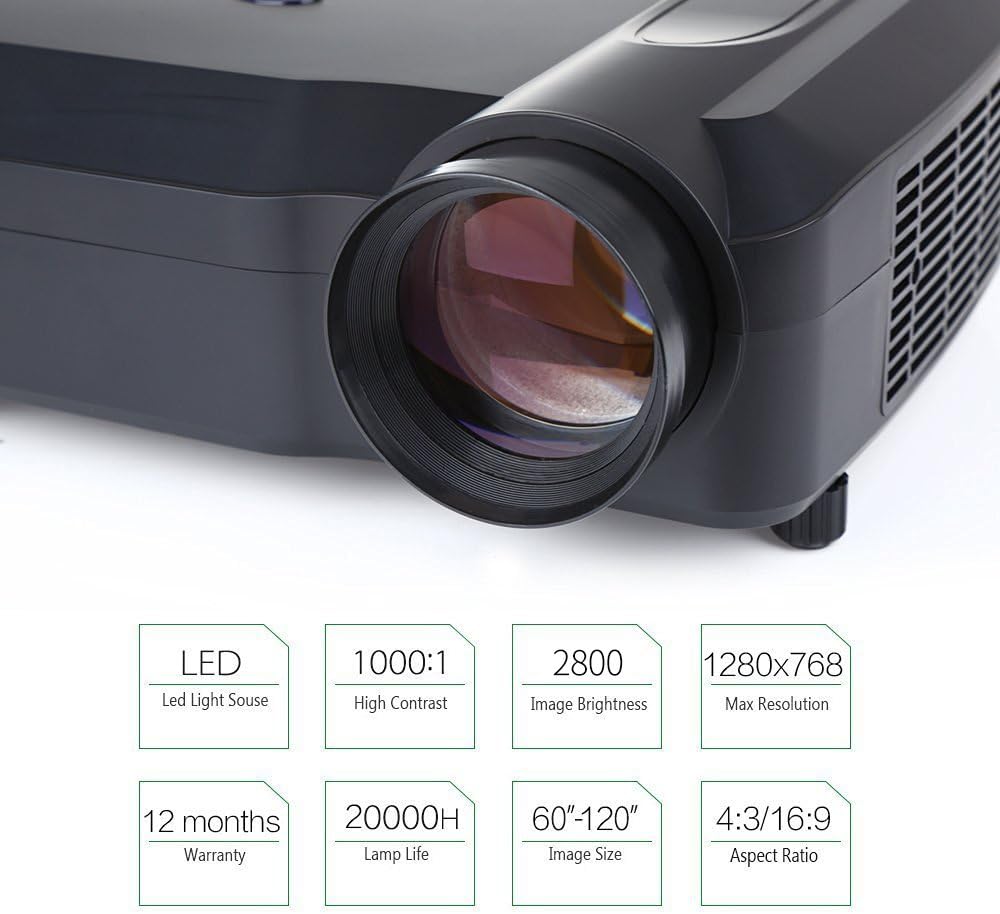
Image: Infographic summarizing key specifications of the Crenova XPE650 HD Projector, including LED light source, 1000:1 contrast, 2800 lumens brightness, 1280x768 max resolution, 12 months warranty, 20000H lamp life, 60"-120" image size, and 4:3/16:9 aspect ratio.

Image: Visual comparison demonstrating the difference between 800x480 resolution (jagged edge) and 1280x768 resolution (vivid and clear image) on a projected flower image.
Image: Illustration of 24-bit color displaying 1.67 million colors, comparing it to an ordinary LCD display, with a tip on checking color fidelity.
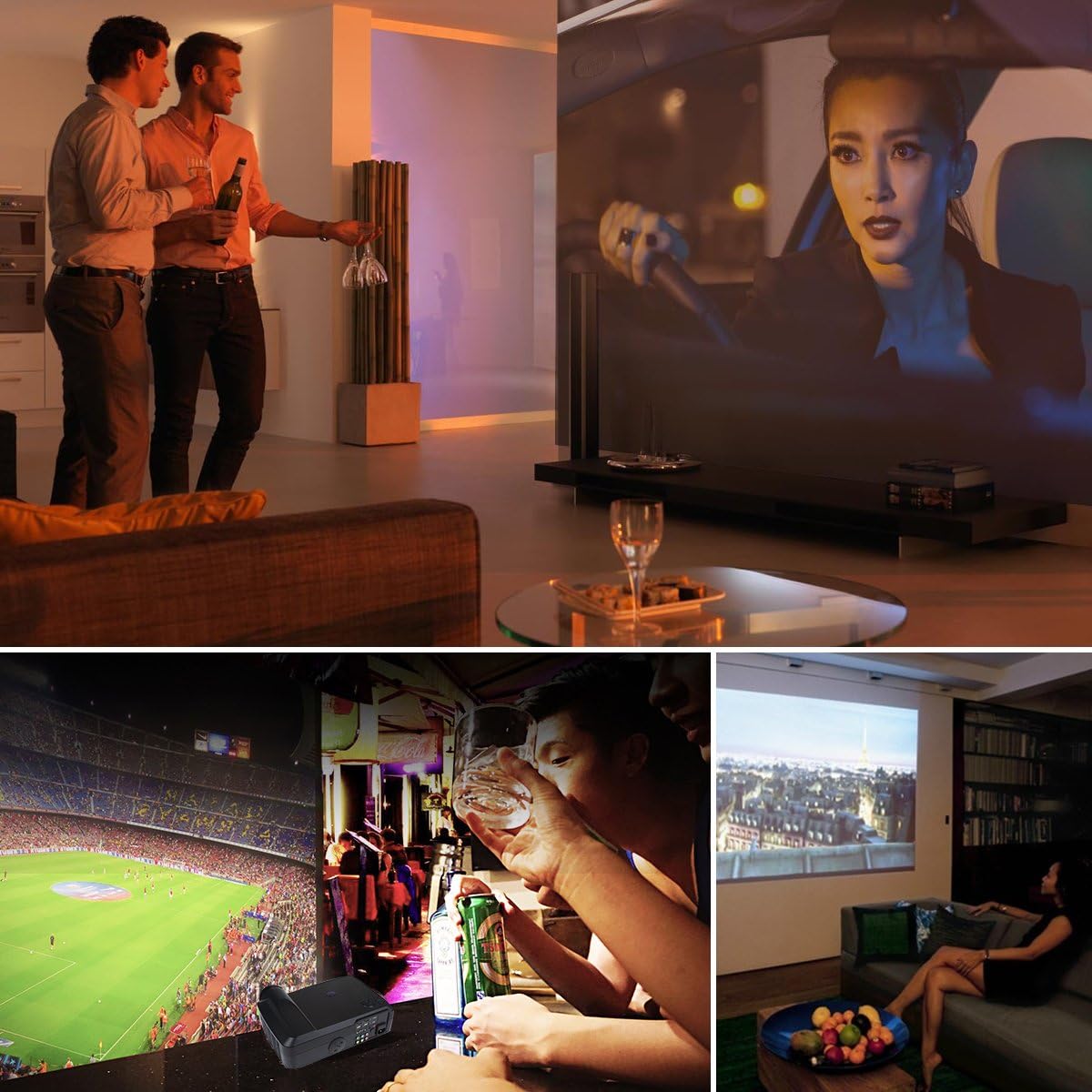
Image: Collage showing various usage scenarios for the Crenova XPE650 HD Projector, including watching movies, sports, and social gatherings.
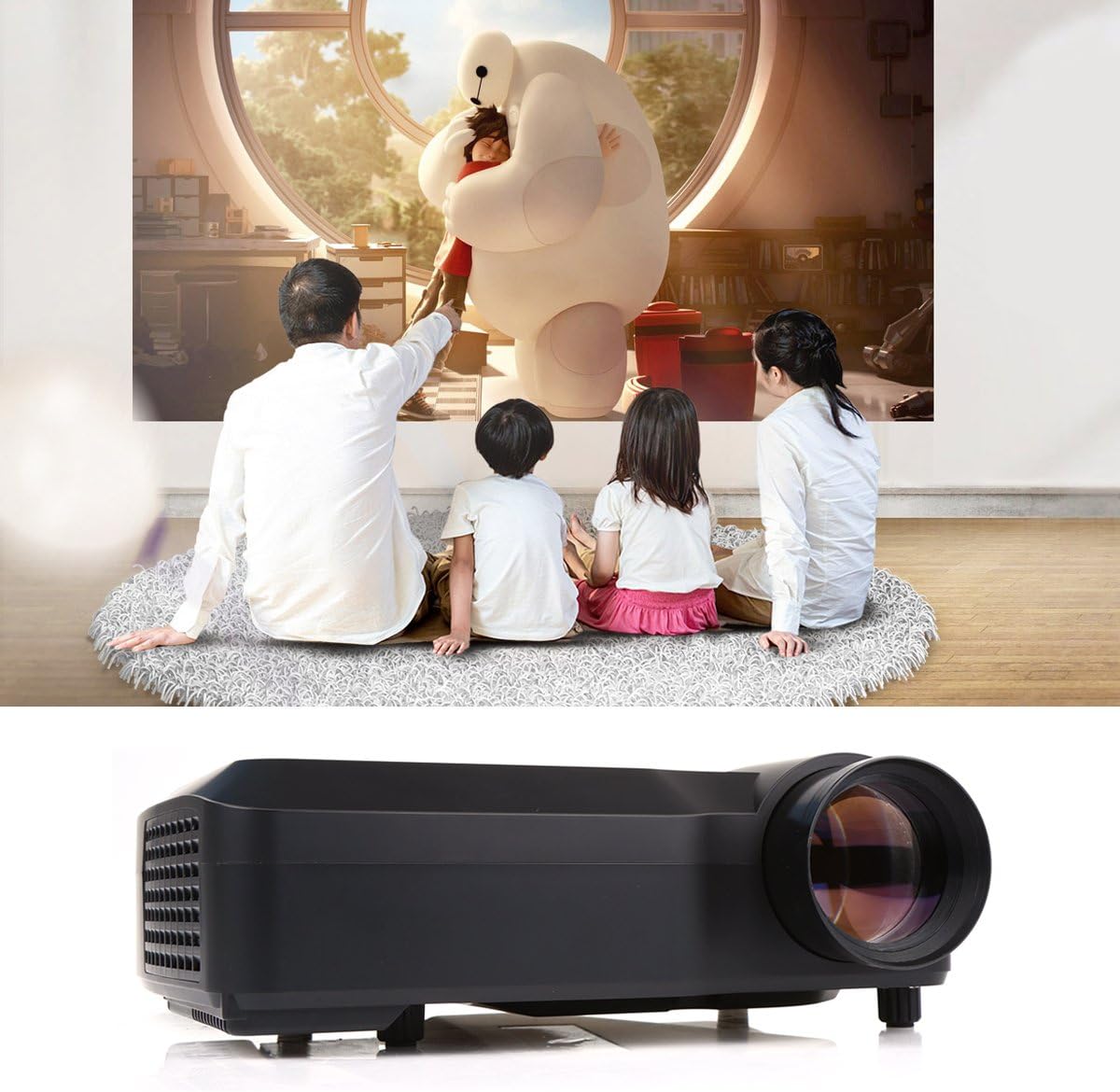
Image: A family watching a movie projected by the Crenova XPE650 HD Projector in a home setting.
Image: Diagram illustrating various devices that can be connected to the Crenova XPE650 HD Projector, including computers, tablets, smartphones, TVs, and USB drives.
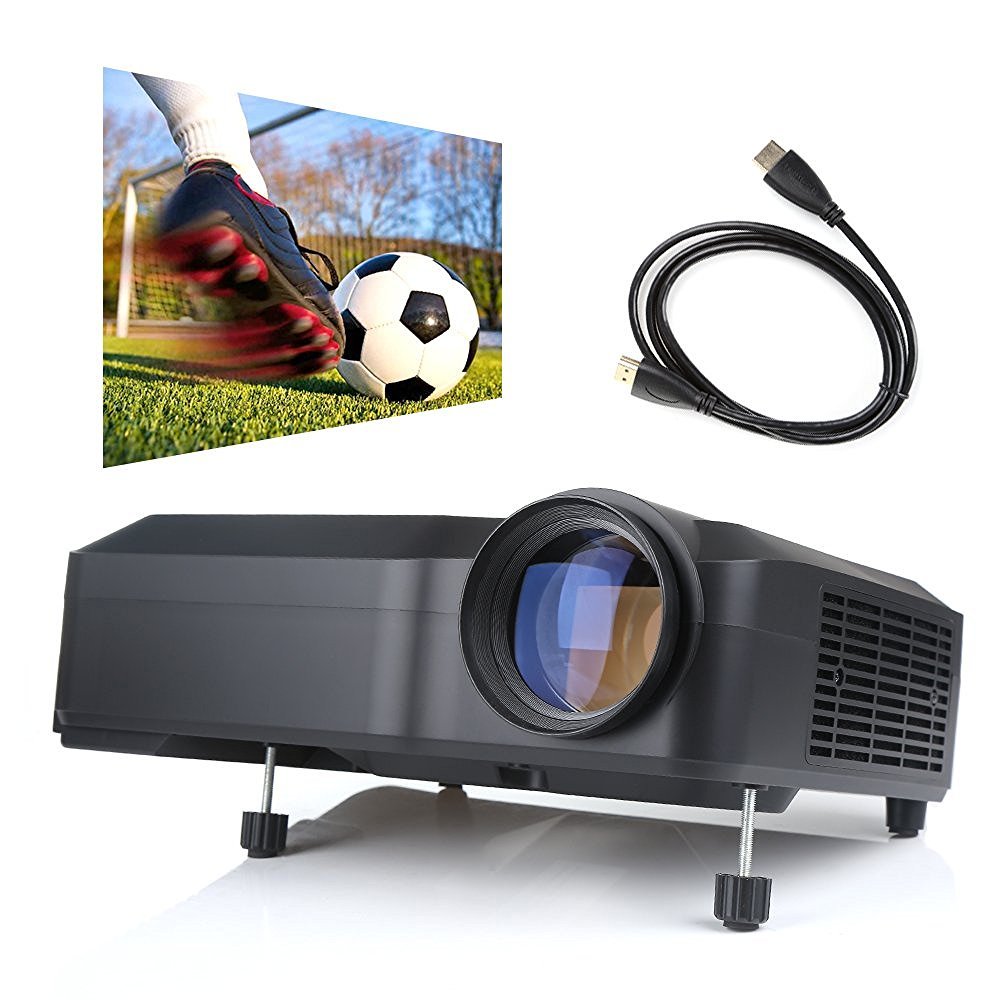
Image: Comparison table showing advantages of a projector (60"-120" adjustable size, low light contrast, low power consumption, cost-effective) over a TV (40" unadjustable size, high light contrast, high power consumption, expensive). Below the table, an image illustrates the large projection size compared to a smaller TV.
8. ການຮັບປະກັນແລະການສະຫນັບສະຫນູນ
The Crenova XPE650 HD Projector comes with a ຮັບປະກັນ 12 ເດືອນ ຈາກວັນທີ່ຊື້.
For any concerns, issues, or technical support, please contact Crenova customer service. While some support channels may include social media platforms like Facebook, direct customer service contact is recommended for prompt assistance.


