ແນະນຳ
Welcome to the instruction manual for your Sony XBR55X850D 55-Inch 4K Ultra HD Smart TV. This television combines 4K Ultra HD picture clarity with the contrast, color, and detail of High Dynamic Range (HDR) for a truly remarkable viewປະສົບການ. ຄູ່ມືນີ້ໃຫ້ຂໍ້ມູນທີ່ຈໍາເປັນສໍາລັບການຕັ້ງຄ່າ, ການດໍາເນີນງານ, ການຮັກສາ, ແລະການແກ້ໄຂບັນຫາໂທລະພາບໃຫມ່ຂອງທ່ານ.
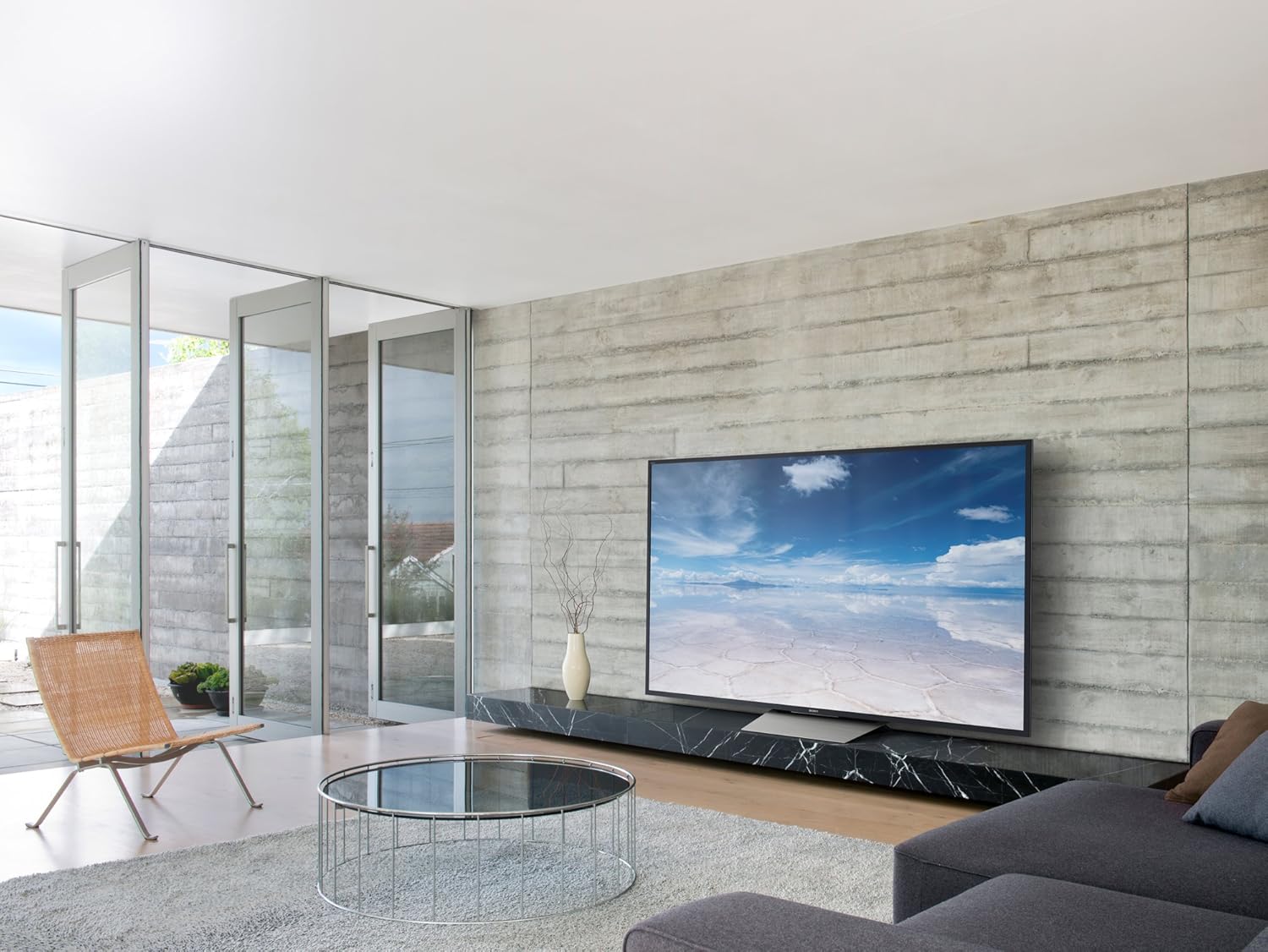
ຮູບ 1: ດ້ານຫນ້າ view of the Sony XBR55X850D 55-Inch 4K Ultra HD Smart TV.
ແມ່ນຫຍັງຢູ່ໃນກ່ອງ
ກະລຸນາກວດສອບໃຫ້ແນ່ໃຈວ່າລາຍການຕໍ່ໄປນີ້ລວມຢູ່ໃນຊຸດຂອງທ່ານ:
- Sony XBR55X850D 55-Inch 4K Ultra HD Smart TV
- Table Top Stand (assembly required)
- ການຄວບຄຸມໄລຍະໄກດ້ວຍສຽງ (RMF-TX200U)
- Batteries (R03)
- AC Power Cord (Pigtail, US with polarity)
- IR Blaster (IRB-BR1)
- ຄູ່ມືການຕິດຕັ້ງ
- ຂໍ້ມູນການຮັບປະກັນ
ຕັ້ງຄ່າ
ປະຊຸມສະພາ
The included table top stand requires assembly. Follow the instructions in the Setup Guide for proper attachment. No screws are needed for the stand, as it is designed for easy slot-in installation. Alternatively, the TV is compatible with standard VESA wall mounts (sold separately).
ການເຊື່ອມຕໍ່ອຸປະກອນ
Your TV features multiple input options:
- HDMI: 4 HDMI inputs (HDCP 2.2/HDMI 2.0a) are available for connecting external devices such as Blu-ray players, gaming consoles, and cable boxes. One HDMI port supports Audio Return Channel (ARC) for simplified audio connections to sound systems.
- USB: 3 USB ports allow connection of USB storage devices for media playback or other accessories.
- ອີເທີເນັດ/Wi-Fi: Connect to your home network via an Ethernet cable or wirelessly using the built-in Wi-Fi for Smart TV features and internet access.
- Optical Audio Output: For connecting to external audio systems that do not support ARC.
ການຕິດຕັ້ງເບື້ອງຕົ້ນ
Upon first power-on, the TV will guide you through the initial setup process, including network connection, Google Assistant setup, and software updates. Ensure a stable internet connection for a smooth setup.
ວິດີໂອ 1: ຫຼາຍກວ່າview of the Sony XBR55X850D, including physical features and connectivity options.
ການປະຕິບັດໂທລະພາບຂອງທ່ານ
ຟັງຊັນ Smart TV
This Sony TV is equipped with Smart TV functionality, powered by Android TV. This allows you to access a wide range of apps, streaming services, and online content directly from your television. The Google Assistant is integrated, enabling voice commands for navigation, content search, and smart home control.
ການຄວບຄຸມໄລຍະໄກ
The included Voice Remote Control (RMF-TX200U) provides intuitive control over your TV. Use the dedicated buttons for common functions and the voice command feature for hands-free operation. The remote is designed for ease of use with Smart TV features.

ຮູບ 2: ດ້ານຫນ້າ view of the television with the screen off, highlighting its sleek design.
ຄຸນນະສົມບັດທີ່ສໍາຄັນ
- 4K Ultra HD ກັບ HDR: Experience stunning picture clarity with four times the resolution of Full HD, enhanced by High Dynamic Range for superior contrast, color, and detail.
- LED Backlight (Edge-Lit): Provides bright and uniform illumination across the screen.
- 120Hz Native Refresh Rate (Motionflow XR 960 Effective): Ensures smooth motion handling for fast-paced action scenes and sports.
- ຟັງຊັນອັດສະລິຍະ: Integrated Android TV platform with Google Assistant for seamless access to apps, streaming, and voice control.
- ຕົວເລືອກການເຊື່ອມຕໍ່ຫຼາຍອັນ: 4 HDMI inputs (HDCP 2.2/HDMI 2.0a), 3 USB ports, and Wi-Fi connectivity.
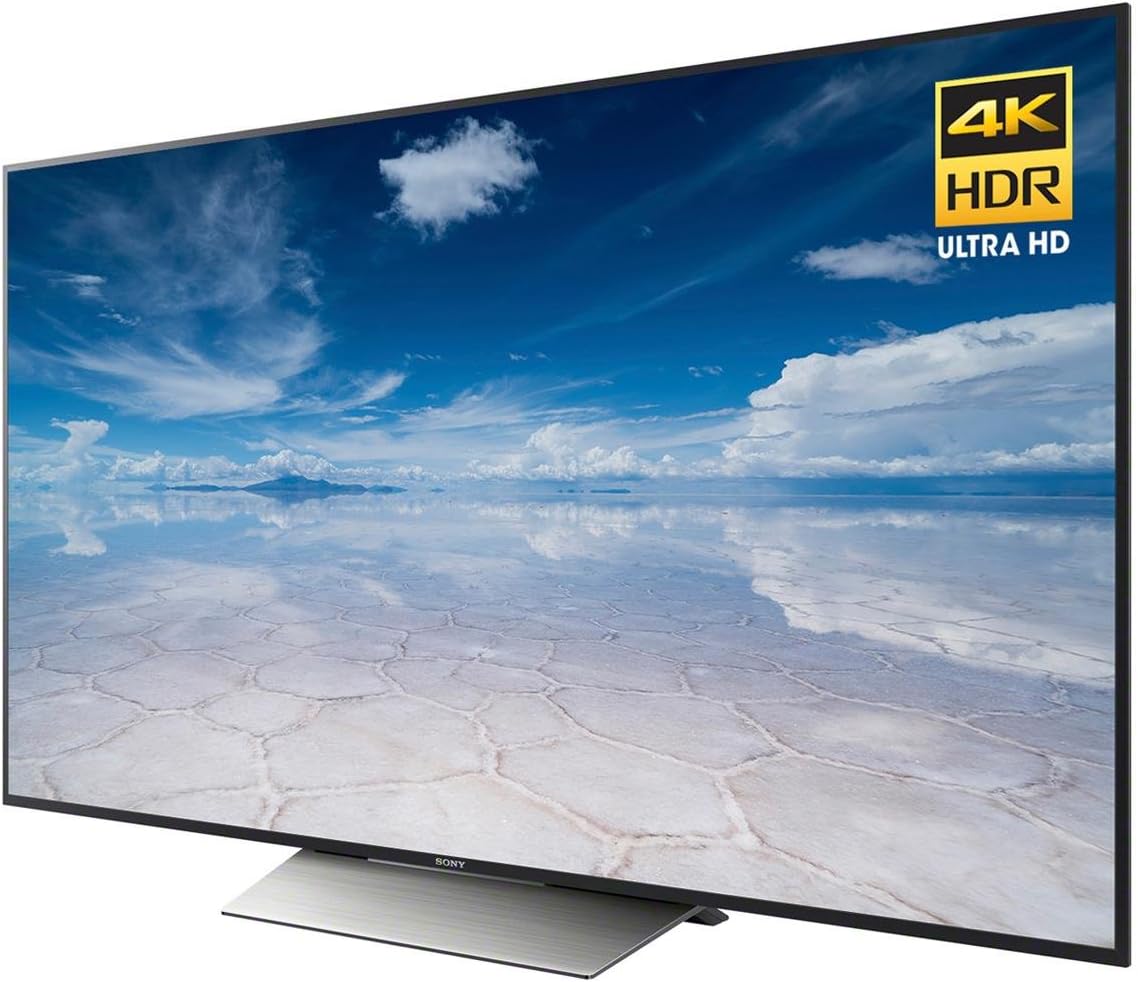
ຮູບທີ 3: ມຸມ view of the TV highlighting the 4K HDR Ultra HD capabilities.
ຂໍ້ມູນຈໍາເພາະ
| ຄຸນສົມບັດ | ຂໍ້ມູນຈໍາເພາະ |
|---|---|
| ຍີ່ຫໍ້ | Sony |
| ໝາຍເລກຕົວແບບ | XBR55X850D |
| ຂະໜາດໜ້າຈໍ | 55 ນິ້ວ |
| ເຕັກໂນໂລຊີການສະແດງ | LED (Edge-Lit) |
| ຄວາມລະອຽດ | 4K Ultra HD |
| ອັດຕາການໂຫຼດຂໍ້ມູນຄືນໃໝ່ | 120Hz (Native); Motionflow XR 960 (Effective) |
| ຟັງຊັນອັດສະລິຍະ | Yes (Android TV with Google Assistant) |
| ການປ້ອນຂໍ້ມູນ HDMI | 4 (HDCP 2.2/HDMI 2.0a, 1 with ARC) |
| ພອດ USB | 3 |
| ເຕັກໂນໂລຊີການເຊື່ອມຕໍ່ | Wi-Fi, ອີເທີເນັດ |
| ຂະໜາດ (ມີຂາຕັ້ງ) | 48.5" W x 30.4" H x 10.4" D |
| ນ້ໍາຫນັກລາຍການ | 58 ປອນ |
| ການບໍລິໂພກພະລັງງານ | 20 ວັດ |

Figure 4: Key dimensions of the Sony XBR55X850D TV.
ບໍາລຸງຮັກສາ
ເພື່ອຮັບປະກັນອາຍຸການໃຊ້ງານທີ່ຍາວນານ ແລະ ປະສິດທິພາບທີ່ດີທີ່ສຸດຂອງໂທລະພາບ Sony ຂອງທ່ານ, ໃຫ້ປະຕິບັດຕາມຄຳແນະນຳກ່ຽວກັບການບຳລຸງຮັກສາເຫຼົ່ານີ້:
- ທໍາຄວາມສະອາດຫນ້າຈໍ: ເຊັດໜ້າຈໍດ້ວຍຜ້າໄມໂຄໄຟເບີທີ່ອ່ອນໆ ແລະແຫ້ງ. ສໍາລັບຮອຍເປື້ອນທີ່ແຂງກະດ້າງ, ເບົາບາງ dampen ຜ້າທີ່ມີນ້ໍາຫຼືການແກ້ໄຂສໍາລັບການທໍາຄວາມສະອາດຫນ້າຈໍ (ຫຼີກເວັ້ນການສານເຄມີຮ້າຍແຮງ).
- ທໍາຄວາມສະອາດກອບ: ໃຊ້ຜ້າອ່ອນໆເຊັດຝາໂທລະທັດ ແລະ ຢືນ.
- ການລະບາຍອາກາດ: ໃຫ້ແນ່ໃຈວ່າຊ່ອງລະບາຍອາກາດຂອງໂທລະພາບບໍ່ໄດ້ຖືກປິດກັ້ນເພື່ອປ້ອງກັນຄວາມຮ້ອນເກີນໄປ.
- ສາຍໄຟ: ກວດເຊັກສາຍໄຟເປັນປະຈຳວ່າມີຄວາມເສຍຫາຍໃດໆ.
ການແກ້ໄຂບັນຫາ
ຖ້າຫາກທ່ານພົບບັນຫາກັບໂທລະພາບຂອງທ່ານ, ເບິ່ງວິທີແກ້ໄຂທົ່ວໄປດັ່ງຕໍ່ໄປນີ້:
- No Picture/No Sound: Check all cable connections (HDMI, power, audio). Ensure the correct input source is selected. Try restarting the TV by unplugging it from the power outlet for a few minutes, then plugging it back in.
- ການຄວບຄຸມໄລຍະໄກບໍ່ເຮັດວຽກ: ປ່ຽນແບັດເຕີລີ. ກວດໃຫ້ແນ່ໃຈວ່າບໍ່ມີສິ່ງກີດຂວາງລະຫວ່າງຣີໂໝດ ແລະເຊັນເຊີ IR ຂອງໂທລະທັດ.
- ບັນຫາການເຊື່ອມຕໍ່ເຄືອຂ່າຍ: Verify your Wi-Fi password or Ethernet cable connection. Restart your router and modem.
- Smart TV Apps Not Responding: Try restarting the app or the TV. Ensure the TV's software is up to date.
ການຮັບປະກັນແລະການສະຫນັບສະຫນູນ
Your Sony XBR55X850D TV comes with a limited warranty. Please refer to the included warranty documentation for details on coverage, terms, and conditions. For technical support, service, or additional information, please visit the official Sony support webເວັບໄຊ ຫຼືຕິດຕໍ່ຝ່າຍບໍລິການລູກຄ້າ Sony.
ວິດີໂອ 2: ຜະລິດຕະພັນເກີນview of a Sony 4K Ultra HD Smart TV from the same model series.


