ແນະນຳ
Thank you for choosing the Beurer HM16 Thermo Hygrometer. This device is designed to accurately measure and display the ambient temperature and relative humidity. It features a large, easy-to-read display and a "smiley" indicator for comfort levels. Please read these instructions carefully before first use and keep them for future reference.
ຂໍ້ມູນຄວາມປອດໄພທີ່ສໍາຄັນ
- ຮັກສາອຸປະກອນໃຫ້ຫ່າງຈາກນ້ໍາແລະຄວາມຊຸ່ມ.
- ຢ່າເຮັດໃຫ້ອຸປະກອນຖືກແສງແດດໂດຍກົງ ຫຼືອຸນຫະພູມທີ່ຮຸນແຮງ.
- ຫ້າມຖິ້ມ ຫຼືເຮັດໃຫ້ອຸປະກອນຖືກກະທົບຢ່າງແຮງ.
- Do not attempt to open or repair the device yourself. Contact authorized service personnel.
- ຮັກສາຫມໍ້ໄຟໃຫ້ໄກຈາກເດັກນ້ອຍ. ຖ້າກືນກິນ, ໃຫ້ຊອກຫາແພດທັນທີ.
- ຖິ້ມແບດເຕີລີ່ແລະອຸປະກອນຕາມກົດລະບຽບທ້ອງຖິ່ນ.
ເນື້ອໃນຊຸດ
Please check that all items are present and undamaged upon receipt:
- 1x Beurer HM16 Thermo Hygrometer
- 1x Lithium Metal Battery (CR2025, pre-installed or separate)
- 1x ຄູ່ມືແນະນຳ (ເອກະສານນີ້)
ອຸປະກອນເກີນview
Familiarize yourself with the components of your Beurer HM16 Thermo Hygrometer.
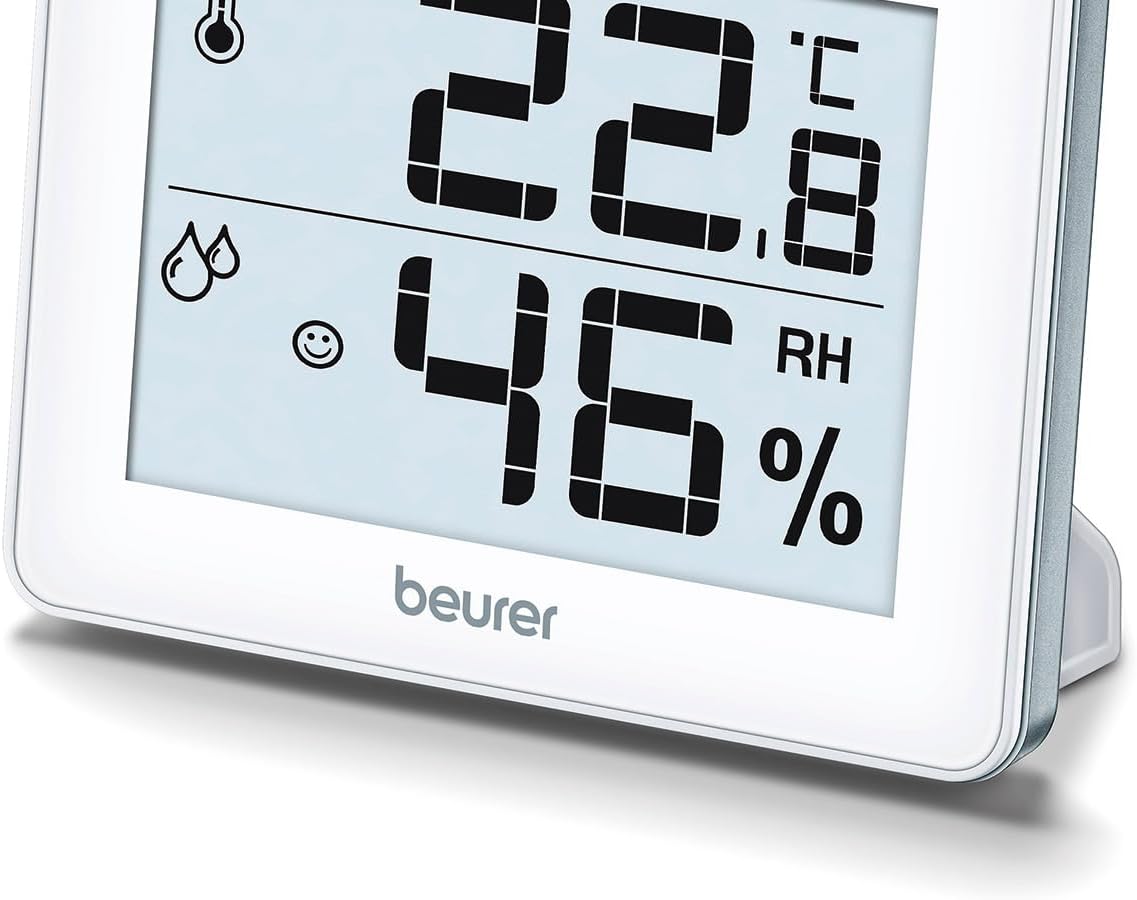
ຮູບ 1: ດ້ານຫນ້າ View of Beurer HM16
This image shows the front of the Beurer HM16 Thermo Hygrometer, featuring its large digital display. The display indicates both temperature and relative humidity, along with a comfort level smiley icon. The device is shown with its integrated fold-out stand extended, allowing for tabletop placement.

ຮູບ 2: ກັບຄືນໄປບ່ອນ View of Beurer HM16
This image displays the rear of the Beurer HM16 Thermo Hygrometer. Visible features include the battery compartment cover, a small button for switching between Celsius and Fahrenheit (°C/°F), and a keyhole slot for wall mounting. The fold-out stand is also shown in its retracted position.
- ຈໍສະແດງຜົນ: Shows temperature, humidity, and comfort indicator.
- ຊ່ອງໃສ່ຫມໍ້ໄຟ: ຕັ້ງຢູ່ດ້ານຫຼັງ.
- ສະຫຼັບ °C/°F: Button on the back to change temperature units.
- Fold-out Stand: ສຳ ລັບການຈັດ ຕຳ ແໜ່ງ ໂຕະ.
- Wall Mount Hole: For hanging the device.
ຕັ້ງຄ່າ
1. ການຕິດຕັ້ງຫມໍ້ໄຟ
The Beurer HM16 requires one CR2025 Lithium Metal battery. This battery is typically included and may be pre-installed with a protective tab.
- ຊອກຫາຊ່ອງໃສ່ແບັດເຕີຣີຢູ່ດ້ານຫຼັງຂອງອຸປະກອນ (ເບິ່ງຮູບທີ 2).
- If a protective tab is present, gently pull it out to activate the battery.
- If replacing the battery, use a small screwdriver or coin to open the battery compartment cover.
- Insert the new CR2025 battery with the positive (+) side facing upwards.
- ປິດຝາປິດຊ່ອງໃສ່ຫມໍ້ໄຟຢ່າງປອດໄພ.
2. ບັນຈຸເຂົ້າຮຽນ
The device can be placed on a flat surface or mounted on a wall.
- ການຈັດວາງເທິງໂຕະ: Extend the fold-out stand on the back of the device. Place the hygrometer on a stable, flat surface away from direct heat sources, windows, or vents that could affect readings.
- ຕິດຝາ: Use a screw (not included) suitable for your wall type. Insert the screw into the wall, leaving a small portion protruding. Hang the device using the keyhole slot on its back (refer to Figure 2).
ປະຕິບັດການອຸປະກອນ
1. Automatic Display
Once the battery is installed, the device will automatically power on and begin displaying the current temperature and relative humidity. Readings are updated regularly.
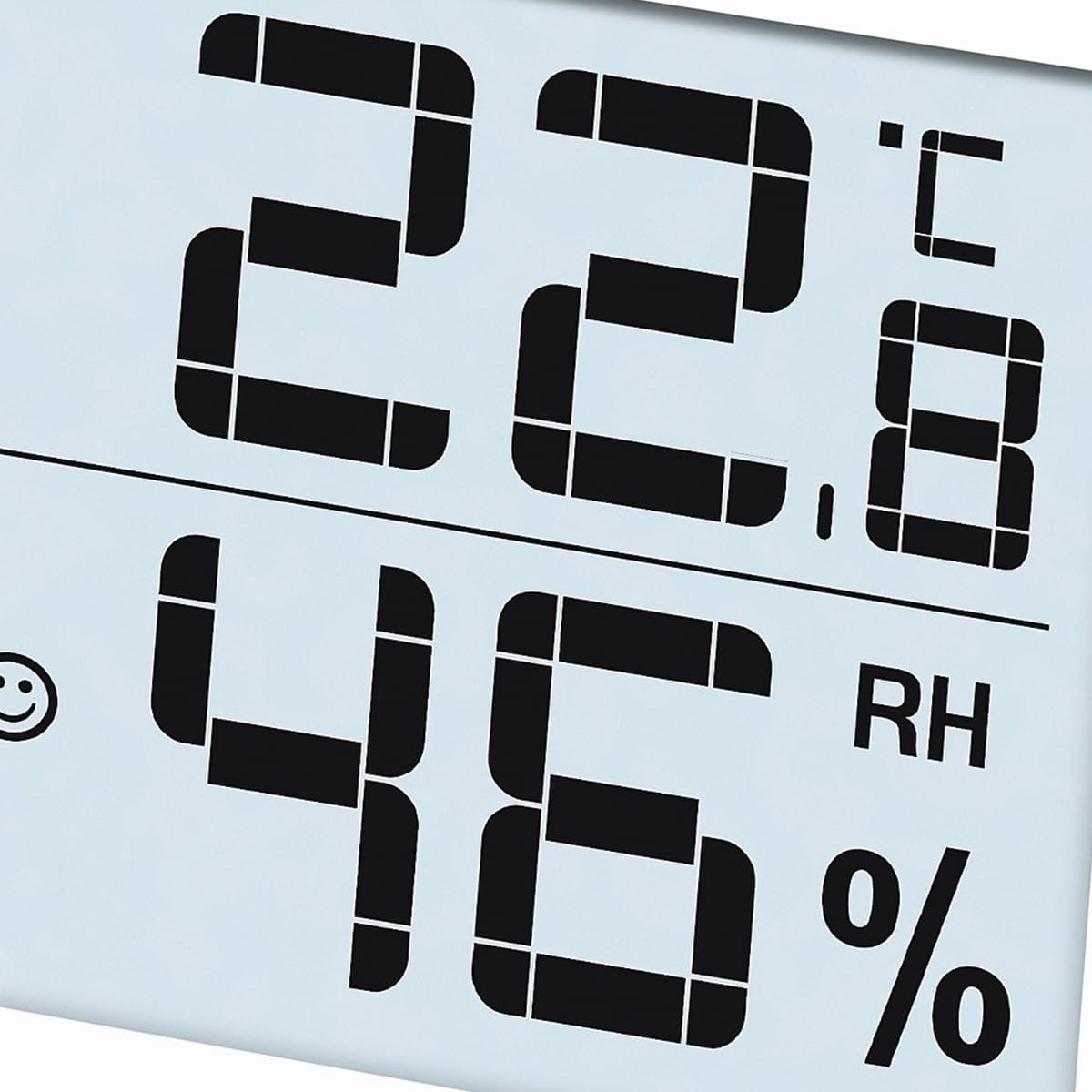
Figure 3: Display Example
This close-up image shows the digital display of the Beurer HM16, clearly indicating a temperature of 22.8 °C and a relative humidity of 46% RH. A small smiley icon is also visible, indicating the comfort level.
2. ຫົວໜ່ວຍອຸນຫະພູມສະຫຼັບ (°C/°F)
ເພື່ອສະຫຼັບລະຫວ່າງເຊວຊຽດ (°C) ແລະຟາເຣນຮາຍ (°F):
- Locate the small button labeled "°C/°F" on the back of the device (refer to Figure 2).
- Press this button once to toggle the temperature display between Celsius and Fahrenheit.
3. Comfort Level Indicator (Smiley Display)
The HM16 features a visual comfort indicator to quickly assess the indoor climate:
- Smiling Face :) : Indicates a comfortable climate (Temperature: 20-25°C / 68-77°F, Humidity: 30-60% RH).
- Neutral Face :| : Indicates a dry climate (Humidity: <30% RH, regardless of temperature).
- Sad Face :( : Indicates a wet climate (Humidity: >60% RH, regardless of temperature).
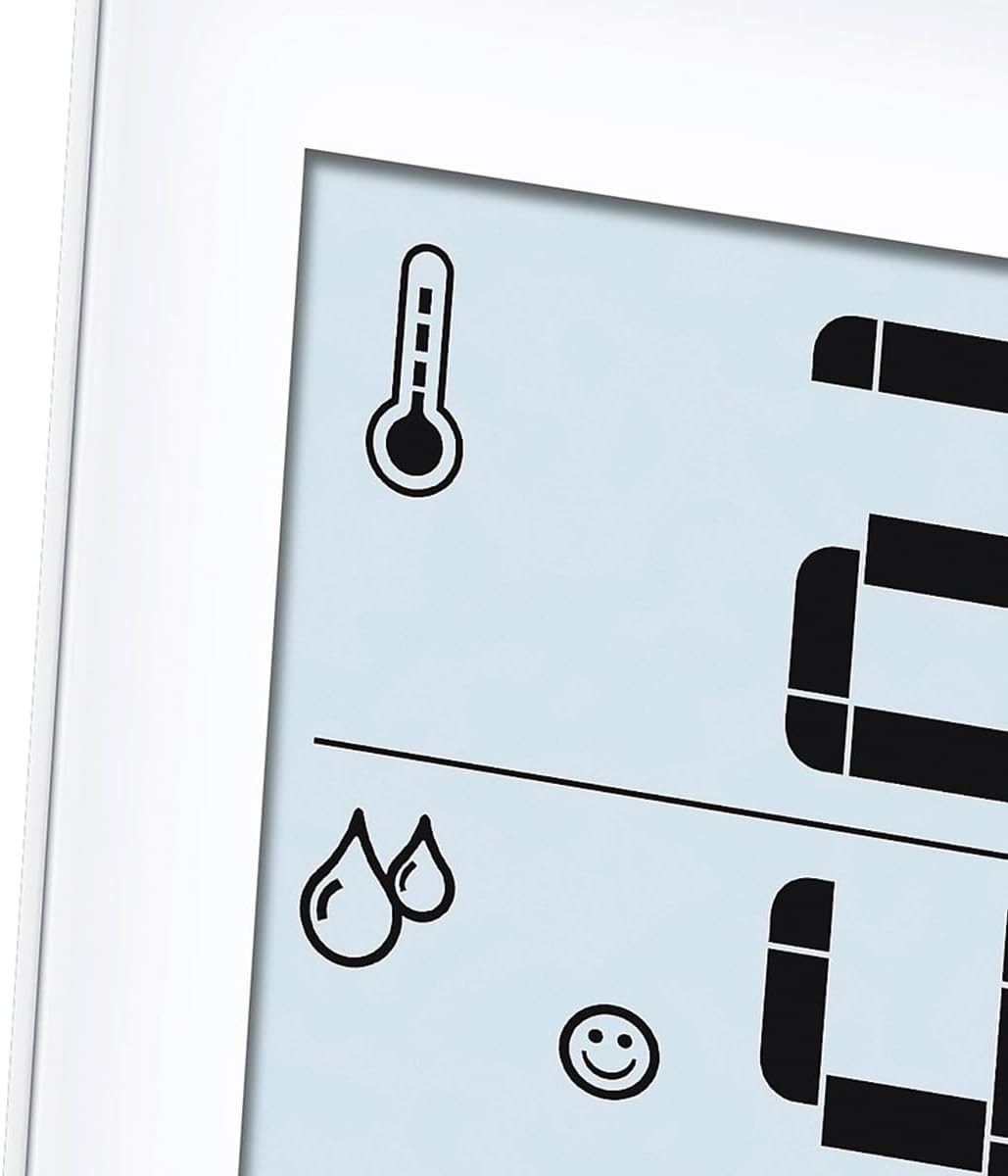
Figure 4: Comfort Indicator and Icons
This image provides a close-up of the display's icons, including the thermometer symbol for temperature, the droplet symbols for humidity, and the smiling face icon which serves as the comfort level indicator. This visual cue helps users quickly understand the current indoor climate conditions.
ການບໍາລຸງຮັກສາແລະການດູແລ
- ເຮັດຄວາມສະອາດອຸປະກອນເປັນປົກກະຕິດ້ວຍຜ້າອ່ອນໆ, ແຫ້ງ.
- ຫ້າມໃຊ້ສານຂັດສີ ຫຼືສານລະລາຍທຳຄວາມສະອາດ.
- ຖ້າອຸປະກອນຈະບໍ່ຖືກນໍາໃຊ້ເປັນເວລາດົນ, ໃຫ້ຖອດແບັດເຕີຣີອອກເພື່ອປ້ອງກັນການຮົ່ວໄຫຼ.
- ເກັບຮັກສາອຸປະກອນໄວ້ໃນບ່ອນທີ່ເຢັນ, ແຫ້ງ.
ການແກ້ໄຂບັນຫາ
| ບັນຫາ | ສາເຫດທີ່ເປັນໄປໄດ້ | ການແກ້ໄຂ |
|---|---|---|
| No display / Display is dim | Battery is empty or incorrectly inserted. | Replace the battery (CR2025) or ensure it is inserted correctly with the positive (+) side up. |
| ການອ່ານບໍ່ຖືກຕ້ອງ | Device placed near heat sources, vents, or in direct sunlight. | Relocate the device to a central area of the room, away from factors that could influence readings. Allow time for stabilization. |
| Temperature unit cannot be changed | Button not pressed firmly or device malfunction. | Ensure the °C/°F button on the back is pressed firmly. If the issue persists, contact customer support. |
ຂໍ້ມູນຈໍາເພາະ
- ຕົວແບບ: HM16 (Type 67915)
- ຂະໜາດຜະລິດຕະພັນ: 10 x 21.5 x 8.1 cm
- ນ້ຳໜັກ: 100 g (0.1 ກິໂລກຣາມ)
- ການສະຫນອງພະລັງງານ: 1 x CR2025 Lithium Metal battery (included)
- ຊ່ວງວັດແທກອຸນຫະພູມ: 0°C ຫາ 50°C (32°F ຫາ 122°F)
- ຄວາມຖືກຕ້ອງຂອງອຸນຫະພູມ: ±0.5°C (±1°F)
- ຊ່ວງການວັດແທກຄວາມຊຸ່ມຊື່ນ: 20% ຫາ 95% RH
- ຄວາມຖືກຕ້ອງຂອງຄວາມຊຸ່ມຊື່ນ: ±5% RH (between 40-80% RH)
- ປະເພດການຕິດຕັ້ງ: ໂຕະ, ຕິດຝາ
- ຜູ້ຜະລິດ: Beurer GmbH
ການຮັບປະກັນແລະການສະຫນັບສະຫນູນ
For information regarding warranty terms and conditions, or if you require technical support, please refer to the warranty card included with your product or visit the official Beurer website. You may also contact Beurer customer service directly for assistance.
ໝາຍເຫດ: The manufacturer's legal disclaimer states that actual product packaging and materials may contain more and different information than what is shown on websites. Always read labels, warnings, and directions before using or consuming a product.
ການຖິ້ມຂີ້ເຫຍື້ອ
ການຖິ້ມຂີ້ເຫຍື້ອຂອງອຸປະກອນ
Do not dispose of the device in household waste. Dispose of the device in accordance with local regulations for electronic waste. Contact your local authorities or waste disposal service for information on proper disposal methods.
ການຖິ້ມແບັດເຕີລີ່
Batteries must not be disposed of with household waste. They may contain toxic heavy metals and are subject to special waste treatment. Dispose of batteries at designated collection points in accordance with local regulations.