
1. ການຕິດຕັ້ງແລະການຕິດຕັ້ງ
1.1 ສິ່ງທີ່ຢູ່ໃນກ່ອງ
Carefully unpack your new TCL 55T6D television and ensure all components are present. The package should contain the following items:
- ໂທລະພາບ LED 1N
- 1N Stand
- 1N ການຄວບຄຸມໄລຍະໄກ
- ແບັດເຕີຣີ 2N AAA

Image: Contents of the TCL 55T6D TV box, showing the television, remote control, and two AAA batteries.
1.2 ການຕິດຕັ້ງຂາຕັ້ງ / ການຕິດຕັ້ງຝາຜະໜັງ
Your TCL 55T6D television supports both table-top stand installation and wall mounting. The table-top stand is included in the box. A fixed or adjustable wall mount is not included and must be purchased separately.

Image: Diagram illustrating the dimensions and weight of the TCL 55T6D television, both with and without its stand, for installation planning.
1.3 ອຸປະກອນເຊື່ອມຕໍ່
The TCL 55T6D TV offers various connectivity options for external devices:
- ຜອດ HDMI: 3 ports for connecting devices like Blu-ray players, gaming consoles, or set-top boxes.
- ພອດ USB: 1 port for connecting USB storage devices.
- ການປ້ອນຂໍ້ມູນເສົາອາກາດ: ສໍາລັບການເຊື່ອມຕໍ່ເສົາອາກາດທາງບົກ.
- ການປ້ອນຂໍ້ມູນດາວທຽມ: ສໍາລັບການເຊື່ອມຕໍ່ຈານດາວທຽມ.
- AV ໃນອະແດັບເຕີ: For older devices using composite video/audio.
- ອີເທີເນັດ: ສໍາລັບການເຊື່ອມຕໍ່ເຄືອຂ່າຍມີສາຍ.
- Wi-Fi: Built-in Wi-Fi 5 for wireless network connection.
- Bluetooth: Version 5.0 for wireless audio devices and remote control.

ຮູບພາບ: ລາຍລະອຽດ view of the TCL 55T6D television's connectivity ports, including HDMI, USB, Antenna/Cable In, and Satellite Input.
2. ຄໍາແນະນໍາການດໍາເນີນງານ
2.1 ການເປີດເຄື່ອງເບື້ອງຕົ້ນ ແລະການຕັ້ງຄ່າ Google TV
After connecting the power cable, press the power button on the remote control or the TV. Follow the on-screen instructions to complete the initial setup, including network connection, Google account login, and channel scanning. The TV runs on the Google TV operating system.

Image: The Google TV interface displayed on the TCL 55T6D, showing various streaming applications and content recommendations.
2.2 ຫນ້າທີ່ຄວບຄຸມໄລຍະໄກ
The included remote control allows for easy navigation and control of your TV. It features dedicated buttons for popular streaming services and integrates Google Assistant for voice commands.

Image: The TCL remote control, highlighting the Google Assistant button for voice commands and quick access buttons for streaming services like Netflix and Prime Video.
2.3 ຄຸນສົມບັດ Smart TV
The TCL 55T6D is equipped with advanced smart features:
- ໜ່ວຍປະມວນຜົນ: 64-bit Quad Core Processor for smooth performance.
- ໜ່ວຍຄວາມຈຳ: 2GB RAM and 16GB ROM for apps and system operations.
- ບໍລິການຖ່າຍທອດ: Access to Prime Video, Netflix, Hotstar, Zee5, YouTube, and many more.
- ຜູ້ຊ່ວຍ Google: Use voice commands for search, control, and smart home integration.
- ການສະທ້ອນໜ້າຈໍ: ສົ່ງສັນຍານເນື້ອຫາທີ່ເຂົ້າກັນໄດ້ຈາກອຸປະກອນທີ່ເຂົ້າກັນໄດ້.
- ເຮັດວຽກກັບ Alexa: Integrate with Amazon Alexa-enabled devices.
- ເກມແມ່ບົດ: Optimized settings for an enhanced gaming experience.

Image: The 'Game Master' feature on the TCL 55T6D, designed to optimize the television for a responsive and immersive gaming experience.
2.4 Display and Audio Technologies
Experience superior picture and sound quality with the following technologies:
- 4K UHD QLED Panel: Delivers vibrant colors and sharp details.
- HDR 10+: ປັບປຸງຄວາມຄົມຊັດ ແລະ ຄວາມຖືກຕ້ອງຂອງສີເພື່ອໃຫ້ຮູບພາບມີການເຄື່ອນໄຫວຫຼາຍຂຶ້ນ.
- ໂປເຊດເຊີ AiPQ: ປັບແຕ່ງຮູບພາບ ແລະສຽງຢ່າງສະຫຼາດໃນເວລາຈິງ.
- Dolby Atmos: Provides immersive, three-dimensional audio.
- MEMC 60 Hz: Motion Estimation, Motion Compensation for smoother fast-moving scenes.
- ການອອກແບບ Metallic Bezel-Less: Offers a sleek, modern aesthetic with an expansive viewພື້ນທີ່.
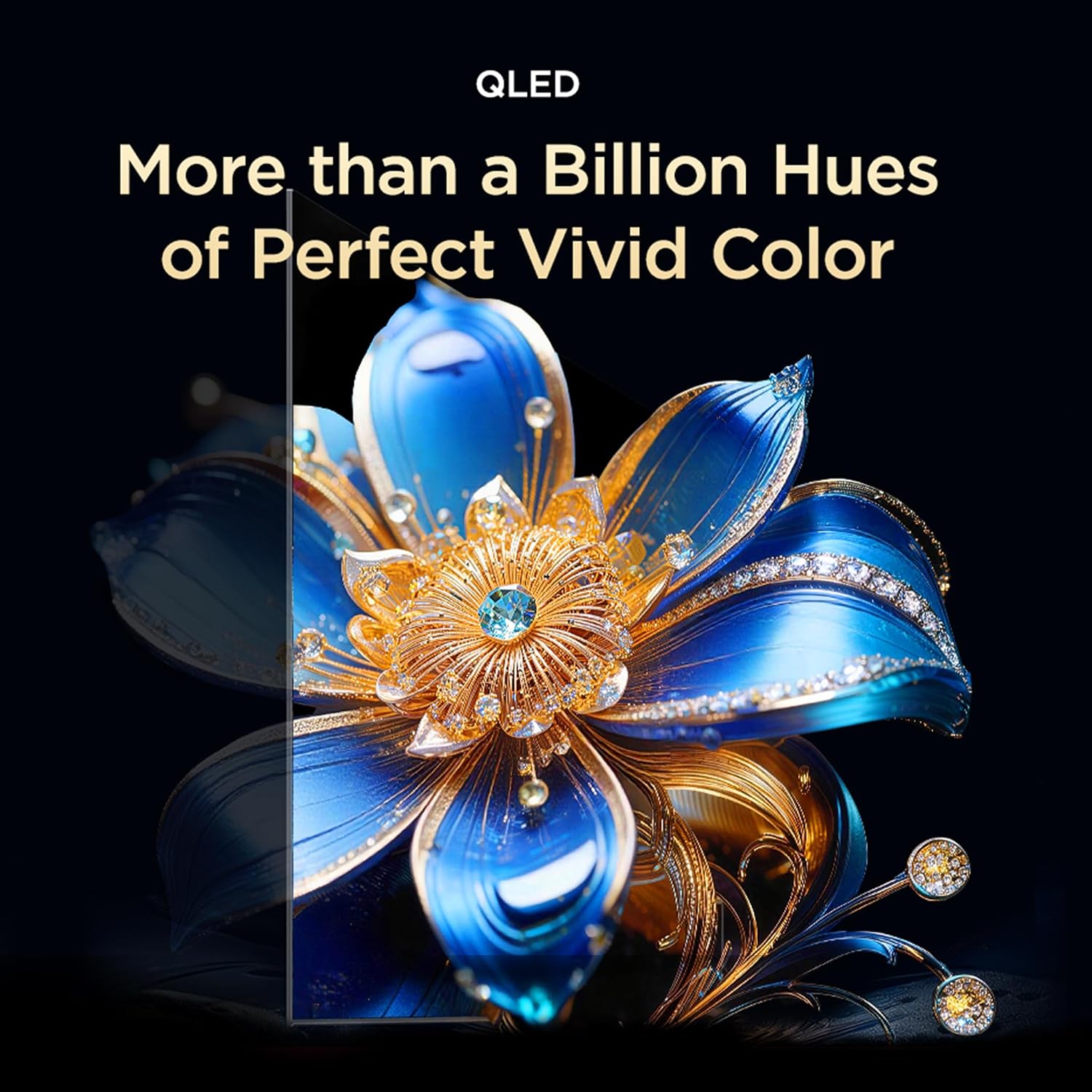
Image: Visual representation of QLED technology, emphasizing its ability to produce over a billion hues for vivid color reproduction.

Image: A graphic depicting the AiPQ Processor, highlighting its role in intelligent picture and sound processing.

Image: A visual demonstrating the immersive audio experience provided by Dolby Atmos, with sound waves emanating from the screen.
3. ບໍາລຸງຮັກສາ
3.1 ການທໍາຄວາມສະອາດໂທລະພາບຂອງທ່ານ
ເພື່ອເຮັດຄວາມສະອາດໜ້າຈໍ, ເຊັດມັນຄ່ອຍໆດ້ວຍຜ້າອ່ອນ, ແຫ້ງ, ບໍ່ມີສານຂັດ. ສໍາລັບຮອຍແຂງ, ເບົາບາງ dampen the cloth with water or a specialized screen cleaner. Avoid using harsh chemicals or abrasive materials. For the TV body, use a soft, dry cloth.
3.2 ຄຸນສົມບັດການດູແລຕາ
The TCL 55T6D includes Multiple Eye Care features designed to reduce eye strain during prolonged viewing. These features include low blue light emission and natural light protection technology.
4. ການແກ້ໄຂບັນຫາ
If you encounter issues with your TV, refer to the following common solutions before contacting support:
- ບໍ່ມີພະລັງງານ: Ensure the power cable is securely plugged into both the TV and a working power outlet. Try a different outlet.
- ບໍ່ມີຮູບພາບ/ສຽງ: Check all cable connections (HDMI, antenna, etc.). Ensure the correct input source is selected on the TV. Restart the TV by unplugging it for a few minutes and plugging it back in.
- ໄລຍະໄກບໍ່ເຮັດວຽກ: ປ່ຽນແບັດ AAA ໃນການຄວບຄຸມໄລຍະໄກ. ກວດໃຫ້ແນ່ໃຈວ່າບໍ່ມີສິ່ງກີດຂວາງລະຫວ່າງຣີໂໝດ ແລະເຊັນເຊີ IR ຂອງໂທລະທັດ.
- ບັນຫາການເຊື່ອມຕໍ່ເຄືອຂ່າຍ: For Wi-Fi, ensure your router is working and within range. For Ethernet, check the cable connection. Try restarting your router and the TV.
- ບັນຫາຄຸນນະພາບຮູບ: Check the source content resolution. Adjust picture settings (brightness, contrast, color) in the TV menu.
For persistent issues, please refer to the Warranty & Support section for contact information.
5. ຂໍ້ມູນຈໍາເພາະ
| ຄຸນສົມບັດ | ລາຍລະອຽດ |
|---|---|
| ຊື່ຕົວແບບ | 55T6D |
| ຂະໜາດໜ້າຈໍ | 55 ນິ້ວ (139 ຊມ) |
| ເຕັກໂນໂລຊີການສະແດງ | QLED |
| ຄວາມລະອຽດ | 4K UHD (3840x2160) |
| ອັດຕາການໂຫຼດຂໍ້ມູນຄືນໃໝ່ | 60 Hz |
| ລະບົບປະຕິບັດການ | Google TV |
| ໂຮງງານຜະລິດ | Quad Core 64-ບິດ |
| RAM | 2 GB |
| ROM | 16 GB |
| ການເຊື່ອມຕໍ່ | 3 HDMI Ports, 1 USB Port, Ethernet, Wi-Fi 5, Bluetooth 5.0 |
| ສຽງອອກ | 28 Watts, Dolby Atmos |
| ຂະໜາດສິນຄ້າ (ກວ້າງ x ຍາວ x ສູງ) | 25.5D x 122.6W x 75H Centimeters (with stand) |
| ນ້ຳໜັກ | 9.2 Kilograms (with stand) |
| ການໃຫ້ຄະແນນພະລັງງານ | 3 ດາວ |
| ການບໍລິໂພກພະລັງງານປະຈໍາປີ | 160 kWh / ປີ |
| ອົງປະກອບລວມ | 1N LED TV, 1N Stand, 1N Remote Control, 2N Batteries |

Image: Energy rating label for the TCL 55T6D television, indicating a 3-star rating and an annual energy consumption of 160 kWh.
6. ການຮັບປະກັນແລະການສະຫນັບສະຫນູນ
6.1 ຂໍ້ມູນການຮັບປະກັນ
The TCL 55T6D television comes with a ຮັບປະກັນ 2 ປີ provided by the manufacturer from the date of purchase. The remote control has a ຮັບປະກັນ 6 ເດືອນ.
To avail warranty services, please retain your purchase invoice. Warranty claims can be processed using the Amazon e-invoice.
6.2 ສະຫນັບສະຫນູນລູກຄ້າ
For assistance, service requests, or any queries regarding your TCL TV, please contact the brand's customer support:
- ເບີໂທຟຣີ: 180-0102-0622 / 180-0419-0622
- ອີເມວ: indiasupport@tcl.com
When contacting support, please provide the product's model name (55T6D) and the seller's details as mentioned on your invoice. The service center will schedule a convenient slot for service.
6.3 ຂໍ້ມູນຜູ້ຜະລິດ
ຜູ້ຜະລິດ: TTE ELECTRONICS INDIA PRIVATE LIMITED, Vikruthamala Village, Papanaidupeta Post, Yerpedu Mandal, Tirupati, Vikruthamala Village, Chittoor, Andhra Pradesh, INDIA-517527
ປະເທດຕົ້ນກໍາເນີດ: ປະເທດອິນເດຍ


