
1. ບົດແນະນຳ
This manual provides detailed instructions for the safe and effective operation of your HelloBaby HB6081 Baby Monitor system. Please read this manual thoroughly before use and retain it for future reference. The system includes a 5.5-inch 720P HD monitor unit and two 1080P cameras, designed to provide secure and reliable monitoring of your baby without requiring a Wi-Fi connection.
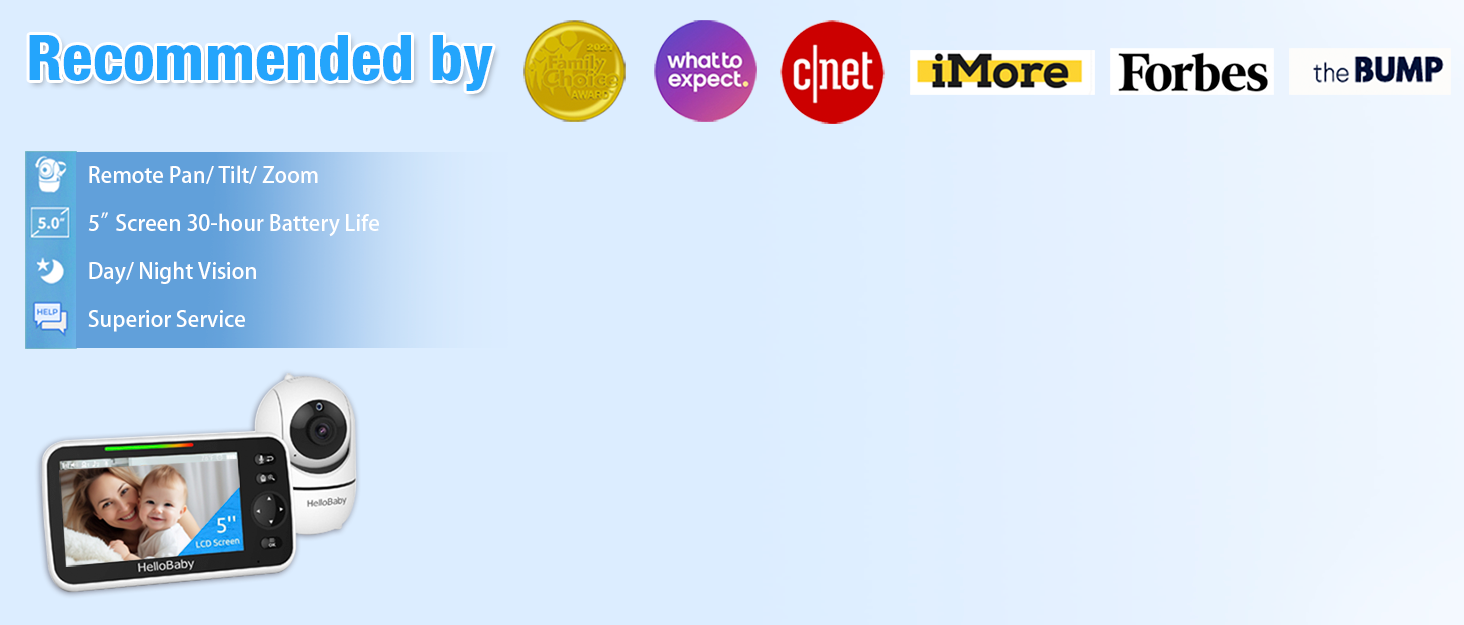
The HelloBaby HB6081 Baby Monitor system, featuring a parent unit and a camera, is designed for secure baby monitoring.
2. ຂໍ້ມູນຄວາມປອດໄພທີ່ສໍາຄັນ
- ອັນຕະລາຍ Strangulation: Keep all cords out of reach of children. Never place the camera or cords within 3 feet (1 meter) of the crib or playpen. Secure cords to a wall or floor using clips or ties.
- ອັນຕະລາຍຕໍ່ເນື່ອງ ຜະລິດຕະພັນນີ້ມີສ່ວນນ້ອຍໆ. ຮັກສາໃຫ້ໄກຈາກເດັກນ້ອຍ.
- ຄວາມຮ້ອນເກີນ: Do not cover the monitor or camera with clothing, blankets, or any other material. Ensure proper ventilation.
- ນ້ໍາແລະຄວາມຊຸ່ມ: ຢ່າໃຫ້ຜະລິດຕະພັນຖືກນໍ້າ ຫຼື ຄວາມຊຸ່ມ. ຢ່າໃຊ້ໃກ້ອ່າງອາບນໍ້າ, ອ່າງລ້າງໜ້າ, ຫຼື ບໍລິເວນທີ່ປຽກອື່ນໆ.
- ແຫຼ່ງພະລັງງານ: Use only the AC power adapters provided. Using other adapters may damage the device and void the warranty.
- ຄວາມປອດໄພຫມໍ້ໄຟ: The monitor unit contains a rechargeable battery. Do not attempt to replace it yourself. Contact customer support for battery service.
3. ເນື້ອໃນຊຸດ
ກວດສອບວ່າລາຍການທັງຫມົດແມ່ນມີຢູ່ໃນຊຸດຂອງທ່ານ:
- 720P 5.5" HD Baby Monitor (Parent Unit) x 1
- 1080P Plug-In Baby Camera x 2
- Charger x 3 (for monitor and cameras)
- ຄູ່ມືຜູ້ໃຊ້ x 1
- Extra Wall Mounting Screws x 2
4. ຜະລິດຕະພັນເກີນview
4.1 ໜ່ວຍແມ່ (ຈໍພາບ)
ຫນ່ວຍບໍລິການແມ່ມີຫນ້າຈໍ 5.5 ນິ້ວ 720P HD ສໍາລັບຄວາມຊັດເຈນ viewing of your baby. It includes controls for camera functions, two-way talk, and menu navigation.
4.2 ໜ່ວຍເດັກ (ກ້ອງ)
Each baby unit is a 1080P camera equipped with pan, tilt, and zoom capabilities, as well as infrared night vision and a microphone for two-way audio. The cameras connect wirelessly to the parent unit using a secure 2.4GHz FHSS encrypted technology, ensuring privacy and preventing hacking.

The HelloBaby HB6081 system includes one parent unit and two baby cameras.
4.3 ລັກສະນະທີ່ສໍາຄັນ
- ການເຊື່ອມຕໍ່ທີ່ປອດໄພ: No Wi-Fi, no internet, no app required. Private, closed transmission system.
- 5.5" HD Split-Screen Display: View up to two cameras simultaneously.
- ກ້ອງຖ່າຍຮູບຄູ່ 1080P: High-definition video feed.
- Pan-Tilt-Zoom: Remote control of camera angle (355° pan, 120° tilt) and 2x digital zoom.
- ສົນທະນາສອງທາງ: Communicate with your baby or partner.
- ວິໄສທັດກາງຄືນອິນຟາເຣດອັດຕະໂນມັດ: ຈະແຈ້ງ viewing in low light or darkness.
- ແບດເຕີຣີ້ມາດຕະຖານ 4000mAh: Extended battery life for the parent unit.
- ຄຸນສົມບັດເພີ່ມເຕີມ: Adjustable lullabies, soothing night light, room temperature monitoring, feeding timer, VOX (Voice Operated Exchange) mode.

Key features of the HelloBaby HB6081 monitor, including pan-tilt-zoom, long range, night vision, and two-way audio.
This video demonstrates the features and ease of use of the HelloBaby baby monitor, including its secure connection, pan-tilt-zoom, and night vision capabilities.
5. ຕັ້ງຄ່າ
5.1 ການສາກໄຟເຄື່ອງແມ່
- Connect the small end of one power adapter to the parent unit's charging port.
- ສຽບປາຍອື່ນຂອງອະແດບເຕີເຂົ້າໄປໃນປລັກສຽບໄຟ.
- Charge the parent unit for at least 4 hours before initial use to ensure optimal battery performance. The battery icon on the screen will indicate charging status.
5.2 Powering the Baby Units (Cameras)
- Connect the small end of the remaining power adapters to each baby unit's power port.
- Plug the other end of each adapter into a power outlet.
- The baby units will power on automatically when connected to power.
5.3 Positioning the Baby Units (Cameras)
- Place the baby unit on a flat surface, such as a dresser or shelf, or mount it to a wall or crib using the provided screws.
- Ensure the camera is at least 3 feet (1 meter) away from your baby to prevent strangulation hazards from the power cord.
- Position the camera to provide a clear view of your baby's crib or play area.
- ຫຼີກເວັ້ນການວາງກ້ອງຖ່າຍຮູບຢູ່ໃນແສງແດດໂດຍກົງຫຼືຢູ່ໃກ້ກັບແຫຼ່ງຄວາມຮ້ອນ.
5.4 Initial Pairing (if necessary)
Your cameras are pre-paired to the parent unit. If a camera loses connection or you add an additional camera (up to 4 total), follow these steps to pair:
- Turn on the parent unit and the baby unit you wish to pair.
- ໃນໜ່ວຍພໍ່ແມ່, ກົດປຸ່ມ ເມນູ ປຸ່ມ.
- ທ່ອງໄປຫາ ກ້ອງຖ່າຍຮູບ icon and select it.
- Choose an available camera slot (e.g., Camera 2, Camera 3, Camera 4) and select ຄູ່.
- ພາຍໃນ 10 ວິນາທີ, ກົດປຸ່ມ ຄູ່ button on the back of the baby unit until the parent unit displays the camera's video feed.
6. ຄໍາແນະນໍາການດໍາເນີນງານ
6.1 ເປີດ/ປິດ
- ເພື່ອເປີດເຄື່ອງແມ່, ໃຫ້ກົດຄ້າງໄວ້ ພະລັງງານ button until the HelloBaby logo appears.
- To turn off the parent unit, press and hold the ພະລັງງານ ກົດປຸ່ມຈົນກ່ວາຫນ້າຈໍປິດ.
- Baby units power on automatically when connected to an electrical outlet.
6.2 ການ ນຳ ທາງເມນູ
ໃຊ້ ເມນູ button to access settings and features. Use the directional arrows (ຂຶ້ນ/ລົງ/ຊ້າຍ/ຂວາ) to navigate and the OK ປຸ່ມເພື່ອຢືນຢັນການເລືອກ.
6.3 ແພນ, ອຽງ, ແລະ ຊູມ (PTZ)
- ໃນຂະນະທີ່ viewing a camera, use the directional arrows on the parent unit to remotely pan (move horizontally) and tilt (move vertically) the camera.
- ກົດ ຊູມ button (magnifying glass icon) to activate 2x digital zoom. Use the directional arrows to move the zoomed image. Press ຊູມ again to exit zoom mode.

The parent unit allows remote control of camera pan, tilt, and zoom functions.
6.4 ການສົນທະນາສອງທາງ
- ກົດຄ້າງໄວ້ ໄມໂຄຣໂຟນ button on the parent unit to speak to your baby through the camera's speaker.
- Release the button to stop speaking and listen to your baby.

The two-way talk feature allows communication between the parent unit and the baby unit.
6.5 ວິໄສທັດກາງຄືນ
The baby unit automatically activates infrared night vision in low-light conditions, providing a clear black and white image on the parent unit. No manual adjustment is required.

The monitor provides clear day and night imaging with automatic infrared night vision.
6.6 ແບ່ງໜ້າຈໍ View
- If you have multiple cameras, access the ກ້ອງຖ່າຍຮູບ ເມນູ.
- ເລືອກ ແຍກໜ້າຈໍ ທາງເລືອກທີ່ຈະ view feeds from two cameras simultaneously.
- The system supports up to four cameras, allowing for multi-child monitoring.

The split-screen function allows monitoring of multiple cameras simultaneously.
6.7 VOX (Voice Operated Exchange) / ECO Mode
- VOX mode conserves battery by turning off the screen when no sound is detected from the baby unit. The screen will automatically turn on when sound is detected.
- To activate or adjust VOX sensitivity, go to the ເມນູ ແລະເລືອກເອົາ ຄວາມອ່ອນໄຫວຂອງ VOX option. Choose from low, medium, or high sensitivity levels.
6.8 Lullabies and Night Light
- ເຂົ້າເຖິງ Lullaby option in the menu to play soothing melodies through the baby unit. You can select individual lullabies or a continuous loop.
- The baby unit features a gentle night light. This can be controlled via the menu on the parent unit.
6.9 Temperature Monitoring and Feeding Timer
- The current room temperature is displayed on the parent unit screen. You can set temperature alerts in the menu to be notified if the room temperature goes above or below a set range.
- ໄດ້ ຈັບເວລາໃຫ້ອາຫານ feature allows you to set reminders for feeding times, helping you maintain a consistent schedule.
7. ບໍາລຸງຮັກສາ
- ທໍາຄວາມສະອາດ: Use a soft, dry cloth to clean the surfaces of the parent unit and baby units. Do not use cleaning sprays or liquid cleaners.
- ການດູແລຫມໍ້ໄຟ: To prolong battery life, avoid fully discharging the parent unit battery frequently. Charge it regularly. If storing the unit for an extended period, charge it to about 50% and store in a cool, dry place.
- ການເກັບຮັກສາ: Store the monitor system in a clean, dry environment away from extreme temperatures.
8. ການແກ້ໄຂບັນຫາ
| ບັນຫາ | ການແກ້ໄຂທີ່ເປັນໄປໄດ້ |
|---|---|
| ບໍ່ມີຮູບພາບໃນໜ່ວຍຫຼັກ |
|
| ຄຸນນະພາບຮູບພາບບໍ່ດີ |
|
| ບໍ່ມີສຽງຫລືສຽງທີ່ບິດເບືອນ |
|
| ແບດເຕີຣີຂອງໜ່ວຍແມ່ຈະໝົດໄວ |
|
9. ຂໍ້ມູນຈໍາເພາະ
| ຄຸນສົມບັດ | ລາຍລະອຽດ |
|---|---|
| ໝາຍເລກຕົວແບບ | HB6081 |
| ຂະໜາດໜ້າຈໍ | 5.5 ນິ້ວ |
| ຄວາມລະອຽດການຕິດຕາມ | 720P HD |
| ຄວາມລະອຽດກ້ອງ | 1080P |
| ເຕັກໂນໂລຊີການເຊື່ອມຕໍ່ | 2.4GHz FHSS (No WiFi) |
| ມຸມ Pan | 355 ອົງສາ |
| ມຸມອຽງ | 120 ອົງສາ |
| ຊູມດິຈິຕອລ | 2x |
| ໝໍ້ໄຟໜ່ວຍໃຫຍ່ | 4000 mAh (ສາມາດສາກໄຟໄດ້) |
| ແຫຼ່ງພະລັງງານ | Battery Powered (Monitor), Plug-In (Cameras) |
| ອຸນຫະພູມປະຕິບັດການ | 0°C - 40°C (32°F - 104°F) |
| ຂະໜາດ (ຈໍພາບ) | 8.5 x 4.2 x 5.2 ນິ້ວ (ໂດຍປະມານ) |
| ນ້ຳໜັກ | 2.07 pounds (total package approximate) |
10. ການຮັບປະກັນແລະການສະຫນັບສະຫນູນ
HelloBaby products are designed for reliability and performance. For warranty information, technical support, or customer service inquiries, please refer to the contact details provided on the HelloBaby official website or the product packaging. Keep your purchase receipt as proof of purchase for warranty claims.