
1. ບົດແນະນຳ
Thank you for choosing the THOMSON COSMO 500W Wi-Fi Connected Fluid-Free Electric Towel Dryer. This appliance is designed to provide rapid and uniform heat, ensuring warm towels and a comfortable bathroom environment. Its elegant design and smart connectivity features offer both performance and convenience.
This manual provides essential information for the safe installation, operation, and maintenance of your new towel dryer. Please read it thoroughly before use and retain it for future reference.
2. ຄໍາແນະນໍາຄວາມປອດໄພ
ຄຳເຕືອນ: Failure to follow these safety instructions may result in fire, electric shock, or injury.
- ອ່ານຄໍາແນະນໍາທັງຫມົດກ່ອນທີ່ຈະຕິດຕັ້ງຫຼືໃຊ້ເຄື່ອງໃຊ້ນີ້.
- ເຄື່ອງໃຊ້ນີ້ມີຈຸດປະສົງເພື່ອໃຊ້ພາຍໃນປະເທດເທົ່ານັ້ນ. ຢ່າໃຊ້ມັນເພື່ອຈຸດປະສົງທາງການຄ້າຫຼືອຸດສາຫະກໍາ.
- ຮັບປະກັນການສະຫນອງພະລັງງານ voltage ກົງກັບປ້າຍການຈັດອັນດັບໃນເຄື່ອງໃຊ້.
- ຢ່າປະຕິບັດເຄື່ອງອຸປະກອນທີ່ມີສາຍໄຟຫຼືສຽບທີ່ເສຍຫາຍ, ຫຼືຖ້າຫາກວ່າມັນເຮັດວຽກຜິດພາດຫຼືໄດ້ຖືກຫຼຸດລົງ.
- ຮັກສາສາຍໄຟໃຫ້ຫ່າງຈາກພື້ນຜິວທີ່ມີຄວາມຮ້ອນ.
- ຢ່າເອົາເຄື່ອງໃຊ້, ສາຍໄຟ, ຫຼືສຽບໃສ່ນໍ້າ ຫຼື ນໍ້າອື່ນໆ.
- ຖອດປລັກເຄື່ອງອອກຈາກປລັກສຽບໄຟທຸກຄັ້ງເມື່ອບໍ່ໄດ້ໃຊ້ ແລະກ່ອນທໍາຄວາມສະອາດ.
- Do not allow children to operate or play with the appliance. Close supervision is necessary when the appliance is used near children.
- Install the towel dryer in a location where it is not accessible to persons in the bath or shower.
- Ensure proper ventilation around the appliance. Do not cover the towel dryer.
- This appliance is equipped with overheat protection. If it overheats, it will automatically shut off.
- ການຕິດຕັ້ງຕ້ອງໄດ້ປະຕິບັດໂດຍຊ່າງໄຟຟ້າທີ່ມີຄຸນວຸດທິຕາມກົດລະບຽບສາຍໄຟທ້ອງຖິ່ນ.
3. ຜະລິດຕະພັນເກີນview
The THOMSON COSMO towel dryer features a sleek design and advanced fluid-free heating technology for rapid and even heat distribution. It includes a digital control panel and Wi-Fi connectivity for remote management.
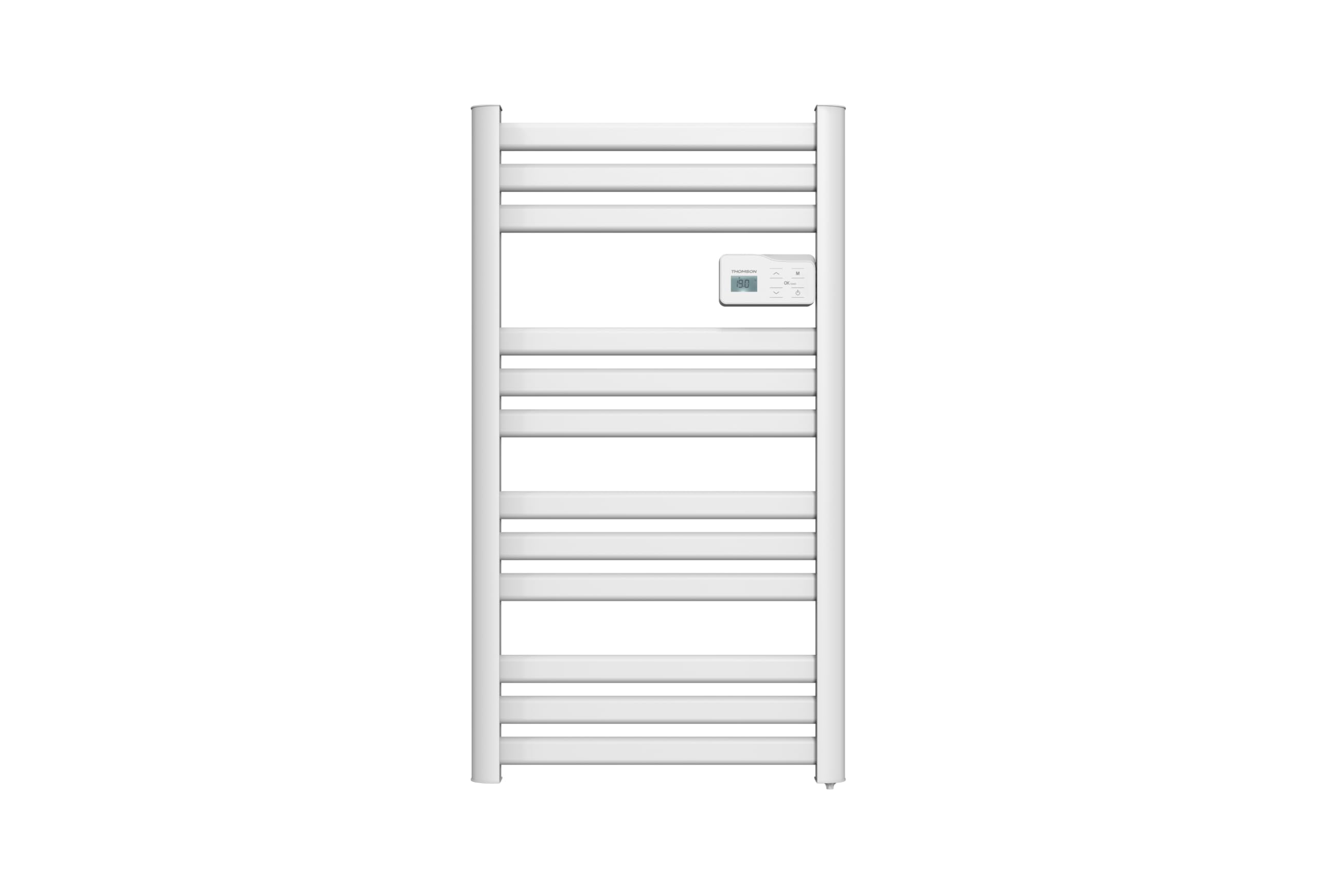
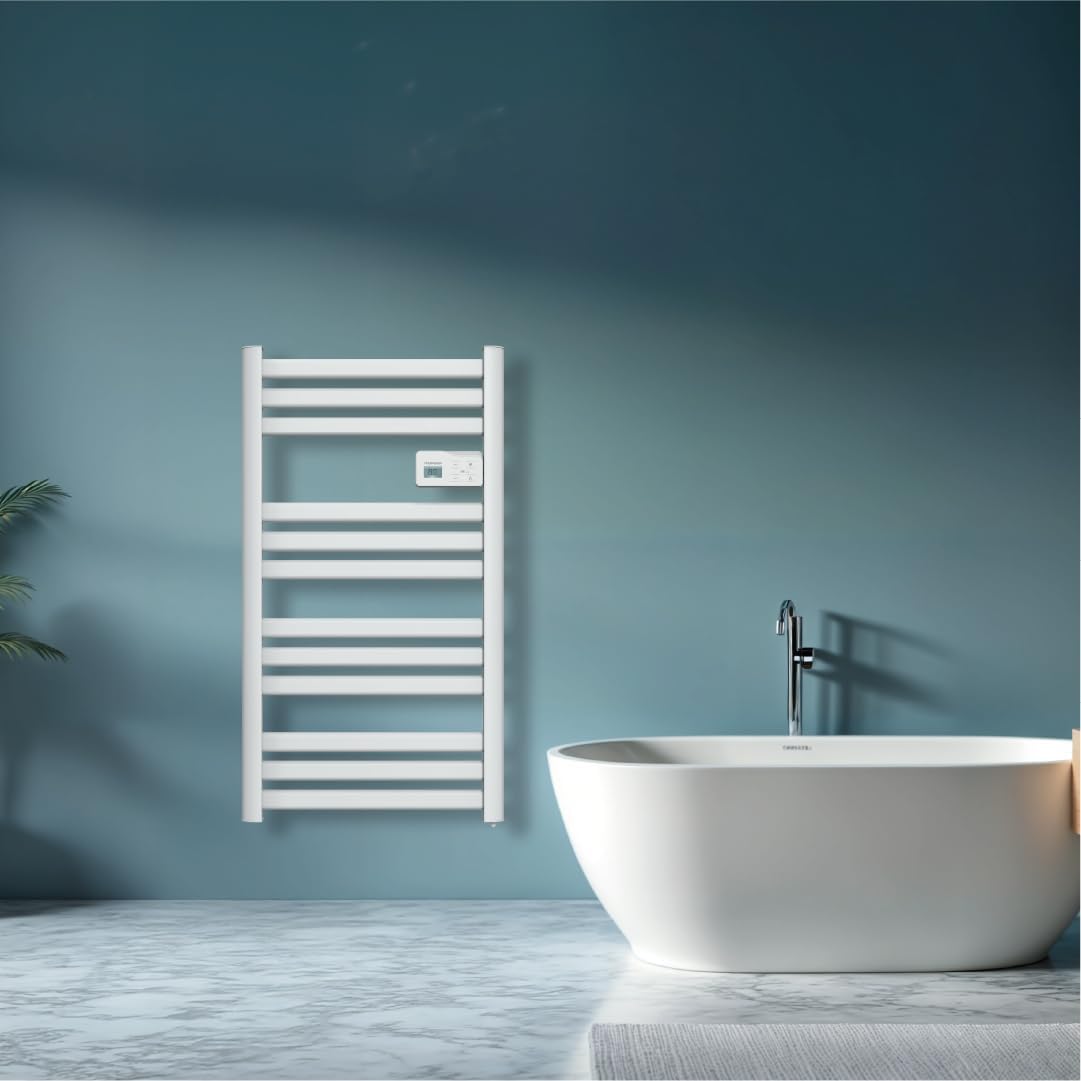
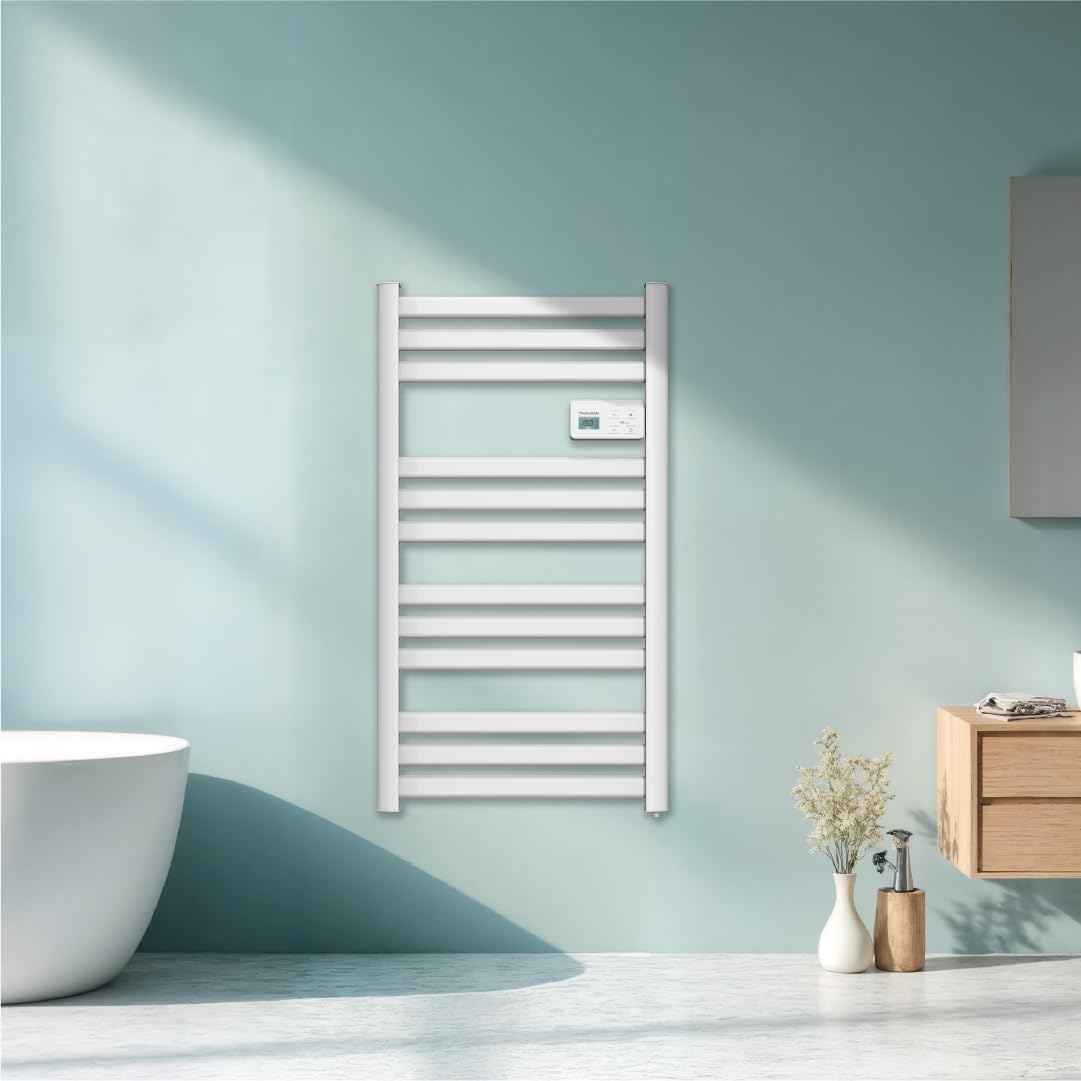
ຮູບພາບ: ດ້ານໜ້າ view of the THOMSON COSMO electric towel dryer, white, wall-mounted, showcasing its design in a bathroom.
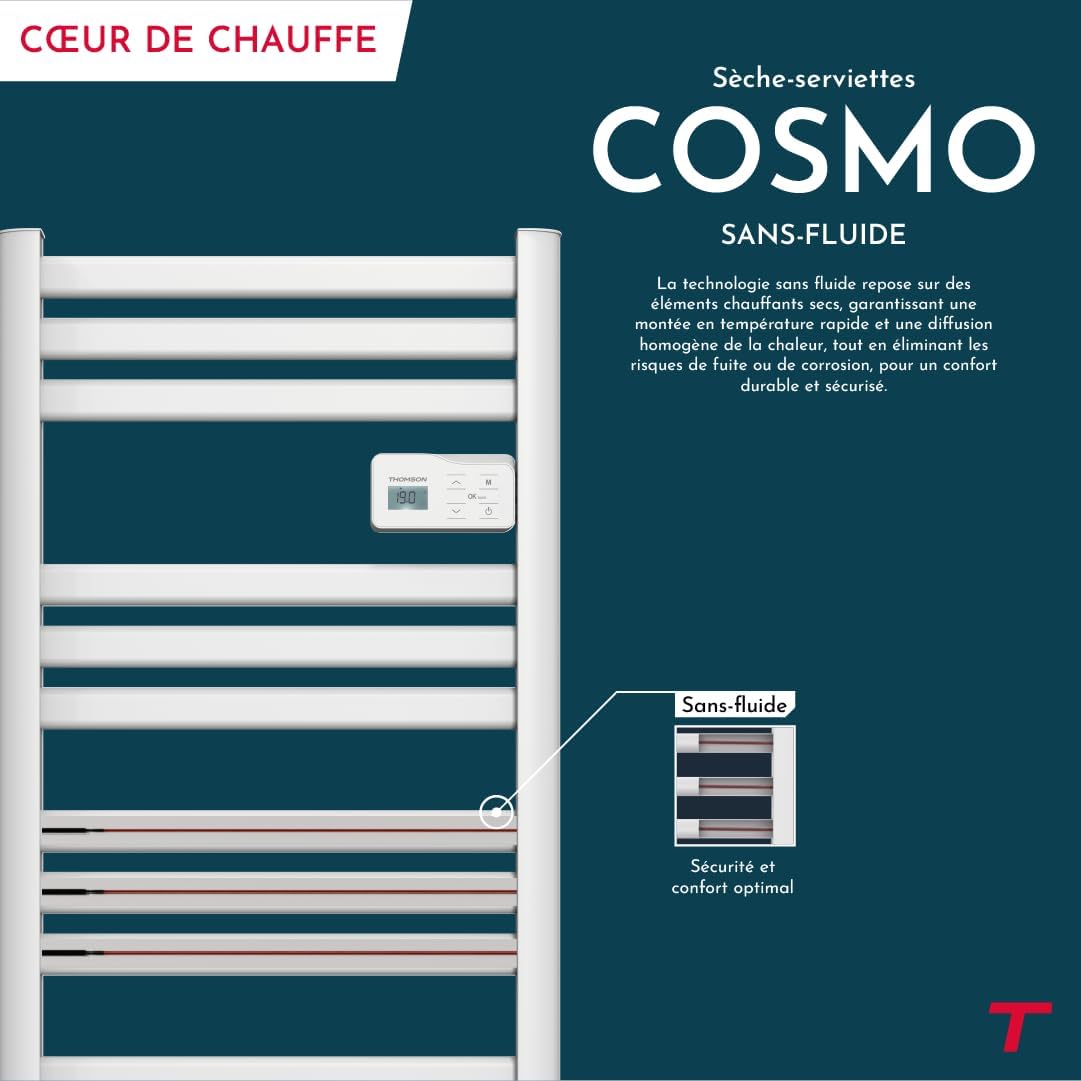
ຮູບພາບ: Diagram illustrating the internal fluid-free heating elements, highlighting rapid and homogeneous heat distribution and programmable thermostat.
ຄຸນນະສົມບັດທີ່ສໍາຄັນ:
- ພະລັງງານ 500W: Efficient heating for towels and bathroom.
- Fluid-Free Technology: Ensures quick heat-up and uniform temperature across the surface.
- ການເຊື່ອມຕໍ່ Wi-Fi: Compatible with Tuya Smart and Smart Life applications for remote control.
- ແຜງຄວບຄຸມດິຈິຕອນ: Intuitive LCD display for direct temperature and mode adjustments.
- ເຄື່ອງຄວບຄຸມອຸນຫະພູມທີ່ຕັ້ງໂປຣແກຣມໄດ້: 7 daily pre-recorded and customizable programs.
- ການກວດສອບການເປີດປ່ອງຢ້ຽມ: Automatically cuts heating to save energy if a sudden temperature drop is detected.
- ລັອກເດັກ: ປ້ອງກັນການປ່ຽນແປງທີ່ບໍ່ໄດ້ຕັ້ງໃຈຕໍ່ກັບການຕັ້ງຄ່າ.
4. ການຕິດຕັ້ງແລະການຕິດຕັ້ງ
The THOMSON COSMO towel dryer is designed for wall-mounted installation. Professional installation is recommended.
4.1. ການຫຸ້ມຫໍ່
- Carefully remove the towel dryer and all accessories from the packaging.
- Check for any damage during transit. If damaged, do not install and contact your retailer.
- Retain packaging for future transport or storage.
4.2. ສະຖານທີ່ຕິດຕັ້ງ
- Choose a suitable wall in your bathroom, ensuring it is structurally sound to support the weight of the unit (approximately 3.9 kg).
- Ensure the location complies with local electrical safety regulations, especially regarding proximity to water sources (baths, showers, sinks).
- Maintain adequate clearance around the unit for air circulation and access.

ຮູບພາບ: Product dimensions and weight for installation planning.
4.3. ຝາຜະ ໜັງ
- Mark the drilling points on the wall using the provided mounting template or by measuring the bracket positions.
- Drill holes of appropriate size for the wall plugs (e.g., Molly anchors for plasterboard, as suggested by a user review).
- Insert the wall plugs and secure the mounting brackets to the wall.
- Carefully hang the towel dryer onto the secured brackets.
- Ensure the unit is level and securely fastened to the wall.
4.4. ການເຊື່ອມຕໍ່ໄຟຟ້າ
- The appliance connects via an electrical cable. Ensure the power supply is switched off at the main circuit breaker before making any connections.
- Connect the towel dryer to a suitable electrical outlet or junction box according to local electrical codes.
- Once connected, switch on the power supply.
5. ຄໍາແນະນໍາການດໍາເນີນງານ
The THOMSON COSMO towel dryer features an intuitive digital control panel for easy operation.
ຮູບພາບ: Digital control panel with LCD display and buttons for temperature adjustment and mode selection, shown with a hand pressing the power button.
5.1. ກະດານຄວບຄຸມຫຼາຍກວ່າview
- ຈໍ LCD: Shows current temperature, mode, and other settings.
- ປຸ່ມເປີດປິດ (⏻): ເປີດ/ປິດເຄື່ອງ.
- ລູກສອນຂຶ້ນ/ລົງ (⌃ / ⌄): Adjust temperature settings or navigate menus.
- ປຸ່ມໂໝດ (M): Cycles through different operating modes (e.g., Comfort, Eco, Boost, Program).
- Menu/Confirm Button (≡): Accesses menu options or confirms selections.
5.2. ການດໍາເນີນງານພື້ນຖານ
- ເປີດ/ປິດ: ກົດປຸ່ມ Power (⏻) to turn the towel dryer on or off.
- ຕັ້ງຄ່າອຸນຫະພູມ: When the unit is on, use the Up/Down arrows (⌃ / ⌄) to adjust the desired temperature. The display will show the set temperature.
- ປ່ຽນໂໝດ: Press the Mode button (M) to cycle through available operating modes. Refer to the full product manual for detailed descriptions of each mode (e.g., Comfort, Eco, Boost, Frost Protection).
5.3. ການຂຽນໂປຣແກຣມ
The towel dryer offers 7 daily pre-recorded and customizable programs. Access the programming menu via the Menu/Confirm button (≡) and follow the on-screen instructions to set your desired heating schedules.
For a visual guide on programming, you can refer to the official video tutorial playlist:
ວິດີໂອ: Official video tutorial playlist for THOMSON COSMO towel dryer programming and features. This playlist provides step-by-step instructions on how to set up and use various functions of your device.
6. Wi-Fi Connectivity & Smart Features
The THOMSON COSMO towel dryer can be controlled remotely via Wi-Fi using the Tuya Smart or Smart Life mobile applications.
ຮູບພາບ: A graphic indicating the towel dryer's Wi-Fi connectivity and compatibility with the Tuya Smart application.
6.1. ການຕິດຕັ້ງແອັບ ແລະ ການຈັບຄູ່
- Download the "Tuya Smart" or "Smart Life" app from your smartphone's app store (Google Play Store for Android, Apple App Store for iOS).
- ລົງທະບຽນຫລືເຂົ້າບັນຊີຂອງທ່ານ.
- Ensure your towel dryer is powered on and your smartphone is connected to a 2.4 GHz Wi-Fi network.
- ໃນແອັບ, ແຕະ "ເພີ່ມອຸປະກອນ" ຫຼືໄອຄອນ "+".
- Select the appropriate device category (e.g., "Heater" or "Towel Warmer").
- Follow the in-app instructions to put your towel dryer into pairing mode (usually by pressing and holding a button on the control panel until an indicator light flashes).
- ເຮັດສຳເລັດຂະບວນການຈັບຄູ່ພາຍໃນແອັບ.
6.2. Remote Control Features
ເມື່ອເຊື່ອມຕໍ່ແລ້ວ, ທ່ານສາມາດໃຊ້ແອັບເພື່ອ:
- Turn the towel dryer ON/OFF.
- ປັບອຸນຫະພູມ.
- ປ່ຽນຮູບແບບການເຮັດວຽກ.
- Set and customize heating schedules.
- Monitor energy consumption (if supported by the app and device).

ຮູບພາບ: The Tuya Smart app interface demonstrating energy monitoring and scheduling features for connected devices.
6.3. ການປະສົມປະສານການຄວບຄຸມດ້ວຍສຽງ
The THOMSON COSMO towel dryer is compatible with voice assistants like Amazon Alexa and Google Home via the Tuya Smart/Smart Life app integration.

ຮູບພາບ: Logos of Amazon Alexa and Google Home, signifying that the towel dryer can be controlled using voice commands through these platforms.
- Enable the "Tuya Smart" or "Smart Life" skill/service in your Alexa or Google Home app.
- Link your Tuya/Smart Life account with your voice assistant account.
- Discover devices. Your towel dryer should appear as a controllable device.
- ໃນປັດຈຸບັນທ່ານສາມາດນໍາໃຊ້ຄໍາສັ່ງສຽງເຊັ່ນ:
- "Alexa, turn on the bathroom heater."
- "Hey Google, set the bathroom heater to 22 degrees."
7. ບໍາລຸງຮັກສາ
Regular maintenance ensures the longevity and efficient operation of your THOMSON COSMO towel dryer.
7.1. ທໍາຄວາມສະອາດ
- ຖອດປລັກເຄື່ອງທຸກຄັ້ງ ແລະປ່ອຍໃຫ້ມັນເຢັນຫມົດກ່ອນທໍາຄວາມສະອາດ.
- ເຊັດພື້ນຜິວພາຍນອກດ້ວຍຜ້າອ່ອນໆ, ງamp ຜ້າ. ຢ່າໃຊ້ເຄື່ອງເຮັດຄວາມສະອາດຂັດ, ສານລະລາຍ, ຫຼືສານເຄມີທີ່ຮຸນແຮງ, ເພາະວ່າສິ່ງເຫຼົ່ານີ້ສາມາດທໍາລາຍການສໍາເລັດຮູບ.
- ຮັບປະກັນວ່າບໍ່ມີນໍ້າເຂົ້າໄປໃນແຜງຄວບຄຸມ ຫຼື ອຸປະກອນໄຟຟ້າ.
- Do not use water jets or immerse the appliance in water.
7.2. ການເກັບຮັກສາ
If storing the towel dryer for an extended period, ensure it is clean and dry. Store it in a cool, dry place, preferably in its original packaging to protect it from dust and damage.
8. ການແກ້ໄຂບັນຫາ
If you encounter issues with your THOMSON COSMO towel dryer, refer to the following common problems and solutions:
| ບັນຫາ | ສາເຫດທີ່ເປັນໄປໄດ້ | ການແກ້ໄຂ |
|---|---|---|
| ເຄື່ອງໃຊ້ບໍ່ໄດ້ເປີດ. | ບໍ່ມີການສະຫນອງພະລັງງານ; ປຸ່ມເປີດປິດບໍ່ໄດ້ກົດ; ເປີດໃຊ້ການປ້ອງກັນຄວາມຮ້ອນເກີນແລ້ວ. | Check power outlet and circuit breaker; Press the Power button; Unplug, let cool, then plug back in. |
| Appliance is not heating. | Temperature setting too low; Incorrect mode selected; Window open detection activated. | Increase temperature setting; Select Comfort or Boost mode; Close windows/doors. |
| ການເຊື່ອມຕໍ່ Wi-Fi ລົ້ມເຫລວ. | Incorrect Wi-Fi password; Not connected to 2.4 GHz network; Router too far; Device not in pairing mode. | Verify password; Connect to 2.4 GHz Wi-Fi; Move router closer or use extender; Re-enter pairing mode as per app instructions. |
| ການຄວບຄຸມສຽງບໍ່ເຮັດວຽກ. | App not linked to voice assistant; Device not discovered; Incorrect commands. | Ensure Tuya/Smart Life skill is enabled and linked; Re-discover devices in Alexa/Google Home app; Use correct voice commands. |
ຖ້າບັນຫາຍັງຄົງຢູ່ຫຼັງຈາກພະຍາຍາມແກ້ໄຂເຫຼົ່ານີ້, ກະລຸນາຕິດຕໍ່ຝ່າຍຊ່ວຍເຫຼືອລູກຄ້າ.
9. ຂໍ້ມູນຈໍາເພາະ
| ຄຸນສົມບັດ | ລາຍລະອຽດ |
|---|---|
| ຕົວແບບ | COSMO |
| ຍີ່ຫໍ້ | THOMSON (Bestherm) |
| ຜົນຜະລິດພະລັງງານ | 500 ວັດ |
| ວິທີການເຮັດຄວາມຮ້ອນ | Radiant, Fluid-Free Electric |
| ຂະໜາດ (H x W x D) | 98ຊມ x 54ຊມ x 9.2ຊມ (38.6 x 21.3 x 3.6 ນິ້ວ) |
| ນ້ຳໜັກ | 3.9 ກິໂລກຣາມ (8.6 ປອນ) |
| ສີ | ສີຂາວ |
| ປະເພດການຕິດຕັ້ງ | ຕິດຝາ |
| ຄຸນນະສົມບັດພິເສດ | Wi-Fi Compatible, Overheat Protection, Programmable Thermostat, Electronic Thermostat, Child Lock, Window Open Detection |
| ຄວາມເຂົ້າກັນໄດ້ຂອງເຮືອນອັດສະລິຍະ | Tuya Smart, Smart Life, Amazon Alexa, Google Home |
| ASIN | B0FP2KJNLQ |
10. ການຮັບປະກັນແລະການສະຫນັບສະຫນູນ
10.1. ຂໍ້ມູນການຮັບປະກັນ
Your THOMSON COSMO towel dryer comes with a manufacturer's warranty. Please refer to the warranty card included with your product for specific terms, conditions, and duration. Keep your proof of purchase for warranty claims.
10.2. ການຊ່ວຍເຫຼືອລູກຄ້າ
For technical assistance, troubleshooting beyond this manual, or warranty inquiries, please contact your retailer or the manufacturer's customer service. Contact details can typically be found on the product packaging or the manufacturer's official webເວັບໄຊ.
ຊັບພະຍາກອນອອນໄລນ໌: For additional support and video tutorials, visit the official THOMSON website or the YouTube playlist provided in this manual.