
1. ຜະລິດຕະພັນເກີນview
The AJAZZ AJ139 V2 MC is a versatile tri-mode gaming mouse designed for precision and responsiveness. It features a PAW3311 sensor for accurate tracking, a 1000Hz return rate for smooth performance, and a long-lasting 500mAh battery. Its compact and lightweight design makes it suitable for extended use and portability.
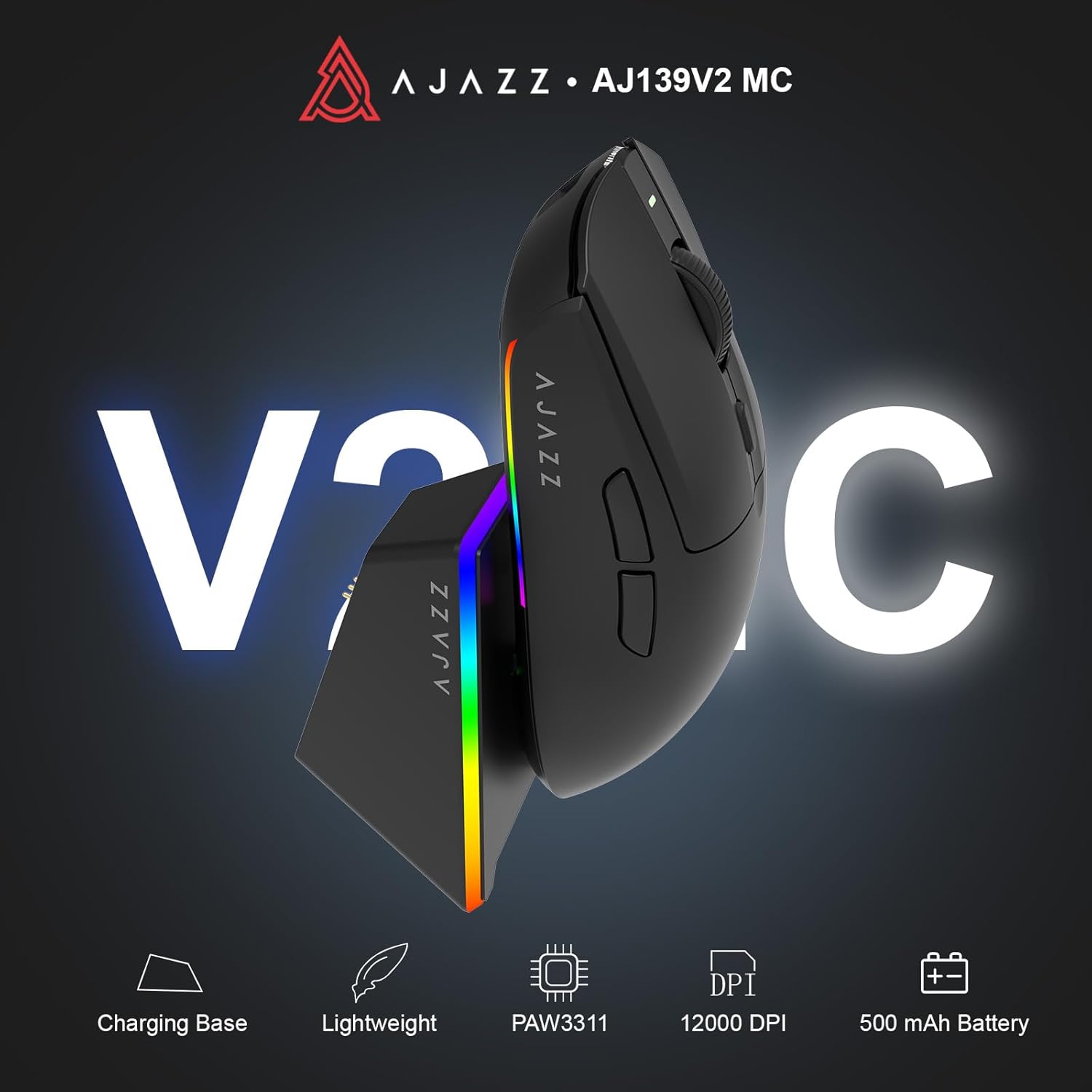
Figure 1.1: AJAZZ AJ139 V2 MC Gaming Mouse and Charging Dock.
ວິດີໂອທີ 1.1: ຈົບແລ້ວview of the AJAZZ AJ139 V2 MC Gaming Mouse, highlighting its features and design.
2. ເນື້ອໃນຊຸດ
ໃຫ້ແນ່ໃຈວ່າທຸກລາຍການຢູ່ໃນຊຸດ:
- AJAZZ AJ139 V2 MC Gaming Mouse
- ບ່ອນສາກ
- ສາຍສາກ USB-C
- ຕົວຮັບສັນຍານ USB 2.4G (ດ໋ອງເກິລ)
- ຄູ່ມືຜູ້ໃຊ້
3. ຄຸນນະສົມບັດທີ່ສໍາຄັນ
- PAW3311 Sensor Technology: Equipped with the PAW3311 sensor, this mouse ensures precise tracking and accurate cursor control for optimal performance.
- High 1000Hz Return Rate: Experience smooth and responsive performance with a 1000Hz return rate, enhancing your gaming or work experience.
- ແບດເຕີຣີ້ມາດຕະຖານ 500mAh ທີ່ໃຊ້ໄດ້ດົນ: The integrated 500mAh battery provides extended power, ensuring uninterrupted use for prolonged periods.
- ການເຊື່ອມຕໍ່ສາມໂຫມດ: Supports versatile connectivity options including Wired, 2.4G Wireless, and Bluetooth, adapting to various devices and setups.
- ການອອກແບບກະທັດຮັດ ແລະນ້ຳໜັກເບົາ: Weighing approximately 66 grams, the mouse features a compact design for easy portability and comfortable use during long sessions.
- ໄຟ RGB ປັບແຕ່ງໄດ້: Features integrated RGB lighting for personalized aesthetics.
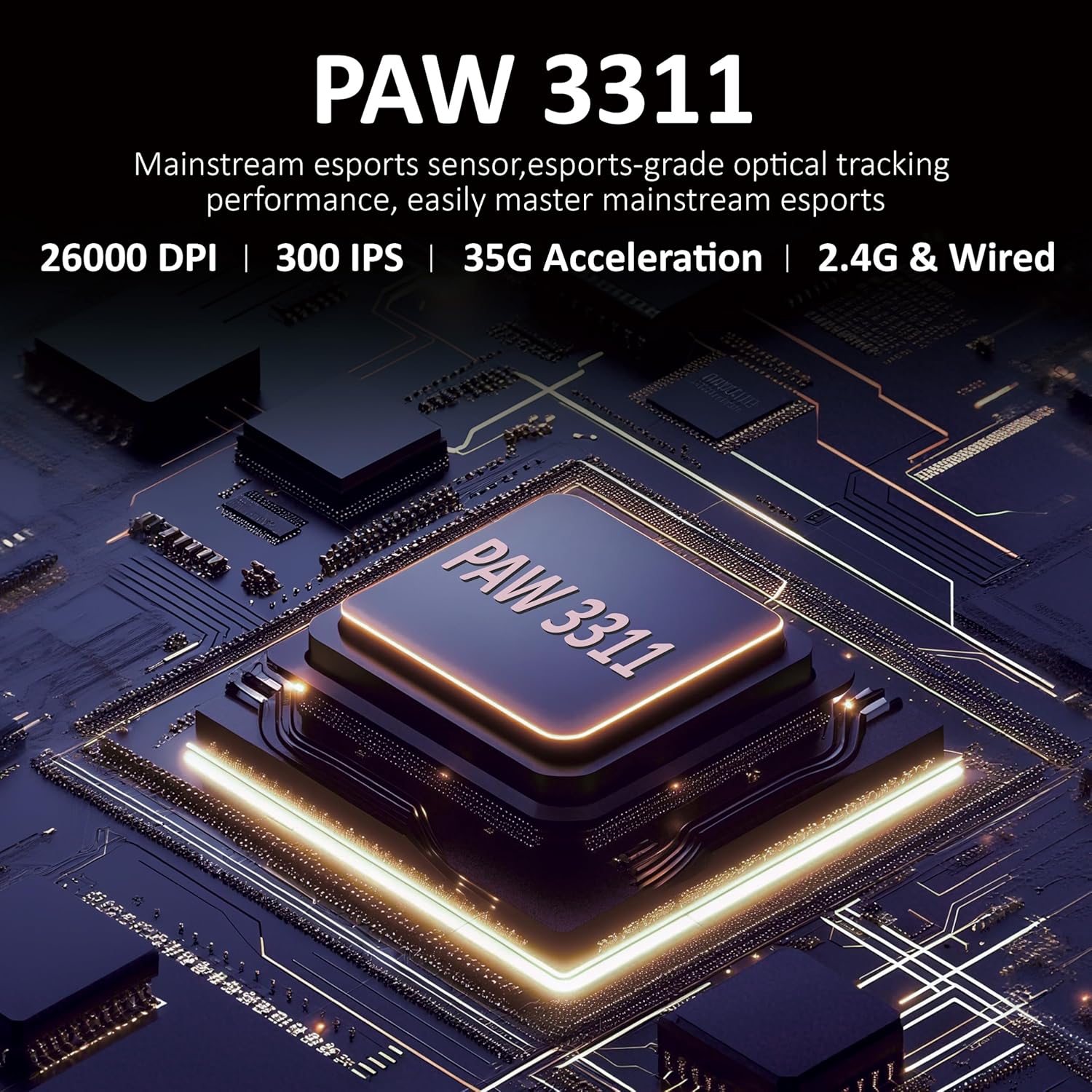
ຮູບທີ 3.1: ລາຍລະອຽດ view of the PAW3311 sensor technology.
Video 3.1: Demonstration of the mouse's 500mAh battery life.

Figure 3.2: The lightweight design of the AJAZZ AJ139 V2 MC mouse.
4. ຄູ່ມືການຕິດຕັ້ງ
4.1. ການເຊື່ອມຕໍ່ຫນູ
The AJAZZ AJ139 V2 MC offers three connection modes:
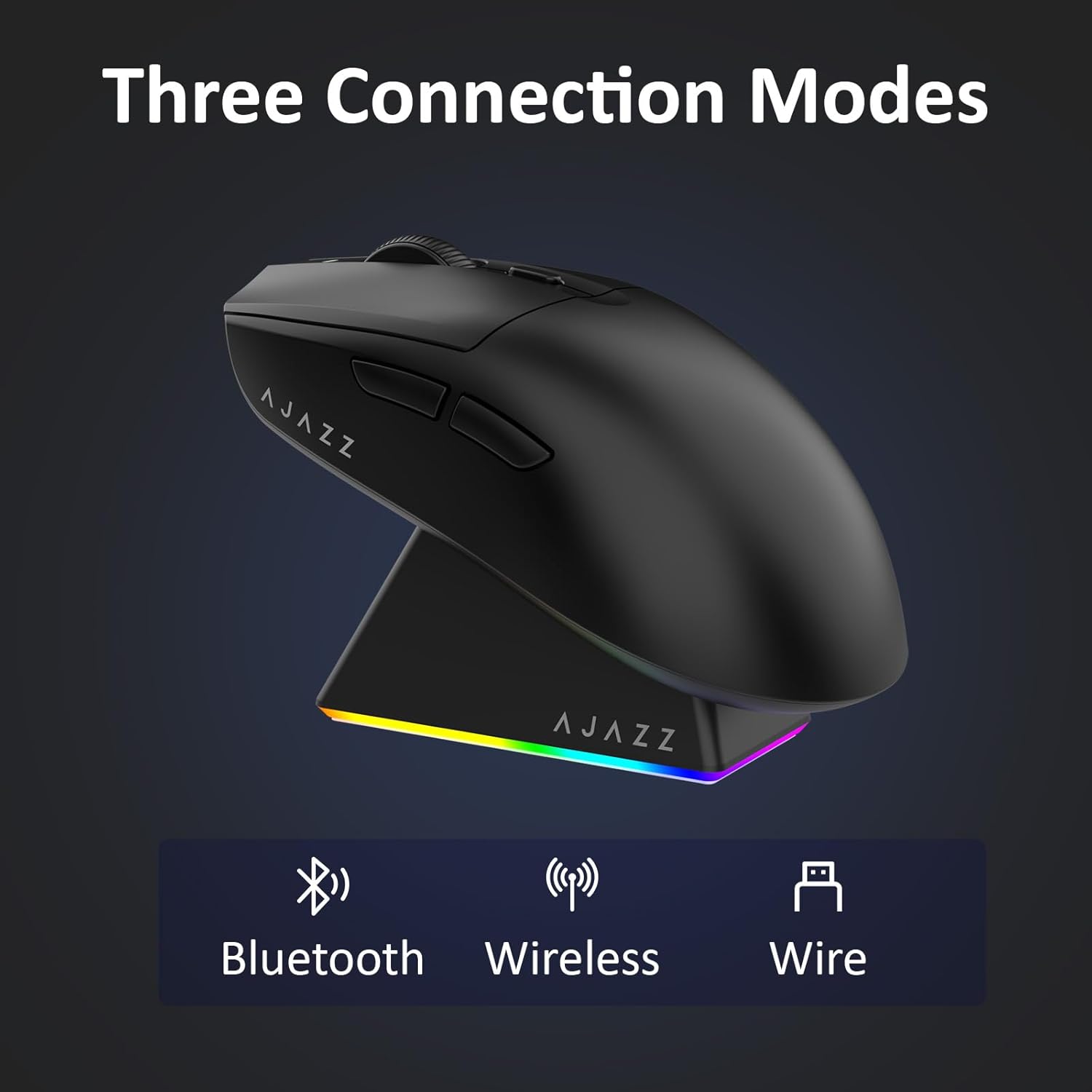
Figure 4.1: Visual representation of the three connection modes.
- ໂໝດໄຮ້ສາຍ 2.4G:
- ຊອກຫາຕົວຮັບສັນຍານ USB 2.4G ທີ່ເກັບໄວ້ໃນຊ່ອງທີ່ຢູ່ດ້ານລຸ່ມຂອງເມົ້າ.
- ສຽບຕົວຮັບ USB ເຂົ້າໄປໃນຜອດ USB ທີ່ມີຢູ່ໃນຄອມພິວເຕີຂອງທ່ານ.
- Slide the switch on the bottom of the mouse to the '2.4G' position. The mouse will automatically connect.
- ແບບບູທູດ:
- ເລື່ອນສະວິດຢູ່ດ້ານລຸ່ມຂອງເມົ້າໄປຫາຕຳແໜ່ງ 'BT'.
- On your device, open Bluetooth settings and search for new devices.
- Select 'AJAZZ AJ139 V2 MC' from the list to pair.
- ແບບມີສາຍ:
- Connect the USB-C charging cable to the mouse and the other end to your computer's USB port.
- ເມົ້າຈະເຮັດໜ້າທີ່ເປັນອຸປະກອນແບບມີສາຍ ແລະ ສາກໄຟພ້ອມໆກັນ.
4.2. ການສາກໄຟຂອງຫນູ
The mouse can be charged using the included charging dock or directly via the USB-C cable.
- ການນໍາໃຊ້ບ່ອນສາກໄຟ:
- Connect the USB-C charging cable to the charging dock and then to a power source (e.g., computer USB port, USB wall adapter).
- Place the mouse onto the charging dock, aligning the magnetic contacts. The RGB lighting on the dock and mouse will indicate charging status.
- ການສາກ USB-C ໂດຍກົງ:
- Connect the USB-C charging cable directly to the mouse and a power source.
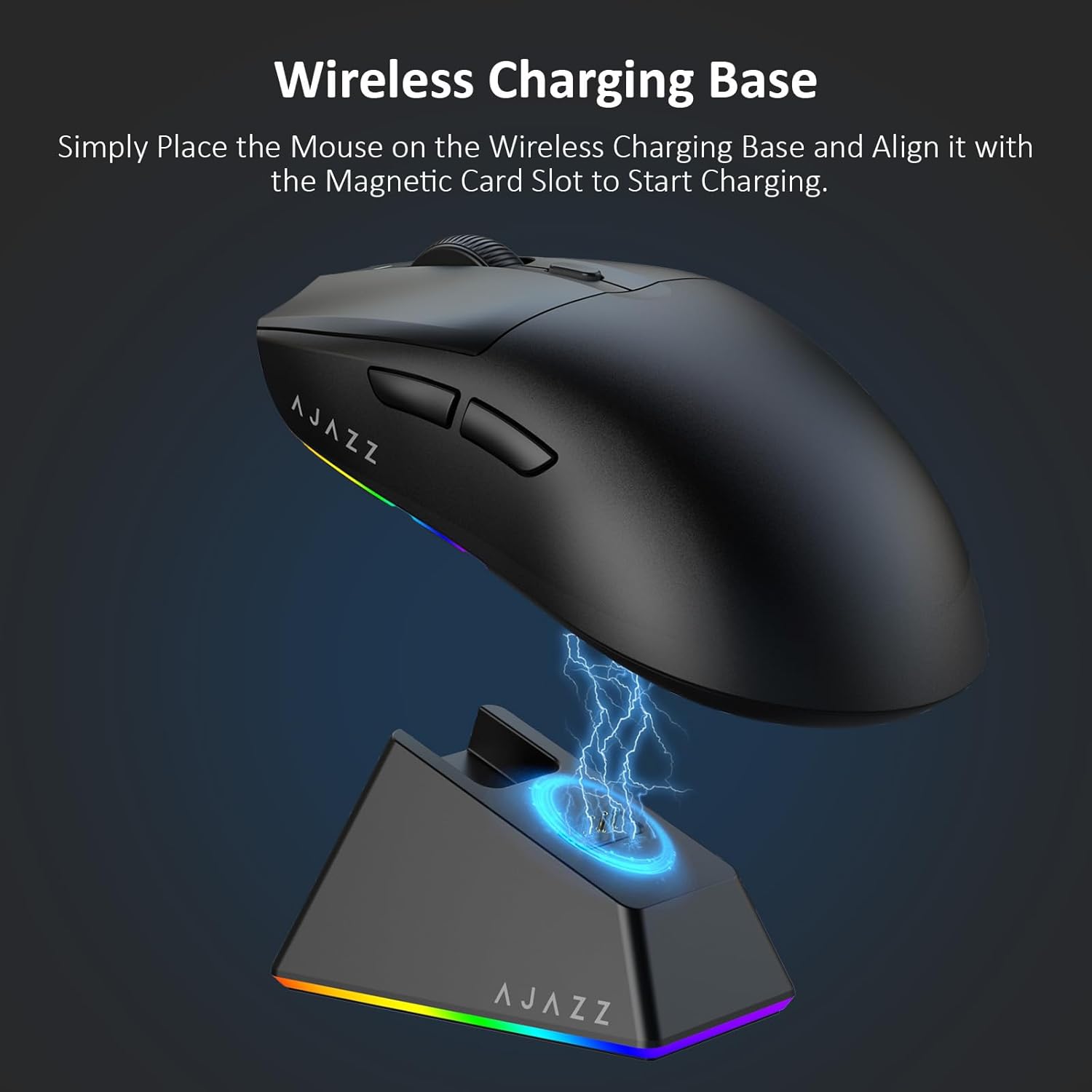
Figure 4.2: The mouse being charged on its wireless charging base.
5. ຄໍາແນະນໍາການດໍາເນີນງານ
5.1. ການປັບ DPI
The mouse features a dedicated DPI adjustment button on its underside, allowing you to cycle through different sensitivity levels. Press the button to change the DPI setting to suit your preference.
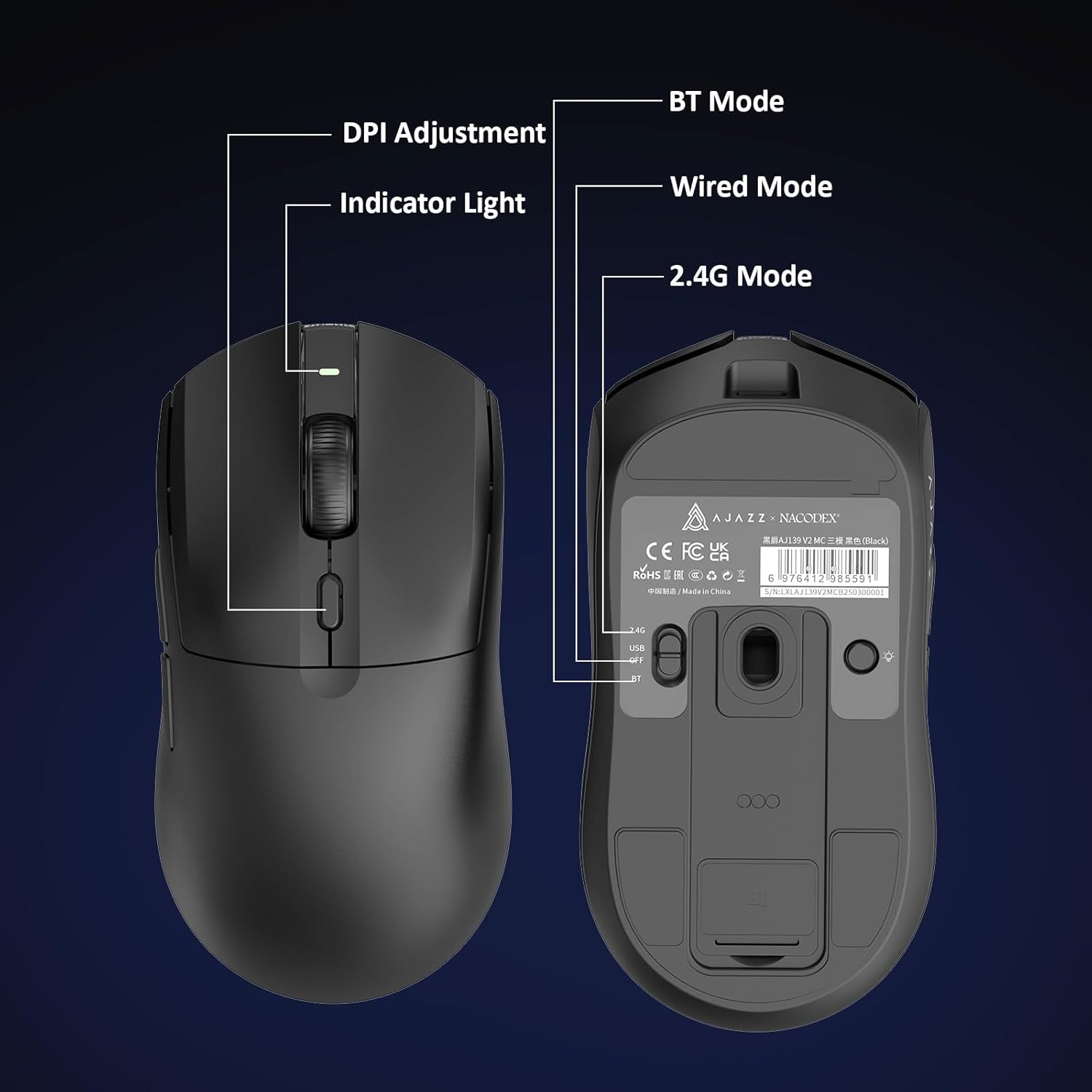
Figure 5.1: Location of the DPI adjustment button and connection mode switch on the mouse underside.
5.2. ການທໍາງານຂອງປຸ່ມ
The mouse is equipped with 6 programmable buttons:
- ກົດປຸ່ມຊ້າຍ
- ກົດປຸ່ມຂວາ
- ລໍ້ເລື່ອນ (ສາມາດຄລິກໄດ້)
- DPI Adjustment Button (on underside)
- Two Side Buttons (typically for forward/backward navigation)
For advanced customization of button functions and macros, please refer to the official AJAZZ software (downloadable from the manufacturer's webເວັບໄຊ).
5.3. ການຄວບຄຸມໄຟ RGB
The mouse and charging dock feature customizable RGB lighting. Specific controls for lighting modes and colors are typically managed through the official AJAZZ software. A dedicated light button on the underside of the mouse allows for basic cycling or turning off the lighting.
6. ບໍາລຸງຮັກສາ
- ທໍາຄວາມສະອາດ: ໃຊ້ຜ້າອ່ອນໆແຫ້ງເພື່ອທຳຄວາມສະອາດໜ້າຜິວຂອງເມົາສ໌. ສຳລັບຝຸ່ນທີ່ຝັງແໜ້ນ, ໃຫ້ເຊັດອອກເລັກນ້ອຍamp ຜ້າສາມາດນໍາໃຊ້ໄດ້, ຮັບປະກັນວ່າບໍ່ມີຄວາມຊຸ່ມຊື່ນເຂົ້າໄປໃນອົງປະກອບພາຍໃນ.
- ການດູແລເຊັນເຊີ: ຮັກສາເຊັນເຊີ optical ຢູ່ດ້ານລຸ່ມຂອງຫນູສະອາດແລະບໍ່ມີຝຸ່ນຫຼືສິ່ງເສດເຫຼືອເພື່ອຮັກສາຄວາມຖືກຕ້ອງຂອງການຕິດຕາມ.
- ຄວາມທົນທານຂອງແບັດເຕີຣີ: ເພື່ອຍືດອາຍຸການໃຊ້ງານຂອງແບັດເຕີຣີ, ໃຫ້ຫຼີກລ່ຽງການສາກໄຟເມົາສ໌ໃຫ້ໝົດເລື້ອຍໆ. ສາກມັນເມື່ອໄຟສະແດງແບັດເຕີຣີຕໍ່າ.
7. ການແກ້ໄຂບັນຫາ
| ບັນຫາ | ການແກ້ໄຂທີ່ເປັນໄປໄດ້ |
|---|---|
| Mouse not responding in 2.4G Wireless mode. | Ensure the 2.4G USB receiver is securely plugged into a USB port and the mouse switch is set to '2.4G'. Try a different USB port. |
| Mouse not pairing via Bluetooth. | Ensure the mouse switch is set to 'BT' and your device's Bluetooth is enabled and discoverable. Try unpairing and re-pairing the device. |
| Mouse not charging. | Verify the USB-C cable is properly connected to both the dock/mouse and the power source. Ensure the mouse is correctly seated on the charging dock's magnetic contacts. |
| Inconsistent tracking or cursor movement. | Clean the optical sensor on the underside of the mouse. Ensure you are using the mouse on a suitable surface (e.g., a mouse pad). |
| ໄຟ RGB ບໍ່ເຮັດວຽກ. | Check the mouse's software settings for lighting control. Ensure the mouse has sufficient battery charge. |
8. ຂໍ້ກໍານົດດ້ານວິຊາການ
| ຄຸນສົມບັດ | ຂໍ້ມູນຈໍາເພາະ |
|---|---|
| ຍີ່ຫໍ້ | AJAZZ |
| ຊື່ຕົວແບບ | Aj139 V2 MC |
| ສີ | V2 MC Black |
| ເຕັກໂນໂລຊີການເຊື່ອມຕໍ່ | Bluetooth, USB, ໄຮ້ສາຍ 2.4G |
| ເຕັກໂນໂລຍີກວດຈັບການເຄື່ອນໄຫວ | Optical (ເຊັນເຊີ PAW3311) |
| Mouse Maximum Sensitivity | 12000 Dots per Inch (DPI) |
| ອັດຕາຜົນຕອບແທນ | 1000Hz |
| ຄວາມອາດສາມາດຫມໍ້ໄຟ | 500mAh |
| ປະລິມານປຸ່ມ | 6 |
| ທິດທາງມື | ສິດ |
| ອຸປະກອນທີ່ເຂົ້າກັນໄດ້ | ຄອມພິວເຕີຕັ້ງໂຕະ |
| ລະບົບປະຕິບັດການ | Windows |
| ຊ່ວງ | 10 ແມັດ |
| ນ້ໍາຫນັກລາຍການ | 4 ອໍ (ປະມານ 113 ກຣາມ) |
| ຂະໜາດລາຍການ L x W | 5"L x 2.5"W (ປະມານ 12.7cm x 6.35cm) |
| ຄຸນສົມບັດການຕົກແຕ່ງ | ແສງ RGB |
| ວັດສະດຸຫຸ້ມຫໍ່ | ພາດສະຕິກ |
| ຈົບ | Matte |
9. ການຮັບປະກັນແລະການສະຫນັບສະຫນູນ
This product comes with a standard manufacturer's warranty. For detailed warranty information, please refer to the official AJAZZ webເວັບໄຊ ຫຼືຕິດຕໍ່ຮ້ານຂາຍຍ່ອຍຂອງທ່ານ.
For technical support, troubleshooting assistance, or any product-related inquiries, please visit the AJAZZ official support page or contact their customer service team.
ຊັບພະຍາກອນອອນໄລນ໌:
AJAZZ Official Store